


Last Updated on May 5, 2026 by Ewen Finser
As a project and ops manager, creating contracts and requiring signatures almost daily, I use PDF creation and E-signature tools extensively, and I can say they’re not all the same. Although the end goal is to get a signature on paper, the level of friction or poor user experience can truly make signing documents on a daily basis a headache.
I reevaluate my tech stack almost monthly, and SignNow is one of the tools I’ve recently added because of the great user experience.
Most organizations need to use e-signature tools, and although popular, these solutions have had to evolve to stay relevant.
PDF signing tools with added capabilities, such as workflows, automations, and AI assistants, are the ones that will stay ahead of the curve.
SignNow does more than just electronic signing and has added several new features, including integrations with AI platforms to enhance functionality in a more streamlined way. Overall, the user interface is easy to navigate, and the pricing was quite competitive compared to other tools I’ve used in the past.
What Is SignNow – A Quick View
SignNow is, to put it simply, an electronic signature tool; however, it does a lot more than just e-signing. SignNow is part of AirSlate’s larger ecosystem, which includes document management (DocHub), PDF creation and editing (PDFfiller), and more.
Unlike other standalone tools, such as PandaDoc or DocuSign, that serve only one purpose, airSlate has multiple products under a single umbrella without forcing you to sign up for everything. It makes it more affordable and scalable for startups and SMBs, while also being advanced enough for enterprise organizations that need a full-solution e-signing tool with added capabilities.
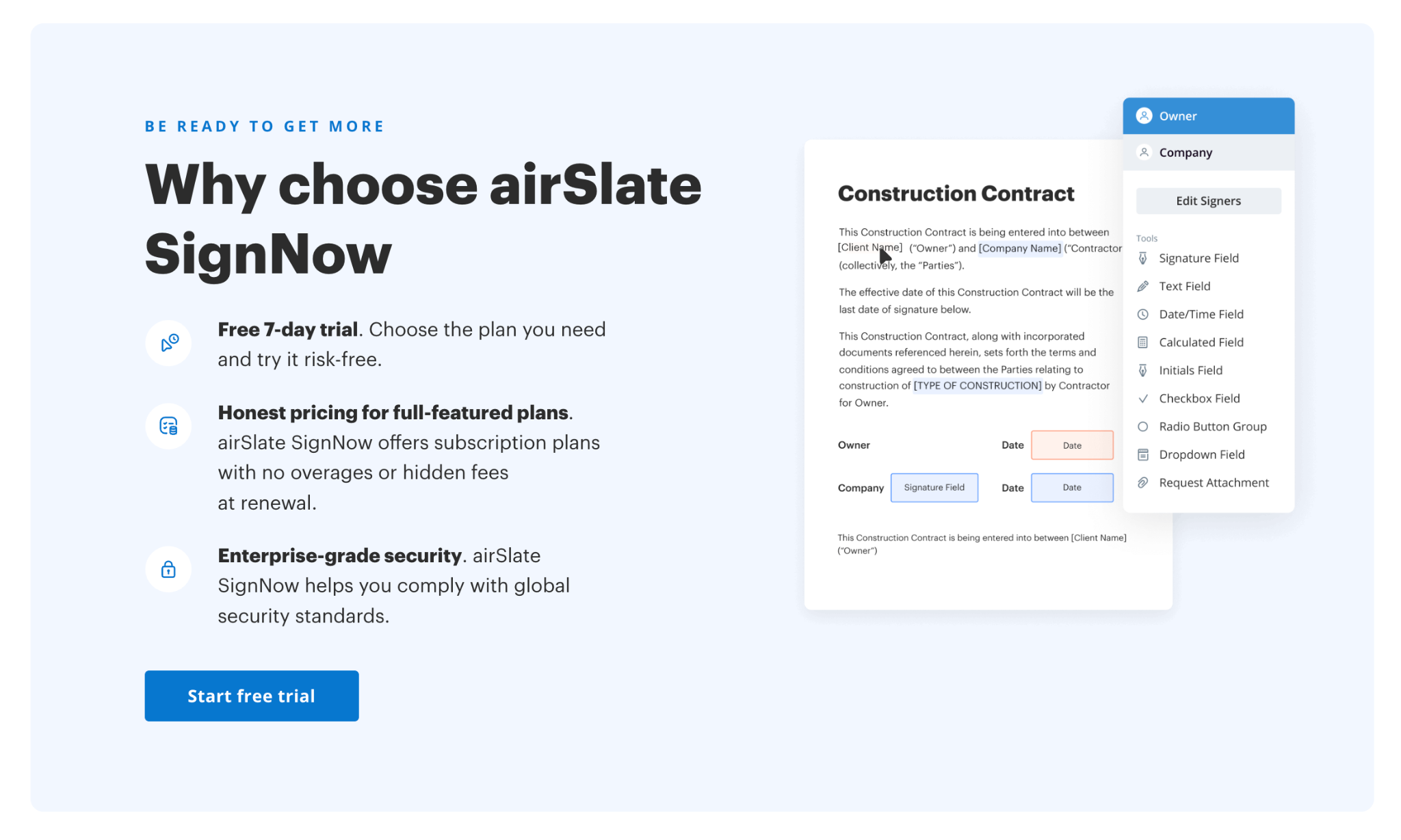
What SignNow Does Well:
- It’s intuitive, and I don’t need to click around to find useful functionalities.
- Low learning curve and easy to collaborate with teams
- Affordable for SMBs and growing organizations
- AI automations help speed up document-filling and sending processes
Not Ideal For:
- Extensive PDF editing capabilities, such as advanced formatting changes
SignNow has released some really great features in the last couple of years, alongside its existing feature set, making it a great platform for multiple use cases. We’ll take a look at these next and then deep-dive into some of the main benefits.
SignNow Key Features Overview
1. AI Features
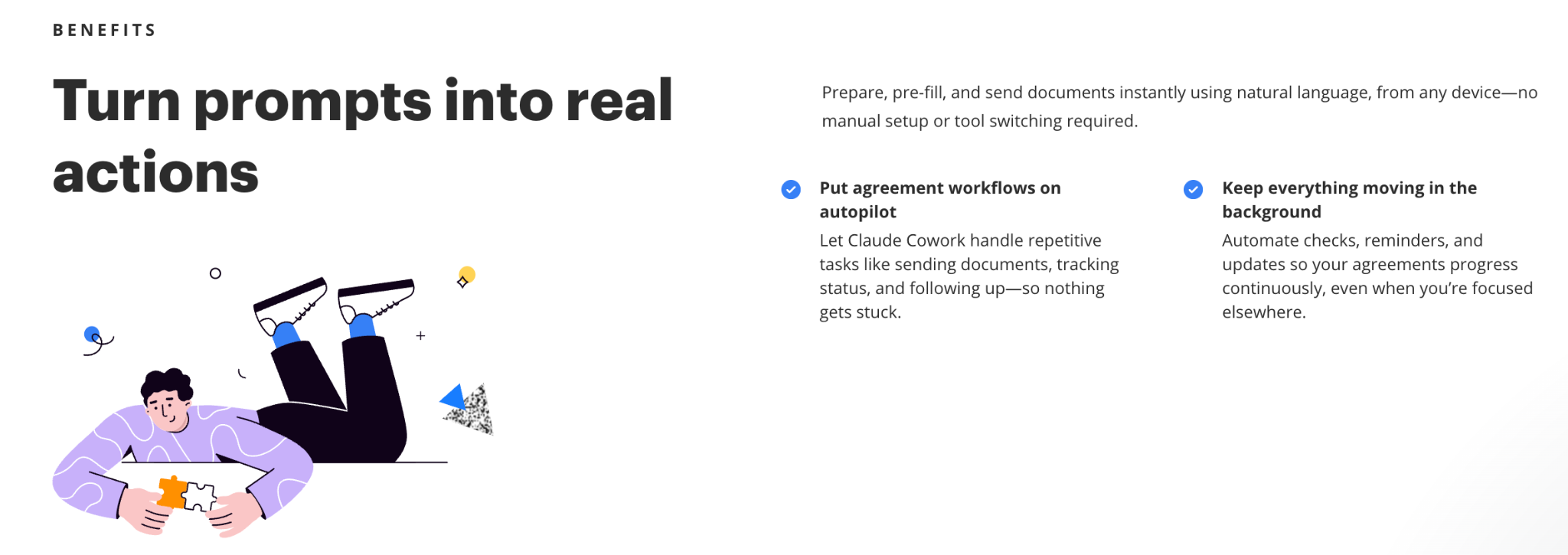
SignNow now integrates with ChatGPT and Claude.
You can use prompts within Claude and ChatGPT to help complete tasks such as:
- Generate and send documents for signature.
- Prefill templates
- Set singing order and check up on signing statuses
- Set up and check reminders
- Download completed documents and more
As someone who manages multiple contracts and documents daily, AI is becoming a must-have for streamlining processes.
As a user of tools like ChatGPT and Claude, I feel this could be a great value-add by automating tasks that tend to take a lot of time and attention.
2. Document Signing & Templates
- Drag-and-drop fields
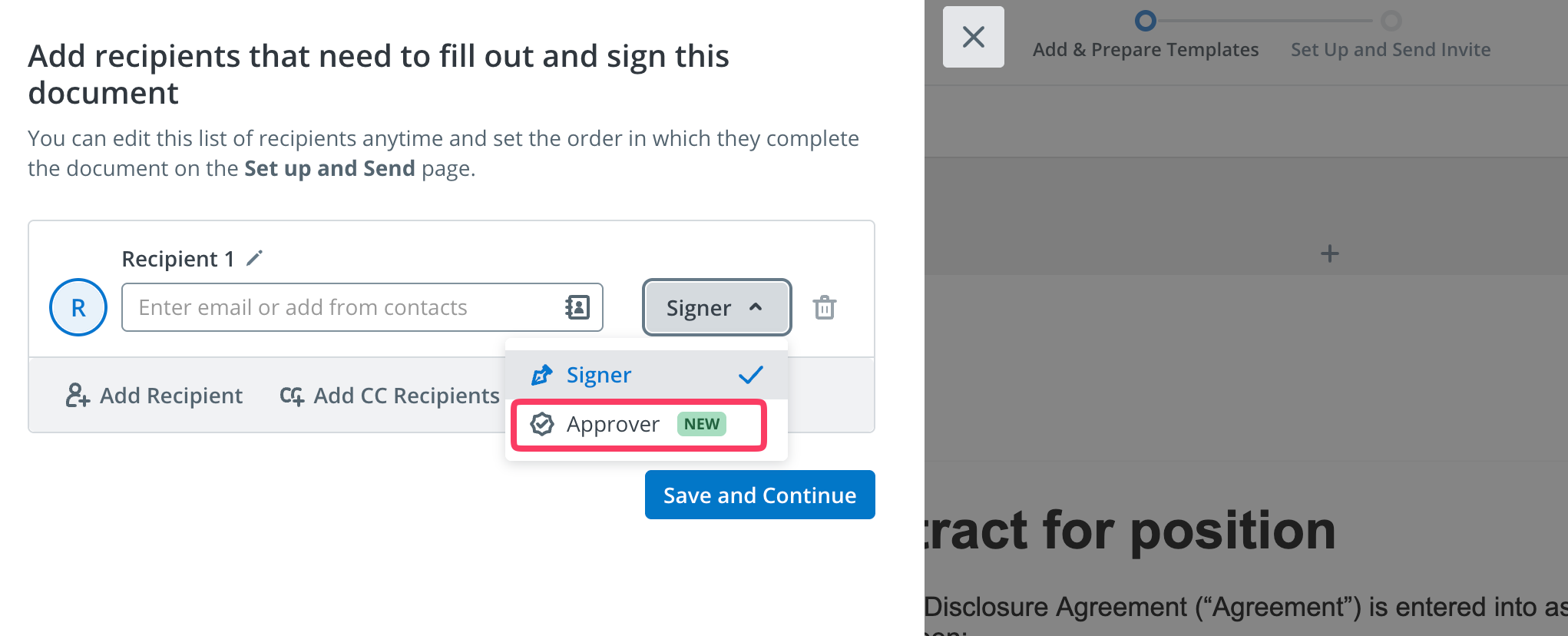
- Setting of signing order and approvers
- Template creation for repeatable documents
- Custom email templates and branding
- Pre-filled sections (can be created from CSV files)
New features include approvers in the signatory process. You can now set reviewers/approvers before the document is sent to the next recipient(s).
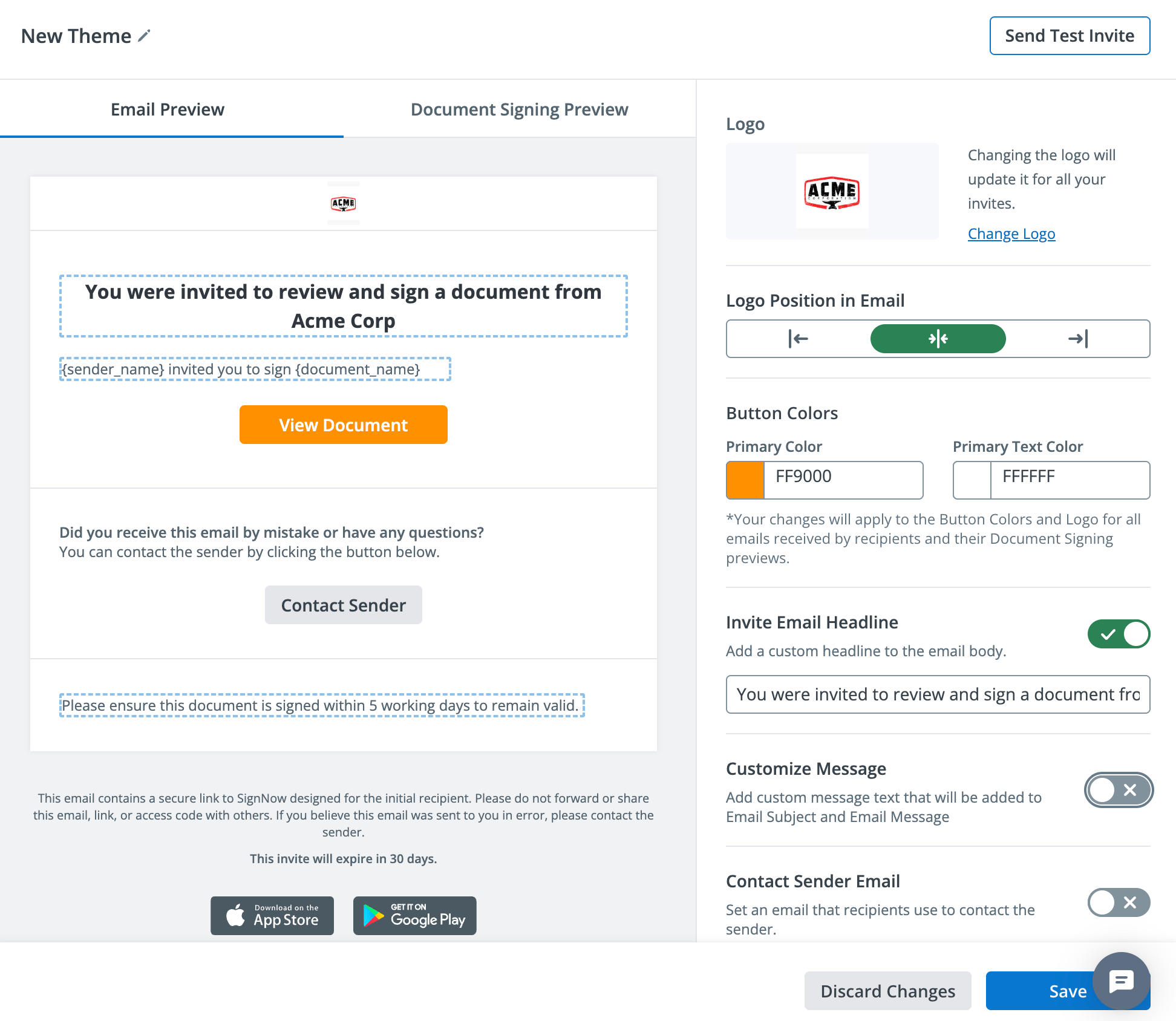
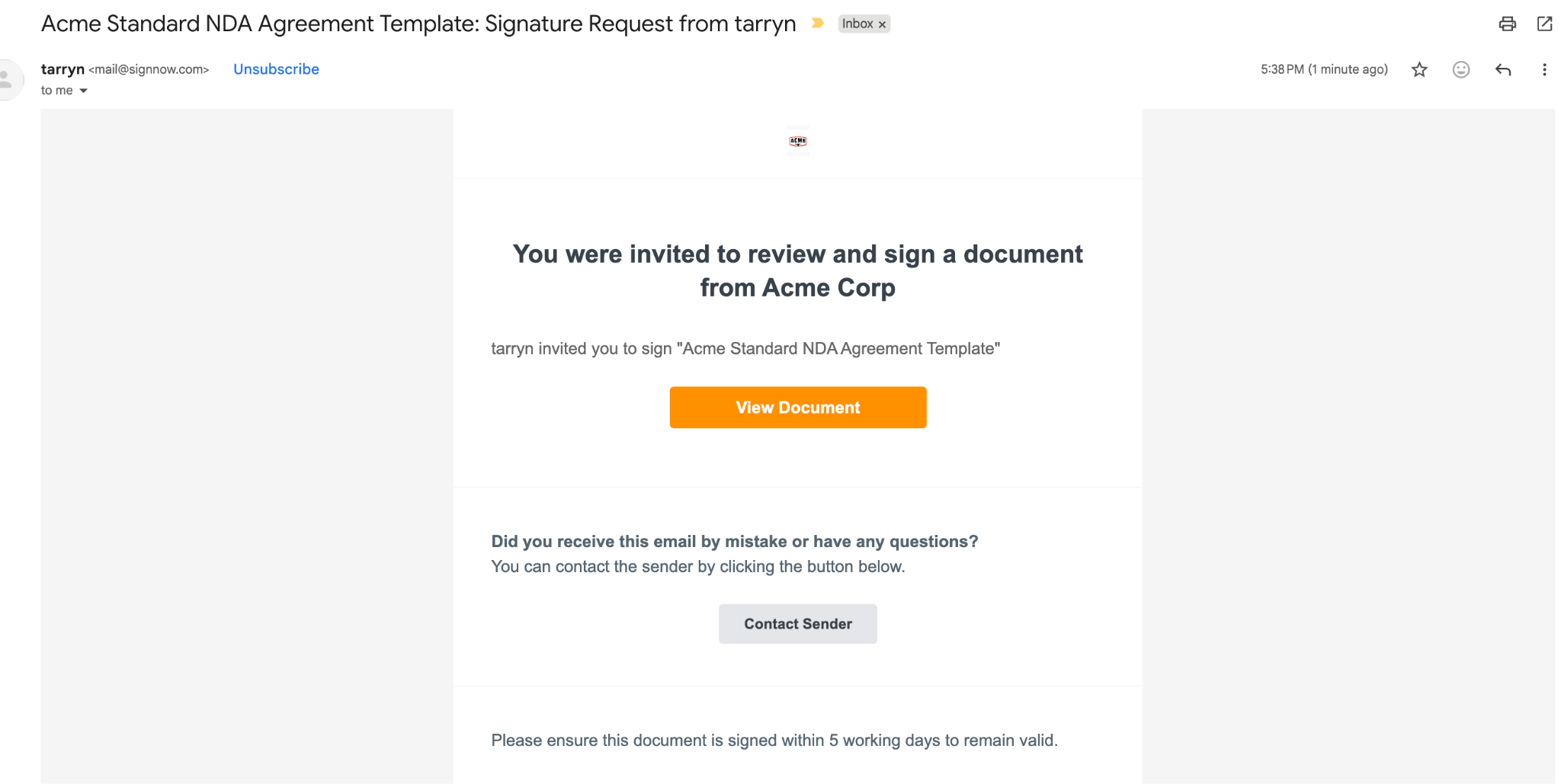
One of the features I loved that I’ve found lacking in many other tools is the option to customize email templates.
This is a great value-add for organizations focused on corporate identity and those that prefer to include logos or custom messages in the email signature communication process.
You can also preview/test the email before sending important documents, which is a great way to ensure the formatting looks professional and clear before sending out emails.
New feature:
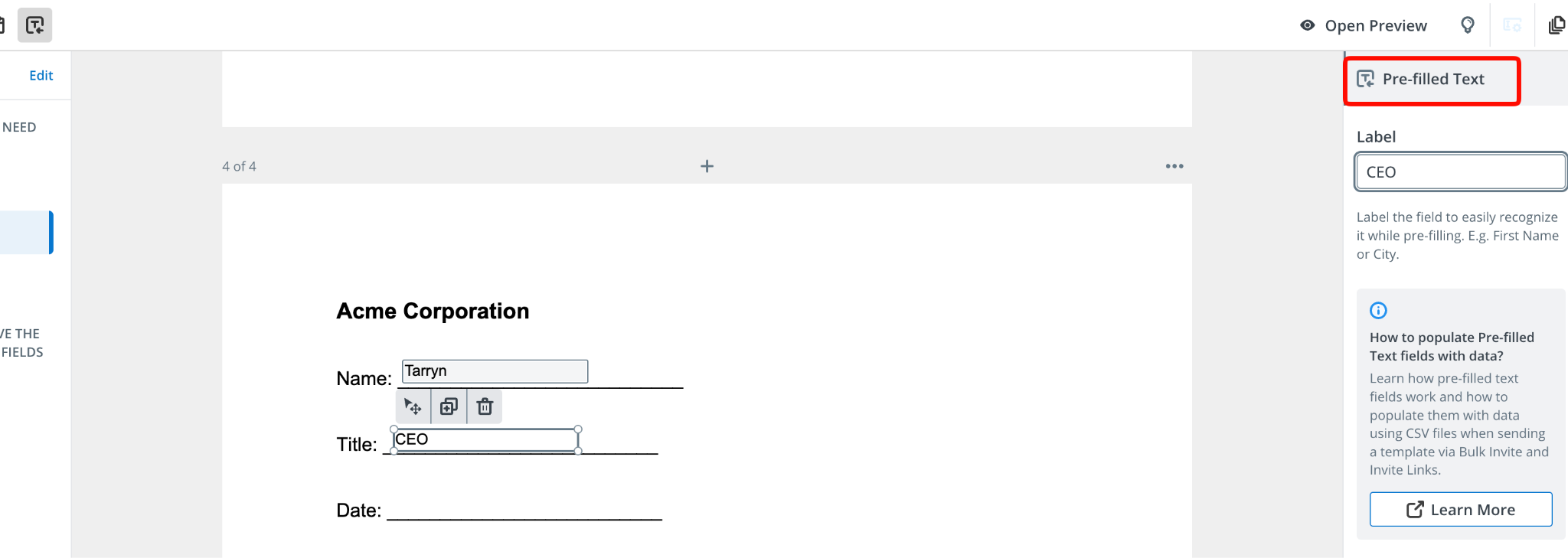
Another great time-saving new feature is pre-filled fields that can be set up from CSV files.
I know from experience how time-consuming this can be, and having pre-filled sections when dealing with lengthy documents can be a great way to avoid excessive administrative overhead.
There are various labels you can add depending on the types of fields you would typically use. These can be configured and customized based on your needs.
1. Workflows and Automations
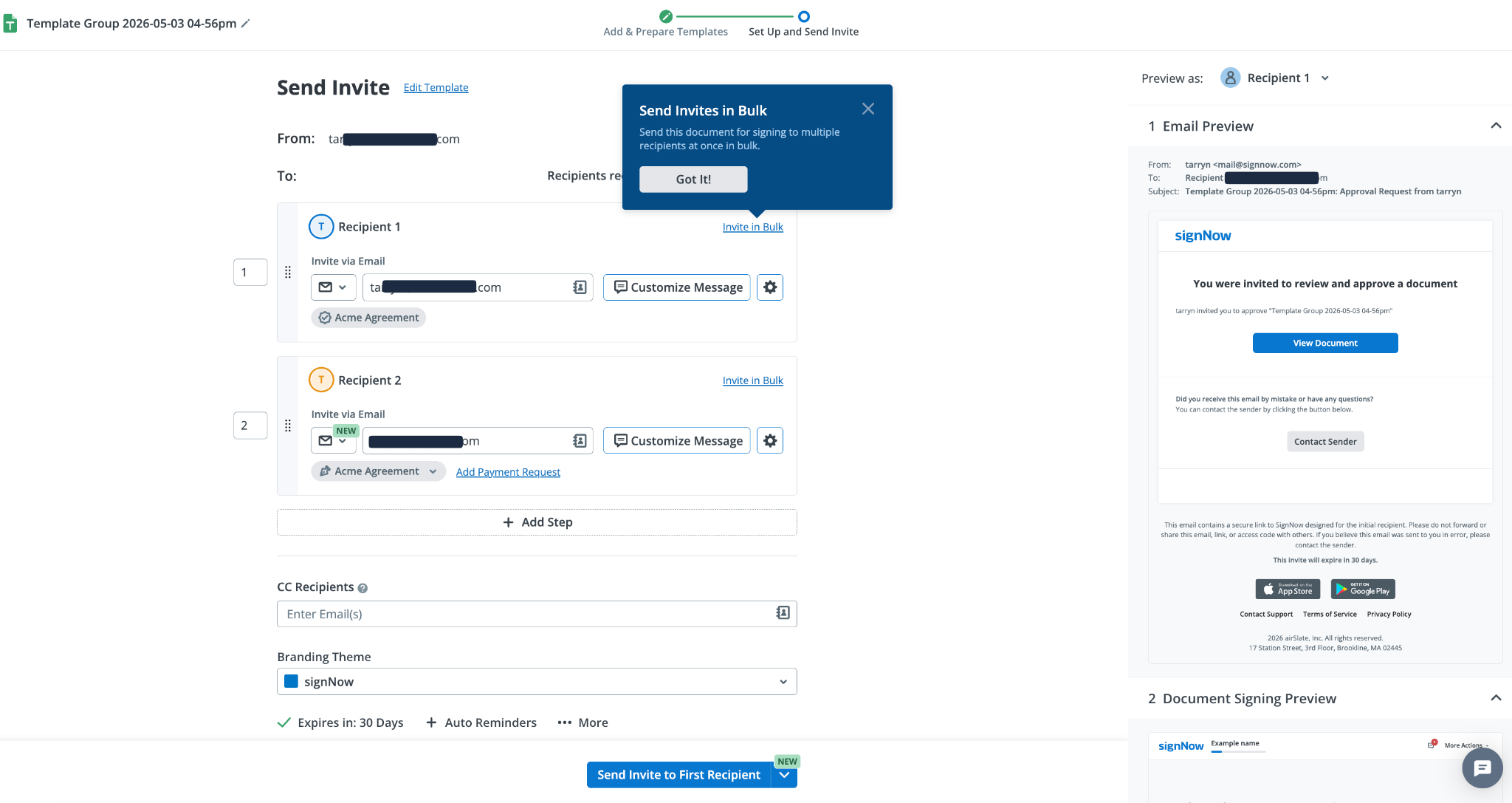
SignNow has some really great automations built into the tool that are great time-savers, especially if you have repeatable processes or document types.
- Automated reminders and notifications
- Reminders can be set for a specified day duration (eg, 30 days)
- Bulk sending options
- Pre-filled and custom sections that can be reused
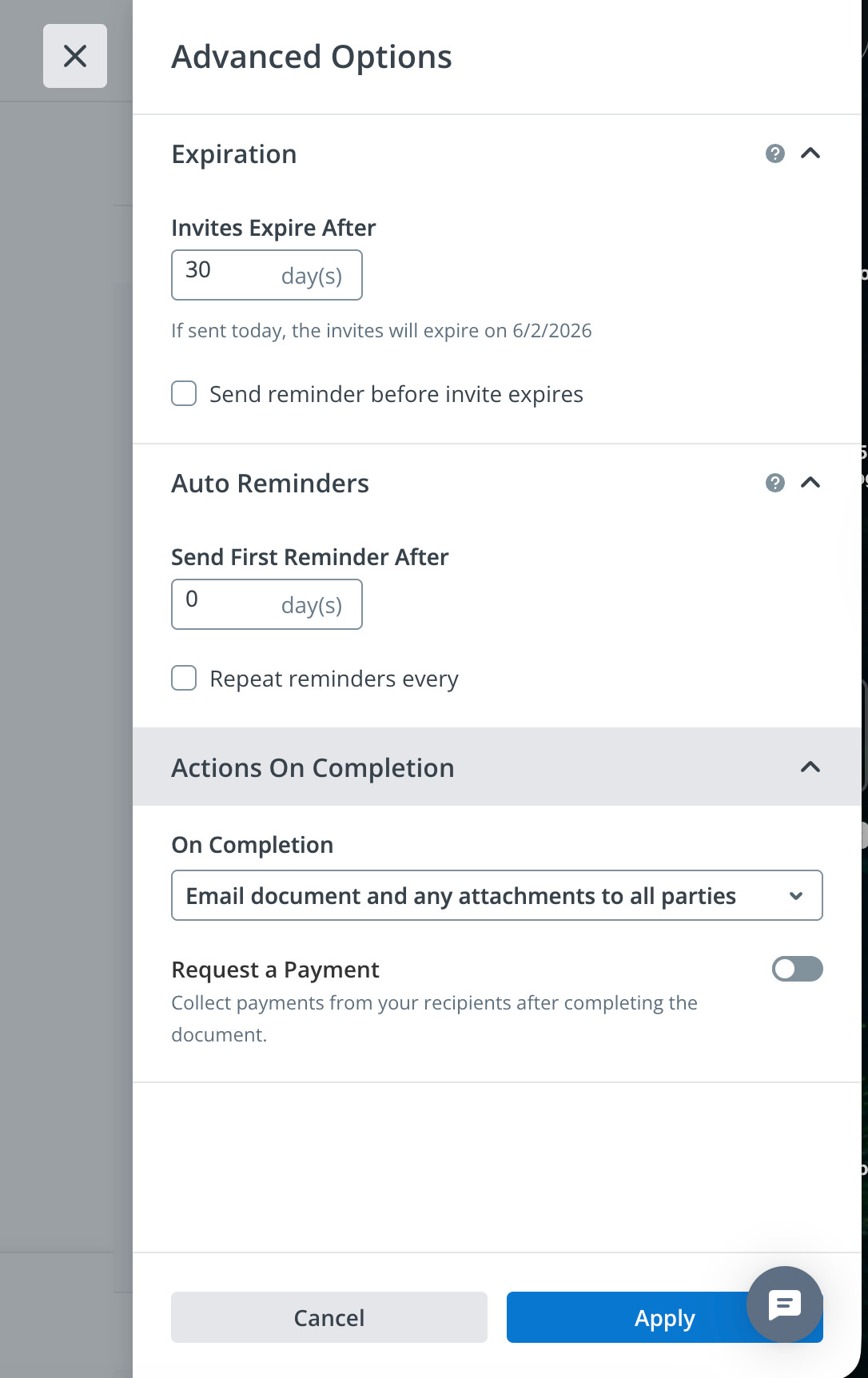
SignNow’s newer advanced options are really handy if you have very specific requirements.
Some of these include:
- Automated payment requests once a document has been signed
- Automated reminders and expirations
- Actions on completion trigger specific actions
- Scheduled sends and singing order automations
These advanced options can be powerful for businesses that need greater control over specific automations.
2. Integrations & API
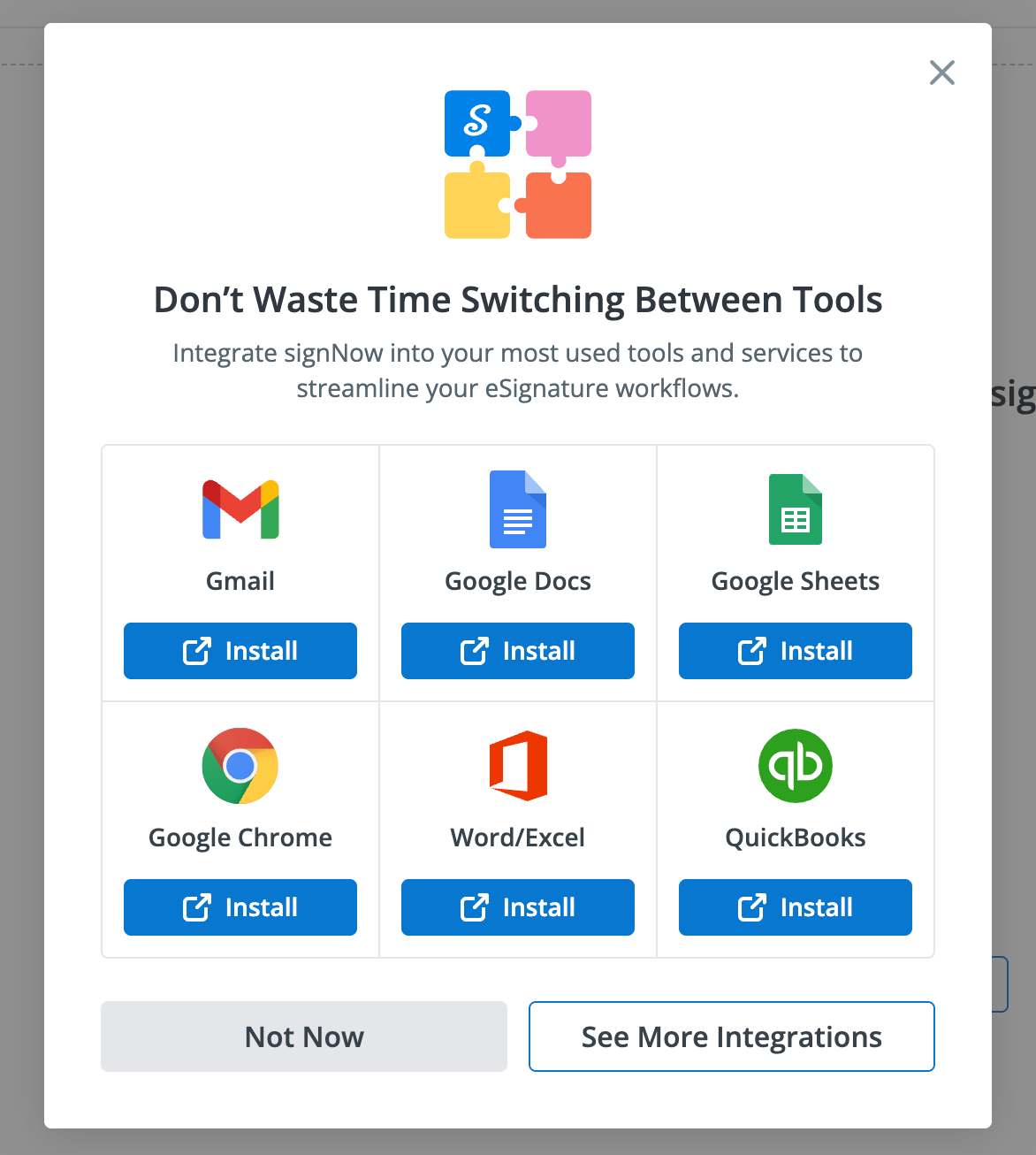
SignNow has several integrations that let you complete tasks like editing, filling, and signing documents within a single ecosystem.
SignNow has an extensive list of integrations, including Microsoft, Google, HubSpot, Salesforce, CRMs, and cloud storage, among others.
Having integrations already part of the platform can be a great time- and cost-saver. Usually, setting up integrations can be costly and time-consuming.
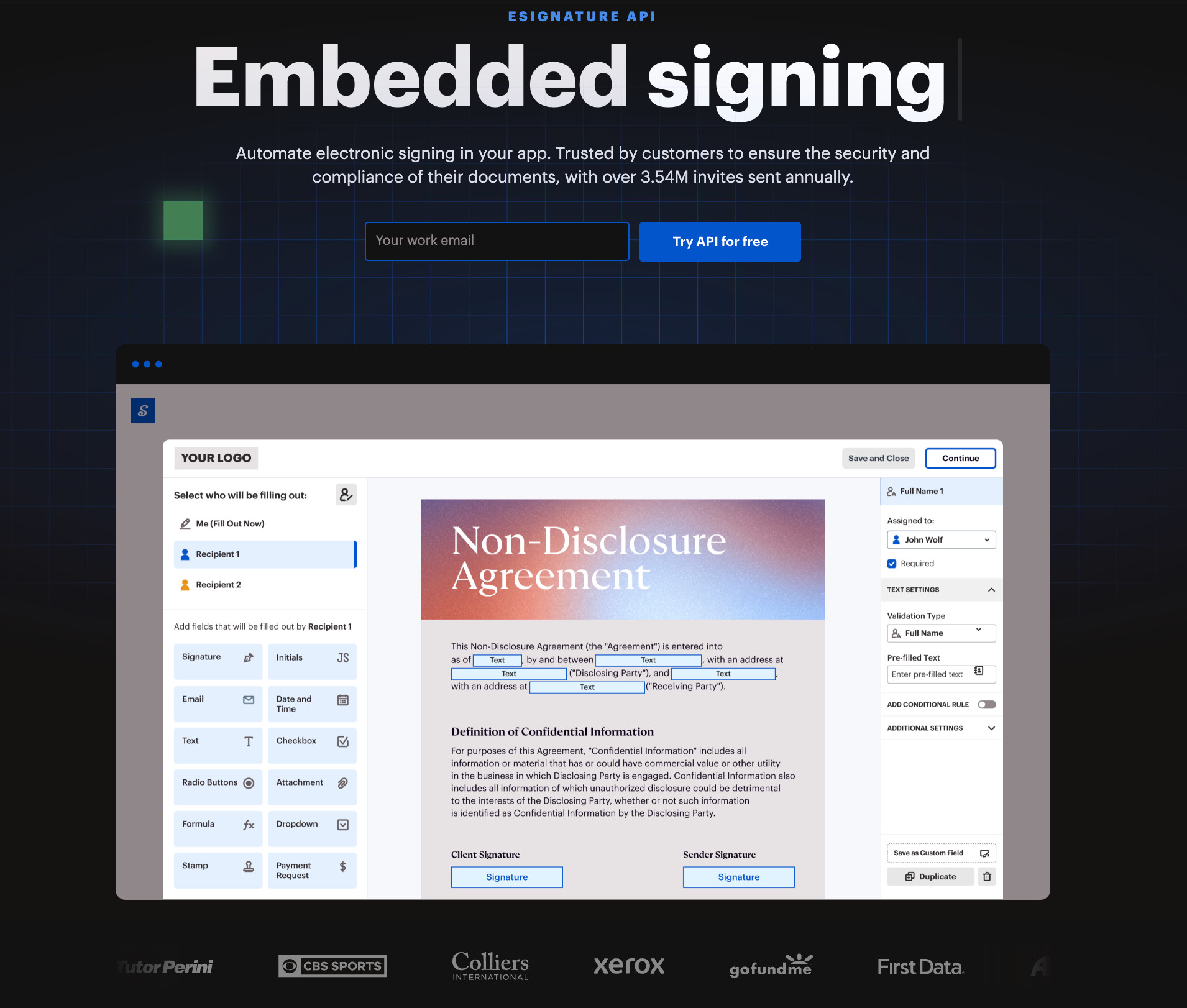
For more tech-savvy teams and organizations, you can use AirSlate’s e-signature API to help manage automated electronic signing.
3. Mobile Application
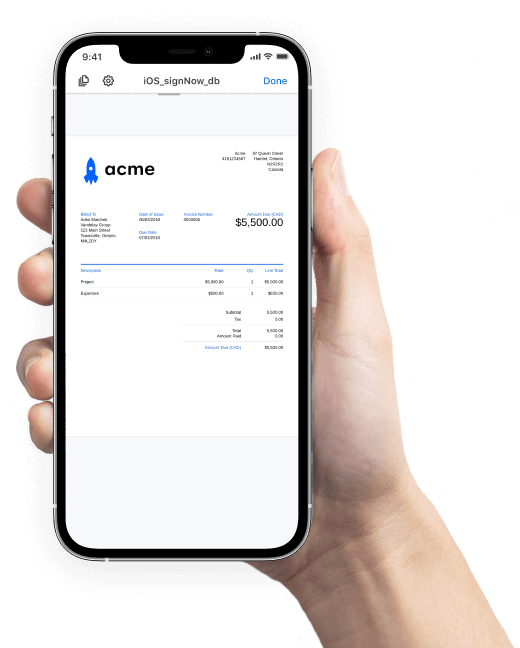
SignNow has a mobile app so that your teams can complete actions such as:
- Sign documents and generate documents or contracts
- Collect signatures
- Offline capability
- Cross-device accessibility
- Accept payments
4. Security & Compliance
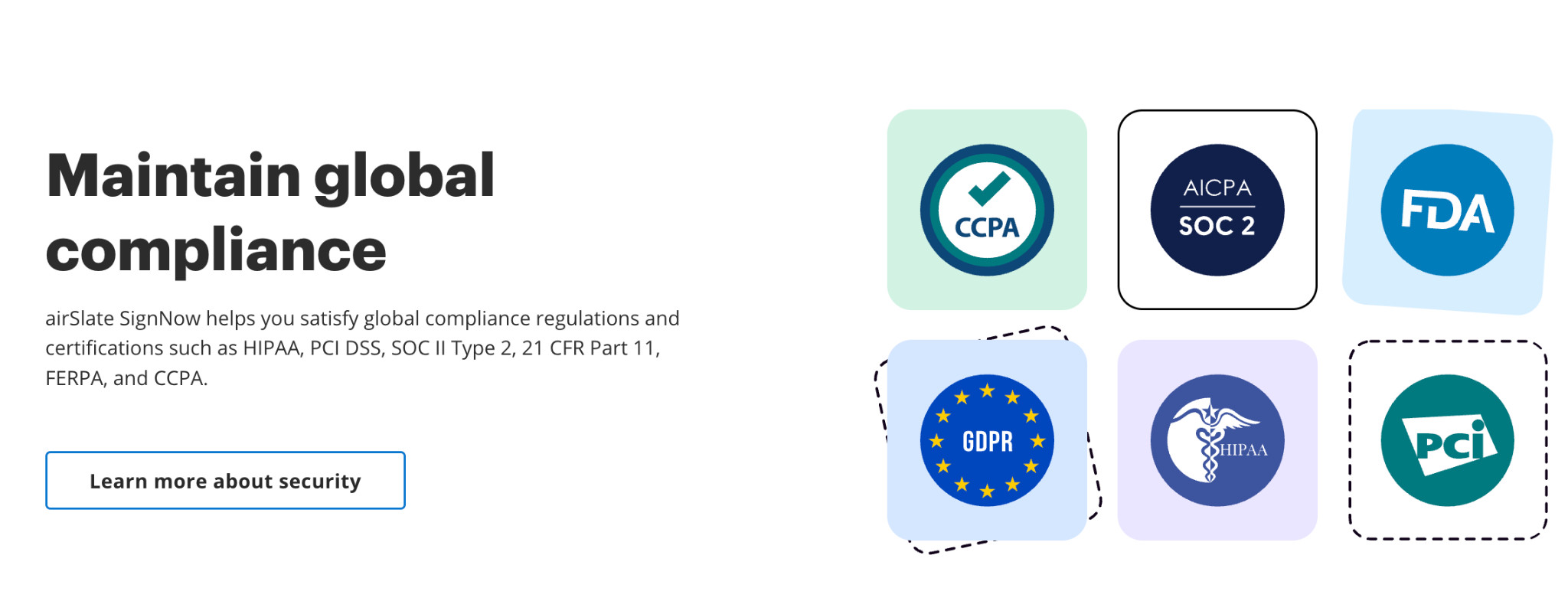
SignNow has significant compliance and security measures in place to help maintain compliance and security.
For businesses that need to abide by specific standards and have approvals in place, these compliance certifications can be valuable.
SignNow ticks a lot of boxes, including:
- Provides detailed audit trails for e-signing
- Authentication processes within the app (including SSO)
- Aligns with global compliance standards
Hands-On Key Features Walkthrough
In some cases, what you see online doesn’t translate well to using the app, so I always prefer to test tools and see how well they work in different scenarios.
Document Creation and Upload
I found it easy to create or upload documents with a simple drag-and-drop. You can then easily add recipients, or individuals who need to receive copies.
Some of the features I found useful:
- Easy recipient addition
- Template creation for future documents
- Set up reviewers/approvers before sending to additional recipients for signature.
- Set signing order
- Select which signature types the recipient can use to sign your document
- Conditional rules can be set up for specified fields so that you can hide certain fields
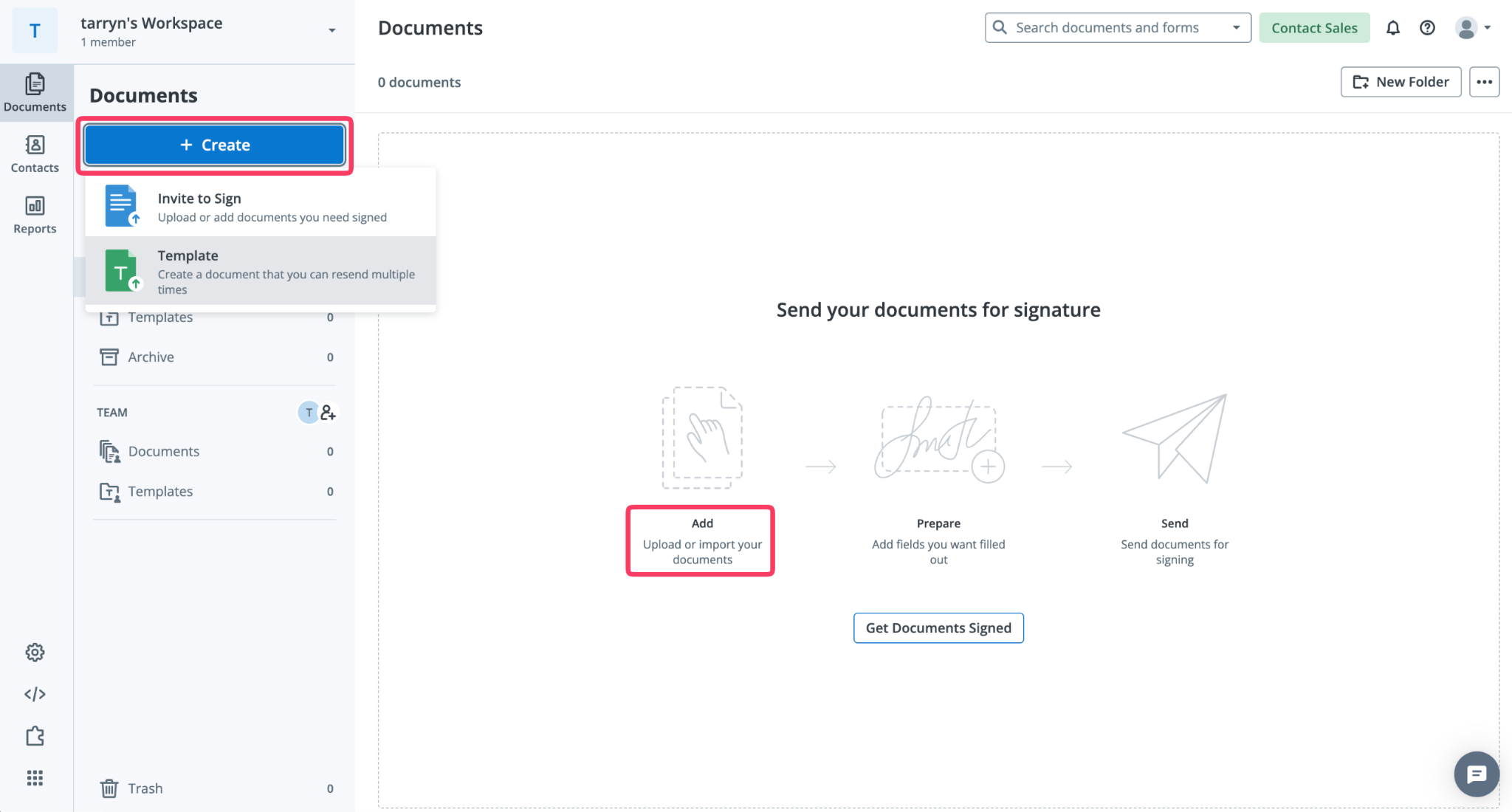
Signature Flow
The signing flow is intuitive and easy to navigate, so setting up your document for signature is quick.
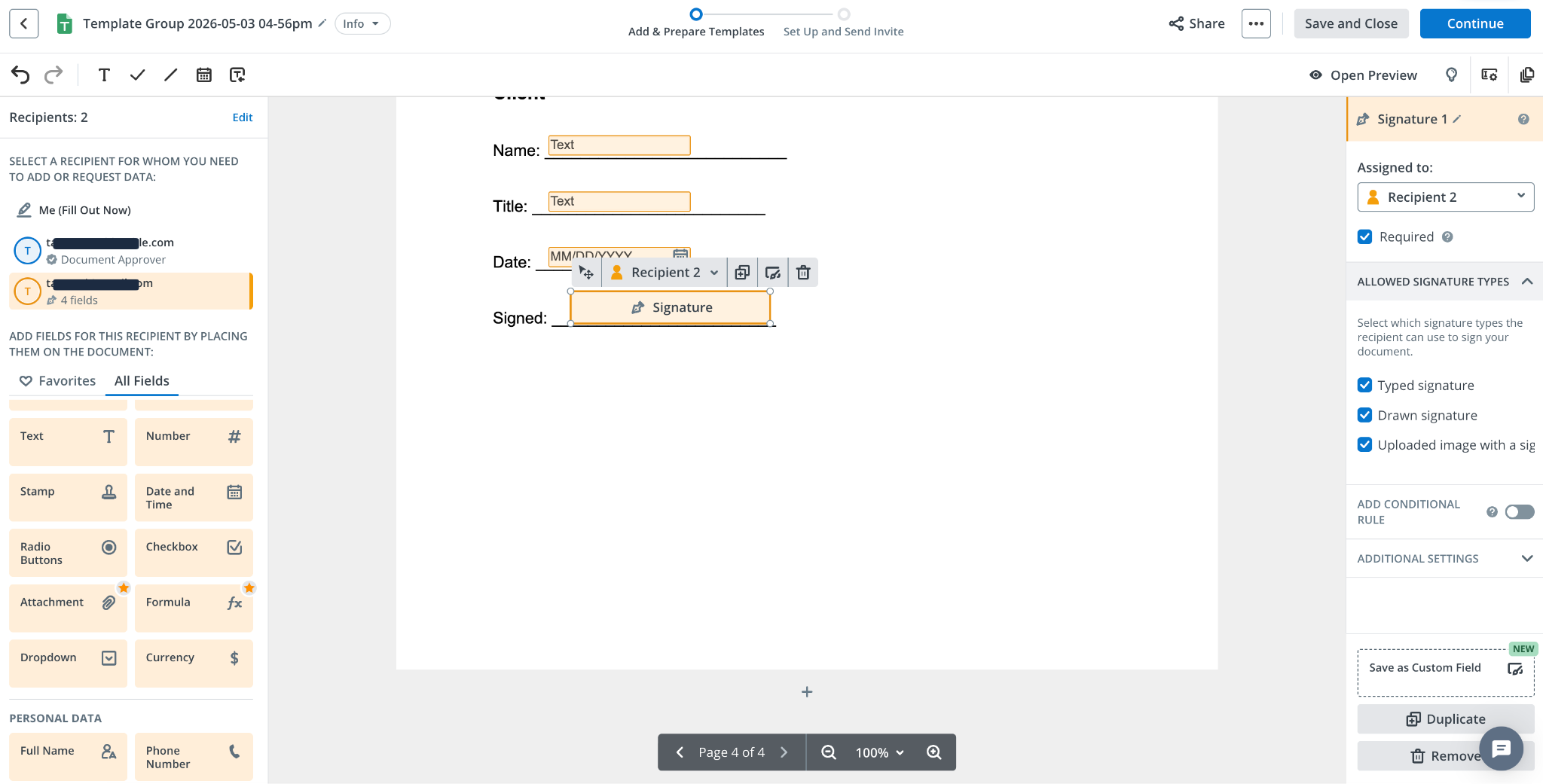
Sending and Approving:
- Scheduled sends, signing orders, and other advanced features mentioned earlier can be set up at this stage.
- Once sent, the process is simple, and reviewers, approvers, or signatories are easily guided to key sections.
- One-click buttons help reviewers approve documents, and automated email notifications are sent instantly.
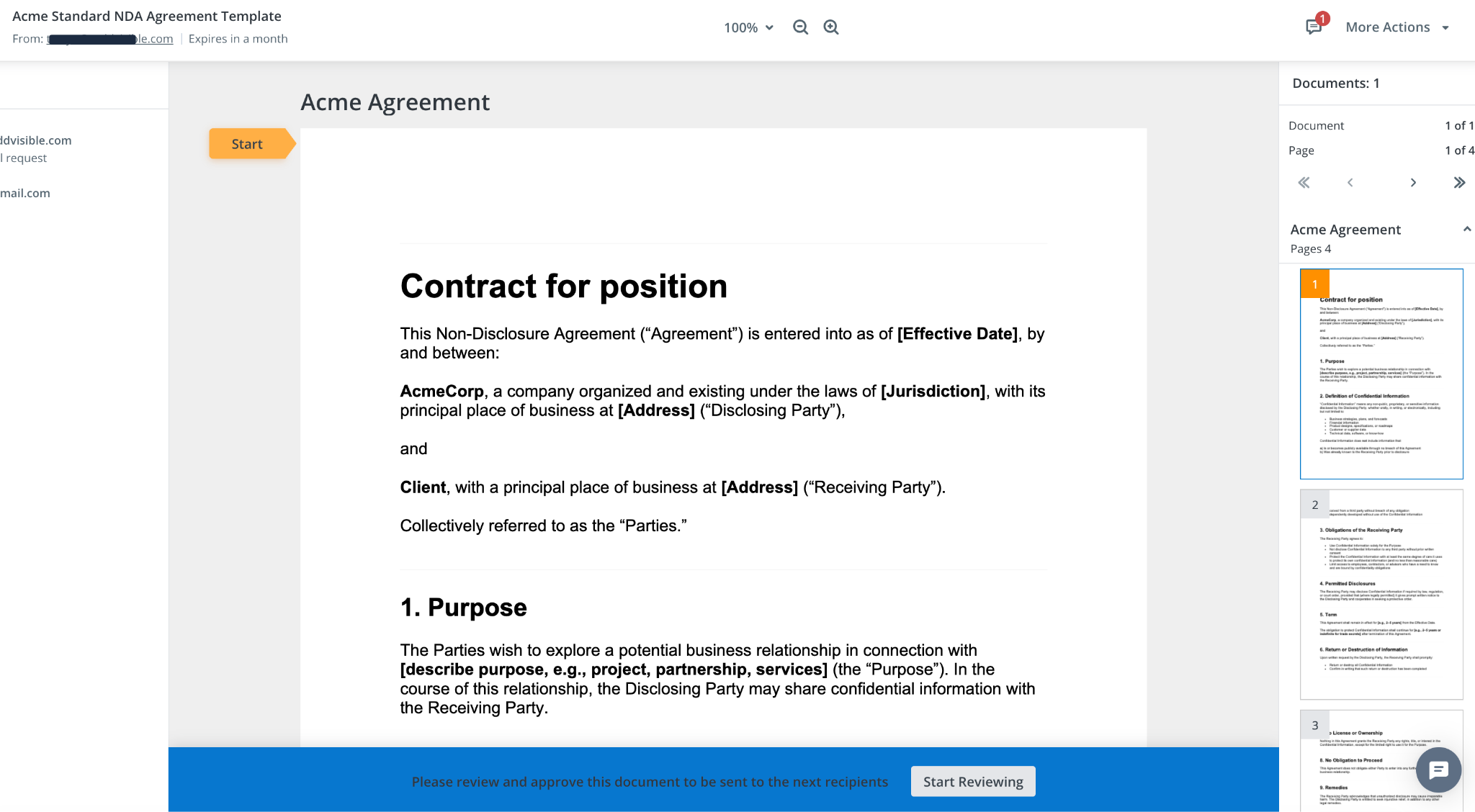
As soon as documents are approved, the next signatory (if a workflow is set up) will receive the document to sign. I was surprised by how smooth the process was and by the lack of lag between approval steps.
Document Signing:
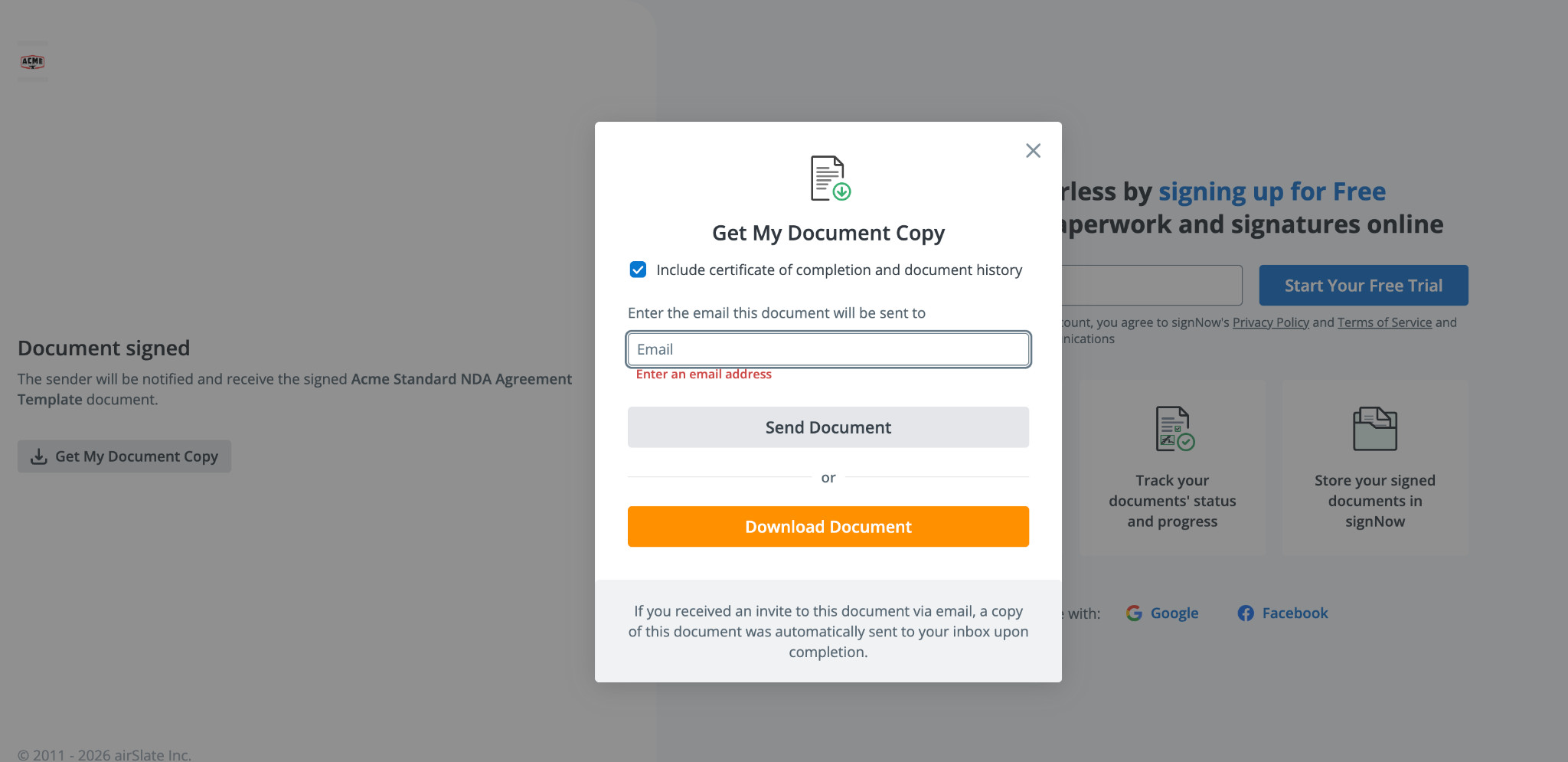
Once ready to sign, recipients can quickly view and sign, choosing from multiple font options, drawn signatures, or uploaded signatures.
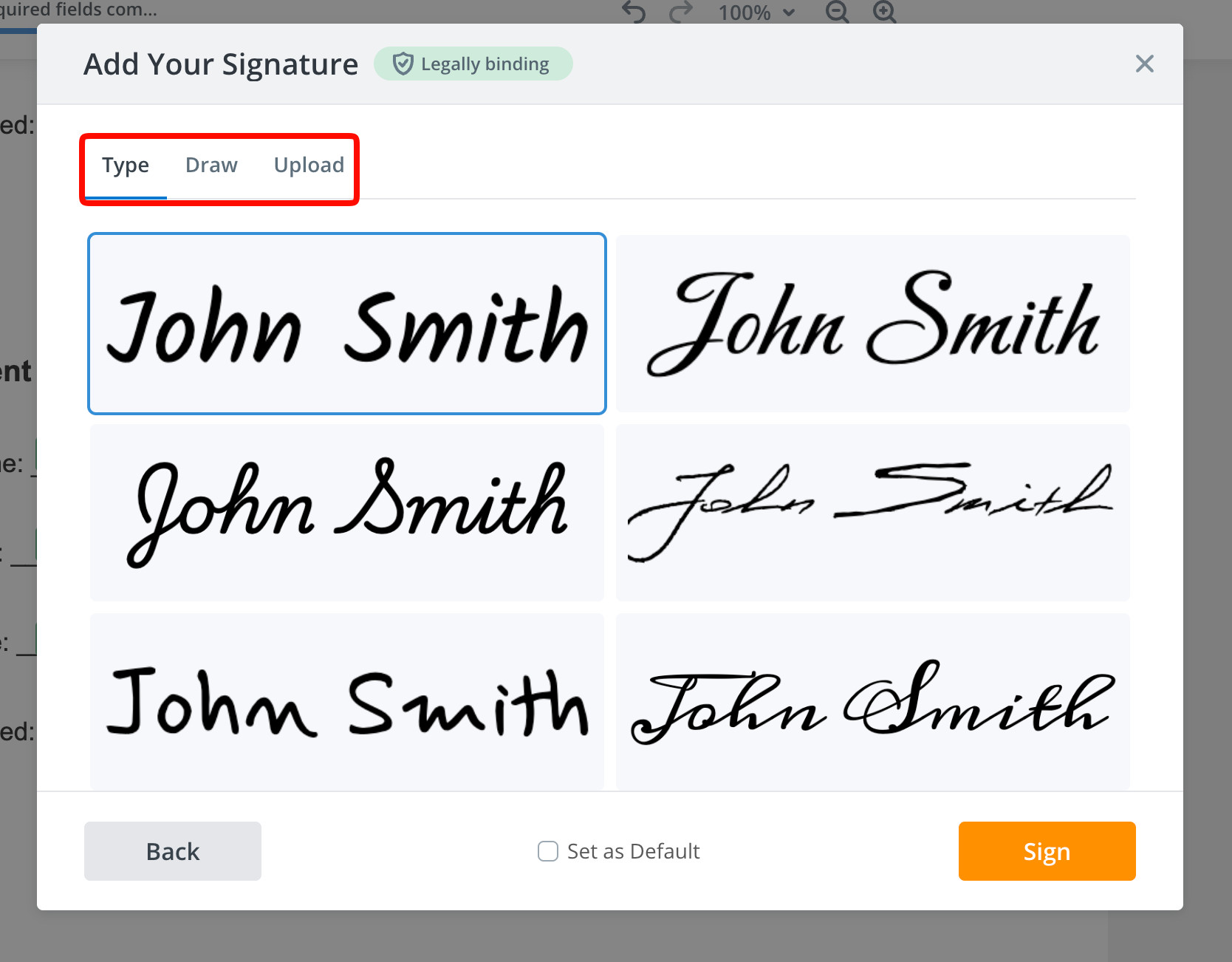
Options to receive or download signed copies are available once the recipients have signed the document, however an automated email with the signed attached PDF attached is sent.
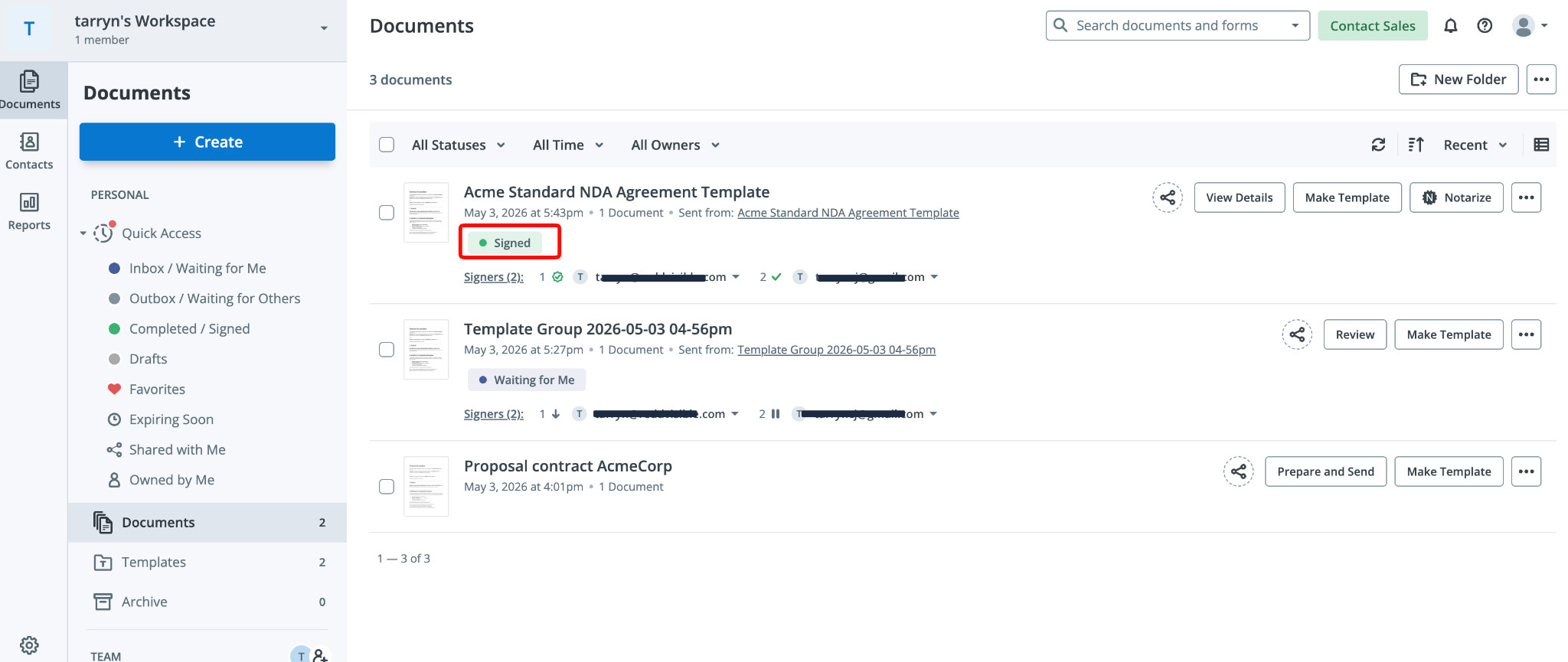
Dashboard View:
The dashboard is a great way to see all information at a glance, and you won’t need to keep checking emails to see if you have documents completed or waiting for signature.
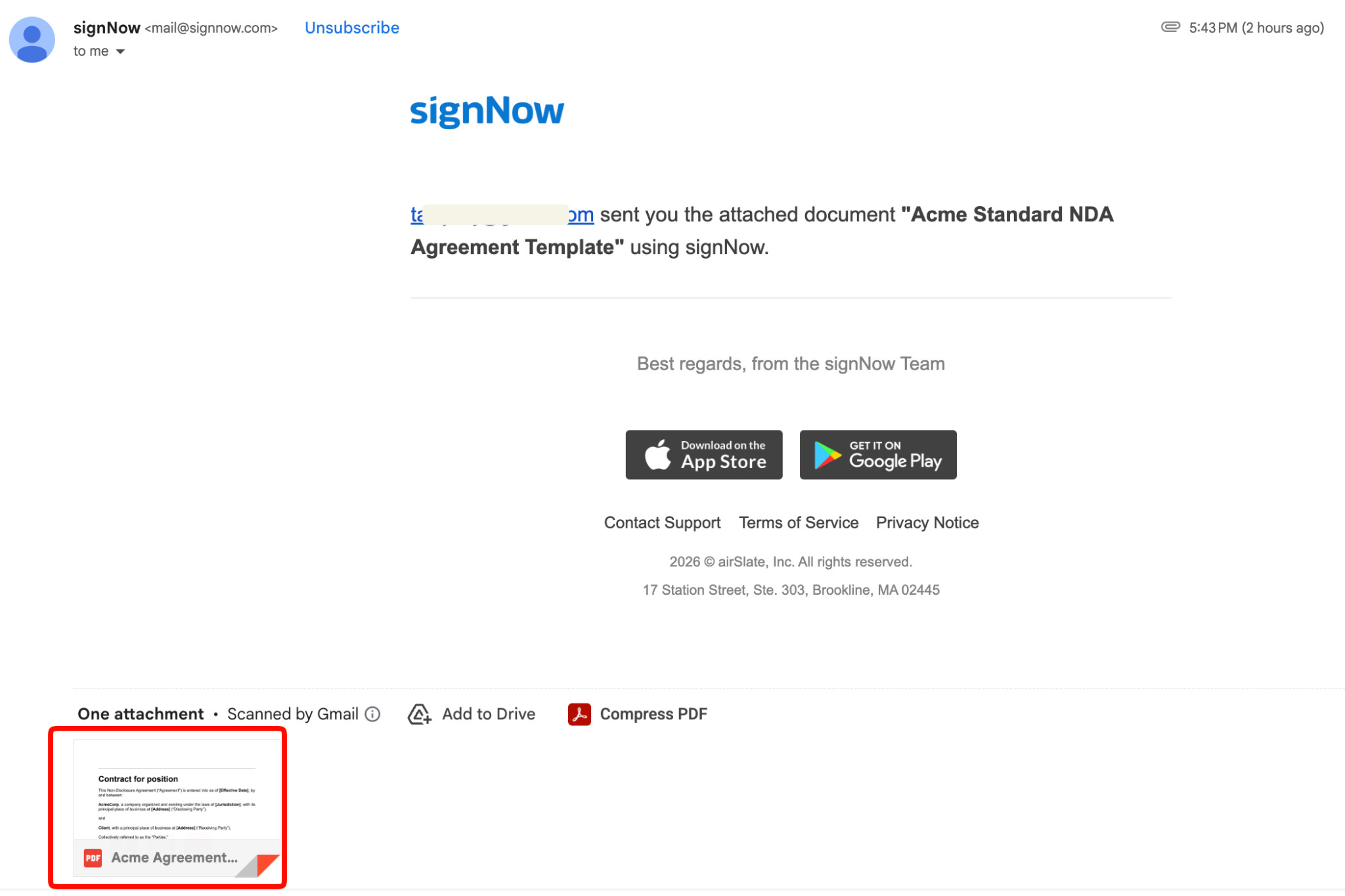
Document Output and Audits:
The final document output is clear, and the PDF formatting is correct, attached to the email. I found the overall process quick, and the email notifications came through promptly.
The automated audit logs are also included by default for an added layer of confirmation and control.
SignNow Pricing
SignNow offers a free trial and plans tailored to your needs.
The pricing below applies to plans billed annually.
All plans allow unlimited users.
Business Plan:
- The business plan starts at $8/user per month and is ideal for small businesses.
- You will be able to send documents, add fields, access unlimited templates, and access cloud storage.
Business Premium Plan:
- The Business Premium Plan starts at $15/user per month. This plan is SignNow’s most popular option and is the perfect fit for medium-sized teams.
- You’ll have access to everything in the Business Plan, as well as the option to make workflows more efficient with bulk mailings and signature link invites. You can also set up custom branding, logos, colors, and more.
Enterprise Plan:
- Starting at $30/user per month, this plan is ideal for SMBs with multiple work teams that need more advanced custom workflows and added security.
- There are several additional value adds included in this plan, including sending SMSs with a document link to reach signers who cannot check their email immediately.
Site License:
- The Site License Plan starts at $1.50 per signature invite and is ideal for users who need e-signature automation and scalability.
- This plan includes everything in the Enterprise plan, as well as automation API access and integrations with popular tools. There are additional benefits, such as volume discounts, secure SSO logins, and more.
SignNow Pros and Cons
Pros:
- Intuitive and easy to use
- AI-assisted features
- Deep integration options and API
- Clear interface and dashboard
- Good automation options
- Custom branding options are available on higher tiers
- Strong automation
- Competitive pricing structures and various pricing plans
Cons:
- Limited full contract lifecycle management in comparison to similar tools
- To gain access to advanced features, you’ll need to sign up for higher tiers.
- AI features are still basic compared to other tools.
SignNow Alternatives
In some cases, you may need more advanced features or a different set of functionalities. Here’s a quick glance at some popular alternatives.
DocuSign:
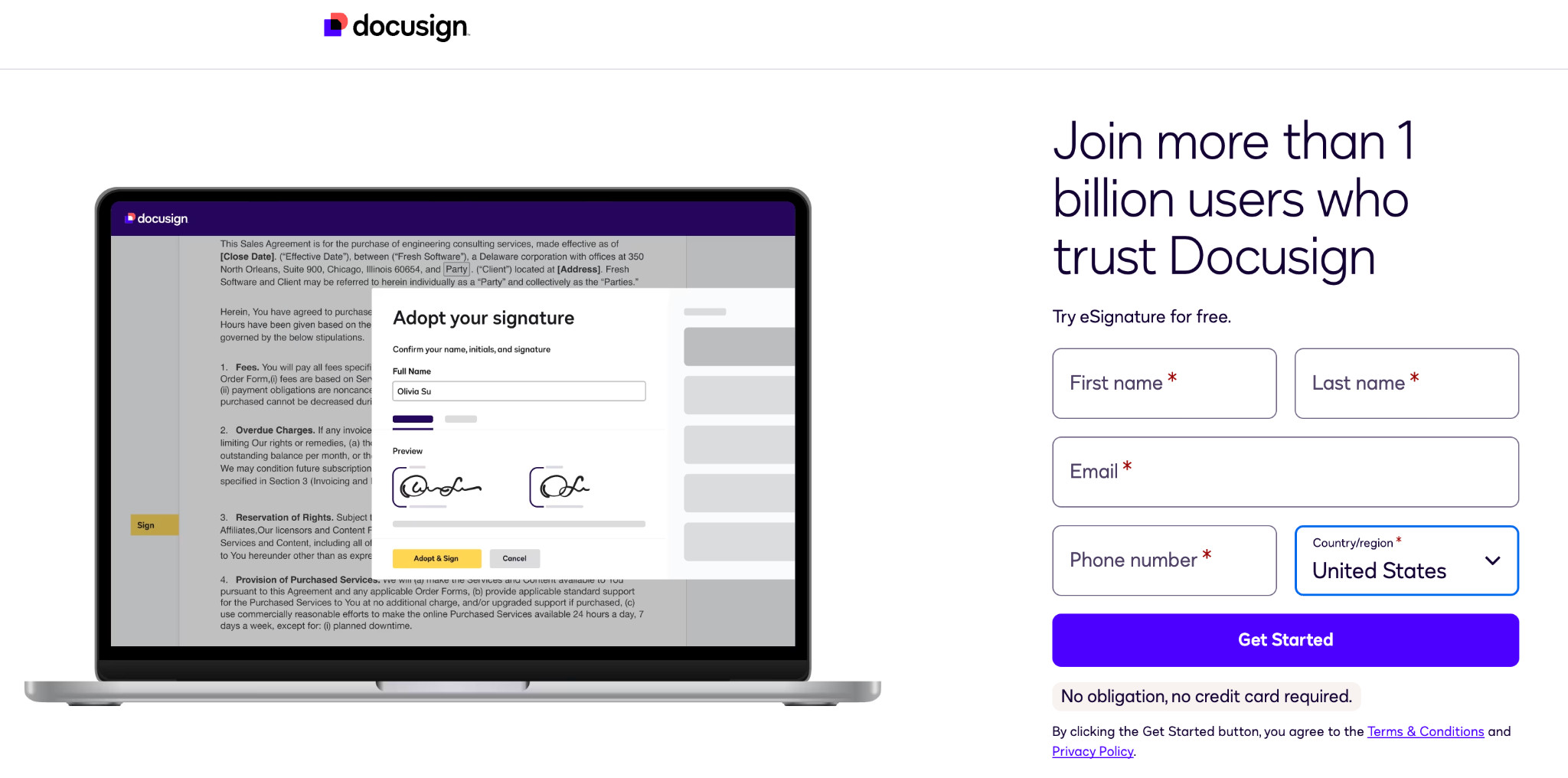
DocuSign is a popular tool and has extensive features. It’s a good fit for large teams that need added complexity, advanced tracking, and AI-assisted review features.
SignNow, in comparison, is easier to use, more affordable, with better workflow automation and security features.
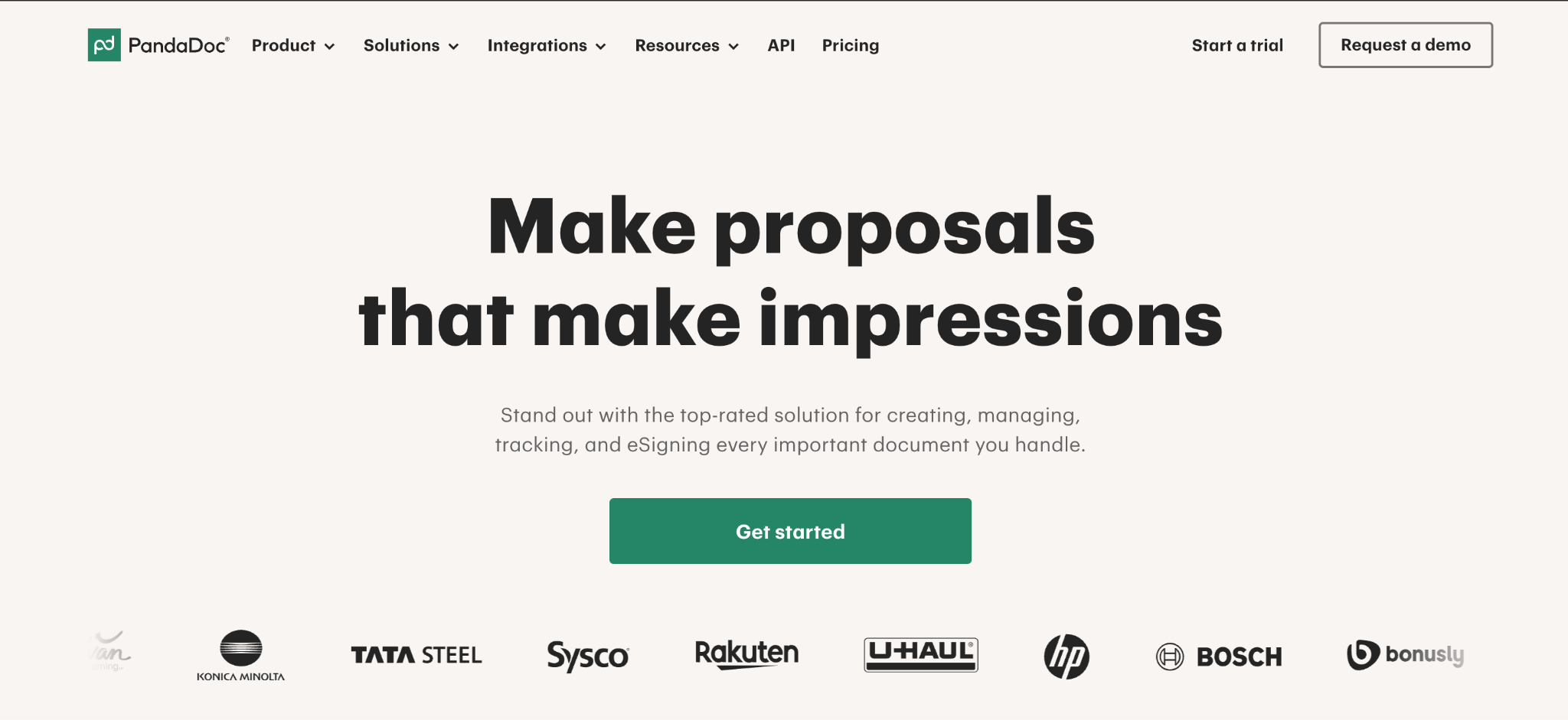
PandaDoc:
PandaDoc is a popular choice for users who want real-time collaboration, advanced document editing, unlimited documents and sends, payment collection, CRM integrations, and more. SignNow tends to be easier to use and excels in simplicity; overall, it is more cost-effective.
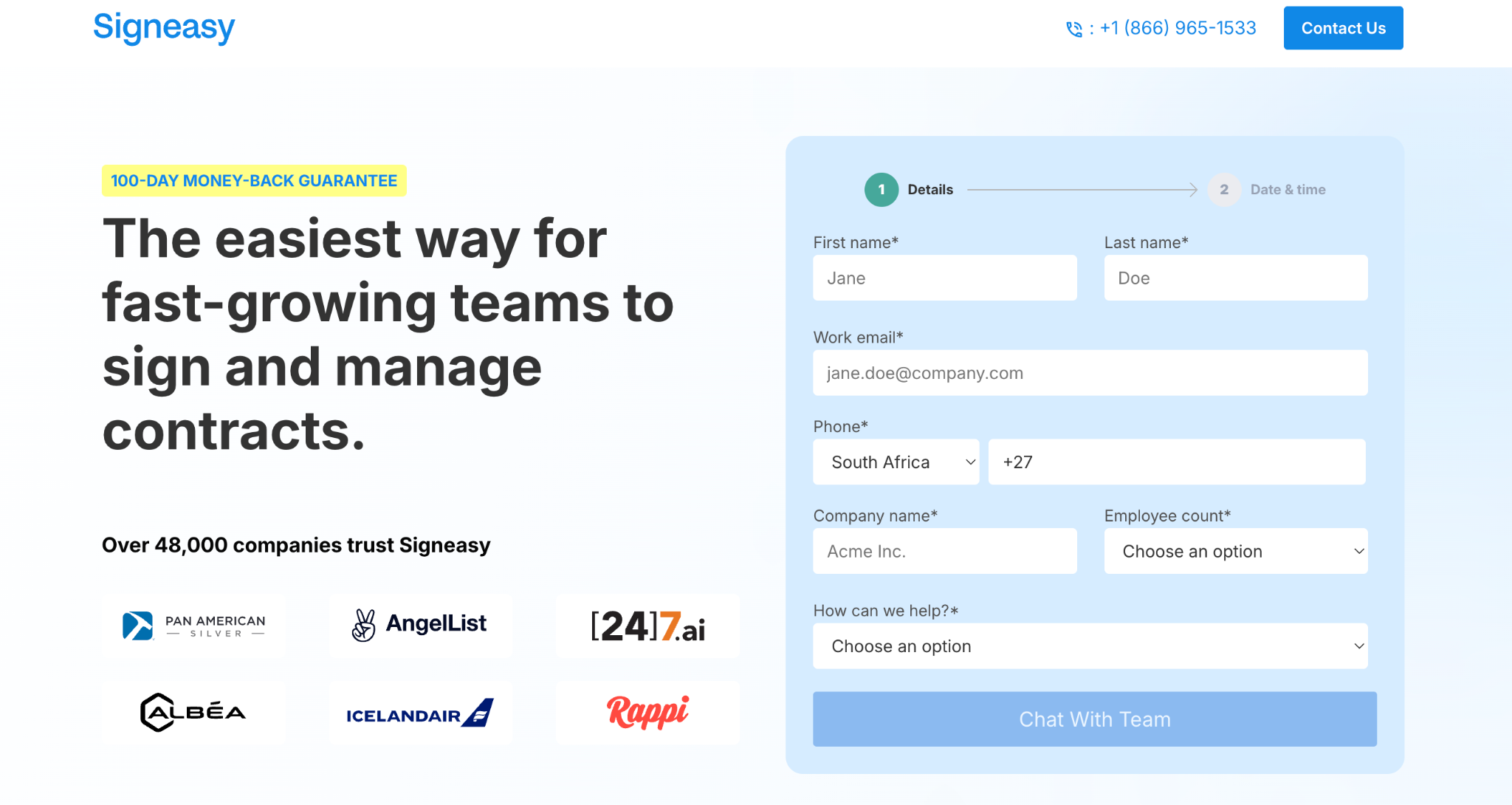
Signeasy:
Signeasy is a great option for users who need a mobile-first way to create and sign documents electronically. Its features include contract lifecycle management, automated workflows, and more. Signeasy tends to require more upskilling and is less cost-effective than SignNow.
My Takeaway for SignNow
Overall, I’ve found SignNow surprisingly easy to use, modern, and intuitive. As far as e-signature tools go, SignNow is a great fit for SMBs, HR teams, scaling organizations, and businesses looking for a feature-rich, affordable solution.
SignNow has added a good level of new features in recent times, including AI capabilities and advanced settings for workflows, and continues to grow. I particularly like that SignNow has a larger ecosystem that encompasses additional related products, so if you need to tag on document storage and management or advanced PDF editing features, you can make use of AirSlates’ wider product set.
If you’re looking for a reliable, efficient, and straightforward e-signature tool that provides a good balance between functionality and cost, SignNow is one of the best-value options for businesses.