


Last Updated on May 8, 2026 by The Digital Merchant Team
If you’re looking for Folderly alternatives, you’re probably dealing with inconsistent campaign performance: open rates dropping, replies slowing down, nothing stabilizing.
Folderly is a higher-end deliverability platform. Some teams love it, while others think that it adds cost and complexity without making the core problem clearer. Before you switch tools, it’s worth understanding what’s actually broken.
Deliverability breaks down into three layers:
- Warm-up (building sender reputation)
- Sending (executing campaigns)
- Inbox placement (whether emails actually reach people)
Folderly touches all three of these layers to varying degrees. Its warm-up network handles reputation building, its spam trigger analysis flags content issues before sending, and its placement testing shows you where emails are landing across providers.
But it’s not always obvious which layer is letting you down. Folderly monitors and reports, but doesn’t actively manage how inbox providers interpret your emails over time.
So, with that in mind, let’s look at the main Folderly alternatives, what each one actually does, and how to figure out which layer of your deliverability problem you’re actually trying to solve.
Effective Folderly Alternatives At a Glance:
- InboxAlly: Influences inbox placement by generating engagement signals. Best for teams that need control over how inbox providers interpret their emails long-term.
- Mailreach: Automated warm-up through inbox interactions for establishing baseline sender reputation on new domains.
- Warmup Inbox: Similar to Mailreach, faster setup for smaller teams.
- Lemwarm: Warm-up built into the Lemlist ecosystem.
- Instantly Warmup: Warm-up built for high-volume, multi-inbox sending.
- GlockApps: Diagnostic and reporting tool for identifying where emails are landing across providers.
Why Teams Start Looking for Folderly Alternatives

Folderly is a higher-end deliverability platform built around automated warm-up, blacklist monitoring, spam trigger analysis, and inbox placement testing.
But if you’re running low to mid-volume outbound (like under 500 emails/day across a few domains) Folderly’s infrastructure is more than you need. You end up paying for blacklist monitoring and placement testing across dozens of providers, but your actual problem might be a misconfigured SPF record or a sending domain that’s only two weeks old.
On the other end, high-volume teams sometimes find that Folderly’s warm-up network isn’t large or diverse enough once you’re sending at scale across many domains and ESPs. The engagement signals it generates can feel thin relative to what inbox providers like Google and Microsoft are actually weighing.
Folderly gives you scores and dashboards, but it doesn’t always make it clear where a placement problem is coming from, such as:
- Your domain reputation
- Your IP
- Your content triggering filters
- Your sending pattern
So, it’s worth looking into alternatives that better fit your needs:
1. InboxAlly
InboxAlly is on this list, but it’s not a direct Folderly alternative in the way the other tools are. It takes a different approach to the same core problem, and for a lot of teams it ends up being the more practical and effective solution.
InboxAlly isn’t a warm-up tool, and it’s not a reporting platform. It’s actually designed to influence how providers interpret your emails by generating engagement signals and reinforcing that behavior over time. It helps your emails land in the primary inbox, instead of promotions or spam.
Folderly covers a broad surface area across all three deliverability layers. InboxAlly focuses specifically on the signals that inbox providers actually use to make placement decisions and works on those signals continuously.
For teams that have already sorted their DNS configuration, proven their messaging, and tested their sequences but are still seeing inconsistent placement, InboxAlly tends to be where teams land once they’ve ruled everything else out.
Keep reading: My 2026 InboxAlly Review: Does this help with email deliverability?
Pros:
- Clear placement visibility
- Works with many email sending services
- Can recover domains from spam filters
- Highly rated for its customer support
Cons:
- Starts at ~$149/month for Starter tier, jumps to ~$645/month in the Plus tier
- Limited native integrations (Salesforce and SendGrid need to be manually configured)
- 10-day trial is a bit too short for measuring real placement impact
- Initial setup can be more involved than expected
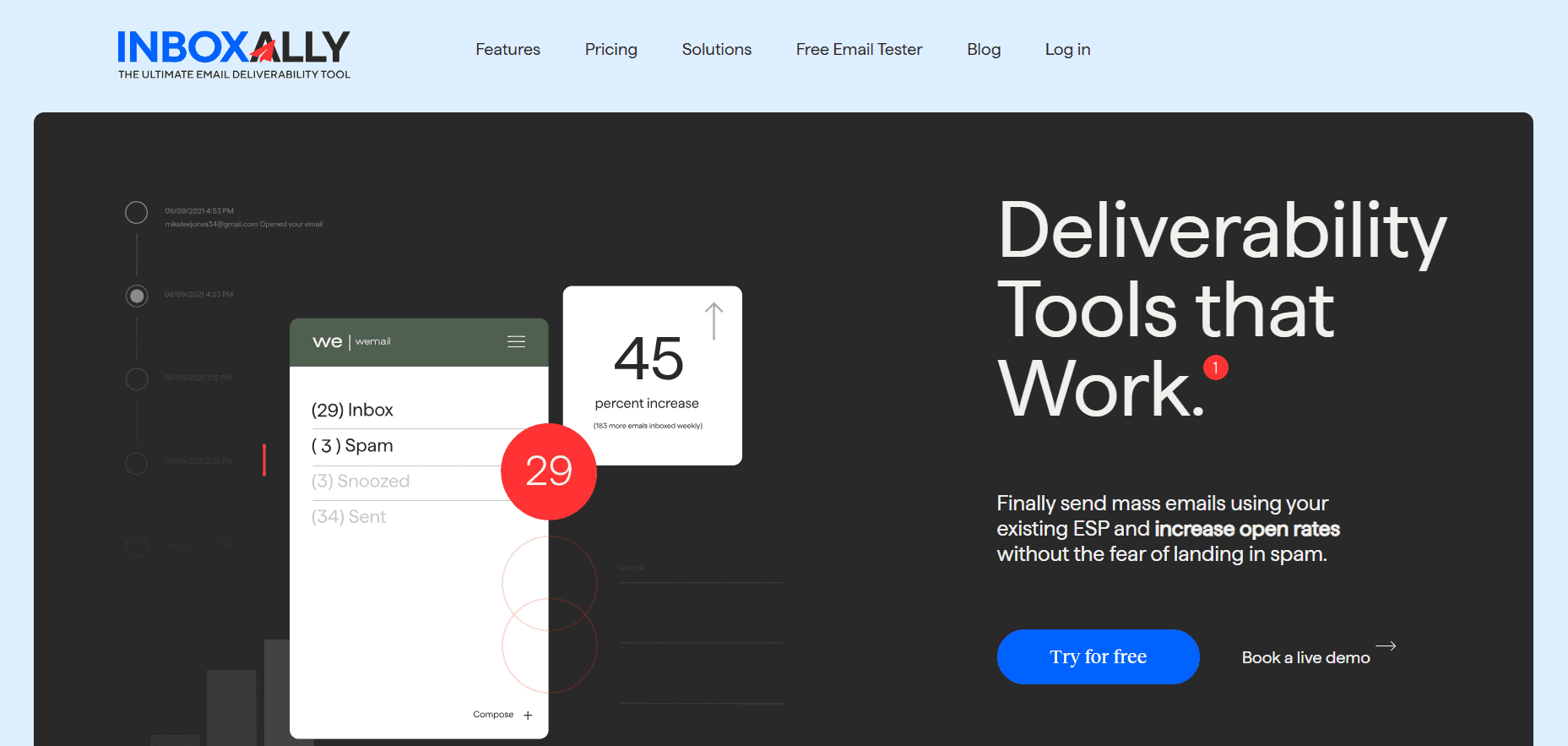
InboxAlly is the comprehensive suite I need to solve challenging deliverability problems across the board. It's like a triage hub for diagnosing and fixing email deliverability rates in one dashboard. I've tried a lot of tools, but this is the one I've stuck with.
2. Mailreach
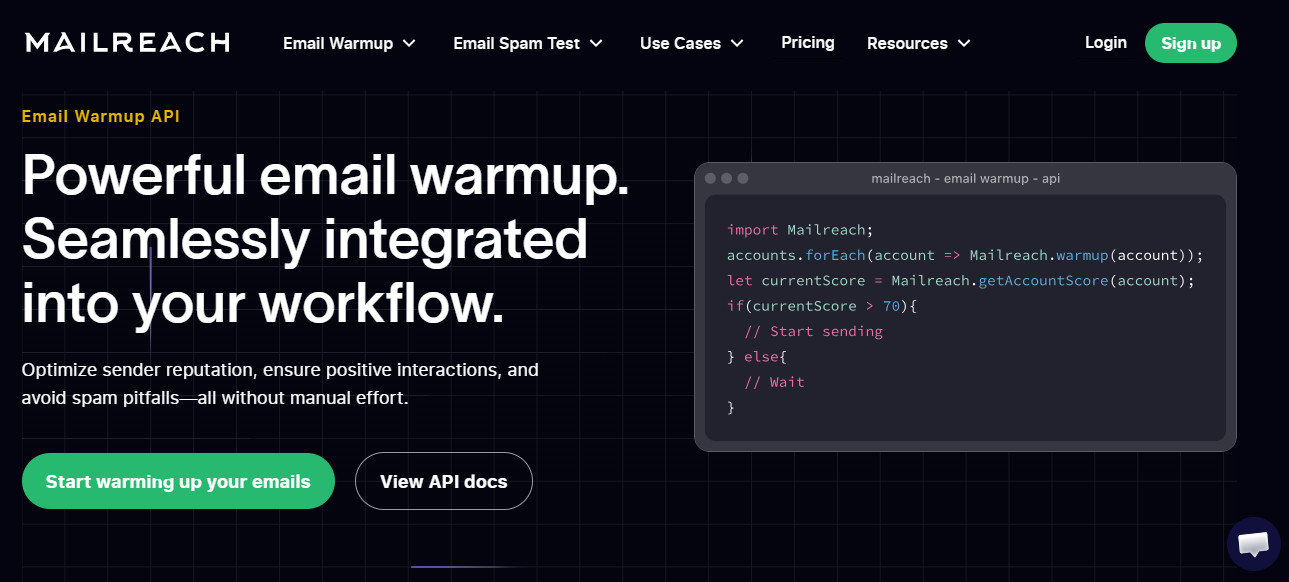
Mailreach is one of the more widely used warm-up tools and is designed to help establish baseline sender reputation through automated inbox interactions. It connects your email account to a network of inboxes that send, receive, open, and reply to messages, simulating real engagement over time.
Teams typically adopt Mailreach when they’re launching new domains or trying to rebuild trust after poor sending behavior. It’s especially useful in the early stages of outbound when inbox providers haven’t yet formed a strong opinion about your domain. The setup is relatively simple, and it starts generating activity quickly, which gives teams a sense of forward movement.
Where it starts to fall short is after that initial phase. Mailreach is effective at creating activity, but it doesn’t give you much control over how inbox providers interpret that activity long term. Once you move beyond basic warm-up and start sending at scale, the lack of deeper placement control becomes more noticeable.
Pros:
- Easy to set up and deploy quickly
- Cost-effective compared to more advanced tools
- Strong for warming up new domains and establishing initial trust
Cons:
- Limited impact beyond the early warm-up phase
- Doesn’t actively manage inbox placement over time
- Less useful once campaigns begin scaling
3. Warmup Inbox
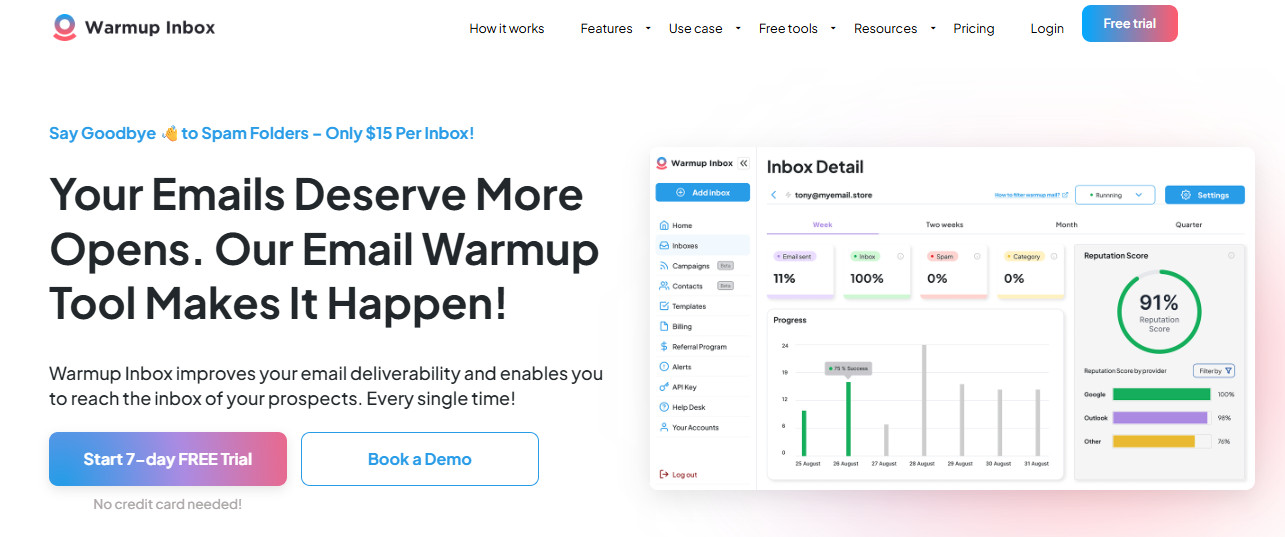
Warmup Inbox operates in a similar category to Mailreach, focusing on automated engagement to improve sender reputation. It connects your inbox to a network that exchanges emails in the background, helping create the appearance of consistent, legitimate activity.
It’s often used by smaller teams or solo operators who want something simple and fast without needing to understand the technical side of deliverability. You can set it up quickly, and it starts working immediately, which makes it appealing for teams that want a low-effort way to improve domain health.
That simplicity is also its limitation. Warmup Inbox focuses on surface-level signals, and while those signals can help early on, they don’t necessarily translate into stable inbox placement once volume increases. It doesn’t provide much insight into what’s actually happening, and it doesn’t give you tools to influence placement directly.
Pros:
- Very easy to use with minimal setup
- Quick activation and visible activity
- Affordable option for basic warm-up needs
Cons:
- Limited depth and control
- Doesn’t address long-term deliverability issues
- Performance gains can plateau quickly at scale
4. Lemwarm
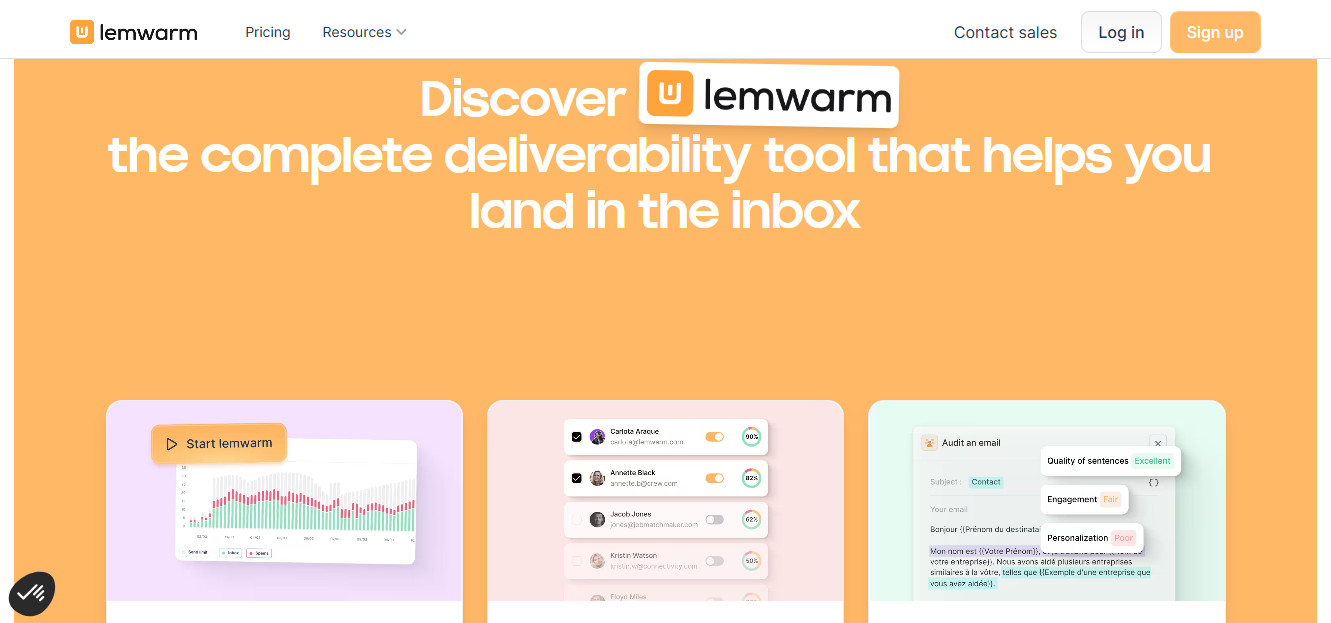
Lemwarm is part of the Lemlist ecosystem and is designed to integrate directly with Lemlist’s outreach platform. It automates warm-up by sending and interacting with emails through a network, helping build sender reputation alongside your campaigns.
It’s a natural fit for teams already using Lemlist, since everything is managed in one place. You don’t need additional integrations or separate tools, which simplifies the workflow. For smaller teams or those just getting started with outbound, that convenience can be a real advantage.
The tradeoff is that Lemwarm is tightly tied to Lemlist. If you’re using multiple sending platforms or managing more complex outbound systems, it doesn’t offer much flexibility. It also shares the same limitation as other warm-up tools, in that it doesn’t directly control how inbox providers categorize your emails once you’re actively sending at scale.
Pros:
- Seamless integration with Lemlist campaigns
- Easy to manage within a single platform
- Good fit for smaller or simpler outbound setups
Cons:
- Limited to the Lemlist ecosystem
- Not designed for multi-platform environments
- Doesn’t address deeper deliverability or placement issues
5. Instantly Warmup
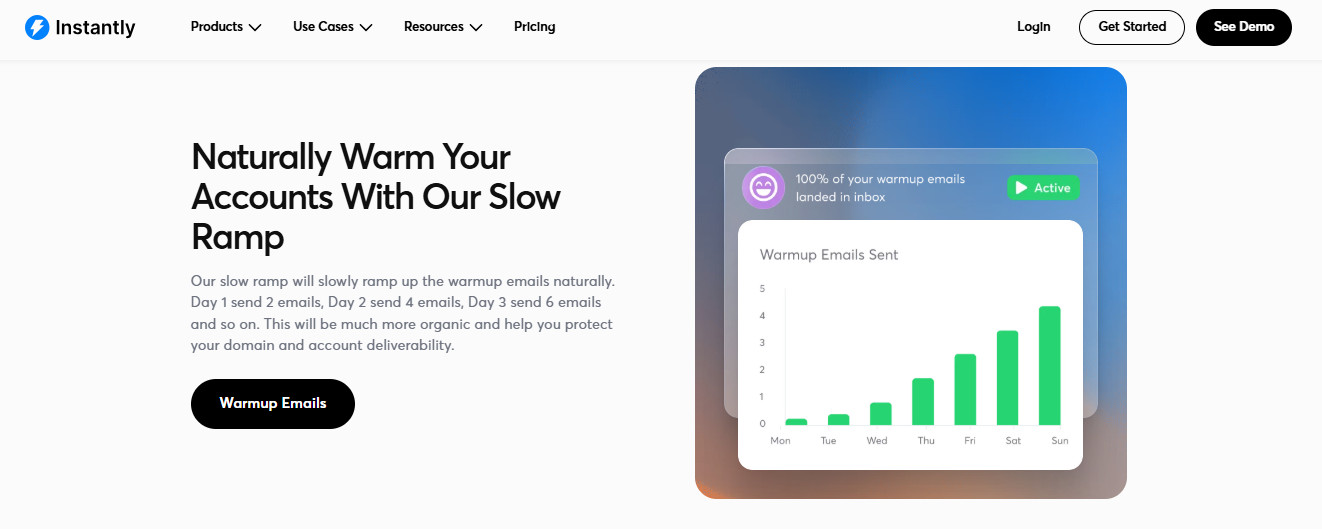
Instantly Warmup is built for teams running higher-volume outbound campaigns and managing multiple inboxes across domains. It automates engagement across those inboxes to maintain activity and support scaling efforts.
Teams typically use it alongside Instantly’s sending platform, where it fits naturally into a high-volume workflow. It’s effective at keeping inboxes active and preventing them from going cold, which is important when you’re sending large volumes regularly.
Where it becomes limited is in precision. Instantly Warmup focuses on maintaining activity at scale, but it doesn’t directly influence how inbox providers interpret your emails beyond that activity. If your deliverability issues are tied to reputation signals or inconsistent placement, it doesn’t provide much control over those outcomes.
Pros:
- Designed for high-volume outbound environments
- Works well with multi-inbox and multi-domain setups
- Easy to integrate into existing Instantly workflows
Cons:
- Focused more on volume than signal quality
- Limited control over inbox placement
- Can mask underlying deliverability issues rather than fix them
6. GlockApps

GlockApps is a diagnostic and reporting tool that focuses on showing you where your emails are landing across different inbox providers. It runs placement tests and provides detailed reports on whether your emails are hitting the inbox, promotions tab, or spam.
Teams use GlockApps when they need visibility. It’s particularly useful during troubleshooting, when performance drops, and you need to understand whether the issue is related to placement, content, or domain reputation.
The key distinction is that GlockApps doesn’t attempt to fix anything. It tells you what’s happening, but it doesn’t influence the outcome. That means it’s best used alongside other tools that can actually act on the insights it provides.
Pros:
- Clear and detailed inbox placement reporting
- Useful for diagnosing deliverability issues
- Helps identify patterns across providers
Cons:
- No direct impact on deliverability performance
- Requires additional tools to make improvements
- Can highlight problems without providing solutions
The Pattern Behind All These Tools

Once you look at these tools together, the limitation becomes obvious.
Most of them either simulate activity, help you send emails, or report on results. Very few actually influence how inbox providers interpret your emails over time.
That’s the gap.
Across the companies I work with, this is where outbound systems break. Everything looks functional on the surface, but performance is inconsistent because there’s no control over the signals that drive inbox placement.
Without that, switching tools doesn’t change the outcome.
When an Alternative Makes Sense
The right move depends on where your deliverability problem actually lives.
For teams early in outbound that just need to warm up new domains, Mailreach or Warmup Inbox are the simplest and most affordable options for that stage.
Already on Lemlist? Lemwarm handles warm-up inside the same platform (no separate tool needed).
High-volume senders managing multiple domains and inboxes will find Instantly Warmup fits naturally into that workflow (especially if you’re already using Instantly).
Before making any changes, GlockApps is the best starting point for diagnosing where a performance problem is coming from (clear placement visibility, no added complexity).
Sorted the basics, but still seeing inconsistent placement? InboxAlly works on the engagement signals that inbox providers actually use to make placement decisions (the layer most other tools don’t touch).
Most teams struggle because they’re solving the wrong problem. Get clear on what’s actually breaking in your system, and the decision between Folderly and any alternative becomes much more straightforward.