


Last Updated on July 10, 2026 by The Digital Merchant Team
Magento has been a mainstay in e-commerce for a long time. Whether you’ve been around since before Magento Commerce rebranded to Adobe Commerce, use Magento Open Source, or are new to the platform entirely, you’re in good company — particularly with larger enterprises desiring personalization and scalability.
But the choice of storefront is only one decision among many if you want to thrive in e-commerce. Arguably, one of the most important is choosing which payment processor to use. While the basics can look the same across providers, the fine print paints a much different picture.
The Best Payment Processors for Magento: At a Glance
Online Card Fees | Fraud Prevention | Integrations | Customer Support | Best For | |
Stripe | 2.9% + $0.30 | AI fraud prevention, risk scores, AI dispute management | 600+ | 24/7 live chat | Developers |
Luqra | As low as 2.3% + $0.20 | Rule-based thresholds, fraud filters | 24 | 24/7/365 U.S.-based phone support, online forms | Low prices and scaling |
Adyen | $0.13 + payment method fee | AI fraud prevention, customized rules, backtesting | 26 | Support tickets | Large enterprises |
Elavon | Starting at 2.9% + $0.30 (1.9% + $0.25 for Costco members) | AI fraud prevention, risk scores, customer authentication | 4 plugins; 57 other integrations | 24/7/365 phone support | Costco members |
PayPal Complete Payments | 2.89% + $0.29 | Fraud protection, chargeback protection | Several | Live chat and phone support | Digital wallets |
Stripe: Best for Developers
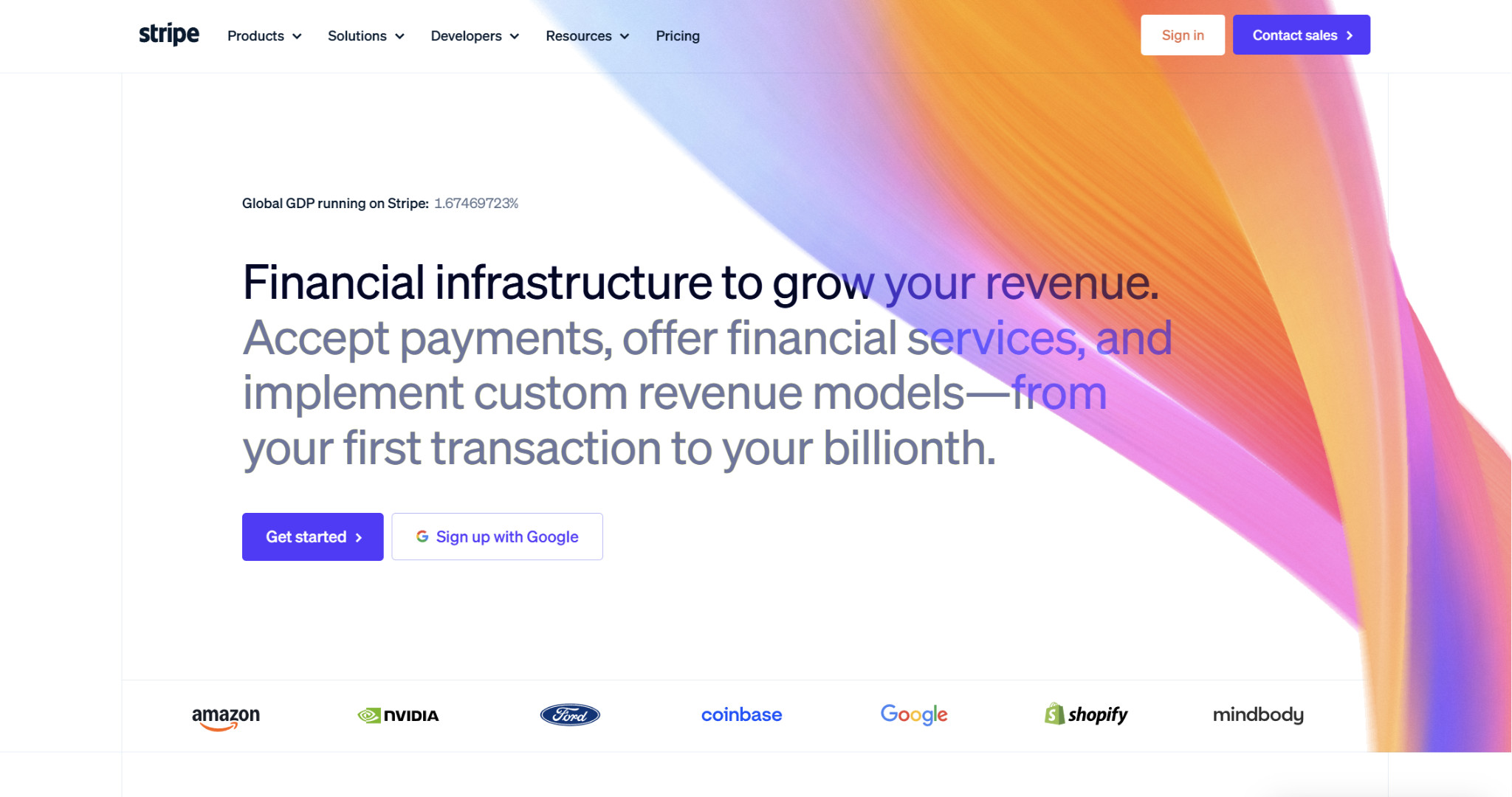
Stripe is a highly developer-friendly e-commerce payment processor with a fairly seamless onboarding process and a flat-rate pricing structure that makes it easy to track costs. The APIs and documentation are virtually unparalleled, making it one of the best picks for customization.
Since it’s so commonly used, it integrates well with practically every e-commerce-related app you can think of, including an official Stripe plugin for Magento.
Fees and Pricing
Most businesses use Stripe’s standard pricing, which is uniform for all businesses, while its custom pricing is reserved for complex or high-volume businesses.
Here are the standard prices:
- Online (cards): 2.9% + $0.30
- + 1.5% for international cards
- + 1% for currency conversion
- In-person (cards): 2.7% + $0.05
- + 1.5% for international cards
- + $0.10 for Tap to Pay
Fraud Prevention
Stripe’s fraud prevention tool (Radar) is included with every account and uses AI to detect fraud. Since the platform is so widely used, its AI is trained on plenty of payment data ($1 trillion annually), and it assesses several points for fraud prevention, including device fingerprints, historical data, and proxies. Beyond prevention, Radar also offers AI dispute management, which saves time by automating evidence submission.
Integrations
Besides Magento, there are currently over 600 apps listed in the Stripe App Marketplace, including those across accounting, billing, analytics, fraud, logistics, and tax.
Customer Support
Stripe has 24/7 customer support, and the main way to get in touch with them is via live chat — you don’t have the option to speak with someone over the phone. Many Stripe customers also complain about the company’s heavy reliance on AI support, with some having trouble ever getting to a human.
Pros
- Flat-rate pricing
- Thorough developer documentation
- Plenty of integrations
Cons
- Not the cheapest option
- May encounter account holds and freezes when scaling
- Difficult to get in touch with human support
Luqra: Best for Low Prices and Scaling
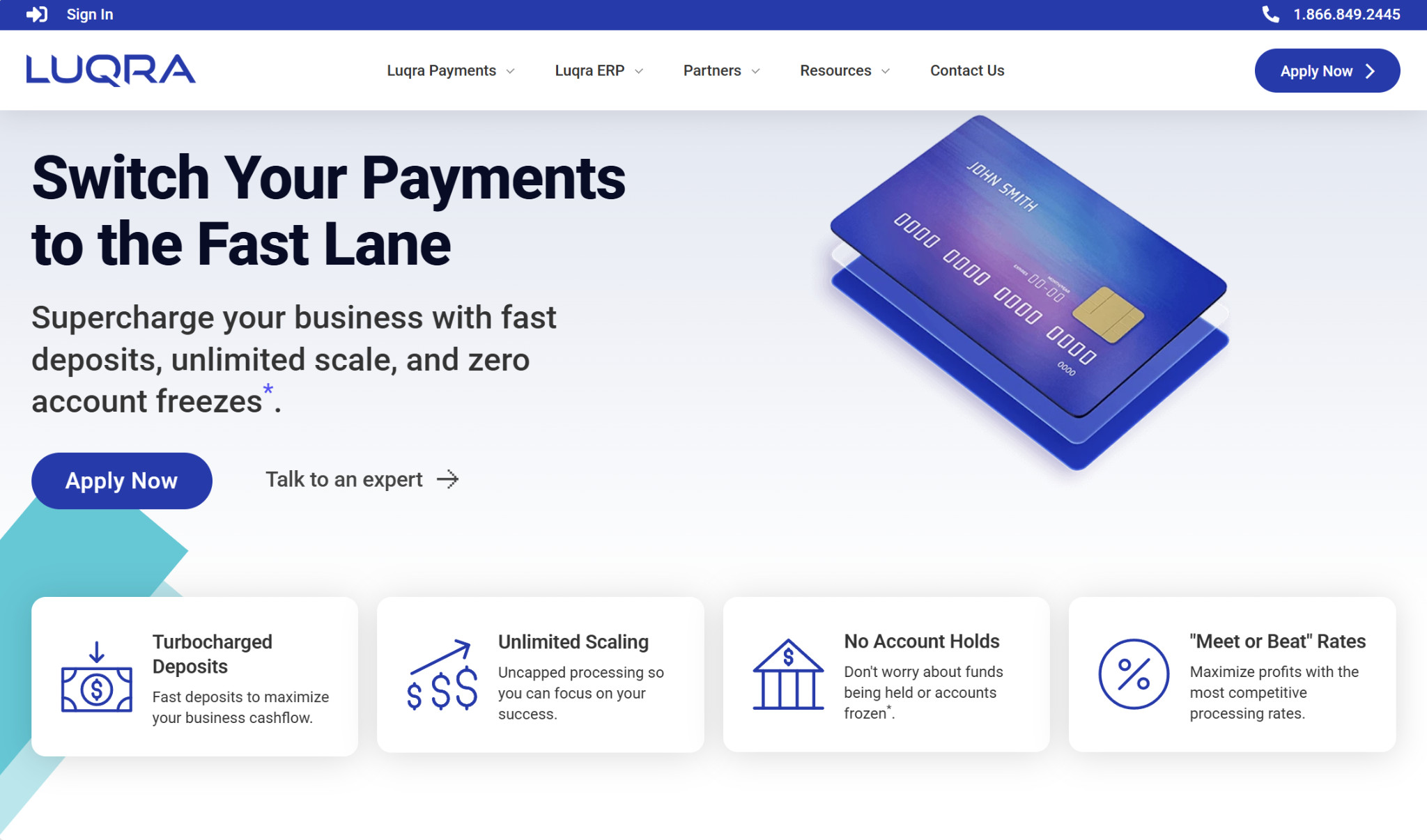
Like Stripe, you can use Luqra to accept payments either online or in-person, with e-commerce being its main speciality.
However, one of the main distinctions between the two is that Luqra is much more friendly to scaling. If there’s a sudden spike in volume, it won’t jump to holding your funds or freezing your account, and there are no account limits or daily caps. Because of this, it could be a good option for merchants that previously used Stripe but were shut down, or those who are anticipating growth spikes and don’t want to risk a freeze. It’s not exclusively used by high-risk businesses, but it’s more high-risk-friendly than many alternatives.
Fees and Pricing
One area where Luqra shines is that it’s devoted to keeping costs low. Luqra offers “meet or beat” rates, meaning it will either meet those of competitors or go below them. The company also states that it will never increase prices.
The costs you’ll face will ultimately depend on the nature of your business and your needs, but in general, you’re looking at:
- Online: As low as 2.3% + $0.20
- In-person: As low as 2% + $0.10
There’s also a cash discount program that passes card fees on to your customers, which starts at $99/month.
Fraud Prevention
Luqra lets you set up fraud filters and rule-based thresholds to block suspicious transactions: for example, setting a minimum transaction amount, toggling payment velocity settings, setting geographic limitations, and flagging IP addresses. The entire fraud prevention process is automated, and Luqra has an online portal where you can manage everything.
Integrations
Currently, Luqra offers 24 integrations, including one with Magento. Others include syncs with Shopify, WooCommerce, BigCommerce, Salesforce, and Recurly.
Customer Support
Because Luqra is a smaller company, you have more access to live, human support. It offers 24/7/365 U.S.-based phone support, although you can also fill out an online form if you’d like. Many of their team members have extensive backgrounds in e-commerce, so they are well-equipped to help.
Pros
- Friendly to high-risk and scaling businesses
- Committed to low prices
- 24/7/365 U.S.-based phone support
Cons
- Not as widely used as other processors
- Fewer integrations than some competitors
- Smaller fraud prevention database
Adyen: Best for Large Enterprises
Adyen is geared more toward larger enterprises than small mom-and-pops, and because of its global focus, it can accept a wide range of international payment methods.
It also has several pre-built integrations with e-commerce systems, including one for Magento. This plugin can work regardless of whether you use Magento 2, Adobe Commerce, or Adobe Commerce Cloud.
Fees and Pricing
Adyen charges a fixed $0.13 processing fee plus an additional payment method fee that varies.
Some of the payment method fees include:
- Mastercard, Visa: Interchange + 0.6%
- Discover: 3.95%
- American Express: 3.3% + $0.10
Fraud Prevention
Adyen uses machine learning to block fraudulent transactions, trained on data from a large volume of annual global payments (similar to Stripe). Because of how fine-tuned it is, it helps prevent false positives as well, so you don’t have to worry much about accidentally blocking legitimate customers. You can also create customized rules, which you can backtest before going live.
Integrations
The available integrations consist of those built by Adyen itself (including the one with Magento) and those built by partners. In all, there are 26 plugins, covering platforms like Shopify, WooCommerce, Oracle NetSuite, and WooCommerce.
Customer Support
Adyen’s customer service team is primarily accessible through filling out a support ticket. Notably, the company doesn’t advertise any phone support. However, it has an extensive help center with articles that may answer many of the questions you have.
Pros
- Great for larger enterprises
- Accepts many international payment methods
- Strong AI fraud prevention
Cons
- Not the best choice for small businesses
- Potentially confusing pricing structure
- Limited customer support options
Elavon: Best for Costco Members
Elavon is a solid choice for both online and in-person businesses, and it’s especially popular among Costco members, who can access lower rates. Because it’s so widely used, it has prebuilt integrations for many e-commerce platforms, including Magento.
Fees and Pricing
For qualified transactions, Elavon’s standard rates are:
- Online: Starting at 2.9% + $0.30
- In-person: Starting at 2.6% + $0.10
Costco members get lower rates:
- Online: Starting at 1.9% + $0.25
- In-person: 1.1% + $0.12
A potential downside is that Elavon uses tiered pricing, which is often one of the most expensive cost structures for e-commerce merchants, since online payments are generally considered higher-risk than in-person transactions.
Fraud Prevention
Elavon constantly monitors for fraud, blocking suspicious transactions. One method is via the Global Risk Tool, which is a third-party tool that uses Brighterion AI by Mastercard. It also offers Pay Defense, a machine learning solution that assigns each transaction a risk score and advises you on which action to take. Finally, there’s its 3D Secure 2, which involves customer authentication.
Integrations
Elavon has four official, prebuilt shopping cart integrations: Magento, PrestaShop, Shopify, and WooCommerce. There are more available on the WorksWith Elavon site, which currently lists 57 of them and covers areas like e-commerce, ERP systems, and POS systems.
Customer Support
Unlike some competing processors, Elavon has a dedicated customer service phone line that is available 24/7/365. This is the main way to get in touch with the company.
Pros
- Low fees for Costco members
- 24/7/365 phone support
- Strong fraud prevention features
Cons
- Tiered pricing structure
- Doesn’t advertise dedicated email support
- Potential issues with holding funds
PayPal Complete Payments: Best for Digital Wallets
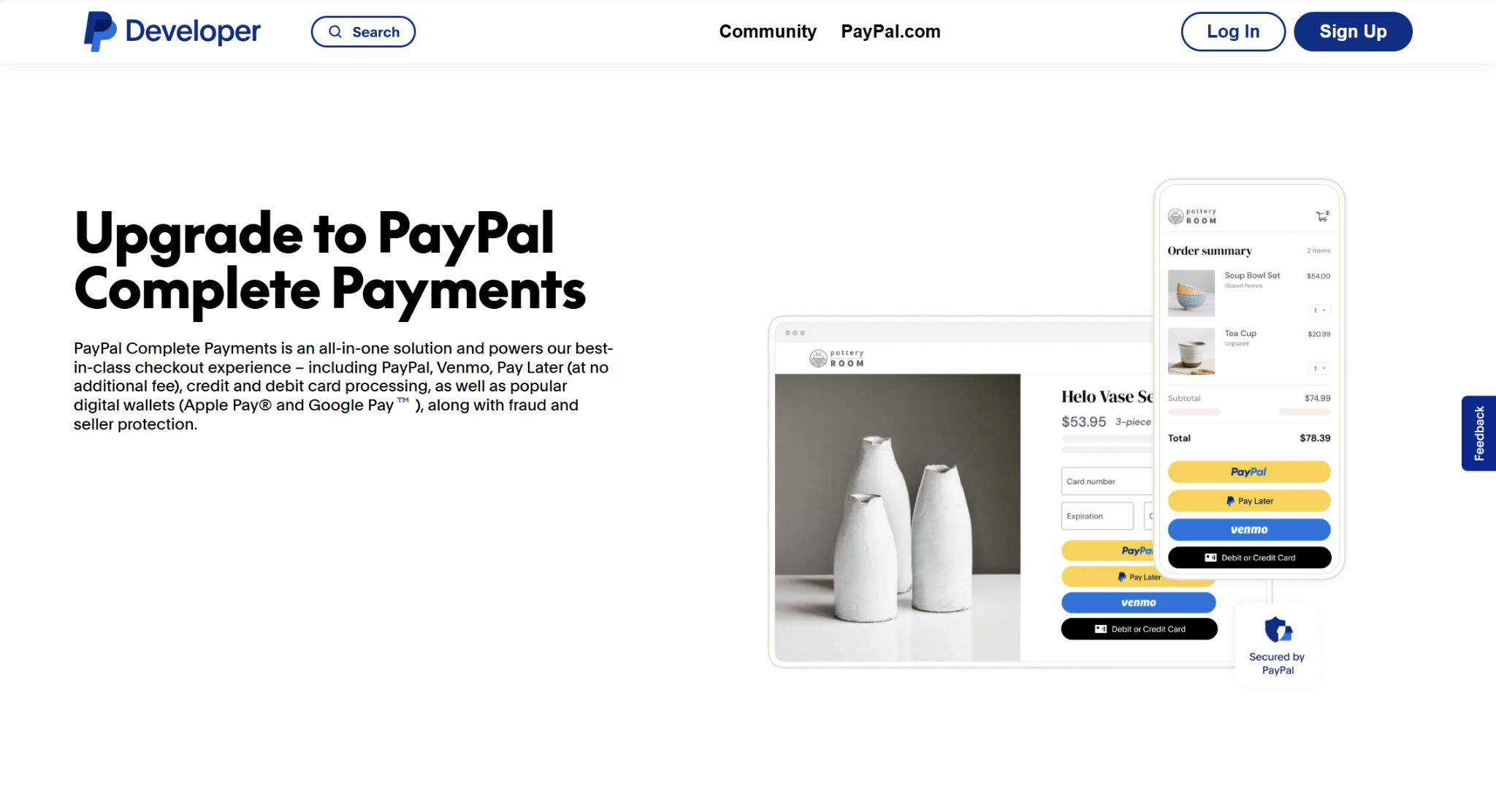
PayPal Complete Payments is an all-in-one payments solution for SMBs. It lets you accept a variety of payment methods, including PayPal competitors Apple Pay and Google Pay, and it provides additional features on top of your PayPal business account, such as fraud protection. It launched in 2023, replacing PayPal Pro.
The advantage for Magento merchants is that PayPal Complete Payments has an official extension for it, allowing you to easily connect both platforms.
Fees and Pricing
PayPal’s transaction fees depend on the payment method, with the fee for debit and credit card payments being 2.89% + $0.29 per transaction.
The cost is the same for Apple Pay and some other alternative payment methods. However, for PayPal, the fee is 3.49% + $0.49. This doesn’t apply to PayPal Business accounts, as those don’t incur a fee.
Fraud Prevention
To protect merchants, PayPal offers both fraud protection and chargeback protection, but you can only use one at a time.
Fraud Protection uses AI-driven risk models that are trained on over $1 trillion in annual payment volume to assign risk scores to transactions. This is already built into PayPal accounts — you don’t need a separate integration. However, you’ll have to deal with chargebacks yourself. Chargeback Protection also uses AI to fight fraud, though there’s a per-transaction fee of 0.40% to combat chargebacks.
Alternatively, if you use Fraud Protection Advanced, which has additional screening capabilities, there’s a fixed fee of $0.07 per transaction.
Integrations
PayPal integrates with several third-party tools beyond Magento, listed on their Partner Directory. These include other e-commerce stores, marketplaces, accounting platforms, and bill pay solutions.
Customer Support
You can get in touch with PayPal via live chat or phone support. You start by using the PayPal Assistant, which is AI-powered and may answer your question for you. If not, it can route you to a live agent. However, many customers have reported issues with getting in touch with someone.
Pros
- Supports several payment methods
- Strong fraud protection and chargeback management
- Offers phone support
Cons
- More expensive than some competitors
- Potentially confusing fee structure
- Can be difficult to reach live support
Choosing the Best Payment Processor for Magento
As an e-commerce merchant, the choice of payment processor is a critical one, as it can affect fees, chargebacks, and account holds or freezes. But when you’re picking one, you shouldn’t only focus on the features of the processor itself — you need to make sure it integrates with your e-commerce storefront.
Fortunately, if you’re an Adobe Commerce or Magento merchant, there are quite a few options available to you. Stripe, Luqra, Adyen, Elavon, and PayPal all integrate with the platform, but there are still many differences between them.
If you want something developer-friendly for a low-risk business, Stripe is a solid pick. Luqra has an edge because it lets you scale without worrying about hitting processing caps. Larger enterprises might like Adyen, Costco members may be tempted by Elavon’s low rates, and PayPal is strong for those focusing on digital wallet payments.
In short, you should consider your business’s risk level, size, and preferred payment methods before deciding on a processor.