


Last Updated on August 25, 2026 by The Digital Merchant Team
The first time I connected Warmbox to an inbox, I sat there watching my sent folder fill up with mail I hadn’t written, going to people I’d never heard of, and getting replies within the hour. That’s the trick, essentially. Your inbox joins a network of tens of thousands of others, and every day it trades mail with them. Those messages get opened, replied to, and dragged out of spam. Do that for a few weeks, and your domain has a record of people apparently wanting to hear from you, which is the only thing Gmail is really asking about.
Most tools in this category work the same way. So why do people go looking for something else?
It usually comes down to two things. Price is the obvious reason, since per-inbox billing doesn’t really work if you’re running multiple inboxes. Then there’s the fact that Warmbox doesn’t run inbox placement tests, so the only evidence you have that warming is working comes from the tool doing the warming.
But underneath both of those, a fair number of senders have read about Gmail’s enforcement changes and are wondering whether any of this still does anything. So before we get to the Warmbox alternatives, let’s talk about Google because it could change what you should be looking for.
What Changed in the Last Year

In November 2025, Gmail ended its grace period on bulk sender requirements and switched from warnings to enforcement. Non-compliant mail can now be rejected at the SMTP level with 4xx and 5xx errors instead of being filtered to spam. Gmail recommends staying under a 0.1% spam complaint rate, about one complaint per thousand messages, and treats 0.3% as the point where filtering gets aggressive.
Providers also got better at recognising artificial engagement. Closed-loop warmup networks, where the same accounts exchange mail with each other in predictable patterns, are detectable because of how they behave. Google shut down GMass’s warmup feature and indicated it could identify IMAP-based workarounds, which suggests the detection is really there.
Warmup still has a job to do. New domains come with roughly a 30 percentage point placement disadvantage against established ones, and nothing else closes that. But the question to ask about any tool here has changed. It’s not whether the tool warms inboxes but rather what network generates the engagement, how varied that engagement looks, and whether the tool can measure results outside its own system.
That last point is important but often ignored. Many warmup dashboards report success using seed tests run inside the same network doing the warming, which means the tool is scoring itself.
Warmbox Alternatives at a Glance
- InboxAlly: a different network model, aimed at existing domains with placement problems
- MailReach: warmup plus inbox placement testing
- Warmup Inbox: the cheap entry point
- Lemwarm: for people already using Lemlist
- Instantly and Smartlead: warmup included with your sending platform
- Mailivery: flat pricing for large mailbox counts
1. InboxAlly
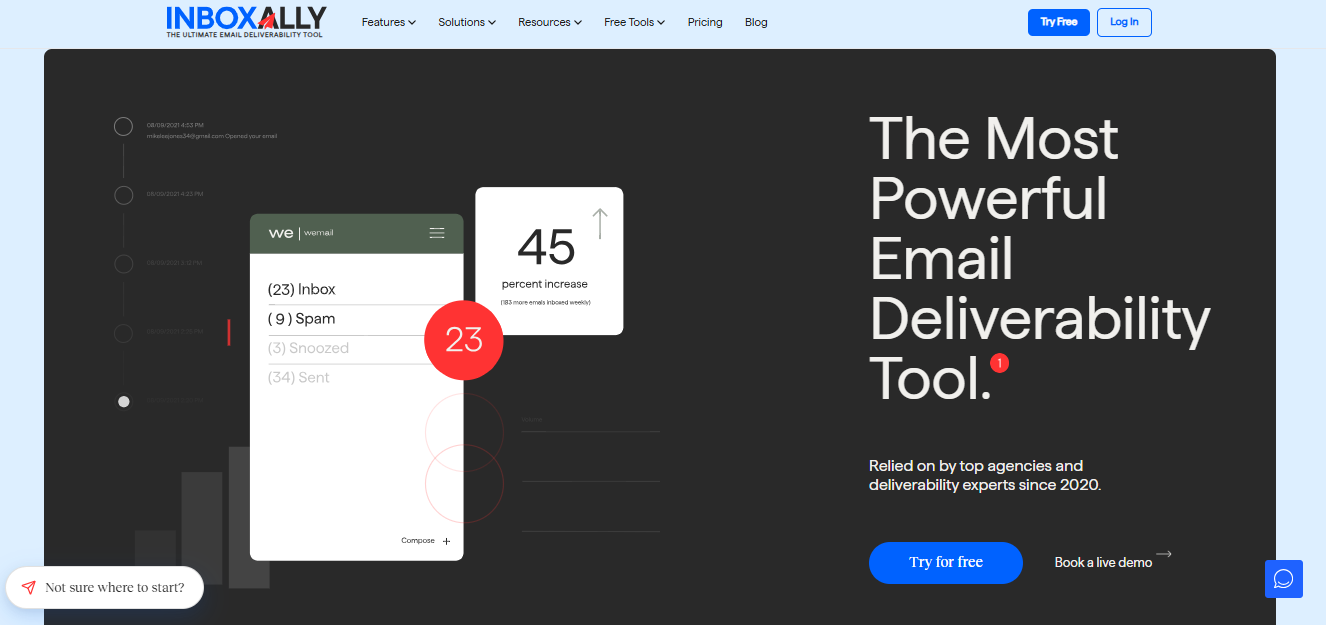
Warmbox, MailReach, Lemwarm, and most of this category run connected-inbox networks. Real users connect real mailboxes, and those mailboxes exchange mail with each other. Your inbox warms others while others warm yours. The network’s quality depends on who else has signed up.
InboxAlly uses a seed engagement network where you send to a pool of seed accounts it controls, and those accounts open your mail, read it, mark it important, and move it out of spam if it went there. Nobody else’s inbox is involved.
That changes what you can point it at. Since you’re sending to seeds instead of trading mail with peers, you can run it against your actual campaign content on your existing sending setup. It suits an established domain with a placement problem rather than a new domain with no history. If your authentication is correct, your domain has been sending for a year, and your mail still goes to spam, that’s the situation this addresses.
The free tools are separate from the paid product and don’t require a plan. There’s an email header analyzer, a blacklist lookup, SPF and DMARC generators with live DNS lookups, a placement tester and a spam word checker.
Pricing is by plan, not by inbox. The entry tier is $149 a month and covers one sender profile with 100 seed emails per day. Compared to tools charging $15 to $25 per mailbox, it makes more sense at higher seed volumes or after cheaper warmup hasn’t worked. Rebuilding engagement history also takes weeks, the same as everywhere else.
Best for: established domains where the records are correct and the mail still lands in spam.
Pricing
- Starter $149/month (100 seed emails per day, one sender profile).
- Plus $645/month (500 per day, five profiles).
- Premium $1,190/month (1,000 per day, ten profiles, setup session and weekly calls).
- Enterprise on request. Free trial available.
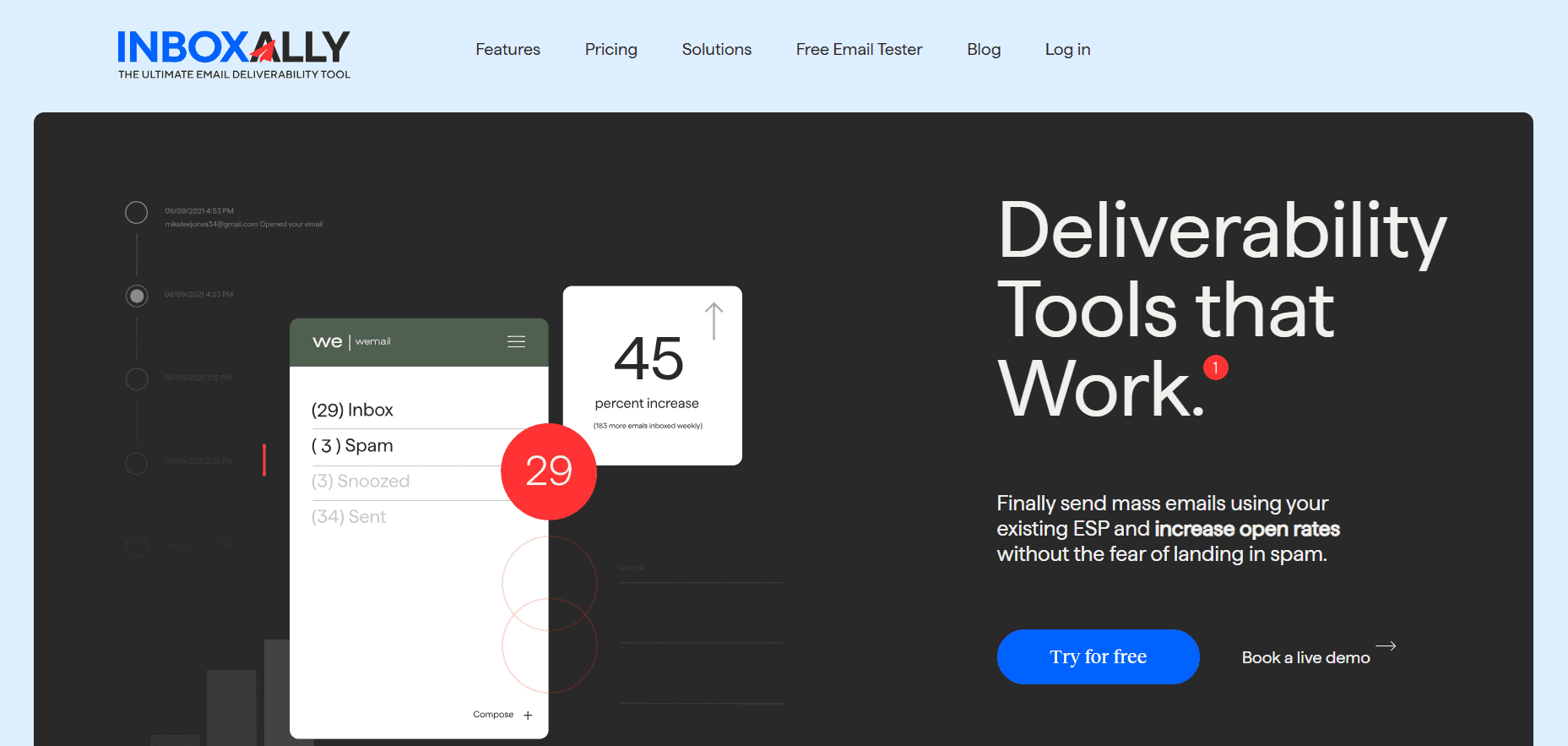
InboxAlly is the comprehensive suite I need to solve challenging deliverability problems across the board. It's like a triage hub for diagnosing and fixing email deliverability rates in one dashboard. I've tried a lot of tools, but this is the one I've stuck with.
2. MailReach

MailReach is the most common direct replacement for Warmbox, and it offers the one thing Warmbox leaves out.
It runs inbox placement tests across Gmail, Outlook and more than thirty other providers. You get an independent measurement of where your mail lands rather than a score produced by the system doing the warming. It also checks blacklist status, authentication records and reputation, and those tests can run on a schedule instead of only when you remember to click.
The warmup itself is rather conventional: daily sends, opens, replies, spam rescues, volume increasing over time, the works.
Similarly to Warmbox, the pricing is per inbox at around $25 a month. On one mailbox that’s competitive but on twenty it’s $500 a month for warmup before you’ve paid for anything else. Spam test credits are also capped by plan, so testing before every campaign can use them up unexpectedly quickly.
Best for: senders running a moderate number of inboxes who want warmup and direct placement data from one subscription.
Pricing
- $25 per inbox per month, including automated warmup, spam test credits, reputation tracking and blacklist monitoring.
3. Warmup Inbox
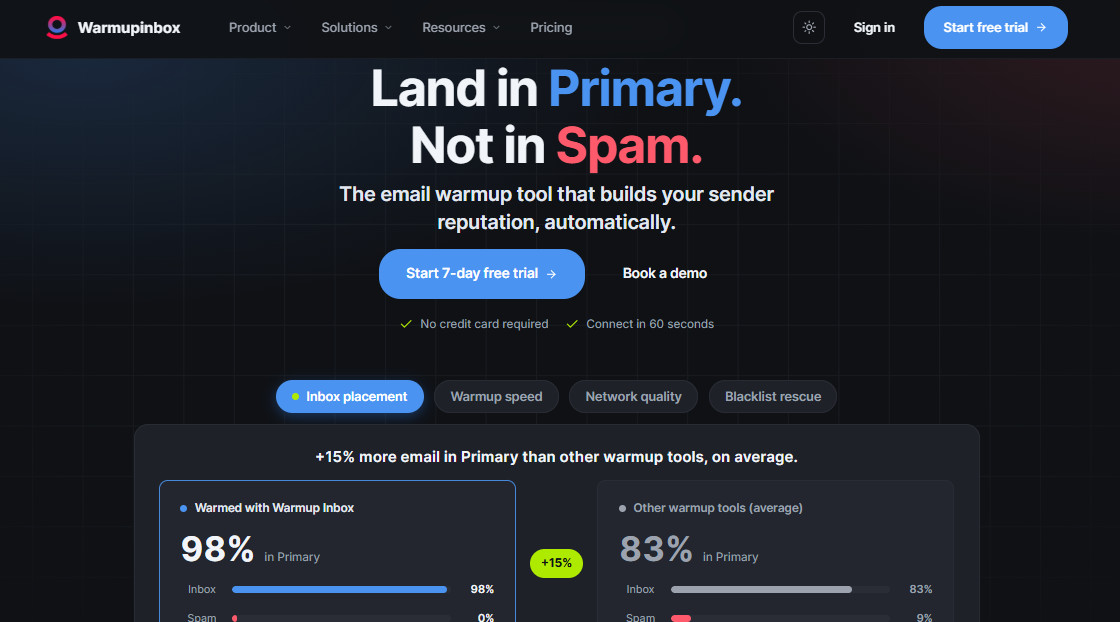
This is the cheapest sensible way into the category. The network runs to more than 30,000 inboxes handling the usual loop of sending, receiving, replying, and rescuing from spam.
One thing I like is they publish real data from their own network instead of just making marketing claims. They looked at what happened after Gmail’s November 2025 update and found that inbox placement dropped a little, but they recovered it. That’s more honest than saying ‘nothing changed’ or ‘warmup is dead.’ And I trust their data more than a press release.
However, there are no diagnostic tools, so when something breaks, you’ll have to work out why in another tool.
Best for: solo senders and small teams who want warmup running cheaply and have diagnostics covered elsewhere.
Pricing
- $15 per inbox per month on Basic (75 warmup messages a day, replies on up to 25% of them)
- $49 on Pro (250 a day, 45% replies)
- $79 on Max (1,000 a day, 50% replies)
These are annual rates, and monthly billing costs about 20% more. Free trial on every tier.
4. Lemwarm
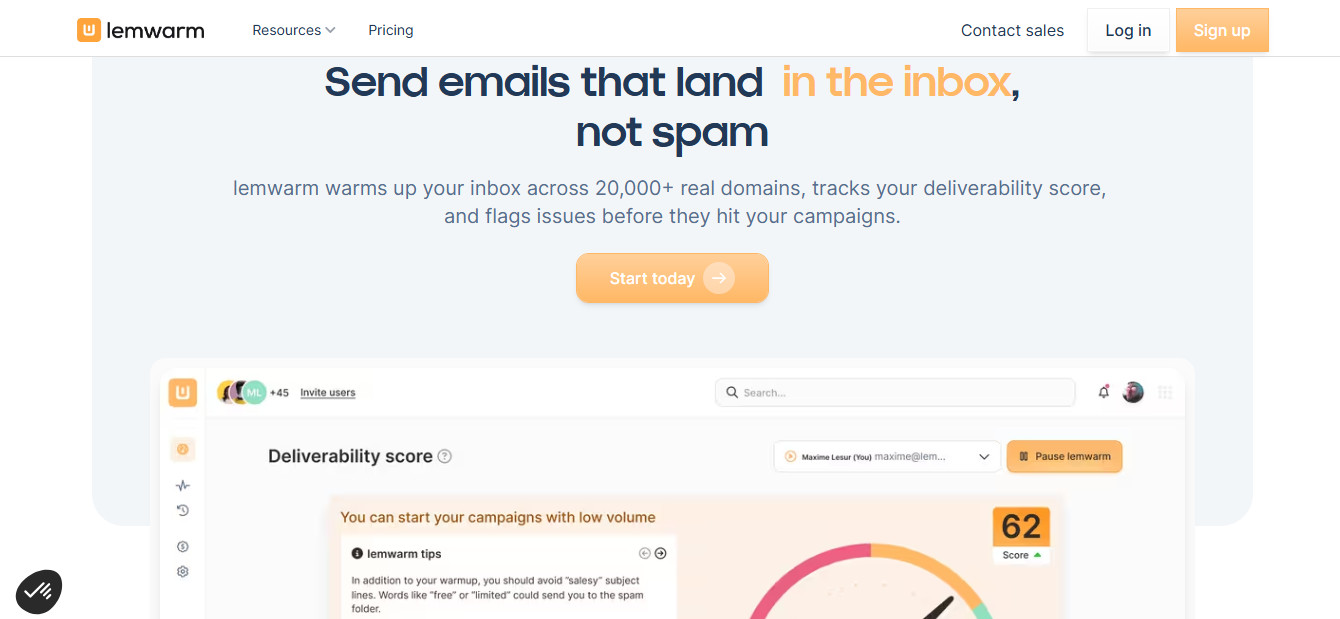
Lemwarm makes sense under one condition, you’re already using Lemlist. Then it fits into a workflow you have instead of adding another login and another invoice.
It handles automatic spam folder rescue, which several tools in this list don’t explicitly offer. Independent testing has put its inbox placement around 96%, near the top of the category.
The price is $29 per inbox per month. Ten inboxes comes to $290 a month for warmup alone, before you’ve bought the inboxes or paid for a sending platform. If you’re not in Lemlist already, there’s no reason to pay that.
Best for: Lemlist users.
Pricing
- $29 per email per month on Essential
- $49 on Smart (adds personalised warmup emails, warming with your real templates, and a network matched to your industry)
- Custom pricing above 10 users
5. Instantly and Smartlead

I thought these two belong together because the main argument for each is the same. Both are cold email sending platforms that include warmup at no extra cost, which drastically changes the math if you were going to pay for a sequencer anyway. Instantly starts around $37 a month, Smartlead around $39, and both cover a large number of connected mailboxes without a separate per-inbox warmup charge added on top. Smartlead also moves messages from spam to inbox automatically as part of its warmup loop.
So is free warmup worth switching platforms for? Usually not. You’d be replacing your entire sending setup to save $25 a month, and bundled warmup tends to be simpler than what the dedicated tools offer. If you’re already on one of these two, or you’re choosing a platform now, take the included warmup and don’t pay twice.
Best for: teams already on Instantly or Smartlead, or choosing a sending platform now.
Pricing
- Instantly from around $37 a month
- Smartlead from around $32 when billed yearly. Warmup included.
6. Mailivery
Per-inbox pricing is the problem this one solves. Fifty mailboxes at $25 each is $1,250 a month for warmup, which is the point where agencies start looking for another model.
Mailivery doesn’t charge per inbox. Every plan includes unlimited mailboxes, and what changes between tiers is the shared warmup volume they all draw from. Ten mailboxes on the entry plan means ten mailboxes splitting 200 emails a day, not 200 each. Adding an eleventh costs $0 extra, but each inbox gets a thinner slice unless you move up a tier.
Below five mailboxes, you’re paying for volume you won’t use, and a per-inbox tool will cost less.
Best for: agencies and sales teams running many mailboxes who’d rather manage one shared volume tier than a per-seat bill.
Pricing
- $21.75/month on Starter (200 warmup emails/day shared, unlimited mailboxes)
- $59.25 on Professional (800/day)
- $149.25 on Business (2,500/day).
Billed yearly; 7-day free trial available.
Which One to Pick
Warmbox and the six tools above are all doing roughly the same job, but they’re not interchangeable.
At first glance it looks like price should decide it, since Warmup Inbox’s Basic plan at $15 undercuts nearly everything here. And for a solo sender with one or two mailboxes, it probably should.
But if you’re running more than a few inboxes, the per-inbox model might not make as much sense. MailReach and Lemwarm both charge that way, and can both get expensive with five or six mailboxes. Mailivery solves that by charging for shared volume instead of seats, which is worth more than its price tag suggests if you’re an agency adding mailboxes every month.
Instantly and Smartlead solve a different question entirely. If you need a sending platform anyway, the warmup that comes free with it is hard to argue against, even if it’s not the deepest option available.
But if your mail is still going to spam, none of the above will help. That’s not a warmup problem in the usual sense, and InboxAlly is the one tool here built for it specifically.
Whatever you land on, I suggest that you turn on Google Postmaster Tools and check it weekly. It’s free, and it’s the only place you’ll see what Gmail thinks of your domain, rather than what your warmup tool thinks of it.