


Last Updated on September 17, 2026 by The Digital Merchant Team
If you’re managing a distributed team of, say, 10 to 100 people, then your phone system is going to have to work whether a call originates from a home office in Denver, a co-working space in Bangalore, or even a laptop on a high-speed train from Beijing to Shanghai.
Failing this, you’ll end up with fragmented call quality across your team, not to mention admin issues across different timezones or even tickets about obscure hardware your IT team hasn’t encountered before.
That’s why it’s vital for Ops Managers and IT leads of remote and hybrid teams to focus on what they actually need from a cloud phone system.
What Remote and Hybrid Teams Should Look For in a Cloud Phone System

Softphone Apps for Both Desktop and Mobile
The baseline requirement in this scenario is a softphone that works identically on both mobile and desktop with no functionality gaps.
This means, for instance, that a rep who takes a call on their laptop first thing in the morning and ends the day on their phone during the evening commute can access the same call history, contact context, and call controls in both places.
If, on the other hand, a cloud phone system offers only a barebones mobile version of the desktop experience, then reps will experience a major handicap relative to those platforms that adopt a cloud-first approach.
Cloud-Based Admin and Number Management
If you’re running a distributed team, ideally when a new hire is added, you need to have a number assigned to them so they can be making calls within the hour. This is going to be incredibly difficult if they need hardware shipped to them and/or if you need to open a support ticket each time.
Check whether numbers, extensions, and routing rules can all be managed from a web dashboard without needing an on-site IT visit or a physical PBX.
CRM Integration
Remote sales and support teams using platforms that don’t automatically log to the CRM run the risk of silent data loss.
That’s why it’s crucial to confirm exactly what syncs at the end of each call, such as recording, disposition, duration, and any AI-generated summary, not just a basic timestamp.
Call Routing Across Timezones (If Applicable)
If your distributed team works across multiple regions, then it stands to reason that your phone system will require business hours logic that reflects each rep’s actual local time, not a monolithic global schedule. Choose a platform that lets you easily set working hours per team or per number, and then route calls intelligently based on who’s actually online.
No Specialized Hardware Requirements
I can’t emphasize this strongly enough. After all, the entire purpose of a cloud phone system for a distributed team is that you don’t need specific business telephony equipment. If a platform is trying to push you toward desk phones or requires an on-premise PBX component for any of its core features, it’s undermining the whole point of the remote-first model.
Top Mistakes Remote and Hybrid Teams Can Make When Choosing a Cloud Phone System

Underestimating the Extent of CRM Integration Depth
This can be a very difficult factor to consider, because virtually every cloud phone system markets itself as being able to “integrate with Salesforce” or other major CRMs.
Still, integration doesn’t always mean exactly the same thing to every vendor. For example, some platforms will log a call and a timestamp. Others may log the full recording, transcript, and disposition automatically.
That’s an important consideration for distributed teams, because it’s not like a manager can easily walk up to a rep’s desk, peer over their shoulder, and check that everything’s in order. Always ask for the specific field-level detail involved in integration for your chosen CRM before signing up.
Choosing Based on Entry Price Alone
While many cloud phone platforms have a dedicated pricing page, these numbers don’t always include all the features a remote team will actually need, such as advanced routing, full CRM integration, or full mobile parity.
That means a plan that seems to cost, say, $20 per user per month, can quickly balloon to double that amount (or more), when you factor in the needs of a distributed team. That means you’ll need to run a careful analysis to build a full cost picture when considering providers.
Failing to Test Mobile Quality on Real Networks
A platform that runs perfectly on tests in your fiber-optic supplied office building can behave very differently over a domestic Internet connection or when using mobile data. Given that remote and hybrid teams rely heavily on the mobile app, test call quality and connection stability under real-world conditions before committing to a contract.
Bottom Line Up Front
For Ops Managers and IT leads managing distributed teams of 10 to 100 people, Aircall is the strongest overall choice.
It’s a cloud-native phone system, so it doesn’t need specialized hardware to use. Aircall has also been designed specifically for teams that need fast setup. Softphone apps for desktop and mobile, cloud-based number management, deep CRM integration, and flexible call routing all included in the “Essentials” entry tier.
There are certain niche cases where another platform may make more sense, which I’ll explore in more detail below. But for most distributed teams in this size range, Aircall can help you hit the ground running faster and with fewer moving parts than the alternatives.
Aircall
Pros
- Fully cloud-native with no on-premises requirements or specialized hardware needed
- Fast setup (teams can be live within 24 hours)
- Deep native CRM integration with 250-plus tools including HubSpot, Salesforce, and Zendesk.
Cons
- Advanced routing and analytics features require ‘Professional’ plan at $50/user/month
- No built-in video meetings feature
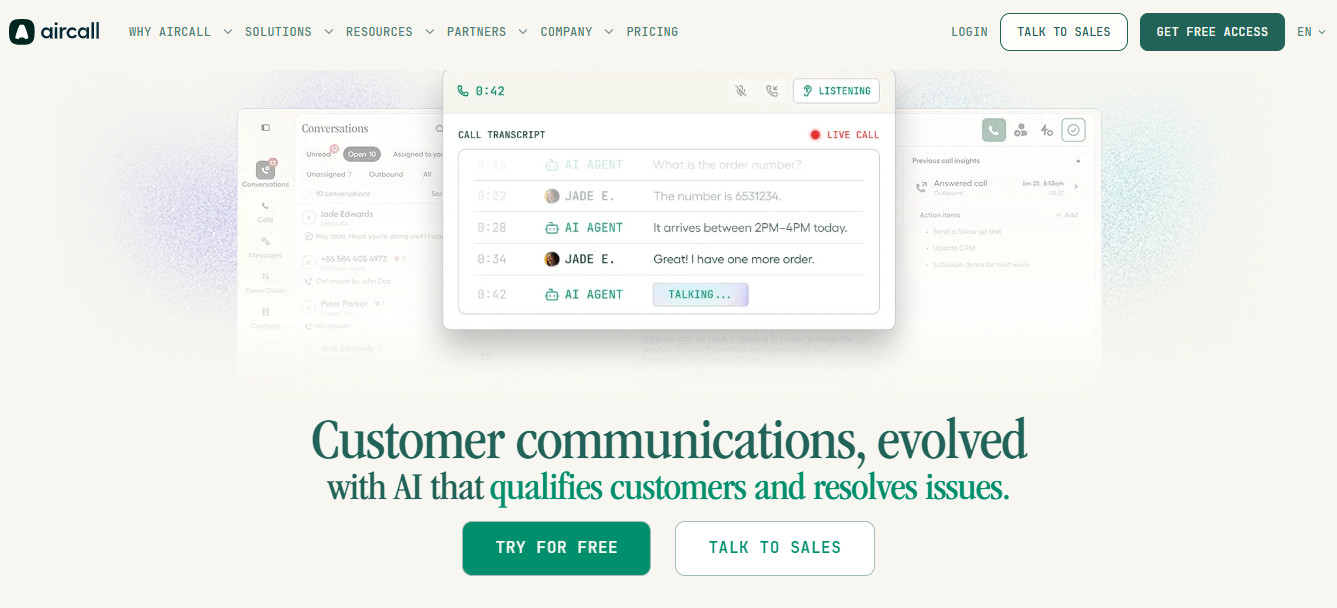
Aircall was originally designed as a cloud-first phone system, so is well-suited to the needs of hybrid/remote teams.
The softphone apps for both desktop and mobile have the same feature set, so in the scenario I mentioned earlier of a rep switching from their laptop to their phone, the full call history, contact context, and call history would be retained.
Common administration features can be managed via the web dashboard. This includes assigning telephone numbers, setting up ring groups, and configuring IVR menus. This can all be done remotely, for instance by an Ops Manager, with no need to visit a centralized office.
On the CRM side, Aircall’s native integrations sync call recordings, dispositions, and tags, though for full Salesforce CTI integration, you’ll need a “Professional” subscription ($50/user/month with a minimum of three seats). This tier also includes sending AI-generated summaries directly to the contact record the moment a call ends via “AI Assist”.
Call routing across time zones can be handled via configurable business and ring groups that can be set on a per-team basis.
Explore this in-depth Aircall review for a closer look at the platform’s features.
RingCentral
Pros
- Extensive integration ecosystem (300-plus connections including deep Salesforce and Microsoft 365 integration)
- Good call quality with a 99.999 % SLA.
- Unified communications platform combining voice, video, and messaging in one app.
Cons
- The basic ‘Core’ plan doesn’t include video meetings and CRM integrations, which distributed teams will likely need.
- Setting up call flows in the admin portals requires clicking through multiple menus.
- Independent reviews report issues with calls dropping when switching between Wi-Fi and cellular networks
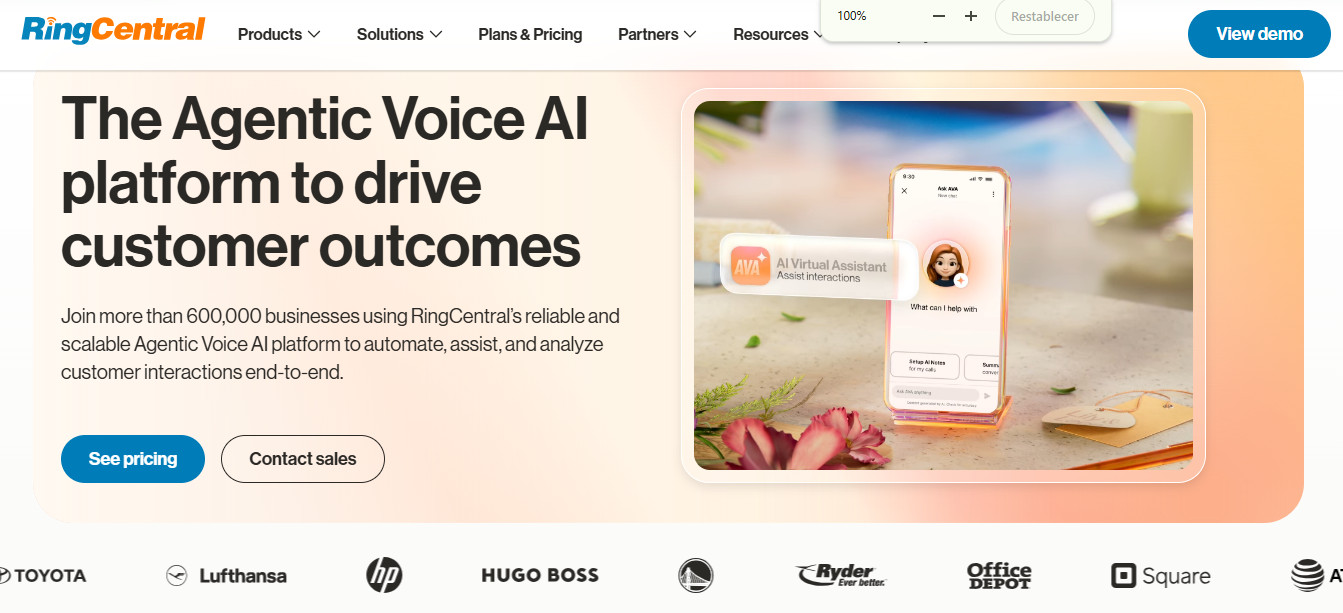
If you’re running a large distributed team that wants voice, video, and messaging combined into a single platform, then RingCentral is worth serious consideration.
It doesn’t require specialized physical hardware, but its Softphone supports a number of desk phone models if your hybrid office still uses them. The software also runs on desktop machines, iOS, and Android.
The cloud-based admin portal covers number management, auto-attendants, and multi-level IVR. As with competitors like Aircall, these can be configured remotely, but the interface has a relatively steep learning curve.
CRM integrations are excellent, as the platform supports over 300 tools, but CRM integrations like Salesforce and HubSpot connections require the “Advanced” plan at $25/user/month, paid annually, instead of the entry-level “Core” tier ($20/user/month, paid annually).
Time zone-based call routing is supported through business hours settings per queue, and the platform runs entirely on RingCentral’s cloud infrastructure.
Nextiva
Pros
- Competitive entry pricing (starts at $15 per user, per month)
- Unified voice, video, SMS, and digital channels in one platform with fast setup
- Good reputation for customer support (24/7 phone assistance)
Cons
- CRM integrations and intelligent routing only available on the “Engage” plan
- Multiple reviews focus on issues surrounding contract terms and early termination fees
- Some independent reviews also flag issues with mobile app reliability
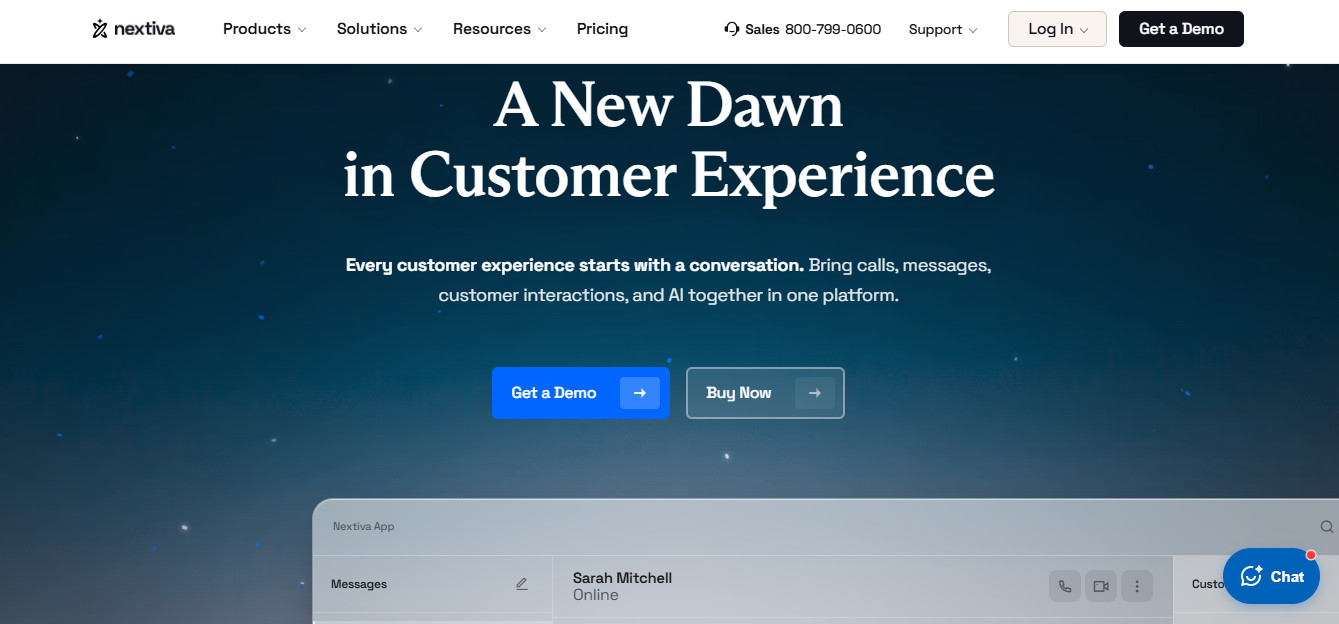
If you take the time to read through Nextiva’s website, you’ll see that the platform markets itself directly to distributed teams that need instant setup without specialized telephony hardware.
This is reflected in the entry-level “Core” plan ($15/user/month, billed annually). This includes unified voice, video, SMS, and digital channels.
The softphone works across both desktop and mobile, and the cloud-based admin portal covers number and user management without needing to be installed in a central office.
However, it falls short relative to competitors like Aircall and RingCentral in terms of its CRM depth and routing sophistication.
For instance, teams that need multi-site management, customizable workflows, and intelligent routing will need to sign up for the “Engage” plan, at $25/user/month, billed annually. Ops managers that want full contact-center-grade features, including skills-based routings will need the “Scale” plan ($75/user/month, billed annually). User reviews also highlight issues surrounding contact renewal and mobile app reliability.
CloudTalk
Pros
- Good international number coverage (160+ countries)
- Competitive entry pricing (from around $19/user/month)
- Advanced routing and analytics (on “Expert” plan)
Cons
- CRM integrations aren’t available on the entry-level “Lite” tier
- Power dialer and parallel dialer are separate paid add-ons.
- Independent reviews flag issues with customer support.
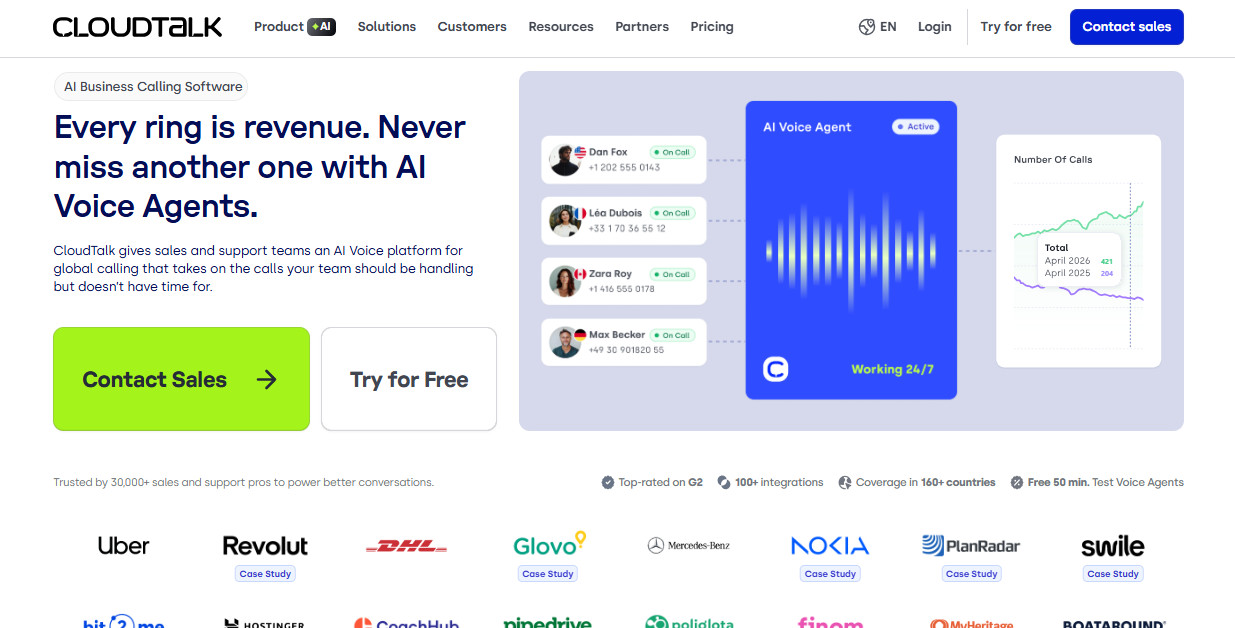
In the context of remote and hybrid teams, CloudTalk’s main strength is international coverage. If your team is distributed across many different countries and wants local phone numbers to match, then the platform offers a major advantage over competitors.
Its softphone apps are available for both desktop and mobile. The cloud dashboard easily manages admin functions like number assignment and ring group configuration.
The platform supports 95+ integrations, including Salesforce, Hubspot, and Pipedrive. However, to access these you’ll need an “Essential” subscription ($29/user/month, billed annually).
Time zone-based routing is supported through configurable business hours per queue, though once again, you’ll need to be on the “Essential” tier to take advantage of this. That means the entry-level “Lite” plan is unlikely to offer good value for money for remote or hybrid teams, as it lacks features that they’re very likely to need.
JustCall
Pros
- Combines calling, SMS, and WhatsApp into one platform
- Reasonably-priced entry-level tier
- Solid CRM integration (100+ native connections)
Cons
- Advanced AI features and coaching tools require higher-tier plans or add-ons
- Certain user reviews have raised issues surrounding technical issues and billing
- Minimum two-seat requirement
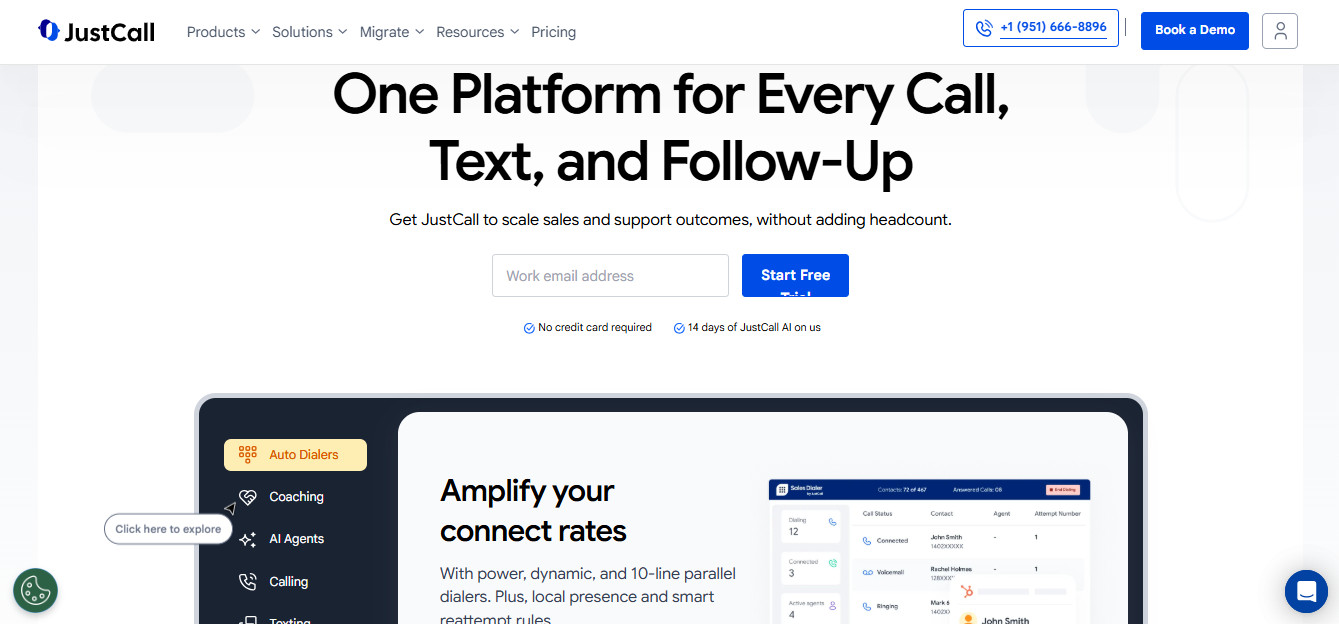
For smaller distributed teams calling, SMS, and CRM integration bundled together without a large upfront commitment, JustCall can be a reasonable choice.
The softphone app covers desktop and mobile, and number management via the cloud dashboard, with no need for specialized equipment.
CRM integration is good, given that the platform supports over one hundred integrations, including Hubspot and Salesforce. This is included in the entry-level “Team” plan ($29/user/month, billed annually). This also includes a local number in 70+ countries.
The main area of concern with JustCall concerns reviews that highlight issues with call quality. At the time of writing, the platform has a 3.8/5 rating on Trustpilot, and 17% of these reviews are one-star, mainly centering on problems with billing, hidden fees, and contacting customer service. In one case, a user said that his clients had issues contacting his team due to a technical issue with JustCall, and he had some trouble obtaining tech support immediately.
Final Thoughts
For most Ops Managers and IT leads managing a distributed team of 10 to 100 people, Aircall remains the strongest overall choice of the platforms I’ve discussed as it can deliver full softphone features across both desktop and mobile, with cloud-based admin and number management and no on-premise dependencies.
However, if your organization needs voice, video, and team messaging fully unified in a single platform for a larger, more complex distributed workforce, you may find that RingCentral’s broader ecosystem justifies a more in-depth setup process.
If your routing needs are fairly simple and you’re on a budget, then Nextiva’s entry pricing is worth considering, so long as you have a detailed understanding of its features and contract terms.
Finally, if your team is spread across many different countries and you need good local number coverage, CloudTalk’s international reach stands out. Smaller teams that need calling and SMS bundled tightly together may wish to trial JustCall, but make sure to carefully test call quality first.
Whichever platform ends up on your shortlist, be sure to run any trials with your actual team; your tests should take place across the real locations and networks your reps will be using day to day. That’s the only way to really know whether the softphone, the routing, and the CRM sync will actually hold up once real distributed work starts flowing through it.