


- Best Tools for Diagnostics and Sender Reputation Monitoring
- Best Tools for Inbox Placement Testing
- Best Tools for Warm-Up and Ongoing Sending Health
- MailReach and Similar Outbound-Focused Tools
- Best Tool for Engagement Simulation and Sender Reputation Improvement: Inboxally
- Which Tool is Right for Your Team?
Last Updated on May 8, 2026 by Ewen Finser
Email deliverability tools help you understand and improve whether your emails are actually reaching your recipients’ inboxes. Without the right software, your emails may end up in spam.
So, if you need new or better email deliverability software, it helps first identify which problem you’re actually trying to solve:
- Diagnostics: Your emails aren’t landing but you can’t pinpoint why. You need visibility into what’s actually broken before anything else.
- Inbox placement testing: You have decent infrastructure but no clarity on whether you’re hitting inbox, spam, or promotions across different providers. More useful for validating campaigns before you send at scale than for fixing an underlying reputation problem.
- Warm-up: You’re working with a new domain, a new setup, or are scaling outbound volume. Mailbox providers don’t trust you yet because there’s no track record, and warm-up tools build that gradually.
- Engagement simulation: You already know placement is suffering and need to actively fix it. You need something that works on sender reputation directly by generating the engagement signals that tell providers your mail is wanted.
Buying the wrong category of tool usually means spending money without fixing the actual issue. That’s why we’ve broken down the best B2B email deliverability tools by function, not just by brand.
Best Tools for Diagnostics and Sender Reputation Monitoring
If you do not have a clear read on domain reputation, spam rate, authentication, blacklist exposure, or provider-specific issues, diagnostic tools are usually the starting point.
They help you see what mailbox providers are likely seeing before you try to fix the rest.
Google Postmaster Tools
Google Postmaster Tools is still one of the most useful free resources in the category because it provides Gmail-specific data on spam rates, IP and domain reputation, authentication, and delivery errors. That makes it especially relevant if Gmail is a major part of your addressable market, which it usually is in B2B.
The catch is that it’s a monitoring layer, not a full solution. It tells you where things stand, but it does not fix the problem for you.
Microsoft SNDS
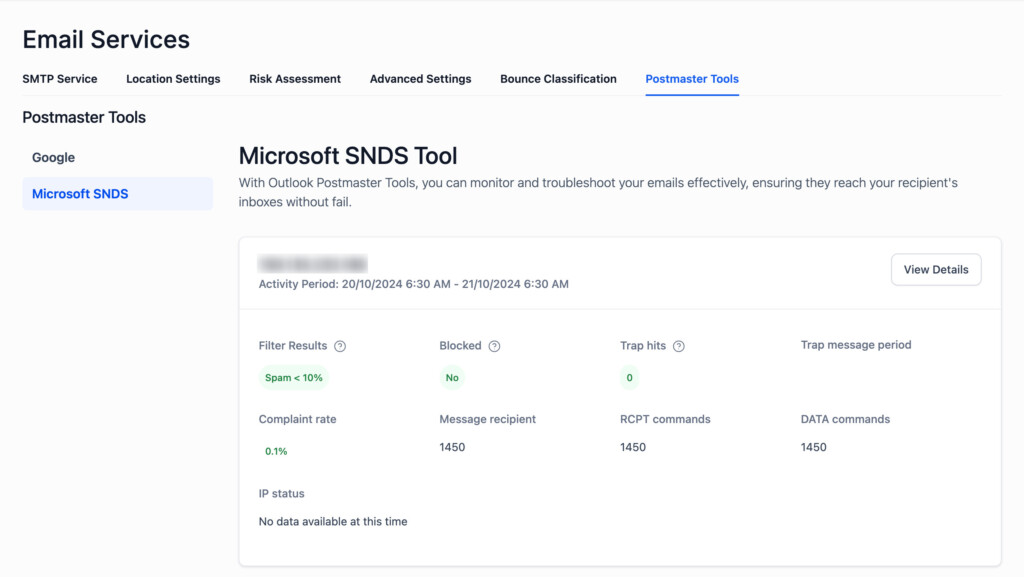
Microsoft’s Smart Network Data Services plays a similar role for Outlook properties. Microsoft explicitly frames Outlook deliverability as reputation-based, and SNDS is there to help senders understand the data behind that.
Again, useful, but mostly diagnostic. It is more about health signals than a fix for deliverability issues.
GlockApps

GlockApps sits in a more commercial bucket. The platform emphasizes spam testing, authentication checks, sender reputation monitoring, domain and IP analytics, and blacklist visibility.
It’s a practical choice for teams that want more than the free provider dashboards and want one place to check core deliverability signals.
Folderly
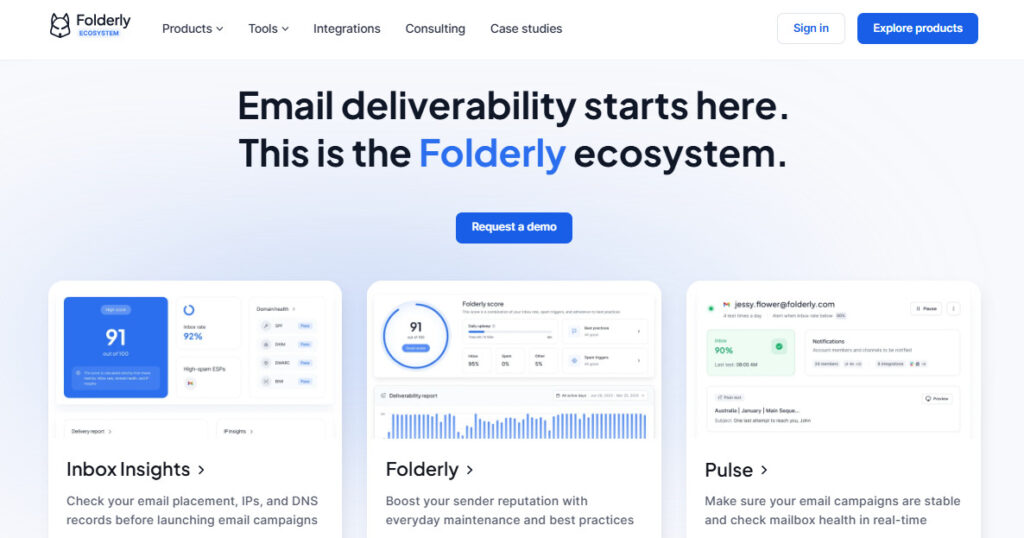
Folderly also extends into monitoring and issue detection, with a focus on real-time alerts, inbox monitoring, warm-up, and ongoing deliverability surveillance. In practice, it sits between diagnostics and managed improvement.
That can be useful for teams that want more hands-on support than a pure testing tool, though it is usually a broader deliverability layer rather than a single-purpose warm-up or engagement product.
Best Tools for Inbox Placement Testing
Inbox placement testing is less about long-term sender reputation management and more about checking where your emails are likely landing across providers and folders.
This is mostly important for when you want to validate campaigns before sending at scale or understand whether placement is trending toward inbox, spam, or promotions.
Validity Everest
Everest is one of the more established platforms in this space. It’s built around three stages:
- Checking things before you send
- Monitoring performance while a campaign is running
- Tracking placement results after
That makes it more of a full email program management tool than a simple inbox checker.
It’s also not a lightweight setup. Everest is designed for teams running large, mature email programs who want detailed visibility at every stage, not just a quick pre-send test. If you’re running high-volume campaigns and want enterprise-level oversight, it’s one of the stronger options in this category.
GlockApps

GlockApps also belongs in this bucket because testing is a big part of its value. If you want pre-send spam checks, authentication review, and visibility into inbox placement without buying into a larger enterprise stack, it is a reasonable option.
Mailgun Optimize / Inbox Placement
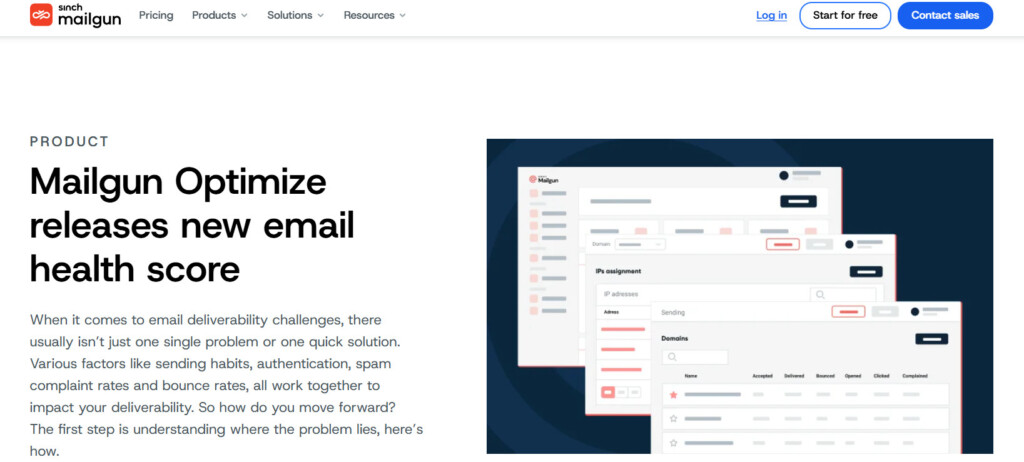
Mailgun also offers inbox placement testing to help teams understand where messages land before they send at scale. It makes sense for more technical teams already close to the Mailgun ecosystem or teams that want deliverability testing tied more directly to sending infrastructure.
Best Tools for Warm-Up and Ongoing Sending Health
Warm-up tools are usually the most relevant for outbound-heavy B2B teams – especially for startups, SDR teams, agencies, and founder-led sales motions.
That’s because domains are newer, sending volume is being ramped gradually, and you’re landing in spam before the campaign even has a fair shot.
InboxAlly
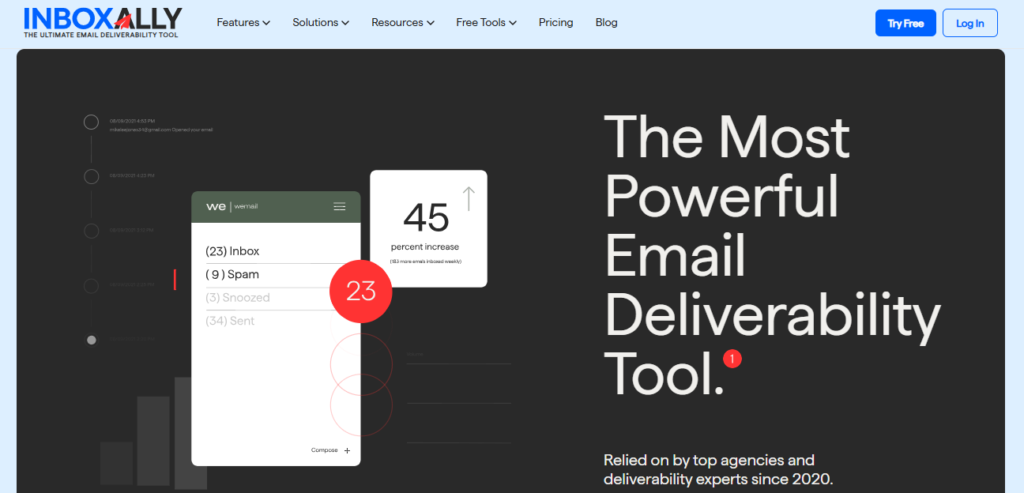
InboxAlly is one of the more straightforward names in this category. Its positioning is clear: help keep inboxes healthier over time and reduce the risk of spam folders through warm-up activity.
That usually makes it a practical fit for teams that mainly want a simple warm-up utility rather than a bigger deliverability operations layer.
Folderly
Folderly overlaps here too, because it includes automated warm-up alongside monitoring. That broader approach can be useful if you want a warm-up plus oversight in one platform, though it is not as narrowly focused as simpler warm-up tools.
MixMax

MixMax is both an email/folder optimizer and a send warmer for businesses on a basic budget. It’s more cost-effective than similar cold outbound tools like Yesware, with the same powerful features. This is a good option for new businesses or those with a new domain.
MailReach and Similar Outbound-Focused Tools
There are also outbound-first vendors like MailReach that keep pushing this category forward, especially for cold email teams. The reason these tools keep getting attention is simple: B2B buyers are not just looking for reporting. They want something that can protect new sending setups before performance falls apart.
Best Tool for Engagement Simulation and Sender Reputation Improvement: Inboxally
Most deliverability tools in this guide are diagnostic or preventative. They tell you what’s wrong, show you where emails are landing, or help you build sending history before problems start.
InboxAlly is the only tool in this guide that was designed to actively improve sender reputation after the fact by simulating the engagement signals that mailbox providers use to decide whether to trust you.
InboxAlly generates real mailbox interactions through a network of seed accounts, including opens, clicks, replies, and inbox moves. The idea is that those interactions teach providers like Gmail, Yahoo, and Outlook that your mail is wanted, which strengthens reputation and improves placement over time.
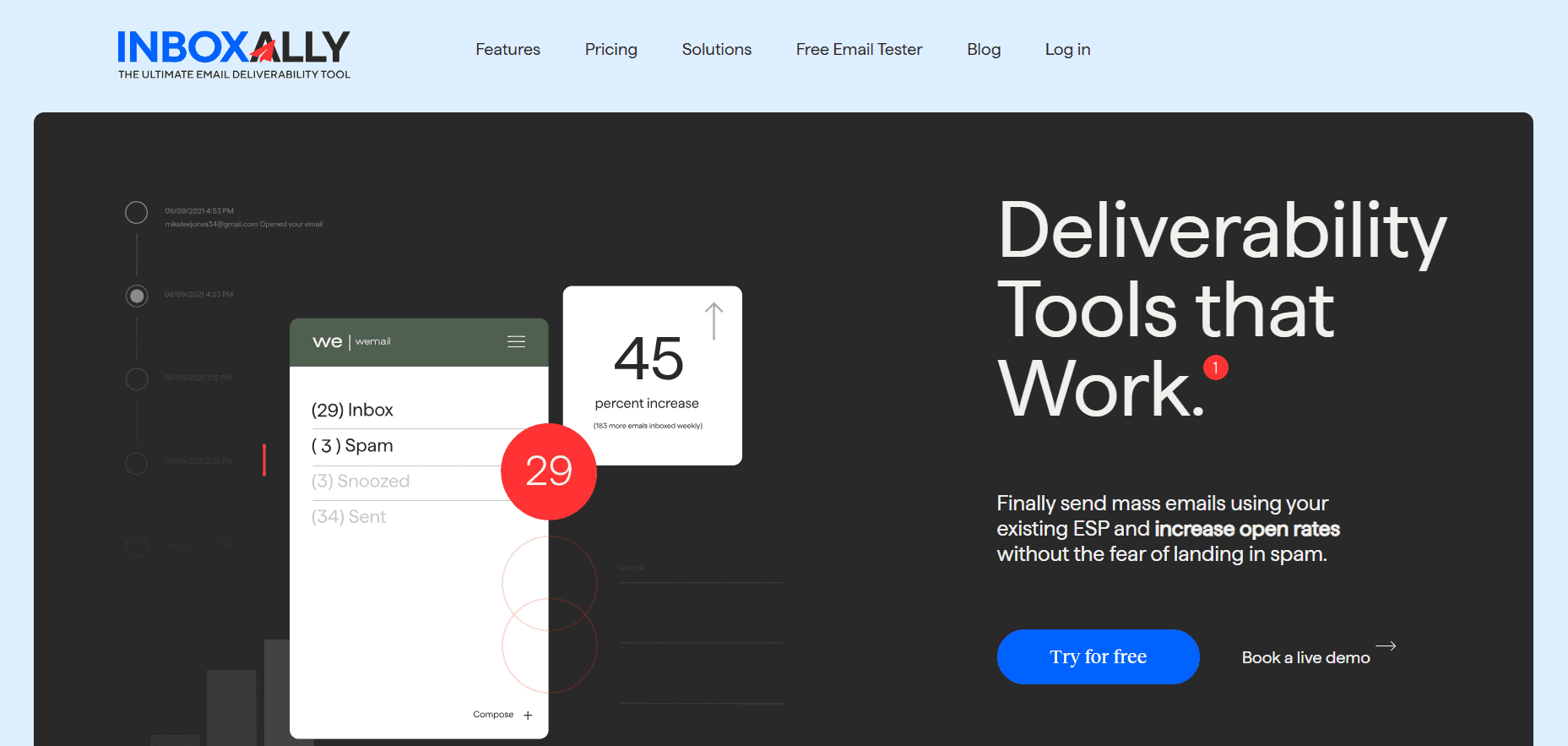
InboxAlly is the comprehensive suite I need to solve challenging deliverability problems across the board. It's like a triage hub for diagnosing and fixing email deliverability rates in one dashboard. I've tried a lot of tools, but this is the one I've stuck with.
InboxAlly is better for teams that already know they have a placement problem and aren’t looking for more data to confirm it. If open rates are down, spam folder rates are up, or a new domain isn’t getting traction, InboxAlly is designed to work on the underlying trust signals without requiring a full infrastructure rebuild.
It’s less useful if your main issue is visibility or diagnosis. But for B2B teams dealing with cold outreach, damaged placement, or a young sending environment, it’s the most direct tool in this space for actively moving reputation in the right direction.
Read our full InboxAlly review here: My 2026 InboxAlly Review: Does this help with email deliverability?
Which Tool is Right for Your Team?
Start by being honest about where you are.
- If you don’t know what’s broken, diagnose first.
- If you know what’s broken but can’t see where, test.
- If you’re building from scratch, warm up.
- And if the problem is already showing up in your numbers and you need to actively move reputation in the right direction, try InboxAlly.
The tool you need depends entirely on which of these issues is actually true for you. Getting that wrong is just going to waste you time and money on a fix that wasn’t aimed at the real problem.