


Last Updated on June 30, 2026 by Ewen Finser
Managing the books is one of the most time-consuming parts of running a small business, and also one of the most consequential. A missed invoice, a misclassified expense, or a tax deadline slipped past can cost more than just money.
The good news is that modern accounting software has come a long way from desktop spreadsheets and three-ring binders. Today’s tools can automate the tedious stuff, sync with the platforms you already use, and give you a real-time view of your financial health without requiring a CPA on speed dial.
The challenge, though, is that there are more options than ever, each with its own pricing structure, feature set, and ideal user.
The Bottom Line Up Front
Whether you’re a solo freelancer tracking client invoices, a retail shop owner managing inventory and payroll, or a growing startup reconciling expenses across multiple accounts, the right software can genuinely give you back hours in your week. Time you can spend on the things that actually move your business forward.
For most small business owners, the best accounting software comes down to the complexity of your finances, your budget, and how much automation you want out of the box. Puzzle is a standout for startups and tech-forward businesses, QuickBooks remains the industry workhorse, FreshBooks excels at invoicing and client work, Xero is a strong global-friendly alternative, and Wave is the go-to free option for very lean operations. Read on for the full breakdown.

Best Accounting Software for Small Business At a Glance
Platform | Starting Price | Best For | Free Trial | Standout Feature |
Free tier available | Startups, tech businesses | Yes | Real-time automated bookkeeping | |
~$30/mo | Established small businesses | 30 days | Deep ecosystem & integrations | |
~$19/mo | Freelancers, service businesses | 30 days | Client invoicing & time tracking | |
~$15/mo | Growing businesses, global ops | 30 days | Unlimited users on all plans | |
Free | Solopreneurs, micro-businesses | N/A (free) | Zero cost for core accounting |
Puzzle
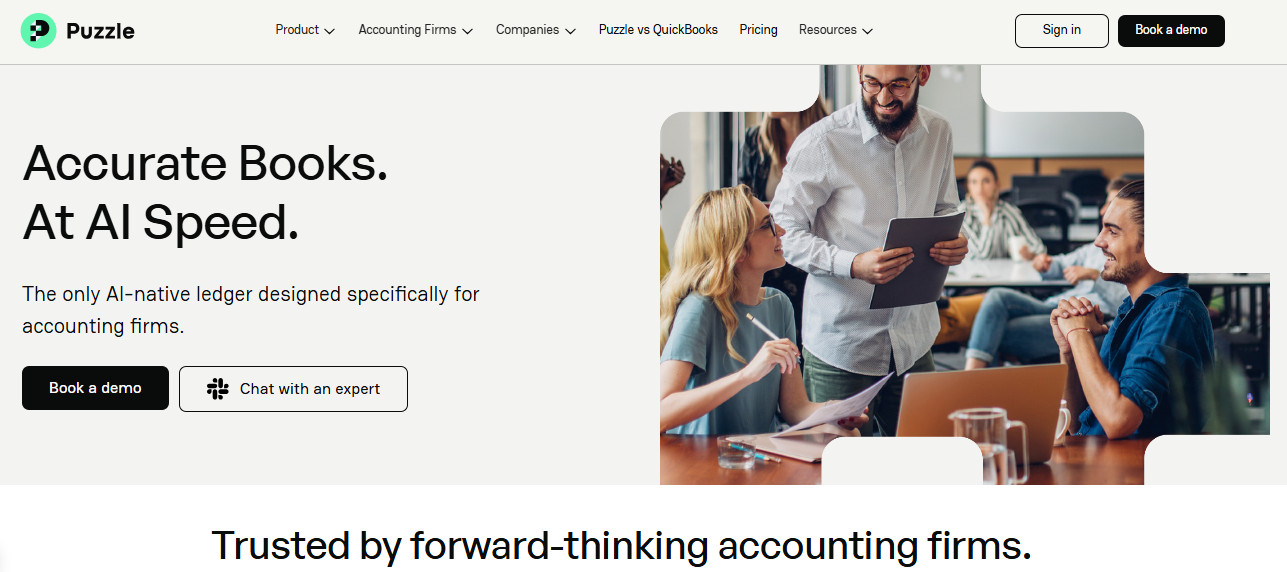
Puzzle is a modern accounting platform built for startups and small businesses that want their finances handled automatically, not manually entered line by line. It connects directly to your bank accounts and financial tools, then applies accounting logic in real time, so your books are always current without requiring you to touch them every day.
For founders and operators who want visibility into their numbers without the overhead of traditional bookkeeping, Puzzle removes a significant chunk of that burden.
Key Features
Puzzle automates transaction categorization and reconciliation, pulling data directly from connected accounts so the books stay current without manual input. It generates real-time financial statements such as the P&L, balance sheet, and statement of cash flows and supports accrual accounting out of the box, which is important for businesses that need accurate revenue recognition. It integrates with tools like Stripe, Gusto, and Ramp, and includes a collaborative workspace so founders and their accountants can work from the same data.
Pros
- Puzzle’s automated bookkeeping reduces the manual data entry that eats up hours every month, letting business owners focus on growth rather than categorizing transactions.
- The real-time dashboards make it easy to understand your financial position at a glance, even if you don’t have a finance background.
- Its integrations with modern fintech tools mean it fits naturally into a tech-first business stack.
Cons
- Puzzle is most valuable for businesses already using connected financial tools; companies with complex offline or cash-based operations may find less immediate utility.
- As a newer platform, it has a smaller third-party support community compared to legacy players like QuickBooks.
Pricing: Free tier available for early-stage businesses; paid plans scale with features and business size.
Best For: Startups, SaaS companies, and tech-forward small businesses that want automated, always-current books without a dedicated bookkeeper.
QuickBooks Online
QuickBooks Online is the de facto standard in small business accounting, and for good reason. It has been around long enough to develop a feature set that covers nearly every accounting scenario a small business might encounter. Everything from basic income and expense tracking to payroll, inventory management, job costing, and tax preparation can be done in QBO. Its widespread adoption also means there’s a massive ecosystem of accountants, integrations, and support resources built around it, which can be a meaningful advantage when you need outside help.

Key Features
QuickBooks Online offers full double-entry accounting with automated bank feeds, invoicing with automatic payment reminders and recurring billing, and optional payroll processing as an add-on. It connects to more than 750 third-party tools, including Shopify, PayPal, and HubSpot, making it one of the most integration-rich platforms available to small businesses. The mobile app adds mileage tracking and receipt capture for business owners who are frequently on the go.
Pros
- The breadth of QuickBooks’ integrations means it can connect to almost any tool in your existing workflow, from e-commerce platforms to CRM systems, reducing duplicate data entry.
- Automatic invoicing and payment reminders free up the mental load of chasing clients, which is one of the biggest time drains for small service businesses.
Cons
- QuickBooks can feel overwhelming for users who only need basic bookkeeping, and the pricing climbs quickly once you move beyond the entry-level plan.
- Customer support quality can be inconsistent, which is frustrating when you’re dealing with a financial issue that needs a fast answer.
Pricing: Plans start at approximately $45/month (Simple Start) and scale to $275/month (Advanced). Payroll is an additional cost.
Best For: Established small businesses that need a full-featured accounting solution with broad integration support and access to a large network of QuickBooks-familiar accountants.
FreshBooks
FreshBooks started as an invoicing tool and has grown into a full accounting platform, but its invoicing roots are still its greatest strength. For freelancers, consultants, agencies, and any service-based business where getting paid on time is the central financial concern, FreshBooks is purpose-built to make that process as smooth as possible. It also includes time tracking natively, which is a meaningful feature for anyone billing by the hour.

Key Features
FreshBooks offers polished, customizable invoices with automated payment reminders, and its built-in time tracking ties directly to client invoices so billable hours are captured without a separate tool. Expense tracking with receipt scanning, a lightweight project management view, and a dedicated client portal round out the core feature set. It integrates with Stripe, PayPal, Shopify, and a range of other common business tools.
Pros
- FreshBooks’ automated invoicing and follow-up reminders significantly cut down the time spent on accounts receivable, one of the most time-intensive tasks for small service businesses.
- The client portal gives customers a clean, professional way to review and pay invoices, which improves the payment experience and speeds up collection.
Cons
- FreshBooks is not ideal for product-based businesses that need inventory management; it’s built around service-based workflows.
- The lower-tier plans cap the number of billable clients, which can feel restrictive as your business grows.
Pricing: Plans start at approximately $23/month (Lite, up to 5 clients) and scale to $70/month (Premium, unlimited clients). An additional fee applies for adding team members.
Best For: Freelancers, consultants, agencies, and service-based small businesses that prioritize invoicing, time tracking, and client management.
Xero
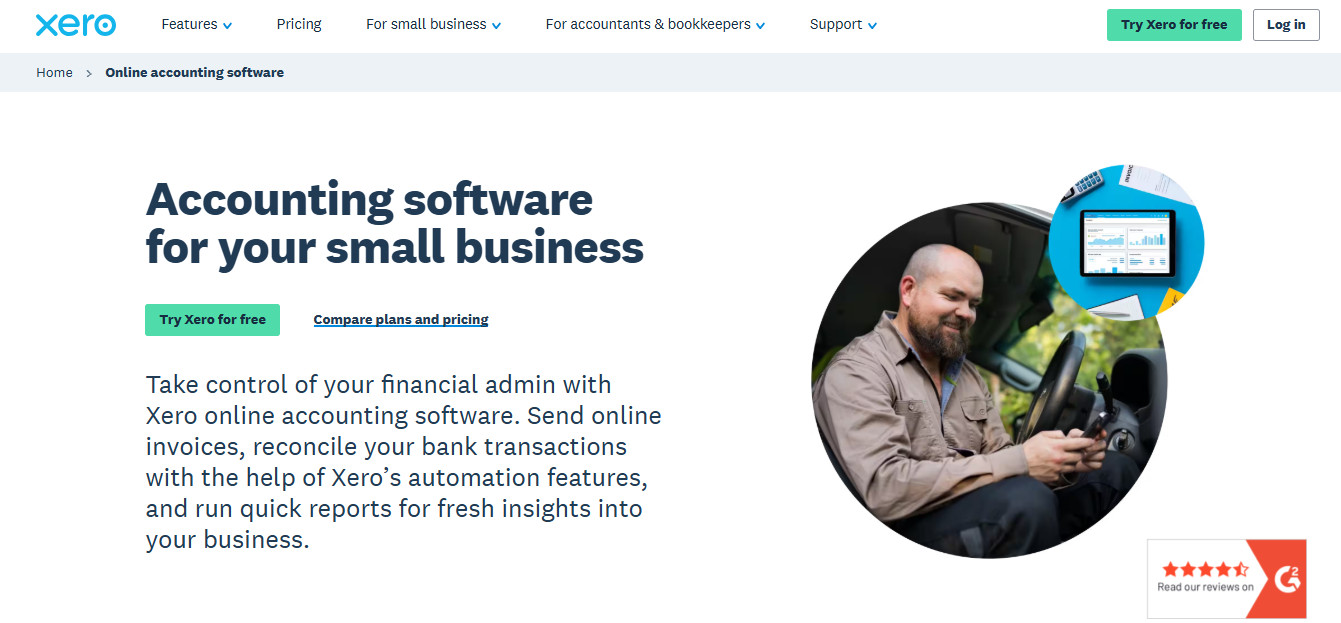
Xero is a cloud-based accounting platform with a strong international following that has made steady inroads in the U.S. market. One of its most distinctive features is that all plans — including the entry-level tier — support unlimited users, which makes it a cost-effective option for small teams where multiple people need access to the books. Its interface is clean and relatively easy to navigate, and it supports a robust library of integrations that extend its functionality for businesses of all kinds.
Key Features
Every Xero plan includes unlimited users, which is a meaningful distinction from most competitors that charge per seat. Core functionality covers automated bank reconciliation, transaction imports, and invoicing with online payment acceptance. Payroll is available in select regions, and Xero’s integration library exceeds 1,000 apps, including Stripe, Shopify, HubSpot, and Gusto, giving it flexibility across a wide range of business types.
Pros
- The unlimited-user policy is a genuine differentiator as there’s no per-seat cost creep as you bring on staff, contractors, or an outside accountant.
- Xero’s broad integration library, including connections to major e-commerce platforms, means it can slot into a variety of business types without requiring manual data syncing.
Cons
- Xero’s entry-level plan limits the number of invoices and bills per month, which can force smaller businesses to upgrade earlier than expected.
- All support is handled through online channels, which may be a drawback for users who prefer direct communication when something goes wrong.
Pricing: Plans start at approximately $25/month (Early) with invoice and bill limits, scaling to $90/month (Ultimate) for full features and payroll.
Best For: Small teams and growing businesses that need multi-user access without paying per seat, and businesses with international operations that benefit from Xero’s global currency support.
Wave
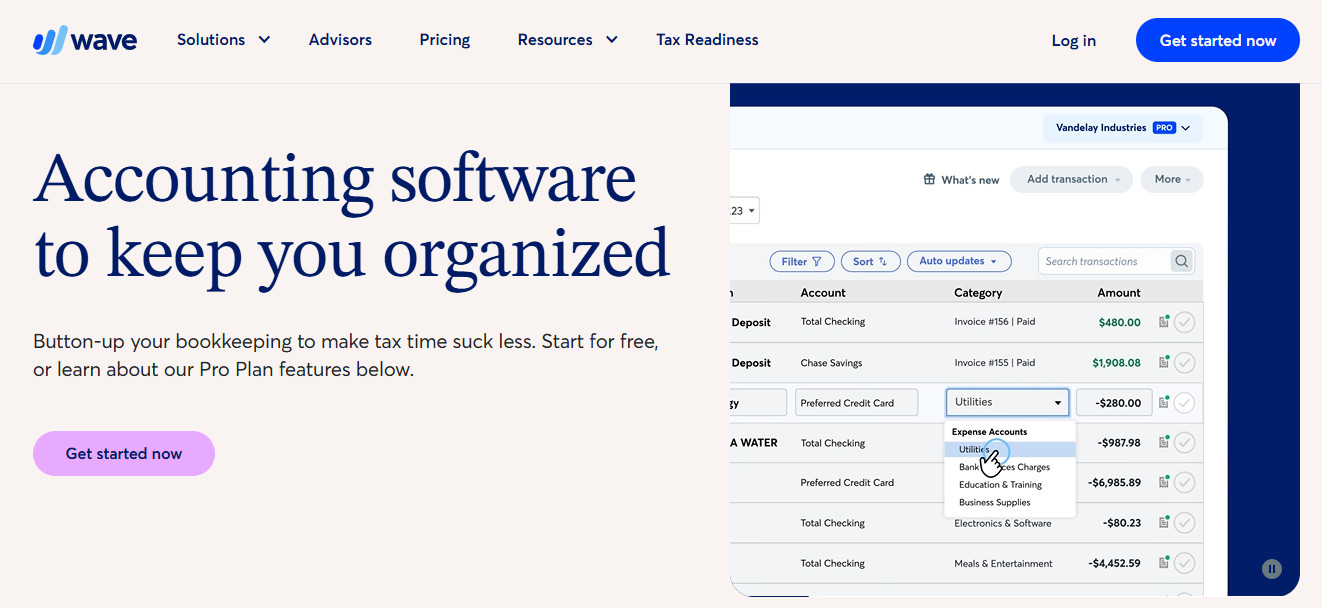
Wave occupies a category all its own: it offers core accounting, invoicing, and expense tracking at no cost, with no feature-gating behind a paywall for those essentials. For very small businesses, solopreneurs, or anyone just starting out who can’t yet justify a monthly software subscription, Wave provides a legitimate accounting foundation without the price tag. It generates revenue through optional add-ons like payment processing and payroll, which are priced competitively.
Key Features
Wave provides free double-entry accounting and bookkeeping, invoicing with online payment links (transaction processing fees apply), and receipt scanning with expense tracking. It connects to bank accounts and credit cards for automated transaction imports. Payroll is available as a paid add-on for businesses that need it, keeping the platform accessible at the base level while allowing some room to grow.
Pros
- Wave’s free core accounting removes the cost barrier entirely for very early-stage businesses, allowing owners to invest their limited budget in growth rather than software subscriptions.
- Despite being free, the invoicing tool is polished and functional, with the ability to send professional invoices and accept online payments directly.
Cons
- Wave’s feature set does not scale well beyond the basics. Businesses that need inventory tracking, advanced reporting, or deep e-commerce integrations will quickly outgrow what the platform offers.
- Customer support for the free product is limited primarily to a help center and community forums, with priority support reserved for paying customers.
Pricing: Core accounting and invoicing are free. Payment processing fees apply per transaction. Payroll starts at $20/month plus per-employee fees.
Best For: Solopreneurs, micro-businesses, and very early-stage startups that need functional accounting and invoicing without a monthly subscription commitment.
Final Thoughts
The right accounting software is the one that removes friction from your financial life, not the one with the longest feature list. If your goal is to spend less time on bookkeeping and more time on your customers or your growth, the key is finding a tool that automates the repetitive work, connects to the platforms you already use, and gives you enough visibility to make good decisions without requiring a finance degree.
For startups and businesses built on modern financial infrastructure, Puzzle’s automated approach means your books can keep themselves. For established businesses that need depth and flexibility, QuickBooks is the proven choice. FreshBooks remains the clearest path for service providers who need to invoice cleanly and get paid faster. Xero offers excellent value for teams that don’t want to pay per user. And for anyone just getting started who needs a zero-cost foundation, Wave does the job.
Whichever platform you choose, the goal is the same: less time staring at spreadsheets, more time building the business you actually started.