


- AI Invoicing Software: At a Glance
- Digits: Best for Unified AI-Native Accounting and Invoicing
- Xero: Best for In-Platform Plain-Language Invoicing
- QuickBooks Online: Best for All-In-One Invoicing and Payment Processing
- Zoho Invoice: Best for Standalone Invoicing
- Holdings: Best for MCP-Based Invoicing
- A Decision Tree for the Best AI Invoicing Software
Last Updated on October 8, 2026 by The Digital Merchant Team
When done manually, invoicing can be a drain on your time and resources, especially as your business grows. Between entering customer details, double-checking prices, and calculating taxes, an invoice can take a while to finalize. Then, there’s the process of actually sending the invoice and following up on late payments.
However, AI has unlocked more streamlined invoicing capabilities, some of which come in the form of standalone platforms that sync with your existing ledger, while others are included within the accounting software itself.
With that in mind, here are some of my top picks for AI invoicing software.

AI Invoicing Software: At a Glance
Best For | Invoicing Features | Integrations | Mobile App | Pricing | |
Digits | Unified AI-native accounting and invoicing | Ledger integration, payment tracking, reminders | Plaid, Ramp, Stripe, BILL, MCP server, others | iOS only | $65+/month |
Xero | In-platform plain-language invoicing | Plain-language invoicing, recurring invoices, reminders | 1,000+ | iOS, Android | $25+/month |
QuickBooks Online | All-in-one invoicing and payment processing | Recurring invoices, reminders, document scanning, bulk invoicing, batching | 3,000+, Claude connector, ChatGPT plugin | iOS, Android | $38+/month |
Zoho Invoice | Standalone invoicing | Recurring invoices, reminders, tax calculation, accuracy review, insights | 55+, MCP server | iOS, Android | Free |
Holdings | MCP-based invoicing | Plain-language invoicing, ledger integration, reminders, recurring invoices | QBO, Xero, FreshBooks, Wave, MCP server | None | Free |
Digits: Best for Unified AI-Native Accounting and Invoicing
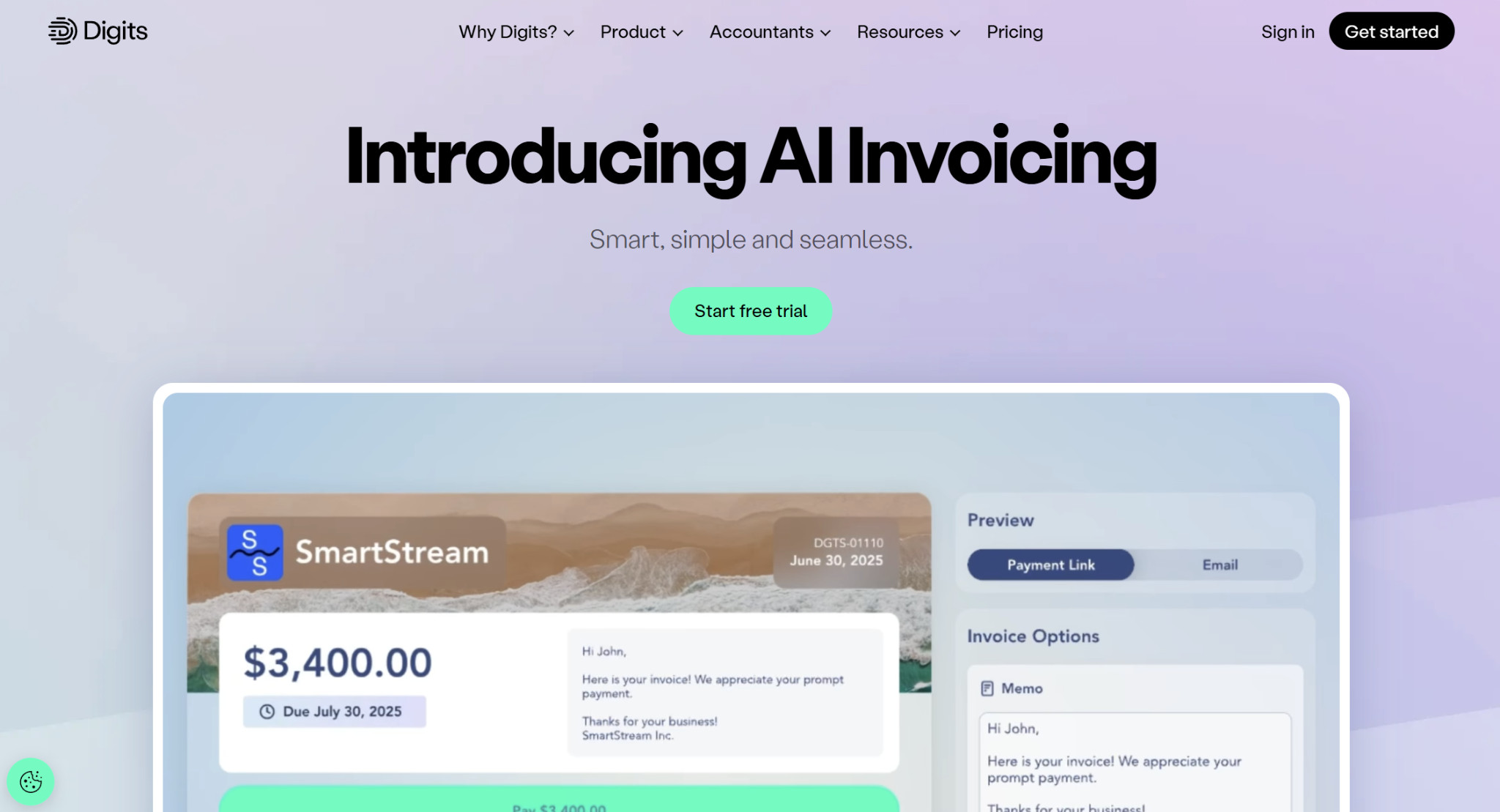
Digits is an AI-native accounting platform that covers more than day-to-day bookkeeping, with capabilities extending into AP and AR. This makes it a solid all-in-one solution, reducing the number of tools you need in your tech stack. As part of its AR capabilities, Digits offers AI invoicing.
Invoicing Features
With Digits, you can create invoices within seconds, incorporating details about your customer, pricing, and payment terms. It automatically generates the invoice number, although you can go in and edit it manually if needed. Plus, you can customize your invoices through adding your business’s logo, branding, a background color, a cover image, or customer-specific information.
Digits’s AI invoicing directly integrates with the ledger, so as you create and send invoices, the platform posts the corresponding journal entries. You can monitor incoming payments in real time, as it will tell you when invoices are viewed, paid, or overdue. To view the status of a particular invoice, you can click on it and see the delivery timeline and payment summary. For overdue payments, its AI can send reminders and follow-ups.
When your customers pay you, you can collect the funds directly through Digits as well, bypassing the need for an external AR tool. Customers will receive the invoice via email with a payment link.
Integrations
Digits connects with over 12,000 financial institutions through Plaid, and there are additional integrations with Ramp, Stripe, BILL, and other payroll providers. To connect with AI tools like Claude and ChatGPT, you can use the official Digits MCP server.
Mobile App
You can create and send invoices through the Digits mobile app, which is unfortunately iOS-only at this time.
Pricing
Currently, there are two Digits plans available: Essentials ($65/month) and Core ($100/month). Essentials is targeted toward solopreneurs and early-stage businesses, while Core is for small businesses and growing companies. A Pro plan for scaling businesses with internal finance teams is coming soon, and it is priced at $250 monthly.
Fees for collecting payment through Digits depend on which plan you have:
- Essentials:
- Cards and digital wallets: 3% + $0.30
- ACH: 1%, $15 cap
- Core:
- Cards and digital wallets: 2.9% + $0.30
- ACH: 1%, $10 cap
Xero: Best for In-Platform Plain-Language Invoicing
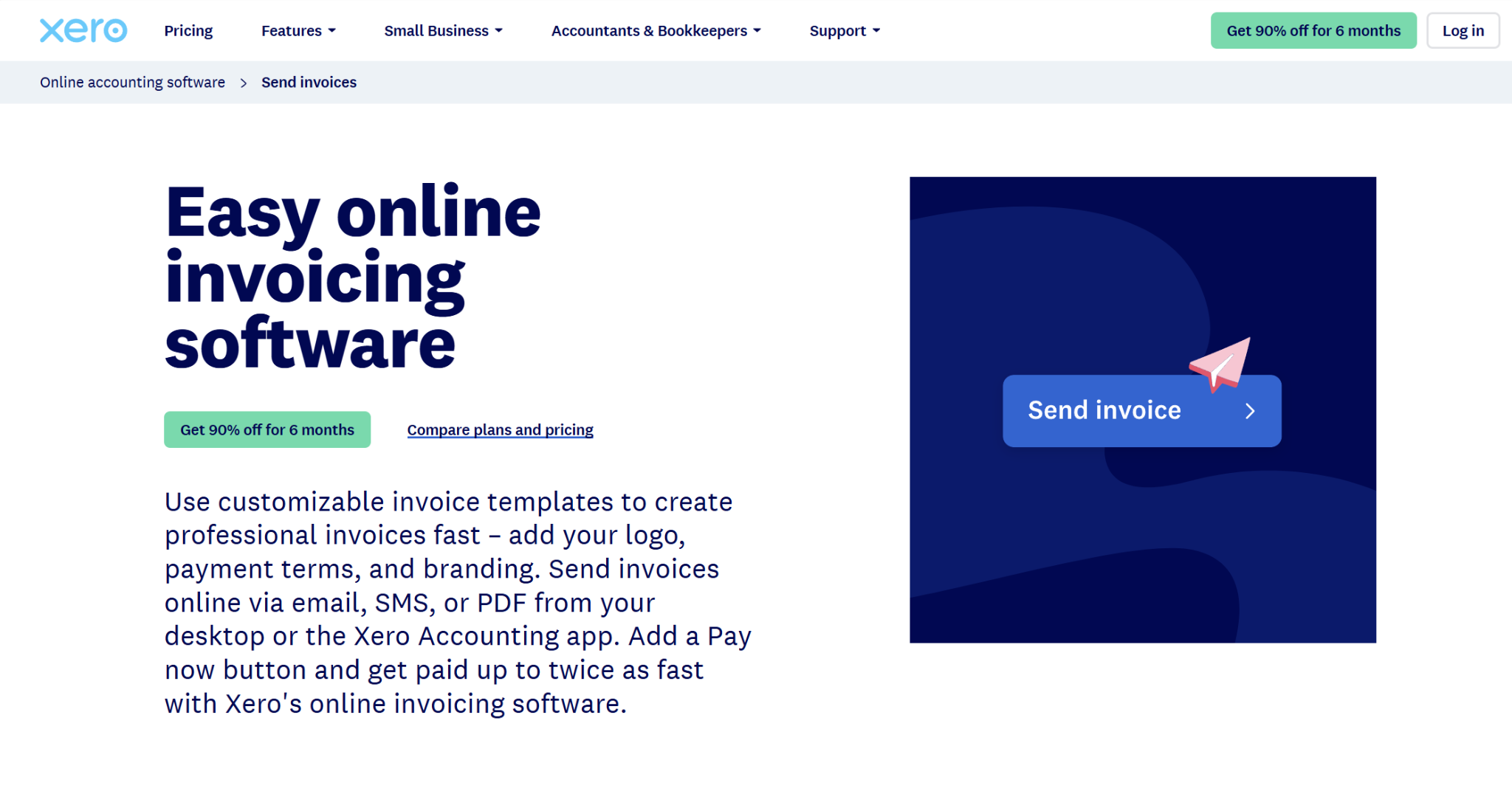
New Zealand-based Xero has been a popular small business accounting solution for over 20 years. Its capabilities have naturally evolved over time, and AI is playing a large role in its direction lately. You can use Xero to manage various aspects of your business finances, such as bookkeeping, invoicing, paying bills, and creating purchase orders.
Invoicing Features
Xero describes JAX (or Just Ask Xero) as an AI financial superagent. You can use it to ask questions in plain language, and it will provide the answer using your real-time accounting data. You can also request that it complete certain tasks for you, and invoice creation is a part of that.
You can tell JAX to create an invoice for you, providing the customer name and details. It will make and send the invoice, along with a personalized email. Also, you don’t have to go through your records to find the correct item prices, as JAX will pull the relevant information automatically. After you’ve entered a customer’s information once, it will auto-fill the details for subsequent invoices.
Xero supports recurring invoices and group invoicing, and you can accept customer payments through the platform. If you’d like, you can have Xero send out automated reminders for late payments.
Integrations
The Xero App Store has integrations for over 1,000 products spanning a range of business functions, such as billing, CRM, document management, e-commerce, inventory, and payroll.
Mobile App
The Xero Accounting App, available for iOS and Android, lets you handle several financial tasks, including creating and sending invoices, as well as converting quotes to invoices.
Pricing
Xero has three plans: Early ($25/month), Growing ($55/month), and Established ($90/month). Across all plans, you can send invoices and quotes, although there’s a 20-invoice cap on the Early plan. Regardless of which plan you have, you can accept online invoice payments.
You can use Stripe, GoCardless, or other payment processors to accept customer payments. Through the Stripe integration, the fee for online cards is 2.9% + $0.30.
QuickBooks Online: Best for All-In-One Invoicing and Payment Processing
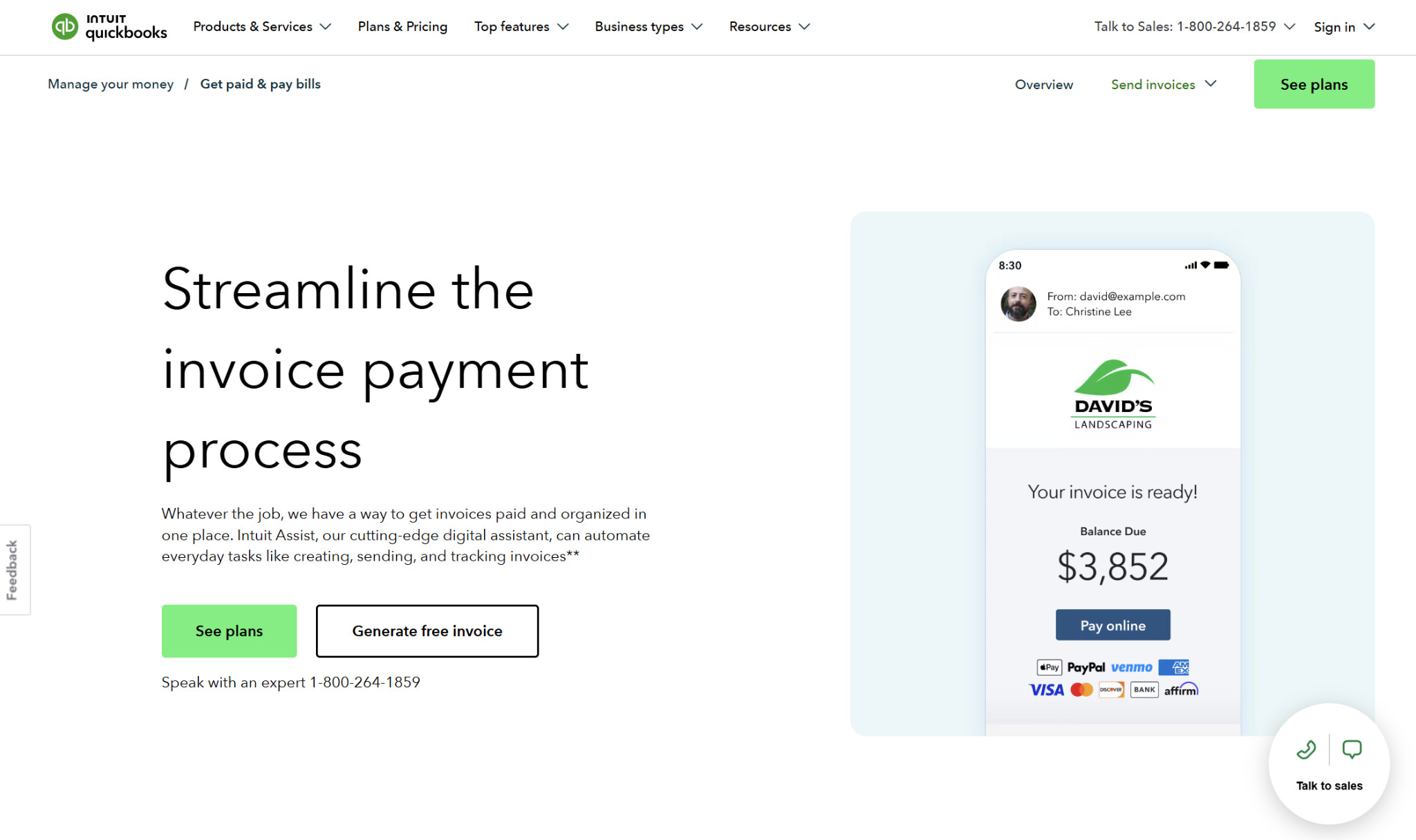
Known as a leader in small business accounting, QuickBooks Online can help you manage bookkeeping, AR, AP, and payroll. Like Xero, its capabilities have evolved drastically over the years, and QuickBooks now incorporates AI through Intuit Intelligence, which can streamline various accounting tasks like invoicing.
Invoicing Features
QuickBooks uses AI to help you create and send invoices. Its Payments AI, which is part of Intuit Intelligence, keeps track of your business activity, proactively suggesting recurring payments. It automatically drafts both invoices and payment reminders, surfacing them for your review before sending.
Through Intuit Intelligence chat, you can create, edit, duplicate, or send an invoice or estimate. Invoicing on Autopilot, which is currently in beta, uses scanned documents like SOWs and sales orders to draft invoices. Its AI can even create invoices from handwritten notes, photos, and emails.
Some other of QuickBooks’s invoicing features include the bulk creation of invoices, adding employee time to invoices, and batching invoices, although the features you’ll have access to will depend on your plan tier. It also allows you to accept payments directly through the invoice.
Integrations
The QuickBooks App Marketplace has connections for over 3,000 third-party apps. These cover areas like marketing, inventory, project management, payroll, expenses, e-commerce, and taxes. There’s also a QuickBooks Claude connector and a ChatGPT plugin.
Mobile App
The QuickBooks mobile app, which works for both iOS and Android, lets you send quotes and invoices, and it supports invoice tracking.
Pricing
While QuickBooks technically has a free plan, its capabilities are very limited, only allowing you to send two invoices per month. Otherwise, there are four main plan options, and the invoicing features vary among them:
- Simple Start ($38/month):
- Send invoices and accept payments
- Send invoices and accept payments
- Essentials ($85/month):
- Send invoices and accept payments
- Automatically create invoices in bulk
- Add employee time to invoices
- Plus ($140/month):
- Everything from Essentials
- Everything from Essentials
- Advanced ($340/month):
- Everything from Essentials
- Invoice batching
The fees for QuickBooks Payments are 2.99% for cards and digital wallets, with ACH fees being 1%.
Zoho Invoice: Best for Standalone Invoicing
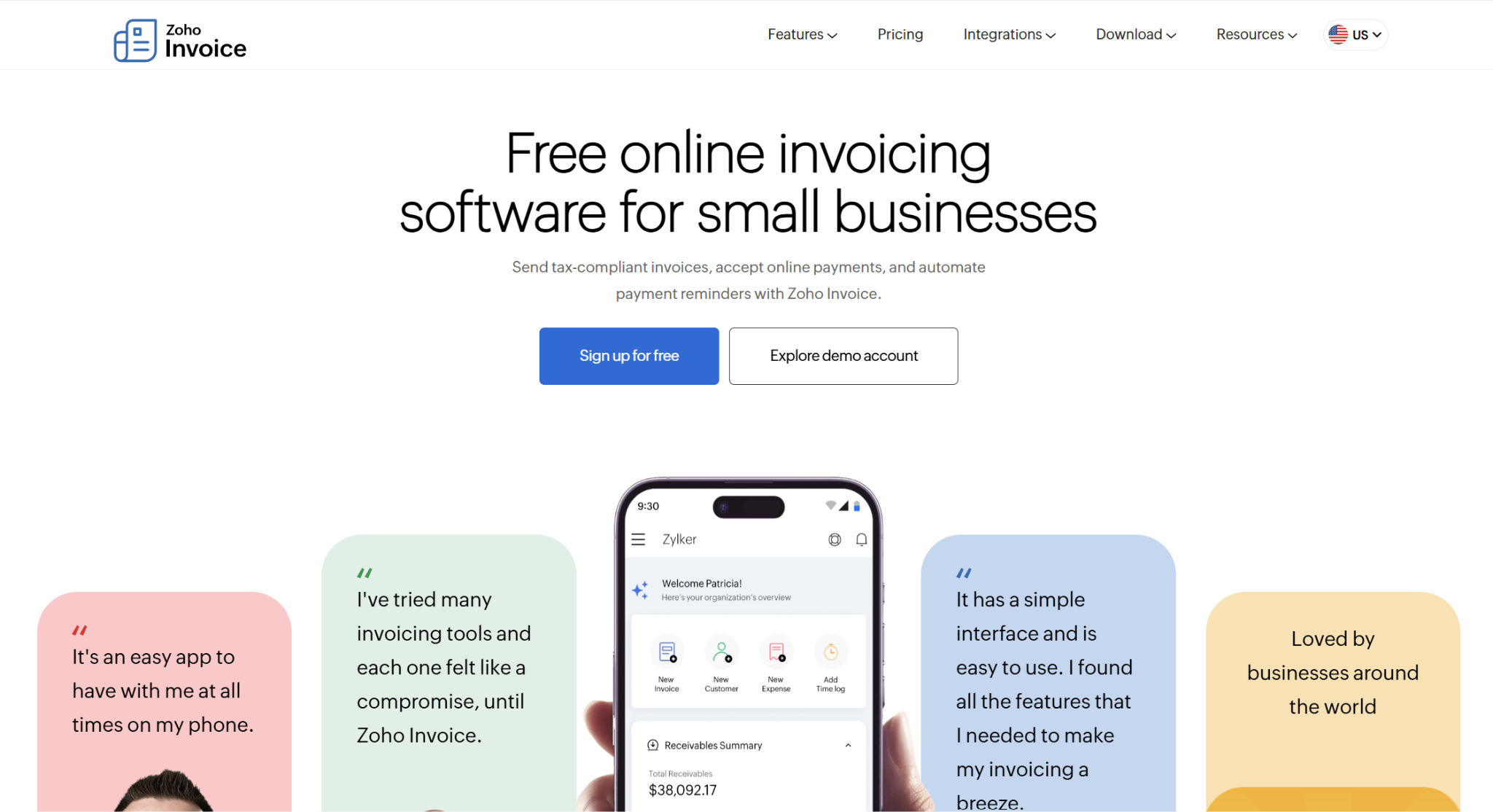
There are a wide variety of products under the Zoho umbrella, covering areas like sales, marketing, finance, HR, legal, and many others. One of its finance-related products is Zoho Invoice, which you can either use as a standalone solution or in conjunction with other Zoho apps.
Invoicing Features
Zoho Invoice lets you both create and send invoices, and you can collect payments through the platform as well. You can use Zoho Invoice to create quotes and convert them to invoices, issue sales receipts, convert billable expenses into invoices, and track time. The platform supports recurring invoices and payment reminders as well, and it can automatically calculate the applicable taxes.
Embedded in Zoho Invoice is Zoho’s native AI, Zia, which can help with flagging potential issues and providing suggestions. There are also Zia Invoice Insights, where you can view your overdue and outstanding invoice balance, your overdue balance from customers with payment delays, and invoices that are exceeding your average late payment dates. Plus, Zia can draft customer emails for you.
Beyond the invoice itself, you can review business reports for your best-selling products, AR aging, your top customers, taxes, expenses, and other metrics.
Integrations
Zoho Invoice offers over 55 integrations. Some of these are with other Zoho products, but there are also syncs with third-party tools like PayPal, Stripe, QuickBooks, HubSpot, and Slack. In addition, you can use the Zoho MCP to connect to AI models like ChatGPT and Claude.
Mobile App
The Zoho Invoice mobile app works for both iOS and Android.
Pricing
Zoho Invoice is free to use. When collecting customer payments, the transaction fees will depend on the processor you’re using.
Holdings: Best for MCP-Based Invoicing
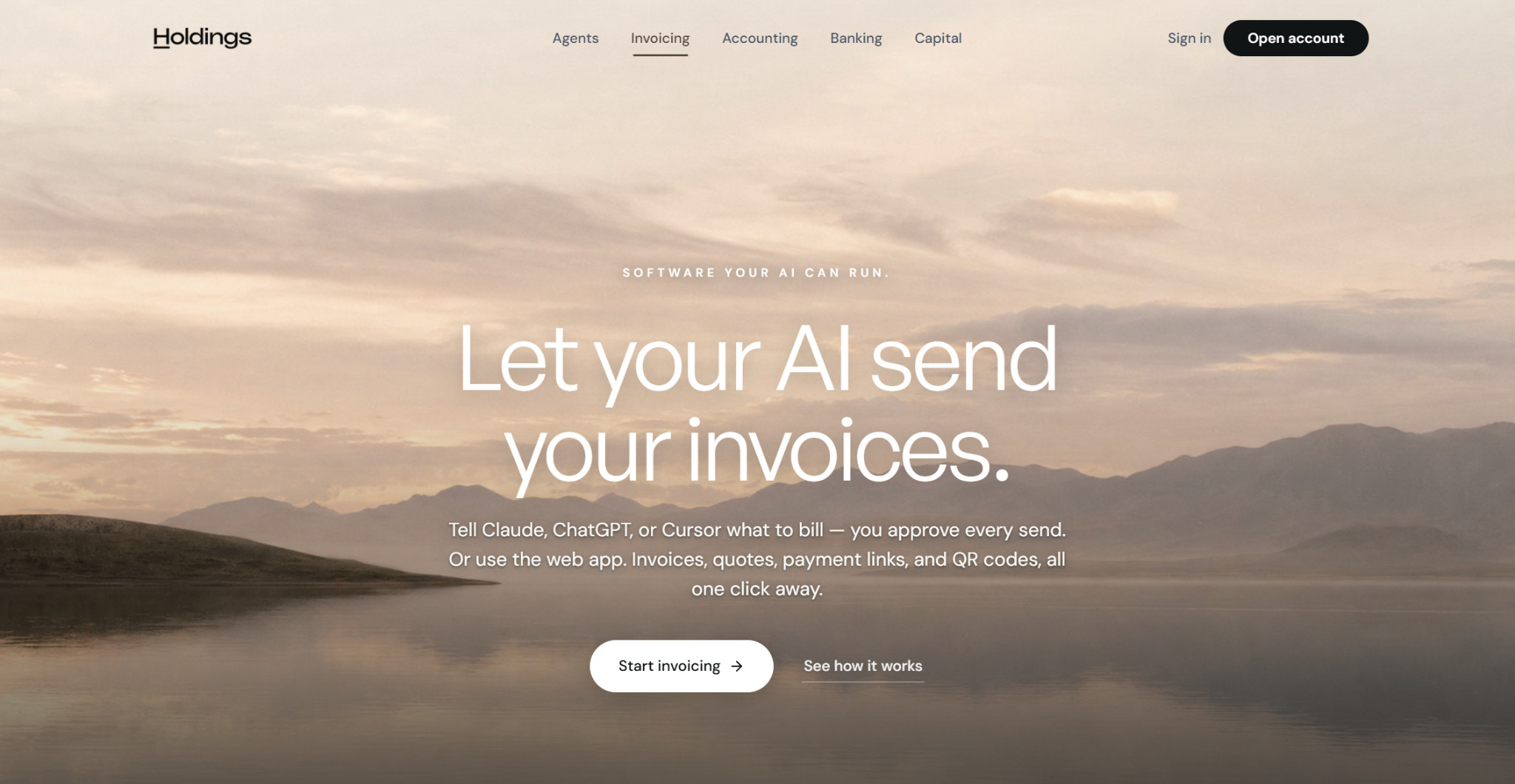
Holdings, a fintech company primarily known for business banking, also provides accounting and invoicing solutions. The banking, accounting, and invoicing are all included under one plan, though you don’t need to have a bank account through Holdings to use the rest of the features.
Invoicing Features
Holdings recently introduced AI invoicing, launching the feature in August 2026. It works primarily via MCP, which you can use to connect to Claude, ChatGPT, custom agents, and other LLMs. Once connected, you can direct the model to draft an invoice to your standards using plain language, and the model will show you a draft for your approval. Upon approval, the AI model will send the invoice to your customer, and it keeps a full audit trail.
If you’re using Holdings for accounting as well, once payment is received, the books will automatically update with the appropriate journal entries. You can also set up auto-reminders and have the AI model decide how often to send these. Additional features include recurring invoicing and the ability to convert quotes to invoices.
When you send an invoice with a payment link, you can accept payment directly through Holdings.
Integrations
Holdings can sync with accounting platforms like QuickBooks Online, Xero, FreshBooks, and Wave. If you’re using Holdings’ accounting software, your books will update as you get paid. Plus, the Holdings MCP server lets you connect with several AI models.
Mobile App
Holdings doesn’t appear to have a mobile app for invoicing.
Pricing
The Holdings platform is entirely free. Previously, the accounting platform came at a cost of $25/month, but the company dropped the fee beginning in August 2026.
The transaction fee when accepting card payments is 3% + $0.30.
A Decision Tree for the Best AI Invoicing Software
The best AI invoicing software for your business depends on your budget, your requirements, and your existing finance stack.
If you’re in the market for a new accounting platform in general, you’ll want an option that comes with AI invoicing as part of an all-in-one solution, such as Digits, Xero, or QuickBooks.
For a truly AI-native solution for both accounting and invoicing, I would suggest Digits. Xero is solid if you want a more traditional accounting experience while still being able to generate invoices in plain language. When it comes to collecting payments from customers, QuickBooks is the most established solution for combined invoicing and payment processing.
If you’re already happy with your current accounting software, either Zoho Invoice or Holdings may be the best fit for standalone AI invoicing. Holdings is the top choice if you want to draft and send invoices from Claude or ChatGPT, but Zoho Invoice is superior for creating and sending invoices from your phone.
Before deciding on an AI invoicing software, set aside some time to research and find the optimal fit for your business’s needs.