


- Best VoIP Phone System with HubSpot Integration At a Glance
- How I Chose These Platforms
- Why HubSpot Integration Depth Matters
- What To Look For in a VoIP Phone System for HubSpot Integration
- Top Mistakes When Choosing a VoIP Phone System for HubSpot Integration
- HubSpot Integration Red Flags
- 1. Aircall
- 2. JustCall
- 3. RingCentral
- 4. Dialpad
- 5. CloudTalk
- How to Choose the Best VoIP Phone System for Your Team for HubSpot Integration
Last Updated on June 8, 2026 by Ewen Finser
If your team runs HubSpot, the phone system you add can determine whether reps stay in one unified workspace or bounce between tabs trying to manually fix data that should have synced automatically.
I’ve spent time evaluating how different platforms handle HubSpot integration, and I wasn’t just looking for whether it exists, but how deep it actually goes.
After all, there can be a huge gap between a platform that just lists HubSpot in the ‘Integrations’ section of its website and one that embeds a full CTI experience directly inside the CRM.
Best VoIP Phone System with HubSpot Integration At a Glance
Platform | Click-To-Dial From Hubspot? | Auto Call Logging? | Deal and Contact Sync? | Contact Auto-Creation? | Insight Cards / Screen Pop? | AI Call Summaries? | Native Cti In Hubspot UI? |
Yes | Yes: all call types, real-time | Yes: contacts, compan-ies, deals, tickets | Yes | Yes: Insight Cards with live contact data | Yes | ||
Yes | Yes: contacts, compan-ies, deals, tickets | Yes: screen pop on inbound | Yes | Yes: via AI suite | Yes: calls, SMS, voicemail | Yes | |
Yes | Yes: calls, SMS, voicemail | Yes: on unmatch-ed inbound calls | Yes: screen pop with HubSpot record | Yes: via Ring-Sense AI | Yes: calls and transcrip-tion | Yes | |
Yes | Yes: calls and transcrip-tion | Yes: contact data on inbound | Yes | Partial: via app, not embedd-ed CTI | Yes: AI-native summar-ies | Yes: inbound, outbound, missed, voicemail | |
Yes | Yes: contacts, compan-ies, deals | Yes: contacts, compan-ies, deals | Yes: screen pop with open deals and tickets | Yes: screen pop with open deals and tickets | Yes: conversa-tion intelli-gence | Yes |
How I Chose These Platforms
When selecting the platforms explored in this guide, I did so based on one specific criterion: how deeply each one integrates with HubSpot for sales and support workflows.
I decided against including any platforms that rely entirely on third-party middleware for HubSpot integration, as in my experience, this can lead to unnecessary delays and technical issues. I also excluded integrations that only included basic call logging or need extensive customization to work with standard HubSpot features.
Every platform listed below has a published native integration in the HubSpot App Marketplace.
Why HubSpot Integration Depth Matters
Most business VoIP platforms will reassure you that they integrate seamlessly with HubSpot. What they don’t tell you, is that this so-called seamless integration can mean anything from a full CTI dialer that’s embedded in the HubSpot interface to a rudimentary webhook that logs calls only once a day.
That can make a big difference to RevOps and sales ops teams. If a rep has to keep switching between their phone tool and HubSpot to log a call, update a deal, or check contact history, you’re slowing things down and raising the chance of data gaps.
In these situations, fewer call outcomes get logged, notes can get skipped, and that precious CRM data that could be driving your pipeline reporting will become unreliable.
VoIP platforms that eliminate this specific problem are the ones where the calling experience happens inside HubSpot, not as a bolt-on or as an afterthought.
What To Look For in a VoIP Phone System for HubSpot Integration
- Native CTI in the HubSpot UI: The dialer needs to sit inside HubSpot’s main interface – not in a browser or standalone tab. This should be a dealbreaker, as it eliminates the kind of context-switching that leads to logging gaps.
- Real-time call logging to deals and contacts: As soon as a call ends, it should auto-log to the correct HubSpot record, listing information like duration, outcome, notes, and the recording link. Scheduling or delaying HubSpot syncing will create data lag.
- Deal and ticket association: Logging to contacts alone isn’t enough in any serious business setup. You also need calls to be associated with open deals and support tickets where necessary. This keeps the full activity history visible across relevant records.
- Insight cards and screen pops: I’ve found that even experienced reps can benefit from viewing HubSpot contact data, open deals, and recent activity the moment a call connects, not only after they’ve finished the opening exchange.
- Bi-directional contact sync: Contact updates in HubSpot need to be reflected in the phone system and vice versa. This keeps the two directories in sync over time.
Top Mistakes When Choosing a VoIP Phone System for HubSpot Integration
Treating Hubspot Integration As a Tick-Box Exercise
This is one of the most common mistakes that I’ve seen RevOps teams make, in that they simply evaluate HubSpot integration in itself rather than examining its depth.
While almost every business VoIP platform claims to nominally support HubSpot integration, in itself that tells you nothing about, for instance, whether calls auto-log in real time or after a delay. Ask for a live demo of the specific workflows that your team runs, not just a slide that gives you a broad overview of the platform’s features without getting into details.
Evaluating Only on Outbound Features
It’s understandable why sales teams tend to focus on click-to-dial and outbound sequence tools when putting a platform through its paces. But inbound calling is actually where HubSpot integration gaps hurt the most during production.
For example, if an inbound call doesn’t surface their deal history before a rep answers, or if a call from an unknown number doesn’t lead to automatic generation of a new contact, you’re going to be generating manual work and data gaps on virtually every inbound interaction. Make sure to test the inbound experience just as thoroughly as the outbound one.
Underestimating the Cost of Sync Delay
A VoIP integration that will sync call data to HubSpot according to a predefined schedule instead of in real time may look just fine during a demo. However, during production, even a 15-minute sync delay can mean that reps are making follow ups without being able to see the outcome of the latest interaction. If you’re running a high-velocity sales team, don’t settle for anything less than real time syncing.
HubSpot Integration Red Flags
- Logging that requires manual action: Any time that a rep has to click to log a call instead of it happening automatically, both logging rates and CRM quality will drop.
- Contact-only logging: If deals and tickets are not included, it amounts to half an integration for any team running a structured pipeline.
- No screen pop on inbound: Reps going into a call blind without so much as a name or deal context are at a disadvantage from the outset. Serious integrations will surface this info automatically.
- Middleware dependency: I’ve excluded platforms like these from this guide as I’ve found that integrations routed through Zapier or similar connectors can introduce sync delays, data mapping issues, and other annoyances that don’t always crop up during the evaluation phase.
- HubSpot version restrictions: Certain integrations require paid HubSpot tiers for full functionality. You should always check whether the features you’re evaluating work on your current HubSpot plan before committing your organization to a specific platform or tier.
1. Aircall
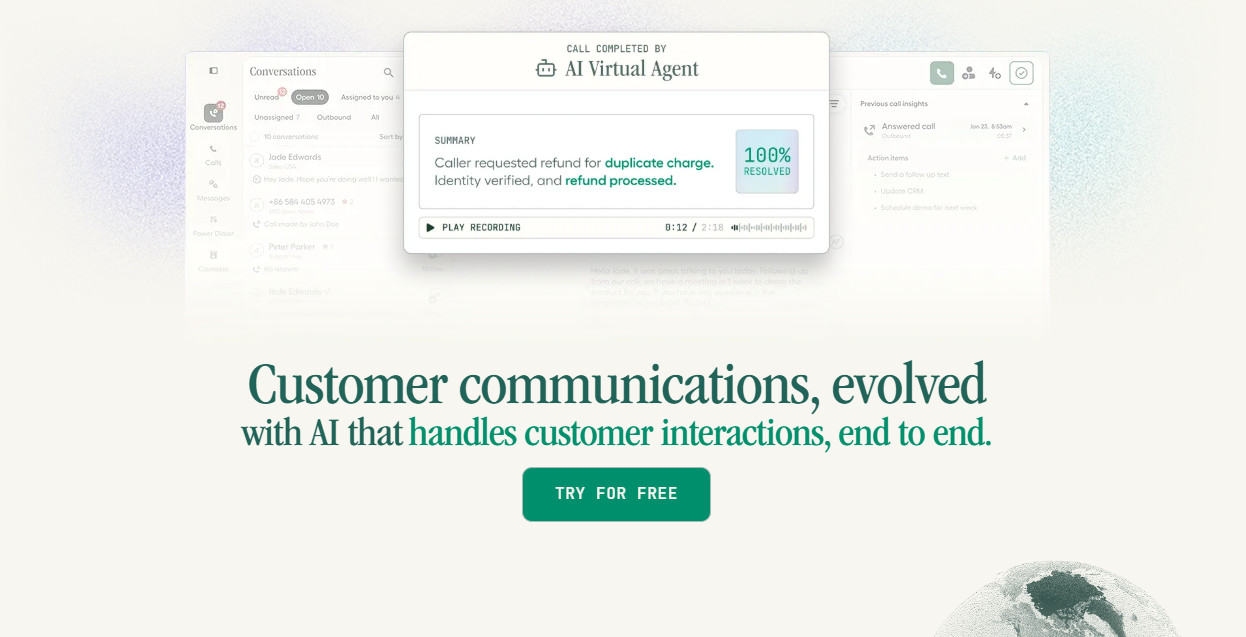
What I liked most about Aircall’s HubSpot integration is that it’s structural in the way it’s built.
In other words, the CTI dialer sits inside HubSpot rather than alongside it, so reps can make and receive calls, view contact data, and log outcomes without ever having to venture outside the CRM.
Aircall recently acquired Piper AI, which now offers an added level of CRM functionality that saves customers significant time. All interactions, whether via video, messaging, email, WhatsApp, meetings, notes, or calls, are automatically updated within the CRM.
Each inbound and outbound call auto-logs to the correct contact, deal or ticket in real time, and includes duration, outcome, the recording link, and any notes or tags.
When evaluating Aircall with clients, I found that RevOps teams were most impressed by the Insight Cards feature. When a call connects, it shows reps the customer’s HubSpot record right away: recent activity, open deals, ticket history, without any manual lookup. Seeing this kind of context before the conversations even starts can make a big difference, especially to support teams that care about CSAT.
Pricing starts at $30/license/month with a minimum seat requirement. Analytics+ is available for an extra $15/license/month while AI Assist is an additional $9/license/month. Aircall’s ‘Professional’ plan bundles both of these and costs $50/user/month. This means it’s not the least expensive option here, but this is balanced out by Aircall’s flexible integration and features.
Pros:
- Full CTI dialer embedded directly in the HubSpot interface
- Every call type auto-logs in real time to contacts, companies, deals and tickets
- Insight Cards surface live HubSpot contact data during calls
- Tag sync logs Aircall call tags directly to HubSpot activity records
- Integrated AI features and advanced automated CRM updates
Cons:
- Advanced AI features only available in higher-paid tiers/paid add-ons
- Better suited to SMB and mid-market teams than very large enterprise contact centers
2. JustCall
I liked this platform as during tests it covered all the HubSpot integration fundamentals cleanly, and even extended them to SMS and WhatsApp.
This makes JustCall a good choice for teams that run multi-channel outreach from HubSpot. The CTI sits directly inside HubSpot, and click-to-dial works from any contact or deal record.
When evaluating JustCall I also found that call data synced in real time across contacts, companies, deals and tickets.
If your team is running high-volume outbound sequences, the sales dialer campaign-to-contact-list sync is a practical workflow feature, and can reduce setup friction.
JustCall’s website states that its business phone systems start at $29 per month, though even the most basic ‘Team’ plan goes up to $39/user/month (minimum two licenses) if you pay monthly. This includes HubSpot integration, but for more advanced features like AI Review Assist, you’ll need to pay more.
Pros:
- CTI dialer embedded inside HubSpot
- Logs calls, SMS, and WhatsApp messages to HubSpot contacts, deals, tickets, and conversations
- Can automatically create contacts for inbound calls from unknown numbers (when enabled)
- AI suite includes call summaries and coaching tools
Cons:
- Less established presence in some European markets than competitors like Aircall or RingCentral
- AI features are on top of base pricing
3. RingCentral

RingCentral’s HubSpot integration handles the core workflow well. You get click-to-dial, automatic dialing, and screen pops that work reliably.
The platform relies more heavily than most competitors on server-side text logging. It ensures that SMS activities will sync to HubSpot records even when the rep isn’t actively working inside the app.
That makes it a strong choice for teams that are already running RingCentral across voice, messaging and video, and want to pull HubSpot into that ecosystem.
RingCentral’s prices start at $30/user/month, but you’ll need to pay for an ‘Advanced’ RingEX plan ($35/user/month) for CRM integrations, including HubSpot. This includes lead capture and SMS followup.
Pros:
- Click-to-dial from HubSpot contact, company and deal records
- Screen pop on inbound with full HubSpot record
- AI-powered call summaries with RingSense
- Automatic call logging to contacts, companies, deals, and tickets
Cons:
- Integration depth on standard plan better suited to larger multi-channel organizations
- Custom integration work required for full flexibility on call routing and deal creation from dispositions
4. Dialpad
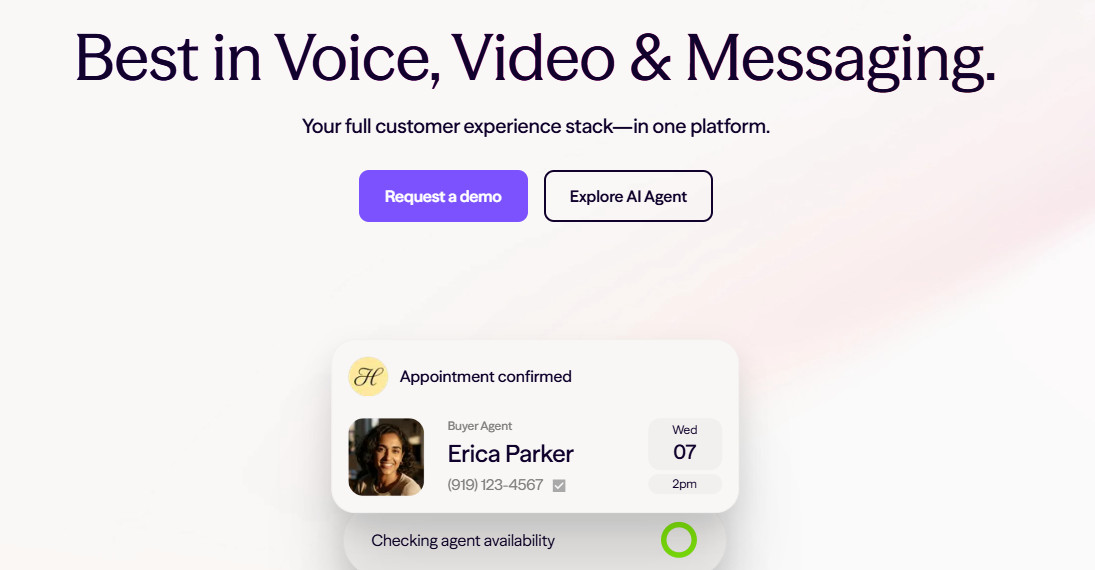
When I first started using this platform, I realized that it stood out due to its AI capabilities. These include summaries, sentiment, action items, and CSAT scores, which can sync automatically to HubSpot after each call. For teams that value conversation intelligence, that’s a combination that can be genuinely useful.
The main drawback is that the HubSpot experience is less deeply embedded than competing platforms like Aircall or JustCall. It operates more along the lines of a connected app than a CTI built inside the HubSpot UI.
For HubSpot integration (such as it is), you’ll also typically need to subscribe to at least the mid-tier ‘Pro’ Dialpad plan, for $35/user/month. The website warns though that pricing can vary by region and your chosen currency.
Pros:
- Click-to-dial from HubSpot contacts
- Automatic call logging and transcription sync to HubSpot
- AI-native call summaries, action items, and CSAT scores
Cons:
- HubSpot CTI experience is less tightly embedded. Integration works via a connected app (no fully embedded dialer)
- Custom field mapping requires additional configuration via the integration settings
5. CloudTalk
For mid-market teams, CloudTalk’s HubSpot integration is clean and practical. Its bi-directional contact sync feature really stood out during tests. Records refresh every five to ten minutes and it can remove duplicates automatically, which should keep your CRM directory up to date without any manual housekeeping.
Logging also covers the full range of call types and during my evaluation associated correctly with all contacts, companies and deals. That makes it a great choice for growing teams that want reliable HubSpot data but not the enterprise-level implementation overhead.
Cloudtalk’s mid-tier “Essential” plan ($39/user/month) includes HubSpot with click-to-dial. AI conversation intelligence is also available as a paid add-on ($9/user/month, billed annually).
Pros:
- Can auto-log inbound, outbound, missed calls, voicemails, and SMS to HubSpot engagements
- Screen pop shows open deals and recent tickets on inbound
- Conversation intelligence and call recording sync
Cons:
- Integration depth and analytics insufficient for complex enterprise workflows
- Advanced sync logic requires configuration
How to Choose the Best VoIP Phone System for Your Team for HubSpot Integration
The answer to this depends almost entirely on how your team currently uses HubSpot and what the integration failure point (if any) is costing you. For instance, if your reps are losing time to manual logging or tab-switching you should choose a platform with a true embedded CTI, like JustCall or Aircall, which deliver it natively.
If your team runs high-volume outbound with complex deal workflows, then association logging depth becomes your key criterion, so Aircall or RingCentral are strong options. If your main priority is AI conversation intelligence and HubSpot sync is secondary, then Dialpad is worth serious consideration. For growing mid-market teams that need reliable core integration without enterprise overhead, CloudTalk is practical and fairly priced.
Whatever platform you shortlist, verify which features actually work on your current HubSpot plan tier. Some integration capabilities will require at least ‘Sales Hub Professional’, so do not wait until after signing to discover something critical is locked behind a higher tier.
One final piece of advice is to test it in a real workflow, not a demo environment. A platform can look fully integrated in a walkthrough, but the real test is what happens on a live inbound call, after a real deal touchpoint, when a rep is under pressure and needs everything to just appear in HubSpot without thinking about it.