


- Starting With a Smaller Solution: Will Migration Come Later?
- Rillet Alternatives: At a Glance
- Digits: Best for SMB Bookkeeping with AP/AR
- Kick: Best for Cash-Basis Accounting
- Finlens: Best for QuickBooks Users
- Finta: Best for Tax Accounting
- Cons
- Which Accounting Software is the Best Rillet Alternative?
Last Updated on September 8, 2026 by Ewen Finser
Lately, Rillet has been making a lot of waves across accounting, and for good reason. It’s a powerful, AI-native ERP that uses agents within the ledger to generate journal entries and schedules, streamlining month-end close. Plus, it can automate AP and AR management, perform bank reconciliations, and work with complex revenue recognition models, with multi-entity support available.
While this is all impressive, it doesn’t mean that Rillet is the best fit for every business. What it comes down to is the nature of the software. Rillet is a full-fledged ERP that handles complex tasks that go beyond your typical accounting solution. If you’re a smaller business, this may be more than you need.
If that’s the case, I’d suggest looking at some of the more SMB-oriented accounting automation tools before committing to Rillet.
Starting With a Smaller Solution: Will Migration Come Later?

Before I break down some of my top picks for Rillet alternatives, I want to address a common concern that many small business owners have. If your business is in the early stages, yet you’re planning to scale, you may be slightly worried about starting with a simpler accounting solution in case you outgrow it and have to switch to a different platform later.
But many of the lighter-weight accounting platforms are still fairly robust. You can start on a more basic plan and eventually upgrade to a plan with advanced features, such as multi-entity support.
Even if you do eventually determine that you truly need an ERP like Rillet, it’s still worth it to start smaller if that’s a better fit right now. This is especially true when you consider the potential cost savings. Rillet doesn’t publish its prices, as the cost is customized to each business, but it’s likely to be more expensive than many other accounting tools given its ERP capabilities.
With all that being said, here are some Rillet alternatives to explore.
Rillet Alternatives: At a Glance
Best For | Automation/AI Features | Integrations | Pricing | |
Digits | SMB bookkeeping with AP/AR | AI bookkeeping, agentic close, schedules, Ask Digits | 12,000+, MCP server | $65+/mo |
Kick | Cash-basis accounting | Categorization, reconciliation, tax deduction optimization | 50+, MCP server | $0+/mo |
Finlens | QuickBooks users | Categorization, reconciliation, live financials | 200+, 2-way syncs with QBO and Xero | $49+/mo |
Finta | Tax accounting | Categorization, reconciliation, real-time metrics | Stripe, Ramp, Mercury, and others | $0+/mo |
Digits: Best for SMB Bookkeeping with AP/AR
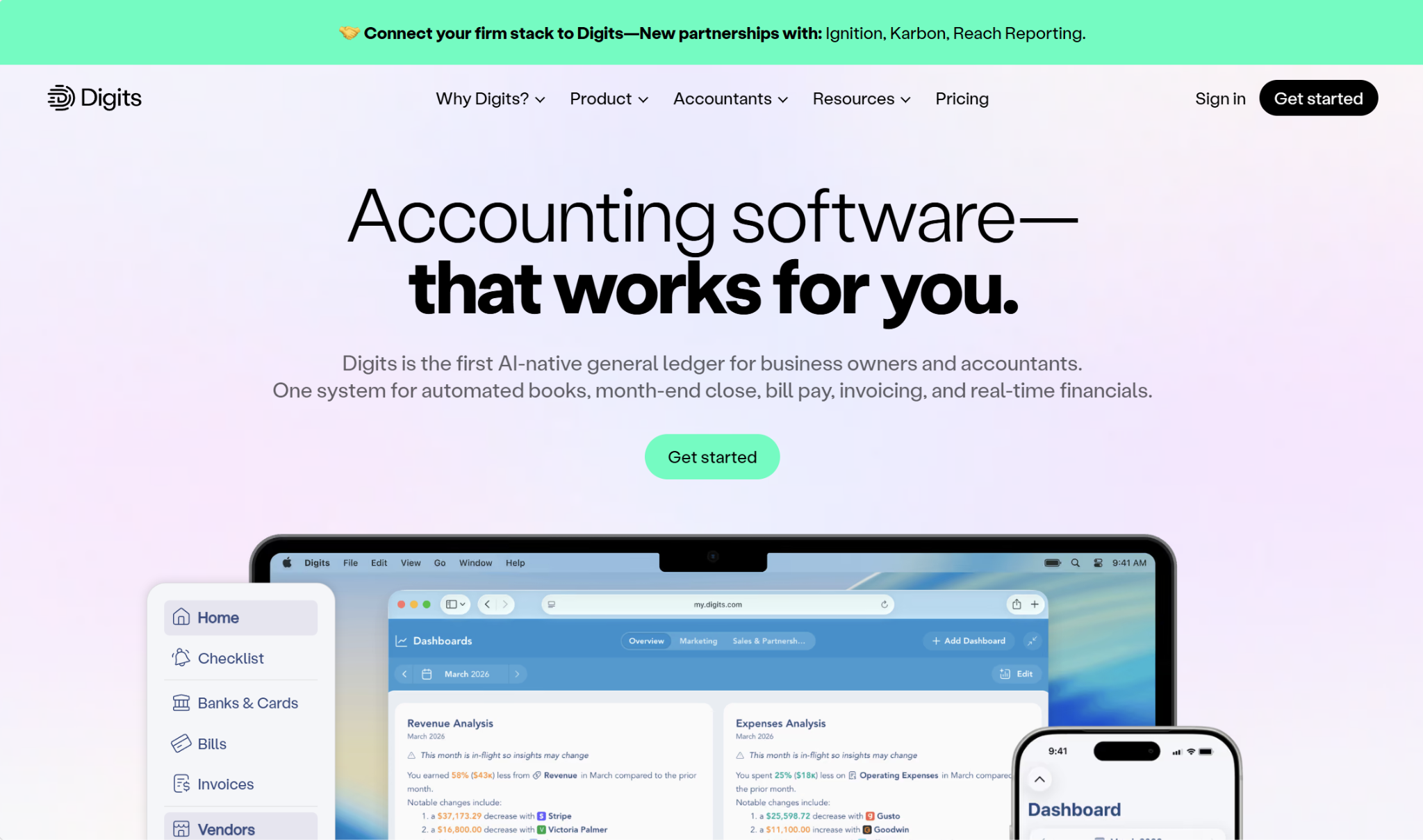
Digits is one of the strongest options for accounting automation, without veering into ERP territory. It’s an AI-native general ledger built with AI in mind from the ground up. The company has an in-house machine learning team that develops proprietary LLMs, which it claims perform accounting tasks with higher accuracy than models from Anthropic, OpenAI, Google, and DeepSeek.
Automation/AI Features
Digits’s AI bookkeeping manages account reconciliations, transaction categorization, and journal entries, running 24/7. It also performs agentic close, surfacing anything that needs your review and providing automated schedules. Plus, you can ask its AI financial assistant, “Ask Digits,” to perform certain tasks or pull up the information you need.
Digits currently has schedules for fixed assets and prepaid expenses, with revenue recognition and accrued expense schedules coming soon. Digits can detect when schedules are needed and generate them automatically.
For financial reporting, the platform maintains a real-time profit and loss statement, balance sheet, and cash flow statement, and you can track KPIs through a customizable dashboard. And you can use Digits for AP and AR. You can pay bills directly through Digits and send invoices.
Integrations
Digits can connect with over 12,000 business tools and financial institutions, including Stripe, BILL, Mercury, Gusto, and Ramp. You can use the Digits MCP server to connect with AI models like Claude, ChatGPT, and Cursor.
Pricing
Digits has three plans:
- Essentials ($65/mo): This plan is designed for solopreneurs and other early-stage businesses. Features include live dashboards and financials, invoicing and bill pay, AI bookkeeping and reconciliation, vendor and customer tracking, integrations, and access to the Digits API and MCP server.
- Core ($100/mo): Core is the best fit for small or growing companies. It comes with all the features from the Essentials plan, along with custom dashboards, and you can track financials by department or location.
- Pro ($250/mo): Pro is Digits’s most advanced plan, suitable for scaling businesses with their own internal finance teams. It contains all the features of the prior two plans, along with schedules, agentic close, and custom management reporting.
Pros
- Includes bill pay and invoicing
- Auto-detects and populates schedules
- Thousands of integrations
Cons
- Doesn’t provide tax filing services
- Can’t pay bills by card
- No free plan
Kick: Best for Cash-Basis Accounting
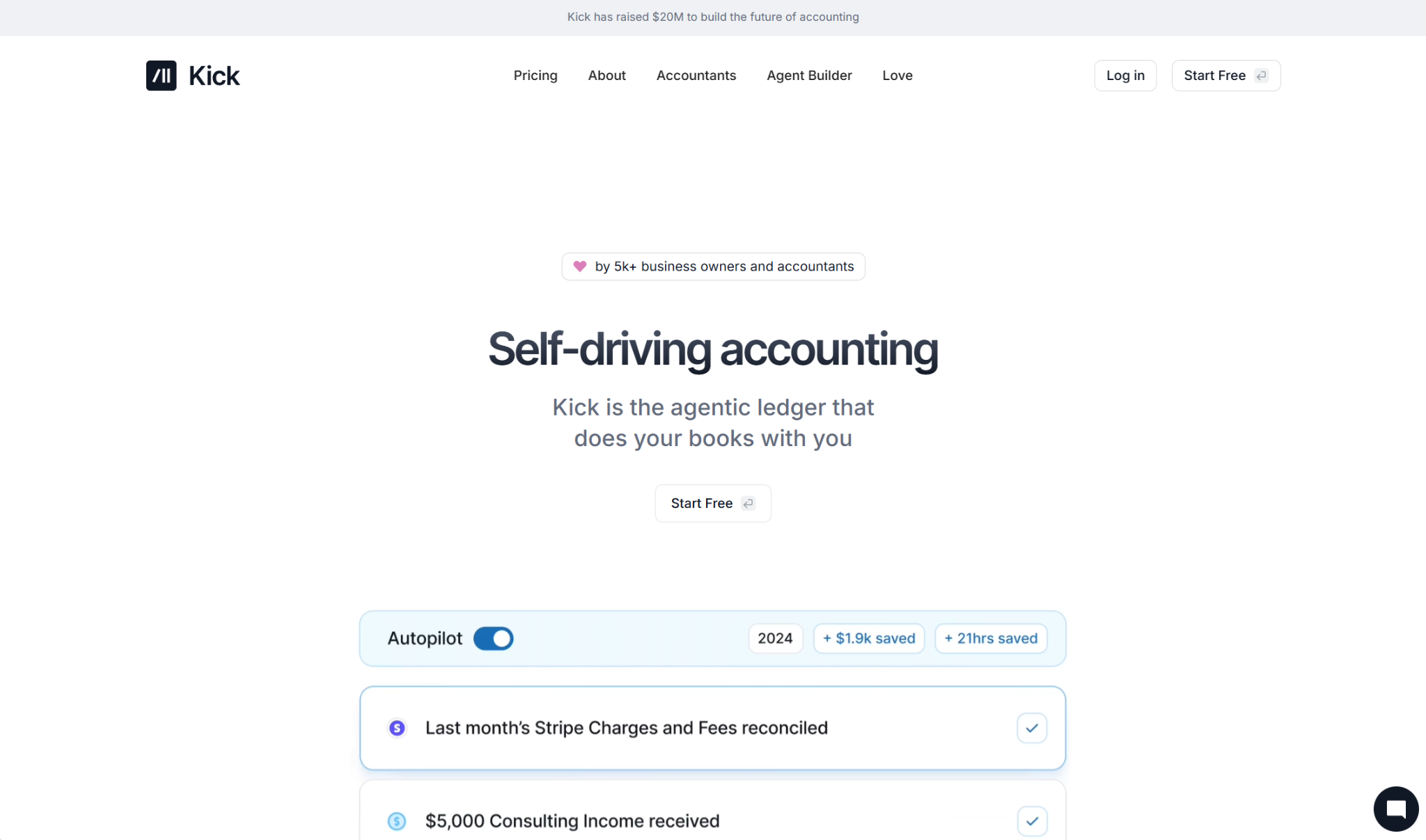
On the surface, Kick seems incredibly similar to Digits. It describes itself as “self-driving accounting” and is another agentic ledger that can work for a range of businesses, from sole proprietors through complex operations. However, it leans more toward small businesses than larger entities.
Automation/AI Features
Kick auto-categorizes transactions and generates journal entries for each categorization. If needed, you can set up customized categorization rules, with an unlimited number of custom categories. To help with month-end close, Kick can automate reconciliations and generate a task list to keep you on track.
For financial reporting, Kick can create a profit and loss statement, as well as a balance sheet. It also maintains cash insights, tracking inflows and outflows in real time. Additional reports include an “expenses by vendor” report, an AR aging summary, and an AP aging summary, along with custom reports.
Kick’s AI helps with tax planning by catching activity that should be moved from personal to business, so you can take deductions like those for home office, vehicle, and travel expenses.
Integrations
Kick has over 50 integrations, including syncs with Stripe, PayPal, Ramp, Mercury, Gusto, and BILL. And you can connect with Claude, ChatGPT, or Cursor through the Kick MCP server.
Pricing
Kick has four plan tiers:
- Free ($0/mo): Kick’s free plan is designed for new businesses or sole proprietors, and it is limited to 250 transactions per year. Features include auto-categorization, receipt matching, a profit and loss statement, and a balance sheet. The ledger is cash-only.
- Basic ($40/mo): The Basic plan has features beyond the free plan, although the ledger is still cash-only. You get an unlimited number of transactions annually, and you can access the MCP server, reconciliations, and bank/credit card statement syncs.
- Plus ($100/mo): The Plus plan is where accrual accounting kicks in. Beyond the features from the Basic plan, this plan comes with multi-entity support and AR/AP automation. Note that once you hit 250 transactions per year for a new entity, there is an additional charge of $50/mo.
- Advanced (Custom pricing): Kick’s Advanced plan is for the most complex businesses. It includes dedicated migration, training, and onboarding, along with consolidated financial statements and tax deduction optimization.
Pros
- Free plan option
- Helps with tax deductions
- Has an official MCP server
Cons
- Cash books only for the first two tiers
- Can’t send invoices
- Can’t pay bills through the platform
Finlens: Best for QuickBooks Users
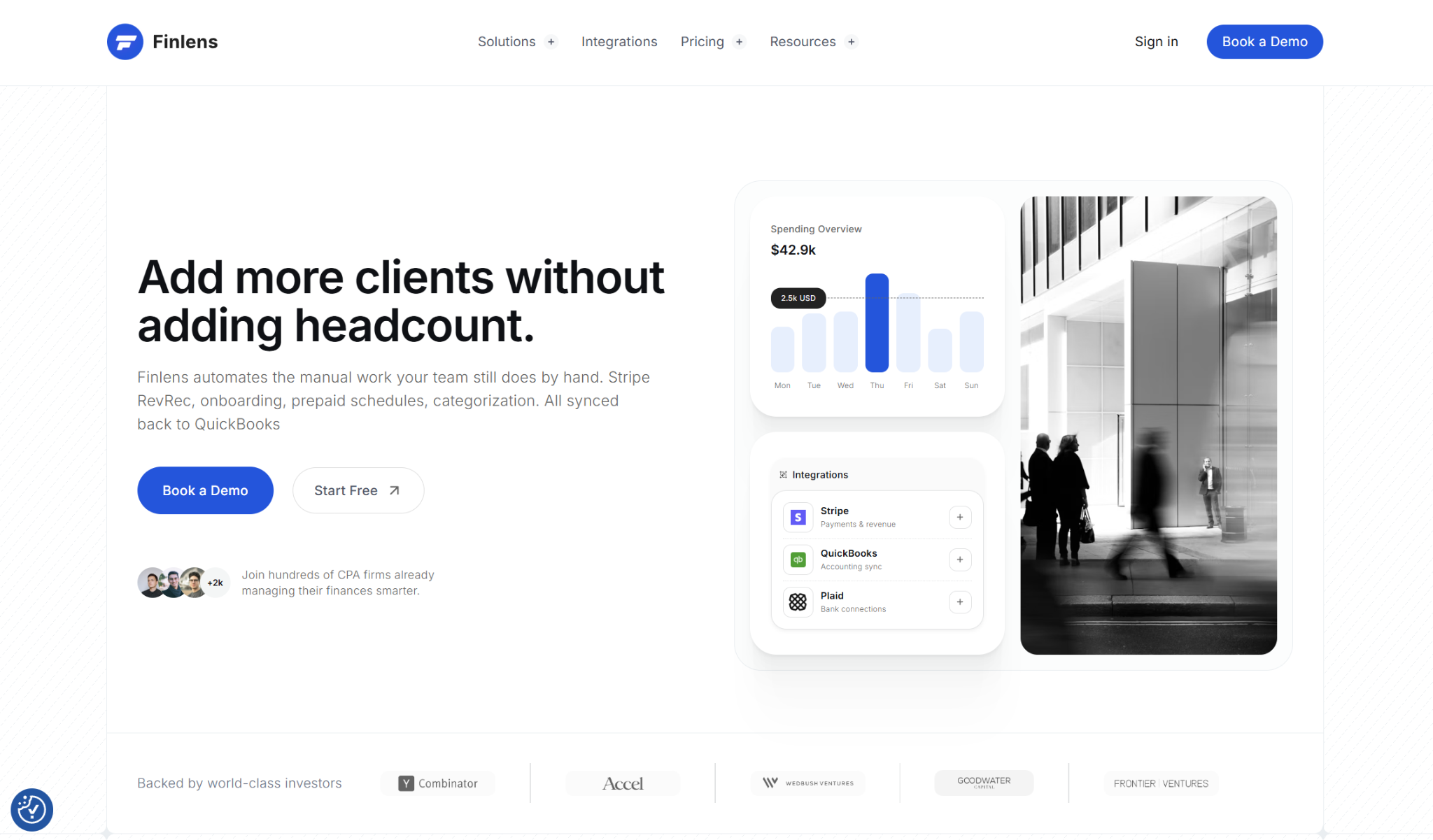
Finlens is in a category distinct from Digits and Kick. It’s not a standalone accounting software but is instead a separate layer that can sync with your existing bookkeeping solution. It’s best known for its QuickBooks integration, although it can also sync with Xero.
Automation/AI Features
Once you connect Finlens to your accounting platform (such as QuickBooks), Finlens’s AI can begin categorizing transactions and generating journal entries. Finlens assigns confidence scores, and it will surface low-confidence entries for your review before finalizing them. Then, the entries sync back to QuickBooks, with reconciliation automatically performed.
Finlens says it can categorize over 3,000 transactions within seconds, and it can extract and auto-match bills, invoices, and receipts. Whenever you correct a categorization, its rules engine learns to fine-tune them to your needs.
Additionally, Finlens can automatically detect prepayments and schedule accruals, and it updates your balance sheet, profit and loss statement, and cash flow statement live. There are also real-time dashboards for metrics like runway, burn, cash flow, MRR, and ARR.
Integrations
Finlens has over 200 app integrations, including Stripe, Plaid, Mercury, Slack, and Google Sheets. To use Finlens, you have to sync with your accounting platform (either QuickBooks or Xero).
Pricing
Finlens has three available plans for businesses: Starter, AI Accounting, and Flexible Plan.
- Starter ($49/mo): This plan is targeted toward businesses in the very early stages. It lets you manage expenses of up to $50,000/mo and connect one bank account. There are automated dashboards for runway, burn, and cash flow, as well as tax-ready financial reports. Note that it is limited to one user.
- AI Accounting ($99/mo): The AI Accounting plan lets unlimited users track up to $100,000/mo in expenses and connect up to three bank accounts. Features include AI transaction categorization and live insights into MRR, ARR, burn, and vendor spend.
- Flexible Plan (Custom pricing): This plan comes with monthly bookkeeping support from Finlens’s partners. You also gain access to Stripe reconciliation, unlimited integrations, and alerts for burn, expense spikes, and other anomalies.
Pros
- Fast categorization
- Live financial statement updates
- Plenty of integrations
Cons
- Must be used alongside QuickBooks or Xero
- Not for direct bill pay or invoicing
- No free plan
Finta: Best for Tax Accounting
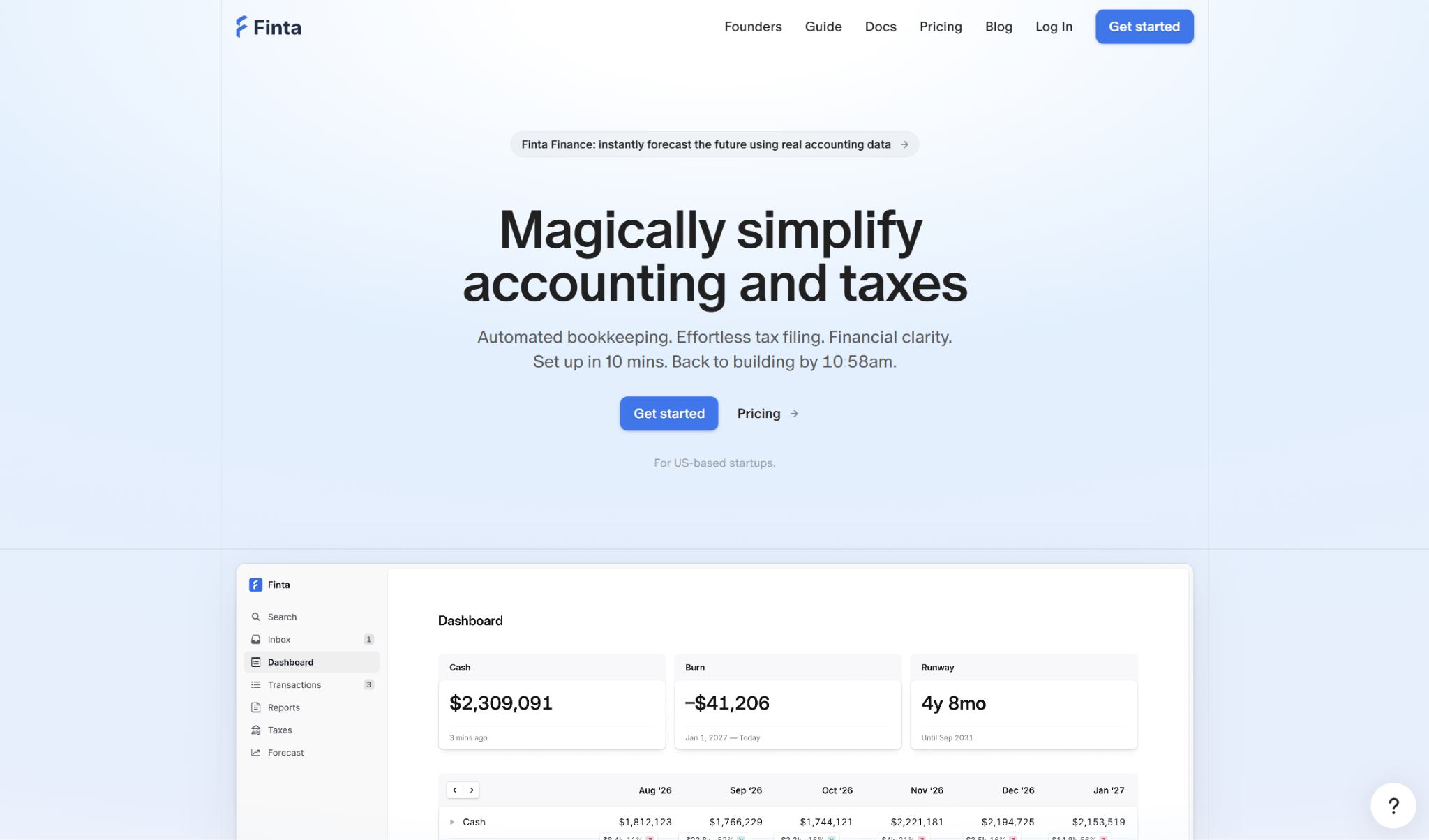
Finta doesn’t explicitly advertise itself as an “AI accounting” tool, but it can automate your bookkeeping as well as provide support for filing your business tax return. Startups make up a substantial portion of its customer base.
Automation/AI Features
Finta automatically categorizes and reconciles your transactions, and for any transactions that it can’t categorize, it gives you suggestions. You can either reject or approve the suggestions, and you can create custom rules to guide how certain transactions are categorized. Finta also auto-matches and reconciles bank transfers, and it lets you monitor metrics like cash, burn rate, and runway in real time.
The platform provides insights into fluctuations in revenue or expenses, and it will flag any anomalies. You can download financial statements at any time, and, as a member of Finta’s Slack channel, you’ll get monthly financial summaries.
Beyond bookkeeping, you can go through Finta to file your business’s tax return. When filing, Finta’s team will help you maximize tax credits, such as those for R&D, and they can file both federal and state returns.
Integrations
Finta’s site doesn’t provide an exact number of integrations, but the platform can sync with several external tools, such as Stripe, Ramp, Mercury, Brex, Plaid, Rippling, Gusto, and Carta.
Pricing
Finta offers three plans for businesses:
- Formation ($0/mo): Finta promotes this plan for startups with minimal activity that are focused mainly on tax filing. With Formation, you get 30 categorizations per month, 500 total transactions, email support, and chat support.
- Startup ($30/mo): Through the Startup plan, you can access 3,000 categorizations per month, 100,000 total transactions, Slack support, support for international subsidiaries, and the Finta API.
- Growth ($300/mo): Growth gives you 30,000 transactions per month, 1 million total transactions (additional for $0.0001 each), priority support, and departmental reporting.
Federal income tax filing comes at a cost of $500, with additional charges for add-ons such as R&D tax credits, foreign subsidiaries, and tax forms.
Pros
- Dedicated Slack channel
- Support for filing business income tax return
- Free plan available
Cons
- Heavily geared toward startups over traditional SMBs
- Not for direct invoicing or bill pay
- Doesn’t advertise an official MCP server
Which Accounting Software is the Best Rillet Alternative?
If you’re looking for a platform that’s along the same lines as Rillet but isn’t a full ERP, there are several choices available to you. Accounting automation platforms like Digits, Kick, Finlens, and Finta can all be solid solutions, but the best one comes down to what you need.
Here’s what I’d suggest:
- Choose Digits if you want bookkeeping, AP, and AR all in one place.
- Choose Kick if you’re an early-stage business using a cash-basis ledger.
- Choose Finlens if you want to keep using QuickBooks.
- Choose Finta if you want one platform for both accounting and tax filing.
Given the recent advances in AI and automation, it’s an exciting time to be shopping for a new accounting solution. You’re bound to find the right fit for your business.