


Last Updated on September 10, 2026 by Ewen Finser
When you’re counting on spreadsheets to manage invoice due dates, approvals, and payment methods, it gets complicated fast, and you’re pretty much guaranteeing that something will eventually fall through the cracks.
It’s worth investing in a dedicated bill pay platform that both tracks payments and sends them out, a couple of popular options being Forwardly and Melio. On the surface, they look like pretty similar platforms that automate AP/AR for SMBs.
However, there are some stark differences. Let’s take a look.
Forwardly vs. Melio: At a Glance
Forwardly | Melio | |
Product Scope | SMB AP and AR | SMB AP and AR |
Payment Methods | ACH, card | ACH, card, check, wire |
Transaction Limits | $15,000 (bank transfer), $10,000 (card) | None |
International Payments | None (U.S. only) | 80+ countries, 15 currencies |
Standard Payment Speed | 3–5 business days (standard ACH), 2–3 business days (card) | 3 business days (ACH), same business day (card) |
Approval Workflows | Custom multi-level approvals, approval groups | Custom multi-level approvals, approval groups |
Accounts Receivable | Automated payment reminders, customizable invoices, multiple payment options (online, email, text) | Automated payment reminders, customizable invoices, payment links |
Integrations | QuickBooks Online, Sage Intacct, NetSuite, Campfire, Xero, Microsoft Dynamics 365, FreshBooks, Zoho Books | QuickBooks (Online and Desktop), Xero, NetSuite, Meta Ads, Amazon Business |
Standard ACH Fee | $0.50, 5 free per month | $0.50, number of free ACH depends on plan |
Card Fee | 2.99% + $0.25 settlement fee | 2.9% |
Subscription Fee | None | Free to $80+/month |
Forwardly
Product Scope
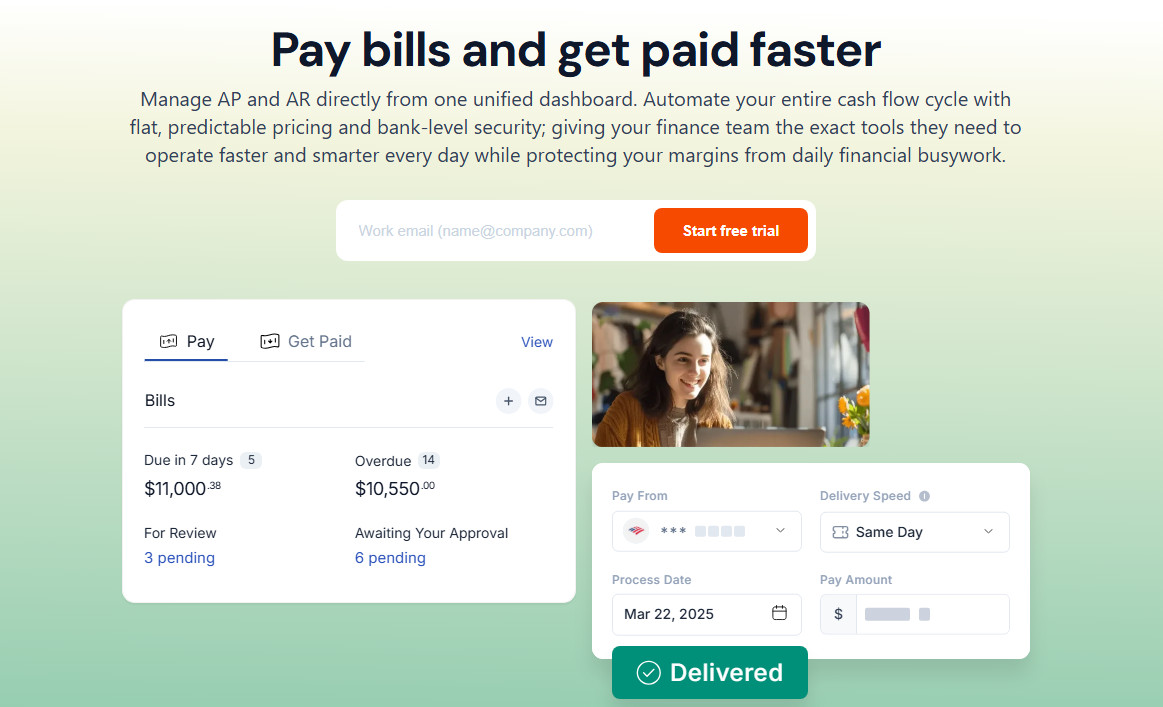
Forwardly was developed with small and medium-sized businesses in mind, and it’s appropriate for a wide range of industries. As an all-in-one solution, it makes it easy to monitor your business’s finances and cuts down on the number of subscriptions you need. And while it’s mainly thought of as a bill pay solution, you can also use it for accounts receivable.
Payment Methods
Forwardly gives you two ways to pay your bills. Under ACH, you can opt for standard, next-day, same-day, or instant payments. For cards, it supports Mastercard, Visa, American Express, and Discover.
Currently, Forwardly doesn’t support paying with a check or via wire transfer.
Transaction Limits
For bank transfers, Forwardly’s transaction limit is $15,000, while it’s $10,000 when paying with a card.
International Payments
You can only use Forwardly for payments between U.S. businesses — there are no international payment options.
Payment Speed
The time it takes for your vendor to receive the funds depends on which payment method you choose.
- Standard ACH: 3–5 business days
- Next-day ACH: Next business day
- Same-day ACH: Same business day
- Instant payment: Within 60 seconds
- Card payment: 2–3 business days
Approval Workflows
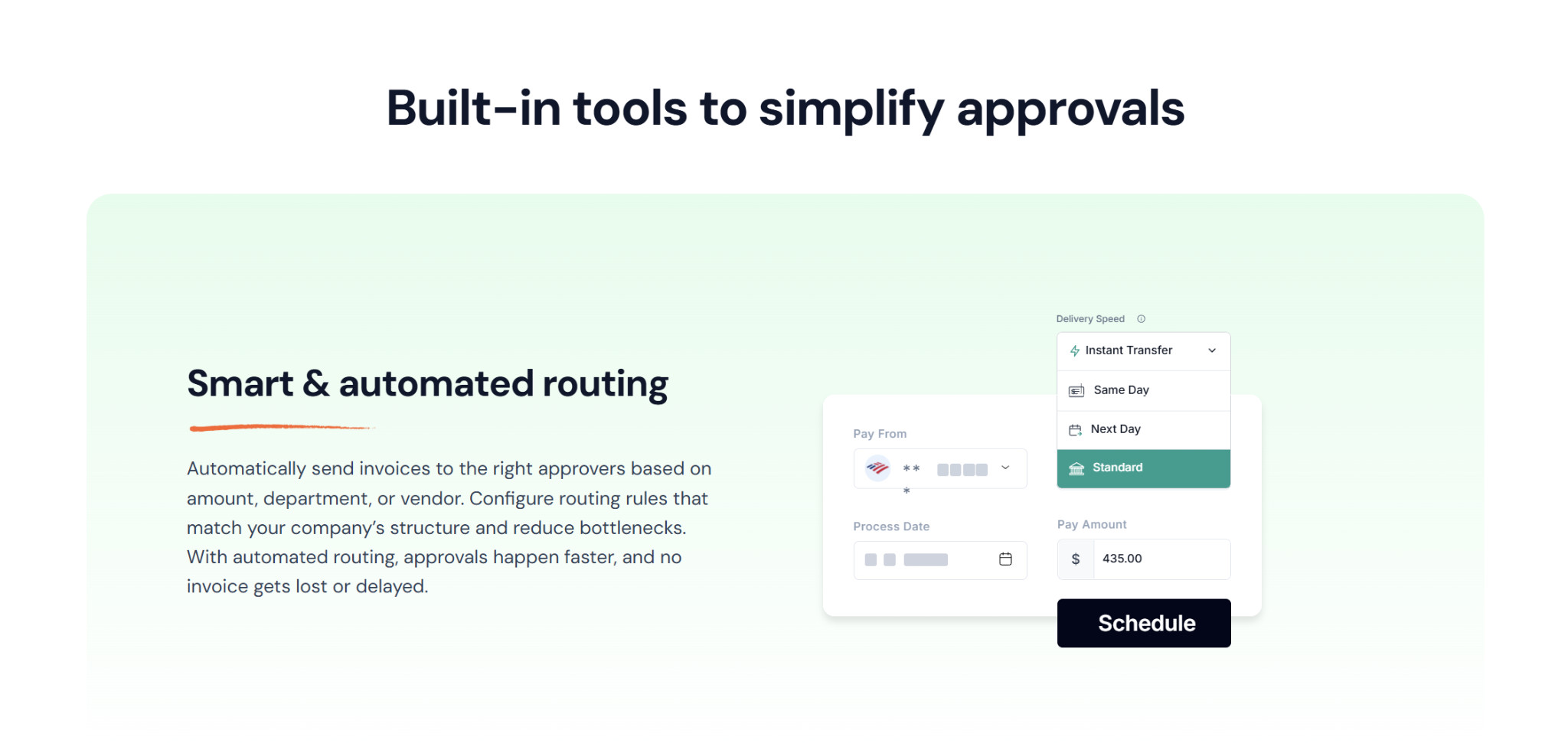
Forwardly lets you set up approval workflows with custom user roles and permissions, as well as create multi-level approvals, to help prevent payment errors and fraud. To determine which bills go through the approval process, you can establish thresholds based on dollar amount and vendor.
The platform comes with two default user roles: admin and read-only. Beyond these two, you can create custom user roles, where you decide the name and permissions. You can also create approval groups, where only one person out of the group has to approve the payment in order for it to move to the next level in the approval process.
In all, you can have up to ten user roles.
Accounts Receivable
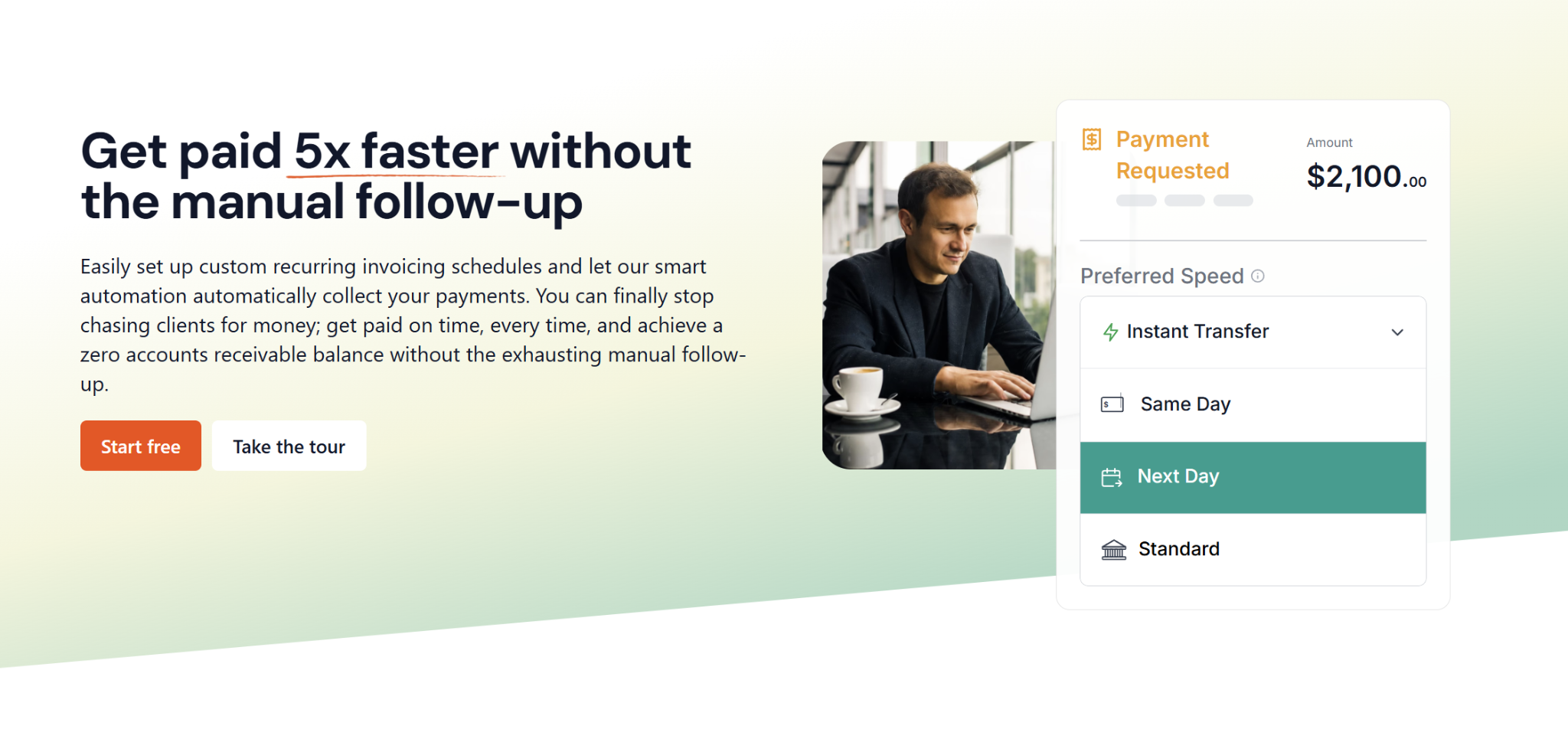
On the receivables side of things, Forwardly allows you to request one-time payments, set up recurring invoicing, and send automated payment reminders. If you’d like, you can customize your invoices by adding your business logo.
Your customers can pay these invoices online, via email, or through text message. They’re not required to create Forwardly accounts, and they can pay you via ACH or card.
Integrations
Forwardly can sync with several leading accounting and ERP platforms, including QuickBooks Online, Sage Intacct, Oracle NetSuite, Campfire, Xero, Microsoft Dynamics 365, FreshBooks, and Zoho Books. However, not every integration is available with every plan; only the highest tier can access integrations beyond QuickBooks and Xero.
Pricing
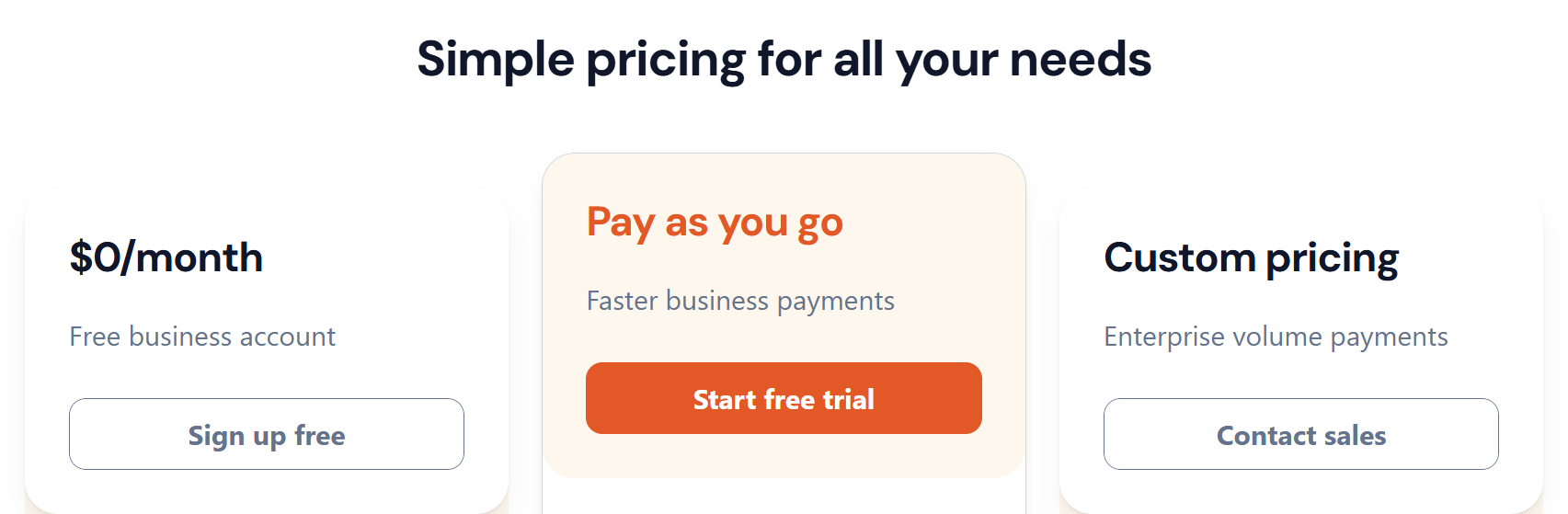
Forwardly doesn’t charge any subscription fees, so the only fees you’ll face will be transaction-related. However, there are still a few separate plan tiers:
- Free: The entry-level plan gives you ten free standard ACH payments per month (five sent and five received). It gives you most of the platform’s accounting features, though you’re limited to email support.
- Pay as you go: With this plan, you can send unlimited ACH payments at a cost of $0.50 each, access expedited payment options, sync with QuickBooks Online and Xero, and receive support through phone or video call.
- Custom pricing: This plan is for high-volume businesses, and it comes with volume discount pricing, additional accounting integrations, and priority support.
Transaction Fees
- Standard ACH: $0.50
- Next-day ACH: 1% (minimum $1, maximum $10)
- Same-day ACH: 1% (minimum $1, maximum $20)
- Instant payment: 1% (minimum $1, maximum $30)
- Card: 2.99% + $0.25 card payment settlement fee
Melio
Product Scope
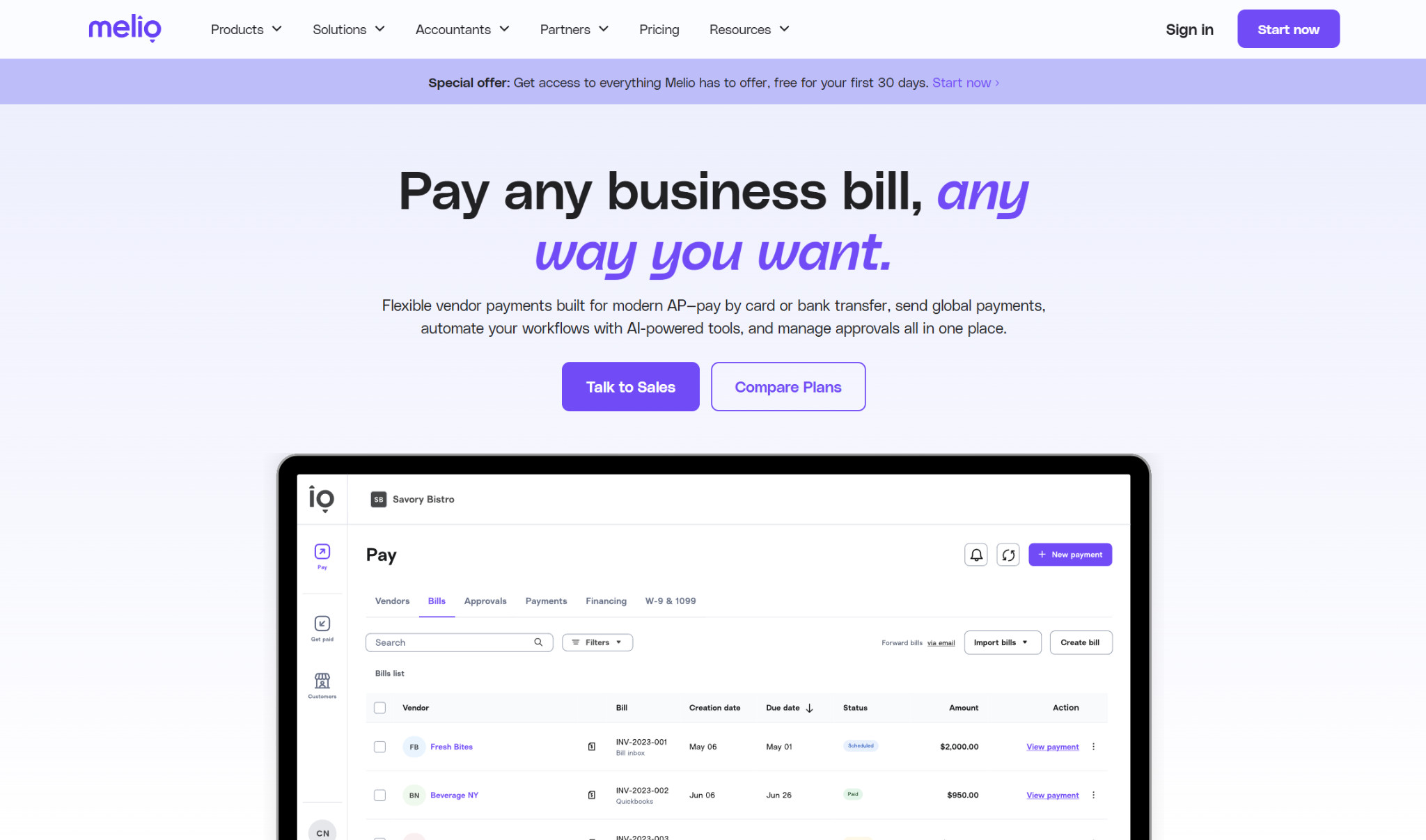
Melio is a comprehensive AP/AR suite built for SMBs, and it has solutions for businesses in all fields. It specifically calls out professional services, food and beverage, construction, retail, and healthcare as its biggest use cases.
Payment Methods
With Melio, you can pay your bills from your bank account, credit card, or debit card. From there, there are several options for how your clients can receive the payment: ACH transfer (including expedited transfers), paper check, or wire transfer. This means you could pay with a credit card even if your vendor doesn’t directly accept card payments on their end.
Melio supports the major card networks, including Mastercard, Visa, American Express, and Discover.
Transaction Limits
Melio doesn’t have any transaction limits, so you can send payments as large as your bank or credit card company allows.
International Payments
If you need to send payment to vendors or contractors outside the U.S., Melio supports that as well, allowing you to send funds to over 80 countries and in 15 different currencies. Plus, if you send over $100,000 in international payments per quarter, you’re eligible for volume discounts.
Payment Speed
The payment delivery timelines depend on which payment method you’re using and how you’re delivering the funds.
- Standard ACH transfer:
- Bank account: 3 business days
- Card: Same business day
- Paper check: 5–7 business days
- Domestic wire transfer:
- Bank account: 3 business days
- Card: Same business day
- International payments (USD):
- Bank account: 4–5 business days
- Card: 2–3 business days
- International payments (local currency):
- Bank account: 0–4 business days
- Card: 0–2 business days
There are also expedited options, including same-day and instant ACH, overnight check, same-day domestic wire, and fast USD international payments.
Approval Workflows
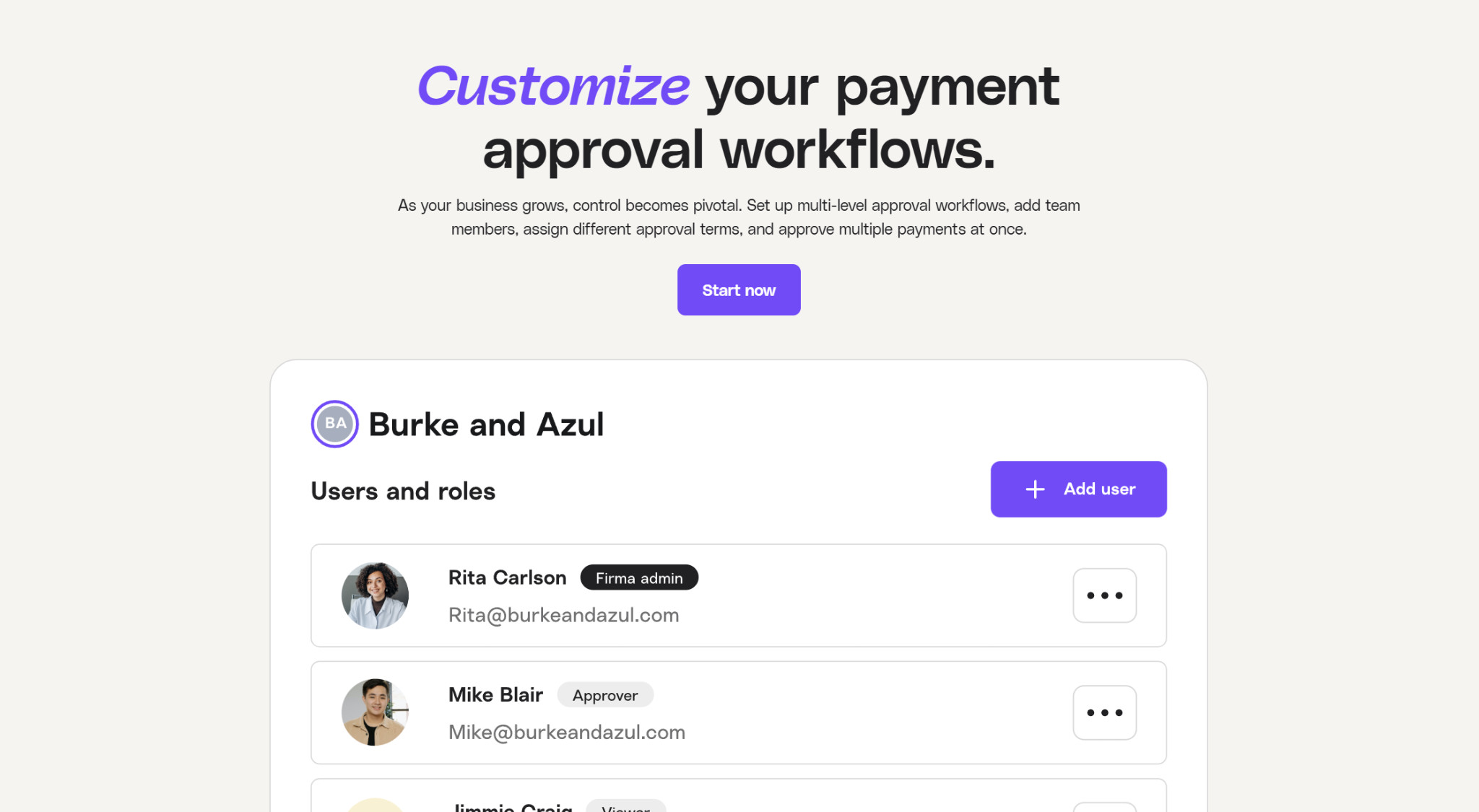
Melio lets you set up customized, multi-level approval workflows based on payment amount, scheduler, or vendor. It comes with six built-in roles: owner, admin, accountant, contributor, approver, and viewer. Only those with the owner, admin, and accountant roles can create approval workflows, while the viewer role is read-only (typically used for auditors). Additionally, you can set up your workflow so that any one, two, or three approvers are required for a single step.
You can approve or decline payments either online or through the Melio mobile app.
Accounts Receivable
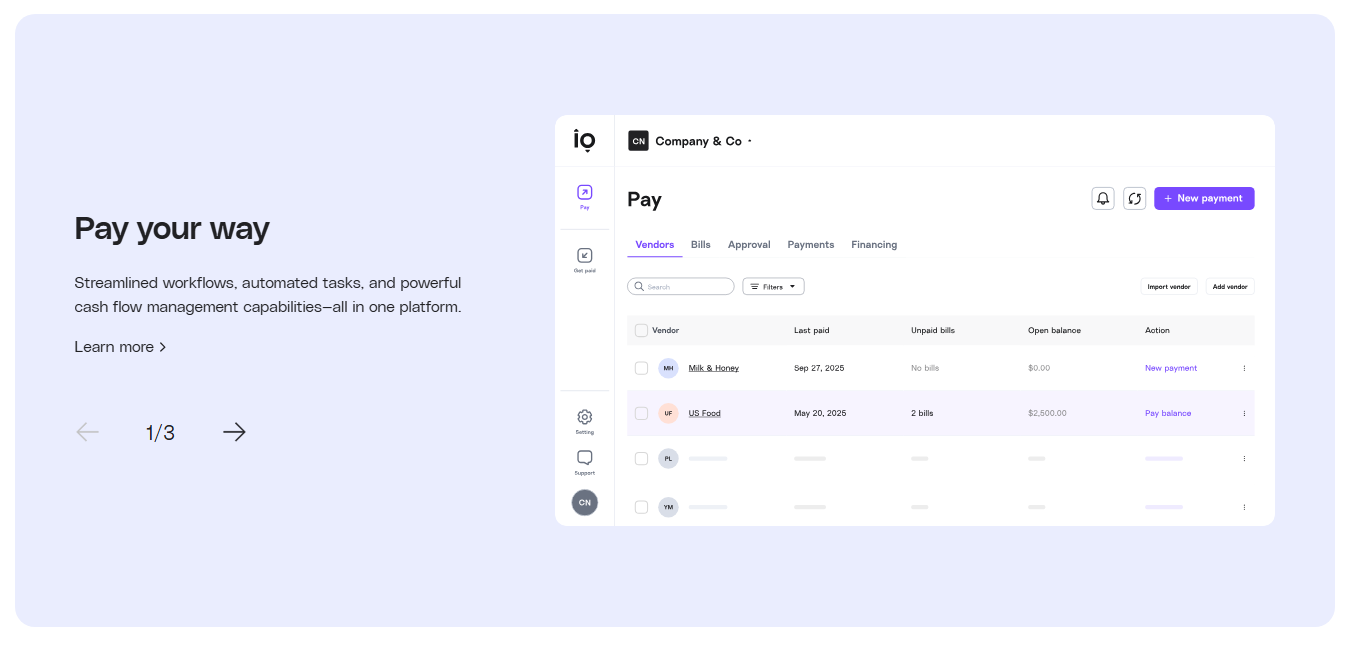
For AR, you can issue branded invoices that come with a built-in payment link, or you can skip the invoice altogether and just send the link. You can also schedule automated payment reminders so that you don’t have to follow up manually.
Customers can pay you through a bank transfer, which is free, or via card, for which you can choose whether you or the customer is responsible for the fee.
Integrations
Melio can integrate with QuickBooks Online, QuickBooks Desktop, Xero, NetSuite, Meta Ads, and Amazon Business. Note that the integrations you have access to depend on your Melio plan.
Pricing
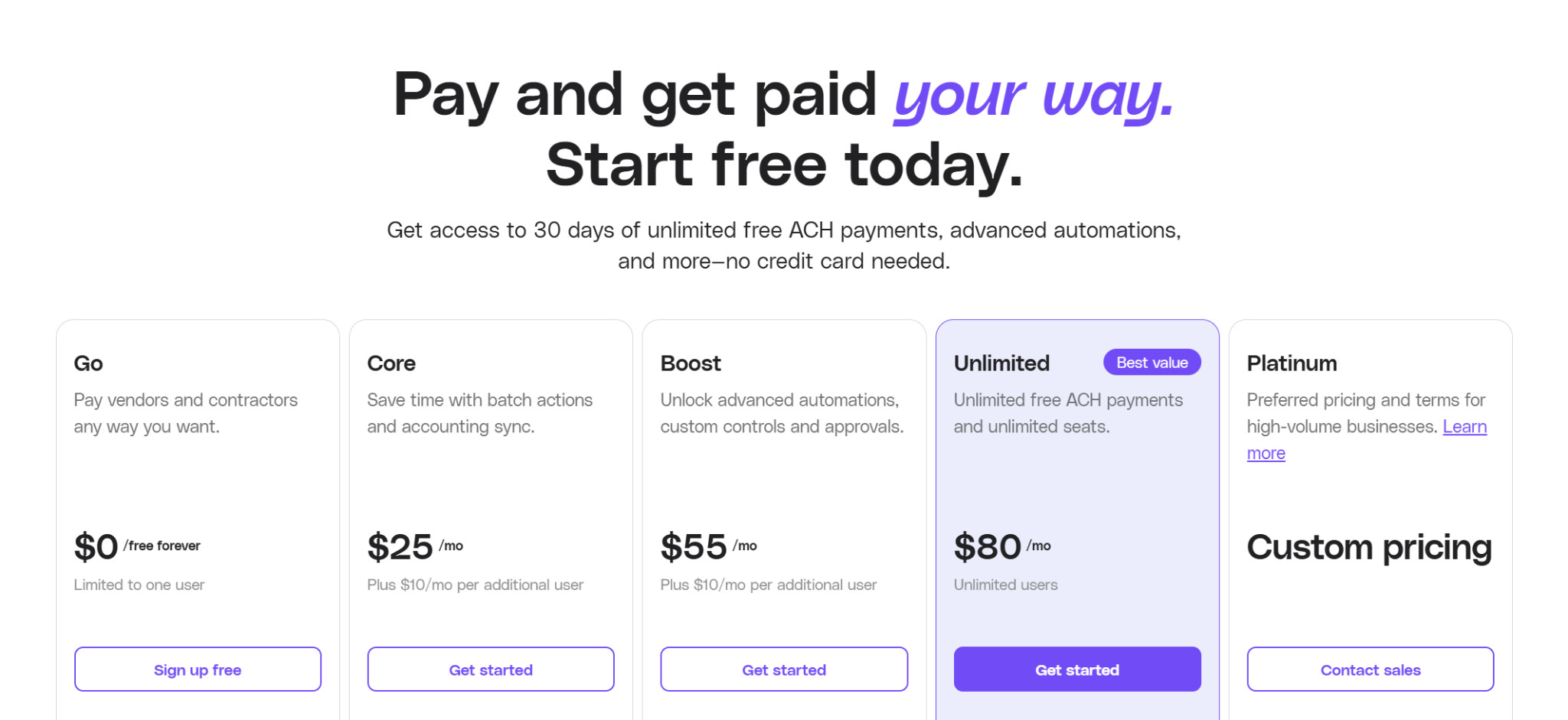
With Melio, you’ll need to register for a plan:
- Go (Free): The Go plan is limited to one user, and you get five free ACH payments per month.
- Core ($25/month, $10/month per additional user): The Core plan gives you 20 free ACH per month, as well as access to QuickBooks Online and Xero syncs, batch payments, custom approval workflows, W-9 collection, 1099 automation, an AI assistant, priority chat support, and the ability to create branded invoices.
- Boost ($55/month, $10/month per additional user): Under the Boost plan, you get 50 free ACH per month. This tier also comes with advanced user rules, a QuickBooks Desktop sync, and premium phone support. Plus, you can apply vendor credits.
- Unlimited ($80/month): With the Unlimited plan, you get unlimited free ACH, as well as access for unlimited users. You can also sync your payment details with NetSuite.
- Platinum (Custom pricing): Platinum is a customizable plan option for complex or high-volume businesses.
Transaction Fees
- ACH: $0.50 (free to receive)
- Check: $1.50
- Fast check: $20
- Overnight check: $50
- Instant bank transfer: 1%, $75
- Same-day ACH: 1%, maximum $75
- Wire transfer: $10
- Same-day wire transfer: 1% (minimum $10, maximum $75)
- Credit/debit card: 2.9%
- Global ACH (USD): $20
Forwardly vs. Melio: Choosing the Best SMB Bill Pay Software

While Forwardly and Melio are both strong choices for managing AP and AR at a small business, they’re far from interchangeable.
Forwardly’s main selling point is that it doesn’t charge a monthly subscription, so you can access all features right away and pay as you go. It also has more integrations than Melio.
However, if you want to send payment via check, domestic wire, or internationally, Melio is the only one of these two that supports these options. You’re also not bound by transaction limits, and all plans come with some number of free ACH payments.
So, here’s what I’d recommend:
- Go with Forwardly if your business deals exclusively with smaller, domestic payments and you want to avoid a subscription fee.
- Go with Melio if you need more payment methods (including international), you need to send larger payments, or you frequently pay via ACH transfer.
Overall, the best choice for you comes down to your business’s unique needs and priorities.