

Last Updated on May 22, 2026 by Ewen Finser
You set up Mailgun, connected your domain, and started sending. Everything looked fine on your end, but your emails are landing in spam, or worse, not arriving at all.
Don’t worry, you’re not alone. This is one of the most common pain points for Mailgun users, and good news: it’s usually fixable once you know where to look.
I’ll walk you through the four core areas in this article that determine whether your emails land in the inbox or get buried: authentication, IP reputation, domain reputation, and sending behavior.
We break this down step-by-step in this video 👇
Start With Your Authentication Stack

If your technical authentication isn’t solid and airtight, nothing else matters. Gmail, Yahoo, and most major inbox providers will flag or filter your mail before they even evaluate your content.
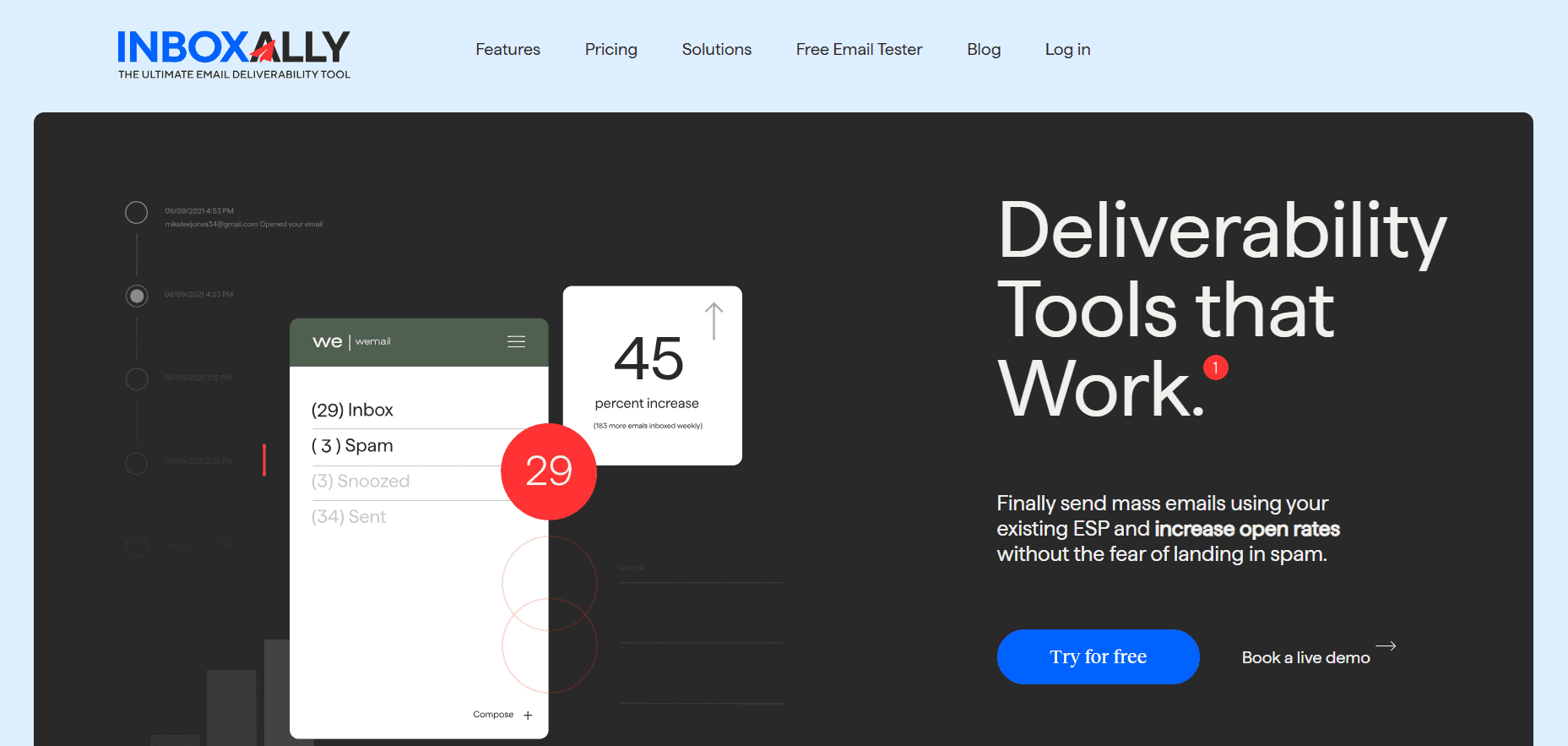
InboxAlly is the comprehensive suite I need to solve challenging deliverability problems across the board. It's like a triage hub for diagnosing and fixing email deliverability rates in one dashboard. I've tried a lot of tools, but this is the one I've stuck with.
There are three records you need to have configured correctly:
SPF
SPF tells receiving servers which systems are authorized to send mail on behalf of your domain. For Mailgun, your SPF record needs to include “include:mailgun.org.”
The mistake I see most often is either a missing “include,” a typo, or (and this trips people up constantly) having more than one SPF record on your domain.
Remember: you can only have one. If you have multiple, they’ll conflict, and your authentication will fail.
DKIM
DKIM is your email’s digital signature. It’s what proves the message actually came from you and hasn’t been altered along the way.
Mailgun provides a set of TXT records that you need to add to your DNS, and once they’re in place, you need to verify them inside your Mailgun account.
If those records show as “unverified”, your emails are essentially being signed in a way that can’t be trusted.
DMARC
DMARC is the policy layer that ties everything together. It tells receiving servers what to do when SPF or DKIM checks fail: whether to let the message through, send it to spam, or reject it outright.
But beyond policy, DMARC introduces a requirement that trips people up all the time: alignment.
Your “From” address has to exactly match your sending domain. Even small inconsistencies, like using a subdomain for sending and a root domain in the From address, can cause your emails to be flagged, even if SPF and DKIM appear to be set up correctly.
My advice? Run your domain through a tool like Mail-Tester or MXToolbox before anything else. If any of these three records aren’t passing cleanly, fix them first and retest.
Understanding Your IP Situation

Understanding your IP situation is critical because your IP address has its own reputation, completely separate from your domain. Even if your authentication is perfectly configured, a poor IP reputation can still sink your deliverability. Where you fall on that spectrum depends largely on whether you are using a shared or dedicated IP, and how that IP has been used over time.
Shared IPs
On a shared IP, which is what you get with Mailgun’s entry-level plans, you are grouped together with other senders. The tradeoff is control. Your reputation is influenced by everyone else on that IP, and inbox providers evaluate that IP as a single entity. If another sender is generating spam complaints or sending low-quality mail, the consequences are shared.
- Your deliverability is tied to other senders on the same IP
- You cannot control or isolate their behavior
- Inbox providers judge the collective reputation, not individual intent
Dedicated IPs
If your volume is high enough to justify it, usually at least a few thousand emails per month, moving to a dedicated IP gives you full control over your reputation. That control comes with responsibility. A dedicated IP starts with no history, which means no trust, and inbox providers are highly sensitive to how new IPs behave.
- A new IP has no established reputation
- Large, immediate send volume looks suspicious
- Poor early behavior can permanently damage trust
IP Warming
To establish that trust, you need to warm the IP. Warming is the process of building a sending history gradually so providers can observe consistent, legitimate behavior. You start small, focus on your most engaged users, and increase volume over time in a controlled way.
- Begin with subscribers who consistently open and click
- Increase volume in steady, predictable increments
- Keep sending patterns consistent from day to day
IP Visibility
To understand how your IP is being perceived, you need visibility into reputation data. Google Postmaster Tools provides a direct view into how Gmail evaluates both your IP and your domain, with data that updates frequently. This is where you validate whether your approach is working.
- Monitor reputation trends, not just snapshots
- Treat low or bad ratings as signals, not anomalies
- Resolve issues before increasing volume further
Diagnosing Domain Reputation

Your domain has its own reputation score that inbox providers track separately from your IP. Even if you switch sending services or rotate IPs, your domain reputation follows you.
If your emails still get accepted by the server, but they consistently land in spam, you probably have a domain reputation issue. This can happen even if you are sending from addresses that have never had deliverability problems before.
A good place to start diagnosing this problem is through your email logs (for example, in Mailgun).
Look for:
- “Complained” events, which are spam reports
- “Permanent Failed” events, which can indicate hard blocks or invalid delivery attempts
You may also see SMTP error codes like 554 5.7.x. These usually mean your message was blocked at the receiving server level due to spam filtering rules.
Spam Complaints
Spam complaints are one of the strongest negative signals you can send.
When someone clicks “Report Spam,” providers like Gmail log that directly against your domain. Industry benchmarks generally keep acceptable complaint rates under 0.1%, and once you go above that, deliverability tends to drop quickly.
If you are sending bulk email, an unsubscribe option is not optional anymore. Gmail and Yahoo now require a one-click unsubscribe header for bulk senders. If people cannot easily opt out, they are far more likely to hit the spam button instead, which causes significantly more damage.
Spam Traps
Another major issue is spam traps. These are email addresses that have either been abandoned for years or intentionally set up by inbox providers to catch poor list practices.
If you are sending to lists that have not been recently cleaned or validated, you are very likely hitting some of these.
Most tools, including Mailgun, offer email validation features that can help scrub invalid or risky addresses before you send. That is usually worth doing before any large campaign.
Auditing Your Sending Behavior

Even with clean authentication and solid reputation, your sending patterns themselves can trigger filtering. Inbox providers have become very good at identifying behavior that looks like spam, regardless of the content.
Volume spikes are a major red flag. If you normally send 500 emails a day and then suddenly send 50,000 in one go, that pattern looks exactly like what spammers do when they get access to a new sending account. Consistency matters: even if you’re running a legitimate campaign, spread it out and ramp up gradually.
Remember, content signals still play a role, even if they are not as dominant as they used to be.
A few things to watch out for are:
- Subject lines in all caps or heavy with trigger words like “FREE,” “GUARANTEED,” or “ACT NOW”
- Emails that are mostly images with very little text, which often get flagged as suspicious
- Tracking links that use generic shorteners instead of your own domain, which can resemble phishing behavior
Beyond that, engagement is ultimately what inbox providers care about most. If a large portion of your list consistently ignores your emails (no opens, no clicks), providers like Gmail will start adjusting placement over time. That can mean the Promotions tab first, and eventually spam, even if your technical setup is perfect.
This is also the hardest issue to fix, because it is not really a configuration problem. It is a signal problem. If your list is not engaged, no amount of technical tuning will fully compensate for that.
The Engagement Problem (And Why It’s Hard to Fix Alone)
Here’s the part that doesn’t get talked about enough: once your domain reputation has taken a hit from low engagement, you’re in a difficult cycle. Low engagement leads to worse placement. Worse placement leads to even lower engagement, because your emails aren’t being seen. The technical fixes stop a further decline, but they don’t actively rebuild the trust you’ve lost with inbox providers.
This is where a tool like InboxAlly comes in. Rather than requiring you to abandon Mailgun or start over with a new domain, InboxAlly works alongside your existing sending infrastructure as a reputation-rebuilding layer.
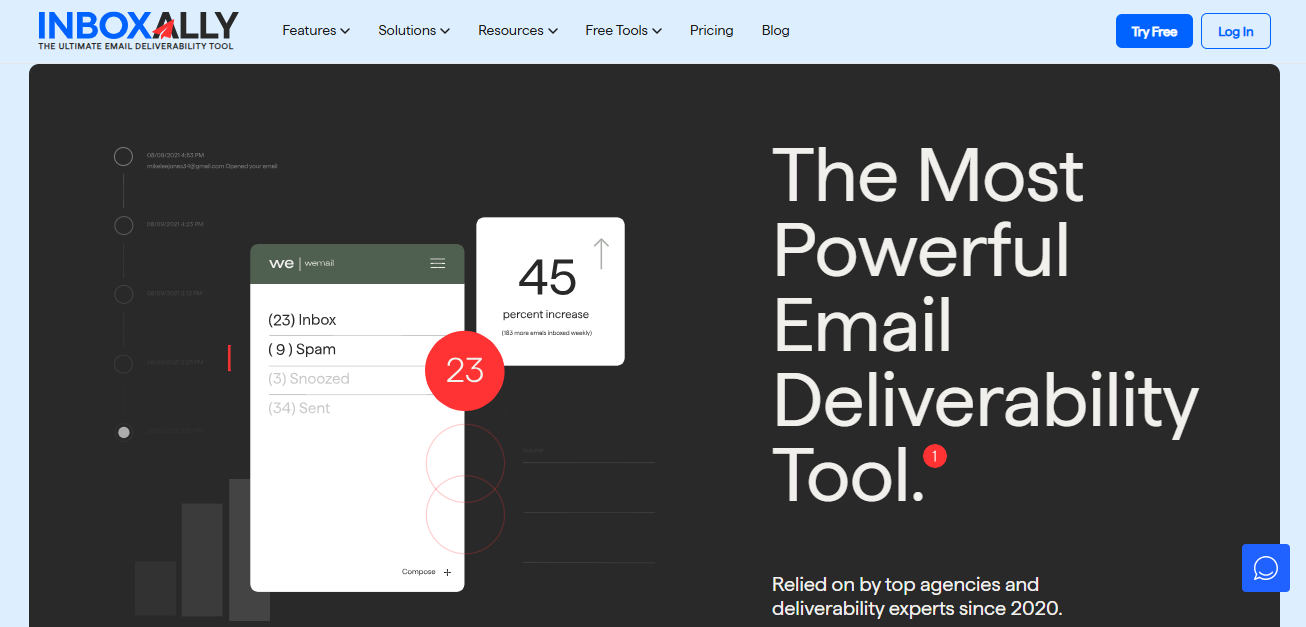
It uses a network of real “seed” inboxes to simulate positive engagement with your emails, such as:
- Opening messages
- Clicking links
- Moving emails out of spam
These actions send positive behavioral signals back to inbox providers, helping improve how your domain and sending patterns are perceived over time.
Think of it this way: Mailgun is the engine that moves your mail. InboxAlly is the signal that tells inbox providers your mail is worth delivering. They solve different problems, and for senders dealing with reputation damage, they’re often most effective when used together. You keep full control of your Mailgun setup (your authentication, your lists, your sending cadence) while InboxAlly actively works to shift how providers perceive your domain.
If your emails are consistently landing in spam despite having clean authentication and a reasonable sending history, or if you’re warming up a new domain and want to accelerate trust-building, that’s where InboxAlly is specifically designed to help.
Keep reading: My 2026 InboxAlly Review: Does this help with email deliverability?
Our Practical Troubleshooting Sequence
Rather than randomly trying fixes, work through these in order:
- First, verify your authentication. Run Mail-Tester or MXToolbox and confirm all three records (SPF, DKIM, DMARC) are passing. Fix any failures before doing anything else.
- Second, check your Mailgun logs for complaint and failure events. A high complaint rate tells you the reputation damage is coming from your audience. Bounce events and SMTP error codes tell you whether you’re being blocked at the server level.
- Third, set up Google Postmaster Tools if you haven’t already. This gives you direct visibility into how Gmail sees your IP and domain reputation, information you can’t get anywhere else.
- Fourth, clean your list. Use Mailgun’s validation service to remove invalid, inactive, and risky addresses before your next send.
- Fifth, review your sending cadence. If you’ve been sending erratically or in large unplanned spikes, build a more consistent schedule and stick to it.
And, if after all that engagement signals are still low and deliverability isn’t recovering, consider layering in a tool like InboxAlly to actively rebuild your reputation while you continue sending through Mailgun.
Inbox placement problems are frustrating, but they’re almost always diagnosable. The key is working through each layer systematically rather than guessing, and understanding that some problems (especially around engagement reputation) require active intervention rather than just configuration changes.