


- Snapshot: My Top 5 Pipedrive Alternatives
- When I Would Look For Pipedrive Alternatives
- Pipedrive Alternatives - My Top Picks
- 1. Nutshell - Best User-Friendly CRM for Small Businesses
- 2. HubSpot CRM - Best for SMBs that need to combine Sales, Marketing, and Customer Management
- 3. Freshsales - Best Alternative for Small Teams & Startups
- 4. monday CRM - Best for Teams Needing a CRM & Project Management Tool in One
- 5. Zoho CRM - Best for Teams Needing a Customizable CRM
- Pipedrive Alternatives - FAQs
- Final Verdict - Which Pipedrive Alternative Should You Switch To?
Last Updated on October 29, 2026 by The Digital Merchant Team
Customer Relationship Management (CRM) software can work well for years, but pricing, scalability, or integration issues can pop up unexpectedly, prompting you to look for alternatives.
Overall, I’ve found Pipedrive a really capable tool, especially for teams that value visual, Kanban-style workflows to help sales teams track what’s happening throughout the sales lifecycle; however, no solution is perfect for every team.
A lot of my role over the past decade has not just been reviewing software but using, implementing, and even building software platforms for small to enterprise businesses. I like knowing what’s out there so I can easily pivot when something stops working. If you’re looking into Pipedrive alternatives, I’ll share my honest take on which ones might be a better fit for your business.
Snapshot: My Top 5 Pipedrive Alternatives
| Software | Best for | Key features | Pricing* |
|---|---|---|---|
| Nutshell | Small-to-mid-sized teams needing sales, marketing, and CRM features in a single tool | User-friendly UX. Sales pipeline management & marketing tools | Free trial available. Pricing ranges from $13-$79/month per user. |
| HubSpot CRM | SMBs looking to grow beyond simple CRM needs | HubSpot ecosystem service offering. Strong focus on customer journey. | Free plan available. Pricing ranges from $7-$175/month per user. |
| Freshsales | Growing teams who need to handle high volumes of sales leads and customer conversations | Sales-specific functionalities | Free trial available. Pricing ranges from $9-$59/month per user. |
| monday CRM | Mid-to-enterprise-sized organizations that need a visual way to manage sales and wider operational processes in one place | Customizable sales workflows and project management features | Free trial available. Pricing ranges from $12-$28/month per user. Enterprise tier carries custom pricing. |
| Zoho CRM | SMBs needing a flexible and custom setup | Highly configurable CRM | Free trial and limited free plan available. Paid plans range from 40/month per user. |
*Pricing accurate as of October 2026. Based on annual billing commitments. Some platforms have promotional pricing running.
When I Would Look For Pipedrive Alternatives
Pipedrive is a solid CRM, so I would look for alternatives when you’ve hit one of these crossroads and it’s no longer a good fit, meaning you need something different and better suited to your organization.
Pricing
This is one of the most common reasons I’ve heard when I’ve asked why people tend to move away from Pipedrive. I believe it’s worth paying for more expensive tools if they solve expensive business problems. That said, if you’re paying for features you don’t need or user seats you’ll never fill, the extra cost might not be worth it.
User experience & team adoption
This was almost the first on my list because it’s often the most critical. If a tool doesn’t fit your team’s needs and it’s difficult to use, poor adoption is inevitable.
Integrations
You need to make sure the CRM plugs into the platforms you already use. If the integration is problematic, requires lengthy setup, or adds cost, it can become a significant hurdle.
Reporting & analytics
What may work initially for smaller or simpler businesses may change as the business grows. I’ve found that things like automation workflows or deeper analytics or dashboards can become more complex over time and require more advanced tools.
As mentioned at the beginning, Pipedrive serves many teams well, but as needs change, it may no longer be the perfect fit. We’ll look at some Pipedrive alternatives I’ve used or researched when searching for other CRM options.
Pipedrive Alternatives – My Top Picks
There is almost a bit of “buyer fatigue” these days when it comes to looking for software and tools. Too little choice can be just as tricky to navigate; I try to keep my research limited to around 5-8 tools so I can fully grasp where each one stands out and which use cases they serve best.
I’ve evaluated all of these against the same criteria. Which features are particularly unique (not necessarily the most advanced), which businesses would they be a good fit for, and what problems do they aim to solve?
1. Nutshell – Best User-Friendly CRM for Small Businesses
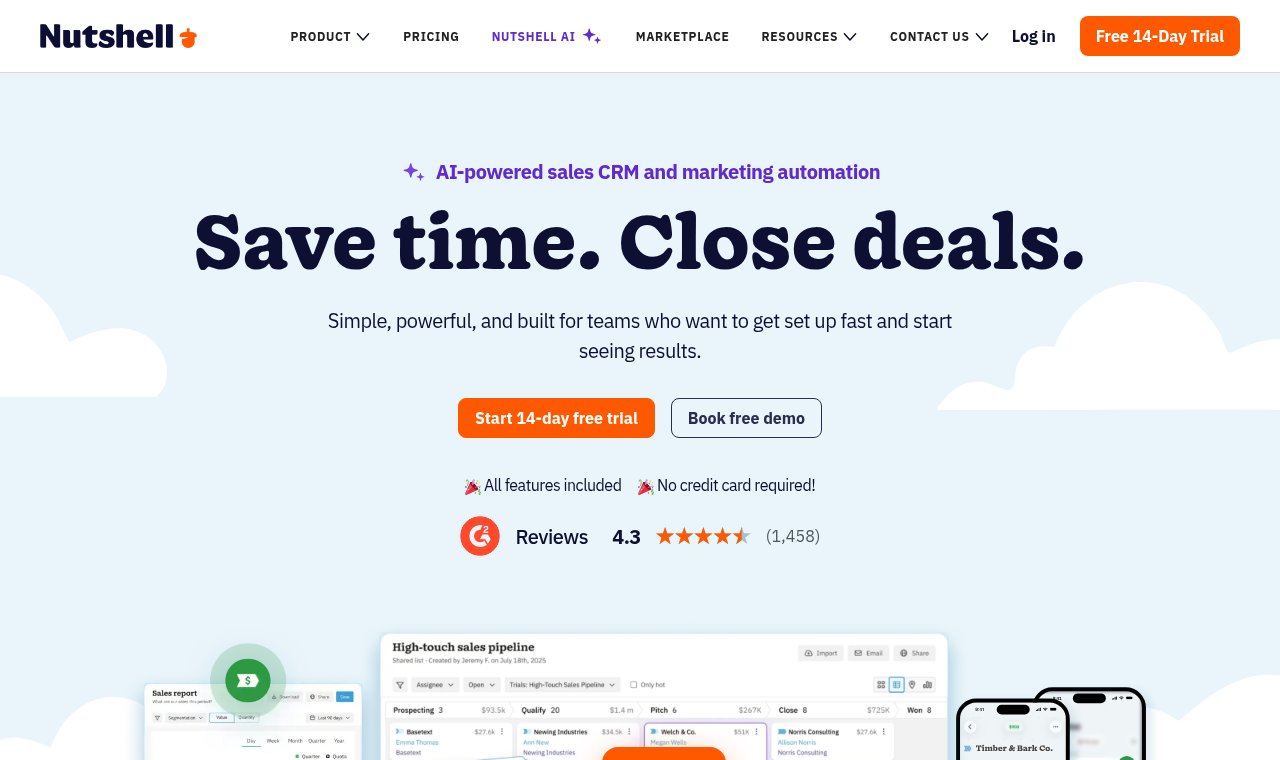
The first thing I noticed about Nutshell was its great user interface. It’s easy to get overwhelmed or impressed by fancy features, but a great UX goes a long way in my book. I’ve found Nutshell combines many core service offerings in one, so you can handle contact management, calendar syncing and reporting, automation, and even marketing in one place instead of using disconnected systems. I’ve found that sales teams, and honestly most businesses, benefit a lot from one interconnected system, especially for tracking leads and key customer information.
Pros:
- Overall user experience is sleek and straightforward, and it’s easy to find widgets and actions.
- The Nutshell AI functionalities can help teams create call summaries, research leads, and create custom reports, which are built into the platform.
- Workflow automations and follow-ups can be set up to help reduce repetitive or manual processes.
- You can easily customize your sales pipeline, leads, and dashboard so they make sense for each user or team.
- Along with customization, the level of reporting is useful without it being overkill for smaller teams.
- Marketing functions like SMS broadcasts and email campaigns can be run from the same tool and offer analytics into leads and other data, which can help you drive better business decisions.
- Connects directly with dozens of popular tools like Google Workspace, Microsoft 365, and QuickBooks, plus over 6,000 more apps through Zapier, so you can sync your most-used business tools in one place.
Cons:
- Reporting can be somewhat limited for larger teams who need in-depth analytics.
- Some of the more advanced features mentioned above are only available on higher tiers so make sure to check which plan makes the most sense for your needs.
- Features such as email marketing and SMS outreach are available as paid add-ons.
Pricing snapshot
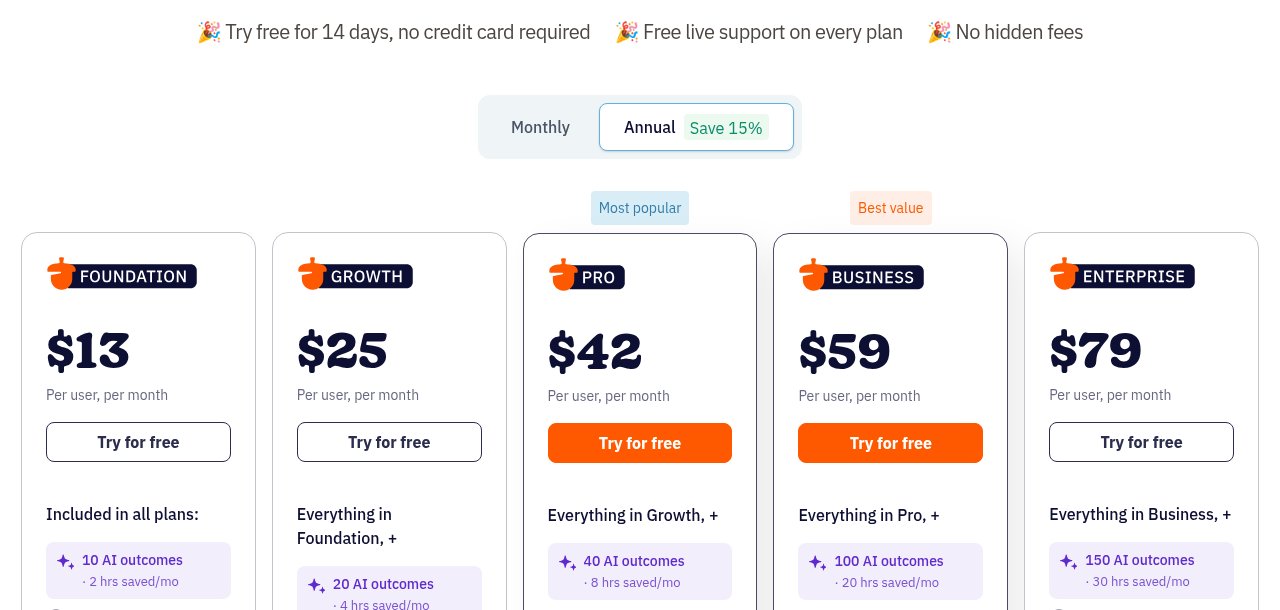
Nutshell offers a 14-day free trial and five pricing tiers, making it a great option for scaling businesses that want to start simple and add features as they grow. All plans offer AI outcomes that scale with your plan.
- Foundation: $13/user per month – Ideal for smaller teams needing unlimited contacts & storage and email and calendar syncing.
- Growth: $25/user per month – Ideal for mid-sized teams needing sales functionalities like sales quotas and lead management.
- Pro: $42/user per month – A popular choice for SMBs needing more advanced reporting, AI features, and meeting scheduling.
- Business: $59/user per month – Strong option for larger teams needing more complex capabilities like email templates and additional data controls and audit logs.
- Enterprise: $79/user per month – Best for enterprise organizations that need unlimited pipelines and advanced customization.
Best for
Small and medium-sized businesses that value a lightweight CRM designed with simplicity and ease of use, with options to scale as their business grows.
My take
Overall, Nutshell is one of the more user-friendly and intuitive platforms I’ve come across. I like its balance of CRM capabilities, marketing functions, and AI, making it ideal for businesses that want to simplify several functions and avoid separate systems and costs. I like software platforms with modules or add-ons you can add later and use only as needed, rather than paying for features you may not need.
2. HubSpot CRM – Best for SMBs that need to combine Sales, Marketing, and Customer Management
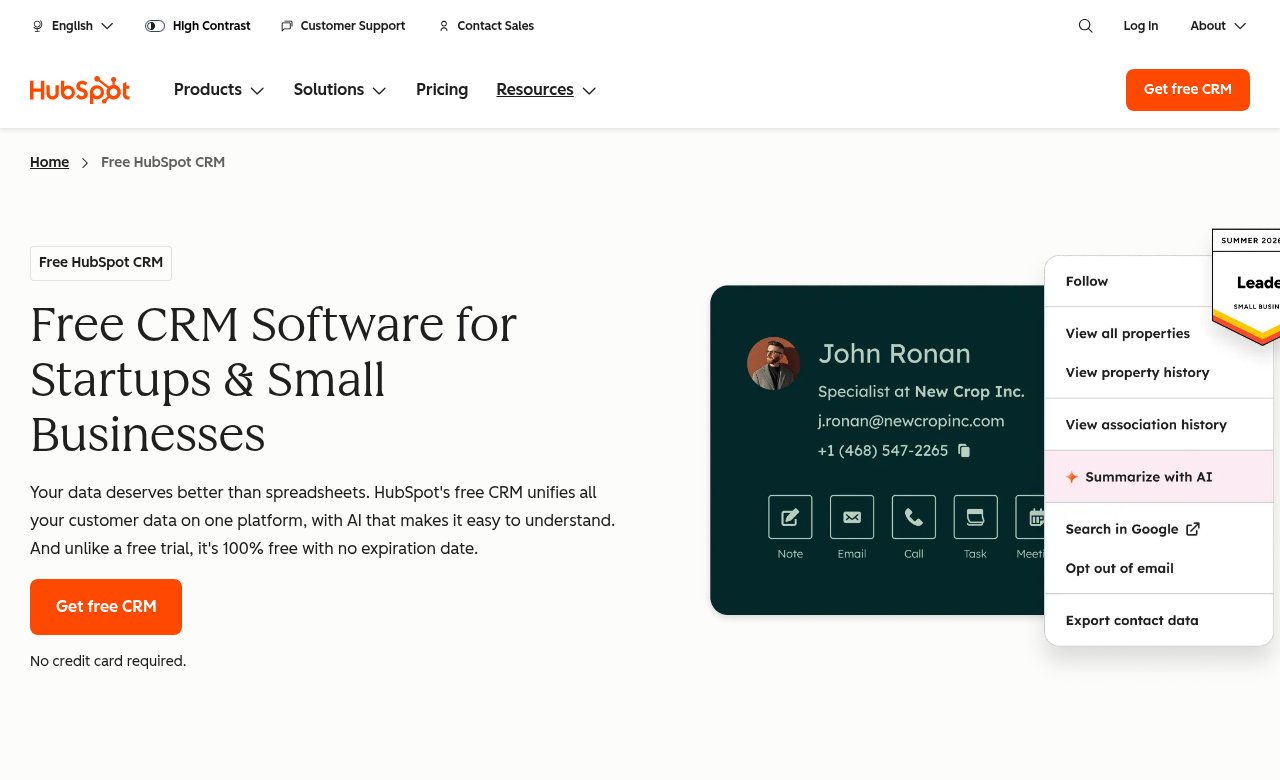
HubSpot is one of the most well-known CRMs out there. I don’t pick tools just because they’re popular, but I do like to look at why they got that way. A big part of HubSpot’s appeal is its wider suite of apps, which makes it a good fit for businesses that need more than just a basic CRM.
Pros:
- Brings separate teams and functions into one connected system
- Built-in AI tools help teams update customer data, manage sales tasks, and more, which saves a lot of time
- Puts more weight on customer journeys and sentiment, so it’s a good pick for teams that care a lot about the customer experience
- Free plan for up to 2 users, simple enough for small teams tracking deals and pipelines
- Easy to start with for basic needs, with room to grow into contact management, pipeline tracking, and deeper reporting
- Workflows and AI tools let sales teams set up follow-ups, invoicing, email campaigns, and more
Cons:
- The free plan is limited, so bigger sales teams will need a paid plan to get the most out of it
- Steeper learning curve once you get into the more advanced features
- Can feel bloated, with lots of features you may never use
Pricing snapshot
- Free plan: Up to 2 users – Good for small teams that need basic contact and deal management.
- Starter plan: $7-$10/month per user seat (up to 10 users) – Good for growing teams that want simple automation and more AI features.
- Professional plan: $90/month per user seat – Good for more mature teams that need advanced automation and marketing tools.
- Enterprise plan: $175/month per user seat – Best for complex organizations managing multiple teams and HubSpot accounts, with extra security and compliance controls.
Best for
SMBs and larger organizations that want to bring separate teams or tools into one connected system.
My take
HubSpot CRM is a great choice for teams that want marketing, sales, and customer journeys in one place, without having to add more tools later. It also gives you room to grow into its bigger suite as your needs get more complex. If you’re a scaling business, it’s worth a look.
3. Freshsales – Best Alternative for Small Teams & Startups
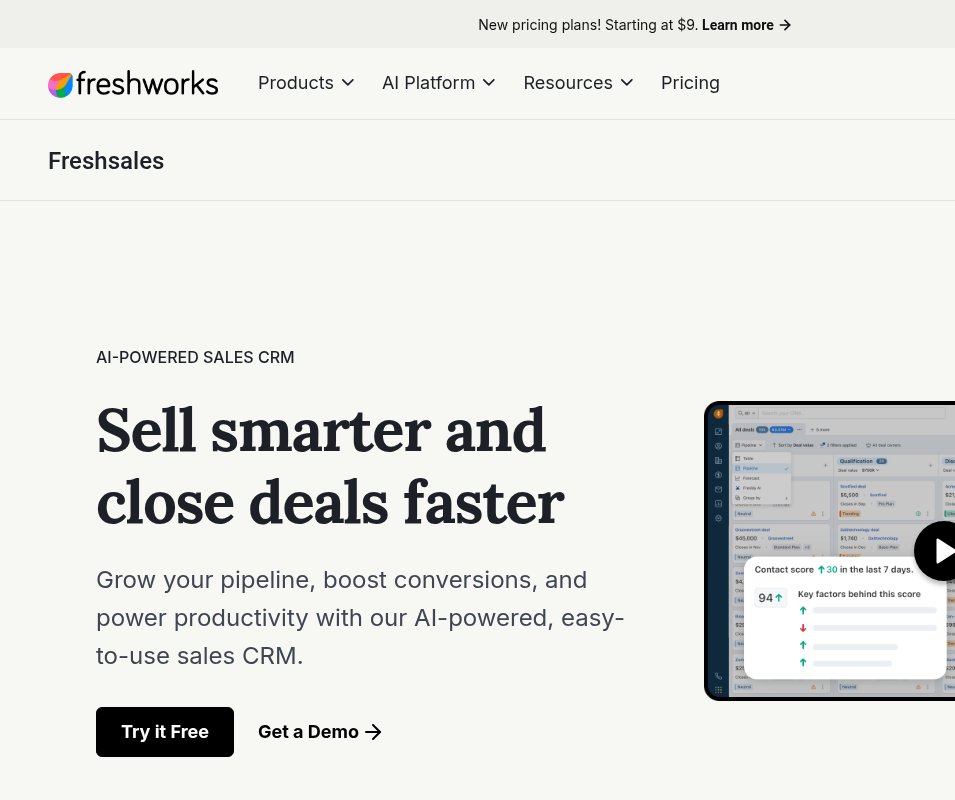
Freshsales is the CRM from Freshworks, a software company that also makes tools for customer support and IT. As the name suggests, it’s built for sales teams. It has everything you’d expect: contact & lead management, a sales pipeline, workflow automations, email tracking, and more. It’s more basic than some other platforms I’ve tested, which may be better if you need something lightweight and less complex for your sales team.
Pros:
- Lower cost compared to similar tools
- Relatively easy to use, straightforward platform without lengthy implementation requirements
- Built-in AI agents can help sales teams automate tasks like writing emails, prioritizing leads, and even recommending deals.
- Strong mobile app with good reviews
Cons:
- The interface felt very dated and less intuitive than more modern platforms. It looks cluttered, and it’s hard to navigate.
- It’s more basic than other CRMs I’ve tested, and I found it less suitable for larger or cross-functional teams, or those needing advanced features like reporting and analytics.
- Although the pricing is fair, features like branded documents and the Freddy AI Agent are limited on all plans, even the higher or enterprise tiers, so you’ll likely have to top up.
Pricing snapshot
- Growth plan: $9/month per user – Ideal for startups or smaller teams needing basic workflows, contact lifecycle management, and visual Kanban boards.
- Pro plan: $39/month per user – good fit for mid-sized businesses that need more customization, contact scoring & deal insights.
- Enterprise plan: $59/month per user seat – suited to mid-sized to larger teams that need additional forecasting insights, a sandbox and stronger control of permissions and audit logs.
Best for
Overall, I’d look into Freshsales if your sales teams need a platform to help them manage high volumes of customer conversations.
My take
I’ve heard Freshsales described as a watered-down version of HubSpot’s CRM, and I honestly don’t disagree. For some teams, that might actually be ideal. At a good price point, with features like automation, customer engagement and follow-ups, and email and SMS outreach, Freshsales is a strong alternative.
4. monday CRM – Best for Teams Needing a CRM & Project Management Tool in One
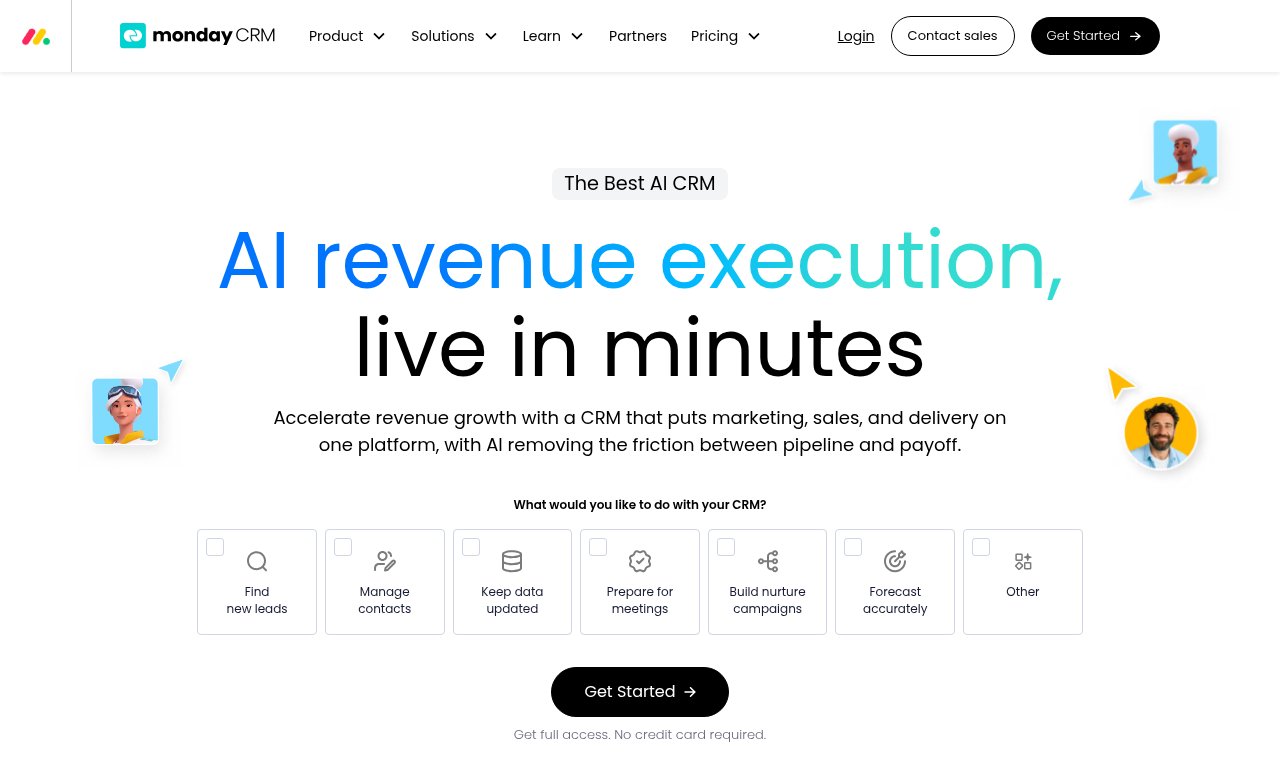
monday.com needs no introduction, and it’s potentially one of the most popular software platforms out there. It made my list because, as a project manager, I like to investigate tools that make sense for PMs and help teams avoid using a bunch of different systems. Although monday has a lot of capabilities, I’m going to cover only its CRM, and at first glance it’s visually appealing but feels a lot like other project and task management tools.
Pros:
- Combines essential capabilities like contact & lead management, sales forecasting, marketing, automations, and more in one place.
- Strong support for process-driven teams that need to hand off each part of the sales and customer lifecycle from one team to another.
- Highly configurable views and automations for various functions and offers AI agents to help set up and test workflows before launching them.
Cons:
- Requires a minimum of 3 users for the lowest-tier plan, making it less suited for startups or small teams.
- Limited email marketing capabilities and data-mapping issues, which is an oversight for a more expensive tool at this scale.
- Feels more like a PM tool that has added-on CRM functionalities than being a full-fledged CRM.
Pricing snapshot
Note – Pricing scales depending on organization size
- Free trial available for 3 of their plans.
- Basic plan: $12/month per user (min 3 users) – best suited to small teams only needing basic functionalities and limited workspaces.
- Standard: $17/month per user seat – Good fit for mid-sized teams that need to automate sales processes and manage contacts and deals.
- Pro: $28/month per user seat – Best for growing teams that need more advanced email capabilities.
- Ultimate: pricing tailored to your needs – Ideal for large organizations that need pre- and post-sales functionality and access to more unlimited features.
Best for
Mid-to-enterprise-sized organizations that need a visual way to manage sales and wider operational processes in one place.
My take
I don’t think monday’s CRM will work for all teams, but if you have a delivery-focused team that already uses other PM tools and you want to combine marketing, sales, and task management into one, monday is a good option.
5. Zoho CRM – Best for Teams Needing a Customizable CRM
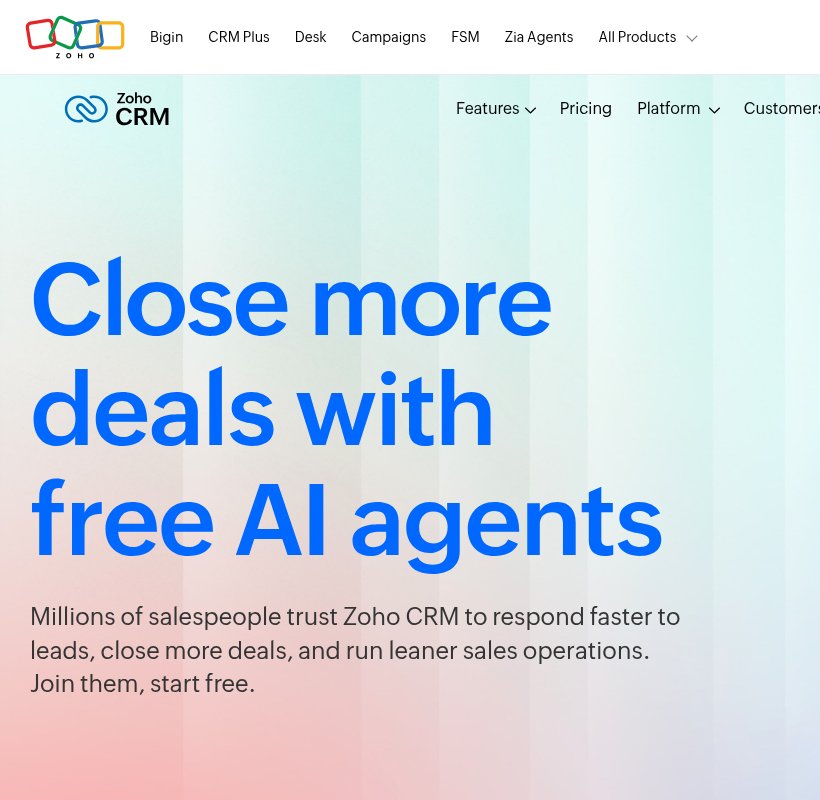
Zoho has been around for a while and offers a full suite of apps covering HR, accounting, mail, and more, so it makes sense that a CRM is part of the lineup. I use Zoho Books myself, so I’m already familiar with how their tools work. Zoho CRM is one of the first options I look at for smaller businesses that want something lightweight, and it’s surprisingly customizable, which makes it easy to shape around your own processes and team.
Pros:
- Lightweight CRM you can set up around your own requirements, sales cycles, and processes
- Works well with other Zoho apps, so you can connect the CRM to the rest of your business and cut down on silos
- Can be quicker to set up for teams already using Zoho tools
- AI agents help automate workflows and support follow-ups, deal forecasting, and quote generation
Cons:
- Deeper customization takes time, especially for small or less technical teams, or anyone new to Zoho
- It’s a lightweight tool, but I’ve found the interface clunky and not very intuitive across a lot of Zoho’s apps
- May be too limited for larger organizations that need more powerful CRM features
Pricing snapshot
Zoho offers free trials on all paid plans.
- Free plan: Up to 3 users – Great for entrepreneurs just starting out or solo users.
- Standard plan: $14/month per user seat – Best for smaller teams that need the basics, like sales forecasting, simple integrations, and pipeline management.
- Professional plan: $23/month per user seat – Good for SMBs and growing teams that need automation, AI agents, and custom portals.
- Enterprise plan: $40/month per user seat – Ideal for larger, more mature businesses that need advanced sales tools, more control, and more AI features.
Best for
SMBs that want a CRM they can shape around their own sales process. It’s an especially good fit for businesses already using other Zoho apps.
My take
Zoho makes sense for teams that need strong control over how their sales cycle is built, but keep in mind that customization adds setup time, so make sure you have a team in place to manage (and maintain) the process. If your team already uses Zoho Books or Payroll, for example, adding the CRM to the larger ecosystem can be hugely beneficial and tie disparate processes together.
Pipedrive Alternatives – FAQs
Q: What Is the Best Alternative to Pipedrive?
A: It depends on what your team needs most. For most small and mid-sized teams, Nutshell is my top pick because it’s easy to use and combines sales, marketing, and CRM features in one place. If you want a bigger ecosystem to grow into, HubSpot CRM should work well. Freshsales is a good budget-friendly option for small sales teams handling lots of leads and conversations. monday CRM works well if you want your CRM and project management in one tool, and Zoho CRM is best if you need a highly customizable setup, especially if you already use other Zoho apps.
Q: What is the Best Free Pipedrive Alternative?
A: Free doesn’t necessarily mean it’s the ideal solution for your team, and there are several free options out there. If you’re a smaller team, consider Zoho CRM or HubSpot CRM.
Q: How do I Know Which CRM is Best for Small Businesses?
A:Platforms like Nutshell and Freshsales offer free trials, and some provide sample data so you can see how things work and look once set up. These are all great alternatives for small teams. Activate a free trial or request a demo to get a sense of the functionality and user experience before deciding.
Final Verdict – Which Pipedrive Alternative Should You Switch To?
I always recommend keeping in mind that what works for one organization may not be ideal for the next. Focus on the problem you’re trying to solve, or the business case you’re serving, rather than a fancy laundry list of features; it’s often more helpful when shopping for new software.
Software that is easy to use, maintain, and adopt will always beat an expensive tool with feature bloat that no one wants to use, which is why I recommend trying before buying when possible. What looks good in a demo can look very different once you implement it within your organization.
That said, if I had to choose, I’d say Nutshell is a great option if you need a combined tool for managing your sales pipeline and marketing team. HubSpot CRM is a good alternative for teams that want a broader feature ecosystem. Zoho is a strong fit for teams seeking highly customized setups, and monday is great if your business needs a combined CRM in a project-driven environment.