


- Why Choosing the Right Email Marketing Tool Matters
- The Best GlockApps Alternatives
- InboxAlly – Best for Improving Email Deliverability
- MailHog – Best Open-Source GlockApps Alternative
- Mailosaur – Best for Advanced Email Testing
- SMTP2GO – Best for Reliable Email Sending
- Papercut SMTP – Best for Local Email Testing
- How to Choose the Best GlockApps Alternative
Last Updated on October 19, 2026 by Ewen Finser
If you’re trying to make the most out of your emails before they even go out, then you’ve probably heard of GlockApps. It’s a solid tool, but it’s not the only one out there.
Maybe you need better deliverability insights, more automation, or something that fits your budget better.
Or maybe GlockApps just isn’t cutting it for your specific needs, and you’re on the hunt for an alternative that works better. Whatever the case, the good news is that there are plenty of great options to choose from.
The right email testing tool can make a huge difference in how your emails perform. It doesn’t matter if you’re running a business, working in development, or managing email campaigns, you want a tool that not only catches errors but also helps your emails land in the inbox where they belong.
Let’s take a closer look at the best GlockApps alternatives and what makes each one worth considering.
Why Choosing the Right Email Marketing Tool Matters
Getting your emails into inboxes isn’t as simple as hitting “send.” Even if you craft the perfect message, it might land in the spam folder or not get delivered at all. That’s why having the right email testing and deliverability tool is essential. It helps you catch issues before they happen, so your emails actually reach your audience.
Here’s what a good email testing and deliverability tool can do for you:
- Make Sure Your Emails Land in the Inbox: A good deliverability tool checks for common spam triggers, like flagged words, broken links, or missing authentication. It gives you a deliverability score and suggestions to improve your chances of hitting the inbox.
- Test How Your Email Looks Before Sending: Different email providers (Gmail, Outlook, Yahoo) display emails differently, which can mess up your design. A testing tool previews how your email will look across devices and inboxes, so you can fix any issues before sending.
- Protect Your Sender Reputation: If too many of your emails bounce or get marked as spam, email providers start flagging you as an untrustworthy sender. Deliverability tools track your sender reputation and help you set up SPF, DKIM, and DMARC authentication so your messages don’t get blocked.
- Get Data on What’s Working (and What’s Not): You’ll get insights into open rates, click-through rates, and spam complaints. If people aren’t opening or clicking, you’ll know whether your subject line or content needs work instead of guessing.
The Best GlockApps Alternatives
Now you already know why you need the best email testing and deliverability tool, so there’s one thing left to do: find it. These are the main GlockApps alternatives you should be looking at if you don’t want to be disappointed:
GlockApps Alternatives at a Glance
Tool | Best For | What It Does | Starting Price | Free Option |
InboxAlly | Marketers whose emails are landing in spam | Uses seed accounts to boost your sender reputation and move emails into the inbox | $149/month | 10-day free trial |
MailHog | Developers who want free testing on their own computer | Catches test emails on your computer so you can check them in a browser | Free | Free and open source |
Mailosaur | QA and dev teams that need automated email and SMS testing | Automated email and SMS testing for developers and QA teams | $20/month (billed annually) | 14-day free trial |
SMTP2GO | Businesses sending emails like receipts and password resets | Sends real transactional emails with tracking and deliverability tools | $10/month | Free plan (1,000 emails/month) |
Papercut SMTP | Developers who want simple offline testing | Catches test emails offline so nothing reaches real inboxes | Free | Free and open source |
InboxAlly – Best for Improving Email Deliverability
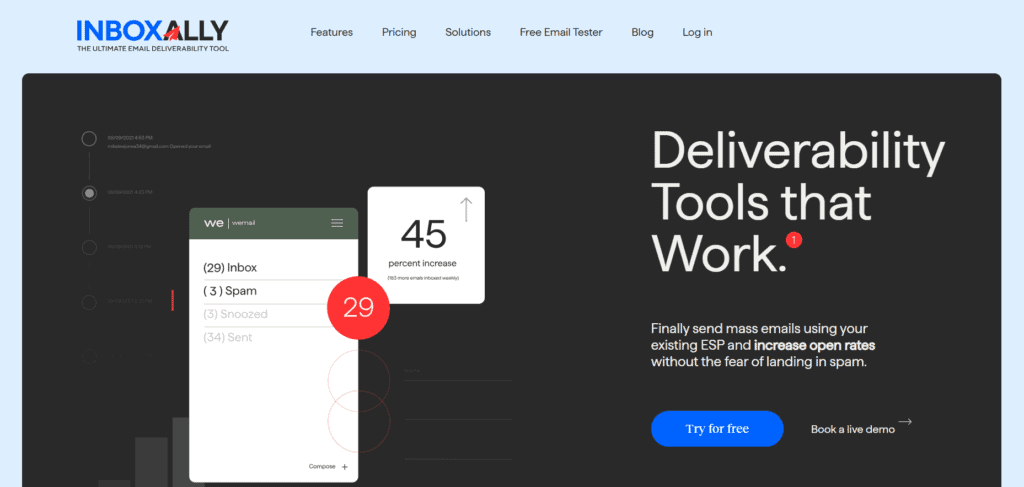
If your biggest worry is making sure emails land in inboxes instead of spam folders, InboxAlly is a strong choice. Unlike GlockApps, which focuses on testing, InboxAlly actively improves your sender reputation to help you improve your deliverability rates. That means fewer bounced emails and more messages reaching the people who need to see them.
Here’s how it works. InboxAlly gives you a list of real seed email addresses across Gmail, Yahoo, Microsoft, and other major providers. You import that seed list into your ESP like any other subscriber list, then send your campaigns as usual.
When your emails arrive, the seed accounts open, click, reply, or move them to the inbox, which tells Gmail and other providers that people want your emails. There’s no tricky setup, since it works with any sending platform without a direct integration.
InboxAlly’s Starter plan costs $149 a month and covers 100 seed emails a day for one sender. Bigger plans cost $645 and $1,190 a month, and you can try it free for 10 days without a credit card.
InboxAlly Key Features:
- Email warmup: Gradually builds a positive sending reputation by increasing engagement with your emails over time. It’s useful for new domains, and it can also help rebuild a domain that’s already been flagged by email providers.
- Spam avoidance: Helps keep your emails from getting flagged so they don’t end up in the junk folder. When an email does get misplaced, its seed accounts move it back to the main inbox, which tells providers your emails belong there.
- Inbox placement tracking: Shows you exactly where your emails are landing (Primary, Promotions, or Spam) so you can make adjustments. You can see results across every mailbox provider in one dashboard.
- Automation and AI Optimization: Learns from past performance and helps improve future campaigns automatically. InboxAlly also reshuffles your engagement rules every night so the activity looks natural.
InboxAlly is the comprehensive suite I need to solve challenging deliverability problems across the board. It's like a triage hub for diagnosing and fixing email deliverability rates in one dashboard. I've tried a lot of tools, but this is the one I've stuck with.
Who Shouldn’t Use InboxAlly?
If you just need an easy way to test emails in a safe environment, InboxAlly might be more than you need. This tool is for those who would rather work on improving deliverability rather than simple email testing to get things somewhat figured out.
It also won’t fix the basics for you. If your list has lots of bad addresses, your content trips spam filters, or your authentication isn’t set up right, InboxAlly can’t make up for that.
MailHog – Best Open-Source GlockApps Alternative
If you’re a developer looking for a free, no-frills email testing tool, MailHog is a fantastic option. It’s simple, lightweight, and perfect for local testing, which makes it a great pick for those who just need a straightforward way to capture test emails without any extra bells and whistles.
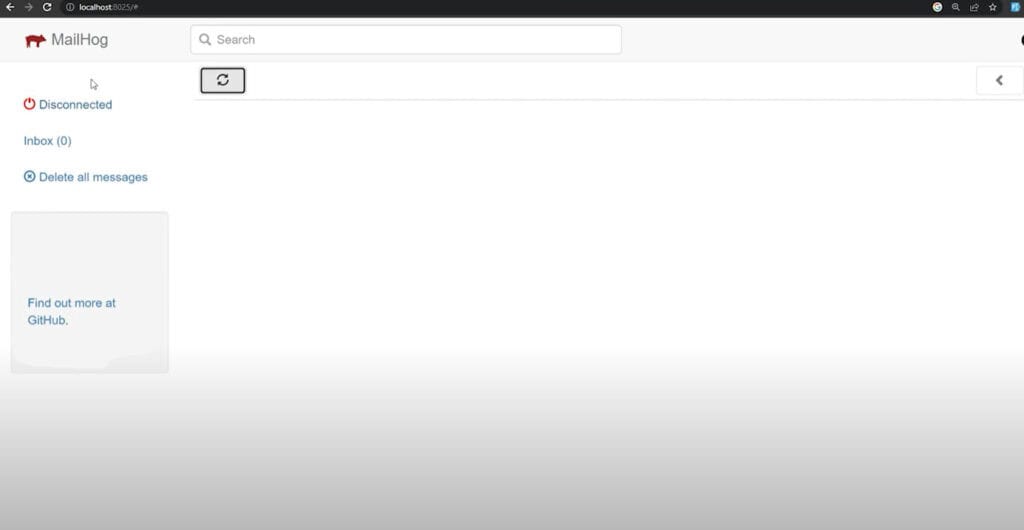
Here’s how it works. You point your app’s email settings at MailHog instead of a real mail server. MailHog catches every email your app tries to send and holds it so no real person gets it. Then you open the MailHog web page in your browser to look through the emails and check that everything looks right.
MailHog is completely free and open source, so there’s no plan to pick or bill to pay. The code is shared publicly, which means anyone can download it, use it, or change it to fit their needs.
MailHog Key Features:
- Completely free and open source: No subscription fees, making it ideal for budget-conscious devs.
- SMTP capture: Catches outgoing emails so you can test without sending them to real users. When you’re happy with a test email, you can also release it to a real mail server to see it in an actual inbox.
- Web interface: Lets you view and inspect test emails in a browser, simulating how they’ll appear in an inbox. You can see the HTML version, the plain text version, and the raw source.
- Works with docker: Integrates easily into containerized environments for seamless development.
- Failure testing: A built-in feature called Jim can randomly reject or slow down emails, so you can see how your app handles mail problems.
Who Shouldn’t Use MailHog?
MailHog is great for local testing but also lacks deeper insights. This means that if you need analytics, spam testing, or inbox placement tracking, MailHog is probably too basic for you. It also hasn’t had a major update in years.
Mailosaur – Best for Advanced Email Testing
Mailosaur is a powerhouse when it comes to email testing. It’s built for QA teams and developers who need serious testing capabilities, making it perfect for catching issues before emails go live.
Here’s how it works. Mailosaur gives you fake SMTP servers that catch emails in your staging environment, so test emails never reach customers by mistake. You connect your app, and Mailosaur catches every email it sends, no matter which address it’s sent to. Your automated tests can then pull up each email and check the content, links, and attachments.
Mailosaur’s Personal plan starts at $20 a month billed annually, and the Core plan for teams starts at $50 a month. You can try it free for 14 days before you commit.
Mailosaur Key Features:
- Automated testing: Hooks into your CI/CD pipelines for continuous testing to make sure no broken emails slip through. It’s handy for checking password reset emails, account verification steps, and one-time passcodes.
- Spam testing: Helps you detect if your emails are likely to get flagged before they even reach users. It also checks SPF, DKIM, and DMARC, and runs your email through SpamAssassin, a common spam filter that gives your email a spam score.
- SMS testing: Lets you test SMS messages for multi-channel campaigns. You can even reserve phone numbers just for testing.
- Email analytics: Provides insights into test email performance so you can optimize for better engagement.
- Email previews: See how your emails look in different email apps, including Gmail, Outlook, and mobile devices.
Who Shouldn’t Use Mailosaur?
Mailosaur is packed with features, so if you just need a simple tool to capture test emails, it might be more than you need. That said, you can try it free for 14 days, and the Personal plan starts at $20 a month billed annually.
SMTP2GO – Best for Reliable Email Sending
Need a tool that does more than testing? SMTP2GO is a full transactional email service with built-in deliverability features. If you’re looking for reliable email sending with real-time tracking, this is a good option.
Here’s how it works. You connect your website, app, or email software to SMTP2GO, and it sends your emails through its own servers instead of yours. It works really well for emails that need to arrive fast, like order confirmations, password resets, and contact form messages.
SMTP2GO has a free plan that lets you send 1,000 emails a month, up to 200 a day, with no time limit. Paid plans start at $10 a month for 10,000 emails.
SMTP2GO Key Features:
- Automatic SPF and DKIM setup: Handles the technical setup for you and keeps an eye on blacklists, so your emails are less likely to get blocked or flagged.
- Real-time analytics: Tracks email delivery, open rates, and engagement as they happen.
- Bounce and spam monitoring: Lets you know if there are any issues affecting deliverability so you can fix them before they become bigger problems. Bounce reports, spam reports, and unsubscribes will all show up in your dashboard so they’re easy to reference.
- Global infrastructure: Reduces latency and speeds up delivery all over the world, which makes it great for international businesses. There are separate servers in the US, Europe, and Australia.
Who Shouldn’t Use SMTP2GO?
If you just want a basic tool to capture test emails, SMTP2GO isn’t the right fit. It’s designed for actual email sending, not just testing. Its own testing tool is also limited, since it’s only available on plans of 100,000 emails a month and up.
Papercut SMTP – Best for Local Email Testing
If you’re a developer looking for an easy way to test emails locally, Papercut SMTP might be the best tool for you. It’s lightweight, simple to use, and doesn’t require an internet connection to function, making it perfect for testing in a local environment.
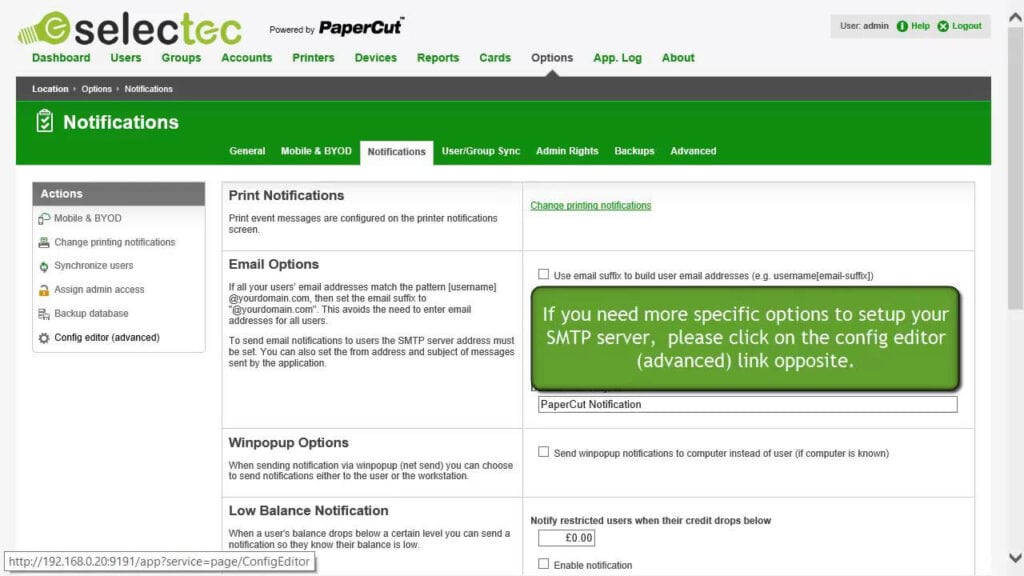
Here’s how it works. Let’s say you’re building a website that sends a welcome email when someone signs up. Before you launch, you want to make sure that email looks right, but you don’t want to send it to real people while you’re still testing. That’s where Papercut comes in. You install it, then set your website to send its emails to Papercut instead of a real mail server. Now every time your site sends an email, Papercut catches it and holds onto it. You can open each email in Papercut to check the text, images, and links, and nothing ever reaches a real inbox.
Papercut SMTP is completely free and open source, so you can download it and start testing right away.
Papercut Key Features:
- It needs no configuration: Just install it and start capturing emails instantly.
- Works offline: No need for an external SMTP server, making local testing a breeze.
- User-friendly interface: View test emails easily with a simple web UI. You can check the email body, headers, attachments, and raw source in one place.
- Supports multiple platforms: It works on Windows, macOS, and Linux. It started as a Windows app, and you can run it on other systems with Docker.
Who Shouldn’t Use Papercut SMTP?
If you need analytics, spam testing, or advanced automation, Papercut SMTP might be too basic. It’s designed for simple email capture and testing, not full deliverability tracking.
How to Choose the Best GlockApps Alternative
The best GlockApps alternative depends on what you need. If improving deliverability is your priority, InboxAlly is a strong contender and the closest alternative. For local testing, MailHog and Papercut SMTP are great free options. If you need advanced testing features, Mailosaur is the way to go. And if you’re looking for a reliable sending service, SMTP2GO won’t disappoint.
At the end of the day, the right tool is the one that helps you get your emails exactly where they need to go, whether that’s inboxes, test environments, or both. Take the time to explore your options and choose the one that fits your workflow best.
InboxAlly is the comprehensive suite I need to solve challenging deliverability problems across the board. It's like a triage hub for diagnosing and fixing email deliverability rates in one dashboard. I've tried a lot of tools, but this is the one I've stuck with.