


Last Updated on August 25, 2026 by The Digital Merchant Team
In recent years, the million-dollar question being asked of accounting software has been “does it have AI?” Most vendors these days have an easy “yes” answer waiting, so in my opinion, there are two narrower questions that are more important to ask.
First: Can the AI tools your team already opens every morning reach your ledger at all? If your controller drafts flux commentary in Claude, your founder pressure-tests runway in ChatGPT, and your ops lead lives in Copilot, a platform those tools can’t get into is a platform your team will work around.
Second: What do those tools find when they get there? A ledger that’s already been categorized, reconciled, and kept current, or a pile of transactions waiting on someone’s Thursday?
Platforms answer those two questions very differently. Some have built AI into the ledger itself; others have concentrated on opening the books to outside models. Most are doing some of each, and diverging on the details that end up mattering: read-only or read-write, free or gated, one-click or an IT project, single-entity or multi.
So this is a look at five platforms on both counts, including what the AI inside the ledger does, how outside AI tools connect and what they’re permitted to do, what it costs, and who it fits.
What “Works with AI” Actually Means

Strip the marketing away, and three distinct architectures are hiding under the same “works with AI” phrase.
The first is AI built into the ledger itself, where the platform’s own models categorize transactions, reconcile accounts, and draft financials. This is the version in which AI touches the books directly, and the one that shortens a close rather than explaining it after the fact.
The second is an add-on tool that syncs over an API. A close-management, AP, or reporting layer sits on top of your ledger and pulls from it, and these products are frequently excellent at the one job they were most built for.
The third is a general-purpose model working against your data. You either connect Claude or ChatGPT to the ledger directly or export a trial balance and paste it into a chat window. This is where most finance teams have already started.
The first and third options solve opposite problems. Native ledger AI does the work, while an outside model answers questions about the work that has already been done. A vendor marketing one capability while you actually need the other will disappoint you quickly, so make sure you know what problem you’re trying to solve.
At a Glance: Top Accounting Software That Works With AI Tools
Vendor | Ledger AI | Outside AI access | Pricing | Best fit |
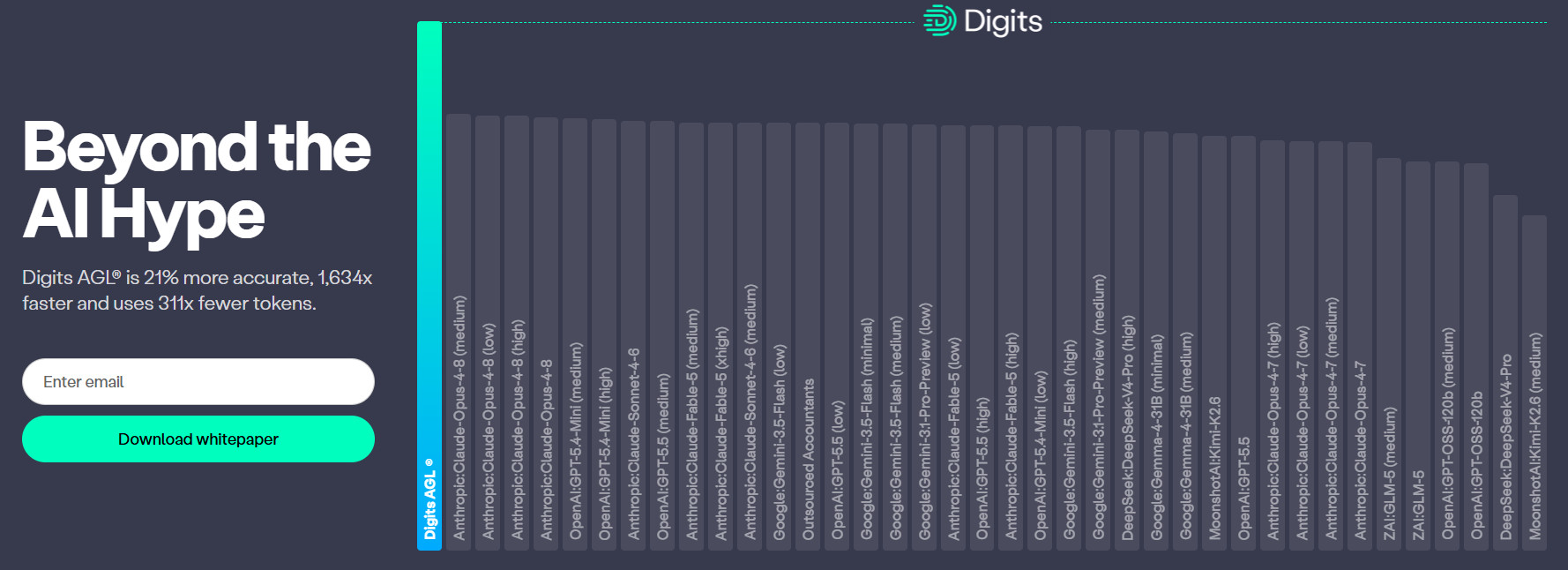
Digits | AI-native, continuous | Free MCP, read-only | $65–$250/month | U.S. businesses starting fresh |
QuickBooks Online | Agents, review feed | Sign-in connector, read/write | $38–$275/month | SMBs already on Intuit |
Xero | JAX, agentic | Official MCP, read/write | $25–$90/month, unlimited users | International SMBs |
Sage Intacct | Spread across functions | MCP read-only, writes via API | ~$24K/yr+ | Multi-entity mid-market |
NetSuite | SuiteAgents, extensible | MCP, role-scoped | ~$8K/month+ | Companies already on NetSuite |
Digits
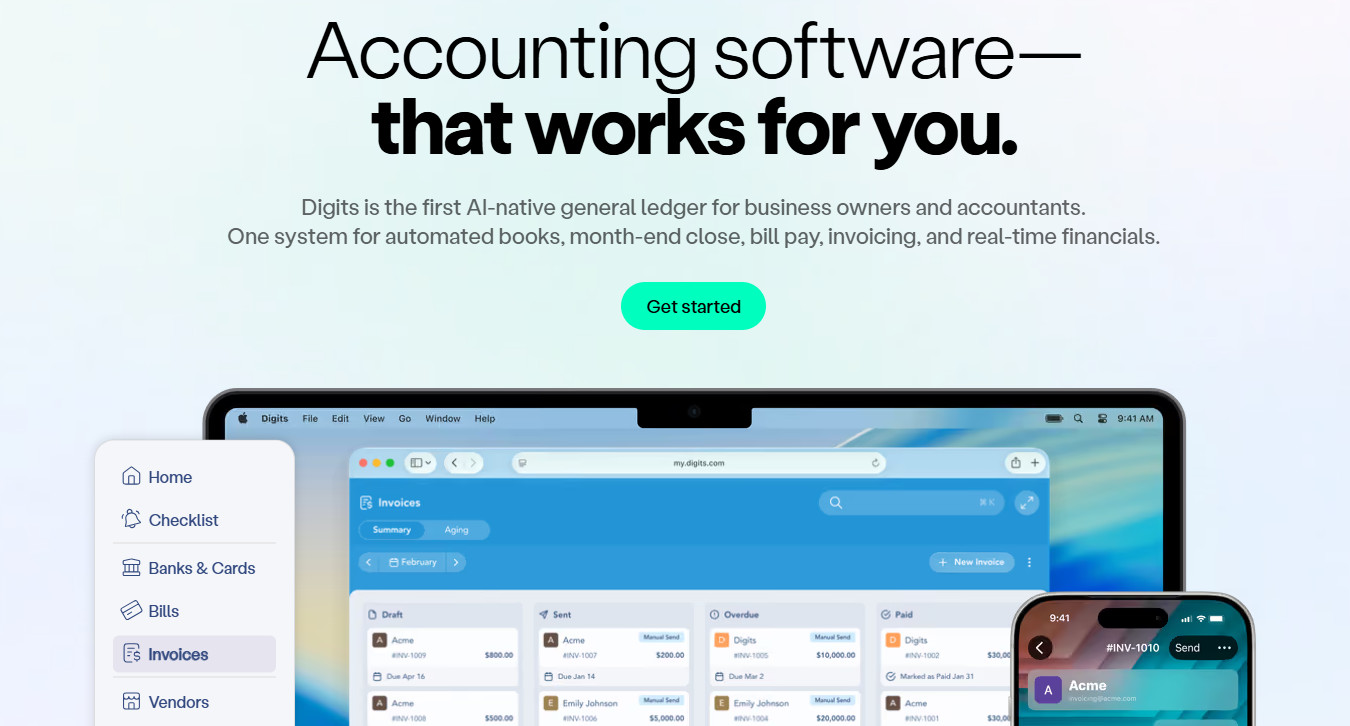
The AI inside the ledger: Digits is built around what it calls an autonomous general ledger: bookkeeping, finance, and reporting agents that categorize, reconcile, and draft financials continuously rather than at period end. It uses purpose-trained predictive models for classification and reconciliation rather than a general-purpose LLM.
The AI outside the ledger: Digits launched its MCP server in early 2026, connecting Claude, ChatGPT, Cursor, and any MCP-compatible client to the live ledger. Two details stand out: The API and MCP server are both free (with no data paywall), and access is read-only by design, so ledger integrity holds regardless of what a model is asked to do.
Pricing: Essentials is $65/month, Core $100/month, and Pro $250+/month, with no per-user fees.
Pros
- Because the ledger processes in real time and every entity is a structured object, a model queries current data rather than a stale snapshot needing cleanup.
- It maintains an audit trail recording whether each action was taken by a human or by AI, which is super useful for anyone defending the books later.
Cons
- It is U.S.-only at every layer, ruling it out for anyone with U.K., EU, Canadian, or Australian entities.
- QuickBooks compatibility is a one-time migration at cutover, not an ongoing two-way sync, so this is a replacement decision rather than an overlay.
Best fit: U.S. startups, small businesses, and modern firms choosing a ledger fresh and willing to migrate.
QuickBooks Online
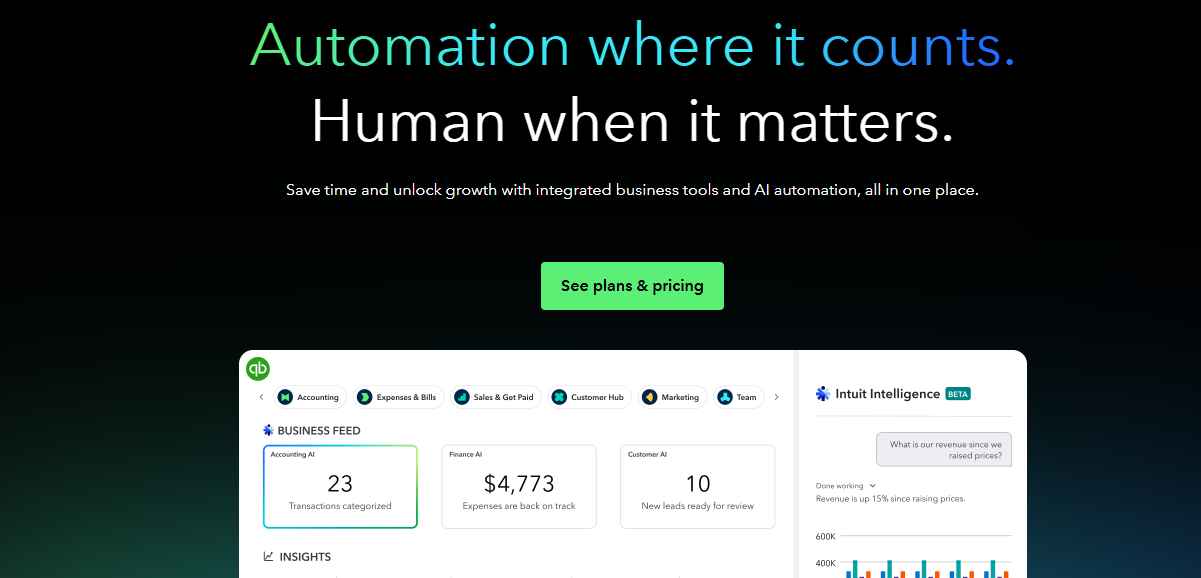
The AI inside the ledger: Intuit AI (previously marketed as Intuit Assist) is a set of agents covering accounting, payments, customers, finance, payroll, and projects. The accounting agent reconciles against uploaded statements, flags anomalies, and proposes fixes, with work landing in a review feed rather than posting silently.
The AI outside the ledger: Intuit’s partnership with Anthropic produced a first-party QuickBooks connector inside Claude. There’s also a plugin in ChatGPT that’s set up by signing in — no developer account or API keys needed. As of mid-2026, both moved past read-only into creating invoices and estimates, importing transactions, looking up payroll, and generating payment links. Intuit also publishes an open-source local MCP server with roughly 145 tools across 29 entity types.
Pricing: Simple Start is $38, Essentials $75, Plus $115, Advanced $275 per month. Agent access is tier-gated, and payroll is a separate base fee plus a per-employee charge. So it can be fairly cheap, or fairly expensive depending on what you need.
Pros
- The connector is the shortest path from zero to a working AI-plus-ledger setup available today, and it now writes as well as reads.
- Nearly every accountant and third-party app already speaks QuickBooks, so you’re never the first person to solve a problem.
Cons
- It is U.S.-only at present, and capability is split confusingly across the client connector, the developer MCP server, and the in-product agents.
- Total cost drifts upward quickly once payroll and add-on apps enter the picture.
Best fit: Established small businesses already inside the Intuit ecosystem that want AI access without an implementation project.
Xero
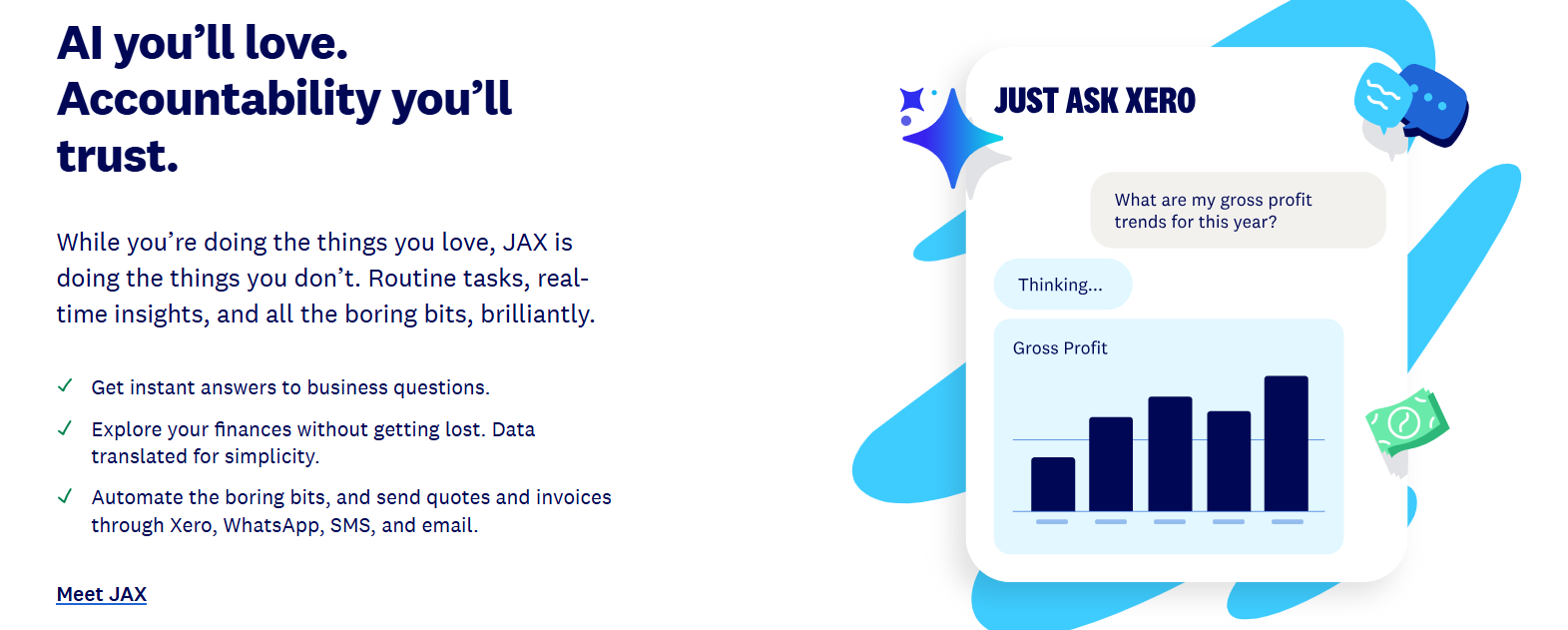
The AI inside the ledger: JAX (“Just Ask Xero”) has grown from an invoice-drafting chatbot into an agentic layer handling automated bank reconciliation, document capture, and expense claims, with payment-date prediction driving reminders. Xero wraps it in a checking layer that it calls Accountable Intelligence, aimed at catching model errors before users see them.
The AI outside the ledger: Xero made announcements in August 2026 regarding integrations bringing live Xero data into Claude, ChatGPT, and Microsoft 365. Underneath sits an official MCP server with read and write coverage of invoices, contacts, chart of accounts, payments, payroll, and reports.
Pricing: Early is $25/month, and tiers run through Established at $90/month, with unlimited users on every plan. JAX is included at no additional charge.
Pros
- Unlimited users at every tier removes the seat math that inflates AI rollouts elsewhere.
- The MCP server carries granular read/write scopes after an April 2026 permissions overhaul, so you can hand an AI exactly the access you intend.
Cons
- The MCP server is self-hosted with developer credentials and covers one organization per connection, making multi-entity setups tedious or impossible.
- JAX still carries beta labeling in places, and adjusted period comparisons and proactive anomaly detection remain outside what it does well.
Best fit: Small businesses and firms wanting an incumbent ledger with broad international coverage and a light developer lift.
Sage Intacct
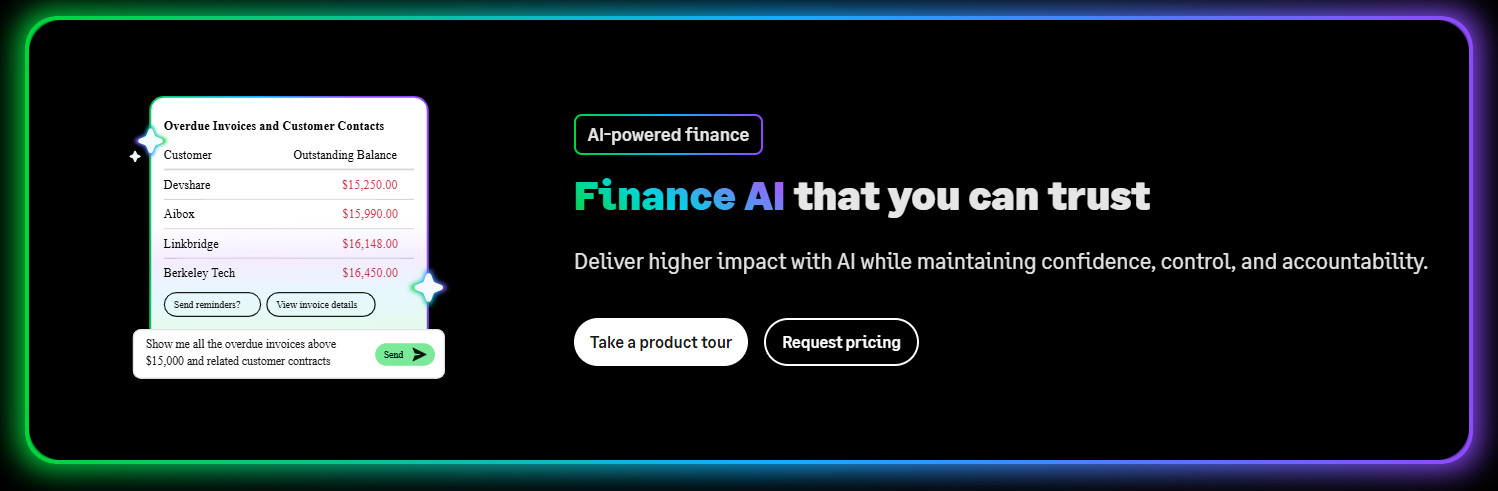
The AI inside the ledger: Sage spreads AI across the finance function rather than concentrating it in one assistant. Sage Copilot handles in-product assistance, with separate capabilities covering AP automation, cash intelligence, close automation, and analytics. An AI-powered Import Agent, which cuts the manual preparation behind migrations, recurring imports, and third-party data loads, became globally available with the 2026 Release 1.
The AI outside the ledger: Sage Intacct AI Gateway is the connection layer between Intacct data and external AI applications, delivered through APIs and a Sage-built Intacct MCP. The split is deliberate: the MCP server is read-only and cannot create, update, or post transactions, while the APIs carry any permitted write operations.
Pricing: Quote-based through Sage, but in my experience, it starts at around $24K annually on the low side. It’s also priced by module count and per user.
Pros
- The read-only MCP server paired with separately governed write APIs is the cleanest architectural separation here, letting analysts have conversational access without exposing the ledger to model error.
- Multi-entity architecture with native dimensions means data reaches an outside model already structured by entity, department, location, and project rather than requiring the model to infer that context.
Cons
- Availability varies by capability, geography, subscription, and release stage, with some features still in early adopter programs, so confirm what your environment actually has enabled.
- Intacct is not in Anthropic’s connector directory, so connecting to Claude means a custom connection on a paid plan or routing through middleware — which is way more setup than a one-click connector.
Best fit: Multi-entity mid-market finance teams that need dimensional reporting and want AI access governed by an existing permissions model.
Oracle NetSuite

The AI inside the ledger: NetSuite ships Ask Oracle, planning agents, and a growing set of SuiteAgents, with AI extended through the SuiteCloud platform rather than delivered as fixed embedded features.
The AI outside the ledger: The NetSuite AI Connector Service is Oracle’s MCP implementation, positioned as bring-your-own-AI. An official connector appears in Claude’s directory, and the same endpoint works with ChatGPT, Gemini, and other compliant clients.
Pricing: Oracle is notoriously quote-based. In my experience, you can expect Oracle to start at around $8K each month.
Pros
- Access inherits the user’s NetSuite role, and the Administrator role is deliberately blocked — which is a model that forces deliberate scoping rather than handing an AI the keys.
- Bring-your-own-AI means you’re not locked to one model vendor as the market shifts.
Cons
- Setup is admin-gated and genuinely an IT project: enabling features, installing the SuiteApp, and building a custom role before anyone connects will take a lot of work.
- The pricing opacity and implementation cost put it out of reach for most businesses this category serves.
Best fit: Mid-market and multi-entity companies already on NetSuite wanting governed AI access without another integration vendor.
Picking the Right Software for the Right Question
These platforms aren’t competing for the same buyer.
- Digits suits U.S. businesses choosing a ledger fresh: the books arrive at a model already categorized and reconciled, and the read-only MCP path costs nothing.
- QuickBooks Online is the shortest distance from zero to a working setup that both reads and writes, inside an ecosystem where someone has already solved whatever problem you hit.
- Xero pairs broad international coverage with unlimited users at every tier, removing the seat math that inflates AI rollouts elsewhere.
- Sage Intacct separates read-only conversational access from separately governed write APIs, on top of multi-entity dimensions that hand a model context it would otherwise have to infer.
- NetSuite scopes access through roles you already administer, and bring-your-own-AI keeps you unlocked from any single model vendor.
Match the platform to the constraint you actually have (geography, entity count, existing ecosystem, governance requirements, budget) rather than to whichever demo landed best. And if you’re already on one of these, the fastest useful move is turning on the AI you own before you shop.
The test isn’t whether a demo impresses you. It’s whether, on the fifteenth of the month, someone can ask a question in plain language and get an answer grounded in numbers that are current. All five can get you there by different routes.