


Last Updated on August 26, 2026 by Ewen Finser
Managing your salon inventory is really two separate problems dressed up as one, and most software only focuses on one of them.
That’s why I put together this guide to the best salon inventory software. I’ll be covering five platforms, ordered from most specialized to most comprehensive, so you can find the perfect starting point no matter where your salon is right now.
Why Salon Inventory Is a Two-Part Problem

Most salon owners think of inventory as one category, but there are two distinct problems at play, and they each hurt your business in different ways.
First, there are your retail inventory issues. A client asks to take home the shampoo you just used on them; you’re out, and they order it on Amazon before they even get to their car.
Second, you’re also dealing with backbar issues. These products can seem to literally evaporate, whether it’s because color is being mixed in excess or due to products being used in services that never get logged.
Both problems eat away at your margins, just in different ways and at different speeds.
And of course, there’s the supplier side of things. Raise your hand if you’ve ever ordered from a major US beauty distributor and watched your shipment arrive with half your SKUs missing or indefinitely backordered!
This might be the most frustrating part. The brands you carry constantly rotate between distributors, store stock is never consistent, and online orders often ship partially with no clear timeline for the rest.
So, I’ve evaluated the five platforms below using the same criteria across every section, which includes retail and backbar separation, service-linked deduction at checkout, low-stock alerts, purchase order support, and multi-location management.
The Best Salon Inventory Software Platforms (At a Glance)
Starting price | Free | Included on all plans | Included on all plans | $120/mo + $10/user | POs on Premier+ ($293/mo) |
Backbar separation | No | Partial | Yes (with setup) | Yes (non-retail toggle) | Yes (category-based) |
Service-linked deduction | None (no POS) | No | Yes (configurable) | Yes (confirmed at checkout) | Yes (confirmed at checkout) |
Low-stock alerts | Yes | Yes | Yes | No | Yes |
PO generation | Yes (semi-manual) | Yes (semi-manual) | Yes (AI-assisted) | Yes (manual) | Yes (manual) |
Multi-location | No; need a separate account | Yes; supports transferring inventory | No; need a separate account | No; must manually adjust stock levels to transfer | Yes; supports transferring inventory |
1. Boulevard
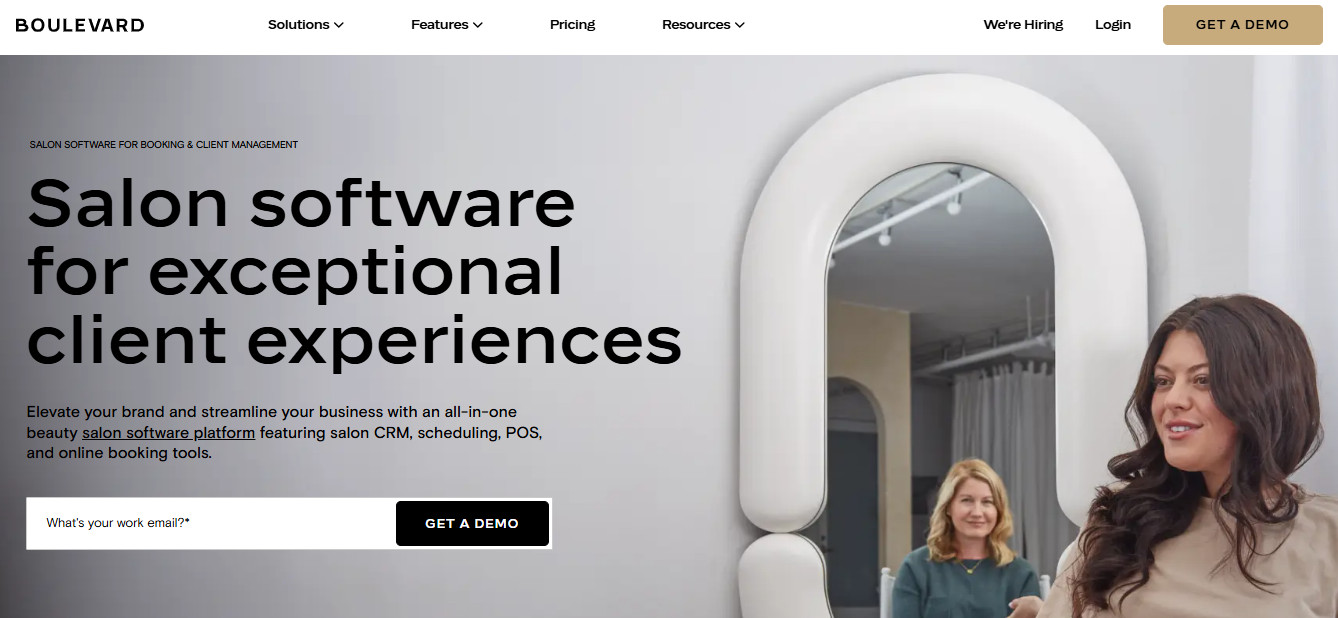
Boulevard is the most complete inventory solution on this list, and the only platform where both sides of the problem (usage tracking and supplier-facing purchase order management) are fully handled within one system.
What sets Boulevard apart on the supplier side is that you can build full vendor profiles inside the platform, link individual products to their respective suppliers, and pull up past order history without ever leaving your dashboard.
For multi-location salon owners, stock across all your locations lives in one tabbed view rather than separate accounts, which can easily save you hours of manual work every week.
The one caveat is that purchase order generation and prepaid product units are locked to the Premier tier and above. If you opt for the lower Essentials tier, you’ll still get real-time tracking, low-stock indicators, and back-order alerts, just not the purchase order management feature.
For a closer look at Boulevard, including its features, pricing, and use cases, check out our full Boulevard review.
Pros
- Boulevard separates retail and backbar at the category level with individual controls for commissionable products and checkout availability
- Real-time inventory updates, low-stock indicators, and back-order alerts are included across all tiers
- Supplier profiles, purchase order generation, and order history all live in one dashboard alongside multi-location stock visibility
Cons
- Purchase order generation and prepaid product units are only available on the Premier tier and above, not the Essentials tier
- Like every platform on this list, backbar tracking requires your whole team to accurately track and record their product usage
- Boulevard carries the highest starting price on this list, which is worth weighing carefully if you’re a newer or smaller salon
Best For
Established salons, multi-location operators, and growth-focused owners who want one platform to handle both sides of the inventory equation in order to maximize revenue.
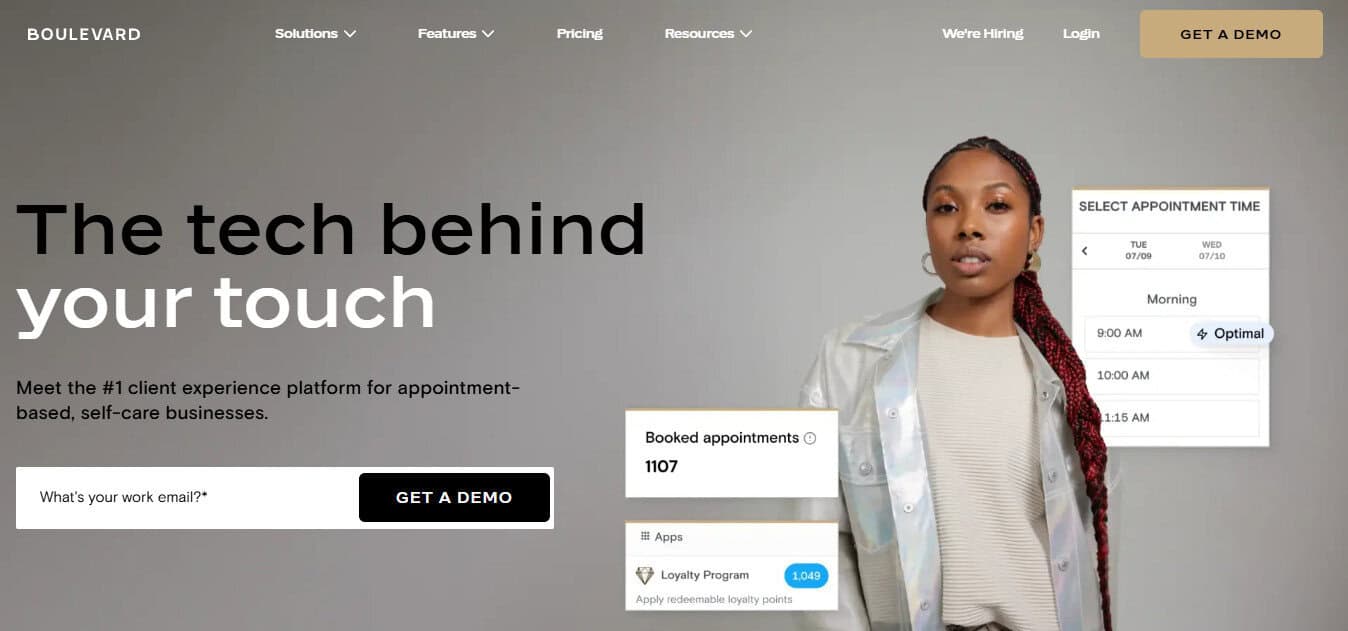
Boulevard was built for real stylists, salon, and spa owners. It handles booking, checkout, and smart scheduling the way busy salons actually work. It even handles marketing, from rebooking reminders to targeted emails and texts, plus it fills open spots with waitlist requests, without the scrambling.
2. Fresha
Fresha is the platform a lot of newer salon owners land on first, and for good reason. It covers booking, POS, and inventory under one roof without a high monthly cost, and inventory features are included on every plan with no upgrade required.
The ordering side is more capable than most people expect. For example, configurable low-stock thresholds can trigger auto-generated purchase orders that you send straight to your supplier as a PDF or email.
But where Fresha falls short is on backbar precision.
Usage is only captured through your manual stocktakes, rather than being deducted per appointment, and there’s no way to specify how much of a product was consumed, only that it was used at all.
Pros
- Inventory features are included on every plan, Individual and Team alike, with no upgrade required
- Low-stock alerts are configurable, and Fresha can auto-generate purchase orders, which you download as PDFs or email directly to your suppliers
- Supply cost tracking and consumption reporting are both available through the platform’s built-in reports section
Cons
- Backbar usage is logged through periodic manual stocktakes, not deducted per appointment at checkout
- There’s no way to specify how much of a product was consumed, only that it was used
- Deep cost analysis and profit margin reporting are locked behind Fresha’s Enterprise tier
Best For
Newer or budget-conscious salon owners who want booking, POS, and functional inventory tools in one place without a high monthly cost. Not the right call if precise per-service backbar tracking is your priority.
3. Vagaro
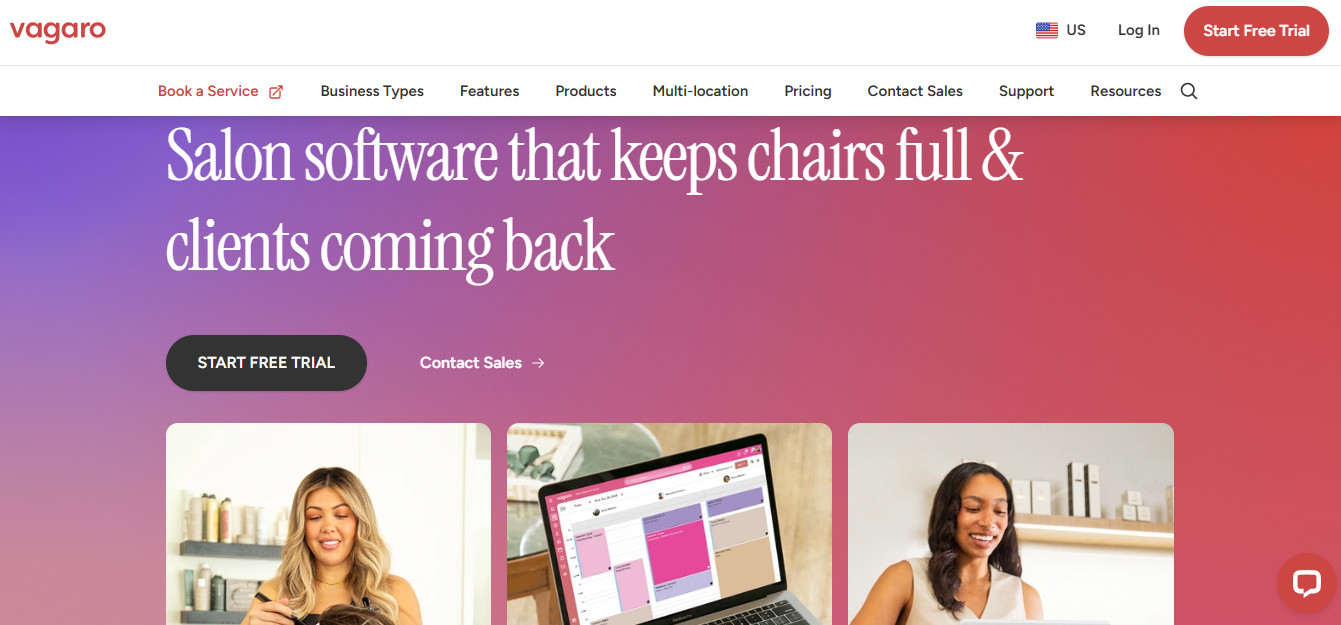
Vagaro tends to get underestimated on inventory because most people know it as a booking and POS platform first. Its partial-use product setup is surprisingly configurable, considering Vagaro is budget-friendly first and foremost.
You can set deductions at checkout per service type, and AI-assisted purchase orders with sales forecasting come included at every subscription level, no add-on required.
You get what you pay for, though, and Vagaro isn’t designed to be a true all-in-one option.
In terms of inventory, each location is treated as a separate account, so moving stock between them means manually adjusting counts on both ends with no in-platform transfer workflow.
I also have to call out that most inventory tasks simply can’t be done from a phone; you must be on desktop.
Pros
- Low-stock alerts and inventory tracking are available across all plans, regardless of calendar count
- Partial-use product tracking lets you configure backbar deduction at checkout per service type
- AI-assisted purchase orders forecast reorder quantities based on actual sales data
Cons
- Each location is a separate account, so stock transfers require manually adjusting counts on both ends with no in-platform workflow.
- Most inventory management tasks require a computer; the mobile app doesn’t support them
- Partial-use tracking gets inaccurate quickly if your team isn’t consistent with logging usage at checkout
Best For
Growing salons with a team of stylists who want configurable mid-tier backbar tracking and are willing to invest the setup time upfront to get it working correctly.
4. Mangomint
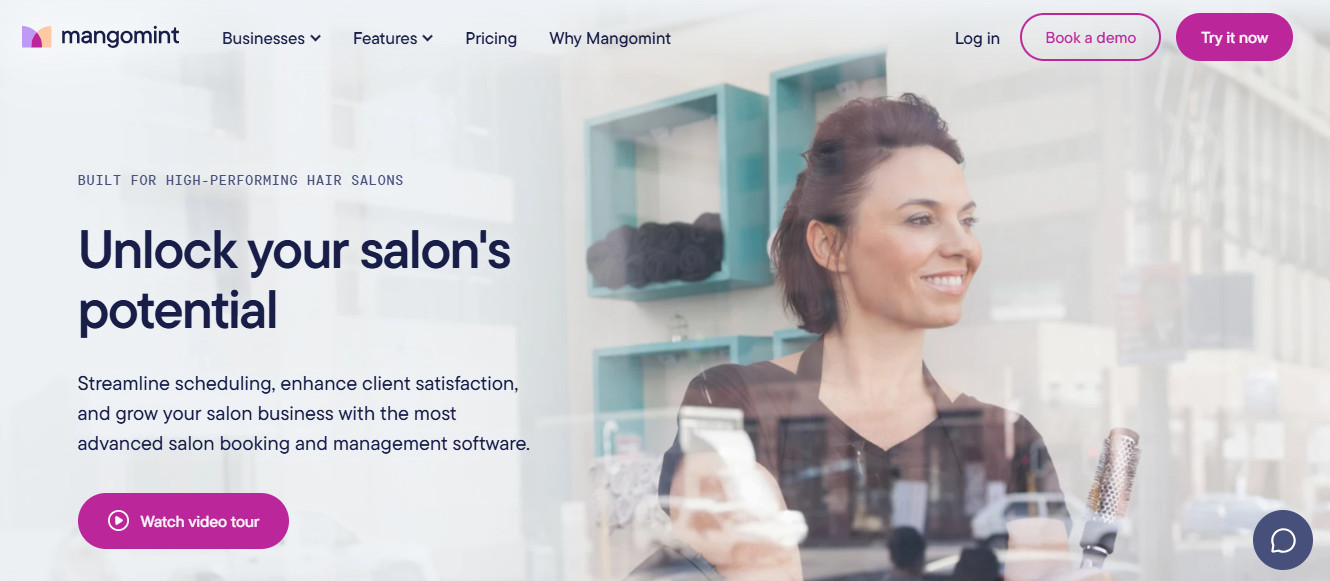
Mangomint’s product usage feature is one of the more thoughtfully built backbar tracking implementations you’ll find in this price range.
You can attach products to services, set default quantities, and then your inventory updates automatically after each checkout. Staff confirms or adjusts the quantity used during the service, and the system handles the rest.
However, I was surprised to find that Mangomint is the only platform on this list with no automated low-stock alerts! Plus, while you can access multi-location product reporting from one dashboard, stock transfers between locations aren’t supported.
That can get frustrating fast if you’re running more than one shop.
Pros
- Product usage deducts from inventory automatically after checkout, with staff confirming quantities used during the service
- A non-retail product toggle keeps backbar items from appearing at checkout unless a staff member has explicit permission
- Multi-location product reporting with custom date ranges and location filtering is available from a single dashboard
Cons
- There are no automated low-stock alerts, so restocking only happens when someone on the team notices stock is low
- Purchase orders require manual initiation every time, with no automatic trigger when stock gets low
- Stock transfers between locations aren’t supported, so multi-location stock movement is time-consuming and tedious
Best For
Lean salon teams of two to eight providers who want clean, automated backbar tracking tied directly to services and who don’t mind handling the restocking and ordering tasks manually.
5. Suplery
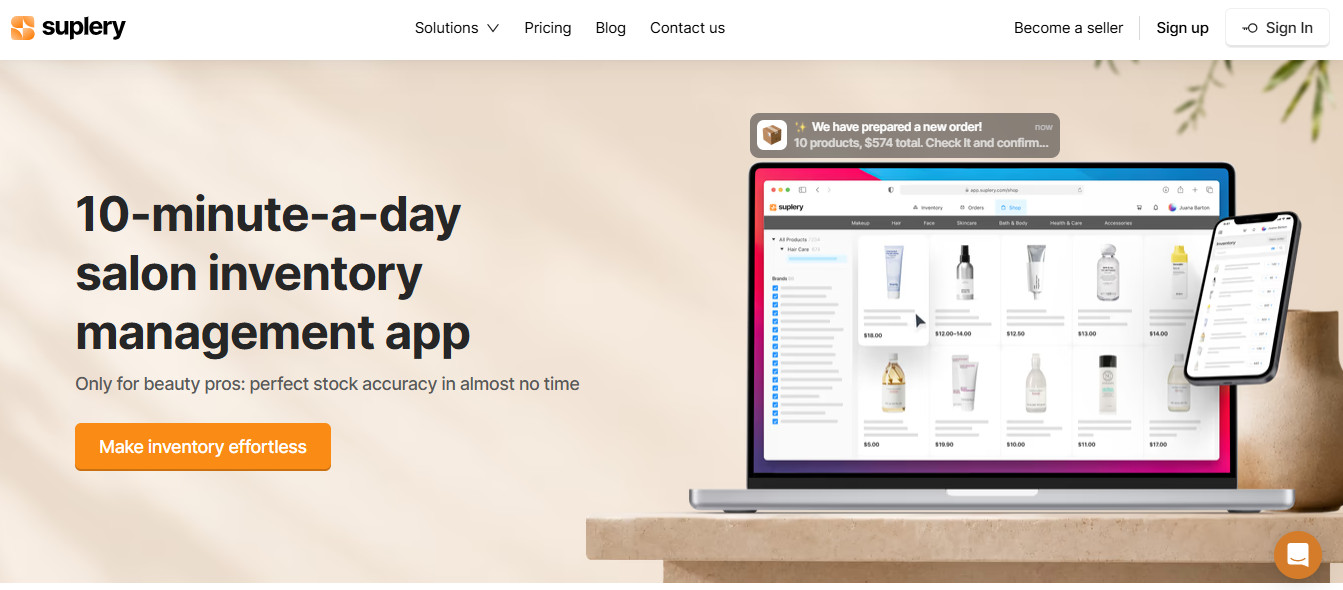
Suplery is the only platform on this list that doesn’t include booking, POS, or client management, and that’s intentional. It’s a free, standalone inventory and procurement tool built specifically for beauty businesses, focused entirely on the supplier-ordering side of salon inventory.
What makes it completely distinct from the other software platforms on this list is that it comes pre-loaded with more than 10,000 professional beauty products already in the system, including photos, barcodes, and auto-sorted categories, so you’re not spending an afternoon manually entering every SKU before you can do anything useful.
If you already have a booking system you’re happy with, and you’re tired of restocking by memory and gut instinct, it’s worth a look.
Pros
- The Professional plan is completely free, with no limits on products, users, or locations
- Every product in the pre-loaded catalog comes with a photo, barcode, and auto-sorted category; no manual product entry required
- Smart order planning uses your usage history and seasonality to recommend what to reorder and when
Cons
- Suplery tracks whole units only, so a tube of color is either in stock or it isn’t, with no partial quantities or per-service usage logging
- The only integration available is Shopify, so inventory won’t update based on services performed or retail sales in your salon software
- Supplier lead times are estimates you enter yourself, not live data from distributors
Best For
Salons that are happy with their current booking platform and want a free, dedicated tool to bring more order (pun intended) to the supplier side of inventory. It won’t track your backbar usage, but it will make restocking feel a lot less like a guessing game.
How to Choose the Right Salon Inventory Software
Because the platforms I’ve highlighted today have quite a few differences between them, I would advise you to pause here and ask yourself three questions:
- Are you looking for a standalone tool that works alongside your existing booking system, or do you need an all-in-one solution?
- How precise does your backbar tracking need to be?
- What are you realistically willing to spend right now?
If you’re 100% happy with your booking software and just need better structure on the purchasing side, Suplery is free and built for exactly that scenario. For an all-in-one at an accessible price, Fresha gives you the basic must-haves.
Vagaro is, in my opinion, the most budget-friendly way to get configurable backbar tracking. Mangomint handles service-linked deduction very well, but everything else about the software is fairly simple, so it’s best suited to teams who don’t need advanced features.
If you want one system that gives you all the tools for backbar tracking, ordering retail, and maximizing salon revenue, Boulevard is probably a much more complete, holistic software for your business.
Frequently Asked Questions
Question: Do I need separate inventory software for my salon?
Answer: It depends on how well your current platform handles the two sides of salon inventory, which are what you use and what you order. If your current salon software is already frustrating you in multiple ways, it’s wise to look for a platform that handles inventory, booking, POS, marketing, and reporting all from one dashboard.
But if your booking platform handles one side well and you don’t mind logging into another dashboard for inventory, a dedicated tool like Suplery can fill that gap without requiring you to switch your entire setup.
Question: Does salon software track backbar usage?
Answer: It depends entirely on the salon software you choose. Mangomint and Boulevard both support service-linked deduction that automatically updates backbar inventory at checkout, with staff confirming quantities used during the service.
Vagaro supports backbar tracking through configurable partial-use products set up per service type. Fresha marks products as internal use but doesn’t deduct per appointment. Suplery has no checkout integration and can’t track backbar usage at the service level.
Question: How do I reduce shrinkage in my salon?
Answer: Start by figuring out where it’s coming from, because shrinkage usually has more than one source. Unlogged backbar usage is the most common culprit—product that gets used during services but never makes it onto a ticket. Over-mixing color is another big one, especially when stylists aren’t being charged for what they mix.
Getting shrinkage under control comes down to first, choosing software that tracks product usage at checkout, and second, getting your whole team on the same page about recording that usage for each and every client.
Question: Can salon software generate purchase orders?
Answer: Most platforms on this list support purchase order generation, though the level of automation varies:
Vagaro offers AI-assisted orders that forecast quantities based on real sales data, included at every subscription tier
Fresha and Suplery both support semi-manual purchase order creation that the owner initiates and sends
Mangomint allows manual purchase order creation with suggested quantities but no automatic trigger
Boulevard includes purchase order generation on the Premier tier and above
Get clear about what you mean by ‘generate.’ Do you want AI to decide what you’re ordering, or do you prefer to make that decision yourself? Your answer will make it pretty clear which of these options is right for your salon.