


Last Updated on July 25, 2026 by Ewen Finser
The month-end close has always been a pressure cooker. For most firms, it means a wall of reconciliations, journal entries, and checklists that stack up regardless of what else needs to be done.
The process hasn’t changed much in decades. The tools have gotten faster, but the workflow is still largely sequential, manual, and dependent on the same people doing the same things every month under the same tight window.
That is starting to change, with AI-driven platforms moving from proof-of-concept to production use in a meaningful number of firms over the past two years, and the mechanics are concrete enough now to evaluate seriously. It’s not really a question of whether AI will transform accounting anymore… it already is. The more useful question is what an effective workflow looks like, such as where the software runs, where the accountant steps in, and whether the output holds up when a partner or auditor comes looking.
The Bottom Line Up Front
AI close tools don’t replace the accountant’s judgment. They eliminate the prep work that precedes it: categorization, reconciliation, and journal entry drafting throughout the month. Accountants design the workflow logic, review exceptions, approve postings, and sign off on the final close. On top of it all, a comprehensive audit trail captures every automated decision and every human approval. The result is a faster close with better documentation than most manual processes produce.
The Traditional Close vs. the AI Close

In a traditional close, the work is front-loaded with data gathering. The accountant pulls bank feeds, imports transaction files, codes anything that didn’t auto-categorize, chases down receipts, and starts the reconciliation process from scratch. It’s more reconstruction than anything else: figuring out what happened last month before you can ever start verifying it.
AI-assisted close flips that sequencing. Agents draft categorization and reconciliation work continuously throughout the month, flagging exceptions early so the team can focus on review instead of reconstruction at period end. By the time close week arrives, the ledger isn’t a blank canvas; it’s a first draft, which means the accountant’s job at close shifts from building to reviewing.
Here’s what a typical AI-assisted month-end close looks like in practice:
Bank feeds sync automatically and continuously
Bank feeds sync automatically, and AI flags unmatched transactions as they occur rather than leaving them for Day 1 of close. The ledger is no longer waiting on a manual import at the end of the month.
Categorization runs in the background
As transactions hit the feed, the AI applies categorization rules based on vendor patterns, historical behavior, and client-specific policies. Platforms like Puzzle.io use vector-similarity matching to identify patterns across thousands of vendors and transaction descriptions, improving classification accuracy and reducing the need for custom rules. Anything the system isn’t confident about gets flagged for human review rather than silently categorized.
Reconciliations are prepared rather than started from scratch
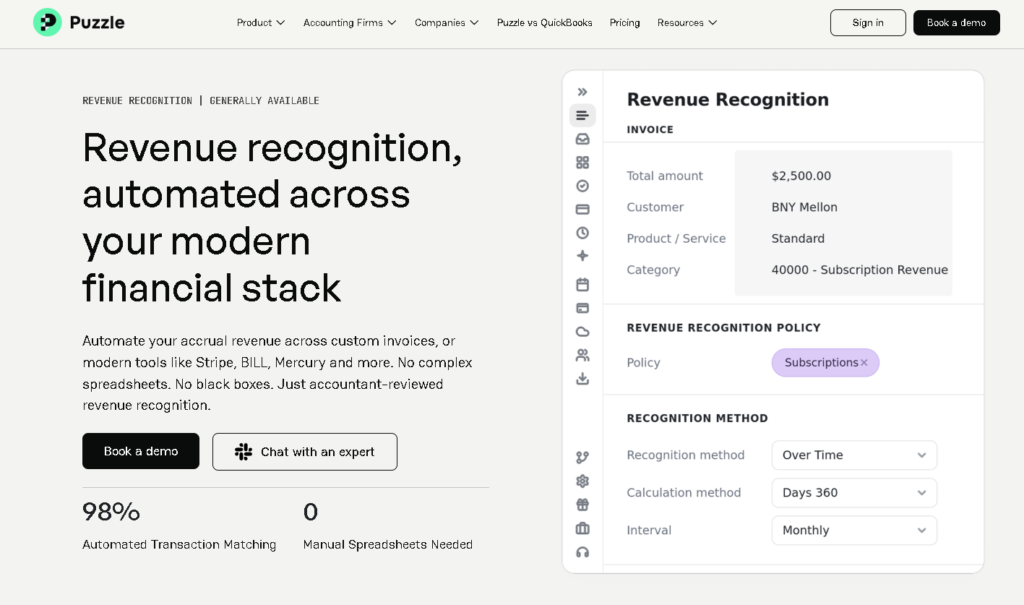
The system matches transactions, highlights exceptions, and auto-posts standard journal entries. Finance reviews exceptions only. The full population gets matched, which is actually stronger documentation than what most manual processes produce, such as a date or amount match.
Journal entries are drafted, not created
Automation detects recurring entries and drafts them using predefined templates or prior-period logic, auto-filling data like account codes and cost centers, then routing entries to appropriate approvers.
Variance analysis surfaces before close.
AI-driven analytics identify anomalies as transactions occur by comparing activity to historical patterns, detecting unusual journal entries, and highlighting unexpected account movements. This shifts the close from reactive to proactive, reducing last-minute adjustments and rework.
The close package is assembled for review
Once the drafts are in, the accountant works through an exception queue, approves reconciliations, signs off on journal entries, and locks the period. The output is a reviewed, approved set of financials rather than something the accountant assembled line by line.
Where the Accountant Describes and Where the Agent Executes
Despite their brilliance, you should set clear boundaries between what you specify and what the system does.
The accountant’s job in an AI close workflow is to design the logic before the agent runs it. You’re defining the rules: what thresholds trigger a flag, which accounts reconcile against which sources, how to handle specific vendor categories, and what level of variance requires explanation. You’re also setting the approval gates, such as deciding which outputs get auto-posted and which ones need a human sign-off before anything hits the ledger.
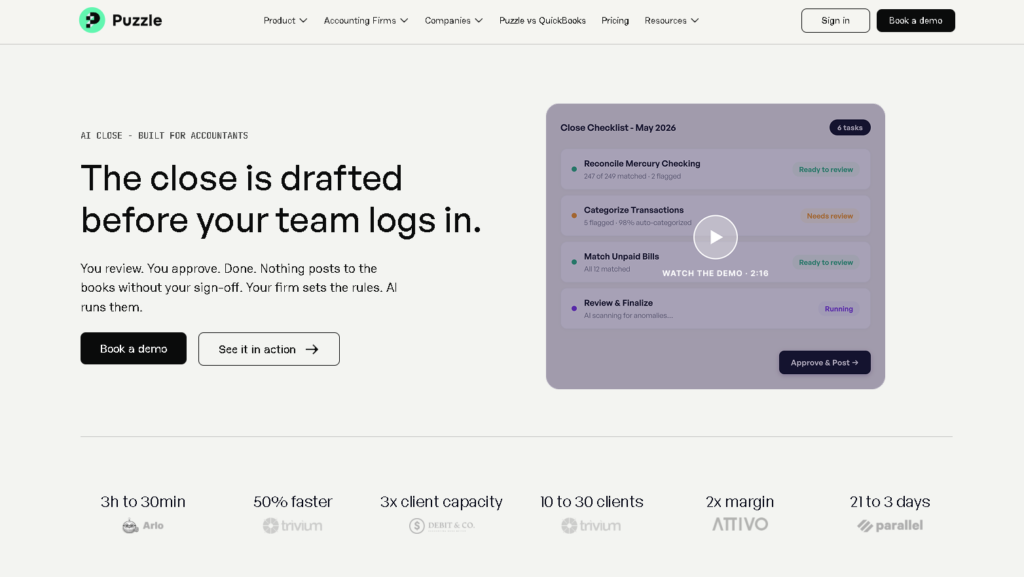
Platforms like Puzzle’s AI Close function as a no-code agent builder directly inside the general ledger, letting accountants create custom agents by describing tasks in plain language. The accountant defines the workflow, the rules, the thresholds for review, and the approval process.
The agent then executes against those instructions. If the agent drafts journal entries based on defined logic, it presents them for review before posting: “Based upon your logic, I have drafted the following journal entries. If they look correct, type ‘yes’ and I will post them to the GL.” The accountant retains the final call on every posting.
This distinction matters for a few reasons:
- It’s how you maintain professional responsibility: The AI is executing your judgment, not replacing it.
- It’s how you catch errors: If the agent’s logic is wrong, a well-designed review catches it before it affects the financials.
- It’s what makes the workflow auditable: The logic is explicit and documented rather than embedded in someone’s institutional memory.
Agentic AI can accelerate, suggest, and coordinate, but qualified professionals review, approve, and apply judgment. That expert-in-the-loop oversight is what protects quality, compliance, and client trust as AI influences more steps and decisions.
How the Audit Trail Holds Up
One of the most common concerns about AI-assisted close is whether the output is defensible, such as to a partner reviewing the work, to an external auditor, or in a regulatory context. But a properly configured AI close workflow is actually stronger documentation than a manual one, because it captures what a manual process often doesn’t.
A complete AI audit trail contains the source ERP data queried (table, timestamp, fields), the matching logic or calculation applied, the output produced, exception reason codes, human review timestamp and approver, and final sign-off record. In a manual close, some of those elements live in someone’s head or in an Excel file that no one saved correctly. AI reconciliation also covers 100% of transactions versus the sampling approach used in time-pressured manual reconciliation.
As such, auditors generally won’t object to AI assistance, but they do need to understand what it did and verify that appropriate humans reviewed and approved the output.
The practical preparation for audit is to document the control framework before fieldwork begins: what the AI does, what the accountant reviews, how exceptions are escalated, and where the sign-off records live. That one-pager is what lets the audit proceed efficiently rather than getting bogged down in explaining the technology.
What Needs to Stay Human-Owned
Not everything should be automated, and there are specific categories of decisions that belong with the accountant regardless of how confident the AI is.

Material or non-routine journal entries
Journal entries remain a critical risk area, especially manual or non-routine entries. AI tools can analyze journal entry attributes such as timing, user, amount, and account combinations, then flag entries that deviate from normal behavior. The decision to post them, however, belongs to the accountant.
Exception resolution
When the system flags a transaction it can’t confidently categorize, or when it identifies a reconciling item it can’t explain, those items go into a human review queue. The accountant investigates, makes a judgment call, and documents the resolution. The AI narrows the field, but the accountant decides what to do with what’s left.
Period lock and financial statement approval
No AI platform should be locking periods or certifying financials without an explicit human sign-off. Accountants remain responsible for validating outputs, interpreting results, and ensuring accuracy.
Client-facing deliverables
The numbers the AI produces still need an accountant’s eyes before they leave the firm. An accountant who has reviewed and understood the financials can speak to them; a PDF that was generated and auto-sent cannot.
Does the AI Close Fit Your Firm?
The firms getting the most out of AI close tools have a few things in common:
- They invest time upfront in designing the workflow rather than assuming the software will figure it out.
- They train the system on their chart of accounts and client-specific rules rather than accepting default logic.
- They’re disciplined about the review process, such as using the exception queue seriously rather than approving everything in bulk.
Perhaps most importantly, they exercise governed automation, where AI prepares the work while accountants maintain control over the outcome. Every automated action is traceable, reviewable, and editable before financial statements are finalized.
What these tools don’t do is exercise judgment. It doesn’t know when something feels wrong even if the numbers reconcile; it doesn’t understand a client’s business well enough to flag a meaningful change in spending patterns as significant rather than noise. That part still belongs to the accountant.
That’s why AI close tools work best when they’re freeing up the time and attention for exactly that, and not replacing the professional. It’s also why getting the reconstruction work off their plate so the review work gets the focus it deserves is one of the best uses of AI.
The firms that will struggle with the AI close are the ones that treat it as a black box they can approve in bulk. The firms that will benefit are the ones that use it the way it’s designed: as a system that executes their judgment at scale, while they stay in the loop on everything that matters.