

Last Updated on May 29, 2026 by Ewen Finser
The U.S. Bank—owned Elavon is one of the largest and most established payment processors out there. With over 30 years in the industry and more than 1.5 million merchant customers worldwide, it has a proven track record of reliability.
Elavon supports a wide range of payment types, including credit, debit, mobile, and contactless, and its global reach makes it a solid option for businesses operating across multiple countries. It also holds appeal for Costco members specifically, offering exclusive member rates through its long-running partnership with the warehouse giant.
That said, Elavon isn’t the right fit for every business. Its tiered pricing model can be one of the costlier structures for small businesses: transactions are grouped into qualified, mid-qualified, and non-qualified buckets, with only the qualified rates publicly advertised. For online payments, those start at 2.9% + $0.30 (or 1.9% + $0.25 for Costco members), but many online transactions are classified as non-qualified, meaning real-world costs can run significantly higher. Customer service is another common sticking point. Despite advertising 24/7/365 support, a number of merchants have reported difficulty getting issues resolved in a timely way.
If either of those concerns rings true for your business, here are some strong alternatives worth considering.
Best Elavon Alternatives: At a Glance
Best For | Online Processing Fees | In-Person Processing Fees | Customer Service | |
Stripe | Developers | 2.9% + $0.30 | 2.7% + $0.05 | Live chat |
Luqra | Growing e-commerce businesses | As low as 2.3% + $0.20 | As low as 2% + $0.10 | Phone, online form |
Stax Pay | High-volume businesses | $0.15 + interchange | $0.08 + interchange | Phone, online form, live chat |
Helcim | Interchange-plus pricing | Interchange + 0.50% + $0.25 (volume discounts) | Interchange + 0.40% + $0.08 (volume discounts) | Phone, online form |
Square | In-person payments | 3.3% + $0.30 (Square Free) | 2.6% + $0.15 (Square Free) | Phone, live chat, email |
Stripe: Best for Developers
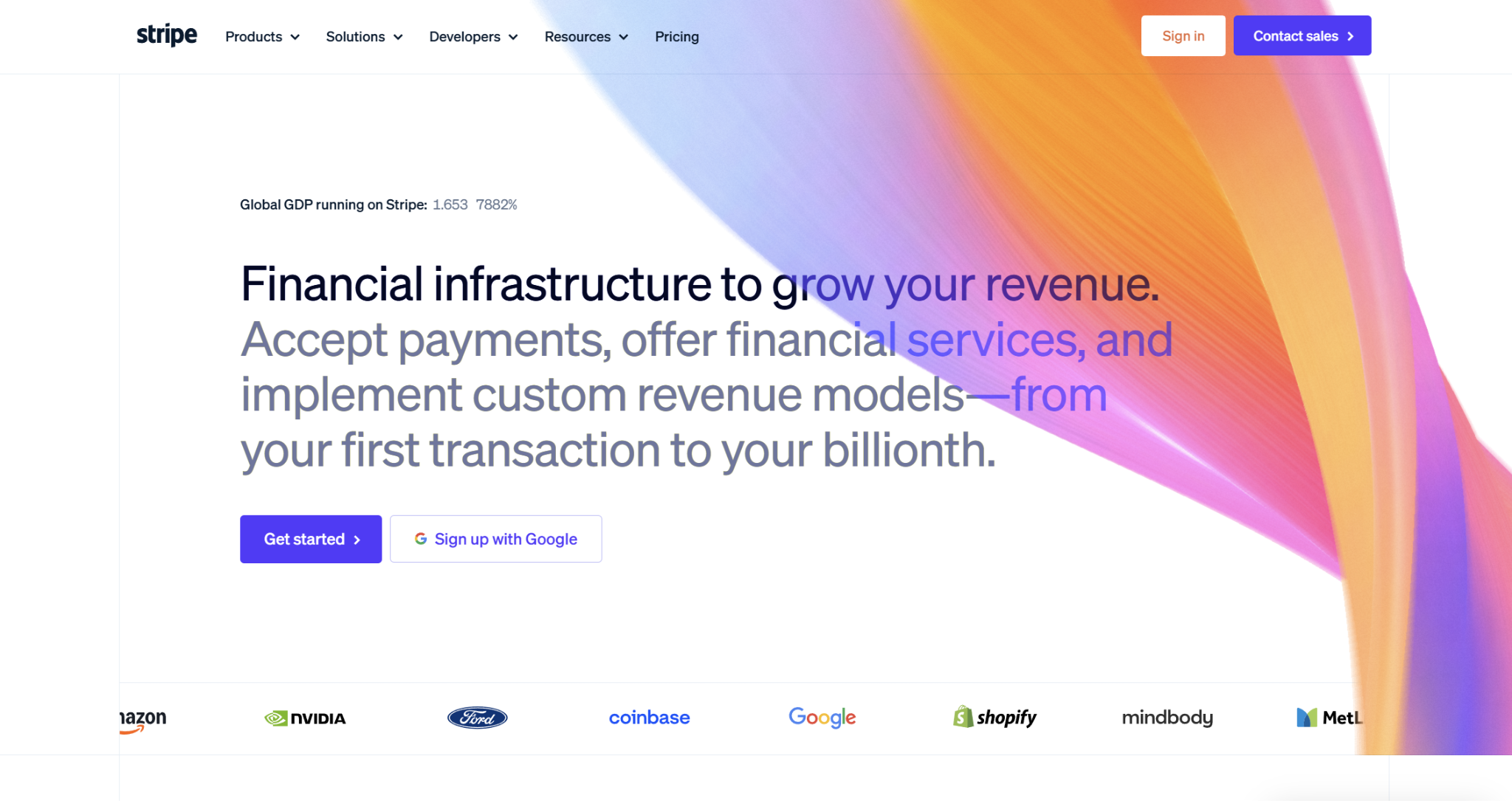
Given how widely used Stripe is, particularly in e-commerce, it could be a natural next step to consider if you’re an online merchant moving away from Elavon. While businesses of all sizes use it, Stripe is an especially cost-effective choice for low-volume merchants because there aren’t any associated subscription fees, and its flat-rate pricing helps streamline planning. Its developer resources set it apart from most other processors, including strong APIs, SDKs, and thorough resource documentation.
Fees and Pricing
Stripe offers two distinct pricing packages: Standard and Custom. Most SMBs will use Standard, with Custom pricing reserved for high-volume, complex businesses.
For Standard, Stripe uses a flat-rate pricing model:
- Online: 2.9% + $0.30
- Additional 1.5% for international cards
- Additional 1% for currency conversion
- In-Person: 2.7% + $0.05
- Additional 1.5% for international cards
- Additional $0.10 for Tap to Pay
Integrations
Stripe integrates with over 500 apps, including those specializing in accounting, billing, compliance, analytics, fraud, productivity, and tax. It’s likely that this will cover all the existing tools in your stack, but in case it doesn’t, you can submit an app request to the Stripe team.
Customer Service
Stripe offers 24/7 live support, which is mostly in the form of online chat (the company doesn’t advertise a customer service phone number). However, many merchants have been frustrated by how heavily Stripe relies on AI support, to the point where it can be difficult to connect with a human. For developers, there’s an official Stripe Discord server you can use to chat with others.
Pros
- Thorough developer resources and documentation
- Flat-rate pricing simplifies cost planning
- Plenty of integrations
Cons
- Not as cheap as some competitors
- Rapidly scaling businesses may encounter account holds and freezes
- Relies heavily on AI support
Luqra: Best for Growing E-commerce Businesses
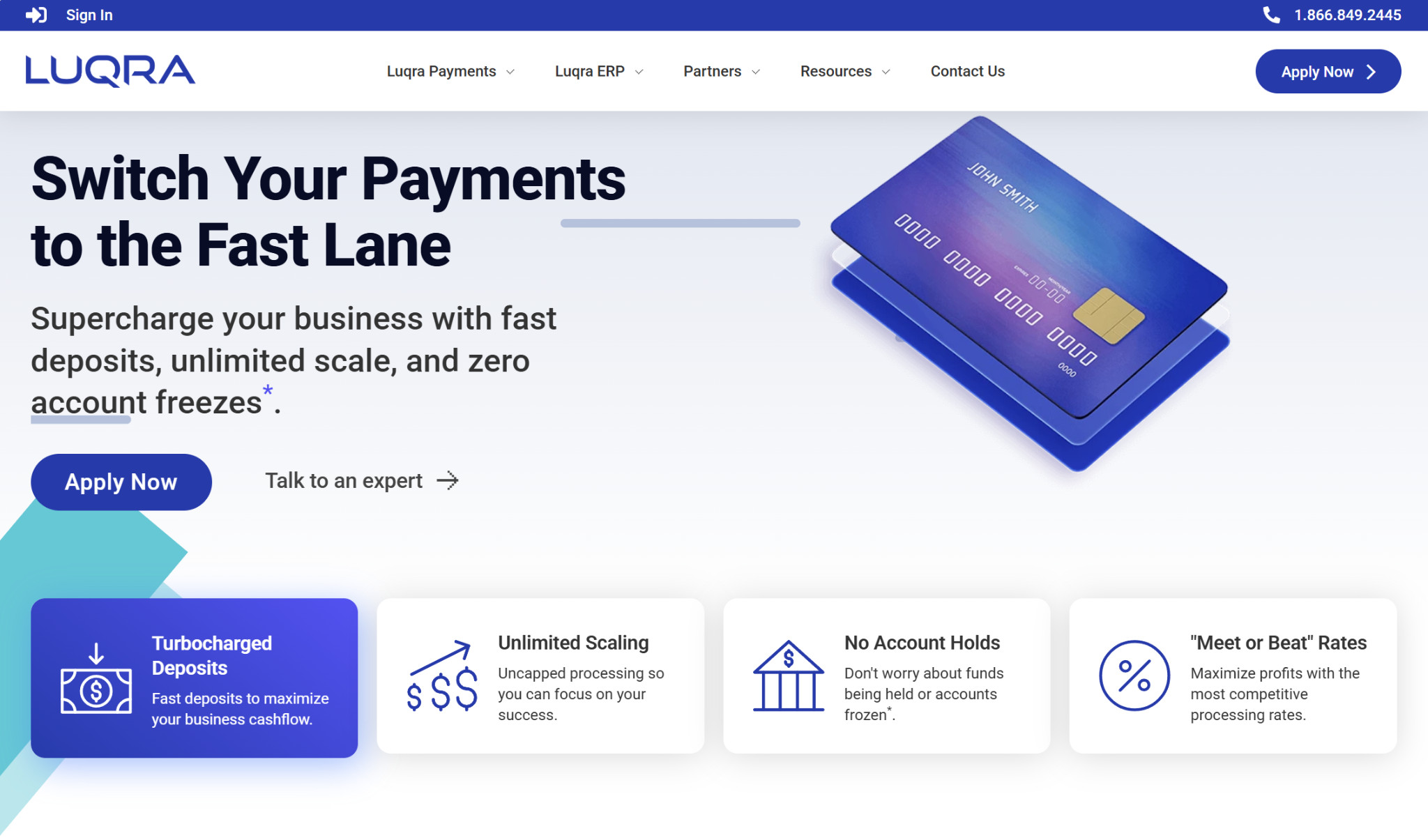
Luqra may not be as much of a household name as Stripe or PayPal, but it’s emerging as a particular favorite among e-commerce merchants looking to scale. The company promotes uncapped processing, and it won’t freeze your account or hold funds if you’re experiencing rapid growth and have a sudden spike in volume. You can use it for either online or in-person payment collection, but Luqra was designed specifically with e-commerce merchants in mind.
Fees and Pricing
With Luqra, the fees will depend on the nature of your business and the types of transactions you’re processing:
- Online: As low as 2.3% + $0.20
- In-person: As low as 2% + $0.10
They also offer an optional Cash Discount Program for $99/month, which passes card fees onto your customers.
What’s notable about Luqra’s pricing is that they have “meet or beat” rates and promise to never increase them.
Integrations
Luqra currently has 24 integrations, mainly across e-commerce tools. While this isn’t as many as some competitors, it covers widely used apps like Shopify, WooCommerce, Authorize.net, Magento, Salesforce, Chargebee, and Recurly.
Customer Service
Being a smaller processor, it’s easier to get in touch with a member of Luqra’s team, many of whom have hands-on experience managing their own e-commerce stores. All Luqra customers are assigned a dedicated relationship manager, and the company offers 24/7/365 U.S.-based phone support. Alternatively, you can contact Luqra by filling out an online form.
Pros
- Uncapped processing
- Competitive meet-or-beat rates
- 24/7/365 U.S.-based customer support
Cons
- Not as well-known as some other processors
- Limited integrations
- Less of a focus on in-person processing
Stax Pay: Best for High-Volume Businesses
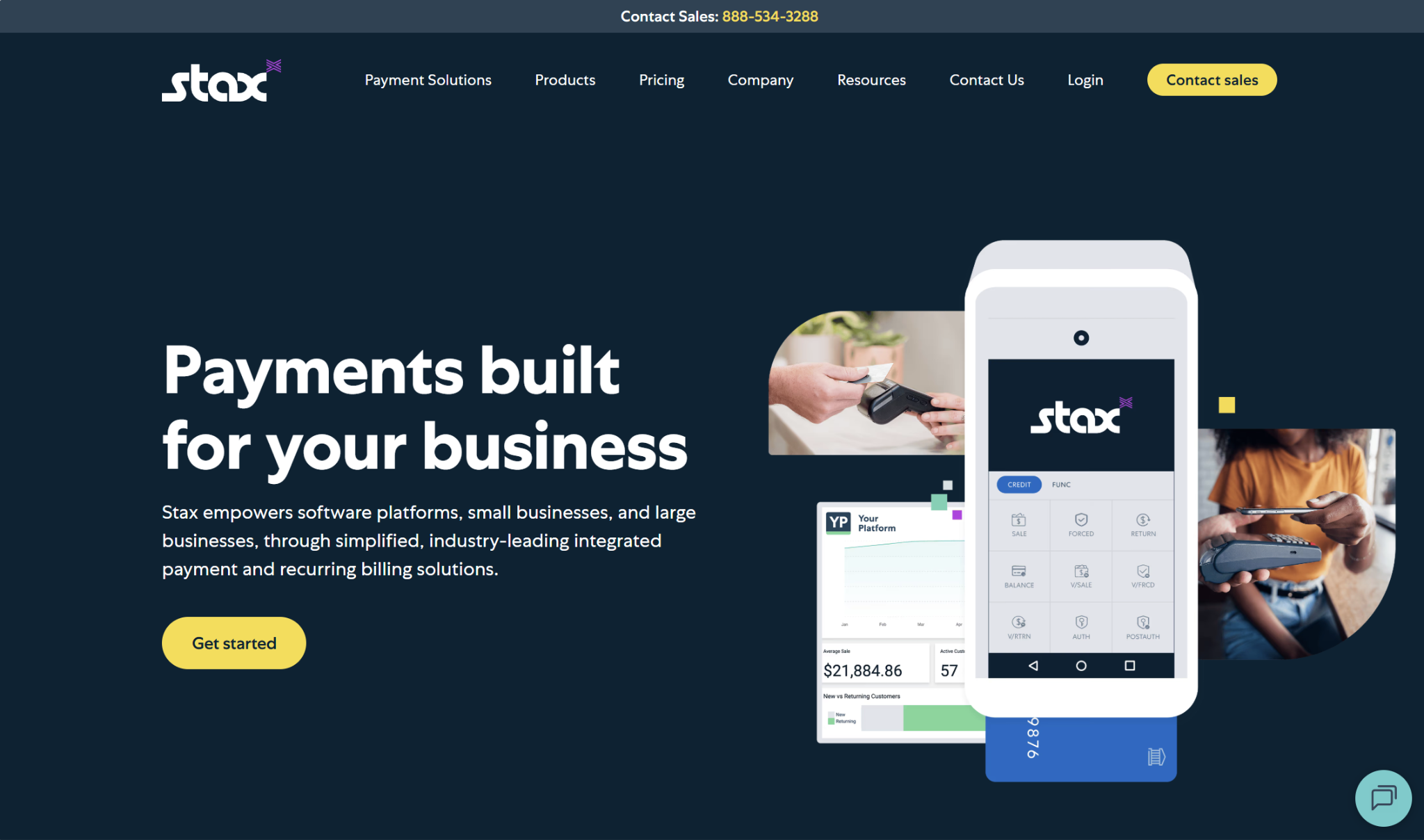
Stax Pay is a bit different from the other processors on this list because it uses a subscription-based pricing model, plus interchange and transaction fees. It’s appropriate for many SMBs and can provide significant cost savings at high processing volumes, but for low-volume merchants, it could end up being unnecessarily expensive. It’s industry-agnostic, and you can use it for both online and in-person payment collection.
Fees and Pricing
The monthly subscription cost you’ll face with Stax depends on your processing volume:
- $99/month: Up to $150,000/year
- $139/month: $150,000–$250,000/year
- $199+/month: Over $250,000/year
The per-transaction processing fees are:
- Online: $0.15
- In-person: $0.08
You’ll also need to pay interchange, but Stax has a 0% markup on these fees.
Integrations
Stax doesn’t have a dedicated integration directory, which makes it a bit difficult to definitively determine whether it syncs with a particular app. However, a few integrations it includes in its Support Knowledgebase are WooCommerce, Authorize.net, Clover, and NCR. You can also use the Stax API to create custom integrations with tools like Slack, Zapier, Microsoft Office, Google Suite, and CRMs.
Customer Service
You can get in touch with Stax’s support team via online form, live chat, or phone during normal business hours.
For those filling out support forms, Stax will generally respond in anywhere from 24 to 48 business hours. Chat support is designed for quick questions, and you can use live chat anytime during business hours.
Pros
- Inexpensive at high processing volumes
- 0% markup on interchange
- Phone support
Cons
- Costly for low-volume merchants
- Doesn’t promote many native integrations
- No 24/7 support
Helcim: Best for Interchange-Plus Pricing
Like with all the other processors on this list, merchants can use Helcim for both online and in-person payments. However, in-person payment collection is definitely their strong point, and healthcare, professional services, automotive, and home services businesses make up a core component of their customer base.
Fees and Pricing
Helcim uses interchange-plus pricing, and rates decrease as your monthly processing volume increases. They offer five discount tiers for both online and in-person payment processing, and custom pricing kicks in once you hit over $5 million in monthly volume.
- Online:
- $0–$50,000: Interchange + 0.50% + $0.25
- $50,000–$100,000: Interchange + 0.45% + $0.20
- $100,000–$500,000: Interchange + 0.35% + $0.20
- $500,000–$1,000,000: Interchange + 0.25% + $0.15
- $1,000,000–$5,000,000: Interchange + 0.15% + $0.15
- $5,000,000 & above: Custom
- In-person:
- $0–$50,000: Interchange + 0.40% + $0.08
- $50,000–$100,000: Interchange + 0.35% + $0.07
- $100,000–$500,000: Interchange + 0.25% + $0.07
- $500,000–$1,000,000: Interchange + 0.20% + $0.06
- $1,000,000–$5,000,000: Interchange + 0.15% + $0.06
Something else that can help make the transition between processors easier on your wallet is the Helcim Buyout Program. With this program, Helcim waives up to $500 in processing fees when you switch over.
Integrations
Helcim has 70 integrations in their Integration Library, categorized both by industry and by function. Some of the industry filters include professional services, wholesale, healthcare, contractors, and automotive. If you filter by function, some of your choices are enterprise resource management, project management, customer relationship management, accounting, e-commerce, and billing.
You can also request an integration if the software you need isn’t yet supported.
Customer Service
To contact Helcim’s customer support team, you can either call them during normal business hours (and abbreviated hours on Saturday) or submit a support ticket. To create a support ticket, provide details on the issue you’re facing and attach up to two screenshots. You should receive a response from Helcim’s team within 12 business hours.
Pros
- Volume discounts
- Phone support
- Helcim Buyout Program
Cons
- Less of a focus on online payment processing
- Potentially confusing rate structure
- May be expensive for low-volume businesses
Square: Best for In-Person Payments
Whether you’ve used it at your business or have been on the customer side of the transaction, you’re likely familiar with Square. It’s most commonly used by physical businesses like retailers and restaurants, with the company selling several payment hardware options. However, you can use Square for online payment collection as well. It can be a decent choice for hybrid businesses with a physical storefront or for entirely online businesses.
Fees and Pricing
Square’s plans include:
- Square Free ($0/mo):
- POS app
- Online site
- Item library
- Invoicing
- Booking
- Checking and savings accounts
- Square Plus ($49/mo):
- Industry-specific POS features
- Loyalty rewards program
- Email and text message marketing
- Staff management
- Square Premium ($149/month):
- Advanced reporting
- Additional text message marketing
- No gift card load fees
The main distinction between the three plans lies in the processing fees. Here’s what you’re looking at with each plan option:
- Online:
- Free: 3.3% + $0.30
- Plus: 2.9% + $0.30
- Premium: 2.9% + $0.30
- In-person:
- Free: 2.6% + $0.15
- Plus: 2.5% + $0.15
- Premium: 2.4% + $0.15
Integrations
The Square App Marketplace houses hundreds of app integrations, organized by functions like accounting and tax, booking and scheduling, e-commerce, healthcare, invoicing and services, marketing and analytics, and payroll. Plus, there are user reviews to explore for each app.
Customer Service
Like processing fees, customer service is another area that’s plan-dependent. Here are your options:
- Square Free: Live chat (human and AI), email, phone support for the first 90 days
- Square Plus: Live chat, email, phone support (normal business hours)
- Square Premium: Live chat, email, 24/7 phone support
There’s also a Square Community you can visit to get help from your peers and connect with others in your neighborhood or industry.
Pros
- Variety of payment hardware options
- Plenty of integrations
- Phone support available
Cons
- Less of a focus on online payments
- Have to register for a plan
- Not the cheapest option
So, Which Elavon Alternative Is the Best?

It’s difficult to single out any of these options as the “best” Elavon replacement, since it’s highly dependent on your business and industry.
If you want something well-known, Stripe is a decent pick. However, if you anticipate periods of rapid growth, you may encounter situations where it freezes your account or holds funds. In this case, you’d be better off with Luqra, which advertises uncapped processing. Luqra also wins out here for e-commerce businesses that need solid support, with 24/7/365 phone availability as opposed to AI-driven options.
Certain high-volume businesses may benefit from Stax’s subscription-based pricing model. Helcim and Square can be reliable choices for those with mostly in-person, rather than online, transactions.
Ultimately, it’s up to you to decide which is the rightful Elavon successor at your business.