


- How to Use a Card to Pay Vendors That Don’t Accept Them
- At a Glance
- Plastiq: Best for No Subscription Costs
- Zil Money: Best for Check Mailing
- Melio: Best for Low Transaction Fees
- Nickel: Best for Industrial Businesses
- BILL (Bill.com): Best for Larger Teams
- So, What’s the Best Way to Pay Vendors with a Credit Card?
Last Updated on July 25, 2026 by The Digital Merchant Team
A credit card is often a business owner’s payment method of choice. You can save money with generous points and cashback rewards, and they offer distinct advantages for your overall cash flow strategy, like float — the time between making a purchase and the funds leaving your bank account. Also, paying with a card is far safer than a paper check, which can be physically stolen.
But from time to time, you’ll encounter a vendor that doesn’t accept credit card payments.
- They might want to avoid credit card fees.
- They might want to bypass chargebacks and credit card fraud risks.
- They might simply not have the infrastructure in place to accept credit card payments.
In these cases, it’s understandable to think that your only option is to pay the vendor via a method that they’ll directly accept.
But this means, for a check-only vendor, you’d have to order checks, write them out, pay for postage, and send them out through snail mail. Besides the inconvenience this causes, you’ll lose out on rewards and float, which may be sorely needed depending on your cash reserves.
Thankfully, you do have another option.
How to Use a Card to Pay Vendors That Don’t Accept Them
Certain third-party software make it possible to pay any bill with a credit card — even if the vendor doesn’t accept credit card payments.
The caveat is that the fees these platforms charge tend to cancel out any points or rewards you’d earn, although it’s technically possible to come out ahead if you’re using a card with a generous welcome bonus.
However, even if you’ll no longer see the concrete savings through rewards, you can still access a float period using third-party software. For many business owners, this is reason enough to take advantage of this capability. You could also use a credit card to gain access to a vendor’s early payment discount that you would not have been able to otherwise.
Here’s a look at some of the options on the market today.
At a Glance
Fee | Monthly Subscription Cost | Countries Supported | Best For | |
Plastiq | 2.99% | None | 45+ | No subscription costs |
Zil Money | 2.9% | None | 9 | Check mailing |
Melio | 2.9% | $0–$80; custom plans available | 80+ | Low transaction fees |
Nickel | 2.9% | $0–$300; custom plans available | 135+ | Industrial businesses |
BILL | 2.9% | $49–$89/user; custom plans available | 130+ | Larger teams |
Plastiq: Best for No Subscription Costs
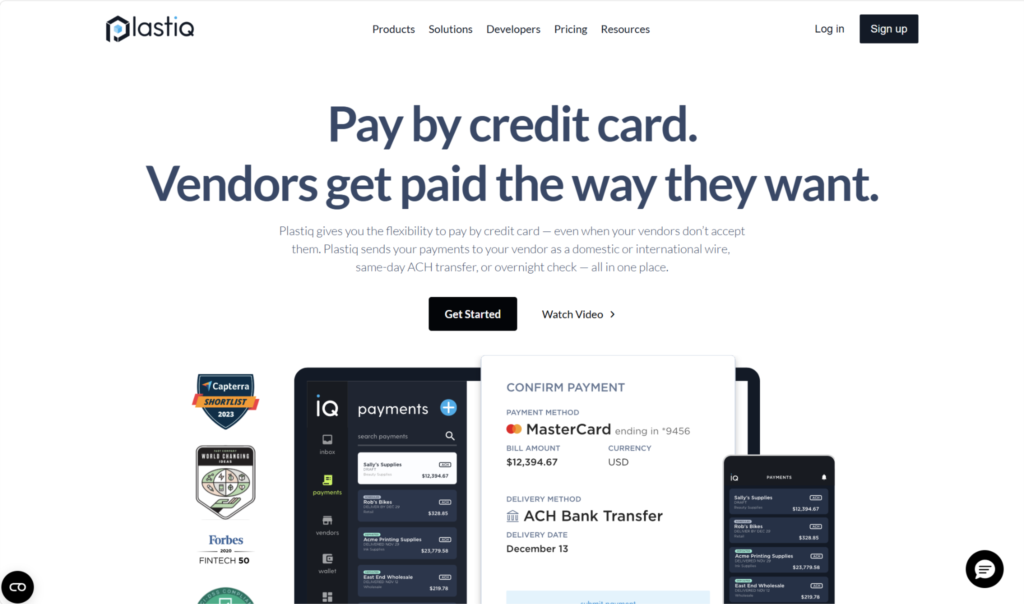
You may already be familiar with Plastiq, whose main selling point is this exact workaround. Both businesses and individuals can use it to pay their bills, though it’s most often used by SMBs.
Plastiq can send funds to your vendor using one of three methods: ACH/EFT/electronic, paper check, and wire transfer (domestic or international, with over 45 countries supported). You can also opt for same- or next-day payments, as well as overnight checks.
Fees
One reason why many business owners like to use Plastiq is that it doesn’t charge you any monthly or annual subscription fees — you’ll only incur transaction fees and delivery fees.
The transaction fee is the fee for using a credit card, which is currently set at 2.99%. The fee is also the same for debit cards and prepaid cards like gift cards.
The delivery fee varies depending on how you’re sending the funds to the vendor:
- ACH/EFT/electronic: $0.99
- Paper check: $1.49
- Domestic wire transfer: $8.99
- International wire transfer: $39
Expedited delivery comes with an additional fee. For example, with overnight check delivery, you’ll still have to pay 2.99% + $1.49, but you’ll also pay a 0.5% expedited processing fee and a $29 expedited delivery fee.
The other fast payment options are 2-day check, same-day ACH, next-day ACH, expedited EFT, and same-day wire (domestic and international).
Zil Money: Best for Check Mailing
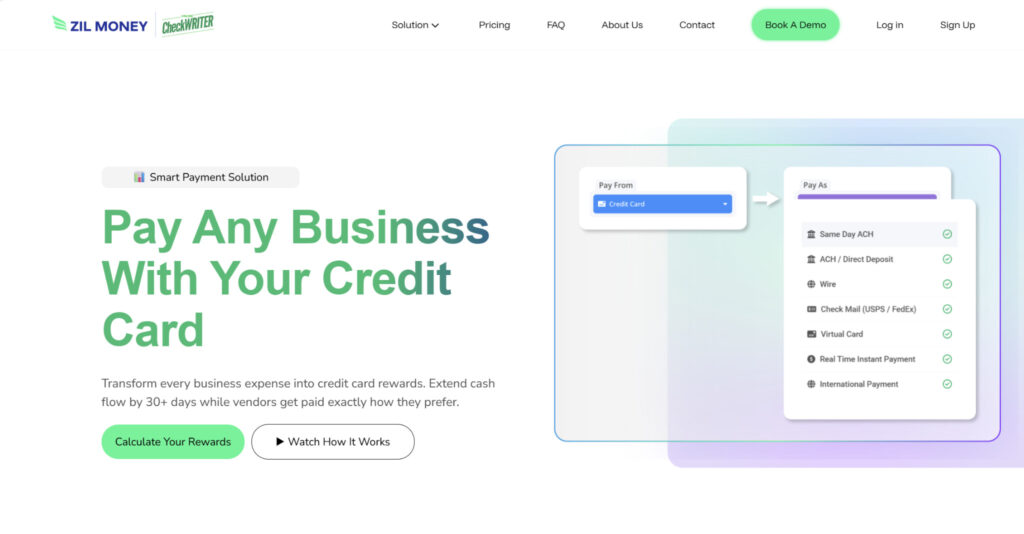
Like Plastiq, both businesses and individuals can use Zil Money to pay vendors with credit cards, though it has more of a focus on B2B transactions. Beyond payments, its offerings extend into areas like custom check printing, professional shipping labels, and document mailing.
When you pay with a card, you can have the funds delivered via ACH, same-day ACH, wire, virtual card, or paper check. Zil Money supports global payments to nine countries: Estonia, France, Germany, India, the Philippines, Sweden, the U.K., Italy, and Ireland.
Fees
You’ll need to pay transaction fees when you send the funds, and these vary depending on the delivery method you choose. You won’t need to pay a monthly subscription fee, but you will need to register for one of two plan options: Pay As You Go or Enterprise.
Pay As You Go comes with pre-set, standard pricing:
- Card processing fee: 2.9%
- ACH: Free
- Same-day ACH: 0.2%, max $12
- Wire: $10
- Virtual card: Free
- Check:
- USPS first class: $1.25
- First class Canada: $2.99
- First class international: $4.99
- Express mail: $37.39
Meanwhile, Zil Money also offers an Enterprise plan for those looking for volume-based or otherwise customized pricing. Under this plan, the card processing fee is still 2.9%, but fees for same-day ACH, wire, and check are customized depending on your business.
Melio: Best for Low Transaction Fees
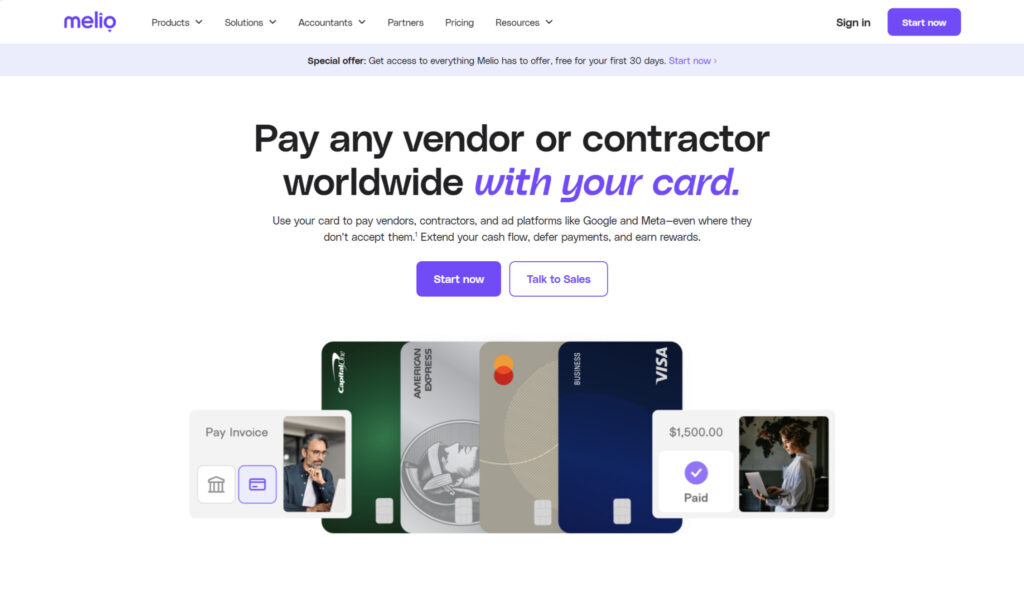
Melio is an AI-powered bill pay tool that offers this same credit card workaround. Aside from the ability to pay vendors with a card, some of Melio’s features include ACH bank transfer, OCR bill capture, approval workflows, W-9 collection, and 1099 automation.
When using Melio to pay a bill with a credit card, you can deliver the funds via ACH, check, or wire, with expedited options available. You can also send payment internationally in either USD or in local currency to over 80 countries.
Fees
The credit card fee is 2.9%, though the total transaction cost you’ll face ultimately comes down to the way you’re delivering the funds. Expedited options have additional fees.
- Same-day ACH: 2.9%
- Check: 2.9%
- Global (USD): 2.9% + $20
- Global (local currency): 2.9% + conversion rates
To use Melio, you’ll need to register for a plan. Go, Core, Boost, and Unlimited are the main plans offered, but there’s also a custom Platinum plan for high-volume or complex businesses:
- Go (Free):
- One user
- 5 free ACH per month
- Pay by ACH, wire, or check
- Fast and instant payments
- Pay any bill by card
- AI bill capture
- Bills inbox
- Pay internationally
- Core ($25/month):
- $10/month per additional user
- 20 free ACH per month
- QuickBooks Online and Xero syncs
- Batch payments
- Custom approval workflows
- W-9 collection and 1099 automation
- Boost ($55/month):
- $10/month per additional user
- 50 free ACH per month
- Advanced user roles
- Apply vendor credits
- QuickBooks Desktop sync
- Unlimited ($80/month):
- Unlimited users
- Unlimited free ACH
- NetSuite sync
Nickel: Best for Industrial Businesses
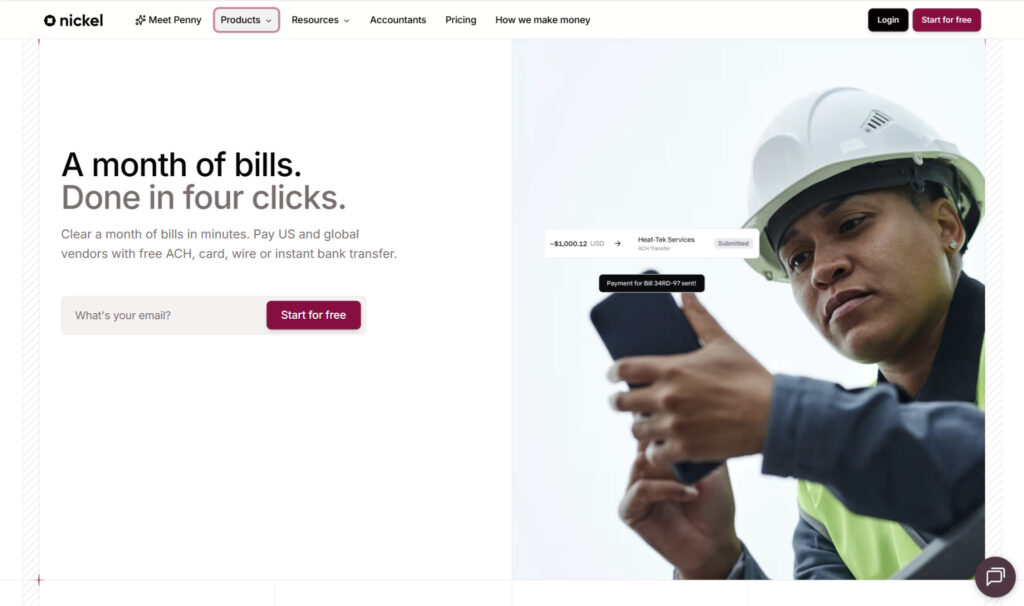
Nickel is another broader payments solution that occupies a similar space as Melio. However, where it differs is that it mainly targets SMBs in industrial fields, such as construction, manufacturing, electrical, and others.
With Nickel’s bill pay tool, you can use your credit card to pay any vendor bill, and the vendor will receive the funds as ACH, check, virtual card, wire, or instant bank transfer. Nickel supports international payments to over 135 countries, which are sent through international wire or SWIFT.
Fees
When you send money with a credit or debit card, there’s a 2.9% fee. Delivery through standard or expedited ACH is free, while there’s a $2 fee to mail a check.
Beyond the transaction fees, you’ll need to sign up for a plan: Nickel Core, Nickel Plus, or Nickel Pro. Businesses can also sign up for a custom plan if needed.
- Nickel Core (Free):
- 3 users
- $25,000 transaction limit
- Invoice payments
- Bill pay
- Vendor onboarding
- QuickBooks Online and Desktop integrations
- Nickel Plus ($35/month):
- Unlimited users
- $1 million transaction limit
- Save and charge customer card or bank on file
- Recurring invoices
- Vendor tax documents
- 1099 filing
- Nickel Pro ($300/month):
- API access
- Vendor verification
- Dedicated account manager
Note that these monthly prices are for if you’re paying on an annual basis. If you pay month-to-month, the cost will be slightly higher.
BILL (Bill.com): Best for Larger Teams
Of all the tools on this list, BILL is likely the most widely recognized and well-established, at over 20 years old. It’s a comprehensive AP/AR tool for SMBs in any field, with a “Pay by Card” feature that you can use to pay a vendor with your credit card. It can pay the vendor through ACH, check, or virtual card, and it can also send payment internationally to over 130 countries.
Fees
There’s a 2.9% fee for any card payments, which remains the same regardless of whether your vendor gets paid through ACH, check, virtual card, international FX wire, or international USD wire. There are also faster check options that come with additional fees.
You do, however, need to register for a plan if you want to use BILL, and there are no free plans available.
- Essentials ($49/user/month):
- Approval workflows
- Multiple payment methods
- Bill inbox
- W-9 collection
- Payable insights
- User roles
- Manual integration with QBO and Xero via manual import/export
- API access
- Team ($65/user/month):
- AI bill coding
- Custom user roles
- Two-way sync with QBO and Xero
- Cash flow forecasting for QBO
- Corporate ($89/user/month):
- Custom approval policies
- Discounts for approver-only users
- Single sign-on
- Multi-entity accounting
There’s also a custom Enterprise plan available for more complex accounting situations and additional software integrations.
So, What’s the Best Way to Pay Vendors with a Credit Card?
If your vendor doesn’t accept credit cards, the natural response is to pay them directly using their payment method of choice. However, platforms like Plastiq, Zil Money, Melio, Nickel, and BILL provide a workaround by letting you pay by card while the vendor gets paid the way they want.
The right one for you depends on what you’re looking for. Plastiq is often the default option for many, since it doesn’t require a monthly subscription. However, its relatively high transaction fees might not be worth it if you’re planning on making frequent payments. Zil Money is another contender without a subscription fee, and it’s especially strong for check mailing.
Nickel and Melio occupy a similar space because they’re both broader bill pay solutions that require signing up for a plan, though they have free plans where you can still access the credit card feature. For most SMBs, Melio is the more well-rounded choice, but certain industrial businesses might prefer Nickel. Lastly, BILL is suitable mostly for SMBs on the larger side, as the monthly cost could be excessive for smaller teams.
Regardless of which one you end up picking, the good news is that all of these platforms let you access the benefits that come along with paying with a credit card.