


Last Updated on October 27, 2026 by The Digital Merchant Team
The post-purchase experience covers everything that happens after a customer places an order. That includes the confirmation email, shipping updates, delivery, and any questions or returns that come up later. A lot of store owners treat the sale as the end of the job, but it’s really the point where you start earning a second order. How you handle these next steps decides whether someone buys once and forgets you, or keeps coming back.
Post-purchase support is very different for the merchant than for the shopper. As a store owner, you understand that it involves a number of distinct stages and tasks; for your customers, though, it’s one blended experience that ends up being either “good” or “bad.”
The bigger your business gets, the more challenging it becomes to manage the various strands of post-purchase support. Outsourcing and third-party platforms can help, but deciding which of these to invest in is a challenge of its own.
Here, I’ve looked at the obstacles (and opportunities!) that online businesses of all sizes face in this area, along with practical ways to improve each part of your post-purchase support. Most of the examples focus on Shopify, but the same ideas apply whether you sell on WooCommerce, BigCommerce, Wix or Squarespace.
Order Changes and Cancellations
The first post-purchase support window opens before an order has even left the warehouse. When a shopper notices an incorrect address, orders the wrong size, changes their mind, or asks to combine shipments, you can avoid unnecessary delivery failures by taking action before fulfillment.

As a small store, you can manage this workflow manually by checking emails before your daily packing run. However, once your order volume grows, that approach becomes risky and time-consuming (especially if you’re working with a third-party logistics provider).
As the operator of a growing store, you should define a limited change or cancellation window, and ideally connect your customer-service workflow to live order status if possible. If you use Shopify, you should have the option to edit orders and activate customer requests for cancellation of unfulfilled items, but a request does not change the order by itself; you’ll still need to review it and complete or decline the action.
When you’re ready to scale
You can remove another layer of active involvement by automating low-risk actions (such as correcting an address before the warehouse lock time), while routing higher-risk changes to an agent.
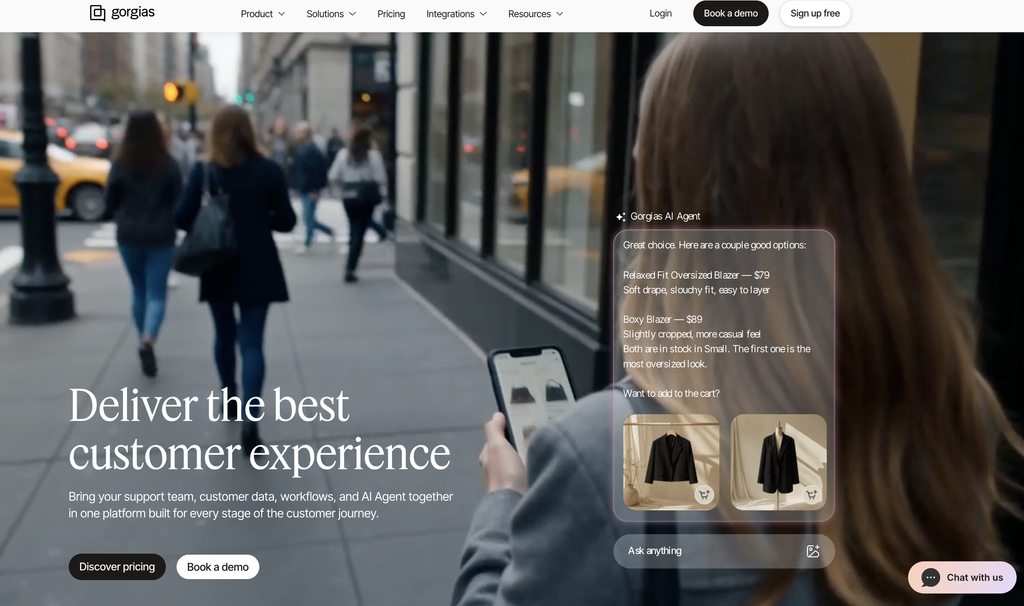
Third-party helpdesks can be useful when order changes arrive through multiple channels. Gorgias, for example, brings email, chat, SMS, WhatsApp and social messages into one inbox and gives agents access to live Shopify order data and in-conversation actions.
Order Tracking
Most online shoppers expect to be able to track their order. Some love watching their package’s GPS dot shuffle closer and closer to their front door, while others just check once or twice before it arrives. Either way, a missing or confusing tracking link is one of the fastest ways to fill your inbox with “where’s my order?” emails.
That makes a proper tracking system worth setting up, especially for larger stores. A useful tracking experience should show a package’s current status, expected next step, carrier, and tracking history, and explain what to do if the shipment stops moving.
When you’re ready to scale
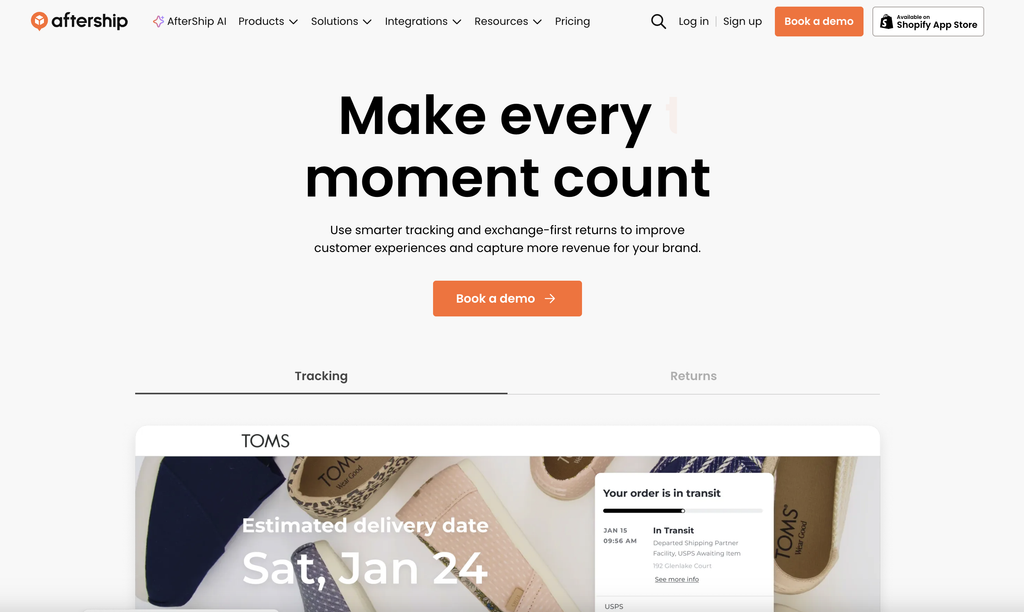
Shopify’s native tracking is plenty robust for small stores that use the platform. As you scale, though, you may want to consider offering a branded tracking experience; platforms like AfterShip offer these, and also throw in extra features like split-shipment tracking, estimated delivery dates and optional product recommendations. You’ll also get more sophisticated dashboards on a specialist platform (these come in handy when you’re dealing with hundreds of deliveries at a time).
Customer Notifications
Notifications add a lot of value for the average shopper (as long as you don’t overdo them). Who doesn’t love a reminder that they’re about to get something new in the mail? Plus, if something goes wrong, the customer finds out right away.
A basic notification sequence normally includes order confirmation, shipment confirmation, out-for-delivery and delivery messages, with exception alerts for delays, failed attempts, customs holds and returns to sender.
When you’re ready to scale
Shopify’s built-in notifications send the same basic emails to every customer. A dedicated notifications tool lets you do a lot more with those messages. For example, if a carrier flags a delay, the tool can text the customer right away with an apology and a small discount code, all without anyone on your team lifting a finger. Customers can also reply to some messages to reschedule a delivery or ask a question, and that reply goes straight into your support inbox.
You can also make the messages more useful once the package arrives. Instead of a plain “delivered” email, you could send setup tips, care instructions, or a quick how-to video for the exact product they bought. A few days later, once they’ve had time to try it, the tool can send a review request. That timing makes a big difference, since asking for a review before someone has even opened the box rarely works.
Issue Prevention
The cheapest support case is the one that never occurs, so a robust issue prevention strategy will often pay for itself many times over.
“Issue prevention” can mean different things in different contexts, but it broadly includes:
- Accurate inventory.
- Realistic dispatch and delivery estimates.
- Clear sizing and product descriptions.
- Visible return terms.
- Shipping address validation.
- Order-edit windows.
- Packaging.
- Exception monitoring.
Different stores have different failure patterns. An apparel brand should focus on sizing data, product imagery and return eligibility. A furniture store needs packaging standards, room-access guidance and damage documentation. A marketplace needs seller accountability and consistent policies. A high-value electronics seller may add signature requirements, serial-number records, and tighter address checks.
When you’re ready to scale
This is the most diverse category I’ve looked at so far; you won’t find a single “issue prevention” tool that will take care of all this for you. However, there are some platforms that can help in this context.
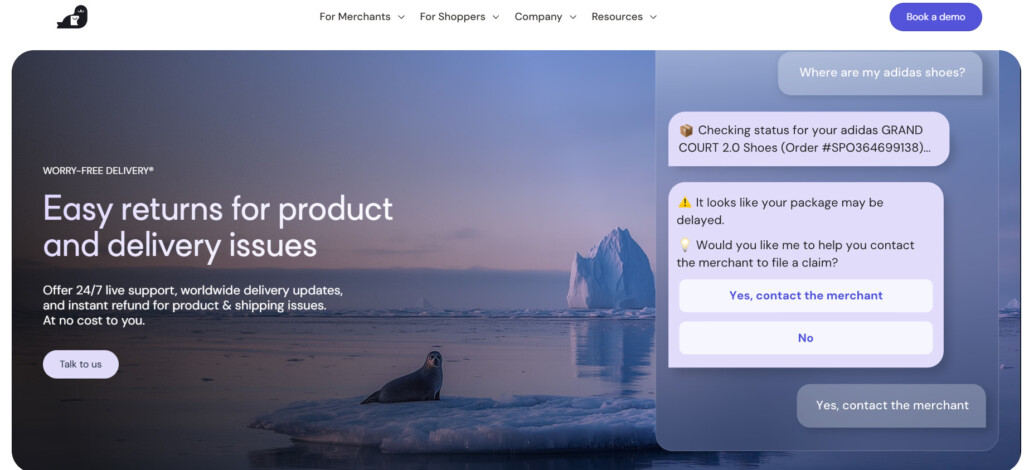
Seel, for instance, offers a range of post-purchase protection products that can manage delivery risks and move some of the associated financial risk off your balance sheet. Its Worry-Free Delivery option covers eligible loss, theft, transit damage and significant delay, while Worry-Free Purchase can add flexible returns, including on final-sale goods.
To use it, you install Seel’s app on your store, and a protection option shows up for shoppers in the cart or at checkout. You can let shoppers choose whether to add it, or have it added to orders automatically. Shoppers pay the fee, so there’s no cost to you as a merchant. If a package goes missing or arrives damaged, the customer files a claim with Seel instead of contacting you.
Complaint Handling
When prevention fails, customers need one obvious way to report the problem. A good intake process collects enough information to route and resolve issues without making the shopper repeat their story to several teams.
If you’re running a small operation, you can address this requirement with a dedicated email address. Even growing retailers can get by in this way, as long as someone is monitoring the address and acting on complaints quickly and effectively. If you’re handling complaints the old-fashioned way, make sure to prompt customers to include their order number, contact details, issue type, affected item, requested outcome, and relevant photos in their initial message.
When you’re ready to scale
No matter how well you manage it, this approach becomes inefficient at a certain point. Helpdesk software (such as Gorgias and Zendesk) can frustrate shoppers if it’s set up badly, like when they get a canned reply that doesn’t answer their question. Used well, though, these tools do a lot to streamline customer communication, like centralizing different channels, routing and reporting, and providing order context.
You can also apply automation to your complaints handling workflow, but you need to be careful. Nothing invites more customer fury than an ineffective chatbot. Automation works best for classification and predictable questions. It can identify “where is my order?” messages, retrieve tracking, and ask for missing photos. It should hand off cases involving repeated failure, vulnerable customers, high order values, threats of a chargeback or facts that do not fit the policy.
Claims Resolution
This is often the hardest stage for merchants to staff. Routine tracking questions can be templated, but claims combine customer judgment, documentation, carrier rules, fraud controls and financial authority. Carrier response times do not always match the speed shoppers expect, and the team member answering the complaint may not be authorized to approve the cost.
Small stores commonly resolve first and seek carrier recovery later, particularly when the replacement cost is low and the customer relationship matters. That comes across as good customer service (which is crucial), but it can get expensive fast. If you plan on scaling, this approach won’t remain viable for long.
When you’re ready to scale
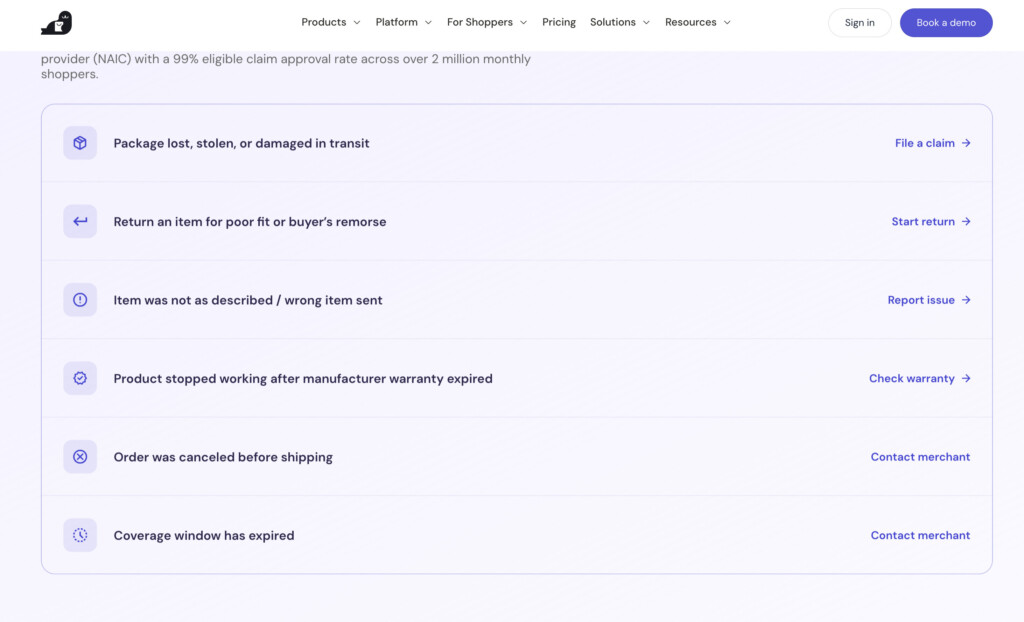
Many larger stores hand claims off to an order protection provider. Shoppers pay a small fee at checkout to cover their order, and the provider steps in if something goes wrong. Route, Redo and Seel all offer some version of this.
Seel is a great pick if your main goal is getting claims off your team’s plate. It takes on the cost of eligible claims, and shoppers file through Seel’s Resolution Center, so your team isn’t stuck chasing carriers or deciding who gets a refund. Its coverage also includes significant delays, not just loss, theft and damage. And since shoppers fund it, it doesn’t cost you anything as a merchant.
Whichever provider you choose, get clear on what you’re handing off before you sign up. Will the provider answer customer messages about claims, or will those still land in your inbox? When does their coverage kick in? Knowing this upfront makes it easier to compare your options and get the most out of the service.
Returns and Refunds
This is perhaps the most difficult bit for merchants. How do you strike the balance between offering refunds when they’re justified, and having sufficiently firm returns rules that your business doesn’t hemorrhage money?
The first thing you need is a detailed set of terms and conditions on your website. That way, you have both a guide that you can rely on, and a set of rules you can refer customers to if there’s a dispute.
From there, you’ll need a returns workflow that reflects the nature of your business. Apparel and footwear stores often need more sophisticated exchanges, return rules and routing because fit-related volume is high.
When you’re ready to scale
Returns platforms like Loop make the process much smoother, with self-serve portals, easy exchanges and automatic labels. But the store still owns the hard parts: the policy, the label cost, the returned stock and the refund itself.
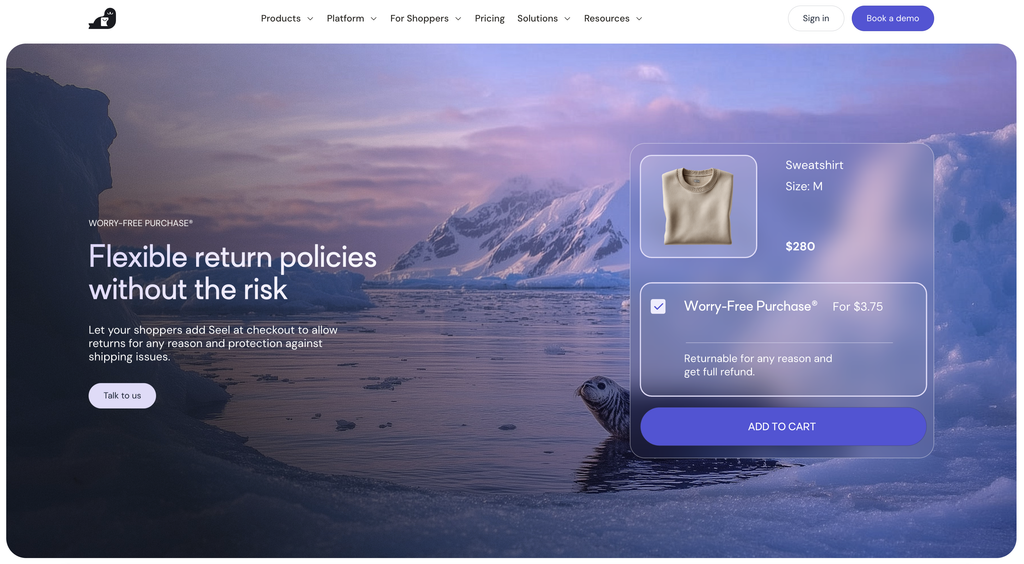
Seel goes a step further. When a shopper adds Worry-Free Purchase at checkout, they can send the item back to Seel within 7 days, and Seel handles the refund. That covers final-sale items too. So for those orders, the return never touches your margins or your warehouse. It works best alongside a regular returns setup, since it only covers shoppers who opt in.
Building the Right Model
Various factors (particularly the size of your store and the nature of your products) will dictate the make-up of your post-purchase support stack. As a small store owner, you’re not going to need fancy software or extensive third-party support; as you grow, though, they may start making more sense for you.
Here’s a quick way to think about it:
- Stick with your platform’s built-in tools if you’re a small store with a manageable number of orders and you can keep up with emails yourself.
- Choose a helpdesk like Gorgias or Zendesk if customer messages are coming in from several channels and some are going unanswered, getting lost or causing confusion.
- Choose a tracking and notifications tool like AfterShip if “where’s my order?” emails are taking up a big chunk of your day.
- Choose a returns platform like Loop if you handle a high volume of returns and exchanges, especially in apparel or footwear.
- Choose an order protection provider like Seel if claims and returns are eating into your margins and you want to hand off the cost and the resolution, not just the admin.
Most growing stores end up with a mix of these. Start with whichever part of your post-purchase support is causing the most trouble right now, and build from there.