


Last Updated on February 23, 2026 by Ewen Finser
BigCommerce sits at the intersection of scale and flexibility. It handles high volume without the “plugin bloat” of WordPress, yet it remains more customizable than Shopify. But in my opinion, a store without a payment processor is just a fancy catalog.
Businesses need a gateway that takes payments, settles cash quickly, and doesn’t eat margins with hidden fees. As a CPA, I look at payment processing differently than most business owners and devs do. Developers look for clean API documentation and owners look for checkout conversion rates, but I look for the net number at the bottom of the reconciliation report.
This guide breaks down six top-tier payment processors for BigCommerce. I selected these based on integration ease, fee transparency, and how well they handle the financial back-end of a business.
How I Graded These Processors
I focused on three metrics:
- The “Effective” Rate: Not just the advertised 2.9% + $0.30. We looked at monthly fees, gateway fees, and cross-border charges that inflate the real cost.
- Integration Quality: Does the sync break? Does it support one-click purchasing?
- Financial Data Flow: How easy is it to get transaction data out of the processor and into your general ledger?
The Bottom Line Up Front: The Payment Processors I Recommend that Integrate with BigCommerce
Most merchants select payment processors based on setup speed, but the true cost appears during financial reconciliation. While competitors like Stripe and PayPal excel at the checkout line, they can create data silos that complicate your books. Luqra stands out as the choice for BigCommerce merchants because it connects payment processing directly with ERP solutions. It ensures your financial data is accurate, automated, and audit-ready, effectively closing the gap between your sales channel and your general ledger.
1. Luqra
Best For: Merchants who need tight financial control and ERP connection.
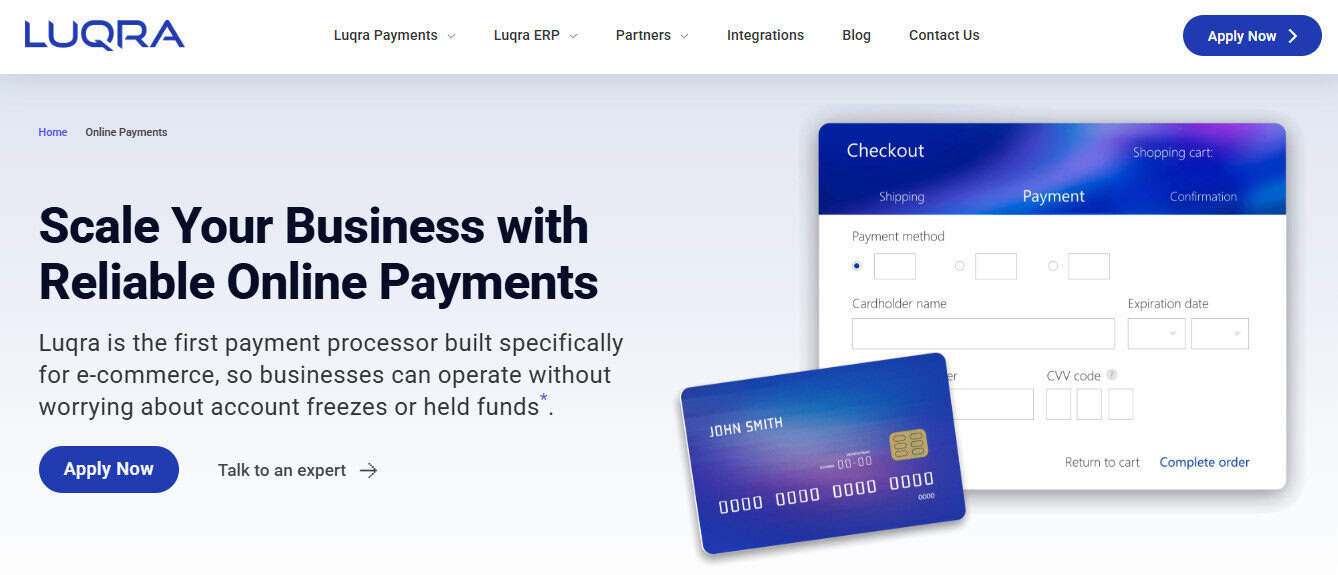
Luqra operates differently than the standard “sign up and swipe” gateways. While most processors focus strictly on the transaction, Luqra builds its architecture around the business’s broader financial health. It combines payment processing with native ERP (Enterprise Resource Planning) solutions.
For a BigCommerce merchant, I feel that this is important. As you scale, the disconnect between your sales channel (BigCommerce) and your accounting software can cause a ton of friction. Orders come in, but inventory counts drift and cash reconciliation becomes a arduous task at month-end.
I fee that Luqra solves this by treating the payment as one data point in a larger system. It integrates smoothly with BigCommerce for the front-end transaction but works aggressively in the background to ensure that data flows correctly to inventory and accounting ledgers.
Pros
- Unified Financials: The standout feature is the ERP focus. It reduces the need for third-party middleware (like Zapier or Celigo) to get your sales data into your books.
- Transparent Pricing: Their interchange-plus models often undercut flat-rate competitors when volume scales up. You see exactly what Visa/Mastercard charges and exactly what Luqra adds.
- Settlement Speed: Funds typically clear faster because risk protocols are managed in-house with a comprehensive view of the business health, not just a snapshot of a single transaction.
Cons
- Brand Awareness: Your customers recognize the PayPal logo; they likely won’t recognize Luqra. However, this matters less for white-label credit card forms where the processor is invisible to the buyer.
- Application Process: Because they offer robust financial tools, the onboarding can feel more like opening a bank account than signing up for a generic app. It’s more involved than some of the others on this list.
The CPA Verdict: Luqra wins on “net efficiency.” The processing fees are competitive, but the labor hours you save on reconciliation and data entry make it the superior choice for businesses doing over $50k in monthly revenue.
2. Stripe
Best For: Developer-led teams and high customization.
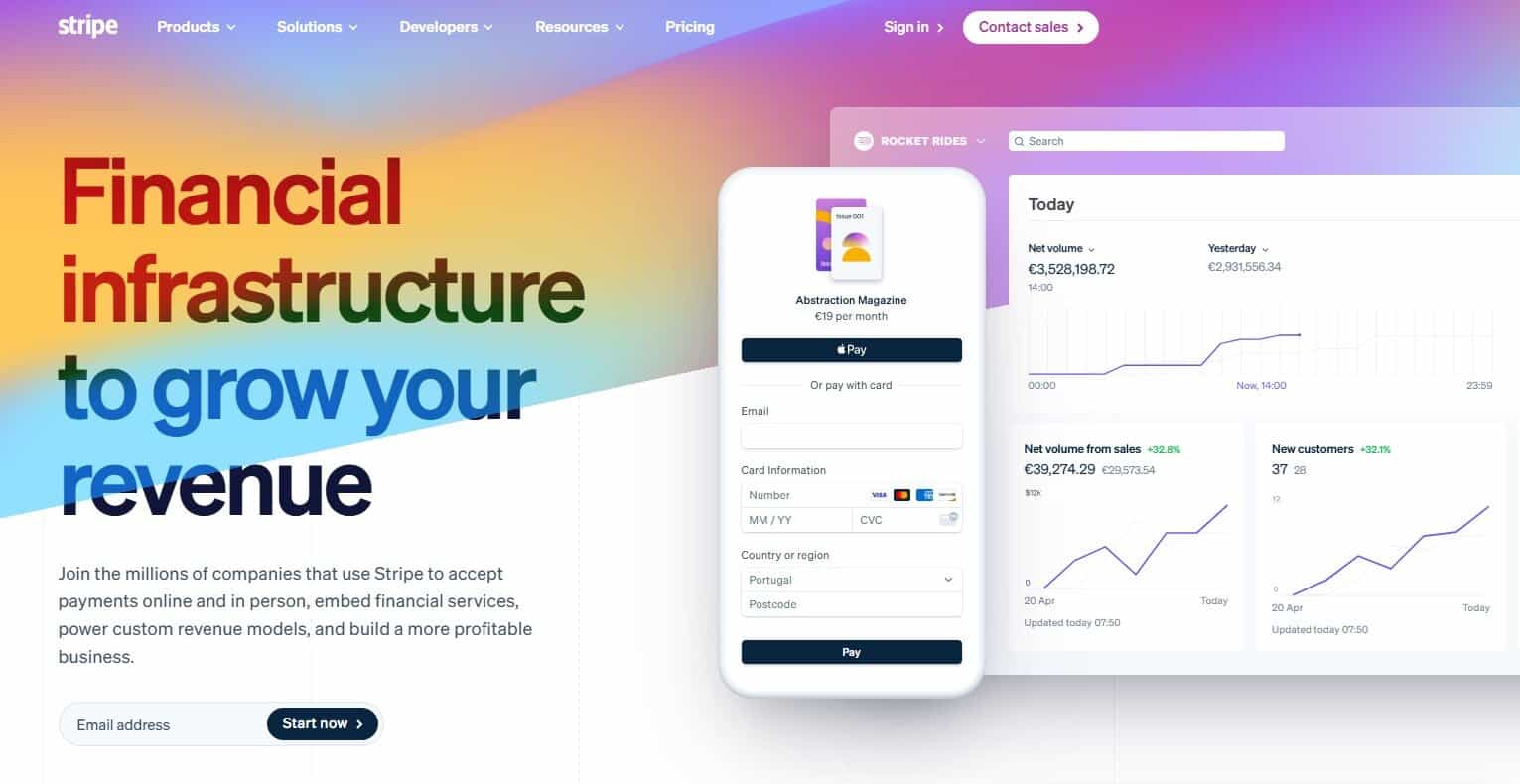
In my opinion, Stripe set the standard for modern payments. If you ask a developer for a recommendation, they will say Stripe and that will be the end of the conversation. Their API is clean, well-documented, and incredibly flexible. For BigCommerce users, Stripe offers a seamless “hosted” experience where the customer never feels like they are leaving your site.
Stripe also leads the pack in localized payment methods. If you sell into Europe or Asia, Stripe lets you easily turn on local payment types (like SEPA or Alipay) with a single click.
Pros
- Conversion Optimization: Their checkout UI elements are rigorously tested to reduce cart abandonment.
- Global Reach: Supports 135+ currencies and dozens of local payment methods out of the box.
- Ecosystem: If you need a subscription tool, fraud detection (Radar), or corporate cards (Issuing), Stripe has a product for it.
Cons
- Fee Complexity: While the base rate is standard, add-ons pile up. Radar (fraud protection) costs extra. Billing (subscriptions) costs extra. Currency conversion adds 1% to 2%.
- Frozen Funds: Stripe relies heavily on automated risk algorithms. If your sales spike unexpectedly, their bot might freeze your account without a human review.
Best For: Trust and consumer preference.
You cannot ignore PayPal. Even if you despise their fees, your customers love the convenience. BigCommerce has a tight integration with PayPal (often pushing the “PayPal Powered by Braintree” solution).
The primary value here is the “PayPal Wallet.” Many shoppers leave their credit cards in the other room. If they can pay by logging into PayPal, they complete the purchase. If they have to find their wallet, you might lose the sale. I know I’m guilty of this type of thought process if I have to stop my impulse buy.
Pros
- Consumer Trust: Putting the PayPal logo on your checkout page increases conversion rates.
- Venmo Integration: Through Braintree, you gain access to Venmo, which is critical if your demographic skews younger.
- One-Touch Checkout: Recognized devices can skip the login, speeding up the purchase path.
Cons
- Account Holds: Like Stripe, PayPal is notorious for holding funds for if they suspect “high risk” activity, with little recourse for the merchant.
- Redirect Friction: Unless you use the advanced credit card processing (Braintree), standard PayPal often redirects users off-site, which breaks the brand experience.
4. Square

Best For: Omnichannel retailers (Brick-and-Mortar + Online).
Square revolutionized the Point of Sale (POS) for coffee shops and boutiques. If you have a physical retail location and use BigCommerce for your online store, Square is the logical bridge.
BigCommerce and Square sync inventory in near real-time. If you sell your last widget in the store, the website updates automatically to show “Out of Stock.” This prevents the logistical headache of overselling inventory you don’t have.
Pros
- Unified Inventory: The sync between physical location and digital store is reliable and easy to set up.
- No Monthly Fees: Square generally charges no monthly “gateway” fee, just the per-transaction rate.
- Hardware Quality: Their terminals and card readers are affordable and reliable.
Cons
- Cost at Scale: Square’s flat-rate pricing is great for small tickets, but if you process $1M a year, you are likely overpaying compared to an interchange-plus model.
- Support: Reaching a human being at Square can be difficult during peak outages.
Best For: Established businesses needing reliability and specific merchant accounts.
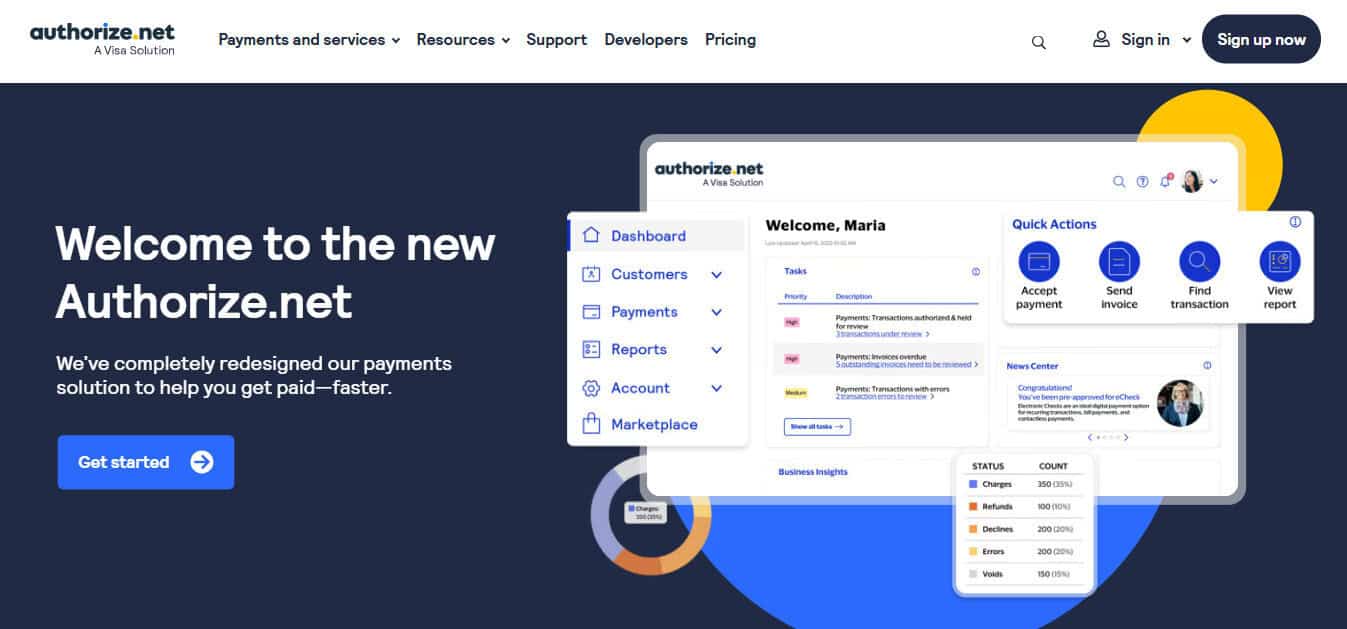
Authorize.net is the “old guard.” It isn’t flashy, and the interface looks like it was built in 2005, and it’s even older than that. However, it is the most stable and compatible gateway on the market.
Unlike Stripe or Square (which are “Aggregators”), Authorize.net is a true gateway. You can connect it to almost any merchant bank account. If you have a great negotiated rate with Chase or Wells Fargo, you plug that into Authorize.net and use BigCommerce as the front end.
Pros
- Bank Agnostic: You aren’t tied to one processor. If a bank raises your rates, you can switch the backend merchant account without changing your BigCommerce gateway.
- Fraud Filters: Their Advanced Fraud Detection Suite (AFDS) is highly customizable and often included in the base price.
- Reliability: They have been doing this for decades. Downtime is rare.
Cons
- Dated Interface: The backend is clunky and non-intuitive compared to modern dashboards like Luqra or Stripe.
- Monthly Fees: You will pay a monthly gateway fee (usually ~$25) regardless of whether you make a sale.
6. Adyen
Best For: Enterprise-level global merchants.
Adyen is the payment engine behind giants like Uber and Spotify. They are strictly enterprise. You likely won’t get approved if you process less than a few million a year.
For BigCommerce Enterprise users, Adyen offers a powerful tool called “RevenueAccelerate.” It uses machine learning to retry failed transactions on different networks to push the approval through.
Pros
- Approval Rates: Adyen has direct connections to card schemes (Visa/Mastercard), bypassing third-party hops. This often results in higher transaction success rates.
- Global Localism: They support obscure local payment methods in specific regions better than anyone else.
- Single Platform: They handle the gateway, risk management, and acquiring bank duties all in one.
Cons
- High Barrier to Entry: They are not interested in small or mid-sized businesses which pushes them out of the market for most people.
- Complexity: The integration and setup require a dedicated development team. It is not plug-and-play.
The Use Cases and Conclusions
Choosing a processor comes down to your business stage.
- If you are a startup just needing to take a card today, use Stripe.
- If you have a physical store, use Square.
- If you are an enterprise moving millions across borders, look at Adyen.
However, for the established business that views payments as part of a larger financial ecosystem, Luqra offers the smartest path. Most gateways create a mess for your accountant. They deposit a lump sum that doesn’t match your daily sales report, leaving you to hunt for the variance. Luqra’s focus on ERP integration and financial clarity solves the operational drag of payment processing.
In my work as a CPA, I see businesses bleed profit in the “gap” between sales and accounting. I think the right software can help to close that gap. Any of these can integrate with BigCommerce, but more importantly, make sure your choice integrates with your business and where it is now, and where it may be a couple years from now.