


Last Updated on May 18, 2026 by The Digital Merchant Team
Payments can be a massive headache. Each vendor is unique, and the headache only gets bigger as your business grows. To make matters worse, your vendors might be spread out all over the globe.
These reasons, among others, make it especially critical to use reliable payment software.
A couple of popular options are Melio and Plastiq. These two are similar in a few ways, including their ability to allow business owners to pay with a credit card even if the vendor doesn’t directly accept card payments. However, there are several distinctions that might steer you towards one over the other.
Here’s a breakdown of how Melio and Plastiq compare.
Melio vs. Plastiq: At a Glance
Best For | SMB AP and bill pay | SMB and individual credit card payments |
Payment Methods | Bank account, credit/debit card, global ACH, global card | ACH/EFT/electronic, paper check, wire transfer (domestic and international) |
International Payments | 80 countries, 15 currencies | 50+ countries, 20 currencies |
Fee Structure | Monthly subscription + transaction fees | Base fee + delivery fee |
Accounting Integrations | QuickBooks (Online and Desktop), Xero | QuickBooks Online, Xero, Sage Intacct, Oracle NetSuite |
Customer Support | Email, live chat, phone, AI assistant | Email, live chat |
Melio: AI-Powered AP and Bill Pay for SMBs
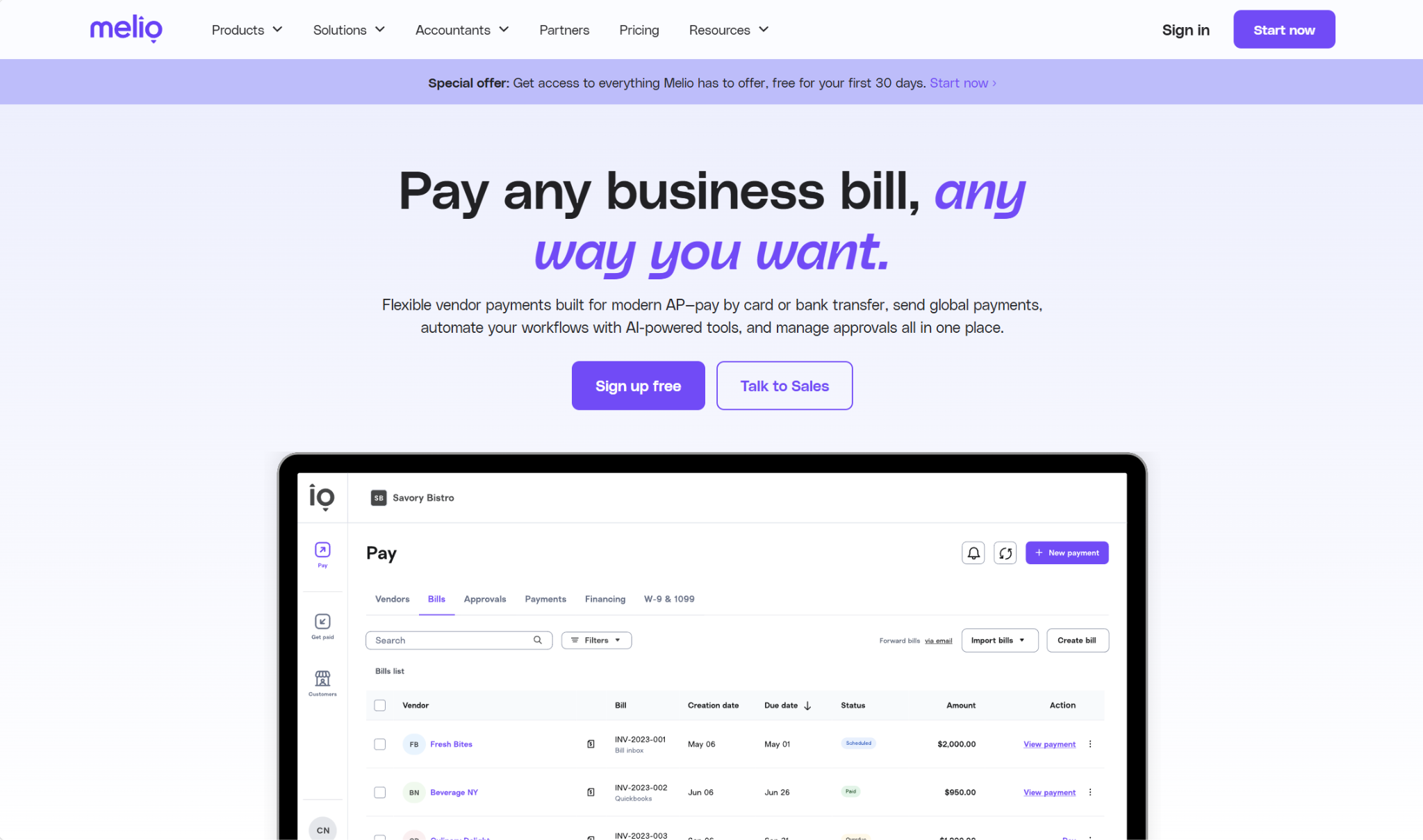
Melio is most commonly known on the AP and bill pay side of things, but it has AR capabilities as well, making it a well-rounded tool for SMBs to use for both making and collecting payments. It’s also heavily automated, using AI to take over tedious processes like importing vendor details from invoices and managing recurring payments.
Payment Methods
Melio allows you to pay your vendor in whatever way is best suited to your business’s needs, and your vendor likewise can receive the payment via their preferred method (including ACH bank transfer, check, and wire).
The payment methods available to you include:
- Bank account
- Credit/debit card
- Global ACH
- Global card (Visa and Mastercard only)
For global payments, Melio currently supports 15 currencies and 80 countries, and the payment can be delivered either in USD or the vendor’s local currency.
Melio also offers a credit option called Pay Over Time, which you can apply for. Your vendor will get paid in full, while you can choose repayment options ranging from Net 30 to 12 monthly installments.
Payment Delivery Timelines
Whether you pay from your bank account or via card, the standard delivery timelines you’re looking at are:
- Paper check: 5–7 business days
- ACH bank transfer: 3 business days
- Domestic wire transfer: 3 business days
- Global payments (USD): 4–5 business days (bank account), 2–3 business days (card)
- Global payments (foreign currency): 0–4 business days (bank account), 0–2 business days (card)
Melio offers expedited payment options as well, such as same-day and instant ACH.
Approval Workflows
Melio lets you customize your approval workflows to help enforce separation of duties and prevent errors. You can use whichever rules you’d like to trigger an approval workflow, but a common one is to require approvals for payments over a certain dollar amount. You can also create multi-level workflows, meaning that multiple team members need to sign off on a payment before it goes through.
With Melio, you can assign six user roles, each with its own permissions: Owner, Admin, Accountant, Contributor, Approver, and Viewer.
Accounts Receivable
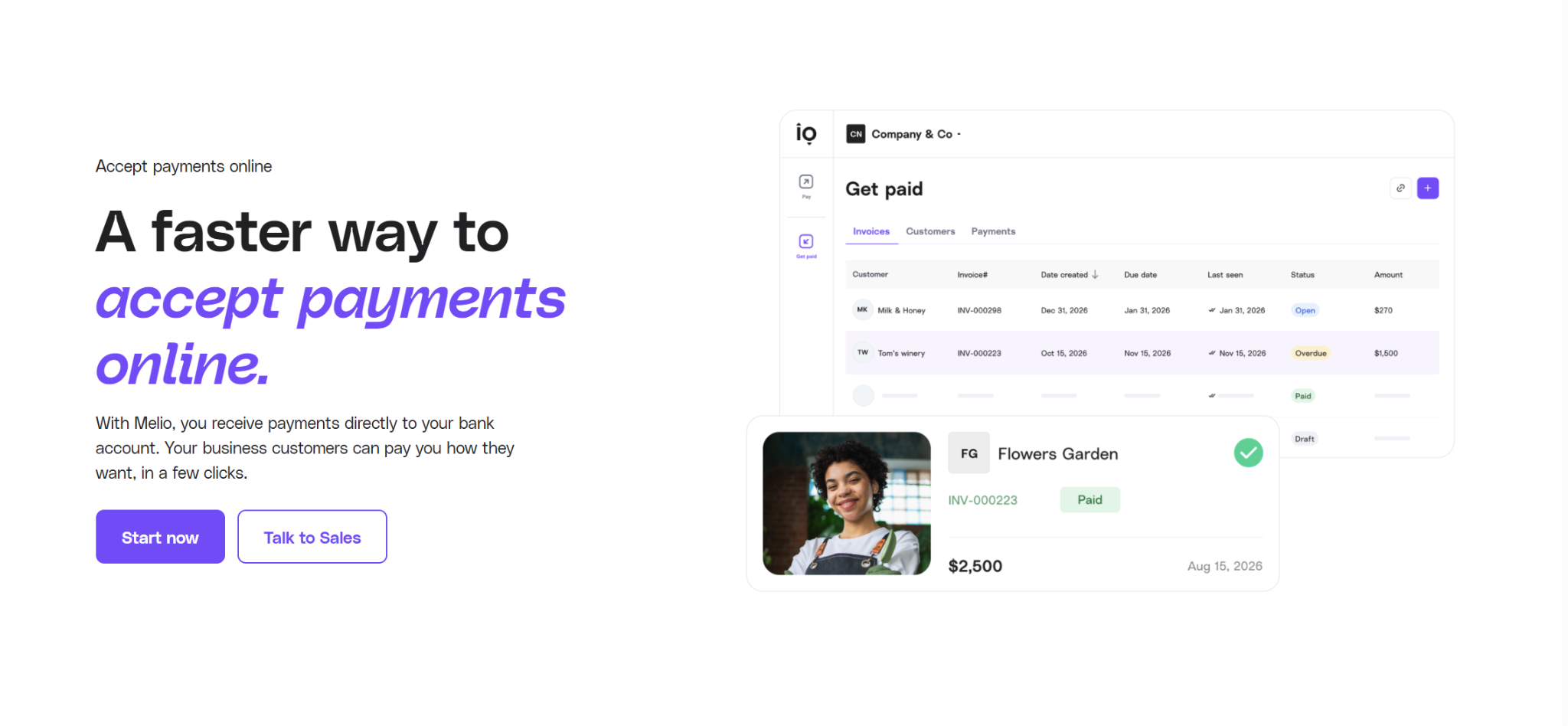
On the receivables side, you can use Melio to collect online payments from customers, and the funds will come directly to your bank account. Customers can pay you either via ACH or card, and you can decide whether you or your customers will pay the credit card fees. You can’t use it to collect in-person payments, however.
Integrations
Melio integrates with QuickBooks Online and Desktop, Xero, and Amazon Business. For QuickBooks and Xero, there are automatic two-way syncs of vendor details, outgoing payments, and incoming payments. The Amazon Business integration lets you import your invoices from Amazon Business and pay them through Melio.
Customer Support
Melio has a few avenues you can pick from to get in touch with a support agent, the level of which depends on the plan you subscribe to. Even with the free plan, you can contact Melio through email or live chat. However, once you get to the Core plan, you get priority chat support, and phone support comes with the Boost and Unlimited Plans.
There’s also an AI assistant, Agent Mel, that you can use with the Core, Boost, and Unlimited plans.
Fees and Pricing
- Go (Free):
- Limited to one user
- 5 free ACH per month
- 10 free QuickBooks Online syncs
- 10 free Xero syncs
- Core ($25/month, plus $10/month per additional user):
- 20 free ACH per month
- Unlimited QuickBooks Online syncs
- Unlimited Xero syncs
- Batch payments
- Approval workflows
- Boost ($55/month, plus $10/month per additional user):
- 50 free ACH per month
- Advanced user roles
- Custom approval workflows
- QuickBooks Desktop sync
- Unlimited ($80/month):
- Unlimited users
- Unlimited free ACH
- Dedicated account manager
There’s also a custom plan available, but this option is geared toward certain complex, high-volume businesses.
You’ll also face certain transaction fees, typically $0.50 for ACH and 2.9% for card. However, Melio charges a $20 flat fee per global ACH, and global card payments have the $20 fee added to the existing 2.9% charge.
The fee for Pay Over Time starts at 2.9%, but it depends on your bill amount and repayment terms.
Plastiq: Credit Card-First Payments for SMBs and Individuals
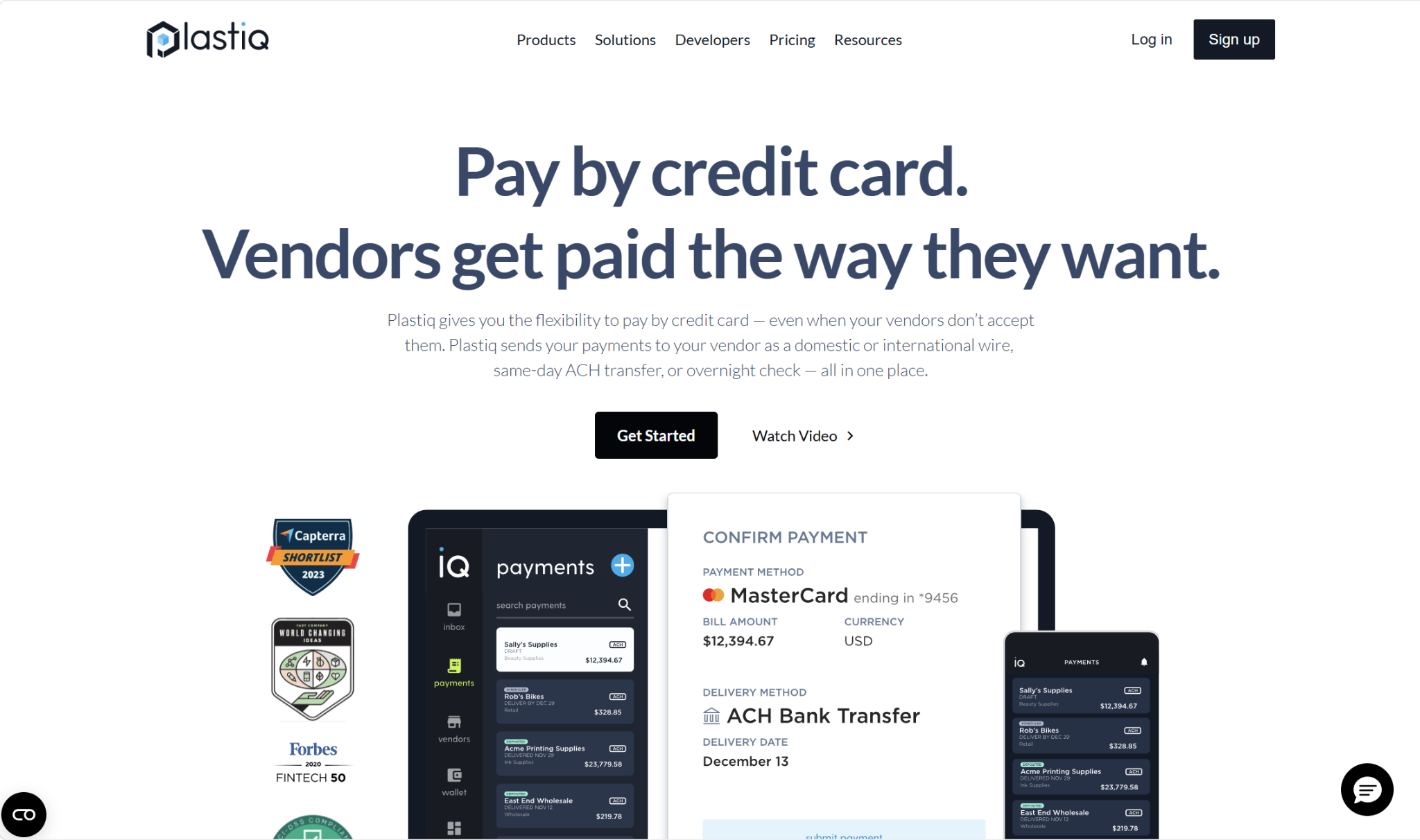
Plastiq’s scope is similar to Melio’s; many small and medium-sized businesses use it to pay vendors. However, it’s a bit broader of a solution, offering solutions for both businesses and individuals. For example, you could use it to pay for rent, utilities, or tuition. For obvious reasons, we’ll focus on its business use cases.
Payment Methods
Plastiq makes a point of advertising that you can pay any vendor with a credit card. Besides that, you can also make a payment with a debit card or from your bank account. Your vendor, on the other hand, can be paid via ACH/EFT/electronic, paper check, or wire transfer (domestic and international). Note that for cross-border transactions, Plastiq currently supports payments to 50+ countries and in 20 currencies.
The platform offers short-term financing as well, which gives you repayment options of 30, 60, and 90 days. You’ll have to apply and be approved to use this option, however.
Payment Delivery Timelines
- ACH: 2 business days (standard), 0–1 business day (expedited)
- EFT (Canada): 3 business days (standard), 2 business days (expedited)
- Check: 7 business days (standard), 1–2 business days (expedited)
- Wire: 0-1 business day (domestic), 2 business days (international)
Approval Workflows
Plastiq allows you to set up payment approvals as a control over your finances. You just choose a dollar amount to set as the threshold, and payments above this amount will trigger the approval process.
For payments, there are four user roles available to assign: Owner, Admin, Manager, and Contributor. Owners can approve or reject payments, but users with any other role can be given the same capability.
Accounts Receivable
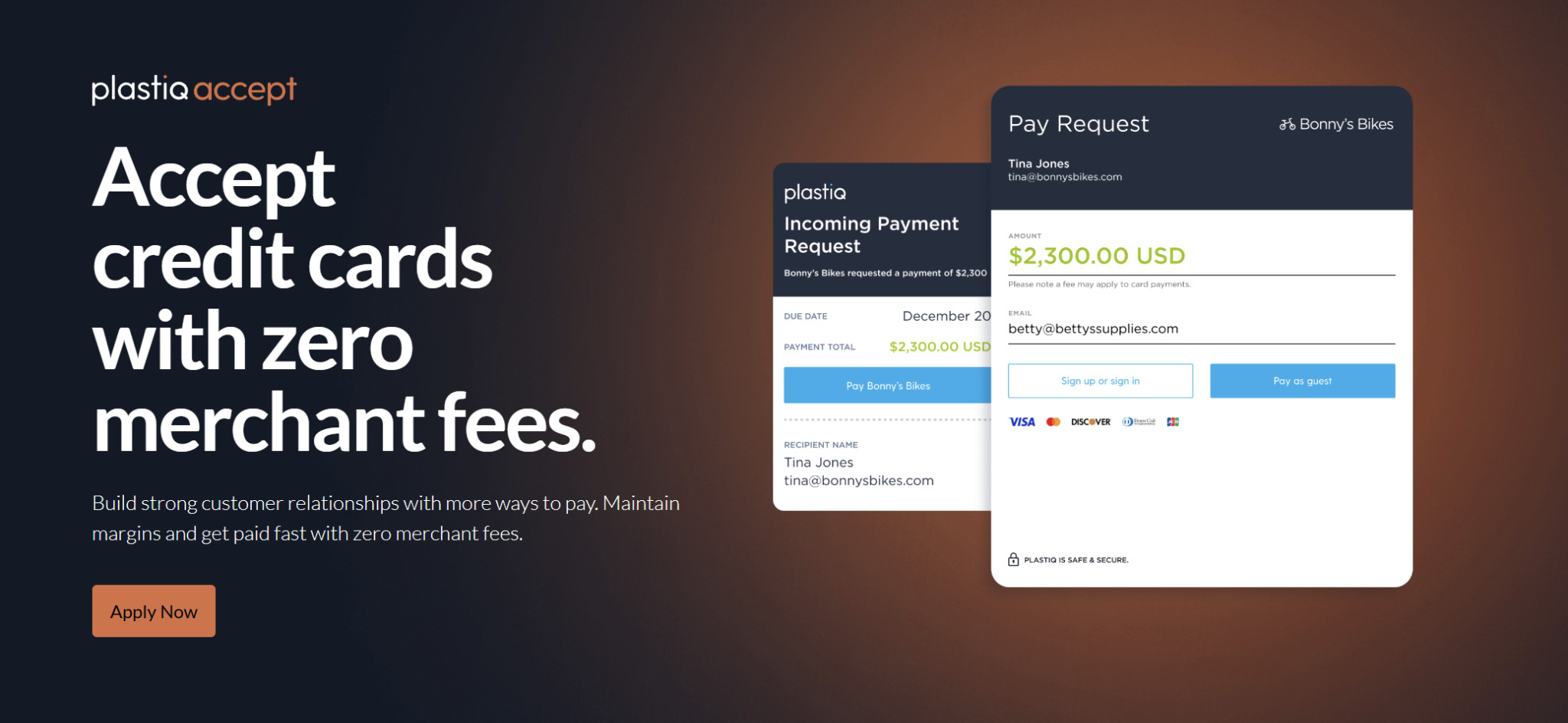
Plastiq is best known for AP, but you can also use it to accept payments from customers. The company refers to the receivables side of things as “Plastiq Accept,” and it gives customers several payment options, including credit, wire transfer, and short-term financing.
You can use Plastiq to collect payment either online or in-person through their Virtual Terminal, which you can run on your own device.
Integrations
You can sync your payment data between Plastiq and your existing accounting software, whether you want to import your vendor contacts and bills from your accounting software into Plastiq, or send your payment information from Plastiq to your accounting software. The available native integrations are QuickBooks Online, Xero, Sage Intacct, and Oracle NetSuite.
Customer Support
You have a couple of ways to get in touch with someone at Plastiq: live chat and email. The company doesn’t offer phone support.
Fees and Pricing
Plastiq’s pricing structure is a little different from Melio’s. They don’t offer any plans, so the only costs you’ll face are the transaction fees.
The base fees are:
- Card/debit card: 2.99%
- Bank account: 0%
Certain card networks will incur an additional 0.05% charge. For short-term financing, you’re looking at fees anywhere from 2.75% to 10.65%.
The delivery fee depends on which delivery method you’re using:
- Check: $1.49
- ACH/EFT: $0.99
- Domestic wire: $8.99
- International wire: $39
As an example, let’s say that you fund a payment with a credit card and use ACH as the delivery method. In this case, the total fee will be 2.99% + $0.99.
Which Is Best for Payments: Melio or Plastiq?
Both Melio and Plastiq can get the same job done. They both allow you to choose your payment method, while your vendor can receive the funds in the way that works best for them. This gives you a lot of flexibility and is a particular advantage if you’d like to pay via credit card, which you can use to receive rewards and better manage cash flow — even if your vendor doesn’t directly accept card payments.
However, there are several distinctions between the two platforms that may steer you toward one over the other.
A big one is pricing. On the surface, it might seem like Plastiq is the more economical option, since it doesn’t charge a monthly subscription fee like Melio. But Plastiq’s payment fees are higher than Melio’s, charging you both a base fee for the payment method and a delivery fee. When you’re dealing with high volumes of payments, these expenses can add up significantly, and Melio will likely come out cheaper for you, even considering the monthly subscription.
So, purely for the price, Melio is the winner here.
There are some situations where you might prefer Plastiq, such as if you need an accounting integration or currency that Melio doesn’t support, or if you need to collect payments in person. But for many business owners, both will have all the features you require, so it makes sense to go with the one that’s easier on the wallet.