


Last Updated on October 29, 2026 by The Digital Merchant Team
FTC Disclaimer: We do make money from this blog and may receive compensation for this work in the form of commissions, fees and complimentary product access. Review our full FTC disclosure here.
If you sell through Wix, setting up your store should be fairly easy. However, shipping can become a little more complicated as your orders grow. Wix has built-in shipping tools, but as you deal with changes like higher order volumes, multiple sales channels, different carriers, or international customers, managing rates, labels, and tracking can quickly become time-consuming. A dedicated shipping app can help you bring these tasks together and reduce the manual work involved.
Let’s compare five very different shipping apps that work with Wix, looking at how well they integrate with Wix, their key features, pricing, carrier options, and where each one has limitations that could affect your business.
Wix Shipping Apps At A Glance
App | Best for | Carrier Coverage | Wix Checkout Rates | Free Plan | Paid Pricing |
Shippo | Growing Wix and Multi-channel stores | 40+ carriers | Yes | Up to 30 labels/month | From $19/month |
ShipStation | High volume & complex operations | 200+ carrier connections | Yes, USD | 30-day trial | Varies by volume/plan |
Pirate Ship | Simple US shipping | USPS and UPS | No | Yes | Free |
Easyship | International shipping | Large global network | Yes, Plus+ | Up to 50 shipments/month | Varies by country/plan |
Sendcloud | European & UK stores | 160+ carriers | Delivery options available | Yes | From €33/month + label fee |
What Counts as a Shipping App for Wix?

For this comparison, we’ll refer to external shipping platforms that connect directly to your Wix store. Once connected, you can send Wix orders to the shipping platform to compare rates, choose a carrier, buy shipping labels, and manage tracking.
Some of these apps can also send real-time shipping rates back to your Wix checkout. This can be particularly useful because customers can see the actual shipping cost before placing their order, which differs from simply using the shipping tools already available in Wix.
1. Shippo – Best Overall Shipping App for Wix

Best for: Growing Wix stores that need multiple carriers, shipping automation, real-time checkout rates, and multi-channel support.
Shippo brings orders and shipping information together in one dashboard, making it easier to compare rates, purchase labels, and manage shipments. Once connected to Wix, Shippo imports order details, helping reduce manual data entry and the need to switch between platforms.
The platform supports real-time shipping rates at Wix checkout, so customers can see available shipping costs before placing an order. You can also configure flat-rate or free shipping, depending on your store’s setup.
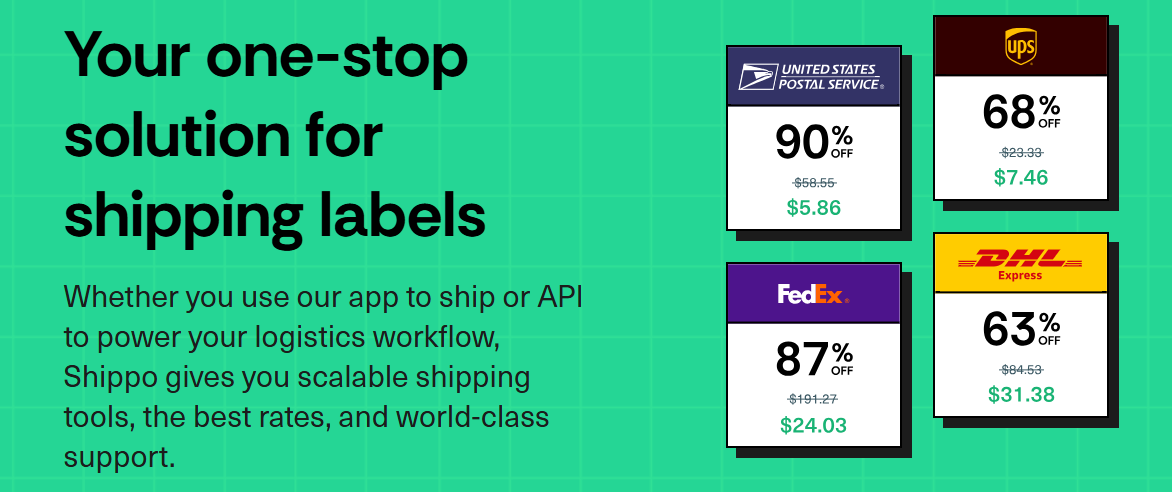
Shippo also offers its own discounted carrier rates without requiring separate carrier contracts. Eligible paid plans also let you connect your own carrier accounts if you have negotiated rates. For stores selling through multiple channels, Shippo can bring orders from supported platforms such as Shopify, Amazon, and Etsy into a shared shipping workflow.
Automation rules can apply shipping settings based on criteria such as package weight, destination, or order details, reducing repetitive tasks as order volume grows. Additional tools support international shipping, customs documentation, address validation, branded tracking, and returns management.
What I Like
- 40+ carrier options, including USPS, UPS, FedEx, and DHL.
- Real-time Wix checkout rates for supported setups.
- Bulk label printing up to 100 labels and automation rules
- Multi-channel order management across supported platforms.
- International shipping tools, plus address validation and returns management.
Pricing
Shippo currently offers 30 labels per month as part of their free Starter plan.
The Professional plan starts at $19 per month when billed monthly, with pricing increasing based on shipment volume. It can support up to 10,000 labels per month and includes features such as additional users, your own carrier accounts, branded shipping, and phone/chat support should you need it. I would not look at the monthly price on its own, though.
Pay close attention to how many labels are included and what happens if you go over your allowance. That can make the biggest difference to your actual cost, not the advertised monthly price.
Drawbacks
The biggest limitation is that its automation is designed for standard eCommerce shipping rather than complex warehouse operations.
If you run multiple warehouses and need more advanced order routing, inventory management, and fulfillment rules, ShipStation may be a better fit than the rest.
Recent Wix App Market reviews also report issues with order syncing and label printing. These are individual customer reports, so I would treat them as something to keep in mind and test for yourself rather than assuming the integration is generally unreliable.
2. ShipStation – Best for High-Volume Stores
Best for: Larger Wix store with high order volumes, multiple sales channels, warehouses, or more complicated fulfillment requirements.
ShipStation may offer more functionality than smaller stores need, but its tools become more useful when processing hundreds or thousands of orders or coordinating fulfillment across a team.
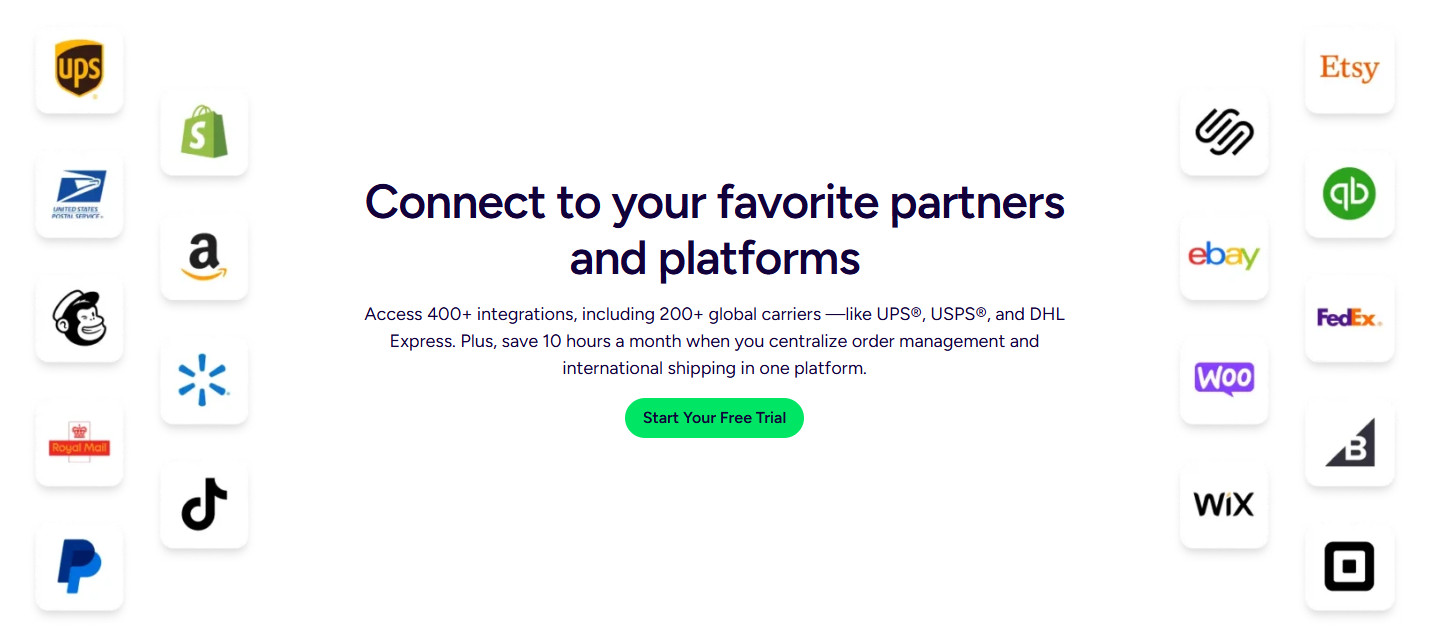
The platform integrates with Wix and centralizes order management, with support for 200+ carrier connections and multiple sales channels. Its features include bulk label printing, shipping automation, order routing, returns management, inventory tools, and advanced fulfillment workflows. Real-time Wix checkout rates are also available.
ShipStation is best suited to businesses that need greater control over shipping operations, particularly as order volume and fulfillment complexity increase. It is built for businesses that need more control over how orders move through shipping and fulfillment.
What I Like
- 200+ available carrier connections
- Convenient bulk label printing
- Multiple sales channels
- Accessible inventory management
- Real-time Wix checkout rates
Pricing
ShipStation currently offers a 30-day free trial.
Pricing is based on shipment volume and plan level. The Wix App Market currently displays the app with a free trial rather than a permanent free plan.
Because ShipStation’s pricing and plans have changed over time, I would first check the current pricing for your location and shipment volume before including a specific long-term cost in your budget.
Drawbacks
For smaller stores, ShipStation’s extensive features may add more complexity and cost than necessary if the main needs are importing Wix orders, comparing carrier rates, and printing labels.
Some Wix App Market reviewers also report customer support difficulties and discrepancies between checkout rates and those shown in ShipStation. These are individual experiences, so verify rate accuracy and support options during your own testing.
3. Pirate Ship – Best Free Option for Simple US Shipping
Best for: US-based Wix stores that primarily ship with USPS and UPS and don’t need a monthly shipping software subscription.
Pirate Ship is a shipping platform with no monthly subscription fee. Users pay for the postage they purchase, with access to USPS Commercial Pricing and discounted UPS rates.
The Wix integration imports unfulfilled orders into Pirate Ship so sellers can compare shipping options and purchase labels individually or in batches. Tracking information is sent back to Wix after labels are created. However, sellers must manually mark orders as fulfilled in Wix, and Pirate Ship does not provide live shipping rates at Wix checkout.
What I Like
- No monthly subscription fee
- USPS and UPS postage options
- Wix order importing for label creation
- Batch label processing for multiple orders
- Live chat and email support
Pricing
Free. You only pay for the postage.
Drawbacks
Pirate Ship’s main limitation is its focus on US shipping, as it primarily focuses on USPS and UPS.
It also does not change the shipping rates shown to customers at Wix checkout. The Wix integration primarily imports orders and purchases labels rather than providing live checkout rates.
There is another Wix limitation worth knowing about: when you purchase a label, tracking information is added to the relevant fulfilled items in Wix, but you still need to manually mark the Wix order as fulfilled, which takes time. It’s a small extra step that can become labor-intensive if you have plenty of orders a day, but it is worth knowing about beforehand.
4. Easyship – Best for International Shipping
Best for: Wix stores that regularly ship internationally and need tools to manage cross-border orders.
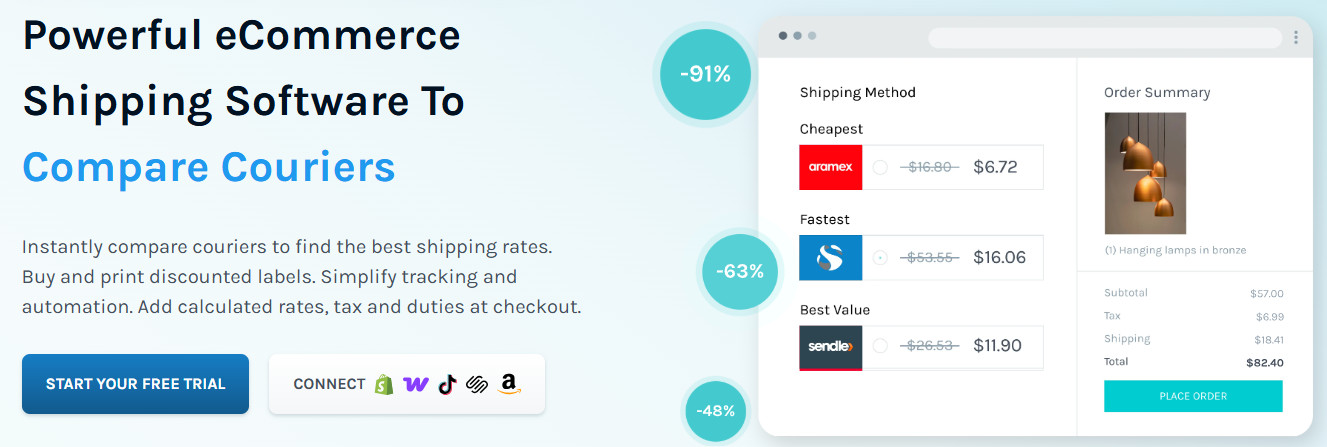
Easyship helps merchants compare international courier services and access discounted shipping rates. Its features include calculated duties and taxes, customs documentation, address validation, shipping rules, and integrations with multiple sales channels.
Easyship also supports real-time shipping rates at Wix checkout. Setup requires accurate product weights and dimensions, configured package sizes, and appropriate checkout settings. This can help customers compare available delivery options, including those based on cost and speed.
These tools can simplify international fulfillment, though available carriers, rates, and features depend on the destination, account, and plan.
What I Like
- Large international carrier network
- International shipping tools
- Calculated duties and taxes
- Customs documentation
- Multi-channel integrations
- Discounted carrier rates
Offering customers different options, such as the cheapest or fastest delivery method, can be particularly useful when shipping internationally.
Pricing
Easyship currently offers a Free plan, with paid plans available as your shipping requirements grow. The Wix App Market currently lists the Free plan at up to 50 shipments per month.
Easyship’s current pricing structure includes Free, Plus, Premier, and Scale plans, though pricing and available features can vary by country, not by plan. One important point: real-time Rates at Checkout requires Plus or a higher plan, according to Easyship’s current documentation, which could make it expensive for some users.
Drawbacks
If most of your orders are domestic, Easyship’s international focus may be unnecessary to you. The free plan is also very limited if you want some of the more advanced checkout and automation features.
If 90% of your orders go to customers in your own country, I would look at simpler options before paying for a platform built around international shipping.
5. Sendcloud
Best for: Wix stores serving customers across Europe or the UK that need regional carrier options and flexible delivery services.
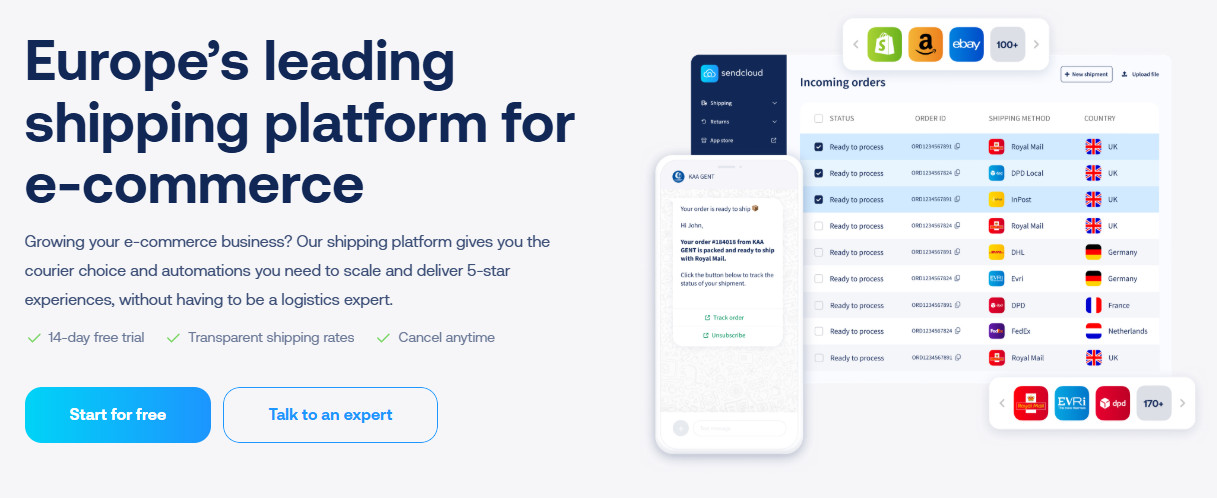
Sendcloud focuses on European shipping and integrates with Wix to help merchants manage orders, labels, tracking, and returns from one platform. Depending on the country, carrier, and plan, it supports local and international shipping services, pickup-point delivery, branded tracking pages, and automated shipping workflows.
It can also work with existing carrier contracts, giving eligible businesses flexibility in how they manage shipping. Available checkout delivery options vary by setup, so confirm which services are supported for your store before choosing a plan.
What I Like
- Broad European carrier coverage
- Pickup-point delivery options
- Automated shipping workflows
- Branded tracking and notifications
- Returns management
Pricing
Sendcloud currently offers a Free plan, followed by:
- Lite: €33/month + €0.11 per label
- Growth: €99/month + 0.10 per label
- Premium: €195/month + €0.09 per label
These are the current prices that are shown through the Wix App Market/Sendcloud listing. Pricing can vary depending on your country and billing arrangement.
There is also a free option that uses Sendcloud’s pre-negotiated shipping rates.
Drawbacks
The biggest limitation is geography. Sendcloud makes the most sense for businesses that operate in its supported European markets. If your business is mainly US-based, I’d start with Shippo, ShipStation, or Easyship.
Final Thoughts
The right shipping app for a Wix store depends on its order volume, shipping destinations, carrier requirements, and fulfillment processes. Shippo supports multiple carriers, shipping automation, multi-channel order management, and real-time checkout rates for supported Wix setups.
ShipStation may be a better fit for businesses that need more advanced shipping workflows and fulfillment management. Pirate Ship is an option for US-based sellers who mainly use USPS and UPS and prefer a platform without monthly subscription fees.
For stores with substantial international shipping needs, Easyship offers international shipping tools and services. Sendcloud is worth considering for businesses operating in Europe and the UK, particularly those whose shipping needs align with its regional carrier network.
Before choosing a platform, compare its pricing, carrier coverage, Wix integration features, and available automation against your current shipping process. The best fit will be the one that meets your operational requirements without adding unnecessary complexity or cost.