


Last Updated on May 26, 2026 by Ewen Finser
One of the most significant advantages of building your e-commerce store on WooCommerce rather than Shopify is the absolute freedom you have over your payment infrastructure. While Shopify heavily incentivizes its users to stick with Shopify Payments by penalizing them with extra transaction fees if they use third-party gateways, WooCommerce remains open-source and agnostic. You can connect virtually any payment processor in the world to your WordPress dashboard without WooCommerce taking an extra cut of your revenue.
However, this freedom is a double-edged sword. Because you are not locked into a single ecosystem, the sheer volume of choices can be a massive source of confusion. You are suddenly responsible for choosing the financial engine that will power your business, handle your cash flow, and protect you from fraud. Choosing the wrong payment processor can lead to unexpected account freezes, exorbitant processing fees, and nightmare scenarios where your funds are held hostage right after your biggest sales day of the year.
In this comprehensive roundup, we are going to look past the marketing fluff and evaluate the best payment processors that integrate seamlessly with WooCommerce. Let’s jump in!

WooCommerce Payments (The Default, of Course)
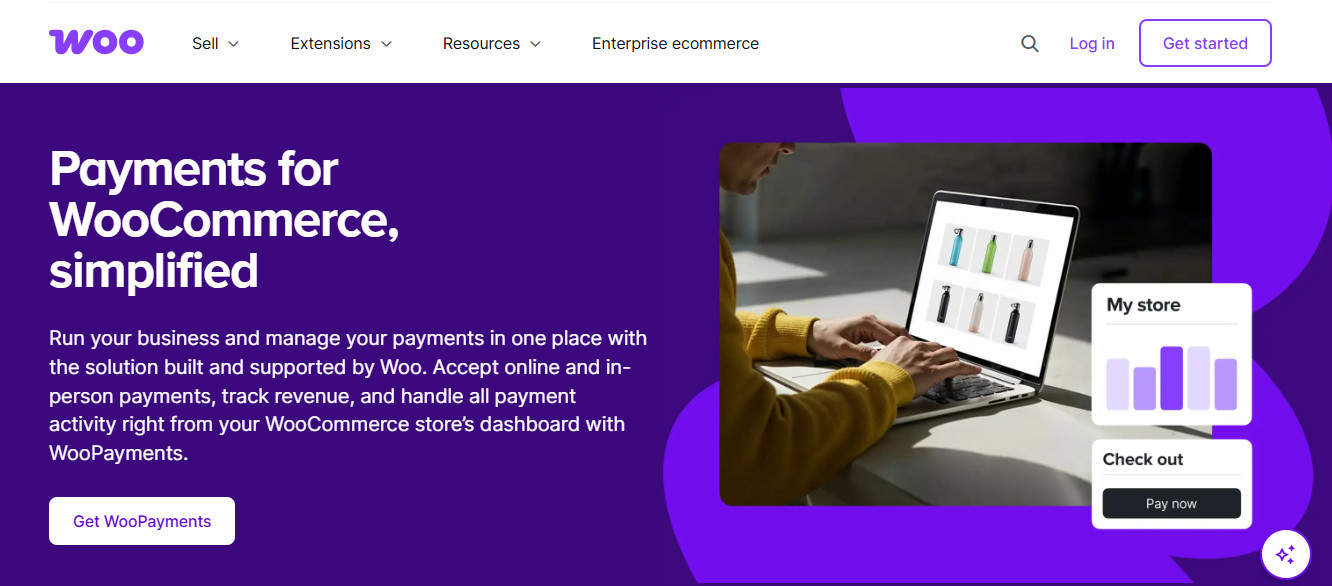
WooCommerce Payments is the default, natively integrated payment option. Under the hood, WooCommerce Payments is actually a white-labeled version of Stripe, meaning it uses Stripe’s massive global infrastructure to process transactions. The primary selling point here is convenience. It is built directly into the WooCommerce plugin ecosystem, and you can manage your charges, disputes, and deposits directly from your WordPress dashboard without ever needing to log into a third-party website. It is designed to be the path of least resistance for new merchants who want to start selling immediately.
Setup Complexity
Setting up WooCommerce Payments is incredibly straightforward because the extension is frequently pre-installed or heavily promoted during the initial WooCommerce onboarding wizard. You simply click a button to install the plugin, follow the prompts to verify your business identity, and connect your bank account.
- There is no need to copy and paste API keys, configure complex webhook endpoints, or worry about compatibility issues with your checkout theme.
- The integration is completely seamless, allowing customers to pay with major credit cards, Apple Pay, and Google Pay directly on your site without being redirected.
Fee Structure
The fee structure for WooCommerce Payments mirrors the standard industry baseline, charging 2.9% plus $0.30 for every domestic transaction. If you are processing international cards or utilizing currency conversion, you will be hit with an additional 1% to 2% surcharge. That’s standard, and there’s few ways around it.
- While there are no setup fees or monthly subscription costs, there is also no room for negotiation on the rates, regardless of how much volume your store processes.
- Dispute fees are standard at $15 per chargeback, which is refunded if you win the dispute against the customer’s bank.
Account Stability
Because WooCommerce Payments relies on Stripe’s underwriting model, it utilizes an aggregated risk system where accounts are approved instantly but audited retroactively. This can be both a blessing and a curse, because your account is highly stable when you first launch and it’s ready immediately, but sudden spikes in sales volume can trigger automated risk flags.
- If the automated system detects unusual behavior, your payouts can be paused, or a rolling reserve can be placed on your account without human intervention.
- Merchants selling high-risk items or operating in heavily regulated industries will likely face account instability and sudden terminations.
Customer Support
Support is handled directly by the WooCommerce team rather than by Stripe, which means you are generally dealing with WordPress experts. However, support is primarily asynchronous, relying on email tickets and a comprehensive knowledge base rather than live phone support.
- If you experience a frozen account or a sudden disruption in payouts, resolving the issue requires submitting documentation through a portal and waiting for a response.
- There is no dedicated account manager to advocate for your business or fast-track your appeals during a crisis.
Stripe
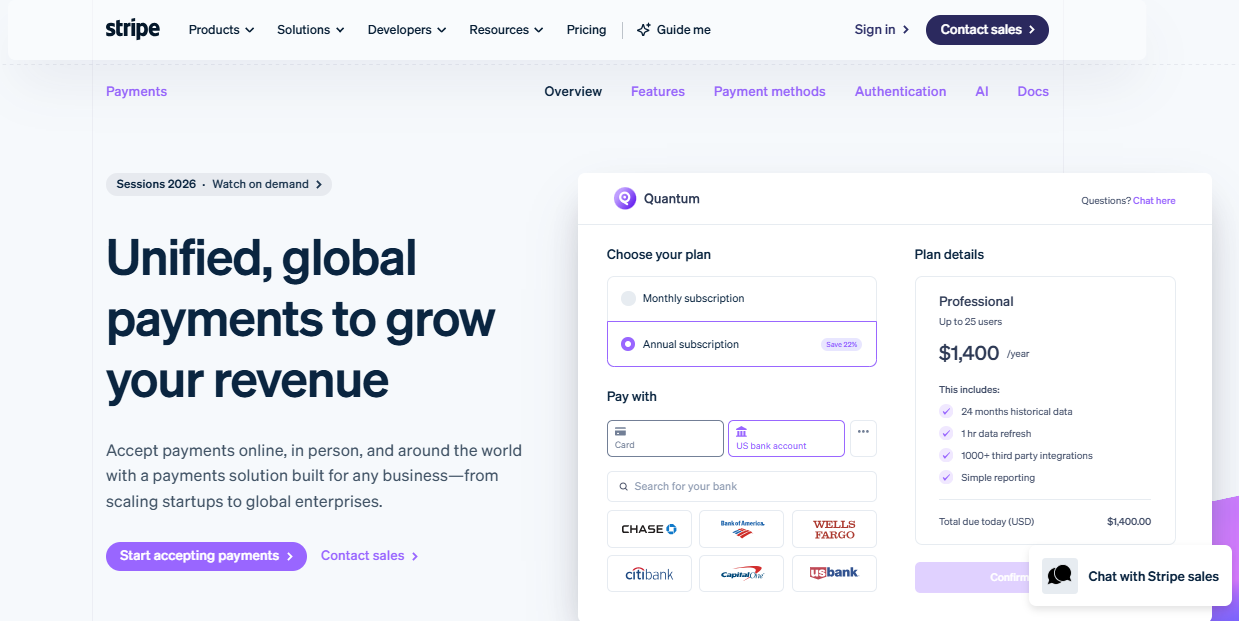
Stripe is the undisputed heavyweight champion of modern online payment processing. It revolutionized the industry by offering a developer-first platform that made accepting credit cards online easy. Unlike WooCommerce Payments, which abstracts Stripe’s features into the WordPress dashboard, using the standalone Stripe integration gives you direct access to their entire suite of financial tools, including Stripe Radar Stripe Billing. It is the go-to choice for tech-savvy merchants who want complete control over their checkout experience.
Setup Complexity
Integrating Stripe requires you to install the official WooCommerce Stripe Gateway plugin, which is free and actively maintained. The setup process is slightly more technical than WooCommerce Payments, as you will need to log into your Stripe dashboard, generate publishable and secret API keys, and paste them into your WordPress settings. As someone who has helped business owners do this, once you’ve done it a time or two, it’s not too bad.
- You must also properly configure webhooks so that Stripe can communicate back to your WooCommerce store when a payment succeeds, fails, or is refunded.
- While it requires a basic understanding of how API connections work, the documentation provided by both Stripe and WooCommerce is exhaustive and easy to follow.
Fee Structure
Stripe charges a transparent, flat-rate fee of 2.9% plus $0.30 per successful online transaction. Like WooCommerce Payments, Stripe is quite rigid with its pricing, offering custom interchange-plus pricing only to massive enterprise clients processing millions of dollars a month.
- There are absolutely no setup fees, no monthly gateway fees, and no hidden cancellation penalties to worry about.
- Advanced features like Stripe Radar’s machine learning fraud protection cost an additional few cents per transaction, which can add up for high-volume stores.
Account Stability
Stripe uses an automated, algorithmic approach to risk management, which allows for instant onboarding but introduces significant long-term stability concerns. Instead of underwriting your business thoroughly before you start processing, Stripe monitors your ongoing transaction patterns using artificial intelligence.
- If you experience a viral marketing moment that results in a massive, unexpected surge in sales, Stripe’s algorithms may interpret this as fraudulent activity and instantly freeze your funds.
- For scaling e-commerce merchants, this automated trigger-happiness is a major source of anxiety, as an algorithm can hold your cash flow hostage without warning. Clients I’ve helped in the past have had major hiccups when this has unexpectedly happened to them.
Customer Support
Stripe offers 24/7 support through email, live chat, and a callback request system, which is a significant improvement over strictly ticket-based support. Their frontline support is generally quite helpful for technical API issues or navigating the intricacies of their dashboard.
- However, if your account is suspended by their risk algorithms, you are often walled off from human support and forced to communicate via automated email chains.
- Getting an algorithmic account ban reversed is difficult, as the frontline representatives rarely have the authority to override the risk team’s automated decisions.
PayPal
PayPal is one of the oldest and most recognized names in digital payments. They offer a profound sense of trust and familiarity to online shoppers. Integrating PayPal into your WooCommerce store is less about replacing your primary credit card processor and more about capturing the segment of customers who refuse to type their credit card numbers into a new website (guilty as charged here, I’m lazy). It is an essential supplementary gateway for almost any e-commerce operation.

Setup Complexity
The most robust way to integrate PayPal is via the WooCommerce PayPal Payments plugin, which handles both standard PayPal wallets and direct credit card processing. The onboarding process relies on an automated connection wizard that prompts you to log into your PayPal Business account and authorize the WordPress application.
- The plugin handles the complex API routing behind the scenes, meaning you rarely have to touch raw code or configure manual webhooks.
- However, the plugin itself can sometimes be heavy and is known to occasionally conflict with highly customized checkout themes or caching plugins.
Fee Structure
PayPal’s fee structure is complex and changes frequently depending on the exact payment method used by the customer. Standard PayPal digital wallet transactions are generally charged at 3.49% plus $0.49, making it significantly more expensive than Stripe for standard online purchases.
- If a customer uses PayPal to process a standard, unbranded credit card transaction directly on your site, the rate drops to the standard 2.59% plus $0.49.
- Chargeback fees are steep, and PayPal also frequently imposes poor currency conversion rates if you are dealing with cross-border sales.
Account Stability
PayPal is infamous in the e-commerce world for its aggressive account holds and unpredictable rolling reserves. I say this with firsthand experience, PayPal seems to love favoring the buyer when it comes to disputes.
- If your dispute rate creeps up even slightly, or if you begin selling products that PayPal deems a high reputational risk, they will routinely hold a percentage of your daily sales for up to 180 days.
- This intense risk-aversion makes relying entirely on PayPal a dangerous strategy for a scaling WooCommerce store that requires reliable cash flow to restock inventory.
Customer Support
Navigating PayPal’s customer support can be an incredibly frustrating experience for business owners dealing with urgent cash flow issues. Their primary line of defense is an automated phone tree and a chatbot system that is designed to deflect inquiries to their community forums.
- Reaching a human representative who actually has the power to release frozen funds or adjust a reserve requirement is exceptionally difficult.
- Merchants often complain that PayPal acts unilaterally in disputes, heavily favoring the buyer and leaving the seller with little recourse.
Luqra
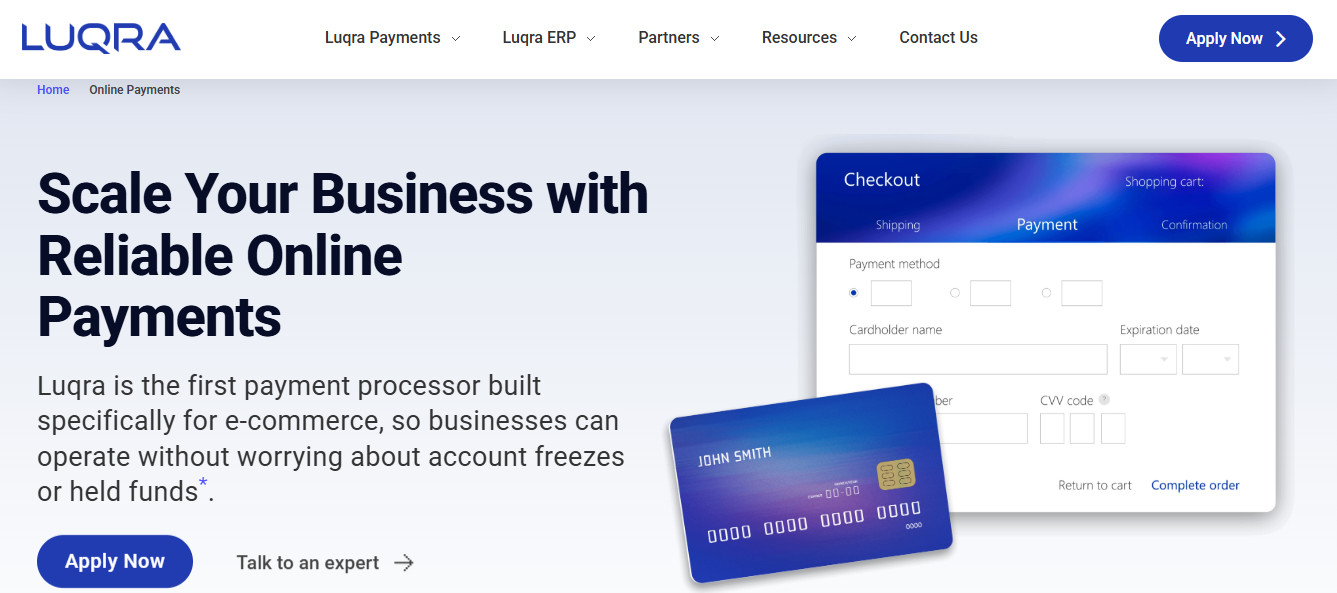
Luqra represents a shift away from the aggregator models of Stripe and PayPal, functioning as a modern merchant account provider combined with a specialized financial ERP system. It is uniquely positioned for established WooCommerce stores that are tired of algorithmic account freezes and want a dedicated, stable relationship with their payment processor. Luqra takes an approach by combining advanced technology with traditional, upfront underwriting. They integrate seamlessly with WooCommerce via their custom API endpoints, and they have value that lies in acting as a business partner rather than just a faceless software gateway. If your store has outgrown the plug-and-play simplicity of Stripe and needs enterprise-grade stability, Luqra is a good choice.
Setup Complexity
Connecting Luqra to your WooCommerce store requires the installation of their dedicated integration plugin and connecting it to your Luqra ERP dashboard. The onboarding process is deliberately more involved than Stripe or PayPal, as Luqra requires you to go through a proper underwriting process before you begin processing.
- You will need to provide documentation about your business, past processing statements, and corporate identity to ensure your account is properly vetted.
- While it may take a little while longer to get fully approved and connected, this upfront friction is precisely what prevents the sudden account freezes that plague other platforms.
Fee Structure
Luqra offers highly transparent interchange-plus pricing tailored to your specific business volume. They operate on a highly competitive “meet or beat” strategy, where they will analyze your current processing statements and guarantee a lower effective rate.
- They promise that there will be no surprise rate increases over the lifetime of your account, providing financial predictability for growing operations.
- Because they eliminate the middleman aggregator fees, high-volume WooCommerce merchants can save thousands of dollars annually on processing costs.
Account Stability
I think that account stability is Luqra’s most significant competitive advantage in the e-commerce space. Because they underwrite your business upfront and understand your specific business model before you start processing, you are not subjected to arbitrary, algorithmic fund freezes.
- Sudden spikes in sales volume are viewed as a success to be celebrated, rather than a risk factor that triggers an automatic suspension of your daily deposits.
- They explicitly advertise zero account holds or unexpected freezes for approved merchants, offering a level of security that Stripe and PayPal simply cannot match.
Customer Support
Luqra emphasizes human accessibility, completely rejecting the automated, chatbot-driven support models of their competitors. Every merchant is assigned a dedicated, U.S.-based problem solver who understands your specific business and technical setup. And as someone who has waited on hold for 6+ hours with gov agencies, I cannot overstate the value of this.
- If you encounter a technical issue with your WooCommerce integration or need help disputing a fraudulent chargeback, you can pick up the phone and speak to your dedicated representative immediately.
- This partnership approach means that you have a human advocate managing your risk and helping you scale, rather than fighting against an automated risk algorithm.
Comparison Summary (For Those Who Need To Skim)
To help you make the best decision for your WordPress-powered storefront, here is a breakdown of how these four major processors compare across our core criteria.
Feature | ||||
Ideal For | Beginners wanting dashboard convenience. | Tech-savvy merchants wanting total control. | Stores needing secondary wallet checkout. | Established stores needing high stability. |
Setup Speed | Instant integration. | Fast, requires API key configuration. | Fast, utilizes guided wizard. | Requires 24-48 hours for proper underwriting. |
Pricing Model | 2.9% + $0.30 flat rate. | 2.9% + $0.30 flat rate. | 3.49% + $0.49 (wallet transactions). | Custom interchange-plus; “meet or beat” policy. |
Risk of Freezes | Moderate to High (automated algorithms). | High (algorithmic risk management). | Very High (aggressive rolling reserves). | Extremely Low (upfront underwriting). |
Support Quality | Email and ticket-based support. | 24/7 chat and phone; rigid on risk issues. | Difficult to reach human decision-makers. | Dedicated U.S.-based account manager. |
My Conclusion
The flexibility of WooCommerce means that you are never locked into a bad relationship with your payment processor. If you are just launching your first store and want the absolute easiest setup possible, WooCommerce Payments will get you up and running in minutes directly from your WordPress dashboard. If you have a custom-coded checkout flow and need deep API access, Stripe remains the industry standard for developer tools. You should also absolutely enable PayPal as a secondary option to capture buyers who prefer the security of their digital wallet.
However, if your WooCommerce store is generating consistent revenue and you are tired of the anxiety that comes with algorithmic account freezes, upgrade your infrastructure. For established merchants who require dedicated support, custom pricing, and guaranteed account stability, Luqra is the winner. By treating you like a business partner rather than a data point, Luqra ensures that your cash flow remains uninterrupted while you focus on scaling your business securely.