


Last Updated on August 26, 2026 by The Digital Merchant Team
Most accounting software was built for someone sitting at a desk with two monitors and an afternoon to spare.
However, most founders don’t work that way. They get hard questions when they’re in an Uber, in a hallway between meetings, or at 10 p.m. when the laptop is already closed. The answer to those questions either lives in your pocket or waits until tomorrow.
That’s why a mobile accounting app is doing its job for a founder if it can do four things:
- Show a current cash and profit position without a deep dive
- Let you act on time-sensitive workflows (approving or paying bills, and sending or chasing invoices)
- Capture a receipt in the moment it exists
- Answer a question in plain language rather than making you assemble a report
Most mobile accounting platforms have an app these days. The part that needs examining is how much of the platform made it onto the phone and whether the parts that made it are the parts that are important.
With that in mind, let’s look at five options that founders should consider.

At a Glance
Best for | Mobile strengths | Key limits | Pricing | |
Founders needing always-current books | Live cash/profit dashboard, bill approval + pay, AI assistant, auto-matched receipts | iOS only; young platform; key integrations start at Core | $65/month Essentials → $250/month Pro | |
Default choice; easy accountant handoff | Invoicing, in-person payments, receipt capture, GPS mileage | Companion app only; reporting and year-end filing browser-only; no bill pay below Essentials | $38/month Simple Start → $340/month Advanced | |
Teams with many users; international | Best-in-class reconciliation, quotes/invoices/bills, Tap to Pay, AI assistant | Thin mobile reporting (no custom date ranges); Early caps 20 invoices / 5 bills | $25/month Early → $90/month Established | |
Most capability on a phone, lowest cost | Near-full parity: 50+ reports, bank feeds, mileage, voice/Siri | Few U.S. accountants know it; best inside Zoho suite; free tier = 1 user | Free under $50K revenue → $20/month Standard | |
Services businesses billing time | Smoothest invoicing, client threads, invoice-viewed alerts | Weak accrual/investor reporting; billable-client caps; Lite lacks reconciliation | $23/month Lite → $70/month Premium |
Digits

Digits runs AI bookkeeping and reconciliation continuously so that the numbers are current however you look.
Rather than porting a desktop ledger to a smaller screen, its mobile app is built natively and carries more of the platform than most companion apps do. That means a live dashboard of cash across accounts, current profit, payables and receivables; bill approval, routing, and payment; invoicing; receipt capture with automatic matching; and a natural-language assistant you can ask why cash moved.
The limits are that it’s Apple-only, requires recent iOS versions, and the app is new enough to be less battle-tested than a decade-old product.
Digits charges $65/month for Essentials, $100/month for Core, and $250/month for Pro. Bill pay and the AI assistant are included at Essentials, but native Stripe, Ramp, and BILL connections start at Core.
Pros
- Continuous reconciliation means the mobile dashboard reflects a current position rather than a stale one.
- Bill approval and payment workflows are fully usable from the phone, which is where founder bottlenecks frequently occur.
Cons
- There’s no Android app, which rules it out for a meaningful share of founders.
- Digits is a younger platform, so the connections that you may need in niche spaces may not yet be available in comparison to something like QBO.
QuickBooks Online
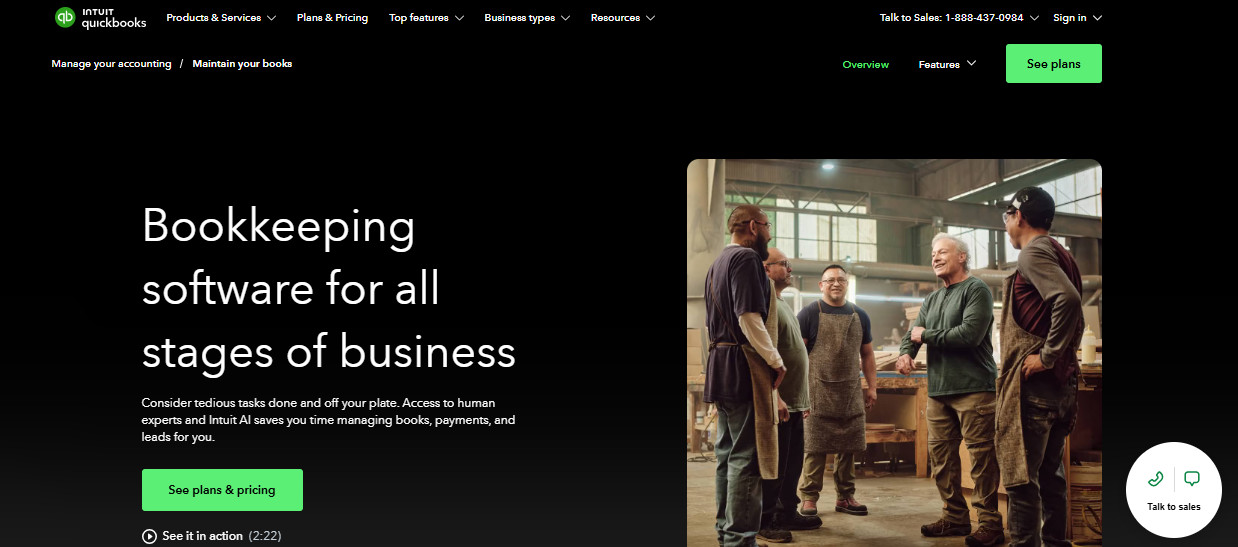
QuickBooks is where most founders end up by default. The bank feed coverage is the broadest available, the app marketplace is large, and if you hire a bookkeeper, fractional controller, or tax preparer, there’s roughly a 100% chance that they can hit the ground running on day one.
The mobile app is competent and handles invoicing and in-person payments, receipt capture with automatic matching to transactions, and GPS-based mileage tracking that you categorize with a swipe. What it doesn’t do is meaningful reporting and payroll administration, and Intuit is explicit that some plan features and year-end tax filing are browser-only.
Simple Start runs $38/month, Essentials $85/month, Plus $140/month, and Advanced $340/month at list, with promotional discounts commonly available. Note that bill management and bill pay don’t exist below Essentials, so if approving bills from your phone is the reason you’re buying, the entry plan is the wrong one.
Pros
- Universal accountant familiarity means you’ll rarely have to argue with a bookkeeper about the platform.
- Receipt and mileage capture are well executed and remove friction from the week if you’re managing a team.
Cons
- The app is a companion, not a control center, and reporting in particular requires the browser.
- List pricing escalates quickly once you need class tracking or multiple users.
Xero
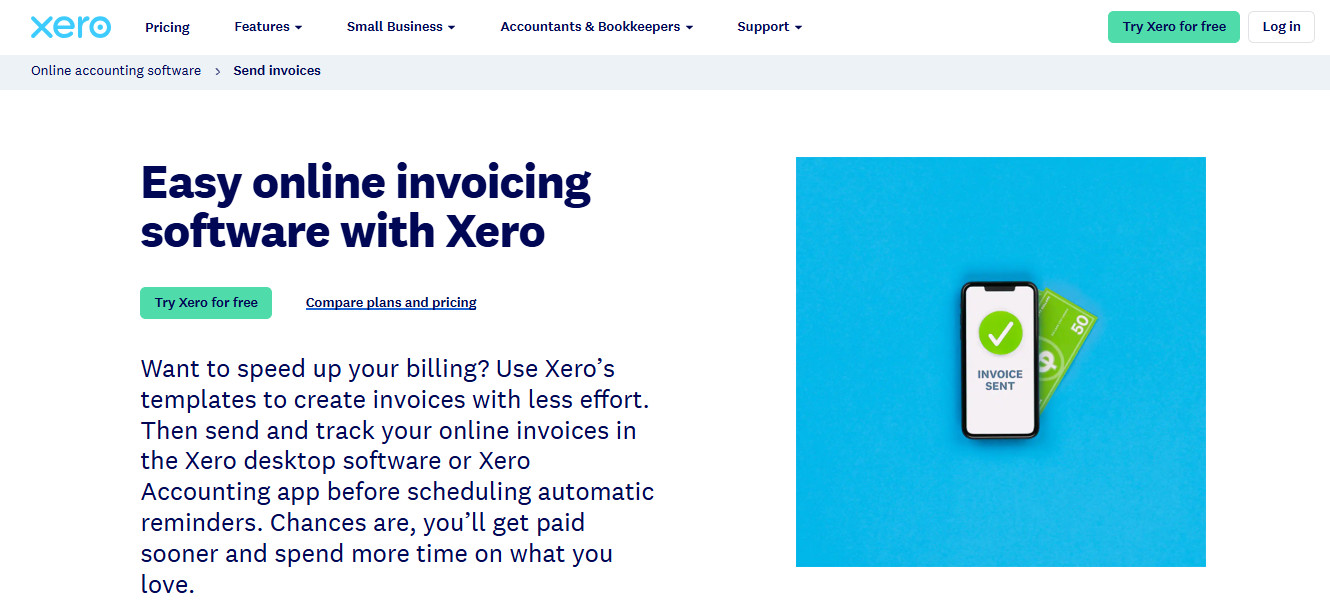
Xero has a devoted following, particularly among international founders and those who value clean design over feature volume. The reconciliation experience is the best-liked part of the product, and unlimited users on every plan is an advantage over QuickBooks when your cofounder, your bookkeeper, and your ops hire all need access.
On mobile, Xero covers quotes, invoices, bills, expense and receipt capture, bank reconciliation with smart matching, Tap to Pay on iPhone, and an AI assistant for business questions. The consistent complaint is around reporting: The app’s financial reporting is thin compared to the web product, down to limitations on choosing custom date ranges.
Early costs $25/month, Growing costs $55/month, and Established costs $90/month, with promotional pricing frequently offered to new accounts. Note that Early caps you at 20 invoices and 5 bills/month, and multi-currency is Established-only.
Pros
- Every plan includes unlimited users, so access costs nothing as the team grows.
- Bank reconciliation on the phone is fast enough that founders actually keep up with it.
Cons
- Reporting on mobile is the weakest part of an otherwise polished app.
- The entry-level plan’s invoice and bill caps push most funded startups to a higher tier.
Zoho Books
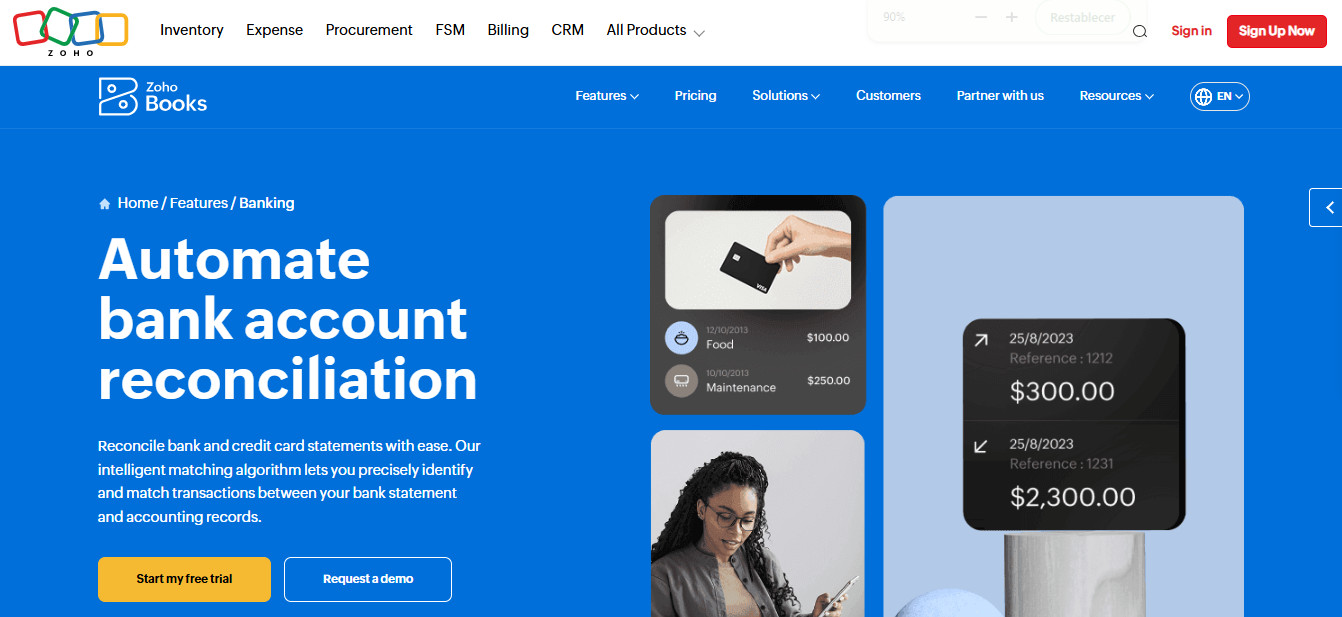
If you just want to know which accounting app is best on a phone, Zoho Books has the strongest claim on raw capability.
The mobile app carries invoicing, estimates, recurring invoices, bill and expense entry, bank feeds and reconciliation, GPS mileage, receipt scanning, and access to more than 50 reports — completely leaping over the reporting gap that hobbles most competitors’ apps. Voice commands, Siri integration, and a passcode lock round it out.
The catch is ecosystem gravity. Zoho Books rewards founders willing to live in the broader Zoho suite, and U.S. accountants are far less likely to know it than QuickBooks or Xero, which narrows your hiring pool.
Zoho Books is free for businesses under $50,000 in annual revenue, then $20/month for Standard, $50/month for Professional, and $70/month for Premium. Elite and Ultimate run $150/month and $275/month, respectively, but these plans exist for inventory depth and embedded analytics and therefore won’t be of much use to the average founder. Note that the free plan covers one user plus your accountant, so a second hire means upgrading.
Pros
- The mobile app comes closer to full-platform parity (including real reporting) than anything else on this list.
- Pricing is aggressive, with a genuinely usable free tier for early-stage companies.
Cons
- Fewer U.S. accountants and bookkeepers work in it, which complicates handoff as you grow.
- The product is most rewarding if you adopt other Zoho tools, which not every founder wants.
FreshBooks
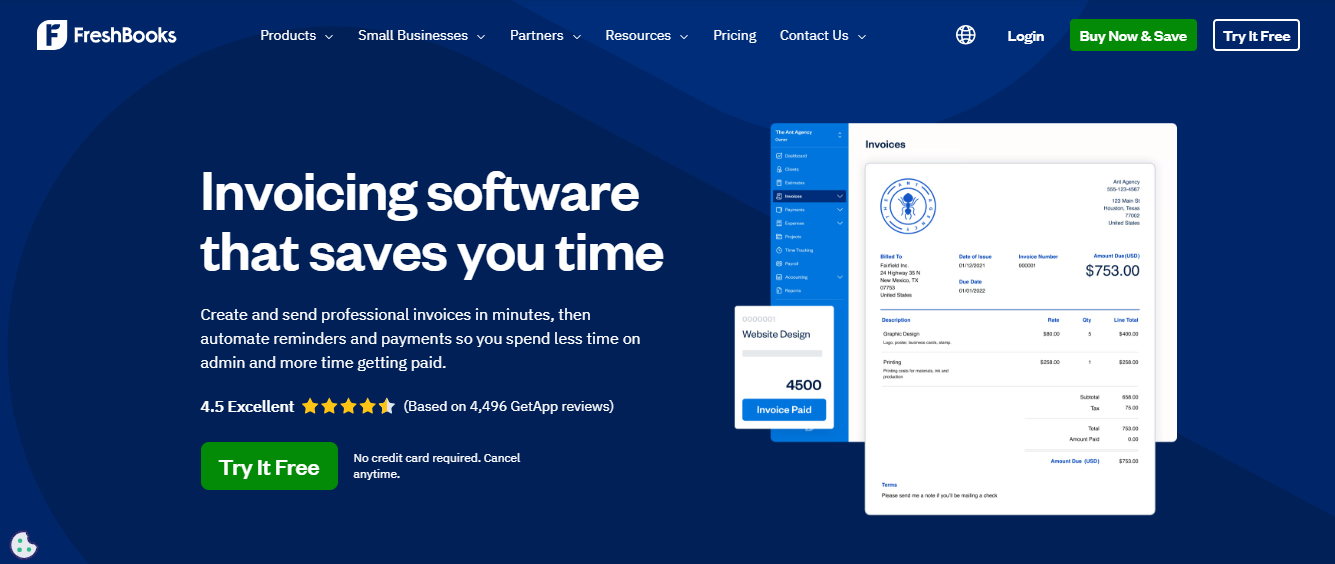
FreshBooks is the answer for the founder that’s running a services business where the core financial activity is billing clients and tracking time against projects. The mobile app reflects that focus with invoicing, receipt capture, mileage tracking, client conversations in one thread, and alerts when an invoice is viewed or goes overdue.
However, accrual-basis reporting, inventory, and the kind of investor-facing financial statements a board expects are not FreshBooks’ strengths, and the client caps on lower plans are a constraint. That’s why founders often start here and migrate, which is a defensible path as long as you plan for the migration ahead of time.
Lite costs $23/month for 5 billable clients, Plus costs $43/month for 50, and Premium costs $70/month for unlimited, with a custom Select tier above that. Lite includes no bank reconciliation, no double-entry reports, and no accountant access, so treat Plus as the real floor if anyone other than you will touch the books.
Pros
- Invoicing and client communication on mobile are the smoothest of any option here.
- The learning curve is short enough that a non-financial founder can run it unassisted.
Cons
- Reporting depth falls short of what investors and lenders typically ask for.
- Lower tiers limit billable clients, which forces upgrades based on headcount rather than need.
Narrowing Down Your Pick for Mobile-First Accounting
If your priority is never having a conversation about software with a future bookkeeper, QuickBooks Online is the path of least resistance, and its app does the capture work well even if the analysis happens elsewhere. If you want the most functional accounting app on a phone at the lowest price, Zoho Books is underrated. If you bill clients for your time, FreshBooks is purpose-built, and you’ll know quickly when you’ve outgrown it. Xero sits between them, strongest for teams that need many users and value reconciliation over reporting. And if the real problem is that your books are never current enough for the mobile view to be worth checking, that’s the premise Digits is designed around.
Whichever you choose, test it the way you’ll use it. Install the app, connect one bank account, and spend a week answering your real questions from your phone before you commit. The one that survives that week is the right one.