


Last Updated on July 4, 2026 by Ewen Finser
Since 2018, companies collecting and using personal data in the EU have been subject to a labyrinthine set of rules and requirements called the General Data Protection Regulation (GDPR). GDPR compliance is demanding, and the consequences of a breach can be severe.
These rules are relevant in many potentially unexpected areas of business, including process documentation. If you’re capturing video that contains personal data, you’ll need to adhere to GDPR principles when storing and sharing that footage.
The best way to stay onside here is to use a process documentation tool built with GDPR compliance in mind. In this article, I look at some of the leading process documentation tools and discuss how easy they make it to comply with data protection requirements in the EU.
What GDPR Means for Video Documentation Tools
Before comparing tools, it’s useful to gain a proper understanding of what exactly is required when it comes to process documentation and data protection.

Data Residency and Cross‑Border Transfers
Video documentation platforms process multiple categories of personal data: video, audio, transcriptions, user identities, and workflow metadata showing who’s accessing content. Under GDPR, all of this counts as protected personal data, and facial images and voiceprints may sometimes be treated as biometric or special‑category data.
In practice, this means your vendor must:
- Store these recordings securely.
- Limit who can see them.
- Give you ways to delete or export them when users ask.
- Avoid capturing more personal data than necessary.
If the platform is based outside the EU, it also needs a clear legal route for moving that data across borders (for example, EU‑approved contract clauses or certification under the EU–US Data Privacy Framework), so you can show regulators that international transfers are properly covered.
PII Capture
If you’re capturing workflow video, you’re most likely going to end up recording personally identifiable information (PII), such as:
- Faces, voices, and workspaces that can identify individuals.
- On‑screen CRMs, ticketing tools, HRIS, EMR, or billing systems showing names, IDs, health or financial info.
- Dashboards, logs, and admin consoles, which can reveal IPs, device IDs, and account identifiers.
GDPR’s data‑minimization and purpose‑limitation principles require you to either avoid capturing this data, or to redact, anonymize, or tightly protect it. Process documentation platforms have responded to this requirement by providing the option to mask this data automatically, and by developing manual redaction tools.
It’s also handy to have access to workspace‑ or org‑level privacy modes so admins can enforce redaction and prevent users from accidentally publishing raw PII.
Consent, Legal Basis, and Transparency
If recordings include identifiable users (e.g., internal staff on camera, customer meetings, or employee workflows inside HR systems), you must tie processing to a lawful basis (often legitimate interests or consent) and give clear notices about what’s recorded and why.
From a tooling standpoint, what matters is whether the platform makes it easy to:
- Avoid “always‑on surveillance” in favor of task‑specific captures.
- Configure defaults and prompts that nudge users toward compliant recording practices.
- Segment internal vs external content access so recordings with broader privacy risk do not leak into public channels.
Audit Logging, Access Control, and Governance
GDPR’s accountability principle places a lot of emphasis on the ability to show who’s accessed what, when, and under which role. For video solutions, that means:
- Detailed audit logs that track content creation, edits, sharing, and viewing.
- Role‑based access control and strong authentication.
- Version control, approvals, and content lifecycle management.
This becomes especially important when video documentation is used in regulated processes (e.g., financial ops, healthcare, or safety‑critical workflows) or contains evidence relevant for incident investigations.
GDPR Readiness of Leading Video Documentation Platforms
Tool | Data residency & transfers | PII redaction & privacy controls | Audit, access & security posture | Notable community feedback |
Guidde | US‑based, GCP; uses SCCs, adequacy decisions; certified under EU–US and Swiss–US Data Privacy Framework for transfers. | Magic Redaction/Magic Blur auto‑detects and blurs PII (emails, images, numbers, IPs, SSNs) at capture; workspace‑level privacy mode; manual blur and overlays in editor. | SOC 2 Type II; encryption at rest and in transit; SSO/SCIM; RBAC; audit logs for application activity; enterprise governance (approvals, version control). | G2 and internal customer references emphasize enterprise security and privacy‑first AI; positioned specifically for teams dealing with regulated data. |
Scribe | Cloud‑hosted (SOC 2 data centers, global regions); markets security for regulated industries; GDPR‑aligned privacy policy and DPA model. | Smart Blur and manual redaction for screenshots; Smart Privacy Screen for enterprise, allowing admin‑defined categories and regex‑based redaction before images leave the environment. | SOC 2 Type II; encryption at rest and in transit; enterprise roles and SSO; extensive logging and backups. | Positive reviews on ease of SOP capture, but Reddit and MSP threads highlight concerns about unauthenticated embeds and the broad permissions of the browser extension, stressing the need for governance. |
Loom | US‑headquartered under Atlassian; relies on Atlassian’s GDPR framework and DPF‑backed transfers; data typically processed on American servers. | Basic recording with some editing/blur capabilities; no deeply advertised automated PII detection comparable to Magic Redaction or Smart Privacy Screen. | Benefits from Atlassian’s mature security program but less focused on fine‑grained recording governance and redaction for regulated workflows. | Reddit and EU‑focused buyers increasingly look for European alternatives due to CLOUD Act/FISA exposure and data‑sovereignty concerns when sending faces and screens to US servers. |
Tango | Cloud capture of click‑through workflows; third‑party security profiles list Tango as SOC 2 and GDPR compliant with multiple certifications. | Focus on screenshot‑style guides rather than rich video; provides some redaction controls but does not emphasize automated PII detection across full video in the way Guidde or Scribe do. | Strong general security certifications; good for internal documentation where customers control where output is stored and shared. | Highly rated by MSPs and ops teams for ease of internal KB creation; Reddit users have switched from Scribe citing flexibility, but privacy configuration still largely depends on user practice. |
Guidde
Guidde is perhaps the most cutting-edge platform on this list. It doesn’t just record your screen and voice, it also auto-generates tutorials based on the recordings. Its AI can interpret the steps you’re making and highlight these in a step-by-step, text-and-image guide, as well as a full video tutorial.
Guidde’s strongest differentiator for GDPR‑sensitive use cases is its privacy‑first AI story and Magic Redaction capability. The platform provides Magic Blur/Magic Redaction that automatically detects and obscures personal information while recording, including email addresses, images, currencies, phone numbers, dates, times, IP addresses, and general numeric identifiers.
Post‑recording, teams can add additional blur effects and overlays across all steps of a guide, ensuring you can systematically remove any residual PII before sharing content with broader audiences or external users.
Scribe
Scribe is more of a process-capture tool than a traditional video platform. It automatically turns your clicks into text-and-screenshot guides, but it doesn’t produce the kind of video file you’ll get from Guidde or Loom.
Of course, because screen sharing is part of the process, there are still significant data protection implications to be aware of.
The good news is that Scribe has invested significantly in security and privacy infrastructure. It also offers Smart Blur and manual redaction so that you can hide sensitive fields in screenshots, and an enterprise‑only Smart Privacy Screen feature that lets admins define categories and patterns that must always be redacted before images reach Scribe’s servers.
Loom
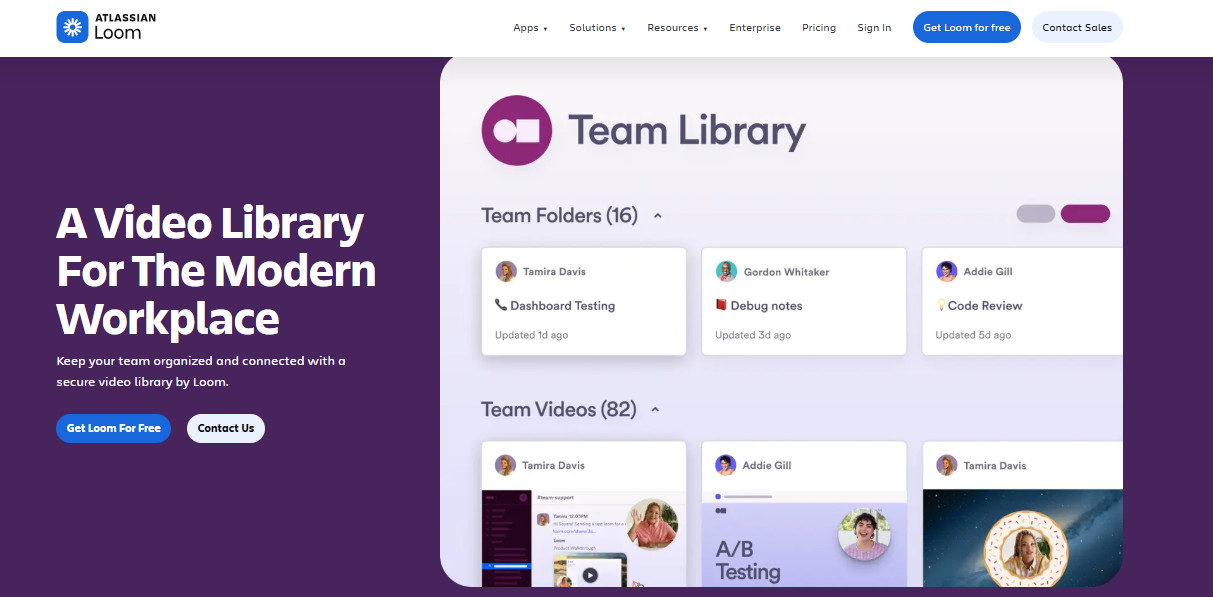
Loom is probably the most mainstream platform on this list. It’s built first for quick async video messages rather than structured documentation, so it’s great for fast screen-and-camera recordings, instant sharing, and lightweight viewer feedback, but less purpose-built for turning workflows into polished SOPs or detailed step-by-step guides.
Since its acquisition by Atlassian, Loom benefits from its parent company’s broader GDPR framework and security practices. Atlassian publishes guidance on its GDPR compliance, and Loom is covered under that umbrella, including use of recognized transfer mechanisms and a general commitment to GDPR obligations for EU data subjects.
However, Loom doesn’t provide automated PII detection and redaction in the way Guidde and Scribe do. This means you’re going to be doing some manual redacting, and Loom’s interface can be a little clunky when it comes to edits like these.
Ultimately, then, Loom can be appropriate for low‑risk internal communications, but for systematic documentation in regulated workflows you will likely need to use another platform with stronger built‑in redaction and EU‑centric data controls.
Tango
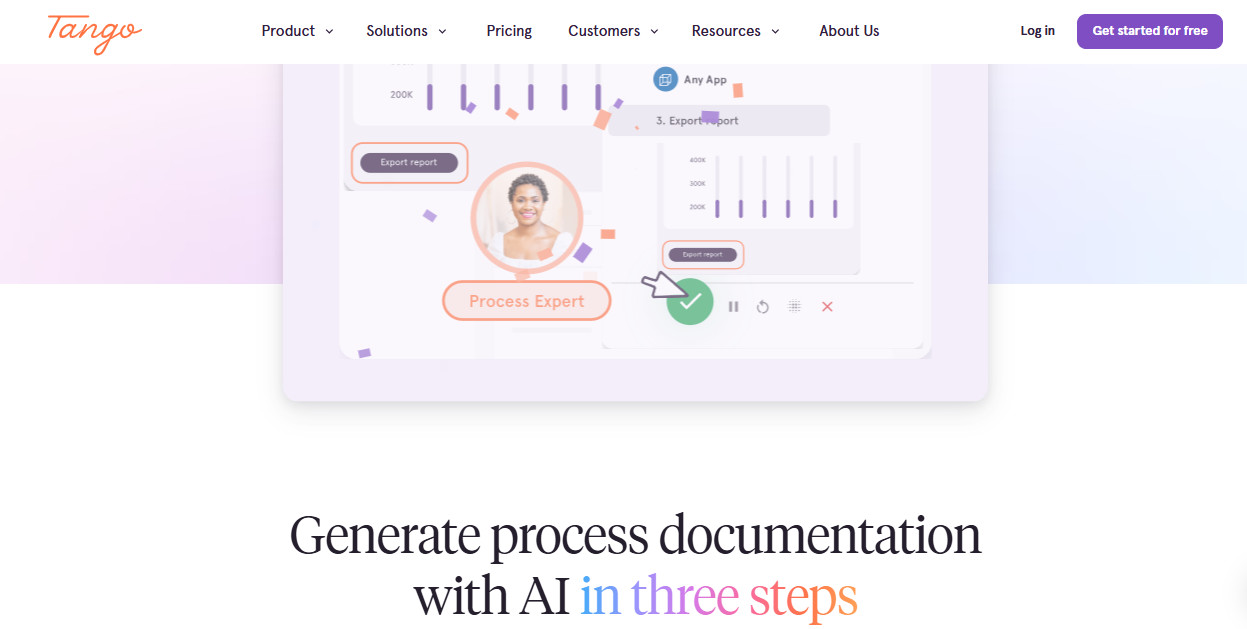
Like Scribe, Tango produces text-and-screenshot guides rather than full videos. It automatically records steps, screenshots, and annotations as you work.
Because Tango is primarily screenshot‑based, the PII risk profile can be slightly lower if teams are disciplined about what systems they capture, but screenshots of CRMs, ERPs, or HR tools can still contain a substantial amount of personal data. Tango provides basic controls and general GDPR‑aligned commitments, but it doesn’t offer the same level of automated PII detection and redaction detail you see with Guidde’s Magic Redaction or Scribe’s Smart Privacy Screen.
So, like Loom, Tango can be a good GDPR fit when coupled with clear internal rules, but (if you’re EU-based) you should probably choose a different platform to handle higher-risk materials.
How to Make Sure You’ll Stay Compliant
As you can now see, most video documentation tools used widely in the EU take their data security posture seriously. However, if you want to be 100% sure you’re getting a tool that won’t let you down in this area, there are a few extra due diligence steps you can take.

1. Map your highest‑risk workflows
Start by listing each place where video/SOP documentation will actually run. For each, identify the types of personal data involved and whether end‑user faces or voices are likely to be captured. Tools with strong automated redaction will be much more appropriate for these workflows than basic recorders.
2. Demand concrete evidence of GDPR alignment
Beyond marketing claims, you should ask vendors to provide:
- Privacy policy excerpts showing GDPR‑specific rights, lawful bases, and transfer mechanisms.
- DPA templates that reflect Article 28 requirements and clearly identify sub‑processors.
- Proof of SOC 2 Type II (or ISO 27001) and, for US providers, links to their entry on the EU–US Data Privacy Framework List.
3. Inspect PII‑handling features
Look closely at how each tool handles personal data inside recordings:
- Does it offer automated redaction across both screenshots and video steps, and which patterns (emails, account numbers, IDs, IPs) are supported?
- Can admins enforce privacy modes globally, or are controls purely at the end‑user level?
- Is redaction applied before content reaches the vendor’s environment, or only post‑upload?
What’s the Verdict?
Fines for GDPR violations can reach up to €20 million or 4% of global annual turnover, whichever is higher, and regulators have shown willingness to sanction both controllers and processors. Video and screen‑capture content can silently bundle together multiple types of personal data (faces, voices, dashboards, logs, and IDs) for use in a wide range of contexts.
So, if you’re using a platform like this in the EU, you need to make sure its data security posture is bulletproof.
Fortunately, Guidde and Scribe are both sufficiently robust in this department (Loom and Tango are a few steps behind). The choice between Guidde and Scribe therefore shouldn’t boil down to GDPR, but to your own general preferences and requirements.