


Last Updated on November 17, 2026 by The Digital Merchant Team
Long gone are the days when internal video production for companies involved special cameras and trained videographers. Improved camera capabilities in smartphones have recently allowed just about anyone to shoot high-quality video, and generative AI now means that we don’t even need cameras at all.
However, these tools are still in their infancy, and some are still a long way from spitting out usable videos in response to two-sentence prompts. If you want to make a worthwhile investment in an AI video documentation tool, you’ll need to do your research.
I trialed a number of these tools, and I’ve ranked my favorite ones on the basis of price point, ease of use, video quality, features for specific use cases, and other factors as well.
The Top AI Video Documentation Tools at a Glance
Pricing | Features | Content Input | Best For | |
Guidde | Free, Pro ($29/mo), Business ($59/mo), Enterprise (custom) | AI-powered video documentation, automatic workflow capture, step-by-step tutorials, AI voiceovers, customizable branding | Recorded software workflows | Automated walkthroughs |
Pictory | Starter ($29/mo), Professional ($59/mo), Teams ($199/mo), Enterprise (custom) | AI text-to-video conversion, document-to-video creation, automated captions, AI voiceovers, stock media library, video editing, content summarization | Text, scripts, and documents | Beginners |
Synthesia | Basic (free), Starter ($19/mo), Pro ($89/mo), Enterprise (custom) | AI avatars, text-to-video creation, AI voiceovers, voice cloning, multilingual video translation, customizable templates, interactive videos | Scripts, documents, and presentations | Multilingual companies |
Scribe | Free, Pro Personal ($25/mo), Pro Team ($13/mo), Enterprise (custom) | Automatic screen capture, AI-generated step-by-step guides, screenshot annotations, SOP creation, document sharing, sensitive information redaction | On-screen actions and software workflows | Screenshot documentation |
Guidde (Great for Automated Walkthroughs)
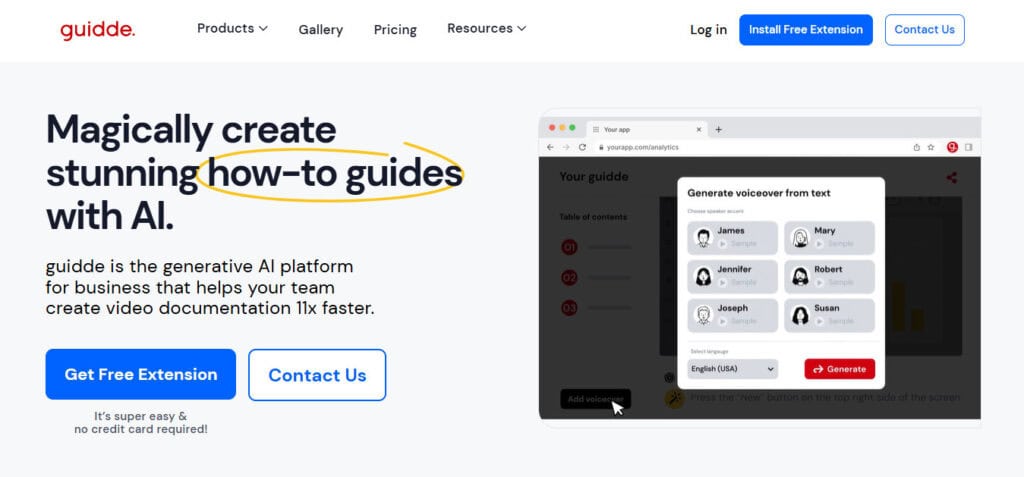
Guidde is the only tool here designed with internal documentation in mind specifically, so it makes sense that it would come first. No other tool makes it so easy for teams to collaborate on videos that share process knowledge and explain best practices. It’s also incredibly user-friendly. All you have to do is perform the task you want to demonstrate, and the AI takes it from there.
Guidde offers a free plan with up to 25 video captures monthly, and paid plans from $29/user per month. The free version gives you more than enough of an opportunity to see how the tool works and figure out whether it’s worth investing in a paid subscription. Smaller teams will likely get away without paying indefinitely, although a lot of useful features (such as custom branding, downloadable videos, and watermark removal) only come with the payment plans.

Guidde puts it ALL together for me. I've used many screen recording tools (like Loom). I've used many SOP building tools (like Trainual). But Guidde puts the best of both together for a quick, easy-to-use mixed media documentation builder in one (less expensive) workflow. A small but significant (compounding) time saver in our business.
Pros:
- Low learning curve: It strikes a great balance between accessibility and performance.
- Realistic voices: The AI does as good a job as any tool I’ve heard when it comes to producing human-sounding speech.
- Collaboration: The tool makes it easy for multiple team members to work together on a project or for stakeholders to make actionable comments and suggestions.
- Browser extension and sharing: The Chrome extension lets you create and share videos instantly from your browser, which takes a lot of the friction out of the production process.

Cons:
- Limited integrations: Guidde has fewer third-party integrations than some competitors. It might not natively connect to every platform you use, especially if you’re with a larger organization with a bigger tech stack.
- Editing constraints: Advanced video editing options are somewhat limited. Guidde also doesn’t offer mobile screen capture.
- Limited human support: Customer service is mostly handled through AI, so it can be hard to get actual human support.
Pictory (Great for Beginners)
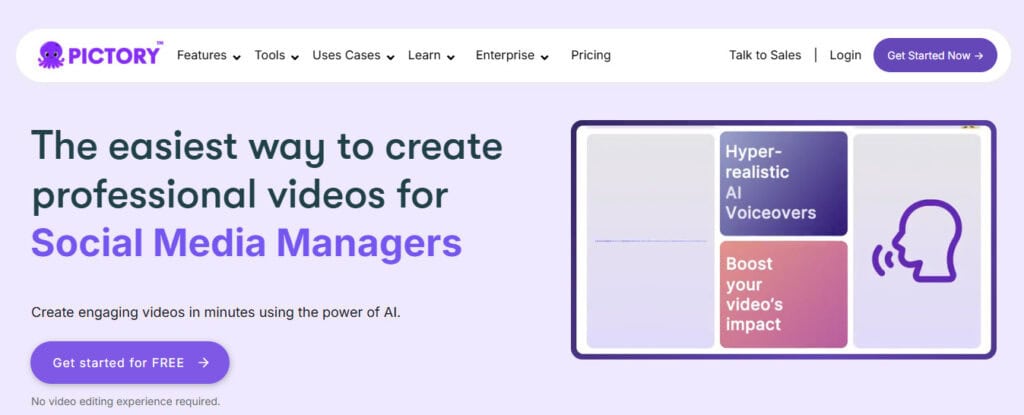
Video editing can be an intimidating task, even when AI is involved. Pictory is the tool I’d recommend to you if you have no prior experience with this type of content; it just makes generation, editing, and repurposing so easy for anyone with basic computer skills.
You can paste a script or article, and Pictory’s AI will automatically create a storyboard, select relevant stock images or footage, and generate a voiceover. It comes with a library of stock media via integrations like Getty Images, although it doesn’t let you auto-generate visuals from scratch.
Pictory doesn’t have a permanent free tier (only a 14-day free trial). Paid plans start around $29/month, which is reasonable, but the lack of a free tier means you must subscribe to continue using after the trial. This is a huge drawback of Pictory, specifically in my view, because I see it mainly as a starter tool. The fact that you have to start paying for it after two weeks makes it more difficult to use it as such.
Pros:
- Beginner-friendly: The workflow here is as simple as you’ll find.
- Feature-rich: Pictory offers text-to-speech voiceovers, subtitles, and a huge stock footage library. The AI is also particularly adept at editing tasks, like cutting scenes and adding visuals.
- Quality audio output: Pictory’s AI voiceovers are surprisingly natural-sounding.
- Video summarization: It can convert longer videos into shorter, more digestible content.
- Brand customization: Pictory supports consistent branding through company logos, colors, and fonts.
Cons:
- Visual relevance issues: The AI scene selection is far from perfect, and you may need to swap out some visuals manually for accuracy.
- Limited voice customization: While Pictory provides multiple AI voice options, you cannot adjust the voice intonation or add multiple audio tracks in one video.
- Support: Users have complained that Pictory’s technical support can be slow.
- No AI-generated visuals: While Pictory’s stock footage access is great, it doesn’t offer the level of customization you get with full AI generation.
Synthesia (Great for Multilingual Companies)
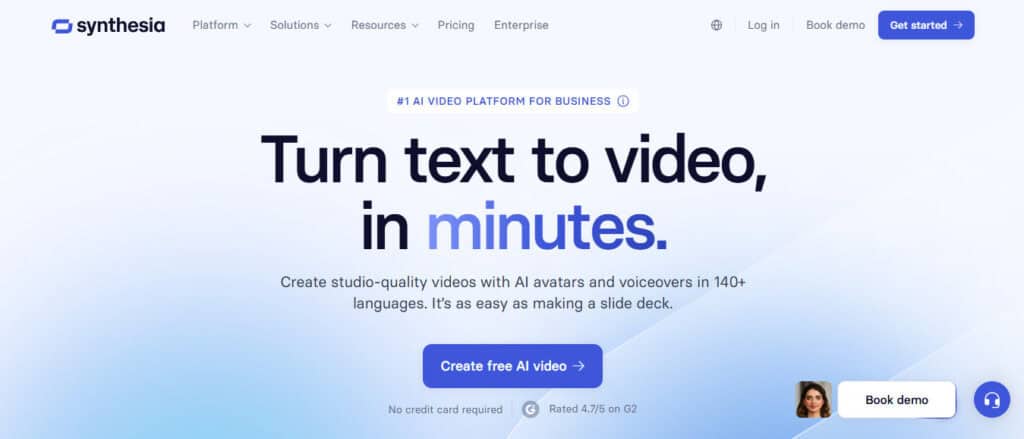
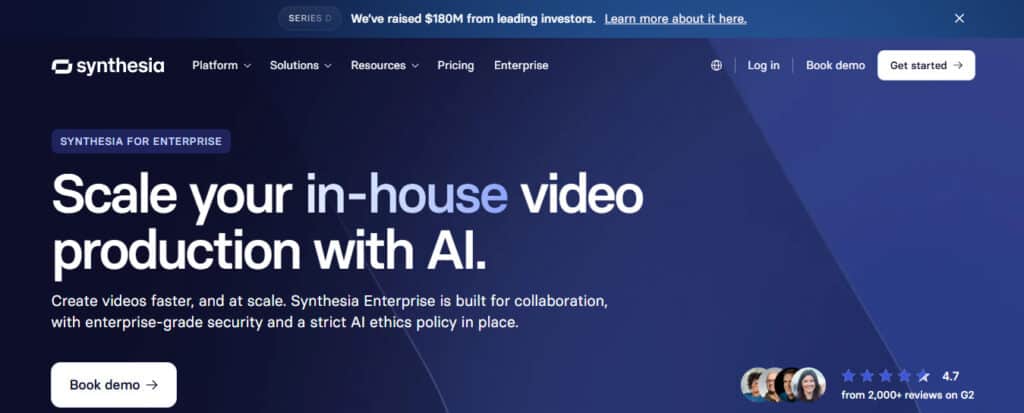
If you’re looking for something with even stronger “the future is now” vibes, you should look at Synthesia’s demos. The tool creates presenter videos in which AI avatars speak your script in one of 140+ languages. And they offer over 240 ready-made avatars to choose from.
Synthesia offers a free plan, but it is very limited; you only get three minutes of video a month. To get reasonable usage you’ll need a paid plan, and these start at $19/month if you don’t want to pay for a year up front. This is a higher initial price point than those of the other tools I’ve looked at here.
Pros:
- Multilingual and global: It provides voice synthesis in a huge number of languages and accents, making it easy to create localized videos for global teams or customers. It also generates subtitles automatically.
- Templates and branding: Synthesia comes with hundreds of templates and allows for some branding customization as well.
- Personal avatar: You can create an avatar that looks and sounds like you.
- Interactive video features: You can add quizzes or a call to action to make documentation more engaging.
Cons:
- Avatar limitations: The avatar selection is impressive, but they don’t pass for real humans, and the difference is particularly noticeable when there’s any degree of inflection or emotional range required.
- Customization constraints: You can adjust text and choose avatars, but more advanced customization is limited.
- Editing flexibility: A lot of the time, I found it easier to start a video from scratch than to make minor edits to it, which makes the production process a lot less convenient.
Scribe (Great for Screenshot Capturing)
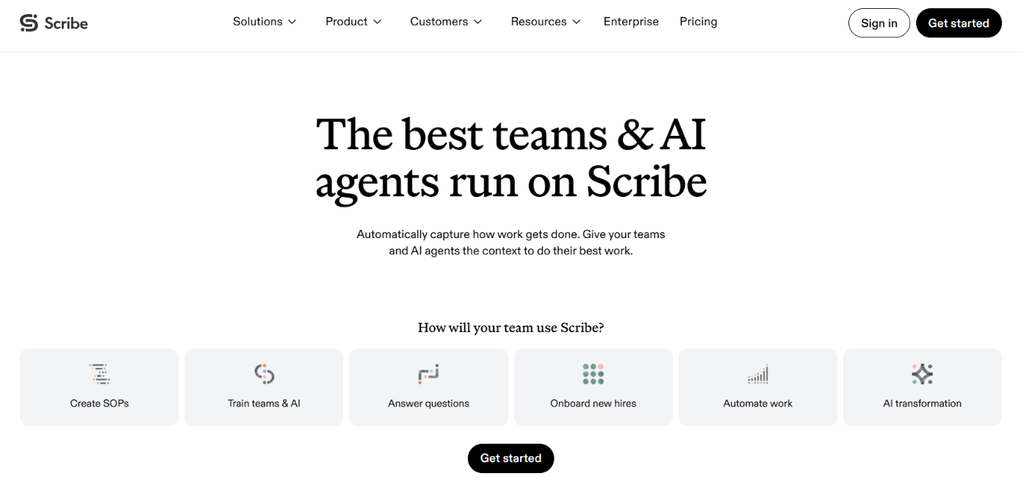
Scribe allows you to capture your documentation process with screenshots, which it can use to generate written instructions. Once you’ve captured a Scribe, you can edit it by formatting the text, reordering the steps, or updating the description. Then you can share it via email or weblink, or embed your Scribe into other tools like Notion and HubSpot.
Scribe offers a Basic free tier, Pro Personal ($25/mo/seat), Pro Team ($13/mo/seat, starts at 5 seats), and Enterprise (custom pricing). Pro Personal allows you to edit and redact screenshots, customize with company branding, and allows more export options, while Pro Team includes Autocapture and allows you to collaborate with comments.
Pros:
- Minimal editing required: Scribe automatically generates step descriptions, screenshots, and annotations that you can customize.
- Sensitive information redaction: It provides tools to blur private information in screenshots before sharing.
- AI-generated documentation: It can create SOPs, onboarding guides, and tool instructions from prompts.
- Easy sharing: Guides can be distributed through links, PDFs, and embedded documentation.
Cons:
- Limited physical process documentation: It primarily captures digital workflows, so it’s not that useful for hands-on or in-person procedures.
- Advanced AI features require paid plans: Scribe AI documentation generation is available on Pro and Enterprise plans.
- AI-generated content needs review: Instructions may need corrections to ensure accuracy.
The Verdict on Video Documentation Software
All the AI video documentation tools I’ve looked at bring something to the table, but I’d recommend Guidde as the best choice for the greatest number of businesses. It’s simple, it comes at a great price point, and its focus on internal documentation makes it best-in-class for that use case. If you want something geared toward beginners, Pictory is a great option, while Synthesia is your best bet if you are a multilingual company. And if you prefer to document with screenshots, try Scribe.