


Last Updated on August 18, 2026 by Ewen Finser
If your marketing agency is shopping around for a new bill pay tool, you shouldn’t overlook the unique quirks of the industry. For example, you might need to pay international contractors or freelancers, so you need global payment options. Or maybe you like using credit for cash flow management.
The best platforms will let you pay with a credit card even if a vendor doesn’t accept them directly and if you’re coming up against a deadline, you need something that can deliver funds fast.
With all that in mind, let’s take a look at some of the best bill pay solutions for marketing agencies.
The Best Bill Pay Software for Marketing Agencies: At a Glance
Best For | Plan Pricing | Pay Any Bill By Card? | Software Integrations | |
Larger teams | Starting at $49/user/mo | Yes | QuickBooks, Xero, NetSuite, Sage Intacct, Microsoft Dynamics, Acumatica, Rillet | |
Free ACH | Starting at $0/mo | Yes | QuickBooks, Xero, NetSuite, Meta Ads, Amazon Business | |
Software integrations | Starting at $0/mo | No | 200+ | |
Canadian businesses | Starting at $32/mo | Yes | QuickBooks, Xero, NetSuite |
BILL: Best for Larger Teams
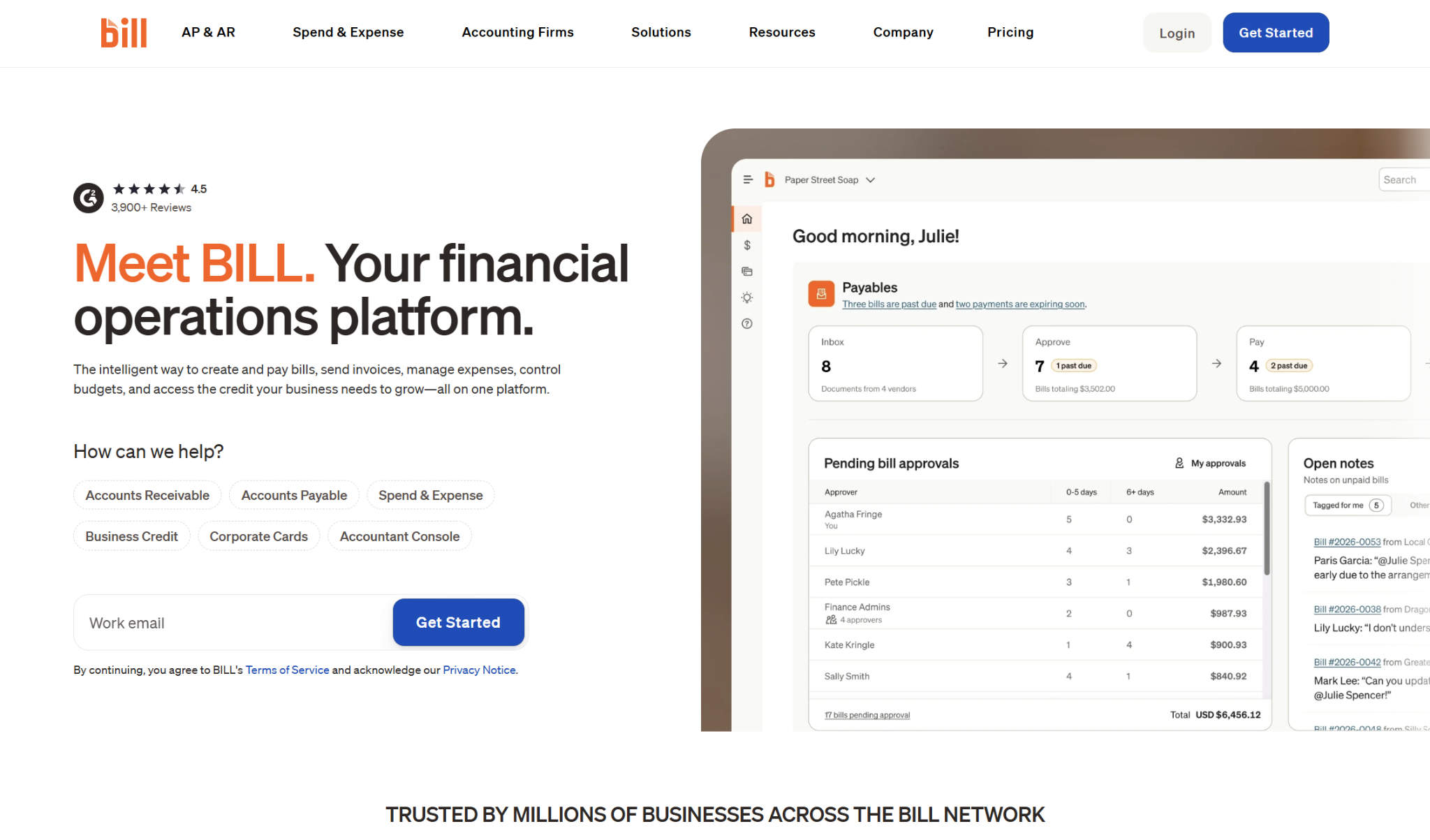
With BILL, you can pay vendors either from your bank account or via credit card, and the payment method doesn’t have to match how your vendor or freelancer receives the funds. For instance, you can pay with your credit card and have the funds sent to the recipient through ACH or check.
Specific to international payments, BILL can send funds to over 130 countries either in USD or in local currencies. It also supports bulk payments, letting you pay up to 2,000 bills at a time.
Expedited Payments
There are expedited options available once you’ve made five qualifying payments. These include same-day ACH, overnight check, and instant payment delivery. Not all BILL customers will have access to instant payment delivery.
Approval Workflows
BILL lets you set up custom approval workflows with automatic routing, and you can control permissions by assigning different user roles. You can also create approval groups, where any one person out of a set group can approve the payment. BILL lets you use a dollar amount threshold to trigger the approval process, and it supports both single and multi-level approvals.
Integrations
BILL can sync with QuickBooks (Online, Pro, Premier, and Enterprise), Xero, NetSuite, Sage Intacct, Microsoft Dynamics, Acumatica, and Rillet. However, the integrations available to you will depend on what plan you have.
Pricing
There are a couple different costs to consider with BILL: the monthly subscription fee and the transaction fees. You’ll need to sign up for a plan if you want to use BILL, and the cost will depend on which tier you register for, as well as the number of users on your plan.
The lowest-cost plan is the Essentials plan, at $49 per user, per month. Other tiers include Team ($65/user/mo), Corporate ($89/user/mo), and Enterprise (custom pricing).
Regarding transaction fees, there’s a 2.9% fee for any payment made with a card. However, if you’re paying from a bank account, the fees are:
- ACH: $0.59
- Check: $1.99
- Virtual card: Free
- International FX wire: Free
- International USD wire: $19.99
Expedited payments have additional fees.
Pros
- Lets you pay with a credit card even if the vendor doesn’t accept cards
- Strong batch pay capabilities
- Supports complex approval workflows, including approval groups
Cons
- One of the more expensive bill pay options for SMBs
- Some features may be overkill for small agencies
- Not all plans have automatic two-way syncs with accounting software
Melio: Best for Free ACH
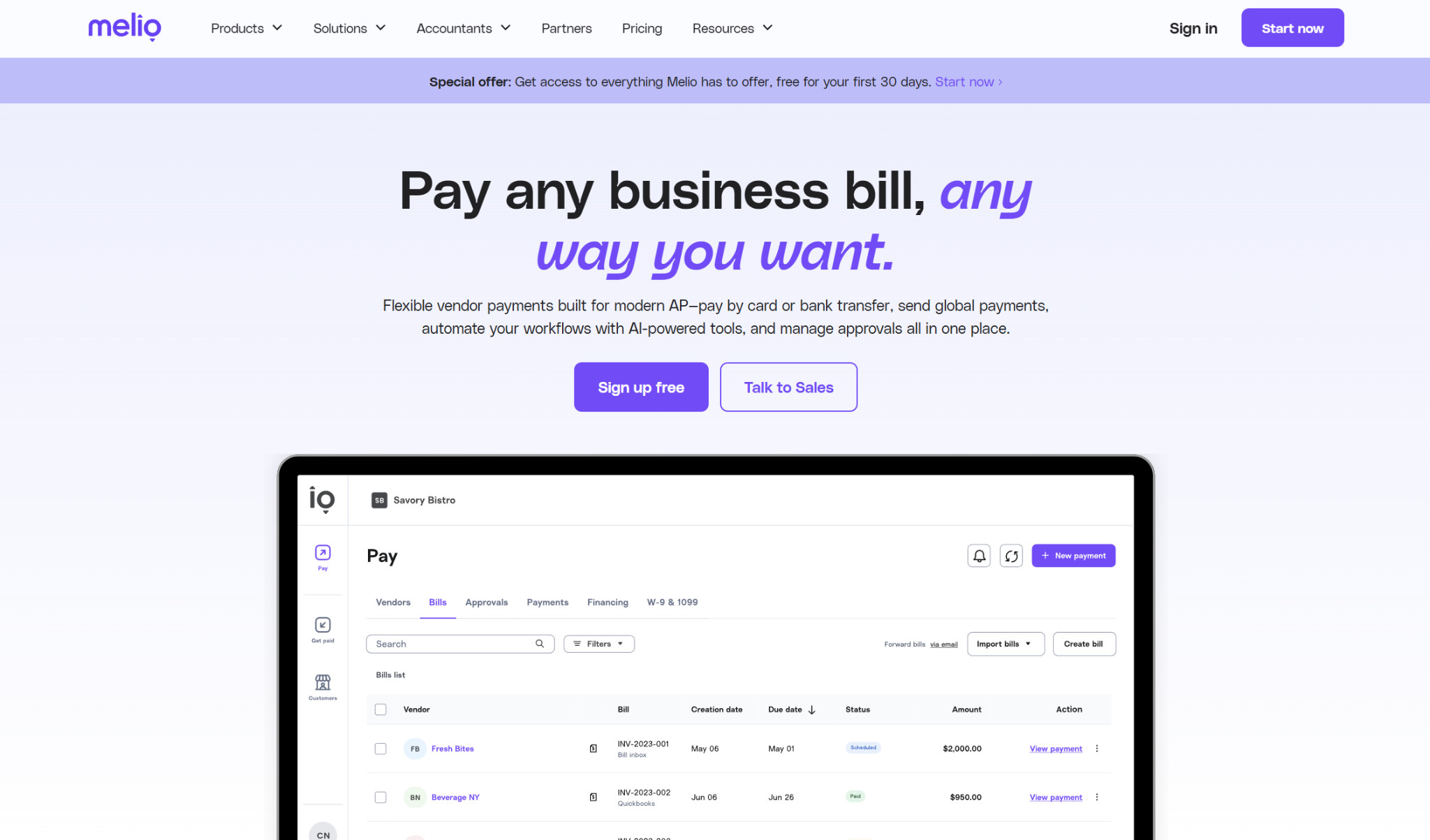
In many ways, Melio resembles a more affordable version of BILL. It has a lot of the same features, including a “Pay By Card” workaround that lets you pay any vendor, contractor, or freelancer with a credit card. You can pay with your card or from your bank account, and the funds can be delivered via ACH, check, or wire transfer.
Melio supports both domestic and international payments, as it can send funds to 80+ countries. It also works for batch payments — you can pay multiple vendors or contractors at a time, and you can combine up to 20 bills for the same vendor into one payment.
Expedited Payments
Melio has plenty of options if you need to quickly send funds to your vendor or contractor. Some possibilities are same-day ACH, instant ACH, and overnight check. Plus, there are expedited options for international payments.
Approval Workflows
You can use Melio to set up multi-level approval workflows, which are customizable by team member, roles, payment amount, and vendor. There are six user roles to assign, which come with their own permissions, and you can edit your workflows later on if needed. It also lets you approve multiple bills at once.
Integrations
Currently, Melio’s integrations include QuickBooks (Online and Desktop), Xero, NetSuite (Standard and OneWorld), Meta Ads, and Amazon Business. The accounting integrations are automatic two-way syncs, bringing over bill, vendor, and payment details. The Meta Ads integration is designed to help you pay Meta Ads with a credit card, even if your agency can’t do so directly.
Pricing
Melio has five plan tiers, starting with a free plan. The next tiers are Core ($25/mo), Boost ($55/mo), and Unlimited ($80/mo). Core and Boost charge an extra $10 monthly for every additional user, while the Unlimited plan supports an unlimited number of users. The highest tier is Platinum, which is a custom plan.
Whenever you pay with a credit or debit card, the fee is 2.9% for both same-day ACH transfer and check. If you’re paying from your bank account, the ACH fee is $0.50, and checks cost $1.50.
One of the major differences between the plan options comes down to the number of free ACH payments included, with Unlimited having unlimited free ACH. For lower tiers, the $0.50 charge kicks in once you surpass your plan limit.
Pros
- Affordable pricing for small agencies, including a free plan
- Lets you pay with a credit card even if the vendor doesn’t accept cards
- Free ACH payments included in each plan
Cons
- No approval groups
- Fewer integrations than some competitors
- Could support more countries for international payments
Ramp: Best for Software Integrations
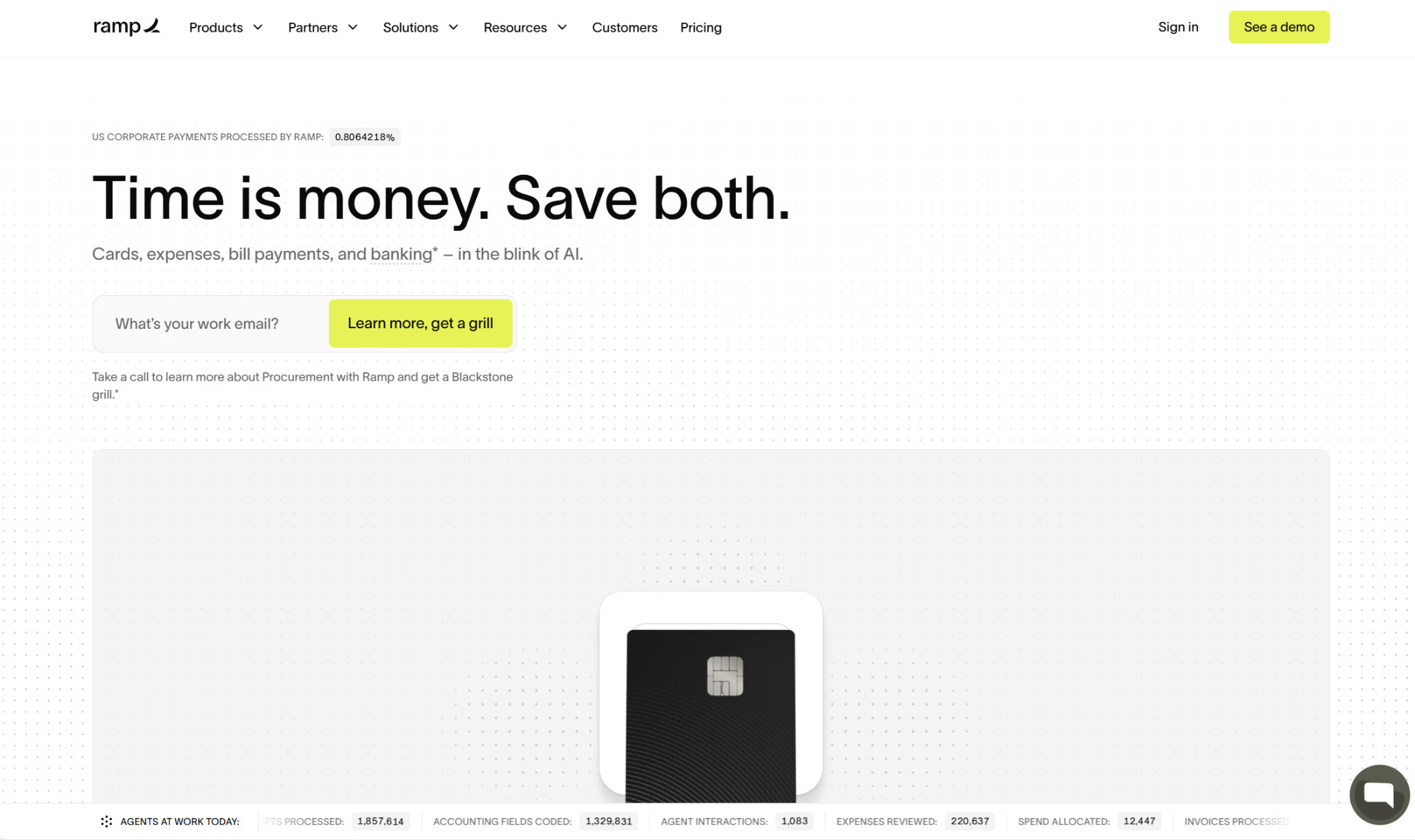
Ramp can do a lot of things: you can use it for areas like expense management, procurement, and banking, and bill pay. However, you will have to qualify in order to use Ramp. You’ll have to meet several requirements, like being registered in the U.S. and having at least $25,000 in a U.S. business bank account.
For bill pay, there are several payment methods available to you, including credit card, ACH, wire transfer, check, cross-border payment, and stablecoin. One downside is that Ramp doesn’t let you pay any bill with a card; you’ll have to verify that your vendor accepts credit card payments.
If your agency is paying international vendors or contractors, you should know that Ramp supports payouts to over 185 countries, so chances are that any country you need will be covered. It also supports batch payments, but it only can batch bills on a per-vendor basis. It can’t do so across multiple vendors.
Expedited Payments
If you need to send funds faster than the standard timeline allows, you can use Ramp for same-day ACH, overnight check, or real-time payment (RTP), which sends funds within 10-15 minutes.
Approval Workflows
With Ramp, you can set up approval workflows for bills based on several conditions and route them accordingly. For instance, you could configure approvals based on the dollar amount, the vendor, or the payment type. You can assign roles and approval groups if desired. If you’re using approval groups, you can either require approval from one of the users within the group or from every approver.
Integrations
Ramp has plenty of integrations, at over 200. There are integrations for accounting, banking, expense automation, HR, payroll, procurement, and productivity software. Specific to accounting, some of the platforms it syncs with include QuickBooks (Online and Desktop), NetSuite, Xero, Sage Intacct, Zoho Books, Digits, and Puzzle, among others.
Pricing
There are three plan options Ramp offers: Free, Plus, and Enterprise. While the Free plan covers basic AP, it is more limited when it comes to integrations and other features. The Plus plan, which comes at a cost of $15 per user, per month (plus a platform fee), includes more AI features, while the Enterprise plan is custom-tailored to complex businesses.
Some of the transaction fees are:
- ACH: $0.59
- Domestic wire: $15
- International wire: $20
- Check: $1.99
- Stablecoin: Free
Note that these are the standard transaction fees, as there are higher charges for expedited delivery.
Pros
- Over 200 software integrations
- Supports complex approval workflows
- Lets you pay vendors with stablecoins
Cons
- Must have at least $25,000 in a business bank account to qualify
- Can only pay with a credit card if vendors directly accept them
- Can’t batch bills across multiple vendors
Plooto: Best for Canadian Businesses
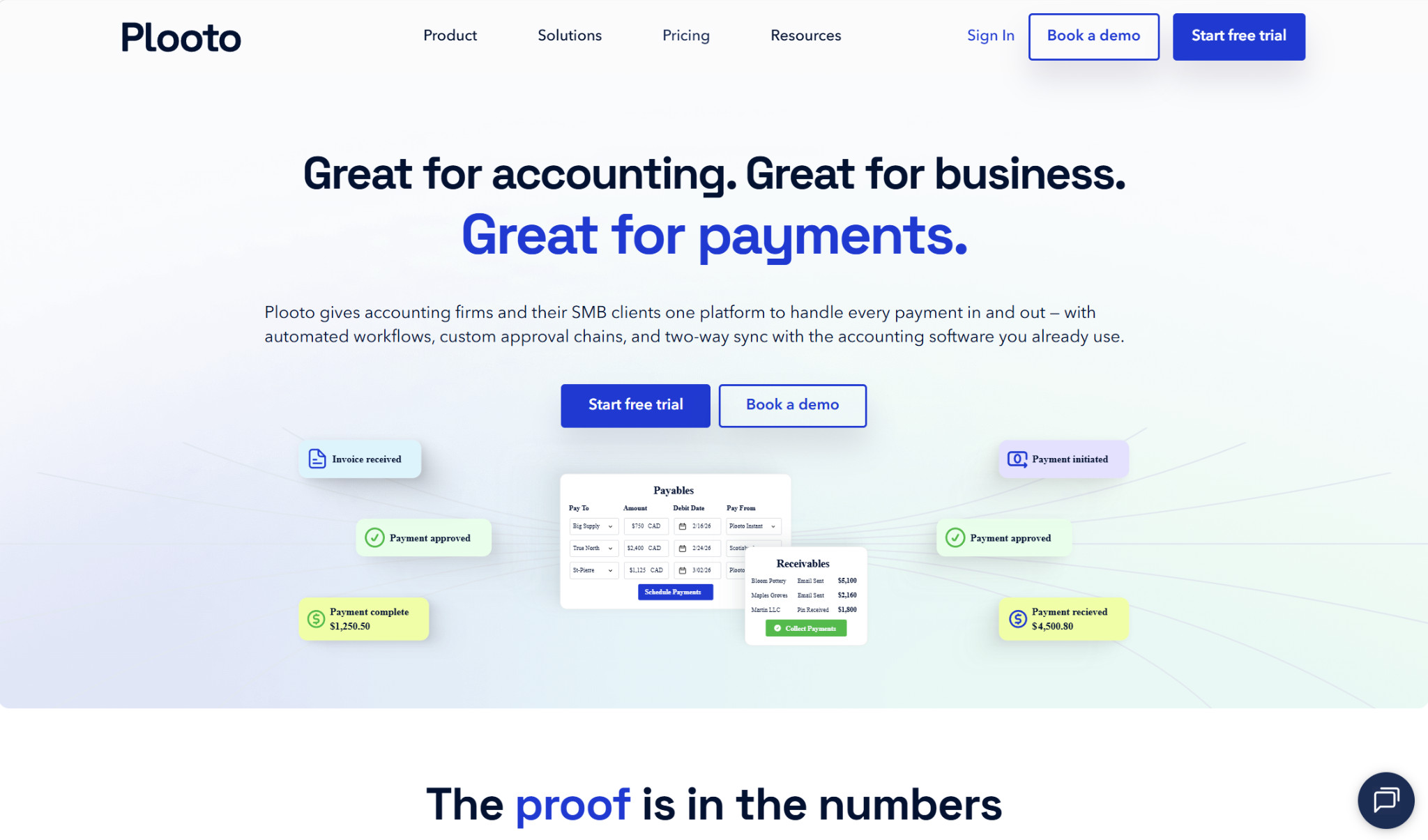
Like the other platforms on this list, marketing agencies can use Plooto to manage vendor, contractor, and freelancer payments. Plooto is frequently used at Canadian businesses, but it many U.S.-based businesses use it as well.
But focusing on bill pay, Plooto lets you send funds with ACH, EFT, online checks, credit card, and international wire. Like BILL and Melio, you can pay any bill with a credit card, including bills for vendors who don’t accept cards. The transaction limit for this “Pay by Card” feature is currently set at $30,000.
In case you need to pay international vendors or contractors, Plooto supports payments to over 40 countries and in over 25 currencies. It also has batch payment capabilities, which it calls “mass pay.”
Expedited Payments
If you need to send payments quickly faster than the standard processing time of 2-5 business days, there are two options available: Plooto Instant and Plooto Express. Plooto Instant is a virtual wallet, not a per-transaction expedited payment option. However, you can fund Plooto Instant from your bank, and paying from the wallet leads to faster processing times. Plooto Express is a next-business-day delivery option.
Approval Workflows
You can use Plooto to create approval workflows, including multiple rules and unlimited approvals. These workflows are highly customizable, with a common strategy being to set up different approvals based on dollar amount.
Integrations
Plooto can sync payment details with QuickBooks (Online and Desktop), Xero, and NetSuite. Using one of these accounting integrations spares you from having to perform manual data entry, and it also helps cut down on errors.
Pricing
There are two plans available for businesses: Grow ($32+/mo) and Pro ($99+/mo). Grow comes with several features across payables, receivables, approvals, and reconciliation. However, you’ll need the Pro plan if you want additional user controls, priority customer support, and the NetSuite sync.
Fees for ACH and card payments are $0.50 and 2.9%, respectively. However, you can sign up for a payment package add-on, where you get either 50, 100, or 250 discounted transactions for a fixed monthly fee.
Pros
- Lets you pay with a credit card even if the vendor doesn’t accept cards
- Multiple expedited payment options
- Discounted payment packages available
Cons
- More tailored toward Canadian businesses
- $30,000 pay-by-card transaction limit
- No free plan available
Choosing the Best Bill Pay Software for Your Marketing Agency

Marketing agencies have unique needs, including high ad spend and working with freelancers, so it’s important to choose a bill pay software that’s up to the task. Fortunately, there are several platforms well-suited for the industry, including BILL, Melio, Ramp, and Plooto.
Ultimately, the best one for your agency depends on your specific needs. If you want a platform that lets you pay any bill with a card, even if the vendor doesn’t directly accept card payments, then that rules out Ramp. And while large agencies might prefer BILL’s advanced approval capabilities, the cost and features can be overkill for those on the smaller side.
That leaves Melio and Plooto as solid choices for smaller agencies, as they are both affordable and provide a pay-by-card workaround. However, Plooto is a bit restricted, with a $30,000 pay-by-card transaction limit, and it’s geared mostly toward Canadian companies.
In all, I’d recommend that you factor in your agency’s requirements and budget considerations before deciding on a bill pay tool.