


- Best Audit Trail Software At a Glance
- Bottom Line Up Front
- What Is Audit Trail Software and Why It Matters
- Where Most Platforms Fall Short for Small Teams
- QuickBooks Online (QBO)
- Xero
- Pilot
- FreshBooks
- Bench
- Puzzle
- Sage (Sage 50 / Sage Intacct)
- When Audit Trails Become Essential, Not Optional
- How to Choose the Right Audit Trail Tool for Your Business Stage
- Final Takeaways: Don’t Just “Have” an Audit Trail, Actually Use It
Last Updated on October 23, 2026 by The Digital Merchant Team
Audit trails are the backbone of clean books. If you’ve ever tried to untangle a transaction mess with no breadcrumb trail, you know the pain. I’ve spent years cleaning up after rushed journal entries, misposted payments, and disappearing data, and I’ve come to rely heavily on audit trail software especially for startups and small businesses, where financial operations often move fast but documentation lags behind.
But why does it matter? Most platforms fall short for small operators, that’s why. And when it comes time to point fingers on who is to blame when transactions were accidentally deleted, you’ll then understand why it’s so important to have a decent audit trail. Today we’ll look at seven of the best audit trail software for small businesses and compare them. I’ll give you the straight talk from my years in the field, not a regurgitated product list.
Best Audit Trail Software At a Glance
Starting Price | Software or Service | Who Has Audit Trail Access | User Roles and Permissions | AI Features | Best For | |
QuickBooks Online | $38/mo (or free tier) | Cloud-based accounting software | You and authorized users | Multiple user types and customizable access levels | Categorization, accounting insights, and Intuit Assist | Small and midsize businesses |
Xero | $27/mo | Cloud-based accounting software | History and You and authorized users | Role-based access | Data entry, bank reconciliation, and emerging assistance | Small businesses and growing teams |
Pilot | $99/mo | AI-powered bookkeeping software and managed accounting services | Provider’s team | Primarily service-based access through the platform and bookkeeping team | Categorizes transactions, reconciles accounts, supports monthly close, and answers questions | Startups and small businesses |
FreshBooks | $23/mo | Cloud-based accounting and invoicing software | You and authorized users | Team-member permissions can restrict access to accountingand other functions | Automated receipt and expense data capture, including extraction | Freelancers, consultants, and service businesses |
Bench | $199/mo | Managed bookkeeping service with a client-facing platform | Provider’s team | Access is centered on the client platform and assigned bookkeeping team | Smart transaction categorization, automated data collection, and bookkeeping workflows | Small businesses that want bookkeeping handled by professionals |
Puzzle | $30/mo | AI-powered accounting software, with optional managed accounting services | You and authorized users | Collaborative accounting workflows support review and approval | Chat, Cowork, and Close for financial questions, categorization, reconciliations, and close workflows | Startups and modern finance teams |
Sage | Custom on application (Intacct), $132.17/mo (Sage 50) | Accounting software and cloud financial management/ERP solutions | You and authorized users | Sage Intacct supports configurable access controls. Sage 50 offers role-based permissions | Intelligent financial workflows and analytics (Intacct); invoice capture and accounting automation (Sage 50) | Sage 50: small businesses with inventory or job-costing needs. Sage Intacct: midsize and growing organizations |
Bottom Line Up Front
If you’re running a lean operation, audit trails aren’t just for your auditor…they’re also for you. The right software doesn’t just show what happened. It shows who did it, when they did it, and what changed. Tools like Puzzle stand out because they treat audit trails as part of everyday bookkeeping and not just a feature buried in the settings. That said, each platform has its pros and cons, and depending on how your business runs, a different option might suit you better.
What Is Audit Trail Software and Why It Matters
Audit trail software tracks changes to financial records. Think of it like a “version history” for your books. It records:
- Who made a change
- What they changed
- When they changed it
- The original value and the new value
Why does that matter? Because in the real world, mistakes happen. And they happen probably more than most people realize. Transactions get posted to the wrong account all the time. Clients dispute invoices. Investors ask questions you didn’t expect. Without an audit trail, all you can say is: “The number changed and I’m not sure why.” With one, you can show them exactly how and why.
For startups and small businesses, this becomes even more important because:
- Roles blur: One person might do AP, AR, and payroll
- Things move fast: You might pivot financial strategies mid-month
- Compliance matters more: A missed entry can mess up tax filings or raise flags with investors.
Where Most Platforms Fall Short for Small Teams
Here’s the truth: most small business platforms technically have audit trail features, no really, they do! But they’re either too shallow or too hidden to be useful in real time. Based on my experience, here are the three most common issues:
- Limited Visibility: Some tools only show high-level changes, not detailed logs of what fields were edited.
- Lack of User Attribution: You’d be surprised how many systems log the change but don’t say who made it. This one right here is super annoying because now we don’t know who to reach out to!
- No Integration with Workflow: The audit trail is often isolated, it’s not something you can act on easily within your bookkeeping process.
With that in mind, let’s break down the top seven platforms and see how they hold up.
QuickBooks Online (QBO)
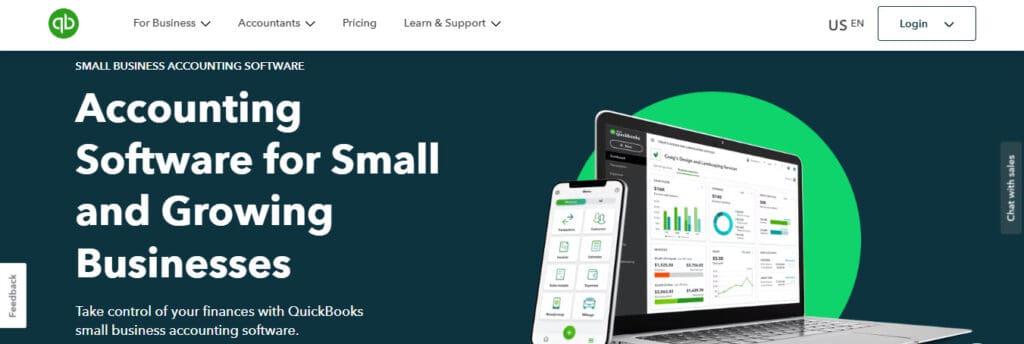
QuickBooks is the juggernaut of small business accounting. It’s what most SMB owners default to, and for good reason. Even though I hate to admit it, it’s feature-rich, widely supported, and relatively intuitive.
Audit Trail Strengths:
- Tracks changes to transactions and users who made them
- “Audit Log” feature is easy to access
- Supports time-stamped entries and reversions
Limitations:
- Doesn’t log all field-level changes (e.g., customer notes, memo fields)
- Clunky to search through if you’re dealing with large volumes
- User roles and permissions are limited in granularity
Price: Free plan for one user, Simple Start $38/month, Essentials $85/month, Plus $140/month, Advanced $340/month
Best for: Small teams that need a basic, reliable audit log but don’t require deep controls or workflow integration.
Xero
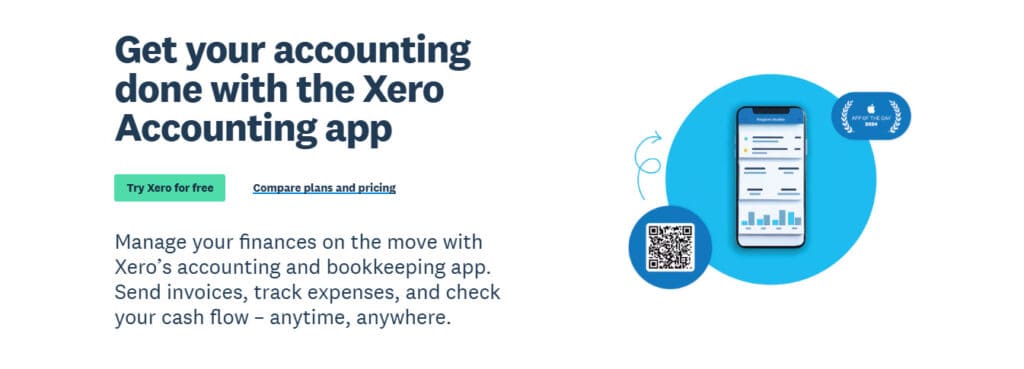
Xero has a clean interface and appeals to startups that want automation and a modern feel. Its audit features are decent enough, though not as deep as some power users might want.
Audit Trail Strengths:
- Keeps a history of changes per transaction
- Tracks who made changes and when
- Easy to access from within the platform
Limitations:
- Doesn’t allow you to customize or filter audit data deeply
- Not ideal for complex approvals or audit prep
Price: Early $27/month, Growing $59/month, Established $97/month
Best for: Tech-savvy teams who want something more streamlined than QBO but don’t need intense audit depth.
Pilot
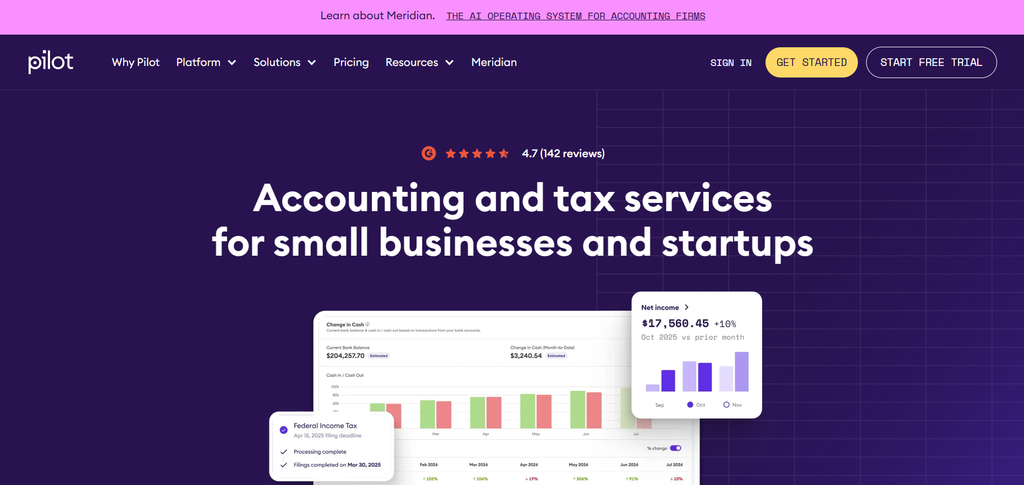
Pilot is more of a subscription service than a software. It’s a full bookkeeping team wrapped in a tech platform. You don’t really “use” the software, but more so you interface with their team.
Audit Trail Strengths:
- Pilot handles the audit process internally and provides audit-ready books
- Their team manages reconciliations and documentation
Limitations:
- You don’t get hands-on access to the audit trail yourself
- Limited transparency if you need to trace back a specific journal entry
- It’s pricey, but if you don’t want accounting heads-up and have cash to burn, it may be worth your while
Price: Essentials from $99/month, Core from $299/month, Custom plan
Best for: Founders who want white-glove service and don’t mind outsourcing control.
FreshBooks
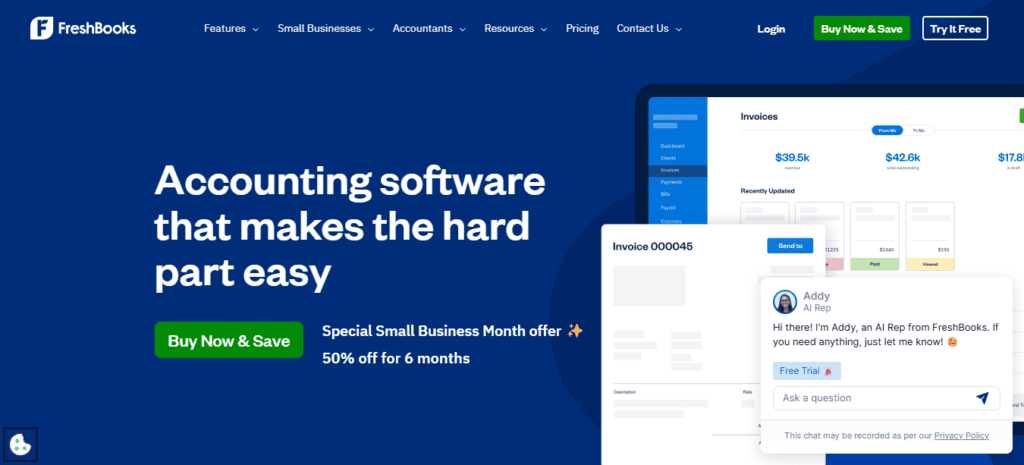
FreshBooks is aimed at freelancers and solo business owners. It’s built for simplicity, and it does that well but it comes with trade-offs.
Audit Trail Strengths:
- Logs basic changes like invoice edits and payments
- Shows who made what changes if multiple users are on the account
Limitations:
- Limited to core financial activities
- No true GL-level audit trail
Price: Lite $23/month, Plus $43/month, Premium $70/month
Best for: Solo operators or service-based startups who don’t need deep accounting history.
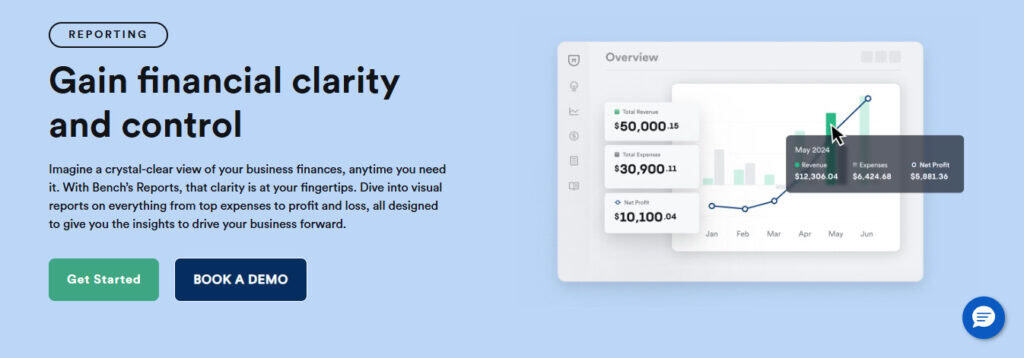
Bench
Bench is another hybrid service/software model like Pilot. They assign you a bookkeeper and handle the accounting behind the scenes.
Audit Trail Strengths:
- Audit-ready financials prepared by professionals
- Communication and adjustments logged via dashboard
Limitations:
- You’re relying on their team’s recordkeeping and not your own trail
- You won’t have direct access to underlying system logs
Price: Bookkeeping Light $199/month, Bookkeeping $399/month
Best for: Startups that want hands-off books and are okay trusting a third party to manage documentation.
Puzzle
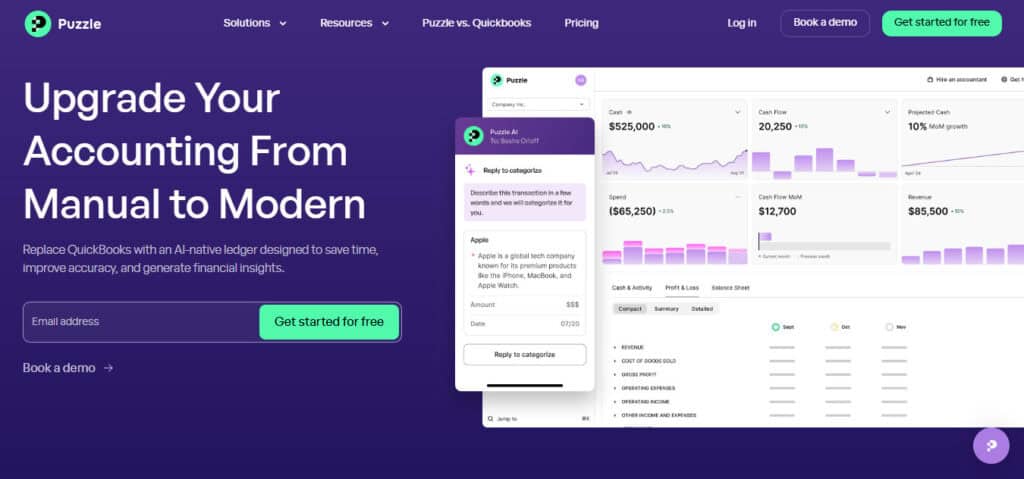
Puzzle was built with audit-readiness at its core. Instead of treating the audit trail as a side feature. It’s integrated into how the books work.
Audit Trail Strengths:
- Full, field-level audit log for every transaction
- Ties changes to GAAP-based entries and reconciliations
- Every adjustment is documented and timestamped
- AI Suite with a Chat to answer questions and Cowork to flag unusual transactions and find missing receipts
- Works in real-time, not just at month-end
Limitations
- Shorter integration list than QuickBooks or Xero
- If you want unlimited seats, you have to choose the Complete or Scale plan
Price: Starter $30/month (free for two months), Core $72/month, Complete $120/month, Scale $360/month, or $24, $58, $96, and $288/month billed annually
Best for: Startups or small businesses who want fast, automated books with audit-readiness built in. Especially if they’re investor-backed or plan to scale.
Sage (Sage 50 / Sage Intacct)
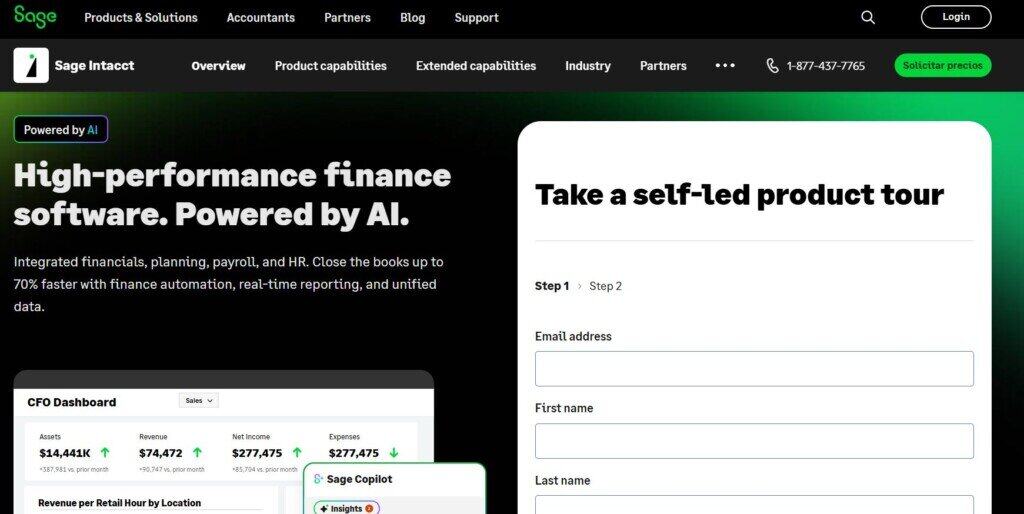
Sage products have been around a long time and tend to attract more established small businesses and firms with internal finance teams.
Audit Trail Strengths:
- Deep GL-level audit logging (Sage Intacct)
- Role-based access controls (Sage Intacct)
- Enterprise-style reporting and compliance features (Sage Intacct)
Limitations:
- Clunky interface, steep learning curve (Sage Intacct and Sage 50)
- Can be overkill for lean teams (I would say you need at least 5 accountants, not bookkeepers, to take full advantage of Sage Intacct)
- Not built with real-time collaboration in mind (Sage 50)
Price: Custom on application (Sage Intacct), Pro $132.17/month, Premium $182.50/month, Quantum $271.17/month (Sage 50, prices per one user billed monthly).
Best for: Businesses with dedicated finance staff and more complex needs.
When Audit Trails Become Essential, Not Optional
Early-stage founders sometimes shrug off audit trails as a “nice to have.” I get it. When you’re juggling payroll, customer onboarding, and investor updates, digging into audit trail settings isn’t a top priority.
But in my experience, there’s a shift that happens around these points:
- You raise capital.
Investors expect clean books. They want visibility into changes, not just numbers that tie. An audit trail tells them you’ve got internal controls even if your team is tiny.
- You start delegating financial tasks.
The moment someone else touches your books, you need a record of what they’re doing. That goes double if you’re working with contractors, outsourced firms, or anyone else who has access to your financial records.
- You prepare for an audit.
Whether it’s for tax, due diligence, or just internal accountability, pulling records is faster and cleaner when audit trails are built-in.
- You catch an error you can’t explain.
One of the first signs a business needs audit logs is the phrase, “I don’t know who changed that.” Trust me, I’ve heard it more times than I want to talk about – it gets old fast.
How to Choose the Right Audit Trail Tool for Your Business Stage
Here’s how I’d approach picking a tool, depending on where your business is at in its lifecycle. Things will be different in each stage, so you don’t need to jump in headfirst if you’re just getting started.
Just Getting Started (Pre-revenue to Seed Stage)
You need simplicity, automation, and hands-off compliance. Look for a built-in audit trail, not an extra add-on. Real-time tracking, not just end-of-month logs, is a must. The ability to share access with external accountants is also really useful.
Top picks: Puzzle, Xero, FreshBooks
Scaling Up (Post-seed, Growing Team)
You need deeper controls and role-based visibility. Internal controls start to matter more than just “getting it done.” Look for granular user roles and permissions, detailed change logs (field-level data) and easy export or API access for reporting.
Top picks: QBO, Sage (if you have a finance team that’s growing quickly)
Outsourced Back Office (Hands-Off Finance)
If you’re working with Bench or Pilot, make sure you have contractual guarantees about audit trail availability. You might not have access, but someone needs to.
Look for SLA on record access, a process for requesting logs and the ability to view or download audit-ready reports.
Top picks: Bench (for smaller businesses), Pilot (for larger businesses who can bear the expense)
Final Takeaways: Don’t Just “Have” an Audit Trail, Actually Use It
The worst audit trail is the one that exists but doesn’t get used. It’s easy to install a tool and assume you’re covered. But the real value comes when you make auditability part of your team’s workflow.
I recommend to all of my clients to review the audit log monthly, not just during tax time. This ensures no team was where they weren’t supposed to be, everyone was logged into the software during typical working hours, and mistakes are more likely to be caught.
Give team members limited roles, and audit those roles regularly to ensure that no one has more access than they need, and that they have the appropriate amount of access so that they’re not restricted and can effectively do their job.
Keep documentation within the audit trail software—notes on journal entries, invoice adjustments, will help you remember what you were doing six months ago when an old problem rears its head. No more searching in your email inbox to figure out why you did something.
Use comments and approvals if your audit log software supports it; that way there is always a chain of transparency.
If you’re looking for accounting software with audit trails that makes that easiest, I’ve found Puzzle leads the pack. But it’s less about the brand and more about how you use the features. Whether you’re using QuickBooks, Sage, or any of the others, the real goal is control, transparency, and confidence in your books.