


- Software Lineup at a Glance
- The Bottom Line Up Front
- What Matters Most for Startups and SMBs?
- The Best Automated Reconciliation Software
- QuickBooks Online (QBO)
- Xero
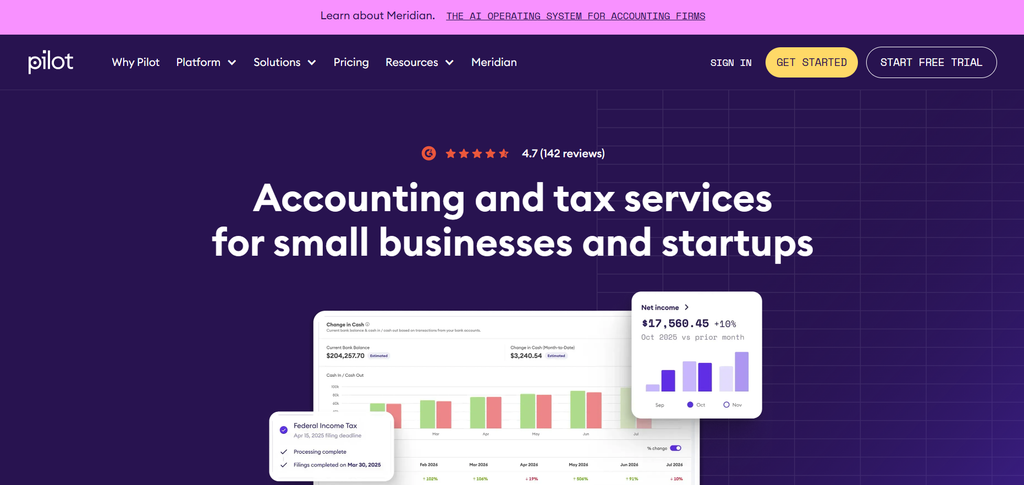
- Pilot
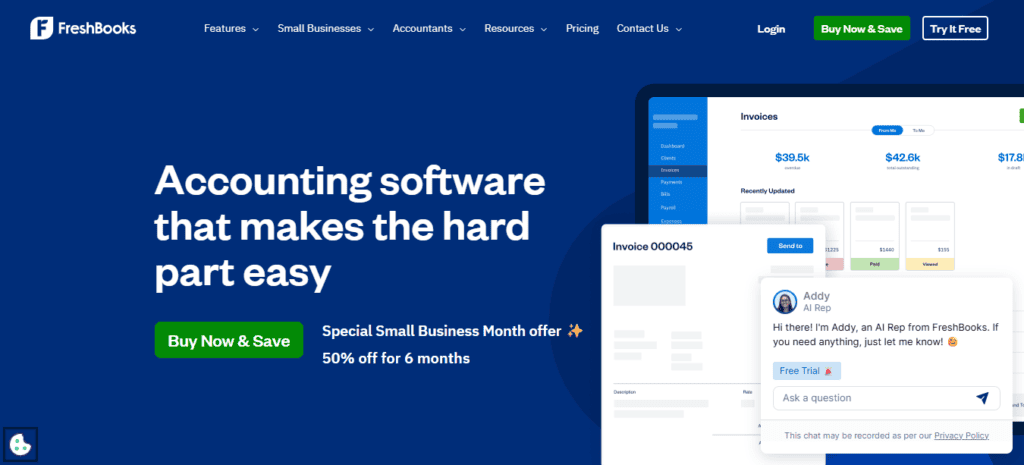
- FreshBooks
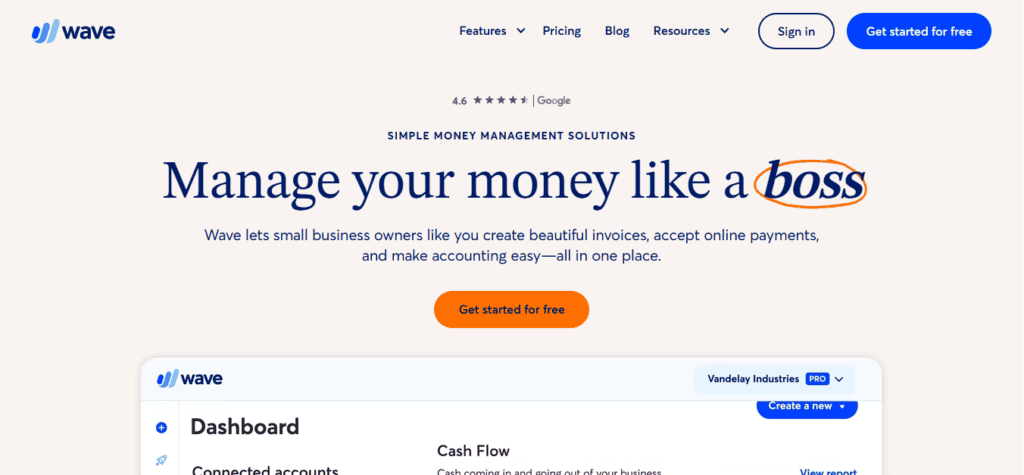
- Wave
- Bench
- Puzzle
- Choosing the Right Automation Tool for Your Stage
- Some Common Traps to Avoid
- Why Automation Shouldn’t Mean Blind Trust
- Final Thoughts from the Trenches
Last Updated on October 22, 2026 by The Digital Merchant Team
As a CPA who’s worked with businesses of all sizes, from tiny startups to growing mid-market firms, I’ve spent more time than I’d like to talk about inside account reconciliation tools. I’ve seen the best of what’s out there. I’ve also seen some clunky, outdated, overengineered systems still making the rounds because “that’s what everyone uses.”
But over the past few years, I’ve noticed a shift. Automation is no longer a luxury, it’s business critical. Real-time syncs, smart reconciliations, and audit-readiness are what startups and growing businesses expect out of the gate.
This guide walks through some of the most widely used automated reconciliation software options and offers my take grounded in real-world experience – on how they stack up, especially for businesses that want clean books without the manual grind.
Software Lineup at a Glance
I have found that the best options to choose from if businesses are looking for audit-ready, automated reconciliations come down to the following platforms. These are the platforms that I have interacted with, and know that they work, it’s just a matter of identifying what niche the client needs to fill.
Platform | Service Type | AI Features | Bank Feeds and Transaction Matching | Starting Price | Best For |
QuickBooks | Software | AI transaction categorization, matching suggestions, and financial insights | Connects bank and credit card accounts, imports transactions, and suggests matches | $38/mo (or free tier) | General SMBs w/ bookkeepers |
Xero | Software | JAX AI assistant for financial questions, insights, and accounting tasks | Automatic bank feeds, suggested matches, bank rules, and reconciliation | $27/mo | International SMBs |
Pilot | Managed service / software, depending on plan | AI-powered categorization, reconciliation, and cash flow insights | Imports bank transactions to support bookkeeping and reconciliation | $99/mo | VC-backed startups |
FreshBooks | Software | AI access to financial data through its Claude connector | Bank connections, transaction matching, and statement imports, depending on plan | $23/mo | Freelancers |
Wave | Software | Automated categorization and receipt scanning with OCR | Bank transaction imports, categorization, and matching on eligible plans | Free | Side hustles |
Bench | Managed service | End-to-end design workflow generation | Bank data supports bookkeeping and reconciliation by its team | $199/mo | Hands-off founders |
Puzzle | Software / optional managed service | AI chat, automated categorization, reconciliation, and close preparation | Direct bank feeds, automatic transaction syncing, and AI-assisted reconciliation | $30/mo | Startups/SaaS/VC-backed & lean |
The Bottom Line Up Front
Startups and small businesses have more accounting software options than ever, but not all are built with automation or audit-readiness in mind. QuickBooks and Xero remain solid choices for general use, while FreshBooks and Wave cater to freelancers and side hustles. Pilot and Bench offer full-service options but trade flexibility for convenience. Puzzle stands out for combining real-time automation with clean, audit-ready books without requiring a full finance team. These are great options if you want accurate financials without the countless hours that you’d have to typically throw into them.
What Matters Most for Startups and SMBs?
When a client asks me what accounting software they should use, I ask them three questions:
- How hands-on do you want to be with your books?
- Do you need to be audit-ready or just “good enough”?
- Are your transactions straightforward or messy (e.g., lots of SaaS tools, card activity, or multiple bank feeds)?
From there, the choice usually becomes clear. What founders and operators think they want is different from what they actually need.
Here’s what I’ve found most small businesses actually benefit from:
- Automated transaction syncing (not just CSV imports)
- Reliable bank feeds that don’t break every other week
- Real-time reconciliation without spreadsheet hacks
- Clear audit trails for every adjustment
- Simple, collaborative access for management, bookkeepers, and accountants
The Best Automated Reconciliation Software
QuickBooks Online (QBO)

What works:
QuickBooks has been the default small business accounting software for decades. It offers a wide range of features, including invoicing, expense tracking, bill pay, and payroll add-ons. If you can think of it, or if you really need it, Intuit probably has you covered one way or another.
Where it struggles:
The interface, while robust, can be overwhelming for new users due to there being every feature and report under the sun – half of which most businesses won’t even use. And many of the “automated” features require consistent supervision. Bank feeds break often if passwords are updated. Reconciliation still feels quite manual depending on the method being used to book transactions. And while Intuit has made moves into AI and automation, most of it feels like bolt-on functionality instead of true innovation.
Pricing:
- Free plan for one user
- Simple Start $38/month
- Essentials $85/month
- Plus $140/month
- Advanced $340/month
Best for:
A management team with full-time bookkeepers / staff accountants or businesses already locked into the Intuit ecosystem. It just isn’t hands-off enough in terms of automation and reconciliation capabilities to be turned loose without constant supervision.
Xero
What works:
Xero is a solid cloud-based option with a more modern UI than QBO. It plays nicely with global currencies, has great third-party integrations, and has solid reporting for small businesses.
Where it struggles:
Reconciliation and bank feed reliability vary by region as Xero uses Plaid to link up with most banks. Because Xero can lean into the international market, if you’re not in the U.S. you could have headaches connecting your banking institution, making automated recons difficult. Also, like QBO, it often requires manual cleanup or monthly journal entries to make everything tie out properly at month end.
Pricing:
- Early $27/month
- Growing $59/month
- Established $97/month
Best for:
International businesses or SMBs with straightforward finances and some accounting know-how in-house. Xero makes excellent use of third-party integrations, so if you have tons of apps it will work great!
Pilot
What works:
Pilot takes a full-service approach by combining software with a team of accountants that handle your books. This can be appealing for founders who want to be completely hands-off. And I would wager to say, if someone else is being paid to handle your reconciliations, you may as well consider it automated.
Where it struggles:
It’s expensive. You’re not just paying for software, you’re paying for their staff. And you lose flexibility. Their systems can feel like a black box, which makes mid-year pivots or granular reporting a pain. You also have to trust a third party to correctly and quickly handle your books, which I don’t ever like doing because I have trust issues when it comes to accurate reporting.
Pricing:
- Essentials from $99/month
- Core from $299/month
- Custom plan
Best for:
VC-backed startups that don’t want to think about bookkeeping and are okay with paying a premium for hands-off service.
FreshBooks
What works:
FreshBooks is clean, easy to use, and great for freelancers or solo operators. The UI is intuitive, and invoicing is one of the best in the space. It’s meant for small businesses who don’t want to get in the weeds and just need something simple.
Where it struggles:
Its simplicity is its downfall. It’s enough for a solopreneur to get by, as long as the individual stays on top of their admin work, but that makes it a bad fit for any business needing serious reporting or GAAP compliance. Customization is also limited.
Pricing:
- Lite $23/month
- Plus $43/month
- Premium $70/month
Best for:
Freelancers, contractors, or consultants who prioritize invoicing and billing over automated and compliant financial statements.
Wave
What works:
It’s free! And for what it is, Wave does a decent job. You get basic invoicing, and limited reporting, but receipt scanning and automatic bank imports are only available on the Pro plan. You won’t find much automation, and you will have to do a ton of manual work reconciling your books at EOM every month.
Where it struggles:
There’s very little in the way of true automation or error handling. Support is limited. It’s not built for businesses that plan to scale or need audited books. It’s for the people who want easy and cheap, which there’s absolutely nothing wrong with.
Pricing:
- Starter $0
- Pro $19/month
Best for:
Bootstrapped solo operators or hobby businesses.
Bench
What works:
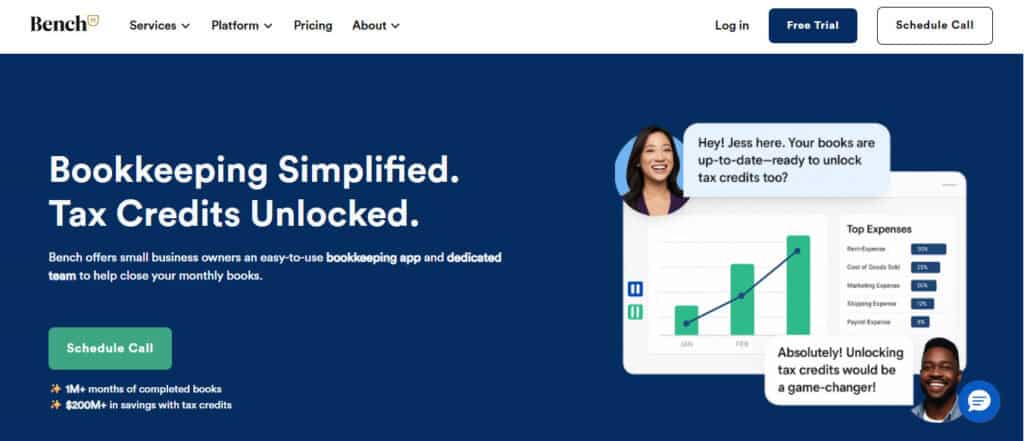
Bench offers hybrid bookkeeping with its own software plus a team to manage the books, and it’s simple to get started.
Where it struggles:
You’re locked into their system, which means your data is hard to export if you ever outgrow them. The platform lacks flexibility, and adjustments can feel slow if you’re bringing on new POS systems, apps, or other platforms.
Pricing:
- Bookkeeping Light $199/month
- Bookkeeping $399/month
Best for:
Founders who want done-for-you books but aren’t quite ready to hire a full-time bookkeeper in house.
Puzzle
What works:
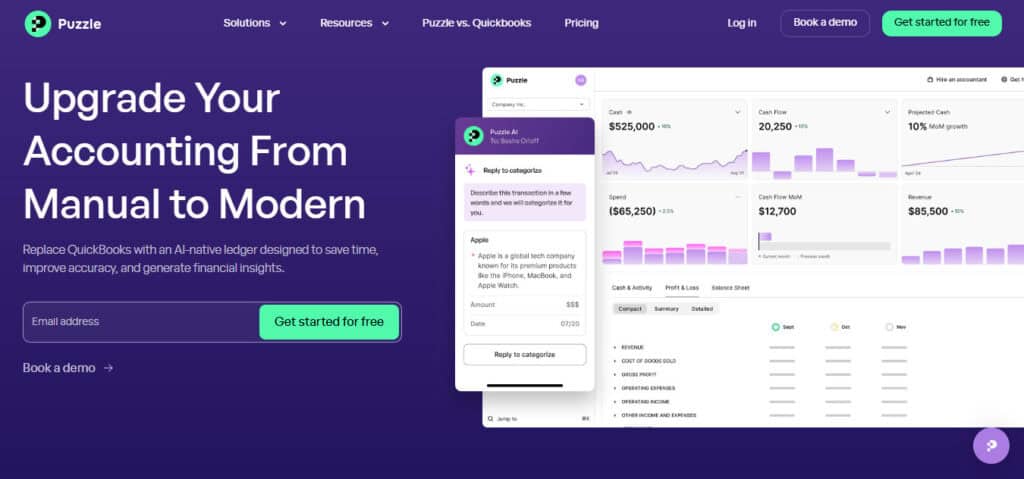
Puzzle is built with automation and audit-readiness at its core. Puzzle gets the fundamentals right by offering real-time bank and card syncing with strong error handling, along with reconciliation logic that aligns with GAAP standards. Every adjustment is backed by a clear audit trail, and Puzzle features AI Chat, which can answer questions, and AI Cowork, which can handle some of your prep work and get it ready for review.
Where it struggles:
One problem I’ve run into is when I need to troubleshoot something, there are no forums available to read about and talk with other folks who have this particular problem. And AI reconciliations are only available in the Complete and Scale plans.
Pricing:
- Starter $30/month (free for two months)
- Core $72/month
- Complete $120/month
- Scale $360/month
Best for:
Startups and SMBs that want to avoid the cleanup phase entirely and prefer to build clean, investor-ready books from day one.
Choosing the Right Automation Tool for Your Stage
If you’re pre-revenue or just launched:
You likely don’t have much volume yet, but you do need clean books for future investors or lenders. Avoid anything that makes you rely on spreadsheets or loose journal entries. The cleaner your books are now, the easier things will be later.
- Best picks: QBO (short-term) or Wave if you want to keep costs low and your business small
- Avoid: FreshBooks if you plan to scale quickly, and Wave unless you plan to stay small for a long time and your business is just a hobby
If you’re a lean startup with a small team:
You’re moving fast and need books that don’t slow you down. You probably don’t have an in-house accountant, and you’re tired of chasing receipts.
- Best picks: Puzzle, Bench
- Avoid: Pilot if you want flexibility, and Xero if most of your tools are U.S.-based
If you’re growing fast and have outside investors:
Audit-readiness at any time becomes critical. You never know when you may have an offer to sell and you’ll need clean records, support for accrual accounting, and documentation trails. VCs will expect clean financials – and trust me, QuickBooks + spreadsheets doesn’t cut it anymore.
- Best picks: Xero, Pilot
- Avoid: Wave, FreshBooks – they’re not built for this kind of pressure
If you’re a small business with steady operations:
You might not need all the bells and whistles. What you do need is reliability and support when something breaks.
- Best picks: QBO (with a good bookkeeper or staff accountant), FreshBooks
- Avoid: Bench if you need more hands-on control
As you can see, there is no one-size-fits-all if you’re looking to automate and have bank reconciliations done with no headache. In my opinion, it’s really all about where you are in your business’s lifecycle, and where you think you’ll end up!
Some Common Traps to Avoid
Over the years, I’ve seen management and operators run into the same traps over and over. These are the most common ones I warn people about:
1. Treating your accounting software like an afterthought
Choosing software isn’t just about price or popularity. It’s about how much time and accuracy you’re giving up in exchange to be able to see the financial health of your company.
2. Relying on a spreadsheet for reconciliations
Spreadsheets are powerful, and I love a well-thought-out spreadsheet. But they aren’t audit trails. They don’t log edits. They don’t sync with your bank. They’re not accounting systems – and investors will catch this fast. Spreadsheets are for pivot tables and visuals, not for reconciliation of bank accounts.
3. Using bolt-on automation instead of native automation
Some platforms advertise automation, but it’s duct-taped on with third-party plugins or flaky integrations. Real automation is built in, not added later.
4. Waiting until tax season to clean up your books
The longer you wait to fix your chart of accounts or reconcile activity, the more expensive it becomes. Good accounting software saves you money by preventing this cleanup from day one.
Why Automation Shouldn’t Mean Blind Trust
I’ve had clients say things like, “It’s automated, so it must be right.” That’s a glaring mistake in the eyes of a professional.
Automation should reduce your manual work but increase your visibility. You should always be able to trace how a number got into your financials, especially if you’re prepping for diligence, planning a fundraise, or just trying to run your business properly.
For instance, one of the things I like about Puzzle is that their automation never hides. You can click through every entry, every adjustment, and every link between your financials and your bank feeds to figure out where something came from. As an accountant, that’s gold. As a founder, that’s peace of mind.
Final Thoughts from the Trenches
There’s no one-size-fits-all answer. Every accounting reconciliation software has its strengths and blind spots.
But if you’re building a company that plans to grow – whether you’re bootstrapped, raising a round, or scaling toward acquisition – your accounting software can either be a drag or a superpower.
Over the past few years, I’ve seen more and more of my forward-thinking clients lean toward platforms that:
- Let them see what’s going on using automation. This allows them to get away without hiring a full accounting team.
- Keep financials audit-ready even if they’ve never been through an audit
- Automate bank reconciliation without sacrificing control
Many of the platforms above check some of the boxes, and some check more than others. They all get the job done right depending on the circumstance and where your business currently is in its life. And that’s what good accounting reconciliation software should do – take care of business with powerful automations, make your life easier, and get you the information you need to be able to run a successful company.