


Last Updated on August 15, 2026 by Ewen Finser
Bill pay platforms sit between your client’s vendor invoices and the money that pays them. They capture the bill, route it for approval, move the funds by ACH/check/card, and push the entry back into the ledger so no one is keying it twice.
For a business owner paying their own vendors, picking one is a fairly low-stakes decision; most of them work fine. For a firm running AP on behalf of clients, it isn’t, because the tool becomes the process your staff repeats several hundred times a month across entities that have nothing in common — except the fact that you’re the one paying their vendors. The construction client has a stack of supplier invoices and a lien waiver problem, the logistics client pays fuel cards and owner-operators, the med spa pays four vendors and forgets to send a W-9… The tool you pick has to absorb all of that without forcing you to build a different process for each account.
What separates these platforms for a firm is the layer above the client account: how fast you can switch between entities, whether your staff can be scoped to view-only on one client and payment-approver on another, whether the sync back to the accounting ERP survives with a messy chart of accounts, and who ends up on the invoice for the subscription.
So let’s go over five platforms and how they line up against those criteria as of August 2026.
At a Glance
Firm cost | Client cost | Transaction fees | Who gets billed | Best for | |
Free, any client count | $25–$80 per month by tier | ACH $0.50 over allotment; cards 2.9% | Firm or client, your choice | Book of small business clients | |
$49/month | ~$45–$89 per user/month | ACH $0.59; check $1.99; cards 2.9%; wire ~$20 | Client; firm pays program fee | Complex approvals, audit trails | |
Free | Free base; Plus $15/user/month | ACH $0.59; check $1.99 | Client | Cards + AP together | |
Included with QBOA | Basic free; Premium $15; Elite $45 | Standard ACH free, unlimited; checks extra | Firm or client via QBOA | QBO-only, light volume | |
Free | Banking free; AP on paid tier | Varies by tier | Client | Banking + payables in one |
Melio
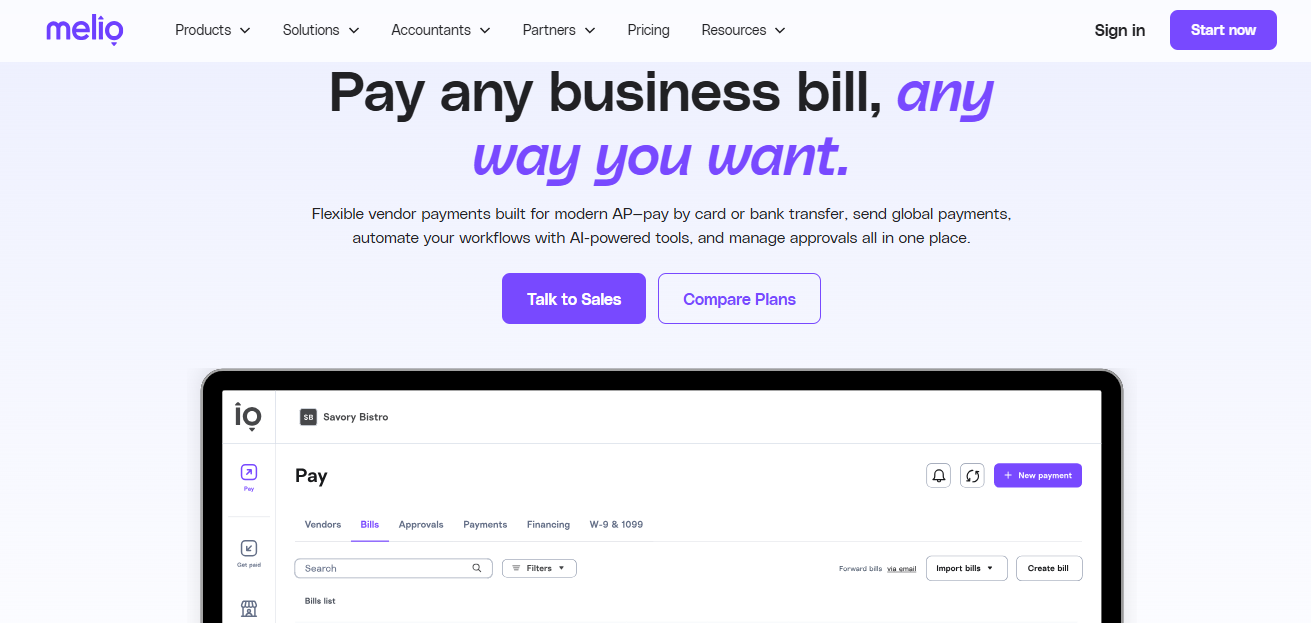
Melio gives the firm its own account at the Boost feature level at no charge, no matter how many clients sit underneath it. The Accountants Dashboard is the control surface: add clients, see pending bills and approvals across the portfolio, jump into an individual client file, and manage plans and billing history without leaving the workspace.
Team management is where it earns its keep for a firm with staff, as six permission levels let you scope a bookkeeper to preparation on one client and approval on another — the practical answer to the perennial problem of a junior with more payment authority than anyone intended. Bill capture supports a dedicated inbox, drag-and-drop, bulk CSV, and direct sync from the ledger.
ACH, mailed check, credit card, and international payments are all supported, and the payment method the client funds with does not have to match what the vendor receives, which is useful when a supplier still insists on paper. Two-way sync covers QuickBooks Online and Xero, with payments and vendor credits flowing both directions.
The pricing is free for the firm, while client plans run $25 (Core), $55 (Boost), and $80 (Unlimited) per month before discount. Notably, the free Go plan is not available to firm-managed clients. Card payments carry a 2.9% fee, and ACH beyond the plan allotment runs $0.50 each.
Pros
- The firm pays nothing regardless of scale, which removes the awkward conversation about absorbing software cost on a $400/month bookkeeping client.
- You choose whether the firm or the client is billed, so you can resell at a margin or pass the discount through.
- Partner tiers include benefits beyond discounts, including CPE access and onboarding assistance for client rollouts.
Cons
- Approval workflows are capable but not as deep as BILL’s when a client needs multi-tier, dollar-threshold routing across departments.
- ERP coverage is shallow; clients on Sage Intacct or another ERP will need custom solutions or a different platform.
Best for: Firms that want one dashboard for AP across a book of small-business clients without carrying a software cost per seat.
BILL
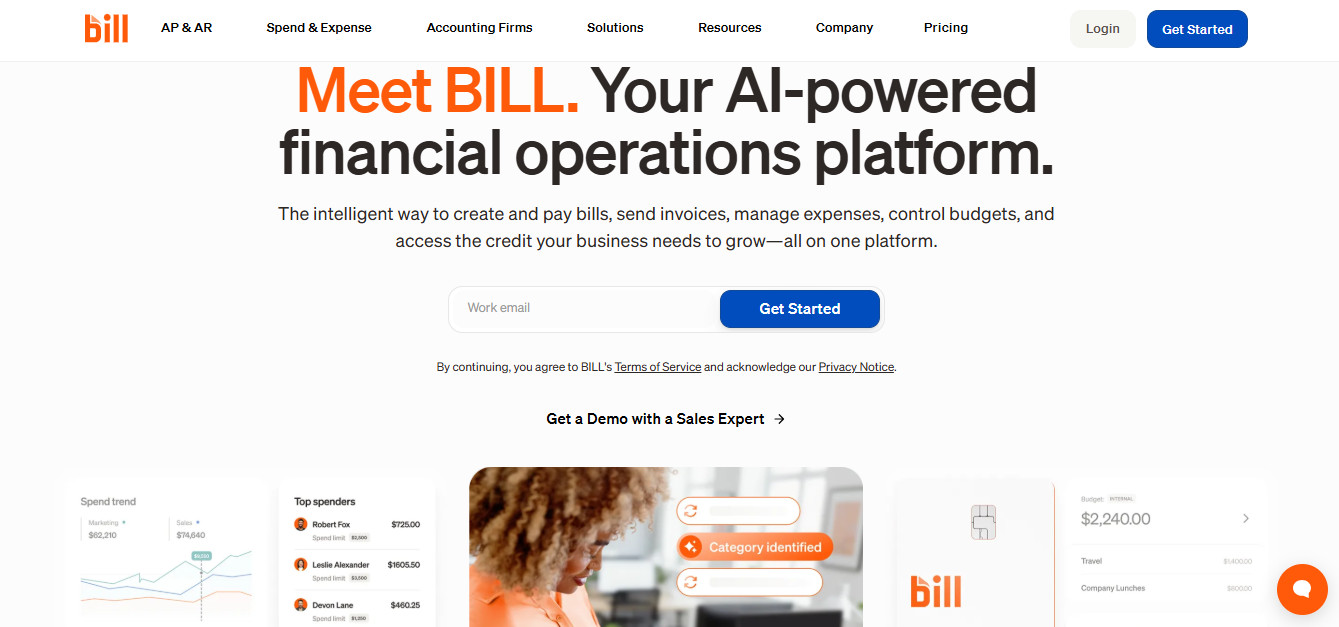
BILL’s Accountant Console is the longest-standing multi-client AP workspace in the market and still the most mature. Every client entity appears in one task list, and the console is built around the assumption that the firm, not the client, is driving. Onboarding resources, staff training material, and a certification path live in the Accountant Resource Center. The Accountant Partner Program tiers on a points system tied to client count and product usage, with Bronze at one to four points and Platinum at 100 or more, re-evaluated each January and July.
It supports ACH, mailed check, virtual card, credit card, and international wires — basically, if you can think of it, BILL can use it as a pay method. Its syncs cover QuickBooks Online, Xero, NetSuite, and Sage Intacct, and the depth on dimensions like class and location is an advantage on job-cost-heavy clients.
BILL provides a lot of value, but it sits on the higher side of this group. The AP/AR partner program runs $49 per month for the firm, and client subscriptions are priced per user at roughly $45 to $89 monthly depending on tier. Transaction fees stack on top: roughly $0.59 per ACH, $1.99 per check, 2.9% on cards, and around $20 for a USD international wire. Non-console referrals carry a $500 fee.
Pros
- Approval routing, audit trail, and separation of duties are the strongest in this group, which matters when a client has a board, a lender, or an actual finance team.
- Free NASBA-certified CPE through CPA Academy is a real benefit for a firm with licensed staff.
Cons
- Per-user pricing punishes clients where several people merely approve, since light approvers often consume full seats on lower tiers.
- Total cost is the highest of the five once transaction fees are layered on, and it is easy to under-model that at volume.
Best for: Firms whose clients have strict approval hierarchies, higher payment volume, or audit requirements that demand a documented trail.
Ramp
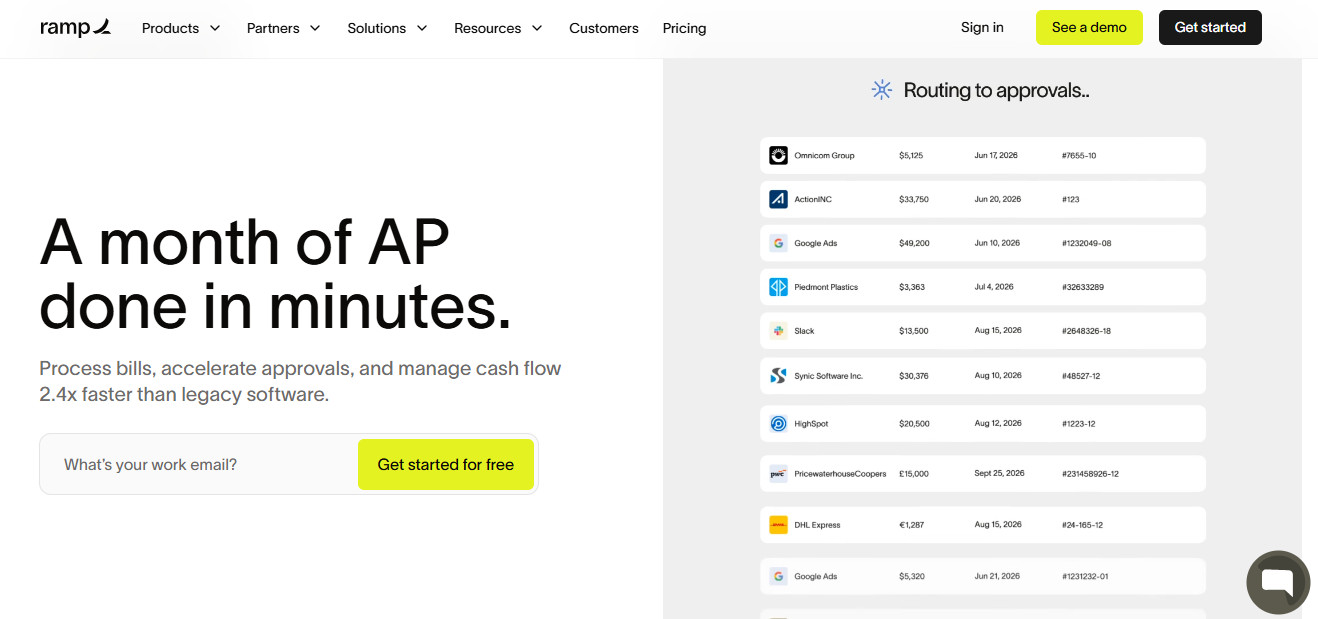
Ramp‘s center of gravity is spend management, with bill pay attached to the platform rather than the other way around. For clients who came to it needing a corporate card solution, that side of the experience is seamless.
What Ramp does exceptionally well is close the loop between the card, the bill, and the ledger: line-item auto-coding maps transactions to GL accounts automatically, and the sync runs bidirectionally so the books are clean before anyone touches them.
Ramp supports ACH, same-day ACH, check, card, and domestic and international wires. The syncs cover QuickBooks Online, Xero, NetSuite, and Sage Intacct, and the ERP integration quality is its most often praised aspect.
The base plan is free because Ramp earns on interchange. Ramp Plus is $15 per user monthly for advanced controls. Note that bill pay is no longer entirely free: As of June 1, 2026, standard ACH runs $0.59 and standard checks $1.99 per transaction.
Pros
- The free base tier with unlimited users makes it the cheapest entry point for a client that needs cards and AP together.
- Auto-coding and receipt matching meaningfully reduce cleanup time before close.
Cons
- Cards are issued only to U.S.-registered entities, and the interchange model replaces any bank card rewards the client currently earns.
- The client needs up-to-date books and a bank connection for Ramp to set a charge card limit, so a client with sloppy books or poor cash reserves won’t be eligible for card setup without pledging cash.
Best for: Clients where corporate cards and expense management are as much of the problem as vendor payments.
QuickBooks Bill Pay
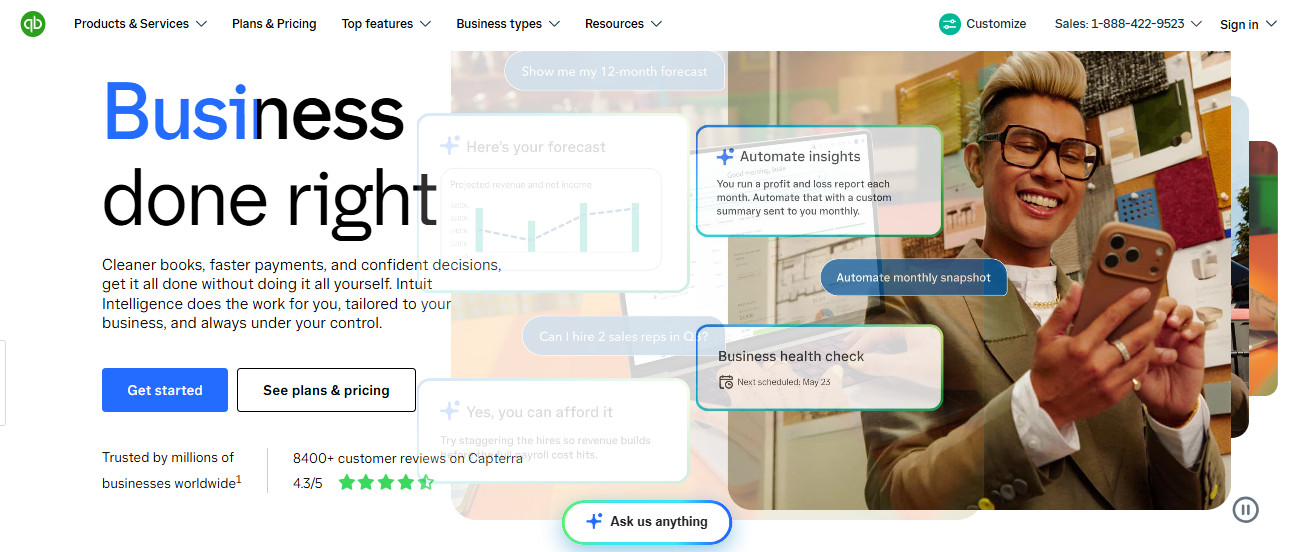
QuickBooks Bill Pay is native inside QBO, which is both an advantage and a limitation. There is no separate portal, no separate vendor list, and no sync to break; the bill and the payment live in the same file you are already reconciling. Firms manage subscriptions through QuickBooks Online Accountant, and Intuit rotates promotional discounts that accountants can pass to clients, so check what is currently live before enrolling anyone.
Only ACH and mailed checks are supported — no card payments to vendors, and no international. Standard ACH takes three to five business days and checks eight to ten, so cutoff discipline matters if you don’t want to irritate vendors. Sync is not applicable in the usual sense, since nothing leaves QuickBooks.
Basic is included with a standard QuickBooks Online subscription. Premium runs $15 monthly, while Elite is $45 but included with QuickBooks Online Advanced. All tiers include standard ACH with no per-transaction fee and no monthly cap, which is a meaningful change from the old allotment model. Checks and faster ACH still carry fees.
Pros
- Nothing to integrate, nothing to reconcile between systems, and no additional vendor relationship to manage.
- Free unlimited standard ACH across all tiers makes it the cheapest option for straightforward domestic payables.
Cons
- Approval workflows and custom roles require Elite or Advanced, which is a gate for a small client that still needs segregation of duties, because those tiers are modestly expensive.
- Useless for any client on Xero, and the narrow payment method list will strand you on vendors who want a card or a wire.
Best for: QBO-only clients with modest bill volume where adding another login is not worth the friction.
Relay
Relay is a business banking platform with AP layered on, and its appeal to bookkeepers is structural. Clients can run up to twenty checking accounts, each generating its own bank feed, so money is already segregated by purpose before it reaches the ledger. Seven permission levels include a Bill Payer role, and advisors log in with their own credentials rather than sharing a client password and chasing 2FA codes. The partner program also pairs firms with a dedicated account manager.
It supports ACH, wire, and mailed check. Bill pay works by importing open bills from QuickBooks Online or Xero, then writing the payment back so nothing has to be marked paid manually. Statement syncs to Hubdoc are supported, along with a Gusto integration that warns before payroll runs short.
The banking side is free with no monthly fees or minimums. Bill pay and the accounting integrations sit on paid tiers, so budget for a client-side subscription if you intend to run AP through it. Confirm current tier names and pricing, as Relay has been changing them recently.
Pros
- Segregated sub-accounts with distinct feeds eliminate a category of allocation guesswork at reconciliation.
- No password sharing and granular roles make it the cleanest option for delegated access, which anyone fielding a steady stream of client 2FA codes will appreciate.
Cons
- Getting a client to switch banks is a much heavier lift than getting them to adopt a bill pay tool.
- Expense management and card controls are lightweight compared to Ramp or BILL Spend & Expense.
Best for: Firms that want the client’s banking, cash allocation, and payables in one system.
Picking the Best Vendor Payment Tool
In my experience, most firms end up running two of these: a primary for the bulk of the book, and a secondary for the clients that do not fit. The primary matters more, because that’s where the repetition lives.
Melio earns my top spot for a narrow reason: It’s the only one here where the firm’s cost does not scale with client count, while still offering the portfolio dashboard, permission granularity, and two-way sync that delegated AP requires. BILL takes over once approval requirements outgrow small-business simplicity. Ramp, Relay, and QuickBooks Bill Pay each solve an adjacent problem well enough to keep in the stack.
Before standardizing, run one real client through your shortlist for a full month and note where you work around the tool rather than with it. That friction is what you’ll be multiplying.