


Last Updated on July 13, 2026 by Ewen Finser
If you’ve been using Gravity Payments for a while but are looking to switch to a different processor, you’re not alone. While it works for many small business owners, you may encounter hiccups that prompt you to seek another solution.
Gravity Payments’s integrations are limited and complex, its pricing transparency is lacking (particularly for online payments), funding times can be slow, and there are several reports of merchants having issues disputing chargebacks. Plus, it seems to be geared more toward in-person payment processing, selling a range of credit card terminals, and the only price shown on its site is for in-person transactions.
No matter your reason, there are plenty of Gravity Payments alternatives to consider. Here are some options that stand out to me.

Gravity Payments Alternatives: At a Glance
Best For | Online Card Processing Fee | Integrations | Fraud Prevention | Customer Support | |
Developers | 2.9% + $0.30 | 600+ | AI risk management, custom rules | 24/7 live chat, Discord server | |
Ecommerce growth | As low as 2.3% + $0.20 | 24 | Algorithmic fraud detection, custom rules | 24/7/365 U.S.-based phone support, online form | |
Businesses with physical storefronts | 3.3% + $0.30 (free plan), 2.9% + $0.30 (paid plan) | Hundreds | Automated risk evaluation, custom rules, block/allow lists | Live chat, email, phone | |
Volume discounts | Depends on volume | 70+ | Confidence scores, custom approval thresholds | Phone, contact form, support ticket | |
Subscription-based pricing | Interchange + $0.15 (plans start at $99/mo) | 18, additional integrations through Zapier | Continuous fraud monitoring | Phone, live chat |
Stripe: Best for Developers
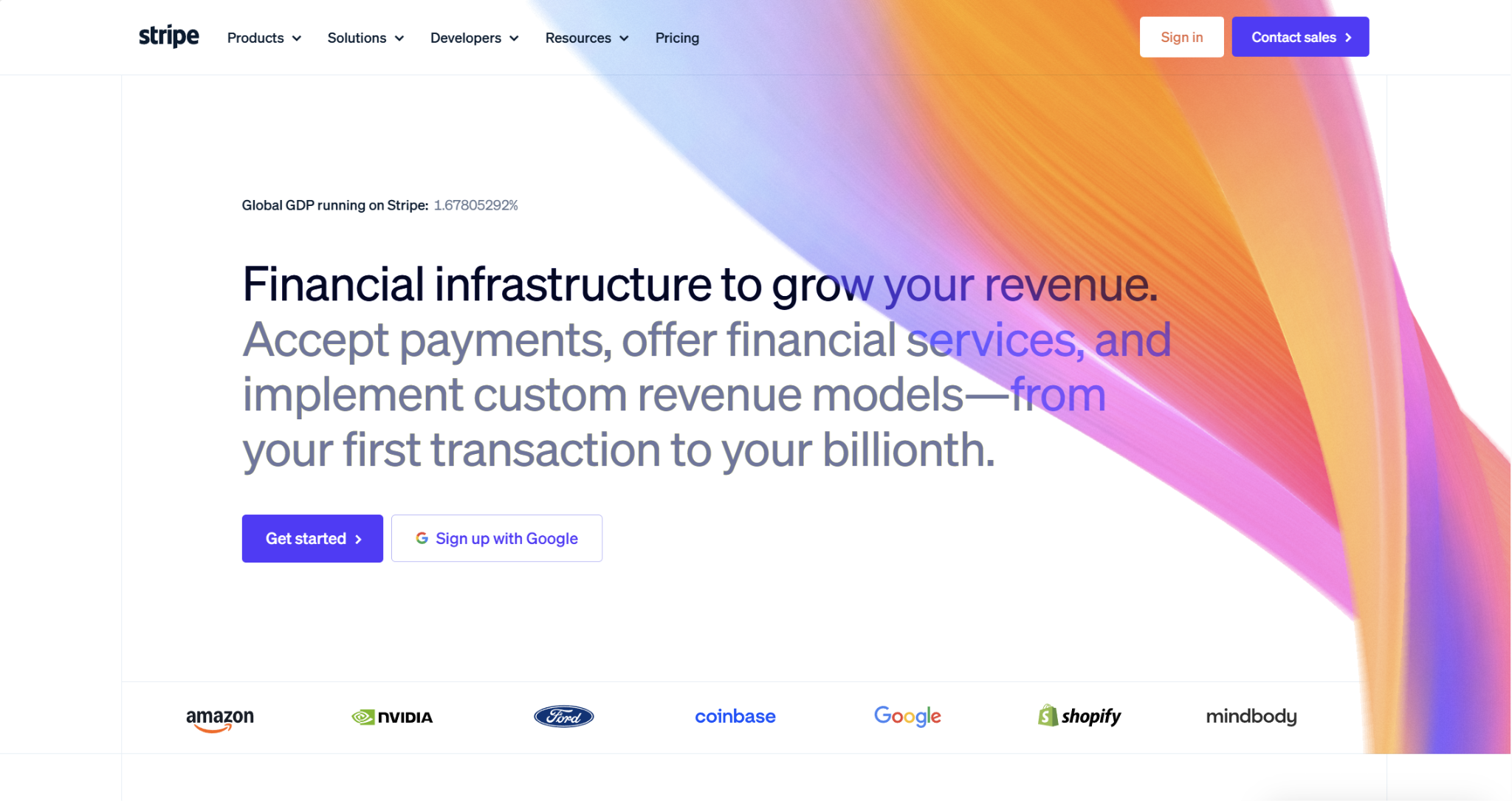
Naturally, Stripe comes up as a solid alternative here, since it’s well-established and widely used by ecommerce merchants worldwide. It’s an especially strong choice for developers, as it has several APIs and provides thorough documentation. It’s also a great option if you’re desiring a flat rate cost structure with fee transparency, as it clearly publishes up-to-date pricing information.
Fees and Pricing
Stripe has two different pricing models: Standard and Custom. Most businesses use standard pricing, but certain large or complex businesses might decide on custom pricing to access discounts. Here are the basics of Stripe’s standard pricing:
- Online: 2.9% + $0.30
- Additional 1.5% for international cards
- Additional 1% for currency conversion
- In-person: 2.7% + $0.05
- Additional 1.5% for international cards
- Additional $0.10 for Tap to Pay
Integrations
There are currently over 600 integrations to choose from in the Stripe App Marketplace. The apps span a wide range of use cases, including solutions for accounting, billing, analytics, fraud, logistics, marketing, productivity, and tax.
Fraud Protection
Stripe’s fraud prevention suite, called Radar, covers several aspects of risk management. Its AI is trained on over $1 trillion in annual payment volume, spotting suspicious patterns and taking action. Radar comes with every Stripe account, so it’s not a separate add-on or integration.
It uses signals like device fingerprints, historical data, and proxy detection to assign risk scores and block transactions. If you set up Radar for Fraud Teams, which comes with advanced tools, you can create custom fraud rules and upload lists of blocked or trusted users. Radar also utilizes AI for dispute management, preventing them before they occur and automating evidence submission.
Customer Support
Stripe offers 24/7 customer support, which is conducted via live chat. While this sounds highly accessible on the surface, many Stripe users have reported that it’s hard to get in touch with someone, and they’re stuck on AI support for long periods of time.
Also, unlike some competing payment processors, Stripe doesn’t have dedicated phone or email support. However, there is a Stripe Discord server that developers can join for any technical questions.
Pros
- Developer-friendly
- Strong fraud prevention tools
- Plenty of integrations
Cons
- Not the cheapest payments solution
- Can be hard to get in touch with human support
- Rapid scaling could trigger account holds or freezes
Luqra: Best for Ecommerce Growth
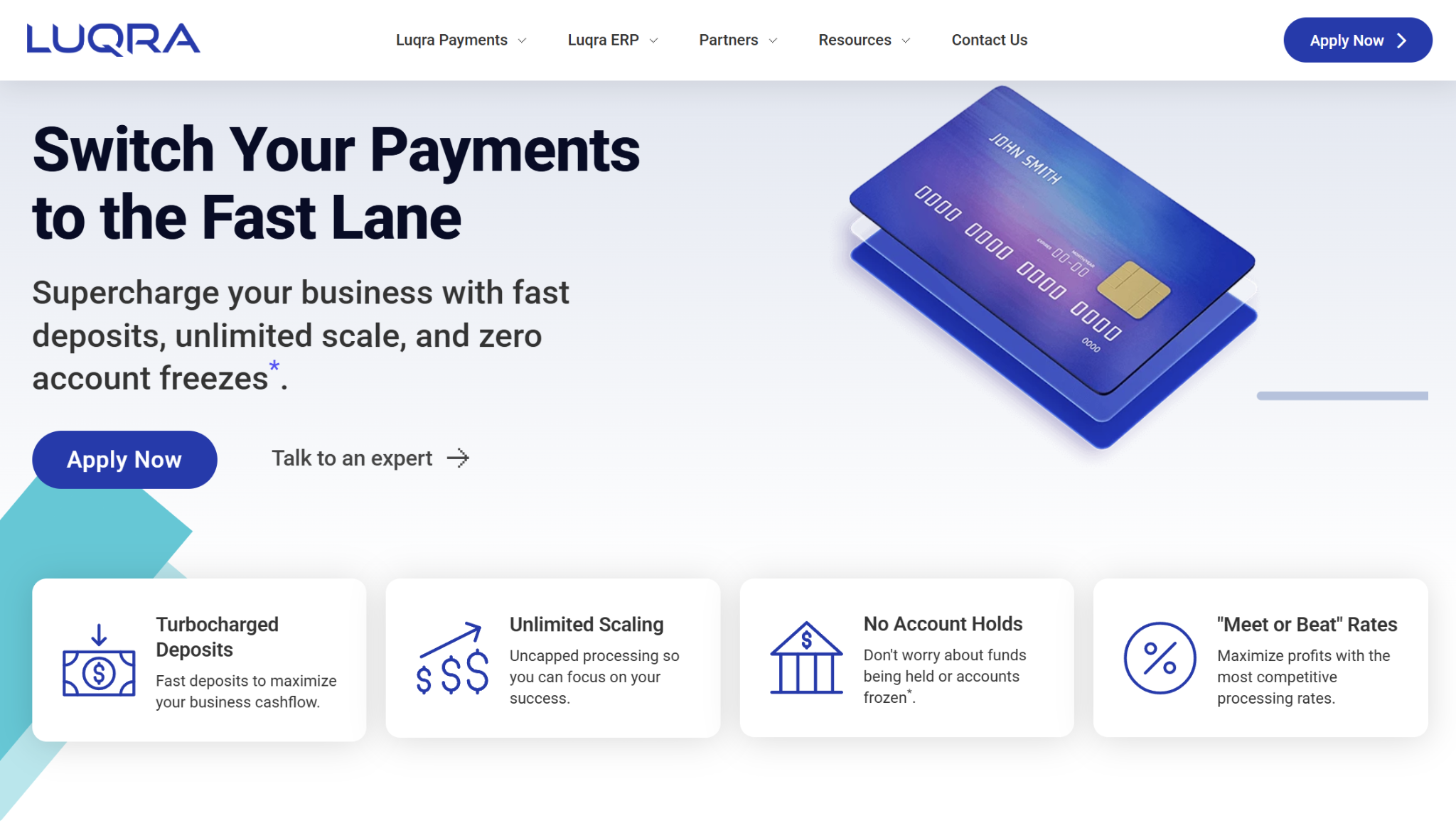
Luqra serves a similar customer base as Stripe, focusing heavily on ecommerce businesses, although it does support in-person payment processing as well. However, where Luqra differs from Stripe is that it advertises uncapped processing and no account holds or freezes, making it an attractive option for businesses looking to scale quickly. Also, while Luqra isn’t exclusively a high-risk processor, it tends to be friendlier to businesses in these sorts of industries compared to Stripe.
Fees and Pricing
The actual rates you’ll face with Luqra will depend on several personalized factors, but here’s a glimpse at pricing:
- Online: As low as 2.3% + $0.20
- In-Person: As low as 2% + $0.10
Luqra is committed to keeping prices low, promoting “meet or beat” rates and no rate increases. In addition, Luqra offers a cash discount program, which passes card fees onto customers, for $99 monthly.
Integrations
Currently, Luqra has 24 integrations, many of which are with ecommerce platforms like Shopify, WooCommerce, and Magento. However, Luqra also integrates with tools such as Salesforce, Zoho CRM, and DocuSign.
Fraud Protection
Luqra has plenty of features available for preventing and detecting fraud, including algorithmic fraud detection and rule-based thresholds. You can set thresholds based on the transaction amount, geography, or IP address, and you can toggle payment velocity settings. Additionally, you’ll get per-transaction notifications to keep you posted. Overall, Luqra’s fraud tools are designed to prevent fraudulent transactions while reducing false declines.
Customer Support
Something that sets Luqra apart from most competitors is that it offers 24/7/365 U.S.-based phone support, so it’s easy to get in touch with someone at the company. Many of its team members have hands-on ecommerce experience, and they can assist with technical questions or provide broader business advice. Besides phone support, you can also contact Luqra via an online form.
Pros
- No account freezes or holds
- Low transaction fees
- 24/7/365 U.S.-based phone support
Cons
- Lesser-known payment processor
- Limited integrations
- Fewer AI fraud tools than some competitors
Square: Best for Businesses with Physical Storefronts

Most people are familiar with Square, whether they’re business owners or customers. It’s popular among businesses in in-person, public facing industries like food and beverage, retail, beauty, and health. It’s a great choice if you want to run an online store alongside your physical business, but it’s also appropriate for online-only sellers.
Fees and Pricing
To use Square, you’ll first have to select a plan. The plan you choose will affect your online and in-person payment processing rates. Here’s a quick look at the basics of each option:
- Square Free ($0/mo/location):
- Online: 3.3% + $0.30
- In-person: 2.6% + $0.15
- Other features: POS app, online site, item library, invoicing, booking, checking and savings accounts
- Square Plus ($49/mo/location):
- Online: 2.9% + $0.30
- In-Person: 2.5% + $0.15
- Other features: Everything from Square Free, industry-specific POS features, loyalty rewards, email and text marketing, staff management
- Square Premium ($149/mo/location):
- Online: 2.9% + $0.30
- In-Person: 2.4% + $0.15
- Other features: Everything from Square Plus, 24/7 priority support, advanced reporting, no gift card load fees
Integrations
The Square App Marketplace is where you’ll go to find integrations for the other tools in your stack. It houses hundreds of integrations across app categories such as accounting, booking, ecommerce, healthcare, insurance, invoicing, marketing, and payroll.
Fraud Protection
Square Risk Manager helps to block certain online payments that appear fraudulent. You can use it to create rules that can send you risk alerts or decline payments altogether. The rules can be based on card-specific characteristics like invalid CVV, payment amount, payment velocity, or IP address. Plus, you can set up lists for blocked and allowed customers. Beyond the rules you create, Square performs its own risk evaluation to flag transactions with high or moderate fraud risk.
Customer Support
Like the transaction fees, the level of customer support you can access depends on which of Square’s plans you have, although all plans come with live chat and email support. If you’re on the free plan, live chat and email are your main options — you only get phone support for the first 90 days. Those on the Plus plan can call phone support between the hours of 6 AM and 6 PM PT, Monday through Friday, while Premium customers receive 24/7 access.
Pros
- Transparent, flat rate pricing
- Plenty of app integrations
- Offers phone support
Cons
- Geared more toward in-person payments
- Requires you to register for a plan
- No phone support on the free plan
Helcim: Best for Volume Discounts
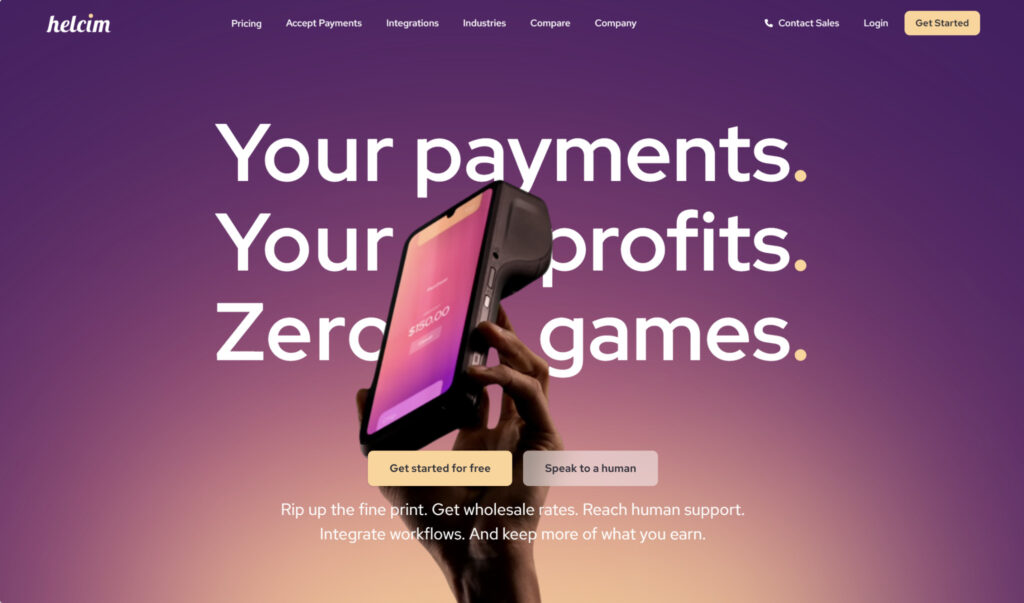
Businesses of all types use Helcim, which has quickly gained momentum in the payments space over the past several years. Although it tends to lean more toward in-person payment collection, Helcim is still a reliable choice for ecommerce, providing tools to create an online store for free. The company also sells payment hardware, including a Smart Terminal, card reader, and Tap to Pay solution.
Fees and Pricing
Helcim uses interchange plus pricing, so the transaction fees will differ depending on the card type, payment amount, and other factors. Plus, there are volume discounts depending on how much you sell during the month. Here are the online and in-person rates by monthly volume:
- Online:
- $0 – $50,000: Interchange + 0.5% + $0.25
- $50,000 – $100,000: Interchange + 0.45% + $0.20
- $100,000 – $500,000: Interchange + 0.35% + $0.20
- $500,000 – $1,000,000: Interchange + 0.25% + $0.15
- $1,000,000 – $5,000,000: Interchange + $0.15% + $0.15
- $5,000,000+: Custom rates
- In-person:
- $0 – $50,000: Interchange + 0.4% + $0.08
- $50,000 – $100,000: Interchange + 0.35% + $0.07
- $100,000 – $500,000: Interchange + 0.25% + $0.07
- $500,000 – $1,000,000: Interchange + 0.2% + $0.06
- $1,000,000 – $5,000,000: Interchange + 0.15% + $0.06
- $5,000,000+: Custom rates
Alternatively, Helcim supports surcharging, so that your customers, rather than your business, pay credit card fees.
Integrations
Helcim currently integrates with over 70 apps that you may use at your business day-to-day, including those for accounting, billing, project management, and ecommerce.
Fraud Protection
The Helcim Fraud Defender is Helcim’s tool for blocking fraudulent transactions before they occur, protecting you from damaging losses. The company describes it as a “smart assistant,” and it assigns transaction confidence scores based on seven factors: CVV code accuracy, billing address, transaction size, billing and shipping address match, shipping location, bank BIN, and IP address location. The scores range from 1 (high risk) to 10 (low risk), and you can set a minimum score for approval.
Customer Support
Helcim has an in-house support team and claims that it doesn’t use bots. It gives you a few ways to get in touch: via phone, through a contact form, or by submitting a ticket. Phone support is available six days per week: Monday through Saturday.
Pros
- Volume discounts
- Supports credit card surcharging
- Offers phone support
Cons
- Tailored more toward in-person processing
- Potentially confusing cost structure
- Not as many integrations as some competitors
Stax: Best for Subscription-Based Pricing
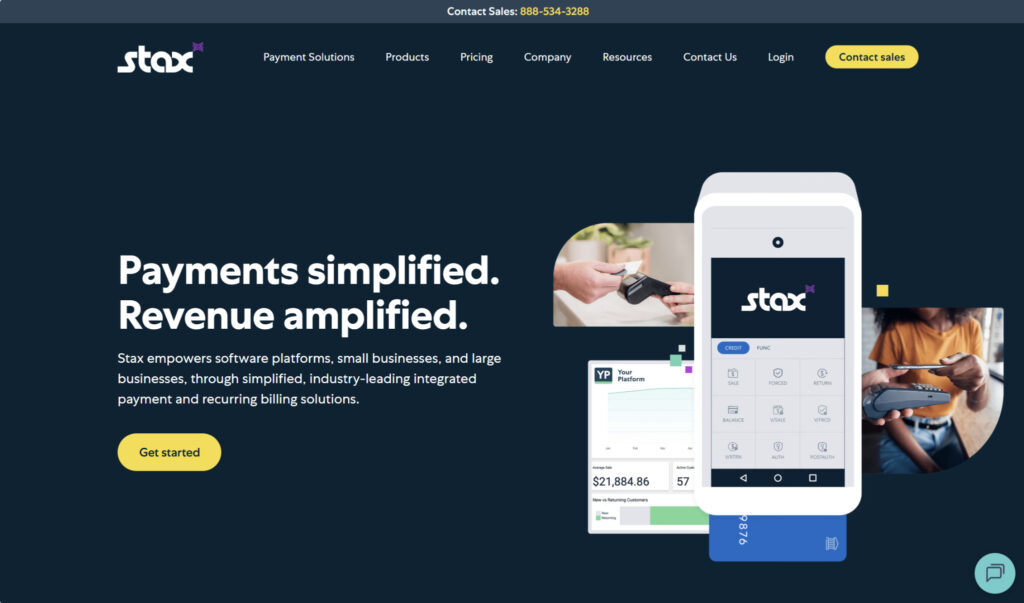
Stax stands out among the competition for being one of the few payment processors that operate under a subscription-based pricing model. Subscription-based pricing is a popular way for businesses to cut transaction costs, and it’s especially beneficial to higher-volume businesses, although it’s designed to be affordable for most SMBs.
Fees and Pricing
With Stax, you have three plans to pick from. The plan you need will depend on your level of annual processing:
- Up to $150,000: $99/mo
- $150,000 – $250,000: $139/mo
- $250,000+: $199+/mo
On top of interchange, you’ll pay:
- In-person: $0.08
- Online: $0.15
Integrations
Stax currently advertises 18 integrations, with platforms such as QuickBooks Online, Xero, and HubSpot. However, one of these integrations is Zapier, which lets you pair with many others, like Shopify, Salesforce, and Zoho CRM.
Fraud Protection
To protect your business from bad actors, Stax constantly monitors for potentially fraudulent transactions. One area the company particularly focuses on is card testing, which is when criminals make frequent transactions across many cards to test their validity. If card testing is confirmed, Stax will alert you and recommend that you implement additional security measures, such as reCAPTCHA.
Customer Support
The two main ways to contact Stax are phone and chat support. Both are available during business hours: Monday through Friday, 9 AM to 5:30 PM EST.
Pros
- Transparent pricing
- Cheaper than many competitors, depending on volume
- Phone support available
Cons
- Requires paying a monthly subscription fee
- Potentially expensive for the smallest businesses
- Not as many integrations as some competitors
So, What’s the Best Gravity Payments Alternative?
If you’ve been experiencing issues with Gravity Payments and are planning to jump ship, there are plenty of possibilities out there. Some of my top picks are Stripe, Luqra, Square, Helcim, and Stax. The best one among these will ultimately depend on the specifics of your business.
For instance, Stripe is an industry leader, has transparent flat-rate pricing, and is developer-friendly. This makes it a particular favorite of many ecommerce merchants. However, if you’re planning to scale, there’s a chance that your account could get shut down. There’s less of a risk of this with Luqra, which is similar to Stripe in many ways due to its ecommerce specialty, but it tends to be friendlier to high-risk industries.
If you also operate a physical storefront, I’d suggest looking at Square or Helcim, and Stax is a solid pick for subscription-based pricing. Regardless of which processors pique your interest, be sure to conduct thorough research to find the best fit for your business’s needs.