


Last Updated on August 25, 2026 by Ewen Finser
Mailflow is one of the few warmup tools I’d happily recommend to someone starting from zero. It’s free, it integrates into QuickMail, it runs your SPF and DKIM checks, and the free pool lets you attach up to 100 email addresses without paying anything. That’s a real deal for a solo sender feeling things out, which is why I’ve told plenty of people to just start there.
The catch is that with “free,” you don’t “buy” much. The free pool warms five emails a day and gives you no blacklist monitoring and essentially no support. Silver at $49 takes you to 30 a day with domain blacklist monitoring; Gold at $99 gets 50 a day and IP monitoring too. But when you reach the 100-address cap (which is the same on any tier) and a frankly modest warmup throughput, you realize “it just ain’t it.”
At a certain point, a lot of people leave. Not because Mailflow is bad, but because they simply need more, and they need more in a few different directions: more inboxes, better reporting, a human who can tell them what the hell is going on with their reputation. Sometimes it’s just the realization, usually arrived at the hard way, that warm-up was never the real problem.
But while there’s no single best replacement, I’ve lined up 7 alternatives to Mailflow by the wall you’re most likely to consider. Let’s see what they are.
Mailflow Alternatives
1. InboxAlly
Key Takeaways
- A premium warmup and deliverability tool that works through seed-inbox engagement on your live campaigns rather than a connected-inbox network.
- Generates the signals providers reward: opens, replies, spam rescues, and marks-as-important.
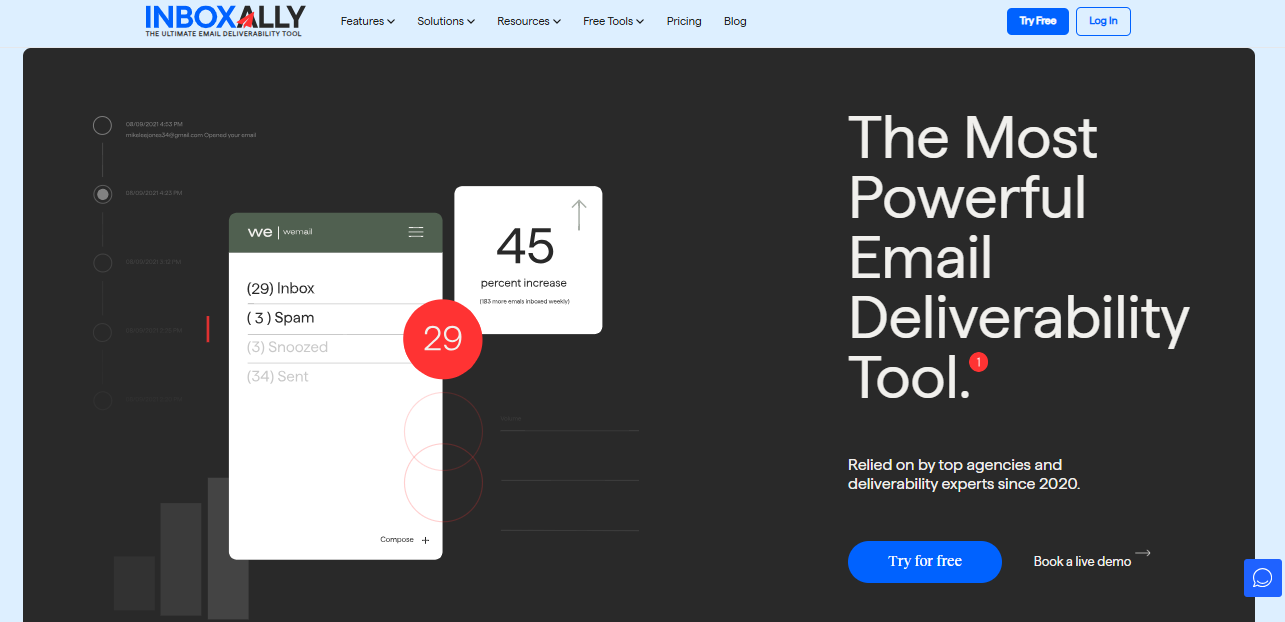
I’m putting InboxAlly first because it’s the one I trust most when someone else’s revenue is my responsibility, and because the way it does warmup is different enough to be important before you consider anything else.
Once Gmail has decided your domain looks spammy because you sent too hard, too fast, to a list that didn’t want you, swapping one warmup tool for another accomplishes nothing, because warming was never the thing that broke. InboxAlly targets that exact problem. Instead of bouncing filler between fake inboxes in a sandbox, it sends your real campaign emails to a seed network that engages them the way a genuinely interested person would: opening, replying, pulling them out of spam, and marking them important.
Mailbox providers don’t care what a sender says about itself, only what recipients do, and engagement on your actual content beats filler circulating inside a pool. That’s why it’s the tool I’d point at a domain that’s already in trouble: plenty of warmup will gently ramp a clean domain, but far less of it will haul a damaged reputation back.
It isn’t cheap, and if you’re a fresh sender who just needs an easy ramp-up, it’s probably not for you. But if you’ve already lost money to deliverability, this is where I’d put it.
Pricing: Starter $149/mo (100 seeds/day, 1 sender profile), Plus $645/mo (500/day, 5 profiles), Premium $1,190/mo (1,000/day, 10 profiles, strategy sessions), Enterprise on request. Free trial on Starter.
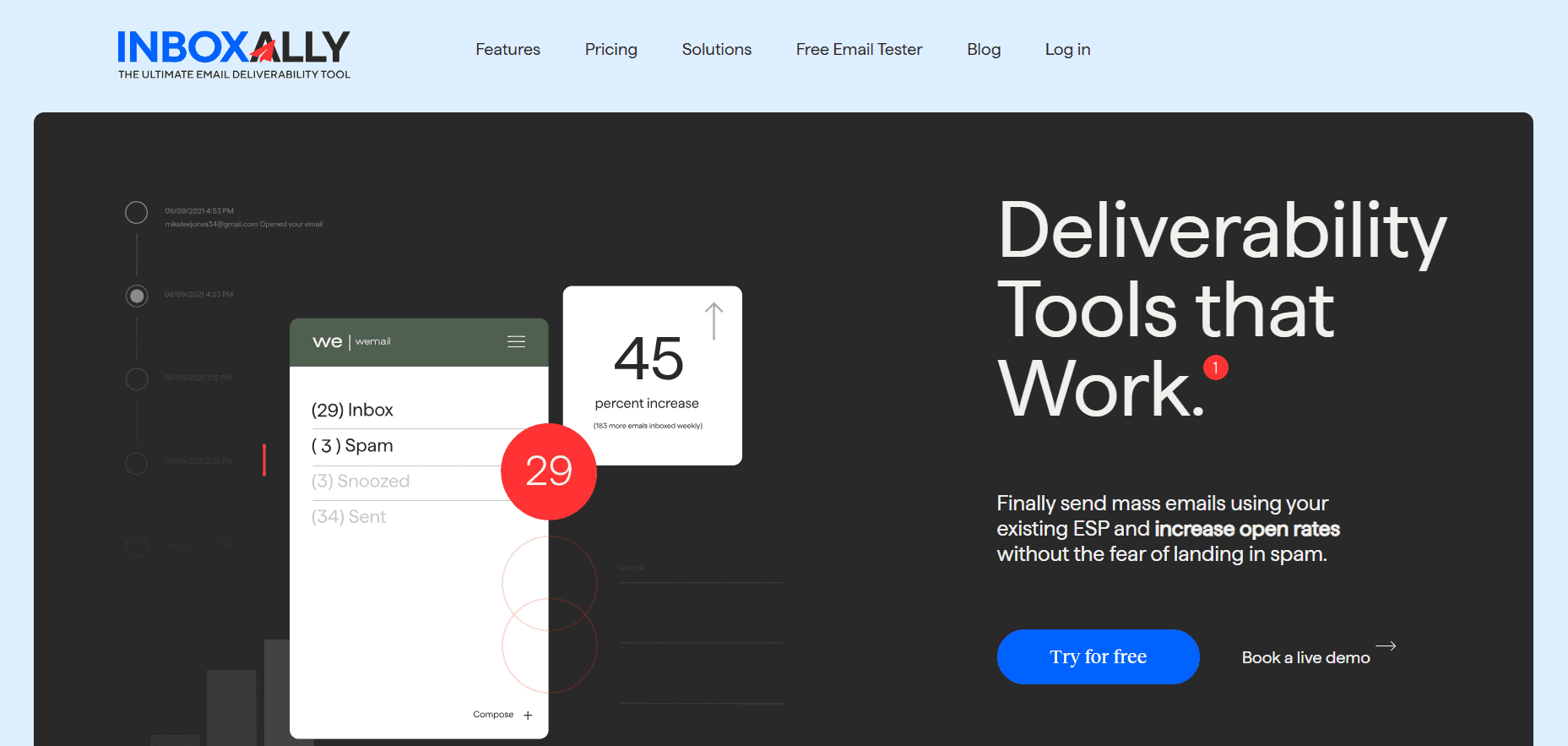
InboxAlly is the comprehensive suite I need to solve challenging deliverability problems across the board. It's like a triage hub for diagnosing and fixing email deliverability rates in one dashboard. I've tried a lot of tools, but this is the one I've stuck with.
2. TrulyInbox
Key Takeaways
- Free forever for one account at 10 warmup emails a day, no card required.
- Paid plans kill the account limit entirely and scale significantly, from 200 up to 3,000 warmup emails a day.
- AI-adaptive warmup; the reply-rate numbers it advertises are its own marketing, don’t take it as a promise.
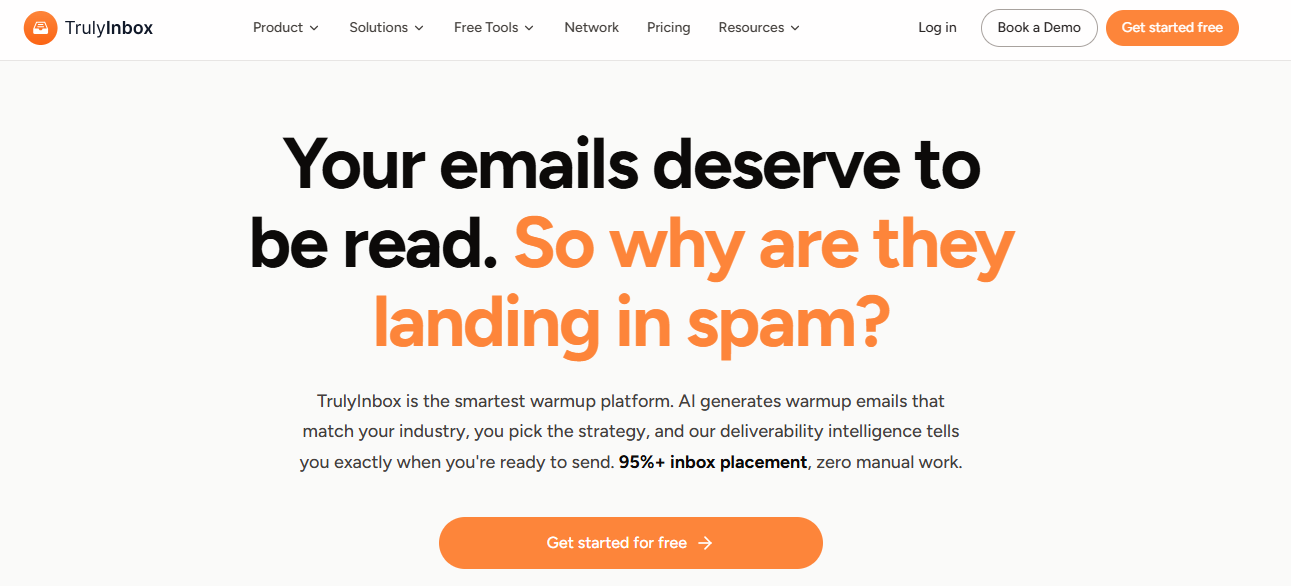
If the thing you liked about Mailflow was a free tier that never asked for a credit card, TrulyInbox is the closest thing to a straight upgrade. It has its own free-forever plan, one account, ten warmup emails a day, same “use it as long as you need” pitch.
Its advantage comes as soon as you pay: the per-account limit that boxes you in on Mailflow simply disappears, and every paid tier connects unlimited inboxes. Starter at $22 a month can run 200 warmup emails a day, and if you’re building an agency-style setup, Growth and Scale push that to 1,000 and 3,000 across roughly 50 and 150 accounts. The one bit I’d ignore is the “reply rate up to 60%” language on the upper tiers. That’s their number, and reply rates depend on your list and your copy far more than on whoever’s warming your inbox.
Pricing: free forever for one inbox; paid from $22/mo (Starter, billed annually; $29 monthly) up to $169/mo (Scale).
3. Warmbox

Key Takeaways
- Cheapest paid entry point at $19/mo, and genuinely simple to use.
- Warm-up inbox count is capped per tier: 1 on Solo, 3 on Start-up, 6 on Growth.
- Daily send volume goes up with each tier, from 50 to 250 to 500 emails a day.
Warmbox is the one I’d point a budget-conscious solo sender toward, because $19 a month and that sleek interface is hard to argue with when you’re warming up a single inbox. But this is the entry where I’d slow you down and make you actually read the plan grid, because the important number here isn’t the price, it’s the inbox count.
Solo warms exactly one inbox. Start-up at $79 warms three. Growth at $159 warms six. Look at that next to the unlimited-inbox crowd, and the cheap sticker stops looking so cheap if you connect a fourth or fifth address, because now you’re either jumping a full tier or paying for a second account. It’s a fine tool. Just price it for the number of inboxes you’ll be running in six months instead of the one you’re starting with today.
Pricing: Solo $19/mo, Start-up $79/mo, Growth $159/mo, Team custom.
You might also be interested in: Warmbox Alternatives: What Else Is Out There, and How to Choose
3. MailReach

Key Takeaways
- Flat €25 per mailbox per month, which keeps your spending predictable as you add inboxes.
- Bundles warmup with spam-placement testing (20 test credits included) and SPF/DKIM/DMARC and blacklist checks.
- Warmup tops out at 100 emails a day per mailbox.
I often recommend MailReach to people who are looking for warmup and placement testing in one place without signing up for a full deliverability platform. It starts at €25 per mailbox, per month, and doesn’t change depending on how many features got moved behind a paywall last week. You get the warmup, you get spam test credits to see where your emails land, and you get the reputation dashboard and the authentication checks bundled in.
The honest limit is that 100-emails-a-day warmup cap per mailbox. For most senders, that’s plenty, but if you’re sending aggressively to a huge list per inbox, you’ll know why it’s a limitation, and that’s the point where you’d start looking at something built for scale rather than tidiness.
Pricing: €25 per mailbox per month, with optional add-on spam-test credits.
4. Lemwarm
Key Takeaways
- Lemlist’s own warmup product, so it’s obviously the best choice if you’re already using Lemlist.
- Priced per email address, €29 on Essential and €49 on Smart, which scales painfully.
- Large warmup network; Smart adds personalized, template-based warmup and industry-matched senders.
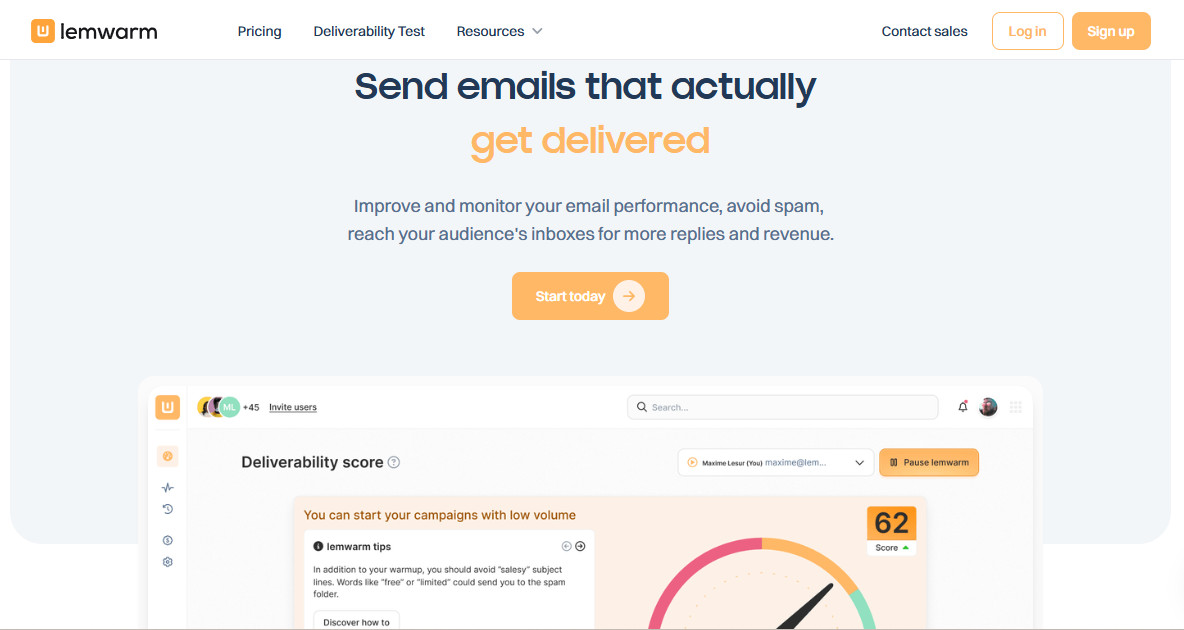
I have a slightly mixed relationship with Lemwarm. If you’re already running Lemlist for your sequences, it’s the path of least resistance, and the integration is seamless, so I get why people stay inside the family.
The warmup itself is solid, with a big network of healthy domains and, on Smart, personalized emails that warm using your real templates instead of generic filler. My reservation is entirely about how it’s priced. You pay per email address, €29 on Essential and €49 on Smart, and that model is fine for two or three inboxes and brutal once you’re running ten or fifteen. At that point, you’re paying suite money for what is functionally a warmup feature, so I’d want a hard look at whether the Lemlist convenience is worth the premium over a flat per-mailbox tool.
Pricing: Essential €29 per email/mo, Smart €49 per email/mo, custom for 10+ users; quarterly and yearly billing discounted.
5. Warmy
Key Takeaways
- Warms both domains and IPs, which most warmup tools don’t bother with.
- Splits into B2B and B2C networks, so warmup traffic matches who you actually email.
- No public price; it’s volume-based, demo-gated, and comes with a dedicated deliverability expert.
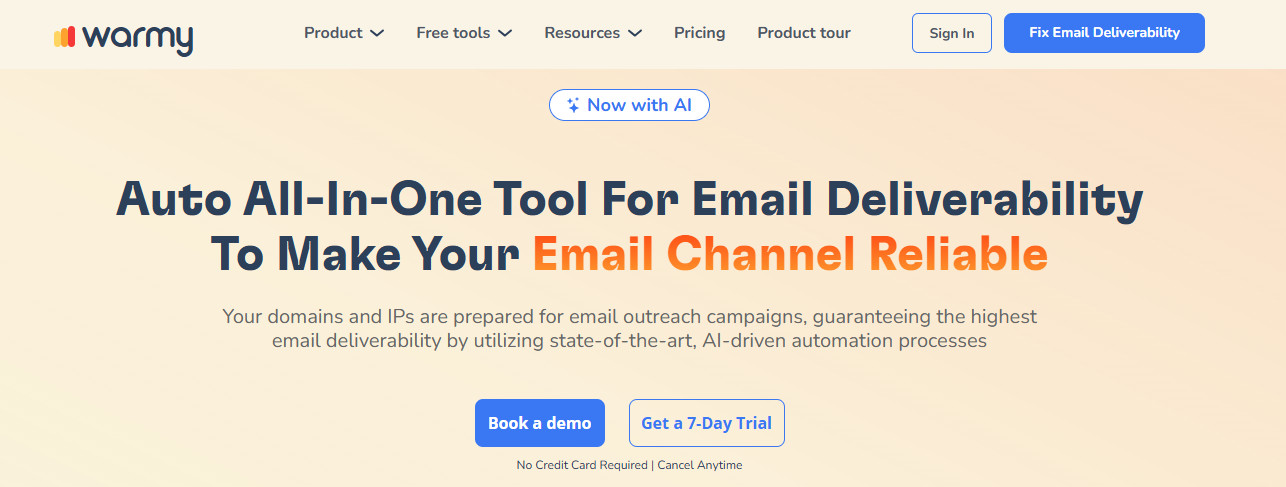
Most warmup tools only ever consider your domain reputation. Warmy is one of the few that also warms the IP, which is very important if you’re sending from dedicated infrastructure instead of shared Google or Microsoft inboxes.
It does something else I wish more tools did, too: it separates B2B and B2C warmup networks, so if you’re emailing businesses, your warmup flows through business mailboxes, and if you’re emailing consumers, it routes through the Gmail, Yahoo, and Outlook accounts that look like your real audience.
The issue with Warmy is that there’s no price on the page. Everything runs through a demo, pricing is volume-based, and a dedicated deliverability person gets attached to the account. That setup is fine for teams who want a human in the loop, and it’s almost certainly overkill for warming three inboxes on a side project.
Pricing: volume-based, quoted after a demo. No public flat rate; plans are B2B, B2C, or custom.
6. Folderly
Key Takeaways
- A full deliverability program
- Priced per mailbox per month and kind of pricy: $96 for 1-9, dropping to $72 and $56 as you add more.
- A minimum commitment is baked in, which tells you who it’s really for.
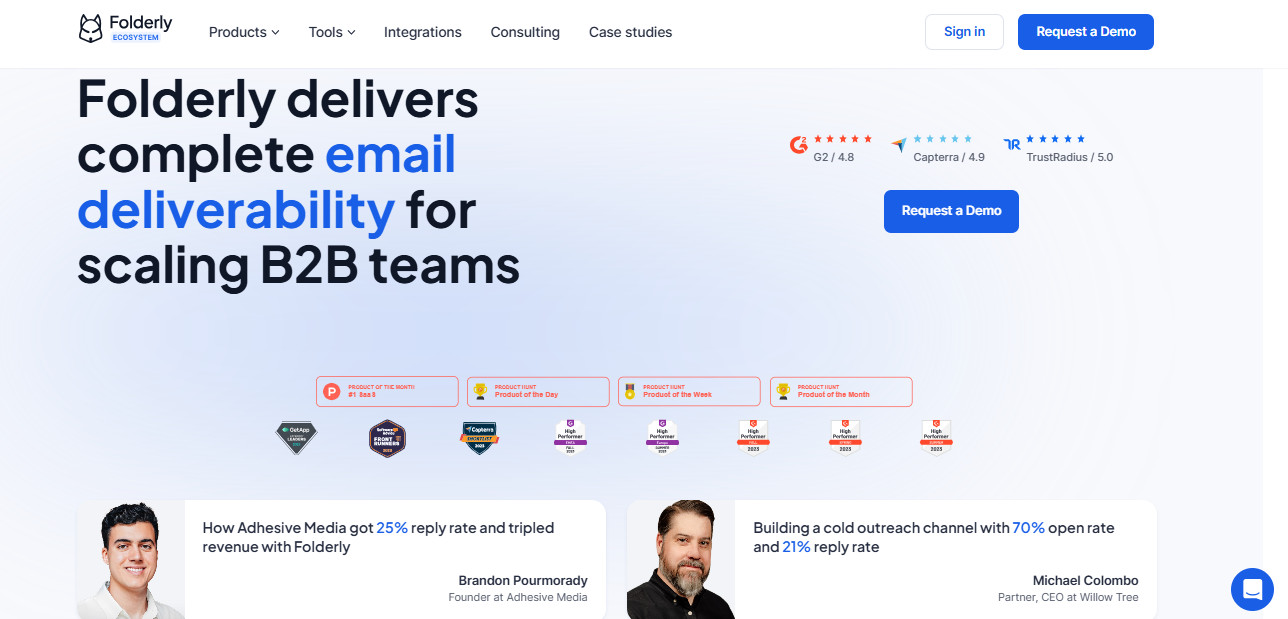
Folderly is where you stop shopping for a warmup tool and start buying a deliverability program. That difference is the whole point, because if you walk in expecting a $30 warmup utility, you’ll choke on the number.
It starts at $96 per mailbox per month for the first handful, drops to $72 and then $56 as you scale up, and there’s a minimum commitment written into the contract. That price and that commitment tell you that this is not for a solo founder warming a few inboxes, but a mid-market team or an agency where poor deliverability turns straight into lost revenue, and someone needs deliverability to be an owned, ongoing concern rather than a background utility.
When the cost of landing in spam is bigger than the platform bill, paying suite prices to make the problem someone’s actual job is the rational move. For everyone else, it’s a lot of money to solve a problem you may not have yet.
Pricing: per mailbox per month, $96 (1-9), $72 (10-24), $56 (25-99), custom at 100+. Minimum commitment; roughly 20% off annually.
So Which One?

If I had to compress all of this into one line: match the tool to the failure, not to the price tag. Running out of inboxes is a different problem from running out of warmup volume, which is a different problem again from a reputation that’s already in the ground, and the cheapest path is almost always the one that fixes the thing that’s broken instead of the thing that’s easiest to buy. Mailflow’s free tier is still a perfectly good place to start. It just isn’t a place to stay.
My default, though, is InboxAlly. It’s the best tool overall by quite a margin, and the one I’d actually trust to get a damaged reputation back to where it should be. When inbox placement is your revenue, the price tag is, after all, worth every penny.