


Last Updated on April 29, 2026 by Ewen Finser
Rippling is great when it comes to handling the people side of the business: payroll, benefits, onboarding, device management, employee data, contractor payments, and a growing list of finance workflows. But Rippling has its shortcomings as a general ledger or accounting system.
Why is this important? It matters because payroll does not stop at paying employees. Every pay run eventually has to land in the books. Salaries, payroll taxes, benefits, reimbursements, contractor payments, withholdings, deductions, and employer contributions all need to hit the right accounts. If they don’t, your financials can get messy fast. That is where the accounting system comes into play.
For founders and finance leads already using Rippling, the buying question is a simple one: which accounting platform should sit next to it?
Bottom Line Up Front
When integrating accounting software with Rippling, the best platform depends entirely on your business’s size and complexity. QuickBooks Online and Xero are reliable, familiar choices for small businesses with basic bookkeeping needs, though they rely on standard account mapping. NetSuite provides a robust, multi-entity ERP solution suited for larger-scale operations rather than early-stage startups. Conversely, in my opinion, Puzzle is the ideal fit for venture-backed startups, offering a deeper integration that automatically syncs detailed employee- and department-level data to help founders accurately track payroll, burn rate, and runway in real time.
Why Rippling Integration Depth Matters More Than You Might Think
Payroll is one of the largest expenses for most businesses. It is also one of the most annoying areas of the close. A clean payroll accounting workflow needs more than one lump-sum entry. You need the payroll detail split across the right categories:
- Gross wages
- Bonuses
- Commissions
- Employer payroll taxes
- Employee tax withholdings
- Benefits
- Retirement contributions
- Contractors
- Department, class, location, and entity tags
These items may seem ludicrous to track in that type of detail, but doing so matters because it affects burn rate, runway, gross margin, department budgets, tax filings, investor reporting, and board reporting.
A weak integration gives you a data dump. A decent integration gives you a journal entry. A strong integration gives you a clean, reviewable payroll accounting workflow that ties to cash, keeps useful detail, and reduces manual review.
Comparison Table:
Accounting Software That Integrates With Rippling
Platform | Best Fit | Rippling Integration Depth | Where It Works Well | Where It Can Fall Short |
QuickBooks Online | Small businesses and early startups | Moderate | Familiar GL, easy bookkeeping support, good enough for basic payroll journals | Mapping and cleanup can still fall on the bookkeeper; reporting depth can feel thin as the startup scales |
Xero | Lean startups, global-friendly small businesses, outsourced bookkeeping teams | Moderate | Clean interface, good app ecosystem, workable Rippling payroll item mapping | Still depends on payroll item mapping; not ideal for complex startup reporting |
NetSuite | Later-stage startups and companies with ERP needs | High, but heavier | Strong multi-entity, controls, reporting, and operational depth | Expensive and implementation-heavy; often more system than an early startup needs |
Sage Intacct | Finance-led companies with deeper dimensional reporting needs | High, but heavier | Strong reporting and accounting controls | More setup, more admin, more process burden |
Puzzle | Startups using Rippling that want payroll-to-books automation | High | API-first payroll sync, automated payroll journal entries, employee and department-level visibility | Best fit is startup accounting; not a full ERP replacement for complex enterprise operations |
Puzzle and Rippling
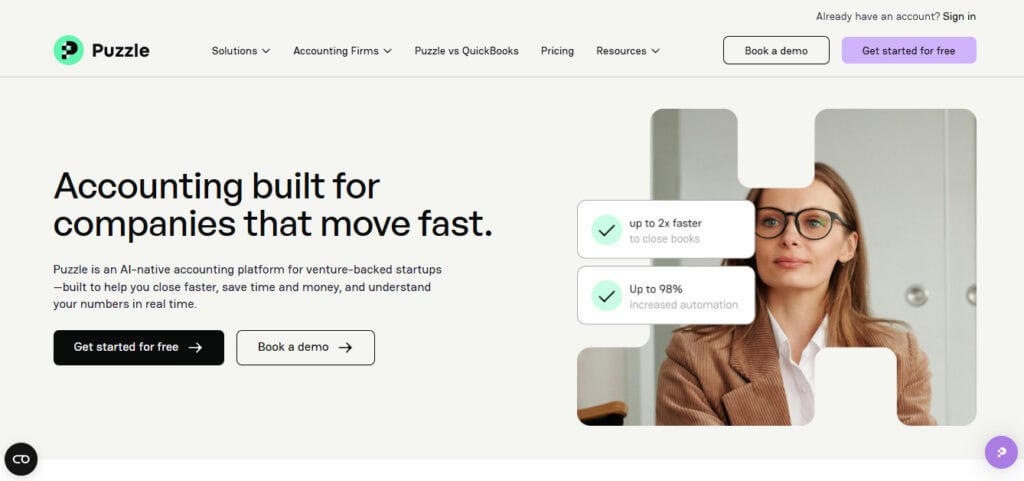
Puzzle is the most interesting option in this guide because it is built around the startup finance workflow.
Best Fit:
- Puzzle works best for startups that want payroll data to feed accounting, burn reporting, runway analysis, department reporting, and investor updates.
- It is a strong fit for founders and finance leads who already use Rippling and want a GL that understands startup payroll.
- It is also useful for teams with both W-2 employees and contractors because both groups can create payroll and accounting complexity.
How the Rippling Connection Works:
- The Rippling and Puzzle integration syncs payroll data from Rippling into Puzzle. Puzzle records payroll journal entries and provides employee-level and department-level payroll expense detail.
- The integration can break out salaries, payroll taxes, medical benefits, dental benefits, and 401(k) contributions. Puzzle’s payroll integrations can also create journal entries that split payroll expenses between salaries, payroll taxes, benefits, and other categories.
- Puzzle uses a clearing account so the payroll entry can tie out when the related cash activity hits the bank.
Where It Works Well:
- It helps connect payroll accounting to burn, runway, headcount planning, department reporting, tax prep, and investor reporting.
- It reduces the need to export payroll reports, rebuild spreadsheets, and manually explain labor costs.
- It gives the accounting team a cleaner way to review the payroll impact and reconcile the cash movement.
Drawbacks:
- Puzzle may not be the right fit for a traditional small business that only needs basic bookkeeping.
- It is more compelling when the company cares about startup finance metrics, department-level expense detail, and clean reporting.
A company that only wants a simple payroll journal entry may not use the full value of the platform.
QuickBooks Online and Rippling

QuickBooks Online is the default answer for a lot of small businesses. That is not an insult. QBO is popular because it is familiar, easy to staff around, and broad enough for most early accounting needs.
Best Fit:
- QuickBooks Online works best for small startups that want a familiar general ledger without taking on a heavier accounting system.
- It is a good fit when the company has a simple chart of accounts, a small team, and basic payroll reporting needs.
- It also works well when the founder or finance lead wants access to a large ecosystem of bookkeepers, accountants, and third-party apps.
How the Rippling Connection Works:
- Rippling can sync payroll activity into QuickBooks so the accounting team does not have to build every payroll journal entry from scratch.
- The company can run payroll in Rippling, post the payroll activity into QBO, review the journal entries, and reconcile the related cash activity.
- For a lean startup with basic payroll categories, this setup may be enough.
Where It Works Well:
- It gives small businesses a practical place to keep the books without moving into a full ERP.
- It can support a basic Rippling payroll sync as long as the chart of accounts and payroll mappings stay clean.
Drawbacks:
- The workflow gets harder when payroll needs to be split by department, class, location, or cost center.
- Engineering payroll, sales payroll, G&A payroll, and customer success payroll may all need separate treatment.
- Employer payroll taxes, benefits, contractor costs, and W-2 wages may also need separate handling.
Xero and Rippling
Xero is another common option, especially for lean teams, remote teams, and companies that prefer a cleaner accounting interface.
Best Fit:
- Xero works best for startups that want a lighter accounting system than NetSuite or Intacct but want something cleaner than a basic bookkeeping setup.
- It can be a good fit for companies with one entity, a simple chart of accounts, and a small number of departments.
- It is also a reasonable choice when the accounting team already knows Xero and has a disciplined close process.
How the Rippling Connection Works:
- The Rippling setup for Xero runs through the Payroll app in Rippling.
- The user connects Xero under the Accounting tab, authorizes the connection, and maps Rippling payroll items to Xero accounts.
- That mapping is useful because it allows payroll data to move into the books without a fully manual journal entry process.
Where It Works Well:
- Xero can work well when payroll is straightforward and the company does not need heavy department-level reporting.
- It gives lean teams a clean accounting interface and enough structure for basic startup bookkeeping.
- It can reduce manual work when payroll categories are stable and the mapping does not change often.
Drawbacks:
- The integration still depends on mapping, which means the accounting team needs to review how payroll items hit the general ledger.
- The workflow can feel light when the company wants payroll by department, employee type, project, function, or product line.
- Finance leads may still need outside reports or spreadsheets to see how headcount changes affect burn.
NetSuite and Rippling
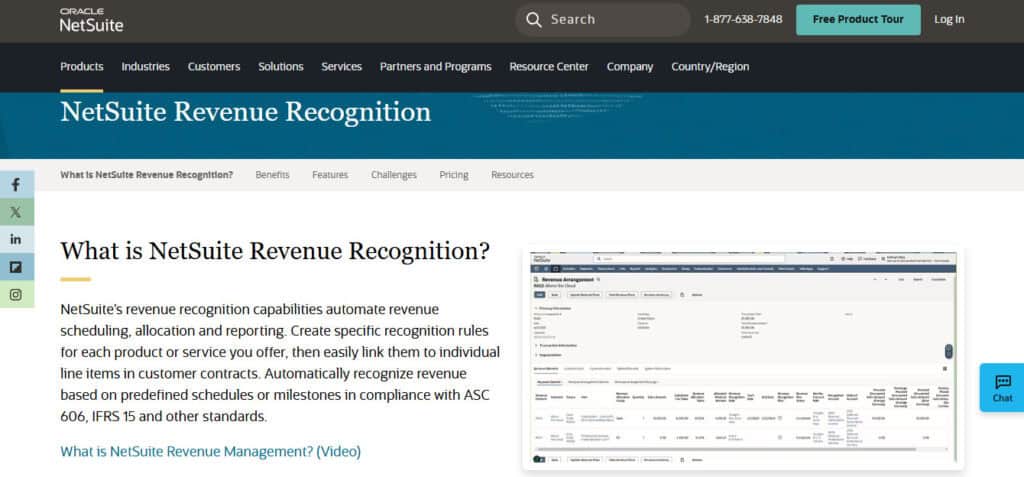
NetSuite is the grown-up answer. It is not usually the first accounting system for a young startup. It is what companies move to when QuickBooks or Xero can no longer keep up.
Best Fit:
- NetSuite works best for companies with multiple entities, complex approvals, global operations, inventory, deferred revenue, or serious reporting needs.
- It makes sense when the business needs ERP-level structure rather than basic bookkeeping software.
- It is a better fit for companies with a finance team, implementation budget, and clear need for stronger controls.
How the Rippling Connection Works:
- Rippling can sit beside NetSuite as the HR and payroll system while payroll activity feeds into the ERP.
- The payroll data still needs to be mapped into the right accounts, departments, subsidiaries, locations, and reporting dimensions.
- The value comes from pairing Rippling’s HR and payroll data with NetSuite’s accounting structure.
Where It Works Well:
- NetSuite gives finance more control over accounting, approvals, permissions, dimensions, subsidiaries, and reporting.
- It can support companies that have outgrown startup accounting tools.
- It is strong when the business needs a system that can handle more than payroll, including procurement, inventory, projects, orders, and multi-entity accounting.
Drawbacks:
- NetSuite implementations take time, money, testing, and consultants. If you think you’re going to switch to Net-Suite tomorrow, thing again. It’s usually months of work.
- The system needs careful configuration around departments, locations, subsidiaries, permissions, and approval workflows.
- A young startup can spend too much time setting up a system before it needs that level of structure.
Sage Intacct and Rippling
Sage Intacct sits somewhere between startup accounting and full ERP, depending on how it is implemented.
Best Fit:
- Sage Intacct works best for companies that need stronger dimensions, reporting, approvals, and multi-entity accounting.
- It can be a good fit for finance-led companies that care about controls and reporting.
- It is often a fit when the company has moved past QBO or Xero but does not need every part of NetSuite.
How the Rippling Connection Works:
- Rippling lists Sage Intacct among the common accounting systems supported by its payroll-to-GL integration.
- Payroll data can be pushed from Rippling into Intacct, but the accounting team still needs to define how that data should land.
- The setup depends on account mapping, dimensions, and the company’s reporting structure.
Where It Works Well:
- Intacct is strong when a company needs department-level reporting, entity-level reporting, and stronger approval workflows.
- It gives finance more structure than QBO or Xero without always requiring the same broad ERP footprint as NetSuite.
- It can support a more mature startup that has a controller, fractional CFO, or internal finance lead.
Drawbacks:
- Intacct is not a casual bookkeeping system. It needs thoughtful setup around accounts, dimensions, departments, entities, and reporting.
- The company needs someone who understands the accounting architecture before payroll data starts flowing into the general ledger.
- For a founder-led finance function, it may feel like too much system for the current stage.
How to Choose the Right GL Next to Rippling
The right choice depends less on brand and more on stage. If your company is small, simple, and cost-sensitive, start with QuickBooks Online or Xero. Both can pair with Rippling. Both have broad accountant support. Both can work well when the payroll structure is not complex.
If your company has grown into complex operations, multiple entities, inventory, global reporting, or deeper controls, look at NetSuite or Sage Intacct. They are heavier systems, but they give you more accounting structure when the business needs it.
If your company is a startup already using Rippling and your main pain is payroll-to-books automation, Puzzle deserves the first look. It is more aligned with the founder and finance lead use case: clean payroll entries, department-level reporting, and less spreadsheet work between payroll and the books.

Final Take
Rippling can handle payroll, HR, benefits, contractors, and employee data. But your accounting software still decides whether that activity turns into clean financials or another close task.
QuickBooks Online and Xero are workable for early teams, but they still rely on careful mapping and review. NetSuite and Sage Intacct are powerful, but they bring heavier setup and more process. Puzzle is the most startup-native option for teams that want Rippling payroll data to flow into the books with less friction.
For founders and finance leads, the goal is not to “integrate” for the sake of integrating. The goal is to close faster, reduce cleanup, keep payroll costs accurate, and trust the numbers when it is time to make decisions. That is where the GL choice matters.