


- What to Look for in Subscription Analytics Software
- The Best Software to Track Subscription Analytics: At a Glance
- ChartMogul: Driving Growth through SaaS Metrics
- Puzzle: The Accounting-First Solution
- ProfitWell Metrics: The Budget-Friendly Option
- Qonversion: Powerful Mobile App Analytics
- So What’s the Best Software to Track Subscription Analytics?
Last Updated on March 31, 2026 by The Digital Merchant Team
If you need to track subscription analytics at your business, you should know that platforms offering this capability don’t all have the same feature set. Some of them are billing platforms, some are accounting platforms, and some of them are highly specialized, narrowing in on industries like mobile app subscriptions. Others yet are bare-bones free solutions that only help with tracking important subscription metrics.
Given the sheer variety in this space, it’s impossible to pin down just one solution as being the overall “best.” Instead, the top choice for your business will depend on both the industry you’re in and what you’re looking to get out of a subscription software.
What to Look for in Subscription Analytics Software
Here’s what you should consider when choosing the right platform for your business:
- Subscription Metric Tracking: The bare minimum for any subscription analytics software is the ability to track relevant KPIs like monthly recurring revenue, annual recurring revenue, customer lifetime value, and customer churn.
- Segmentation: This is an important feature if you’re looking to break down your customer base into different segments, such as by plan or region.
- Benchmarking: Some platforms include industry benchmarks that you can use to see how your performance measures up against your competitors.
- Revenue Recognition: You might only need surface-level subscription metrics, but bonus points if it can also help with revenue recognition and accounting.
- Integrations: You’ll need to choose a software that integrates with your payment processor so that you can easily import revenue data. Also, look for integrations to export data to cloud storage.
- Pricing: Some subscription analytics software are relatively affordable, while others could be too costly for your small business, depending on your budget.

The Best Software to Track Subscription Analytics: At a Glance
Best For | Standout Features | Trackable Subscription KPIs | Plans and Pricing | |
|---|---|---|---|---|
SaaS companies | – Multi-currency support. – Forecasting for up to 10 years. – Supports multiple subscription models. | – MRR/ARR. – LTV. – Churn. – Reactivations. – Expansion. – Contraction. | – Free. – Pro: $174/month. – Enterprise: $19,900+/year | |
All-in-one accounting + subscription analytics | – Automated revenue recognition. – Automated accuracy checks. – Strong integrations. | – MRR/ARR. – Churn rate. – Retention rate. | – Basic: $25/month. – Insights: $50/month. – Automation: $100/month. – Scale: $300+/month. | |
Free subscription analytics | – Completely free. – Large benchmark dataset. – Customer health scores. | – MRR. – Upgrades. – Downgrades. – Churn. – LTV. | – Free. | |
Mobile app companies | – A/B experiments. – Broader subscription management. – No-code paywall builder. | – LTV. – ARPU. – Payback period. – Conversion rate. | – Free. – Starter: 0.6% of revenue. – Growth: 0.8% of revenue. – Enterprise: custom pricing. | |
SaaS companies using Stripe | – Payment recovery. – Cancellation insights. – Financial forecasting. | – MRR/ARR. – Upgrades. – Downgrades. – ARPU. – LTV. – Churn. | – Launch: $49+/month. – Growth: $189+/month. – Scale: $749+/month. |
ChartMogul: Driving Growth through SaaS Metrics
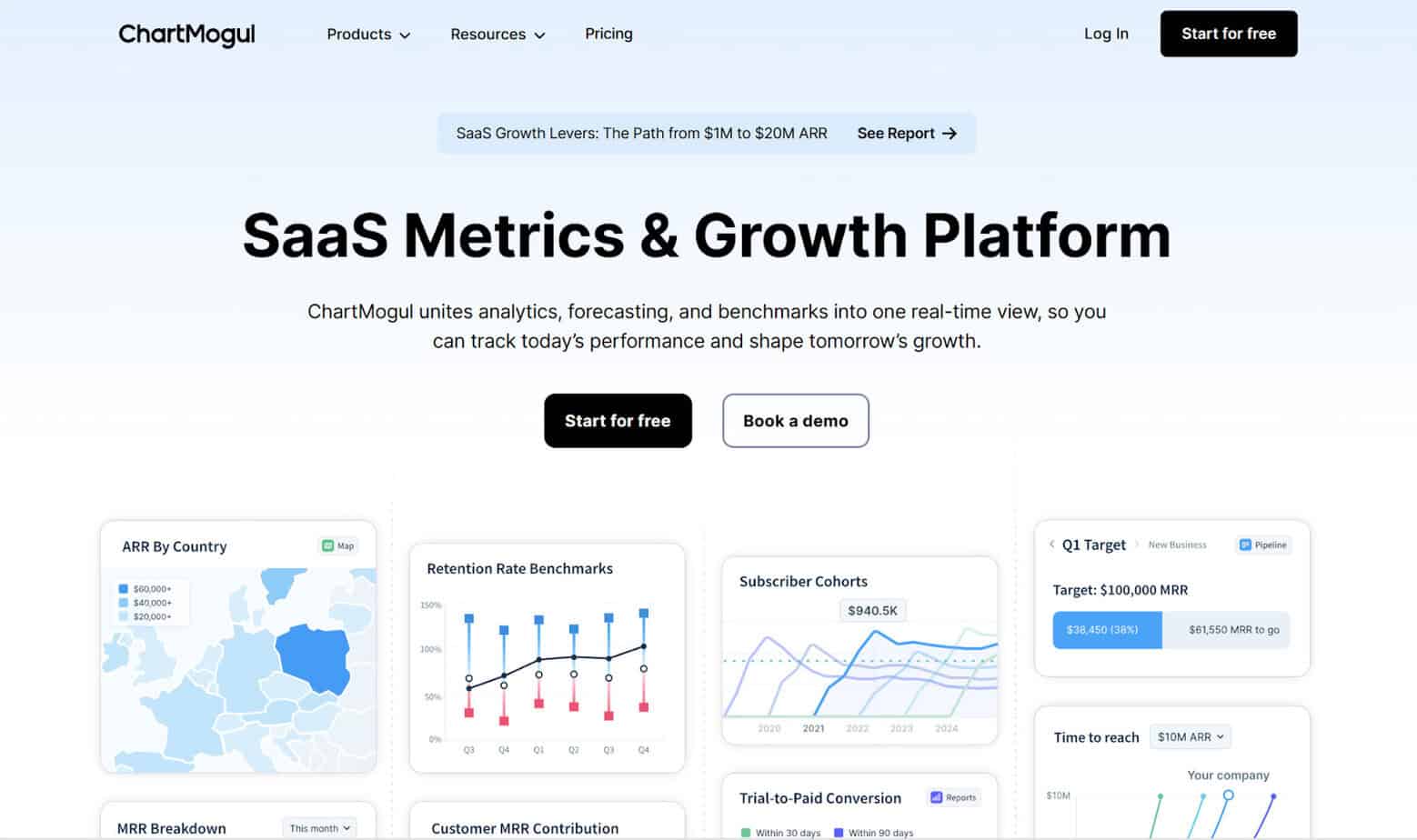
ChartMogul is built to help SaaS platforms track real-time subscription metrics. You just import your data, merge any duplicate customers or subscriptions, and see the results.
Features
ChartMogul lets you track common subscription KPIs like MRR, ARR, LTV, churn, reactivations, expansion, contraction, and cash flow. The platform is flexible, supporting a variety of subscription models: seat, tier, or usage. You can also track revenue for multiple products and across multiple currencies if needed.
It also aids in performing scenario analysis, able to forecast up to 10 years out. Additionally, you can use ChartMogul Benchmarks to see how your business’s performance is doing compared to over 2,500 businesses in the SaaS industry.
Integrations
ChartMogul supports several software integrations that you can use to import your revenue data, including Stripe, Google Sheets, PayPal, QuickBooks, Xero, and Authorize.net. Additionally, you can export your data from ChartMogul into software like Google Cloud Storage, Amazon S3, and Snowflake.
Pricing
- Free: Up to $120,000 ARR
- Pro ($174/month): Up to $10,000,000 ARR
- Enterprise ($19,900+/year): $10,000,000+ ARR
Pros
- Includes common subscription KPIs
- Includes benchmarking and forecasting
- Can track revenue across currencies
- Has integrations for both importing and exporting subscription data
Cons
- Benchmark dataset is more limited than some competitors
- Gets expensive quickly once you pass $120,000 ARR
Puzzle: The Accounting-First Solution
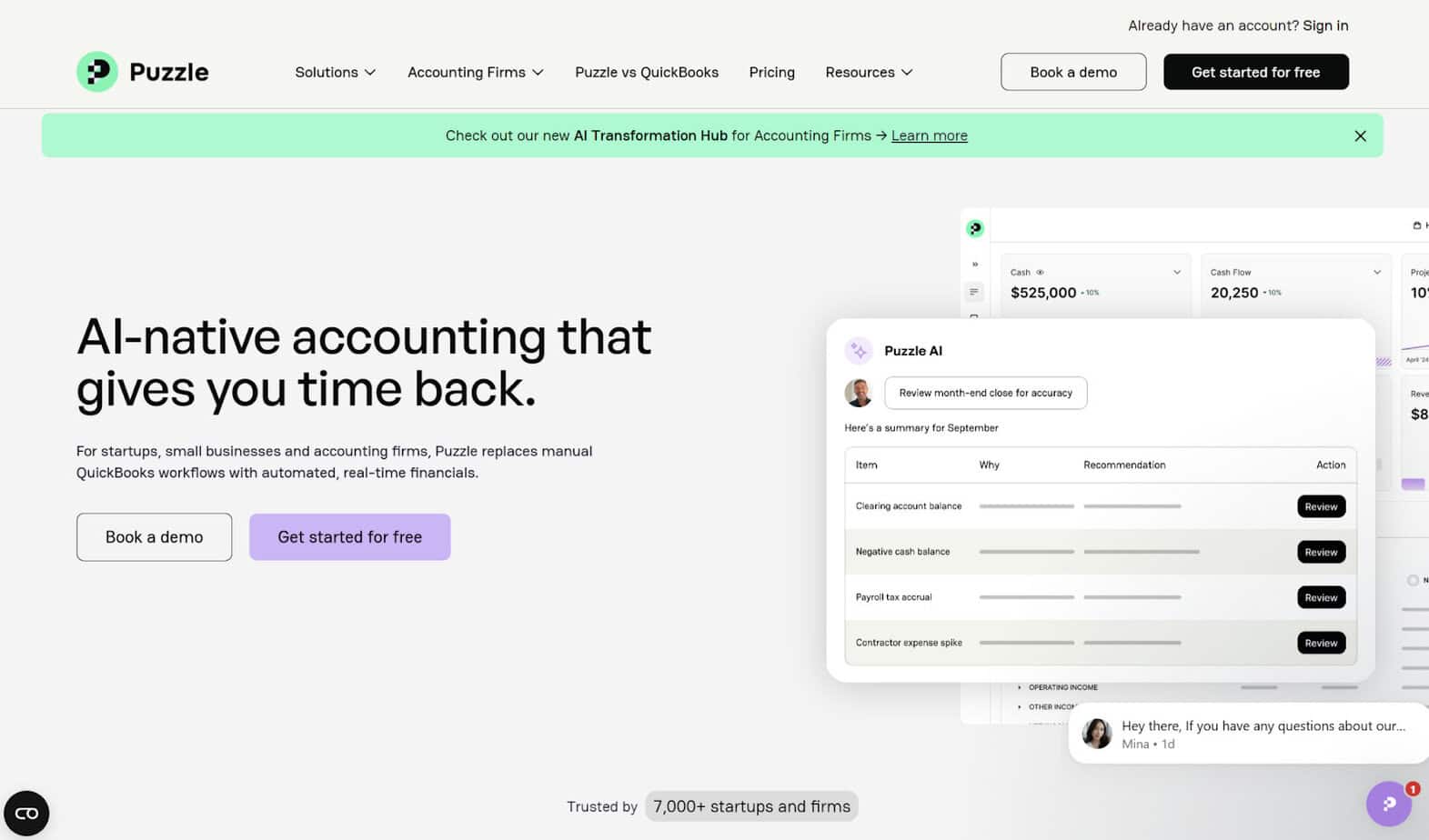
Puzzle is an AI accounting software designed with startups and SMBs in mind. While the platform’s main focus is accounting rather than subscriptions, subscription revenue is complex, and you need something that can help with accurate revenue recognition.
Features
Puzzle automates the revenue recognition process by using AI for tasks like revenue recognition schedules, deferred revenue schedules, and accrued revenue postings. For these processes, it uses both cash and accrual accounting simultaneously.
The platform has real-time dashboards for you to keep track of your performance, monitoring metrics like MRR/ARR (both new and reactivation), churn rate, and retention rate.
Integrations
Puzzle has several integrations, including with Brex, Mercury, Ramp, and BILL, as well as a native integration with Stripe.
Pricing
- Basic ($25/month; free for the first $20,000 in transactions): Accounting (cash and accrual), basic automation (P&L, balance sheet, categorization, accrual policies, revenue recognition)
- Insights ($50/month): Insights (significant change monitoring, revenue explorer, spend explorer)
- Automation ($100/month): Classes and departments, advanced automation (continuous accuracy monitoring, AI month-end close review)
- Scale ($300+/month): Custom subledgers and reports, automated accounting policy, prioritized integrations, custom automations, AI flux analysis, and business insights
Pros
- Combines accounting with subscription analytics
- Relatively low cost
- Automates the revenue recognition process
- Includes subscription KPIs like MRR/ARR and churn
Cons
- No benchmarking or customer segmentation
- No forecasting or predictive modeling
- An accounting-first solution may not be the best choice if you’re focused solely on subscription metrics
ProfitWell Metrics: The Budget-Friendly Option
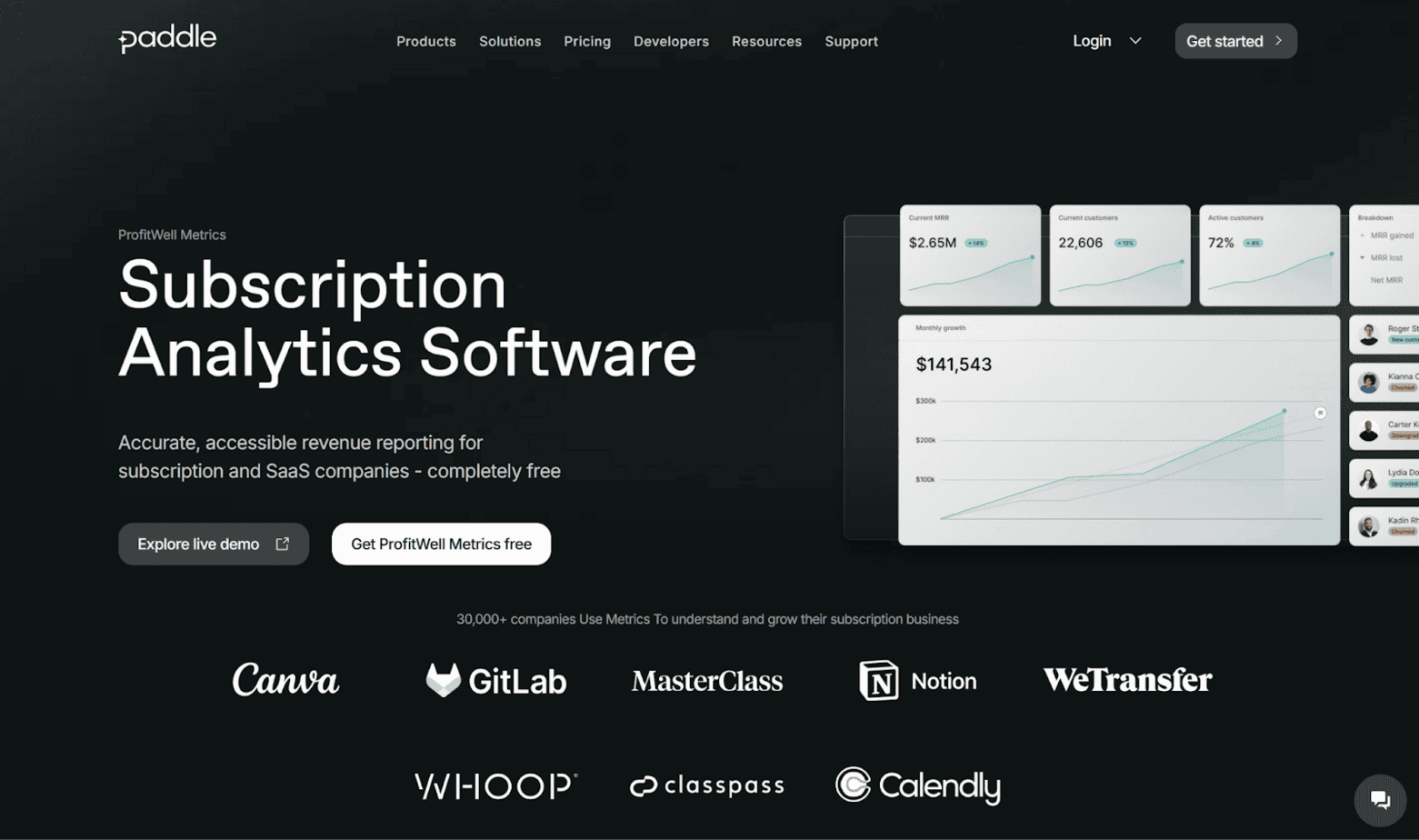
ProfitWell Metrics is a subscription analytics software offered by Paddle, which is mostly known as a SaaS billing software. Like other platforms, you can use it to track subscription metrics in real-time.
Features
Some of the subscription KPIs you can track with ProfitWell include:
- MRR
- Upgrades and downgrades
- Churn
- Active customers
- Customer lifetime value
- Revenue per customer
ProfitWell also includes industry benchmarks for these metrics, using data from over 30,000 SaaS and subscription-based companies. It also lets you analyze customer segments to monitor trends.
Aside from KPI monitoring, ProfitWell provides customer health scores and signals, detecting user trends. For users on a free trial, you can nudge them to convert into paying customers, and you can target loyal users with additional products or upsells.
Integrations
ProfitWell integrates with a range of financial platforms, allowing you to import your historical and current data. Its best integration is with Paddle Billing, but you can also sync with platforms like Stripe, Recurly, Braintree, and Chargebee. You can additionally export revenue data from ProfitWell into HubSpot, Intercom, and Databox.
Pricing
One of the most notable aspects of ProfitWell is that it’s completely free to use. There are no monthly or yearly subscription fees, regardless of business size.
Pros
- Tracks common subscription KPIs
- Free subscription analytics
- Large benchmark database
- Customer health scores
Cons
- Limited integrations
- Analytics features are more surface-level than some competitors
Qonversion: Powerful Mobile App Analytics
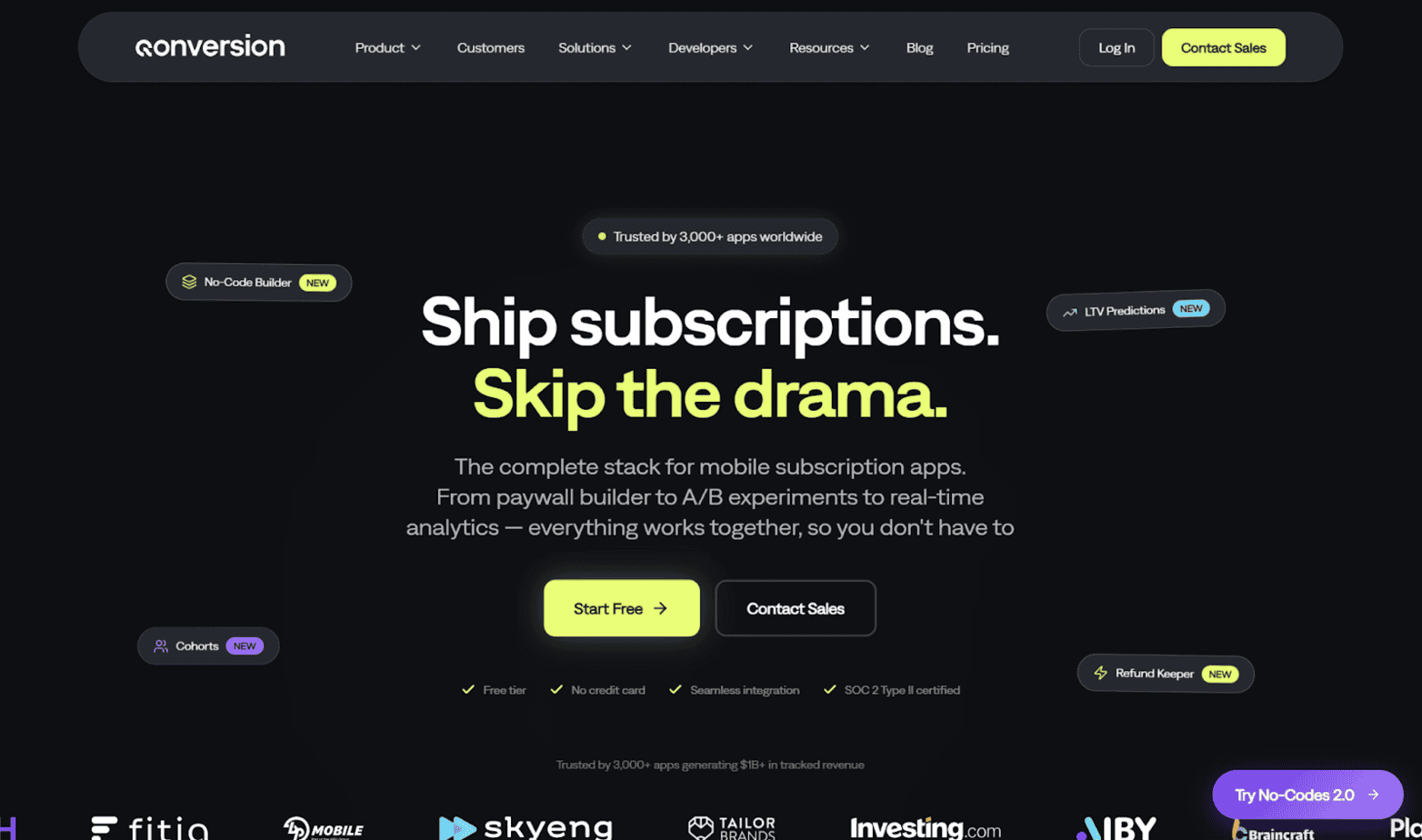
Qonversion is designed with mobile subscription apps in mind, but it’s capable of so much more.
Features
Besides subscription analytics, Qonversion also includes app management, a no-code builder for paywalls and promos, Apple Ads insights, and a customer CRM to manage users and subscriptions. It markets itself to companies of all sizes, from indie developers to startups to enterprises.
When it comes to subscription analytics, Qonversion comes with real-time dashboards so that you can instantly detect increases and decreases in revenue. You can also perform cohort analysis to compare customer segments and perform A/B experiments to test out paywalls and pricing.
A few of the metrics you can track with Qonversion are:
- Customer lifetime value
- Average revenue per user
- Payback period
- Gross and net revenue
- Conversion rate from trial to subscription
Integrations
Qonversion integrates with software platforms across categories like analytics (Amplitude, Mixpanel), messaging apps (Slack, Mailchimp), and data warehouses (Amazon S3, Google Cloud Storage).
Pricing
- Free (up to $10,000 monthly transaction revenue): Basic analytics, customer CRM, Stripe integration, no-code paywall builder
- Starter (0.6% of revenue): Advanced analytics, basic integrations
- Growth (0.8% of revenue): Apple search ads, A/B experiments, advanced integrations, raw data export, priority support
- Enterprise (Custom pricing): Refund keeper, priority technical support, customer success manager, feature request
Pros
- Great choice for mobile apps
- Tracks common subscription KPIs
- Can conduct A/B experiments
- Free tier for small businesses
Cons
- Not appropriate for businesses outside the mobile app industry
- Percentage-based pricing can get expensive quickly
Baremetrics: Using Subscription KPIs to Take Action
Baremetrics is another subscription analytics platform tailored toward SaaS businesses. It’s especially well-known for its Stripe integration, although you can still use it if you have a different payment processor.
Features
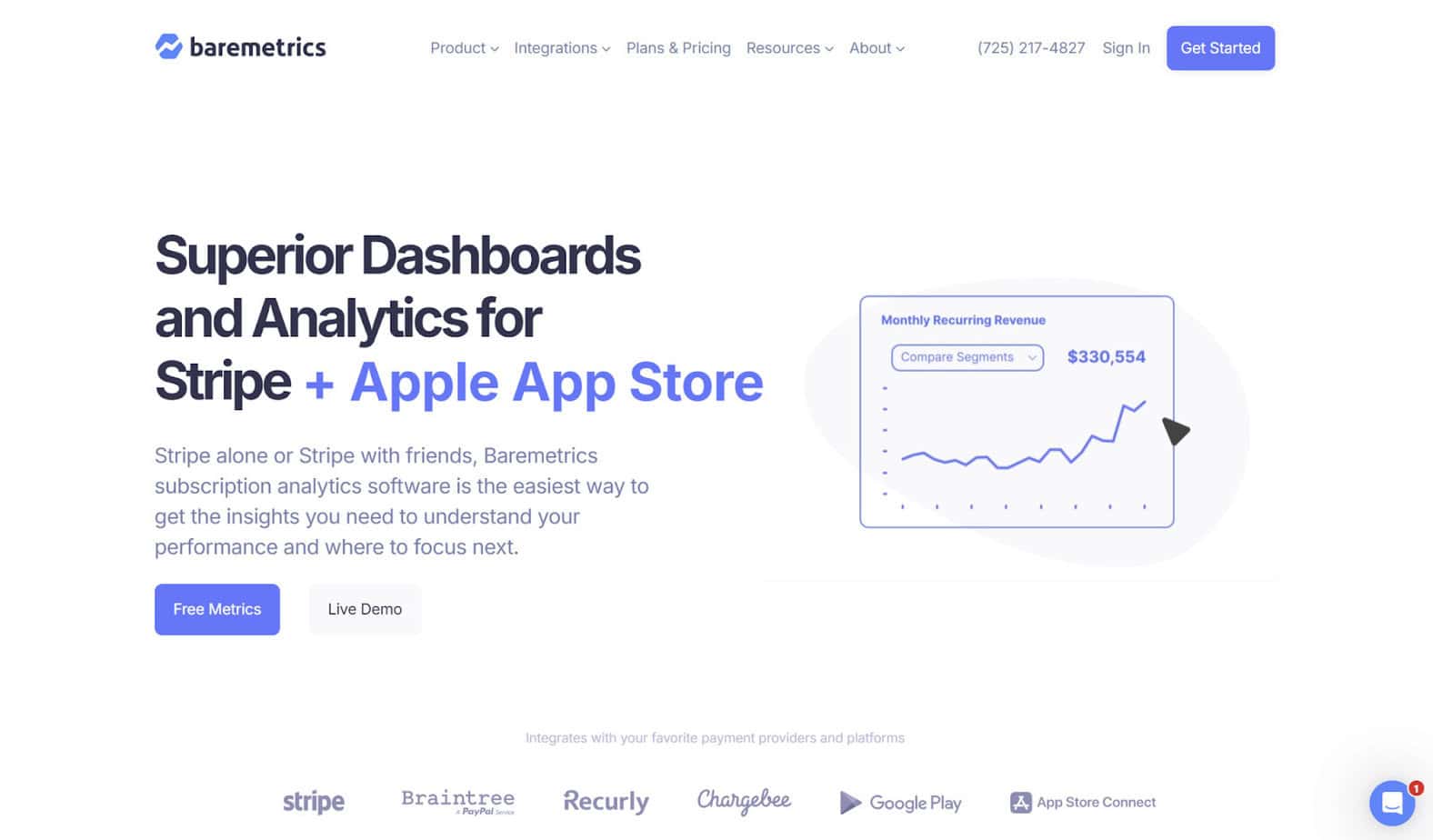
For subscriptions, Baremetrics has a dashboard that displays important KPIs, like those pertaining to revenue and customer behavior. It also divides customers into categories (such as plan type), so you can analyze various segments.
Baremetrics tracks a total of 28 subscription metrics, including common ones like:
- MRR/ARR
- Net revenue
- Active subscriptions
- New subscriptions
- Upgrades and downgrades
- Average revenue per user
- Customer lifetime value
- User churn
Aside from subscription analytics, Baremetrics has features to help prevent failed payments due to expired credit cards, insufficient funds, or bank issues. You can use its Cancellation Insights feature to get an idea as to why customers cancelled and to calculate lost revenue. Additionally, it has financial forecasting capabilities for SaaS companies.
Integrations
While Stripe is the main integration it plugs, Baremetrics has several others, including with Shopify, Braintree, Chargebee, Recurly, QuickBooks Online, and Xero.
Pricing
- Launch ($49+/month): Up to $360,000 ARR
- Growth ($189+/month): Up to $3,600,000 ARR
- Scale ($749+/month): $3,600,000+ ARR
Payment Recovery and Cancellation Insights are available as add-ons, each one costing an additional $129 per month.
Pros
- Tracks common subscription KPIs
- In-depth Stripe integration
- Can help recover failed payments
- Provides insights into cancellations
Cons
- Payment Recovery and Cancellation Insights not included in the base plan
- Expensive compared to some competitors
So What’s the Best Software to Track Subscription Analytics?
Some subscription analytics software focus solely on tracking subscription metrics, while others can help with tasks like accounting or broader subscription management. Ultimately, the best fit for your business depends on your specific criteria and the nature of your business in general. These platforms are also varied when it comes to pricing, so you’ll have to take a look at your budget to see which one fits.
For example, if you’re in the mobile app business, Qonversion might be the best pick. If funds are limited and you want a free solution, it’s hard to go wrong with ProfitWell. If you’re looking for an all-in-one platform that combines subscription analytics with accounting capabilities, Puzzle would be my recommendation.
I’d advise that you spend some time researching these platforms and their features to see which one is right for you.