


Last Updated on March 11, 2026 by The Digital Merchant Team
These days, it’s nearly impossible to run a business without accepting credit card payments — even in person.
Credit card payments are often the preferred method for both consumers and businesses. Credit cards help fill short-term gaps in cash flow, and you can take advantage of credit card points and rewards to help offset expenses.
But before determining which card processor you need, you’ll need to answer a few questions. For example, will customers be paying you in person, or will you be processing payments online? There can also be some important factors that can make your decision for you, depending on what industry you’re in.
With that in mind, here’s a look at some of the best platforms you can use to process credit card payments, depending on your business’s needs.
At a Glance
| Platform | Best For | Monthly Cost | Credit Card Processing Fees |
| Square | In-person payments | $0/month to $149/mo/location | Starting at 2.4% + $0.15 |
| Helcim | None | Interchange + 0.40% + $0.08 | |
| Clover | Starting at $0/month | Starting at 2.3% + $0.10 | |
| Stripe | Online payments | None | 2.9% + $0.30 |
| PayPal | None | Starting at 2.89% + $0.29 | |
| Authorize.net | $25/month | Starting at $0.10 per transaction, $0.10 daily batch fee | |
| Melio | Invoicing and AR | $0/month to $80/month | 2.9% |
| Plooto | $32/month to $99+/month | 2.9% + $0.30 | |
| Invoiced | Not disclosed | Not disclosed | |
| Paddle | Recurring billing and subscription management | None | 5% + $0.50 |
| Stax Bill | Starting at $499/month | Interchange + $0.15 | |
| Recurly | Not disclosed | Not disclosed |
In-Person Payments
Square

While you can use Square to collect payments online, they’re best known for in-person payment collection for businesses of all types.
Some of their hardware options include Square Handheld, Square Terminal, Square Register, Square Stand (iPad POS), Square Kiosk, and Square Reader. Each of these devices has its own price, which you can either pay in full up front or through a monthly payment plan.
To use Square, you’ll need to sign up for a monthly plan in addition to paying credit card processing fees. With Square’s pricing model, the fees depend on the plan:
- Square Free: 2.6% + $0.15
- Square Plus: 2.5% + $0.15
- Square Premium: 2.4% + $0.15
Helcim
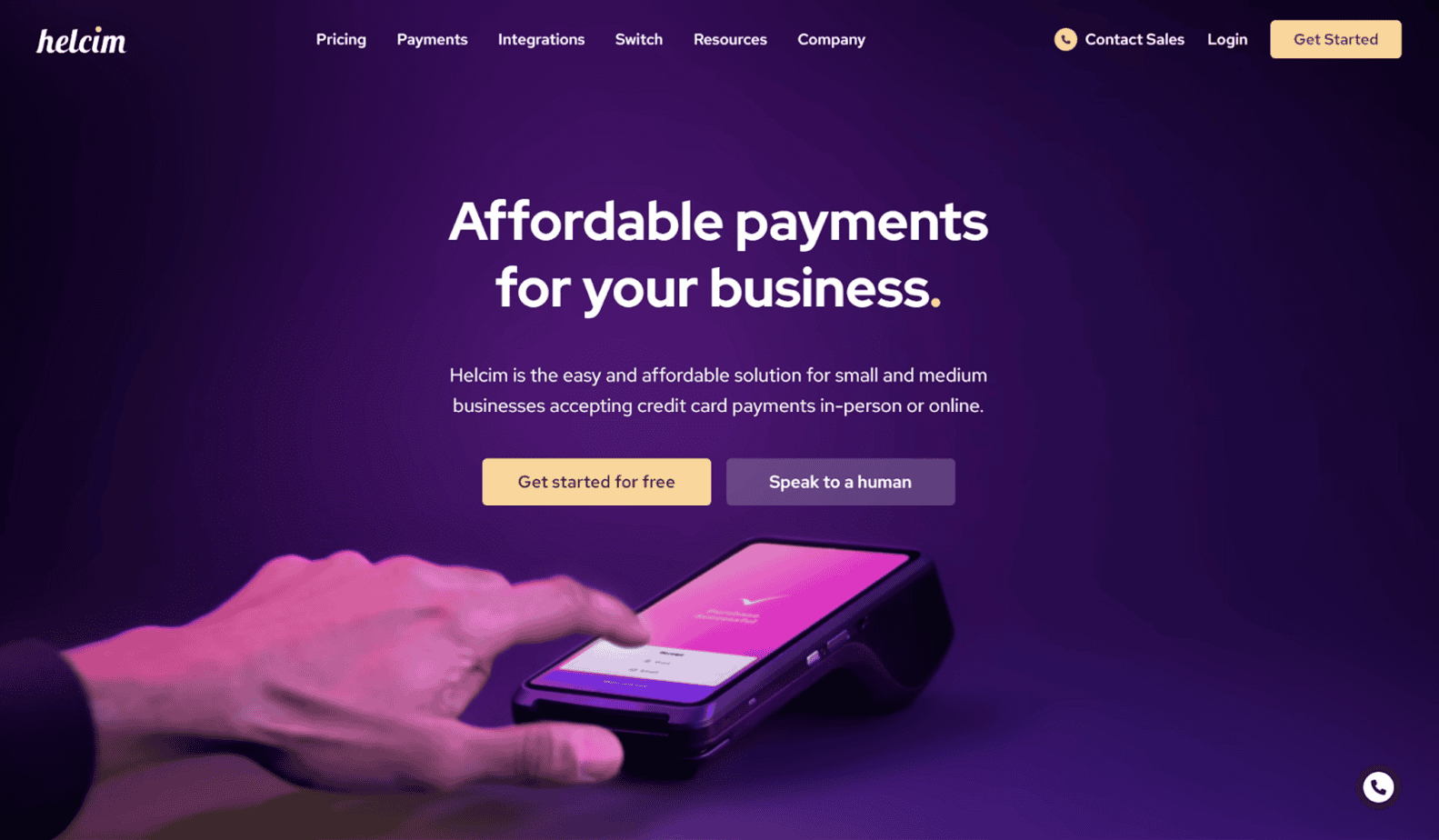
Helcim is a popular choice for collecting payments in-person, online, or via ACH. For processing in-person credit card payments, you can use their virtual terminal on your laptop or tablet, or you can purchase their hardware.
Their hardware options include the Helcim Smart Terminal (which is a standalone terminal, POS, and receipt printer), and the Helcim Card Reader, which is more simplified.
You don’t need a subscription to use Helcim. But aside from the price of the hardware, you will also need to pay credit card processing fees. In person, the rate is Interchange + 0.40% + $0.08, though there are volume discounts available.
Clover
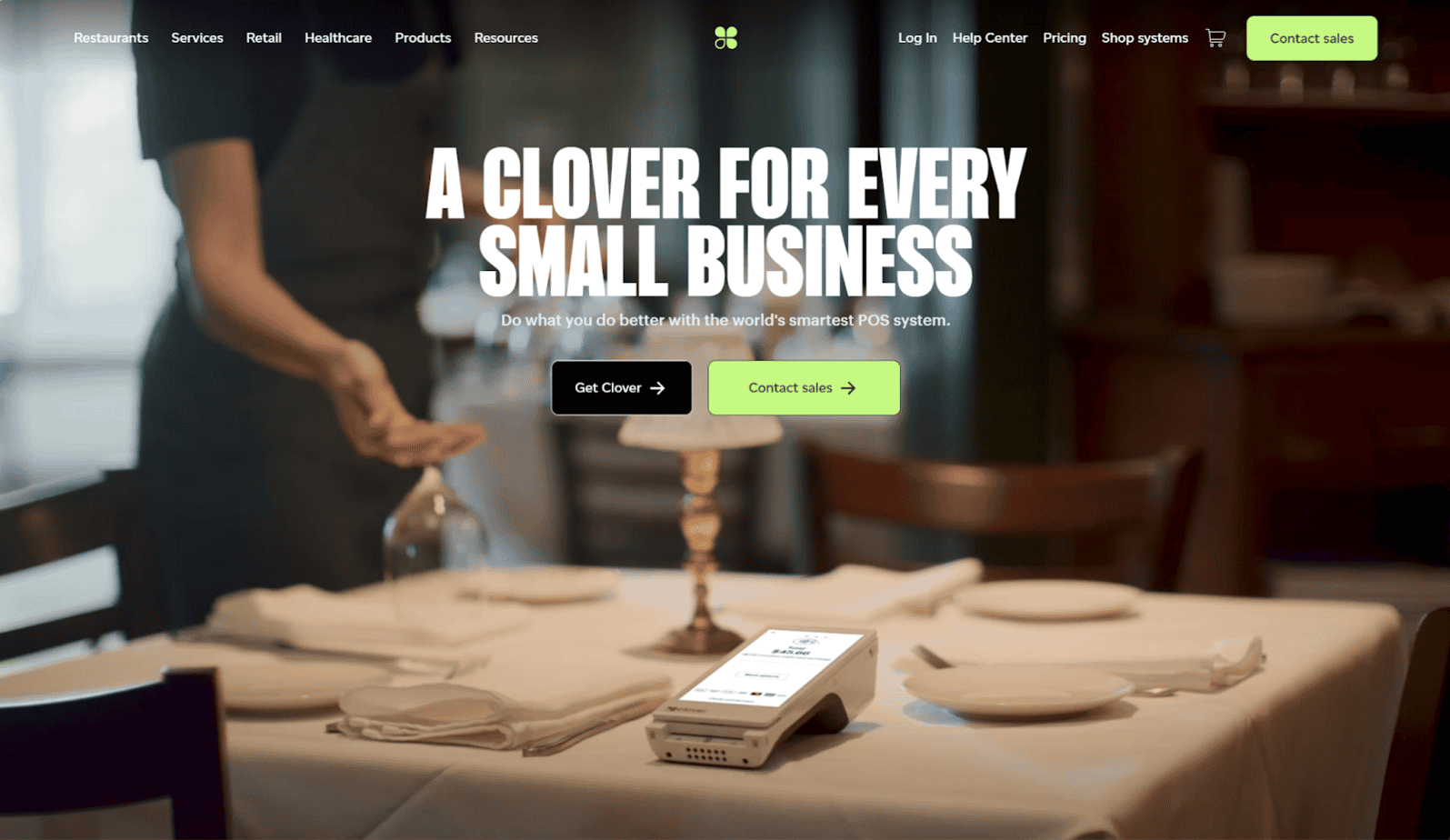
Clover mainly serves full-service dining, quick-serve restaurants, retail shops, professional services, personal services, and home and field services.
As such, they have an extensive product line, ranging from lighter-weight options like mobile POS systems to more complex systems like a dual-screen POS. If you don’t have a device, you can use Clover’s virtual terminal from your phone, tablet, or computer.
To use Clover, you’ll need to pay a monthly subscription cost and credit card processing fees. The prices you’ll face will depend on your industry and the package you choose. For example, retailers will pay credit card processing fees of 2.5% + $0.10 for cards that are tapped, swiped, or inserted. For full-service dining, the processing fee is 2.3% + $0.10.
Online Checkout and E-commerce
Stripe
E-commerce businesses commonly use Stripe as their payment processor, although many establishments also use it for in-person payment collection. It’s an appropriate choice for businesses of all sizes, from small startups to large enterprises.
Stripe allows you to collect payments from nearly anywhere in the world, processing payments from 195+ countries and in 135+ currencies. For online checkouts, you can customize the UI to meet your needs and select which payment methods you’ll accept.
The standard fees for processing credit card payments are 2.9% + $0.30 per transaction, though there’s an additional 1.5% charge for international cards and a 1% charge for currency conversion. However, there are custom pricing packages available for high-volume businesses. Notably, Stripe doesn’t charge any monthly or setup fees.
PayPal
PayPal Open is PayPal’s platform for businesses ranging from solopreneurs to large enterprises. While you can use it for in-person payment processing, it’s mostly used for online processing, and it lets you collect payments from over 200 international markets.
There are a couple of different options for online credit card processing: PayPal Checkout and Expanded Checkout. With PayPal Checkout, you can accept PayPal Payments (PayPal, Venmo, Checkout with Crypto), as well as debit and credit cards. With Expanded checkout, you can accept PayPal Payments, credit and debit cards, and alternative payment methods like Apple Pay and Google Pay.
PayPal’s standard transaction fees for credit and debit card processing are 2.99% + $0.49 for PayPal Checkout and 2.89% + $0.29 for Expanded Checkout. There are no monthly or setup fees involved.
Authorize.net
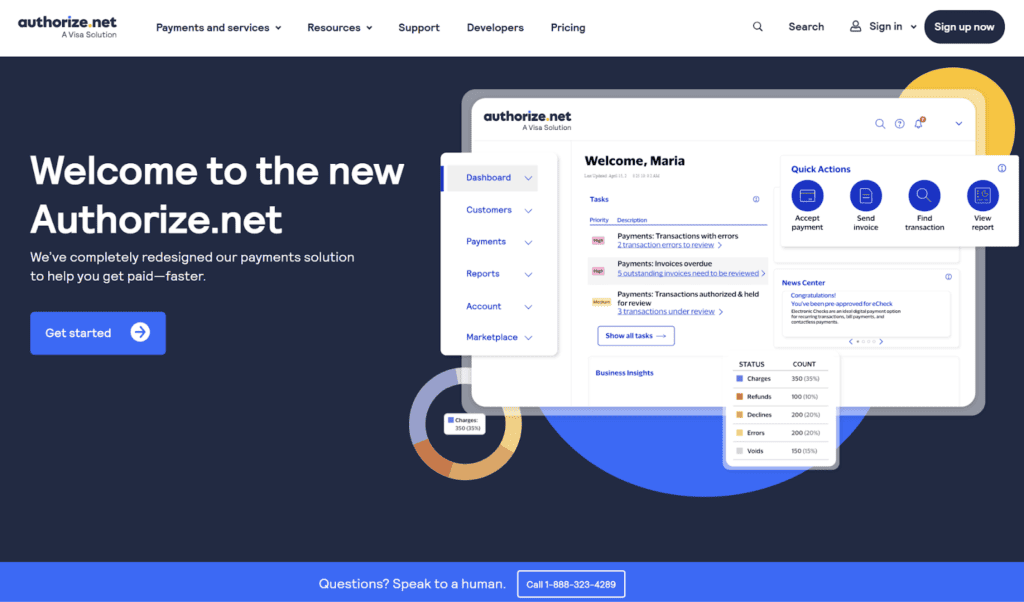
Authorize.net is widely used for processing online credit card payments, allowing you to process customer payments online, over the phone, via a mobile or virtual point of sale, and via eCheck.
They sell a few different packages for processing credit card payments: all-in-one, gateway only, and gateway + eCheck. The all-in-one plan comes with both a merchant account and a gateway, while gateway-only connects with your existing merchant account. Gateway + eCheck is the same as the gateway-only plan, except you can also process eChecks.
All three plans cost $25/month, although their credit card processing fees differ:
- All-in-one: 2.9% + $0.30 per transaction
- Gateway only: $0.10 per transaction, $0.10 daily batch fee
- Gateway + eCheck: $0.10 per transaction, $0.10 daily batch fee
Invoicing and AR Platforms
Melio
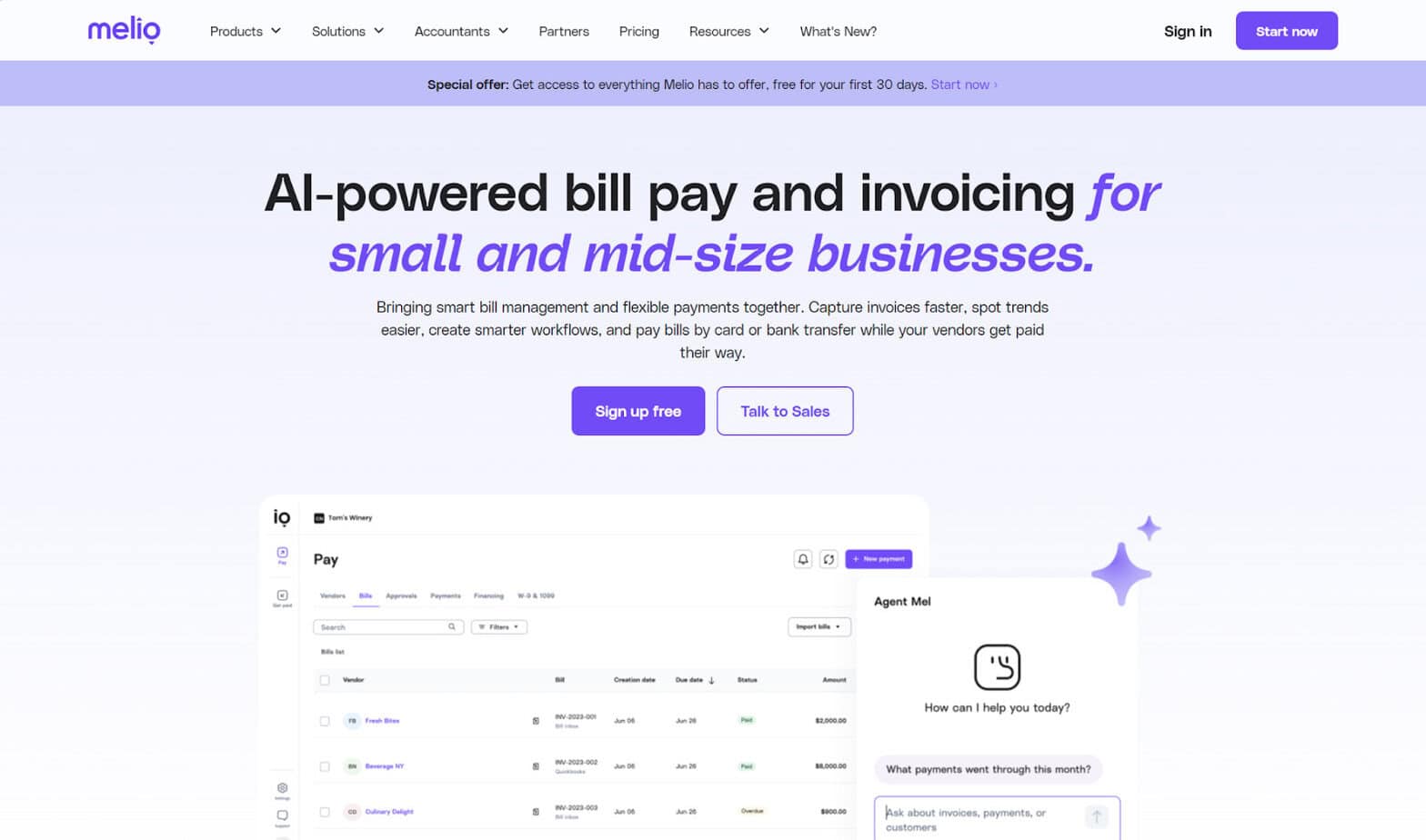
Melio focuses on automated bill pay and invoicing for small businesses, allowing you to create and send custom invoices that come with a built-in payment button. It integrates with QuickBooks Online, QuickBooks Desktop, and Xero, so you can quickly sync transaction data.
Your customers don’t need to create an account in order to pay you, and they can pay either with their credit card or via ACH. You can also let customers initiate payments, which you can do by creating a personalized payment page link that you can present on your business card, email signature, or website.
For credit card payments, you can choose whether you or your customer will cover the processing fee, which is 2.9% per transaction. However, you will need to sign up for a plan to use Melio. There is a free option available, but the company highlights their Unlimited plan ($80/month) as their best-value plan.
Plooto

Plooto is an AP/AR solution that allows SMBs to pay their vendors and collect payments from customers, including by credit card and ACH.
With Plooto, you can create and send customized invoices to customers, both domestically and internationally. You can also use it to send automatic payment reminders. Finally, you can sync your credit card transaction data with QuickBooks Online, Xero, and NetSuite.
To accept credit cards, you’ll be looking at a fee of 2.9% + $0.30 per transaction. You’ll also need to sign up for a plan: Grow, which starts at $32/month, or Pro, which starts at $99/month.
Invoiced
Invoiced is purely focused on accounts receivable and includes several AR automations to save you time. One example of this is its Cash Application feature, which automatically applies incoming payments to outstanding invoices.
You can send payment links to customers through Invoiced, and you can customize payment plans with AutoPay, short-pay, early payment discounts, taxes, and fees. The platform supports a range of payment methods, including ACH, BACs, debit and credit cards, iDEAL, SEPA, and others.
However, Invoiced doesn’t publicize pricing or subscription information on its site, so you’ll have to contact the company directly to get a quote.
Recurring Billing and Subscription Management
Paddle
While most platforms that support AR and invoicing also help with recurring billing (Melio, Plooto, and Invoiced included), Paddle has a particular niche in this area. This platform is known for its subscription management features, which let you create plans and track customer data. It’s geared toward companies in SaaS, mobile apps, gaming, software, and digital products.
It accepts over 20 currencies and supports a variety of payment methods, including credit cards. You can customize the checkout UI, and you can localize the customer’s payment experience by setting the appropriate language and by using regional pricing.
Paddle’s standard pricing is 5% + $0.50 per transaction, and there is no monthly subscription fee. For large companies or companies that are experiencing rapid growth, Paddle offers custom pricing.
Stax Bill
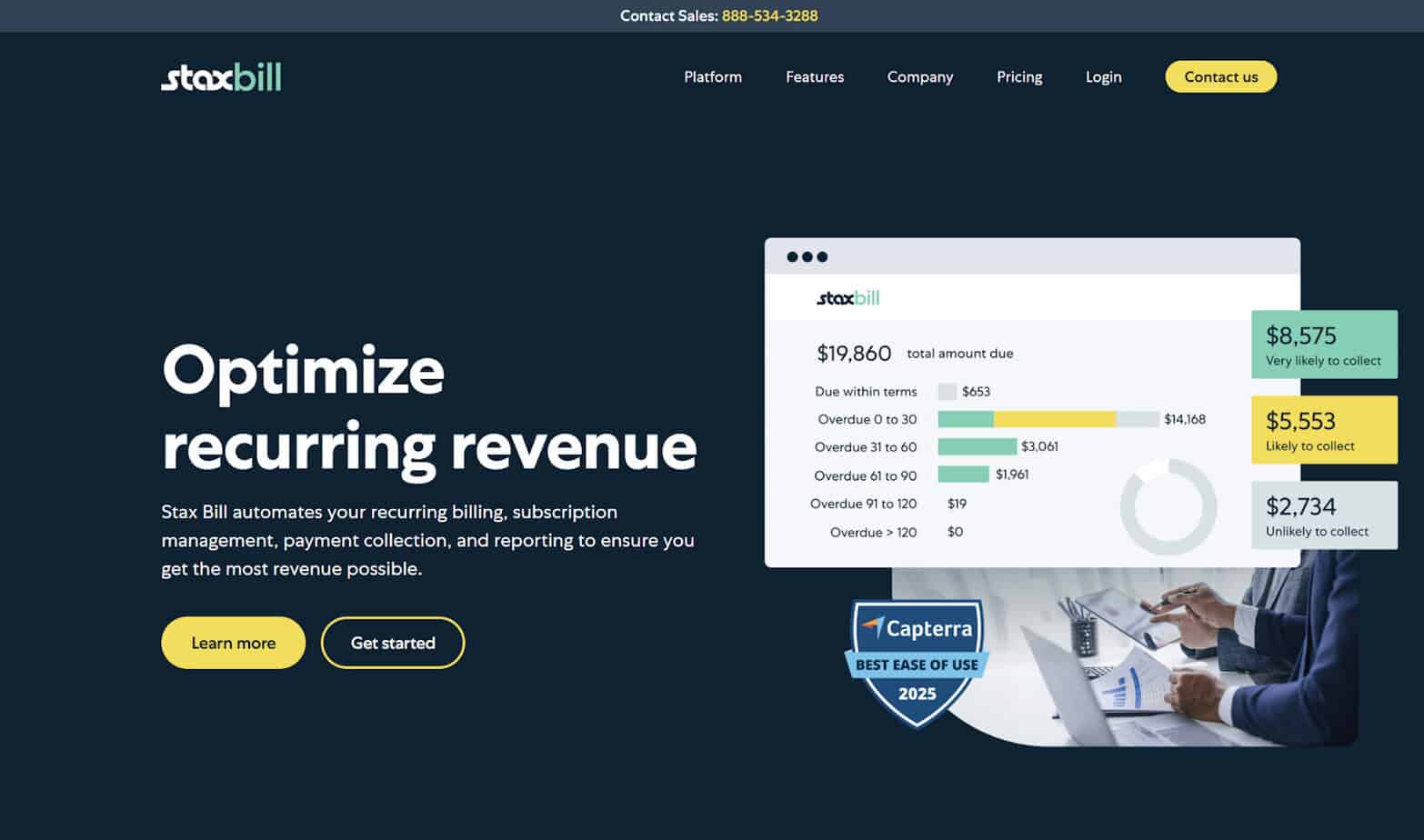
Stax Bill automates recurring billing and subscription management, additionally helping with dynamic pricing like setting deals, discounts, and otherwise adjusting prices. You can also use it for customized invoices, automated subscription renewals, and payment retries.
You can accept both credit card and ACH payments through Stax Bill. The fee for credit card payments is interchange + $0.15, but you can opt to pass this off to your customer.
Their Growth plan is for businesses with monthly billings of up to $85,000, and it starts at $499/month. For Enterprise, you’ll have to get a custom quote.
Recurly
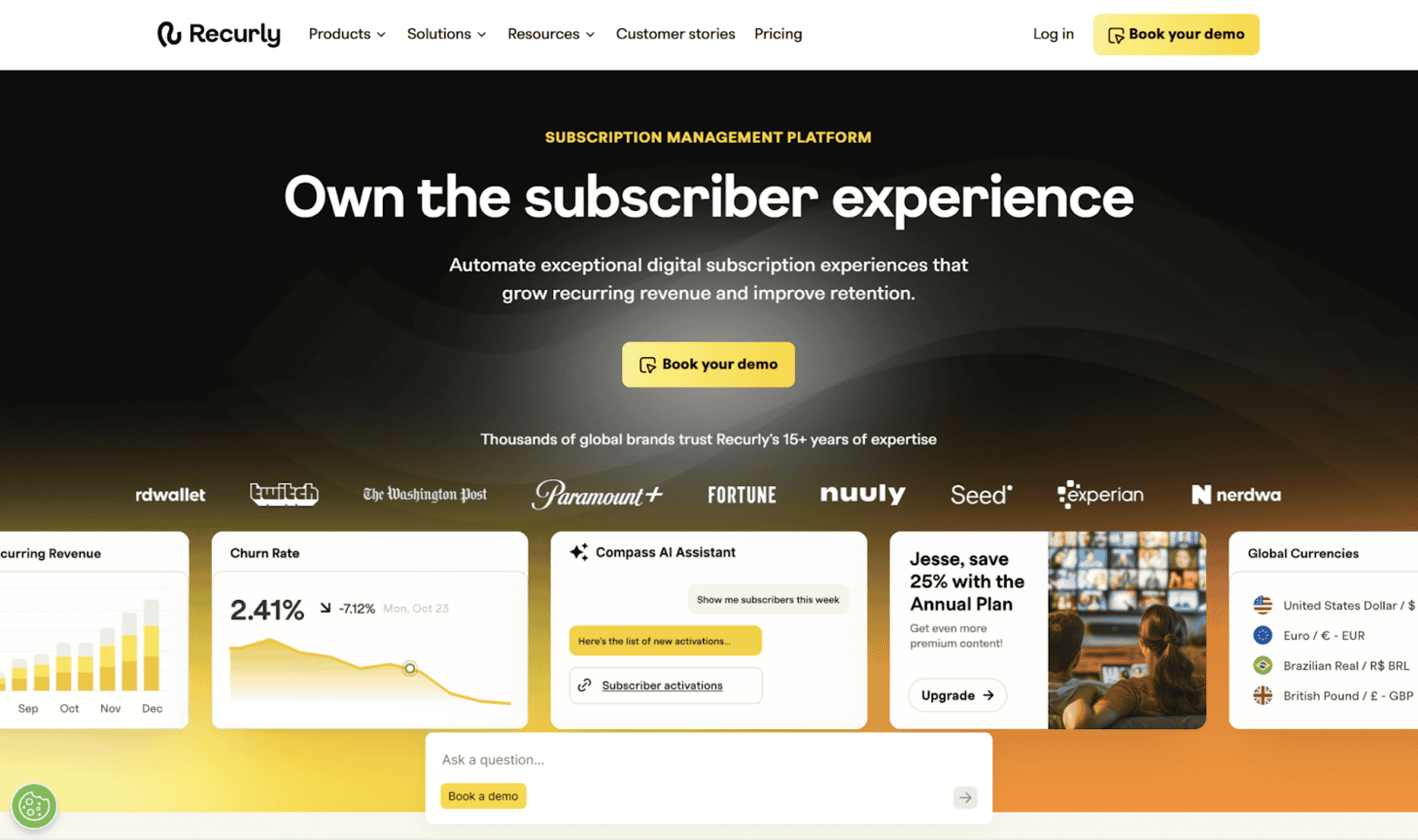
Recurly’s core focus is on digital subscription management. You can use it to automate recurring billing and invoicing, and for global transactions, it lets you customize the language, currency, billing formats, and payment methods. You can also use its reporting and analytics features to assess billing, monthly recurring revenue, and plan performance.
It connects with over 20 payment gateways and supports over 140 currencies. Various payment methods are available, including credit cards, debit cards, ACH, PayPal, and Venmo. You can store multiple payment methods for one account, so you might still be able to process the customer’s payment even if their default payment method fails.
Recurly doesn’t publicly disclose their pricing details, so you’ll have to contact the company to get a custom quote.
What’s the Best Way for Small Businesses to Accept Credit Cards?
The best software for you will depend on how you’re collecting payment from customers. If you run a restaurant and collect payments in person, you might land on Square. E-commerce companies might prefer Stripe. For companies looking for an invoicing solution or AR product that also supports AP, something like Melio could be the right choice. And for SaaS companies managing digital subscriptions, a dedicated management software like Paddle could make the most sense.
Whatever kind of business you run, there’s a good option here on this list for you.