


Last Updated on May 16, 2026 by Ewen Finser
I didn’t switch from QuickBooks Online because it was bad software. That’s oversimplifying it, and it’s not true anyway. QBO works, works well, and is overall a great software. It’s ubiquitous for a reason, after all.
Besides, QBO did a lot for us. It held the books together, handled the basics, and gave us the kind of standard accounting structure that most bookkeepers and CPAs already know how to work inside.
However, our business had outgrown the way we were using QBO.
The problem wasn’t one giant failure; it was the slow pileup of small tasks that made the accounting function feel heavier than it should have been:
- Manual categorization still took too much time.
- Bank feed rules still needed review.
- Month-end close still depended on people remembering what to check.
- Reports existed, but they were not always easy to use.
That was the real reason we started looking elsewhere.
What We Wanted
When we started looking for a QBO replacement, I made a wish list for what I wanted in the new accounting system. I didn’t just want a new system because I was sick of QBO; I wanted a system that would fundamentally change the day-to-day work.
We needed a few specific things:
- The books to stay current without waiting for a full monthly cleanup and close
- Fewer uncategorized transactions sitting around at month-end
- A month-end close that felt like a review process, not a monthly headache
- Faster answers to basic questions like cash, burn, revenue, expenses, receivables, payables, and margin
- A system that would learn the business over time
We had already done the “stack more tools around the ledger” thing, and it helped in spots, but it also created more places to check.
- More apps meant more integrations.
- More integrations meant more sync issues.
- More sync issues meant more time spent asking which system was right.
- More tools did not always mean less work.
Put simply, I wanted the ledger to become smarter, not the stack to become taller.
What We Considered
We didn’t go straight to Digits; I don’t think we even heard of it when we started our search. In reality, we considered several options, with these just being the most prominent ones.
Xero
Xero came up first as the most obvious alternative to QBO. It has bank connections, invoicing, bill pay, expense claims, app integrations, bank reconciliation, and project tracking at a modest price.
I liked it, and it was a strong option for us because it felt cleaner than QBO and didn’t have all the baggage that Intuit is notorious for. But at the end of the day, it felt like a sideways move and didn’t solve the core issue: too much manual accounting work between transaction activity and useful reporting.
Pilot
Pilot was a big part of the conversation for a while, since it offers bookkeeping, tax, accounting, and advisory support for startups and small businesses — with a mix of software and people.
I definitely understood the appeal. You hand off most of the finance function, and in return, you get a full-service team involved in the books that’s strong if you need accounting support but don’t want to hire in-house yet.
It didn’t work out because we still wanted control of the work we perform for others. We wanted the system itself to reduce work, while leaving us close enough to the books to understand what changed.
Zeni
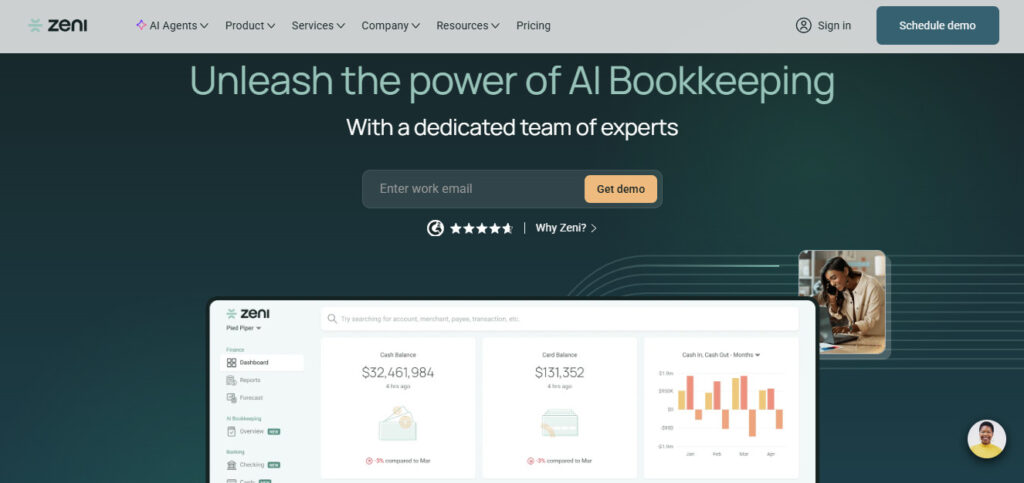
Zeni is AI bookkeeping with a dedicated finance team (similar to Pilot in several ways). It includes bookkeeping, bill payments, reimbursements, checking, cards, fractional CFO support, tax, payroll, controller support, and a bookkeeping team.
So it’s good if you want a bundled finance function, or if you want more support than just accounting software.
But for us, it felt heavier than what we needed. We didn’t want a full replacement finance team; we wanted accounting software that could remove a lot of the repetitive work without turning the whole function into a service relationship. The price was another matter entirely, and combined with our mismatched needs, we had to look elsewhere.
Digits
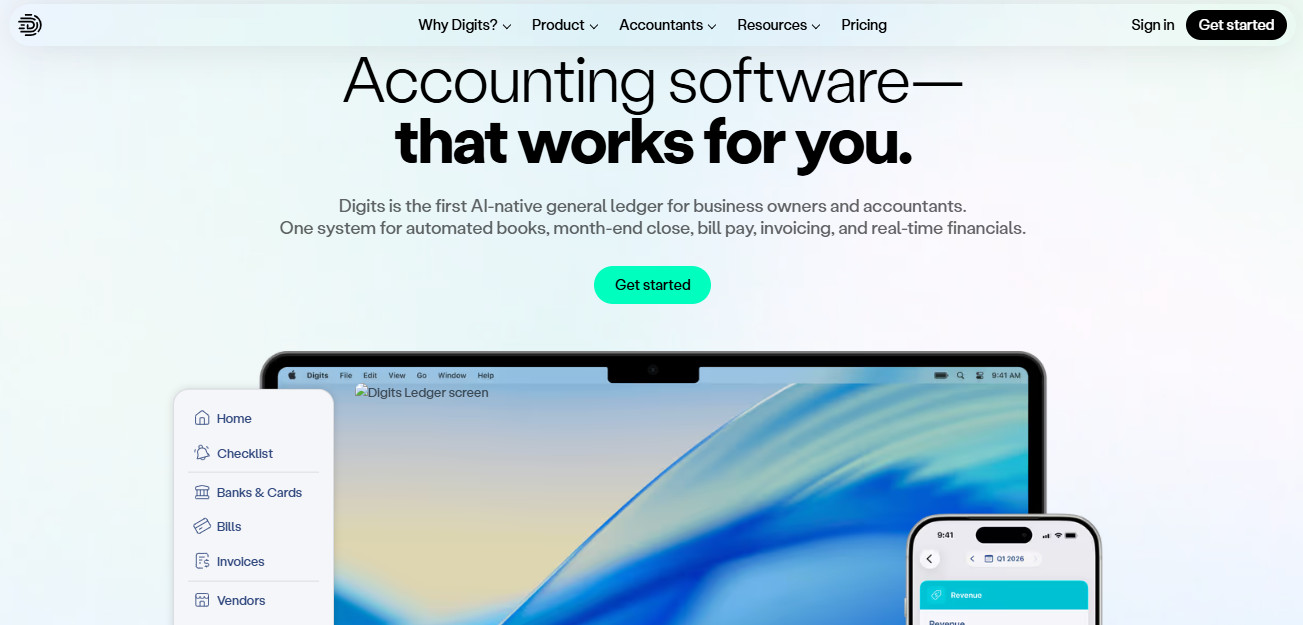
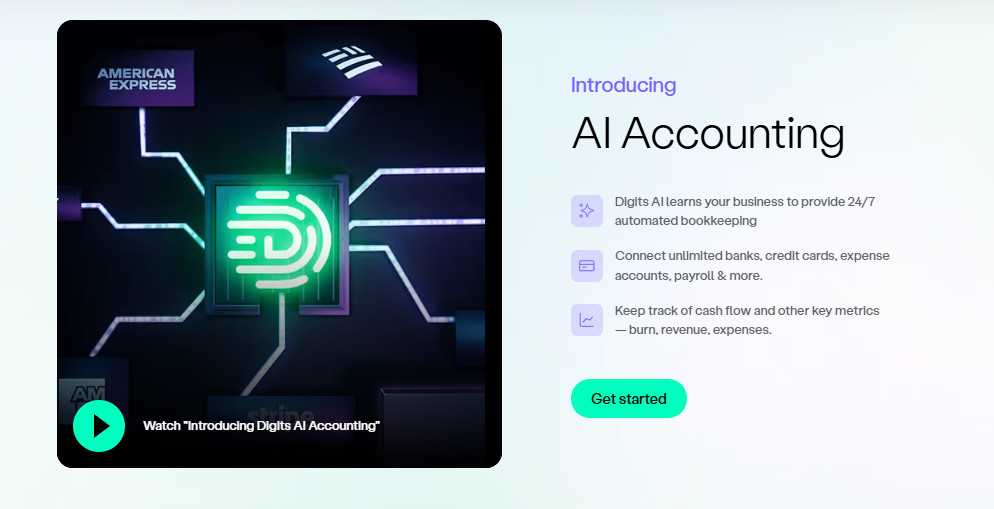
Digits is an AI-native general ledger for accountants, with automated books, month-end close, bill pay, invoicing, and real-time financials. It connects banks and cards, imports transactions and statements, tracks burn, revenue, expenses, and cash flow, and uses AI and machine learning to automate bookkeeping and reconciliations.
The biggest draw here was that it promised automation in a more integral way than any other platform (especially QBO). It wasn’t treating automation as an add-on but as a core function.
I can’t stress this enough. We weren’t looking for a simple if-then rule that fires when it sees a vendor name. We were looking for a system that could:
- Learn patterns in the business
- Surface issues before month-end
- Reduce repetitive categorization
- Keep the books closer to review-ready
- Help the accounting function move faster without giving up control
And I knew we weren’t going to find that in a platform that tacked on automation at the end or relied on nothing but simple rules.
The other draw was the reporting.
In QBO, reporting is powerful enough if you know what you’re doing; a good CPA or controller can pull a lot out of it. But for an operator, there’s a difference between “the report exists” and “the answer is easy to get.”
Digits, on the other hand, focuses on live dashboards, financials, custom reports, department and location reporting, schedules, and month-end close automation. And these capabilities are right there front and center, not tucked away as an afterthought or a half-baked feature.
The Migration (The Short Version)

As anyone who’s tried to do it can testify, the scary part of leaving QBO is not learning a new screen… It’s the migration itself.
Your accounting system is not a CRM where a few bad fields are annoying but survivable. If the migration goes wrong, you can duplicate revenue, lose transaction history, break open invoices, misstate vendor balances, or start the new year with a balance sheet that doesn’t agree with the last one.
What saved us here was Digits’ QuickBooks Online migration path, which made a lot of this relatively painless. Of course, this isn’t something you’ll want to click through while paying partial attention.
We still needed the basics in place:
- A clean cutover date
- The old QBO books reconciled
- Exports of the key reports
- The trial balance saved
- The balance sheet and P&L saved
- Accounts receivable and accounts payable aging reports
- A clear direction on which period we were closing in QBO and which period we were opening in Digits
For us, the right approach was simple: close a clean period in QBO, migrate after that date, and then compare the new system against the old one. That meant checking the trial balance, balance sheet, profit and loss, bank balances, receivables, payables, payroll liabilities, and any weird clearing accounts.
There’s a lot more that goes into any similar migration (could easily be a whole article on its own), but this is the short version.
What Changed After the Switch
Before the migration, activity happened all month; the team would clean it up, and then we reviewed it. By the time we had clear answers, they were already trailing indicators.
With Digits, the books felt more alive: Cash, revenue, expenses, burn, and other financial metrics were closer to the surface.
The second change was the review process. In QBO, our work often started with “what needs to be cleaned up?” In Digits, the work shifted closer to “what needs to be reviewed?”
This ended up being our north star:
- Cleanup is lower-value work.
- Review is higher-value work.
- Repeating the same coding decisions each month is not strategic.
- Reviewing exceptions and judgment calls is a better use of human time.
- The accounting team should spend more time on analysis and less time pushing the same recurring charges into the same categories.
The third change was how quickly questions turned into reports. As a CPA, I care about the basic financial statements, but operators don’t live only inside standard GAAP reports. They want to know what changed, what’s trending, where cash went, which costs are creeping up, and whether revenue growth is hiding margin pressure.
The fourth change was close discipline. This surprised me a bit, as I expected the AI angle to be the main benefit. But the close workflow mattered too — a month-end process needs structure, after all.
You need:
- Bank statements
- Reconciliations
- A checklist
- Anomaly review
- Someone to confirm the balance sheet still makes sense
- A process that doesn’t live inside one person’s head
Digits helped make the close feel more structured and less dependent on memory, which is always welcome.
What Didn’t Change

Switching didn’t remove the need for good accounting, obviously; AI is only as good as your books are.
This is where I think people get AI accounting wrong (or really, AI anything). They assume that humans can stop caring when the bot takes over. But you still need real accounting discipline.
You need to:
- Have a clean chart of accounts
- Establish rules around what belongs in COGS versus operating expenses
- Understand accruals and prepaid expenses
- Handle fixed assets correctly
- Review revenue recognition
- Check payroll liabilities
- Review owner transactions and debt
- Read the financials with a critical eye
Digits made the process lighter, but it didn’t make accounting irrelevant. If your current books are a disaster, switching software may expose the mess faster — it won’t erase it. After all, if your team doesn’t know how to read a balance sheet, a prettier one won’t save you.
If you have inventory, complex job costing, heavy nonprofit restrictions, complicated revenue recognition, or multi-entity consolidation, you should slow down and evaluate the details before moving. A better ledger helps… It’s not a substitute for good accounting controls.
Who Should Consider Switching to Digits
Digits makes the most sense for businesses that have outgrown basic bookkeeping but don’t want to build a heavy finance department yet.
That includes founder-led companies, service businesses, software companies, agencies, online businesses, and growing small businesses where the owner or operator needs clean numbers fast.
It may make sense if several of these are true:
- Your current accounting process feels too manual
- Your bank feed review is always behind
- Your close takes too long
- Your reports are technically available, but not easy to use
- Your team exports too much data into spreadsheets
- Your owner or leadership team wants faster access to financial answers
- Your accounting team spends too much time on cleanup and not enough time on review
- You want automation inside the accounting system, not bolted on around it
(And Who Should Hold Off)
Digits isn’t for everyone. For example, you should wait if your current books aren’t clean enough to migrate.
Notably, you should also wait if your business depends on complex workflows that you haven’t tested in Digits yet. That includes businesses with needs like:
- Inventory-heavy operations
- Construction companies with deep job costing
- Nonprofits with restricted funds
- Companies with complex revenue recognition
- Multi-entity businesses with consolidation needs
- Teams that rely on niche QBO apps that may not carry over cleanly
Final Thoughts After Going AI-Native with Digits
We switched from QBO to Digits because the old process had too much manual drag. It’s not that QBO was broken… it was familiar, capable, and good enough for a long time. But “good enough” started costing us time and money, and we needed a few things that QBO was simply not capable of providing.
Digits fit because its AI-native approach attacked our actual pain. It reduced the work between financial activity and financial insight, it made the books feel more current, and it moved the team away from cleanup and closer to review.
That’s the real story. Not that QBO failed (because it didn’t); it’s just that at a certain stage, I no longer wanted accounting software that waited for us to do the work.
I wanted accounting software that would help us carry the load.