


Last Updated on August 26, 2026 by Ewen Finser
There are a lot of good things to be said about RingCentral.
It offers enterprise-grade reliability, has 500+ pre-built integrations, and gives businesses a unified layer for calls, messages, meetings, and contact-center use cases. You can’t say the same of every UCaaS provider.
However, the day-to-day operating experience often feels heavier than it should. Pricing gets harder to model once you move across RingEX, RingCX, SMS allotments, and usage-based extras. Support is often unresponsive. Some integrations are riddled with bugs.
In short, it’s not for everyone.
A lot of mid-market teams in particular would be better served by other platforms. Companies in this bracket aren’t generally shopping for the most technically capable program or the deepest feature set — they just want fewer moving parts. They want the phone layer, CRM sync, routing, reporting, and AI admin relief to work as one system, without dragging in new operational overhead.
If this sounds anything like you, here are the top RingCentral alternatives for mid-market teams.
The Best RingCentral Alternatives
1. Aircall
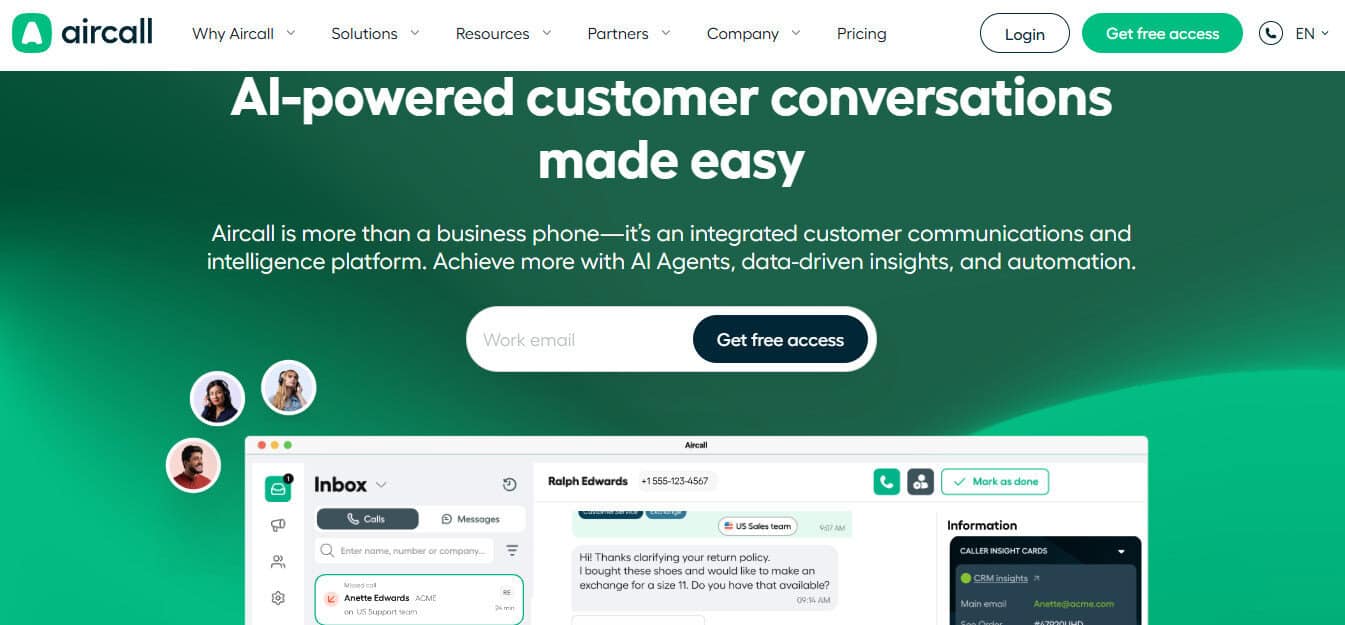
Aircall is built with the before-during-after call workflow in mind. It emphasizes native CRM and help-desk integrations that automatically sync conversations and customer data, offering 100+ seamless integrations, call recording, click-to-dial, smart routing, queue callback, analytics, and live monitoring. Essentially, that means sales reps can work inside the CRM instead of beside it.
Aircall recently acquired Piper AI, meaning the tool goes one step further, enabling teams to use automated CRM syncing and updates that track all customer interactions directly in the tool, without users needing to lift a finger. This helps managers gain added visibility into user journeys and full pipelines to drive better decisions.
The platform also makes good use of AI, whether it’s generating call summaries and key topics, analyzing sentiment, or coming up with action items. Teams can make use of the in-app suggestions such as playbooks and call scoring to make smart decisions without needing to leave the tool. At higher tiers, it also gives you real-time guidance and automated follow-up support.
Another great value add is that inside sales teams can lean on qualification frameworks such as MEDICC, BANT, and SPICED across multiple touchpoints, not just calls. All of these factors help teams reduce manual data entry by improving pipeline hygiene and save administrative overhead.
On top of all this, it’s easy to set up. System migrations are stressful enough at the best of times; the last thing you need is a platform that makes the process harder than it needs to be.
One limitation is Aircall’s lack of suitability for freelancers or micro-operations, offering a lot of features that simply aren’t necessary at this level. Also, it’s important to note that it’s a voice-and-messaging platform first and foremost. For teams that are happy running Zoom and/or Teams for video conferencing, internal team chat, and collaboration, that’s fine, but it does mean you’re committing to at least two tools to cover what some competitors handle in one.
For UK-based teams, Aircall also has a London office and dedicated UK and Ireland support, so you’re not relying on US hours when something needs attention. They’re ICO-registered under UK GDPR and hold SOC 2 Type II certification, which tends to smooth things out on the procurement side. CrowdProperty, a UK property development lender, saw outbound call volume jump by 285% after switching to Aircall and pushed their answer rate from around 60% to 97% by using the analytics to adjust their operating hours.
Aircall starts at $30/user/month for Essentials and $50/user/month for Professional. However, there’s a three-seat minimum on both of these plans, which again makes them a non-starter for solo operations.
2. Dialpad
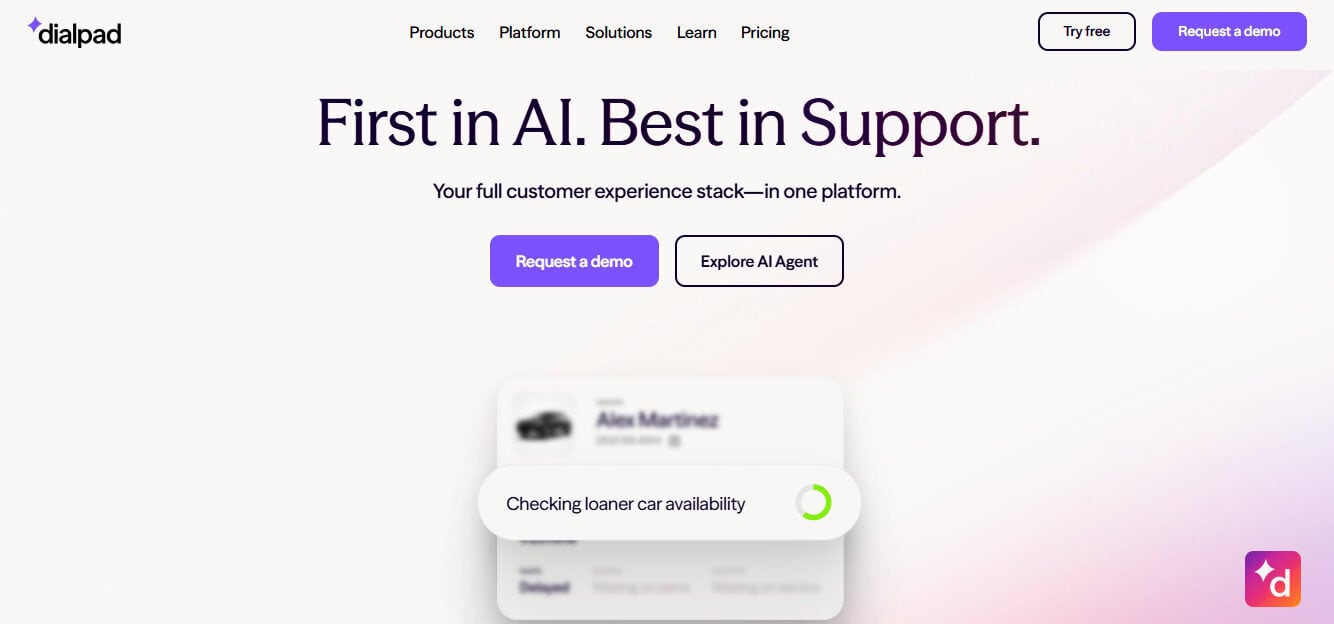
Dialpad’s focus is on automating transcription and greater live-call intelligence, and it’s at its strongest when your biggest pain point is conversation review rather than workflow orchestration. If your sales floor wants real-time transcription, post-call recaps, and AI coaching in a modern interface, Dialpad has a lot to offer.
Beyond transcription, it has a particularly useful real-time assist layer: AI coaching cards surface relevant talking points and competitive responses to reps mid-call without them having to pause and search. The platform also generates automated CSAT scores after every conversation, rather than waiting on customers to fill out a survey — which means you actually get coverage across your whole call volume rather than just the subset of customers who bother to respond.
There are trade-offs, of course. First, Dialpad’s out-of-the-box ecosystem is lighter than what you’ll get from some of its competitors. Second, support can be rather inconsistent; it’s difficult to get your questions answered over the phone, and troubleshooting is rather slow.
Dialpad’s Standard Connect plan starts at $15/user/month when paid annually. However, this plan offers little more than real-time transcripts and call summaries. The Pro plan, which is $25/user/month, will get you CRM integrations and elevated customer support. More advanced capabilities are locked behind the Sell and Connect plans, which are significantly more expensive.
3. Nextiva
Nextiva is a broader “business communications plus customer channels” package and is less fixated on deep seller productivity. It makes sense for a company that wants one vendor for phone, messaging, and some digital CX capability without going immediately to an enterprise contact-center stack.
It handles voice, video, team chat, and customer-facing digital channels (including SMS, live chat, and email) under one roof, which means fewer handoffs between tools when a conversation moves from one medium to another. Video meetings are included natively rather than bolted on, so you’re not routing people to a separate app for anything.
It’s built around the idea of consolidating your communication channels, and it does that well. What it isn’t built around is the seller workflow; there’s no real-time call coaching, no in-call AI assist, no sales playbook tooling, and the CRM integration doesn’t go very deep in terms of syncing activity automatically and letting reps work from inside the CRM rather than alongside it. And if your primary need is to make the call layer feel like a native extension of your sales or support process, Nextiva’s orientation is subtly wrong for that. It treats the phone as one channel among many rather than the core surface to be optimized.
Nextiva’s Core plan starts at $15/user/month, Engage starts at $25, and Scale jumps to $75. Core covers voice, SMS, video, routing, and team chat, while Engage adds customer-to-team SMS, advanced reporting, inbound call-center capabilities, and live chat.
4. Zoom Phone
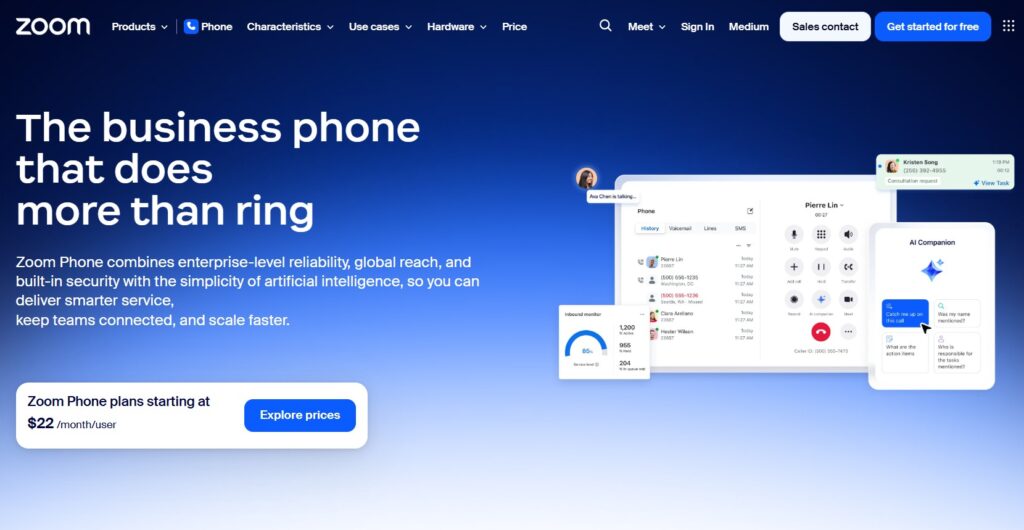
New tools always cause a certain amount of disruption for teams, so if you already use Zoom, this could be a practical step if you want a broader communications platform for outreach. It ties into CRM and support tools like Salesforce and Zendesk, and it gives teams one management portal plus the familiar Zoom app footprint across devices.
The tightest advantage is how fluidly it handles device switching. You can move an active call from your desktop to your mobile with a single tap (no interruptions and no re-dialling), which is a practical edge for anyone who regularly moves between desk and meetings. The integration with Zoom Meetings is equally seamless, and escalating a voice call into a video meeting takes one click, and everything stays in the same interface. Its AI Companion also handles call summaries and voicemail task extraction without requiring a separate add-on, which keeps the feature accessible without the configuration overhead.
However, the analytics on the basic plan feel limited, and the mobile app can be glitchy at times (although the desktop version is generally solid). There are also some concerns about API and webhook depth for CRM and live-routing scenarios; if your team has a more advanced sales or support workflow, you may hit the ceiling faster than expected.
For internal comms and light-frontline use by teams already using Zoom, it’s a solid pick. For CRM-heavy support or revenue teams, it falls a bit short.
Metered plans start at $10/user/month, NA unlimited plans start at $15, and Global Select starts at $20, with bundled Workplace options sitting above that.
5. 8×8
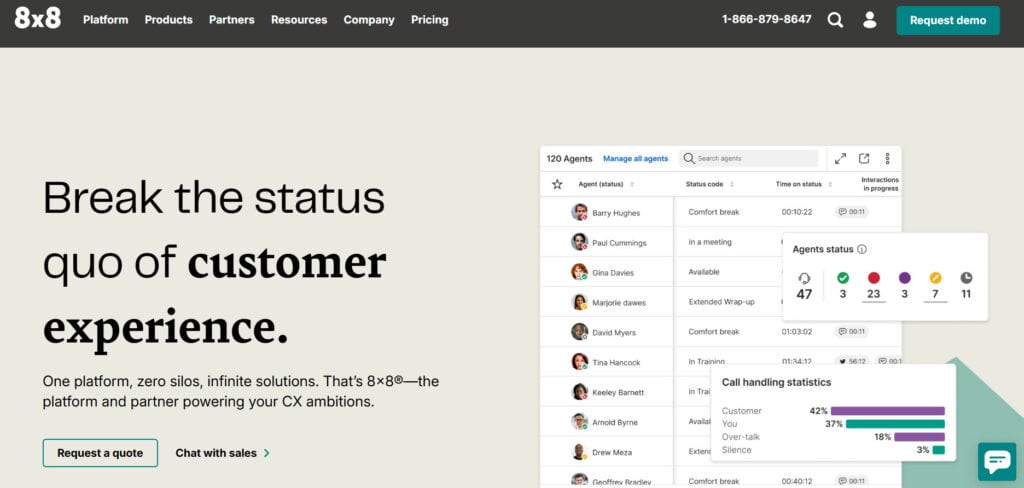
If a lot of your call recipients are overseas, there’s a good chance 8×8 will be the best tool for you. It offers services in over 55 countries and always routes calls to nearby data centers to ensure that conversation quality remains high, which is especially important if you currently experience a lot of lagging or audio feedback while using RingCentral.
As well as offering robust international call support, it leans hard into omnichannel routing, analytics, and AI-enabled self-service (while its support bot is generally solid, it can be difficult to get in contact with a human). It also provides support for integrations like Salesforce, Zendesk, Zoho, NetSuite, and Microsoft Dynamics.
Just note that it lands on the upper end of the midmarket. While it can work well for teams with a few dozen members, it’s clearly designed with larger operations in mind. Besides the fact that the platform is more difficult to use than those of competitors, this upper-midmarket to enterprise focus is reflected in the platform’s pricing, which is custom and quote-based. So it may be difficult for medium-sized companies to get a good deal.
What a Good UCaaS Migration Looks Like
Migrating away from RingCentral is usually more manageable than you’d think. However, there are some challenges that you may not have considered.
A rough step-by-step process might run as follows:
- Map every live number, queue, IVR branch, voicemail, recording rule, business-hours rule, and SMS workflow.
- Decide what should be ported and what should be retired. You can keep your numbers if you remain in the same geographic area; you just need to contact the new provider to start the process.
- Rebuild the future-state routing in the new platform before the port completes. This will involve creating users and teams, assigning numbers, building call distributions, and connecting integrations.
- Take care of the remaining odds and ends before going live. Validate CRM field mapping, call-tagging logic, disposition rules, and AI summary procedures before a single frontline rep starts using the new system.
The hard part tends to be cleaning up the operational design you’ve built around the platform. Fortunately, most of the tools mentioned here publish onboarding guides that help you get it right.
Finally, there’s no need to overcomplicate the migration on day one. If your goal is fewer tools and cleaner workflows, use this as an opportunity to scrap the parts of your old system that weren’t working, and build something more functional from the ground up.
If you’re migrating in the UK, one additional step: confirm that your new provider is registered with the ICO and can port your existing UK numbers. Most providers handle this smoothly, but it’s worth verifying upfront, especially if you’re porting local geographic numbers that your customers already recognize.
Also read: Best AI Call Center Software (2026)
The Best RingCentral Alternatives: Final Verdict
All five platforms covered here do a better job than RingCentral at what mid-market teams actually need. Plus, the simple pricing structure of most of these platforms is a major improvement on RingCentral’s baffling subscription framework.
RingCentral still has real strengths, especially if you want a broad communications platform with deep integration coverage and enterprise-level ambitions. But if you’re in the midmarket bracket, it can be too heavy to pull its own weight.
Aircall tends to come out on top in terms of available replacements. If you want CRM-native workflows, fast setup, practical AI productivity features, and a cleaner operational fit without enterprise-level pricing, it’s probably your best option. Aircall also has a London office and a dedicated UK support team, so if you’re based in the UK you’re not waiting on US business hours when something needs fixing. You can take a closer look at their mid-market solution page.
That said, Zoom Phone is a strong practical choice for businesses already standardized on Zoom. 8×8 is a serious option for globally distributed organizations. Dialpad is also well worth a look if you’re mainly focused on top-class transcription.