


- (TL;DR) Why Aircall Might Be the Best Choice
- The Best Phone Systems For SDR Teams (At a Glance)
- What to Look for in a Phone System for an SDR Team
- Top Mistakes When Choosing a Phone System for an SDR Team
- 1. Aircall
- 2. CloudTalk
- 3. Dialpad
- 4. RingCentral
- 5. JustCall
- How to Choose the Best Phone System for Your SDR Team
- Which is the Right Choice for Your Team?
Last Updated on October 29, 2026 by The Digital Merchant Team
If you’re responsible for an SDR team then your chosen phone system can either accelerate productivity or act as a bottleneck.
These contrasts may sound stark, but there’s truly very little middle ground. For instance, a platform that doesn’t integrate cleanly with your CRM will likely mean reps have to manually log calls and risk losing context between conversations.
A platform with no power dialer will most probably result in reps having to spend 20 – 30% of their day manually punching in phone numbers. If there’s no AI coaching option, then your managers will find themselves listening to recordings hours after the conversation happens, rather than fixing mistakes in real time.
However, the right platform can help a rep to get from forty calls a day to eighty. That’s why it’s so important to choose a phone system that fits your SDR team’s actual situation.
(TL;DR) Why Aircall Might Be the Best Choice

If you’re managing an SDR team, say at a B2B SaaS or tech company, and your team lives inside a CRM like HubSpot or Salesforce all day, then I would argue that Aircall is the strongest overall choice of the options reviewed here.
Aircall has been designed specifically for sales or support teams that need deep CRM integration, and this is reflected in Aircall’s features: Power Dialer, click-to-dial, local presence, voicemail drop, AI call summaries, and live coaching are all purpose-built for outbound workflows.
Setup usually completes within 24 hours, pricing is clear, and integrations typically work exactly as you’d expect them to.
Still, there are certain use cases where other platforms may make more sense. Let’s dive into them!
The Best Phone Systems For SDR Teams (At a Glance)
Starting price | $30/user/mo-nth | $25/user/mo-nth | $15/user/mo-nth | $20/user/mo-nth | $29/user/mo-nth |
Power dialer | Professional plan ($50/€50) | Add-on ($15) or Expert plan ($49) | Advanced plan ($95) or add-on | With RingCX Standard ($65/user/mo-nth) | Pro plan ($49) |
Local presence | Professional plan | Expert plan | Available | Available | Pro plan |
Voicemail drop | Professional plan | All plans | Add-on (Included in Advanced and Premium plans) | Via App Connect | All plans |
Click-to-dial from CRM | All plans | All plans | All plans | Advanced and Ultra plans | All plans |
AI call summaries | AI Assist add-on ($9) (included in Professional plan) | Expert plan | Add-on (included in Premium) | Advanced plan | Pro Plus plan ($89) |
Live coaching prompts | AI Assist Pro ($49 add-on) | Expert plan | Add-on (Included in Advanced and Premium plans) | As an add-on (contact for pricing) | Pro Plus plan ($89) |
CRM integrations | 250+ native | 35+ native | 45+ native | 500+ (CRM from ‘Advanced’ plan) | 100+ native |
G2 rating | 4.4/5 | 4.4/5 | 4.4/5 | 4.1/5 | 4.3/5 |
Minimum seats | 3 | None | None | None | 2 |
What to Look for in a Phone System for an SDR Team
Power Dialer and Click-to-Dial
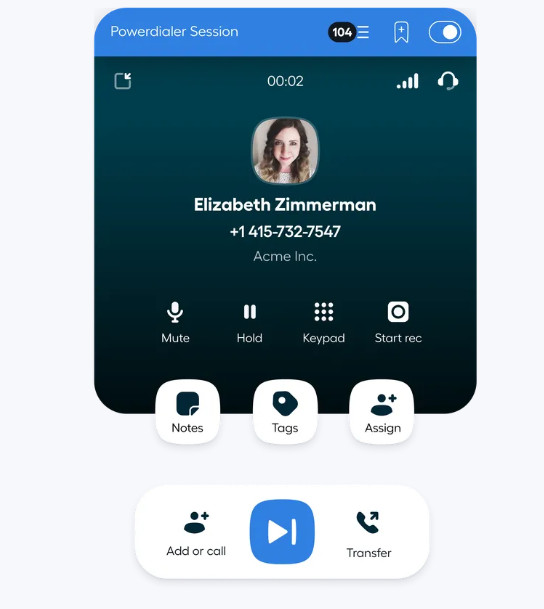
Removing the dead time between calls can be a major productivity lever for SDR teams. A power dialer lends itself well to this, as it can queue up the next contact the moment a call ends. That means reps spend more time having conversations than scrambling around for numbers.
Click-to-dial inside the CRM can do even more to reduce friction. Reps can click a contact record and then the call places itself, with no copy-pasting numbers or switching applications.
Make sure both of these features end up on your list of “must haves” for your SDR team’s phone system.
Local Presence Dialing
Cold calling pickup rates for B2B are already low, but using local presence dialing can give your team an edge by displaying a caller ID that matches the prospect’s area code rather than showing an out-of-state or international number.
Naturally, there’s no guarantee that this will, say, triple your pickup rate in every market, but local presence can help. For SDR teams making high volumes of outbound calls across multiple regions, this isn’t a feature that’s just nice-to-have, but a meaningful revenue variable.
CRM Integration Depth
This is an area where platforms look similar on paper, but can differ dramatically when you actually put them through their paces.
For instance, if your chosen CRM is Salesforce you’ll see that virtually every business phone system claims to connect to it. That’s why it’s important to ask questions about integration depth, such as:
- What specific data does it write to the CRM after each call?
- Does it log the outcome, the recording link, the AI-generated summary, call disposition, and the duration?
The answers will give you much better insight than a vague assurance that the platform connects to your CRM. For instance, a phone system that logs only timestamps will create manual admin work that erodes the time savings you’d otherwise gain from features like the power dialer. Confirm the exact field-level integration behavior before signing up.
AI Coaching and Call Quality Tools

Real-time coaching is no longer only an option for platforms designed exclusively for large enterprises.
These days, phone systems like those reviewed in this guide offer keyword-triggered prompts, live sentiment analysis, and post-call scoring that managers can use to identify coaching moments without having to listen back to hundreds of recordings.
Being able to embed that framework directly into live calls is a real operational advantage for SDR teams running specific outbound methodologies like BANT or MEDDIC.
Voice mail drop, which allows reps to leave a pre-recorded message with one click when a call goes unanswered, is also a must-have feature. Any platform that is going to force reps to record the same voicemail manually 40 times a day will cost you precious time.
Top Mistakes When Choosing a Phone System for an SDR Team
Choosing on Price Alone
The entry price for most platforms reviewed in this guide sits between $15 and $30 per month. However the feature set you’ll get at this price rarely reflects all the tools an SDR team is going to need.
Power dialers, local presence, AI summaries, and CRM integrations almost always require a higher tier or a paid add-on.
That means a platform that would normally charge, say, $19 per user per month could end up costing $45 – $55 once you factor in all the tools your team will actually use.
Make sure to build the full-cost picture when you’re evaluating platforms and make sure they can include any add-ons (as applicable) so you can work out a better price estimate.
Underestimating Setup and Ramp Time
This is another crucial factor, as some platforms on this list can have an SDR team live and calling within a day. Others may require multi-week implementation projects.
For SDR teams facing ramp targets and pipeline pressure, choosing a platform that has, say, a four-week deployment timeline is a business decision, not just a technical one.
You should also factor in the time your RevOps team or IT team will spend on configuration, integration setup, and ongoing administration, not just the sticker price per seat.
1. Aircall
Pros
- Purpose-built for outbound sales/support teams with deep CRM integrations
- Fast setup, no IT project required
- Clear, predictable pricing with no long-term contract lock-in.
- French-founded company (Paris HQ) with CNIL-registered DPO, French-language support, and local French number provisioning for outbound SDR teams
Cons
- Power dialer and local presence aren’t available in entry ‘Essentials’ tier
- No built-in video meetings or internal team messaging
Of all the platforms reviewed for this guide Aircall is most deliberately built for SDR and outbound sales workflows.
This is reflected in Aircall’s feature set. Subscribers to the ‘Professional’ plan ($50/user/month, billed annually) benefit from the Power Dialer, which auto-detects numbers from CRM records and queues them in sequence, logging every call automatically to Salesforce, HubSpot, or any of its 250-plus native integrations. For UK teams, Aircall’s pricing page lists Essentials at £25 per license per month and Professional at £40 per license per month when billed annually, with a three-license minimum for both plans. Professional includes the Power Dialer and AI Assist conversation intelligence features, while AI Assist Pro, which adds live transcription and real-time coaching, costs an additional £40 per seat per month. Factor in these plan requirements and add-ons when comparing the total cost for your SDR team.
Local presence is also built directly into the Power Dialer session, so it can automatically select the best matching outbound number by area code for each contact you’re dialing.
Voicemail drop lets reps leave a pre-recorded message and move immediately to the next call. Call dispositions and tags sync back to the CRM record in real time.
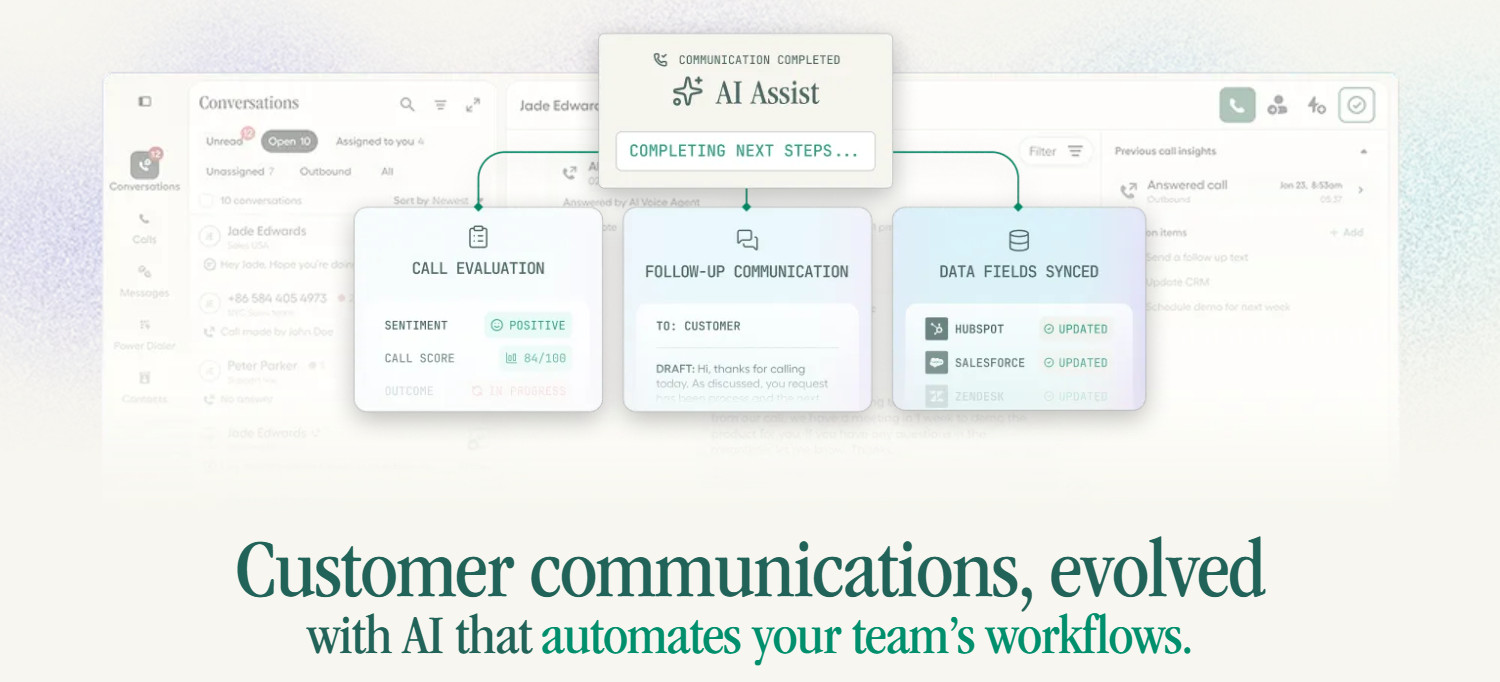
The ‘AI Assist’ add-on is included in the ‘Professional’ plan. It can generate post-call summaries, sentiment scores, key topic tags, and action items that land in the contact record automatically.
‘AI Assist Pro’ ($49/license/month extra) adds live transcription, real-time coaching prompts, and embedded sales playbooks built around BANT, MEDDIC, SPICED, or any custom frameworks that you define.
Explore this in-depth Aircall review for a closer look at the platform’s features.
For SDR teams based in France, Aircall has an additional edge: it’s a French company, founded in Paris in 2014 and headquartered there ever since. That means the platform, support team, and Salesforce CTI documentation are all natively available in French, and the DPO of Aircall SAS is registered directly with the CNIL. Aircall also provisions local French numbers across geographic area codes (01 for Paris, 04 for Lyon), which matters for local presence dialing when your SDRs are prospecting domestically. French customers include Ankorstore, Saint Gobain, and OpenClassrooms. You can explore the full French outbound sales page or start a free trial from the French site.
For SDR Teams in the UK: Local Numbers, CRM Integrations and UK GDPR
For UK SDR teams, Aircall connects outbound calling with CRMs like Salesforce, HubSpot, Pipedrive and Microsoft Dynamics, plus sales tools such as Outreach and Salesloft. Local UK numbers help teams build a familiar presence when prospecting, while Aircall’s London office and local team provide support without relying solely on US business hours.
UK GDPR and data protection: Aircall publishes information about its approach to UK privacy requirements, including its registration with the Information Commissioner’s Office (ICO) and safeguards for applicable international data transfers. UK GDPR compliance depends on the complete configuration and use of the service, so buyers should review Aircall’s privacy documentation, contractual terms and data-processing arrangements rather than assume that all data is stored exclusively in the UK.
UK teams can also review Aircall’s customer stories for examples of its use in real business workflows. For example, Mail Manager adopted Aircall to connect HubSpot with Gong, reduce manual call-note entry and support local numbers across its international operations.
UK SDR teams can compare Aircall’s UK pricing and plans, check its CRM integrations and review its UK privacy documentation before requesting a demo.
2. CloudTalk
Pros
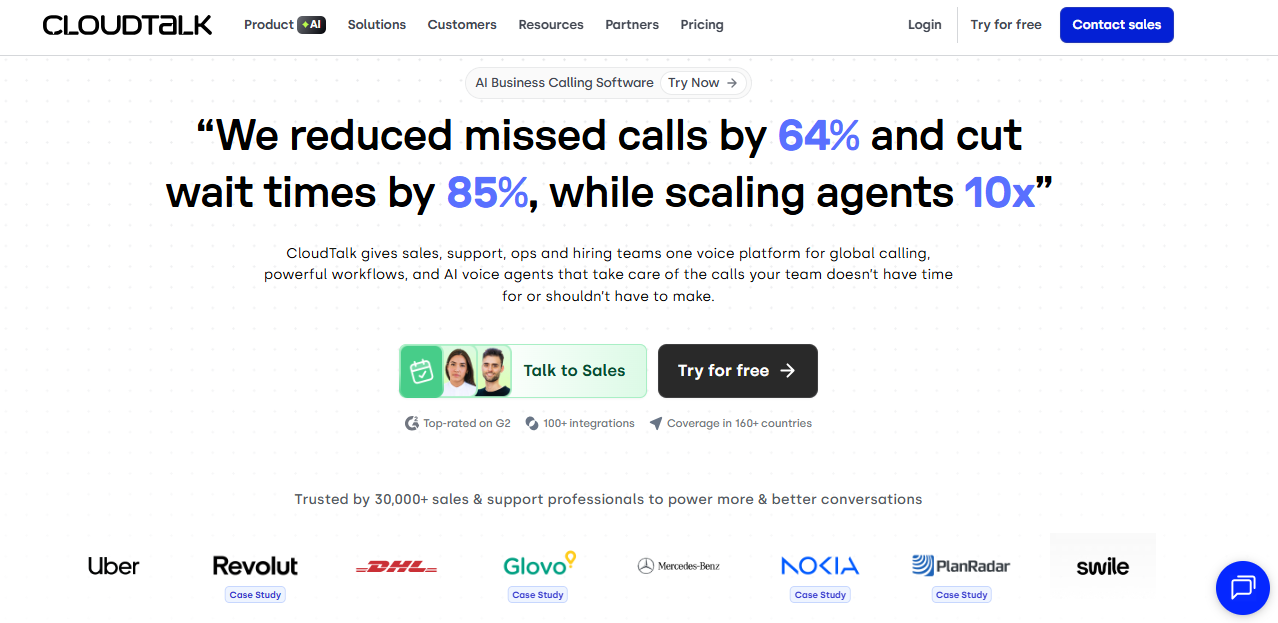
- Good international coverage, with numbers across 160+ countries
- AI conversation intelligence including transcription, sentiment, and topic analysis.
- Parallel dialer option (up to 10 simultaneous lines) for high-volume outbound teams.
Cons
- Entry price doesn’t include power dialer and AI capability.
- Salesforce integration is only available on the Expert plan at $49 per user per month.
- Call reliability issues flagged in some independent reviews
If your SDR team is doing high-volume international outbound calls then CloudTalk is worth serious consideration: particularly if your reps are dialing across multiple countries where local number coverage matters.
The Power Dialer is available as an add-on for $15/user/month, billed annually. This is bundled with the ‘Expert’ plan ($49/user/month, billed annually).
The Parallel Dialer add-on ($39/user/month, billed annually) can dial up to 10 lines simultaneously and connects reps only when a live person picks up, which is useful for high-volume cold-calling operations.
The main caveat here is pricing transparency: as impressive as these features are, CloudTalk’s entry price doesn’t include the features most SDR teams need, like the Power Dialer.
3. Dialpad
Pros
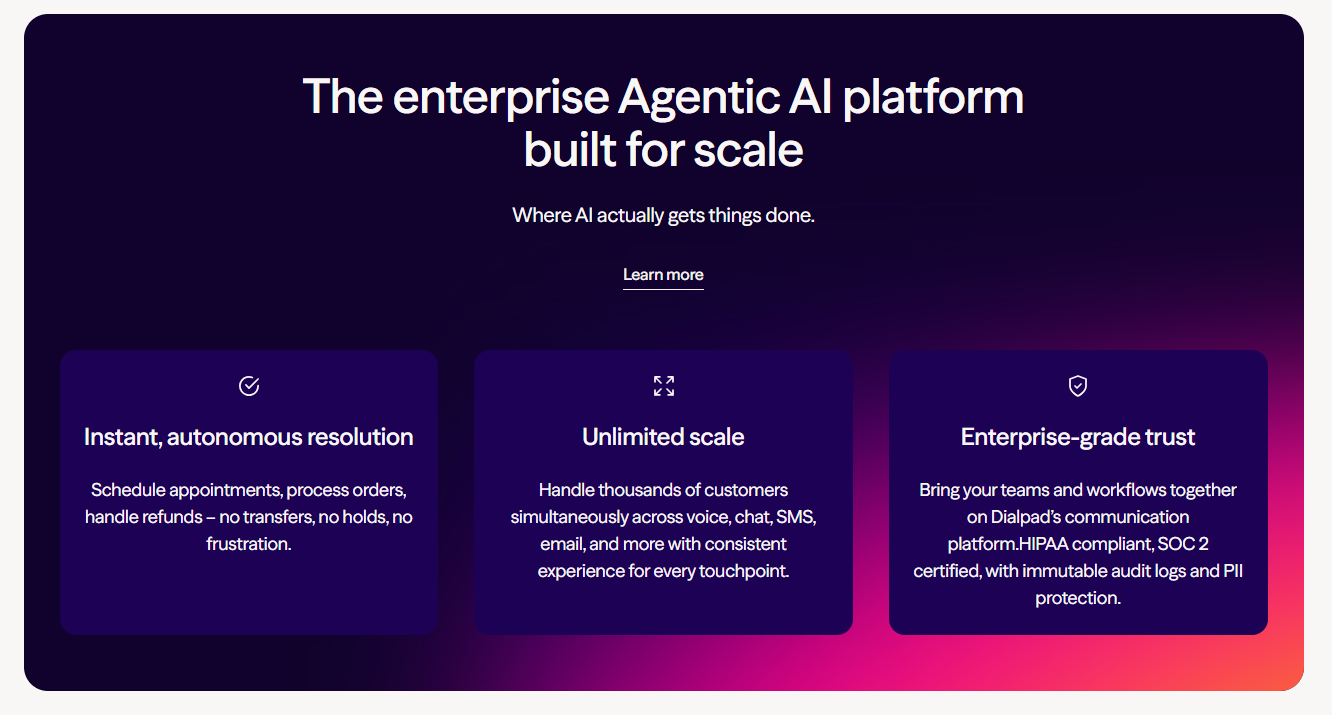
- AI transcription and call summaries included on all plans
- Good AI coaching with real-time sentiment and keyword-triggered prompts on higher tiers.
- Clean, unified interface combining voice, video, and messaging.
Cons
- No local presence on base plan
- Some users complain about issues with contacting customer service
- Pricing for Dialpad Sell (its dedicated sales product) only available on request
On the face of it, Dialpad represents the best value of the platforms reviewed for this guide, as multiple independent reviews that prices start at $15/user/month. This is hard to confirm on the site’s pricing page though, as interested parties need to contact the sales team for a quote in many cases.
This said, the website does include base prices for various ‘Sell’ plans. Subscribers to the ‘Advanced’ tier ($95/user/month, billed annually), benefit from features Silent Monitoring, Whisper Coaching, Barge-in, Local Dial, Voicemail Drop, and a Power Dialer.
Although this price point is relatively high, the platform’s performance consistently receives positive reviews on sites like G2 and Trustpilot. However some users claim they’ve had issues with contacting customer service.
4. RingCentral
Pros
- Extensive integration ecosystem (500+ to business tools and CRMs)
- Good track record for reliability and uptime
- Full unified communications platform covering voice, video, and messaging.
Cons
- Auto dialer only available for RingCX, not the base RingEX plan
- CRM integrations unavailable on the ‘Core’ plan
- Relatively complex setup
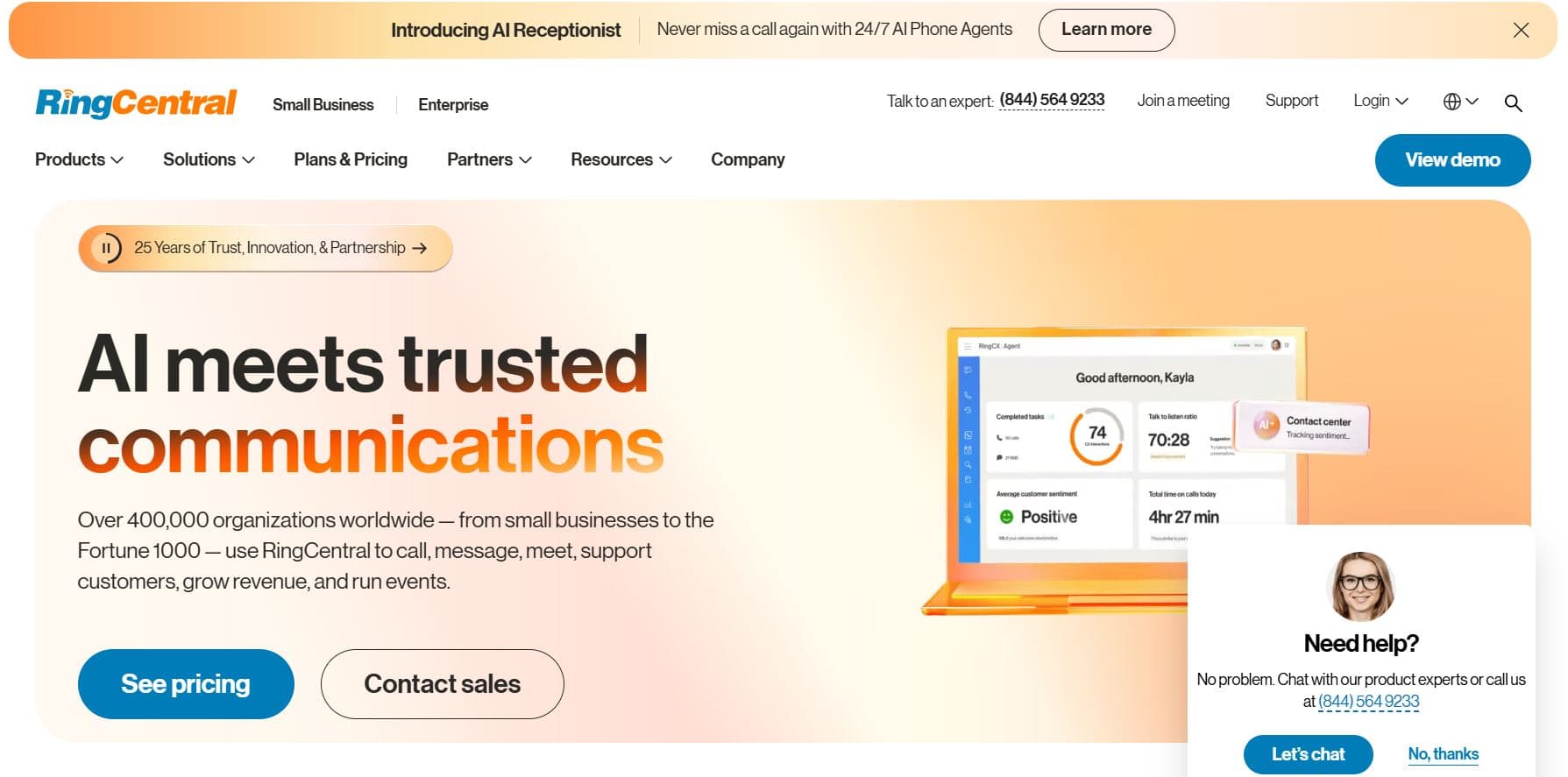
If your organization needs a platform that covers company-wide communications beyond just the SDR floor, and you have the necessary IT resources and time to implement it properly, then RingCentral is the strongest choice listed in this guide.
The reason we chose Aircall as the strongest option overall is that the “ifs” outlined above are significant: RingCentral is a more complex and more expensive path to get to the same outcome in many cases.
For instance, its ‘Auto Dialer’ lives in RingCX rather than the base phone product, voicemail drop requires App Connect rather than being natively built in, and RingSense is a separate add-on. For a dedicated SDR team of 10 to 30 seats that wants fast deployment and clean CRM integration, the setup overhead and total cost are harder to justify, despite RingCentral’s status as a broad communications platform with a wide range of integrations.
5. JustCall
Pros
- Combines calling, SMS, and WhatsApp with solid CRM integrations.
- Power dialer and voicemail drop available from the ‘Pro’ plan.
- Fast setup
Cons
- Some reviews indicate customer service issues
- Certain AI features only available via add-ons
- Pricing structure changes frequently
We’ve included JustCall in this guide as its feature set represents excellent value for money. The ‘Pro’ plan ($49/user/month, billed annually) includes local numbers in 70+ countries, a power dialer, 100+ integrations (including Salesforce CTI), bulk SMS, and queue callback.
JustCall’s main site also claims that its cloud phone setup can be completed in minutes. However, from reviewing feedback on TrustPilot there are two standout issues. Multiple customers claim to have had issues when contacting JustCall’s customer support. One customer also flagged that the ‘unlimited’ pricing for calls doesn’t cover certain categories, like international destinations, toll-free inbound calls, and activity ‘beyond fair usage limits’.
How to Choose the Best Phone System for Your SDR Team
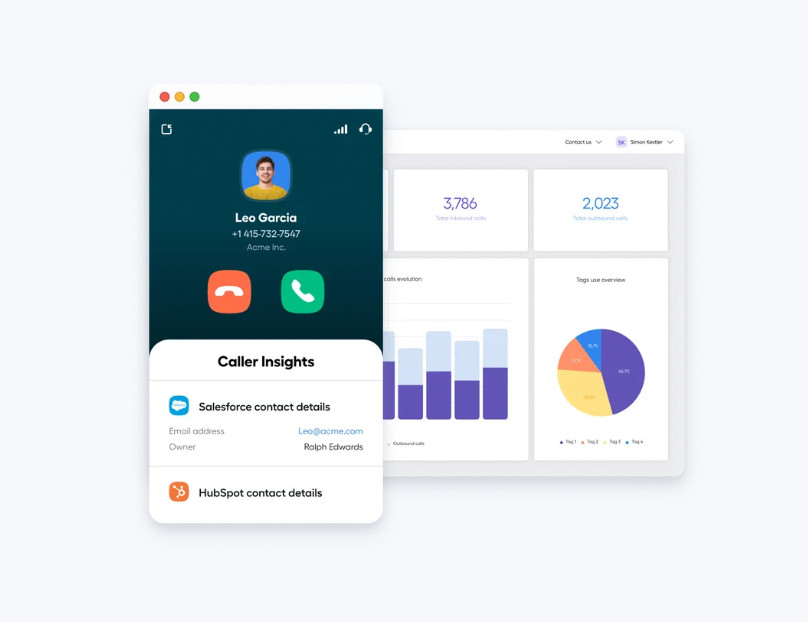
Whatever platform makes the top of your shortlist, make sure to take any free trials seriously. In particular, you should test the CRM integration with real call data in your actual production environment.
You should also make outbound calls to the regions your team will be targeting. Always check the price point for any tools you use during the trial, as understanding the exact feature set will give you a clearer idea of pricing.
Which is the Right Choice for Your Team?
In this case, the right choice of phone system will come down to two main factors: your team’s CRM stack and your expected call volume per rep per day.
If you’re running HubSpot, Salesforce, Zendesk, or Pipedrive and you want those integrations to work deeply and reliably from day one, then Aircall is the strongest overall fit for most SDR teams. Its combination of a power dialer, local presence, voicemail drop, AI coaching, and CRM-first architecture is built specifically for this use case. Subscribers to the “Professional” plan also benefit from full Salesforce CTI integration and “AI Assist” features, without paying for an add-on. French SDR teams can explore Aircall’s outbound prospection page for a closer look.
For UK sales teams, Aircall is a good option to evaluate if your SDRs need local UK numbers, native CRM integrations and a shared workflow for outbound calls and follow-ups. Before choosing a plan, confirm UK number availability, the precise Salesforce or HubSpot integration features included, and how call recordings and AI-generated data will be handled under your organisation’s UK GDPR obligations. UK businesses can explore Aircall’s integrations directory, review its UK privacy guidance and customer stories before requesting a demo through the UK contact page.
If your team’s doing extremely high-volume parallel dialing across international markets, CloudTalk’s parallel dialer and 160-plus country coverage are worth factoring into your shortlist.
If you want AI transcription and summaries at the lowest possible price point, Dialpad’s Standard plan at $15 per user per month is hard to beat, but you’ll need to pay extra for the power dialer.
If you’re at a very early stage with one or two SDRs and need a combined calling and SMS solution without a minimum number of seats, JustCall is deserves consideration, but be clear about any potential call quality trade-offs.