


Last Updated on February 3, 2026 by Ewen Finser
Creating great social media content doesn’t just mean writing a clever caption or picking a nice image. You also have to think about platform rules, audience tone, timing, visuals, hashtags, and brand voice — often several times a week.
Social media post generators exist to make that process easier, faster, and more reliable. Some focus on writing captions, while others help you design visuals. The best ones combine both so you can go from idea to published post without opening five different tools.
So today, we’re looking at what social media post generators actually do, why they are useful, what makes a good one, and six of the best options available today. To create this list, we looked at tools that balance creativity, ease of use, and real-world practicality — platforms that help users create both strong visuals and engaging captions without needing advanced design or marketing skills.
Why Use a Social Media Post Generator?
Social media post generators aren’t just for beginners. Many of them are robust tools that drastically simplify and speed up the content creation process, making them perfect for busy professionals, business owners, and interns.
Here’s why you might consider using one:
- Save time: Instead of starting from a blank page, you begin with a structured idea. That alone can reduce content creation time by more than half.
- Enforce consistency: A generator makes it easier to keep the same tone, formatting, and visual style across all your posts.
- Reduce creative burnout: Coming up with new captions and visuals every week can be exhausting. A generator gives you a starting point so your creativity can focus on refinement instead of invention.
- Easily produce professional content: You don’t need advanced design skills or copywriting training to publish something that looks and sounds polished.
- Rapidly experiment: You can generate multiple versions of a post and test which one performs better without rewriting everything from scratch.
What Makes a Good Social Media Post Generator?

Not all social media post generators are created equal. For example, some tools are focused mainly on text while others prioritize visuals; the strongest platforms combine both into one workflow so you are not switching between a design app and a writing app.
A great social post generator should:
- Create or suggest visual designs such as square posts, stories, and banners
- Adapt content for different platforms with the right length and style
- Recommend hashtags or calls to action
- Help you maintain a consistent brand look and voice
- Let you create content in minutes without sitting through long tutorials
- Allow you to edit and customize the output rather than locking you into rigid templates
Finally, the best tools strike the right balance between automation and personality, so that the final result feels natural and human instead of stiff or robotic.
The Best Social Media Post Generators: At a Glance
Tool | Best for | Key features | Pricing |
Design.com | Small businesses needing design and copy in one place | On-brand visualsLarge library of customizable templatesAI creationCaption generation | Free: Social media post templatesStarter: $15/monthValue: $24/monthPremium: $29/month |
Canva | Quick visual content creation | Design editing with AI featuresLarge library of templatesCaption generation | Free: Basic + AI featuresCanva Pro: $15/month |
Copy.ai | Caption and copy generation | Text-based content creation | Self-service: $29/monthEnterprise: Pricing available upon request |
Hootsuite OwlyWriter | Social media teams | Content schedulingAdvanced analyticsAI hashtagsCaption generation | Standard: $99/monthAdvanced: $249/month |
Buffer AI Assistant | Simple caption generation | Content schedulingBasic analyticsAI caption and idea generation | Free: Basic + AI featuresPro: $5/monthAdvanced: $10/month |
Later AI Caption Writer | Instagram creators | Visual planning for IG and TikTokContent schedulingBasic analyticsAI caption and idea generation | Starter: $19/month (5 AI credits)Growth: $38/month (50 AI credits)Scale: $83/month (100 AI credits) |
1. Design.com
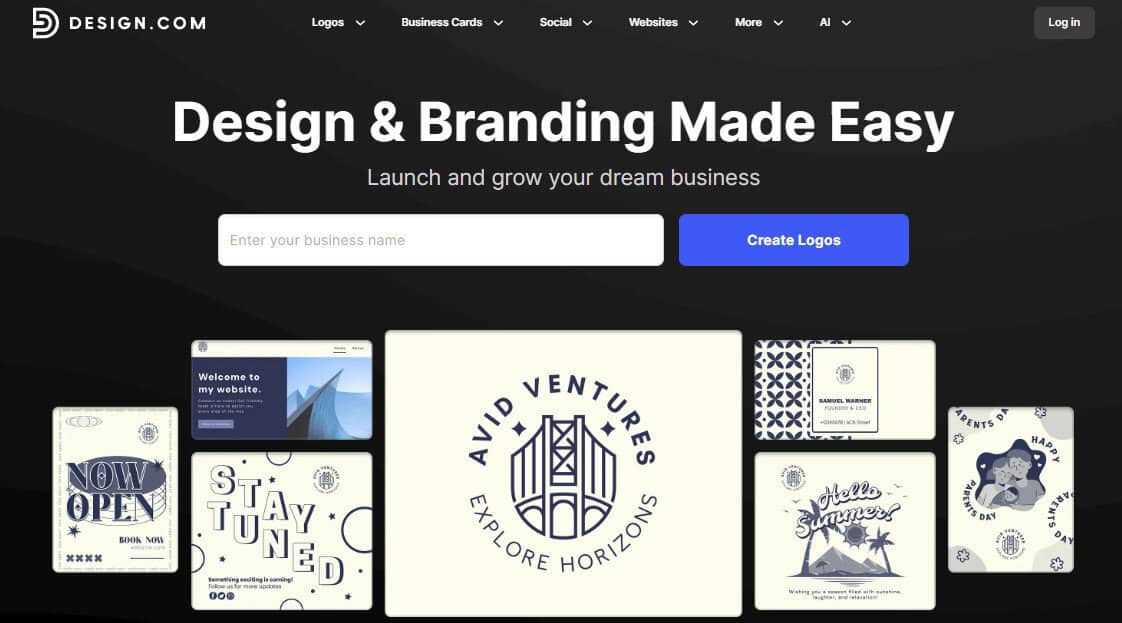
Design.com is best known for branding and logo creation, but it’s actually a full design and content creation platform. Its social media post generator combines visual templates with AI-assisted caption writing, making it a practical choice for businesses that want everything in one place.
You can choose from professionally designed templates for different platforms and then customize colors, fonts, and layouts to match your brand — making it especially useful for small businesses, startups, and creators who want their posts to look polished without hiring a designer. Its AI tools will also generate captions, slogans, and short promotional text that align with your topic and tone.
Design.com also integrates brand kits so your posts stay visually consistent across channels, which really helps if you’re trying to build a recognizable identity.
Pros:
- Strong branding tools
- All-in-one platform for visuals and captions
- Easy customization
- Free social media post templates
Cons:
- No scheduling features
- Fewer analytics tools
Best for: Small business owners, startups, and creators who want both design and copywriting in a single tool
2. Canva
Canva is one of the most popular design tools in the world, and its social media post generator features are a big reason why. It offers thousands of templates for every major platform and even includes an AI writing assistant that can generate captions and headlines.
Where it excels most is in visual creation. With Canva, you can quickly create branded posts, stories, and reels covers with drag-and-drop tools. Its caption generator is useful for basic ideas and variations, though it may require editing for tone and originality. And because many people already use Canva, it integrates well into existing workflows.
Pros:
- Huge template library
- Intuitive interface
- Easy customization
Cons:
- AI text output can feel generic
- Advanced social media strategy features are limited
Best for: Individuals and teams who already use Canva and need quick, attractive visuals with simple caption support
3. Copy.ai
Copy.ai primarily focuses on writing rather than design. You can select tones such as friendly, professional, or playful, and it will generate captions, hooks, and calls to action for different platforms based on your prompt.
It’s strong for people who already have visuals but struggle with wording (or for those who don’t need copywriting to begin with). It can help you brainstorm ideas, refine your message, and avoid repetitive phrasing.
Pros:
- Extensive template libraries
- Robust brand voice customization
- SEO-friendly content generation
Cons:
- No visual design tools
- Copy still needs human editing to avoid generic content
Best for: Marketers who want help with captions and messaging rather than visuals
4. Hootsuite OwlyWriter AI
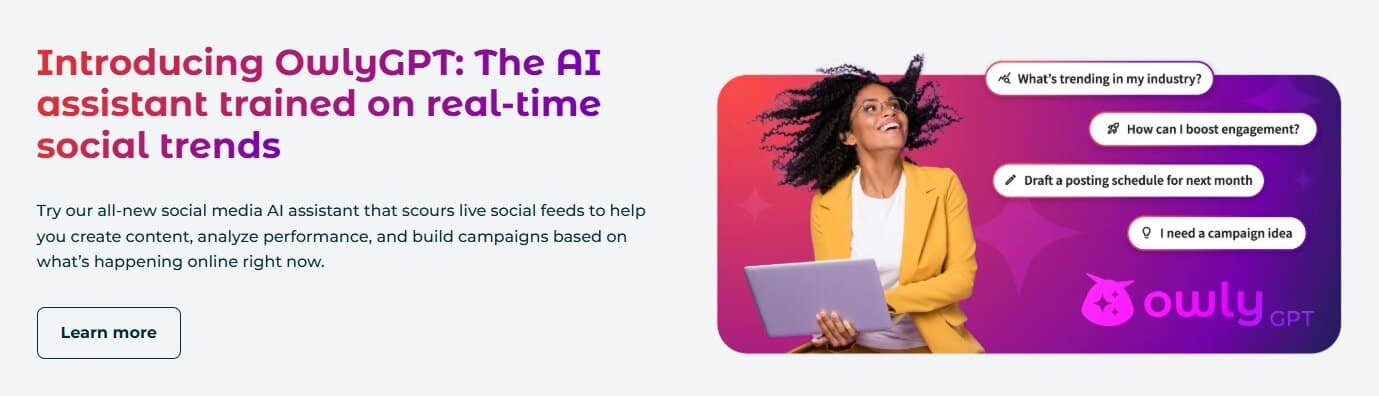
Hootsuite’s OwlyWriter AI is built directly into its social media management platform, generating captions, post ideas, and variations based on your topic or URL. It also supports performance data so you can refine future posts based on engagement.
Because it lives inside a scheduling tool, it’s ideal for teams that want to go from idea to scheduled post without switching software. It’s more about efficiency and workflow than creativity, although it does have a built-in Canva integration for in-platform visual creation.
It’s also commonly used by professional marketing teams, so it has a higher price tag compared to other options.
Pros:
- Advanced features for scheduling, analytics, inbox, etc.
- Data-informed suggestions
- Workflow efficiency
Cons:
- No free options, higher cost
- An advanced dashboard with a steep learning curve
Best for: Social media managers and teams who already use Hootsuite for scheduling and analytics
5. Buffer AI Assistant
Buffer is like a lighter version of Hootsuite, with social media post scheduling at the core of its functionality. It’s aimed more at smaller creators and has significantly lower prices, including a free version. However, it does offer basic analytics.
Its AI assistant helps generate and refine social media captions inside the scheduling platform; you can ask it to rewrite posts, change tone, or create new ideas. For visual design, it allows you to import graphics directly from Canva or other cloud drives.
Buffer works well for people who want light AI support without leaving their scheduling tool. The focus is on clarity, tone, and speed rather than visual design.
Pros:
- Simple and easy to use
- Affordable prices (free plan available)
- Offers basic analytics
Cons:
- AI assistant is limited to caption generation
- No integrated design functionality
Best for: Freelancers and small teams who prioritize scheduling and consistency over visual complexity
6. Later AI Caption Writer
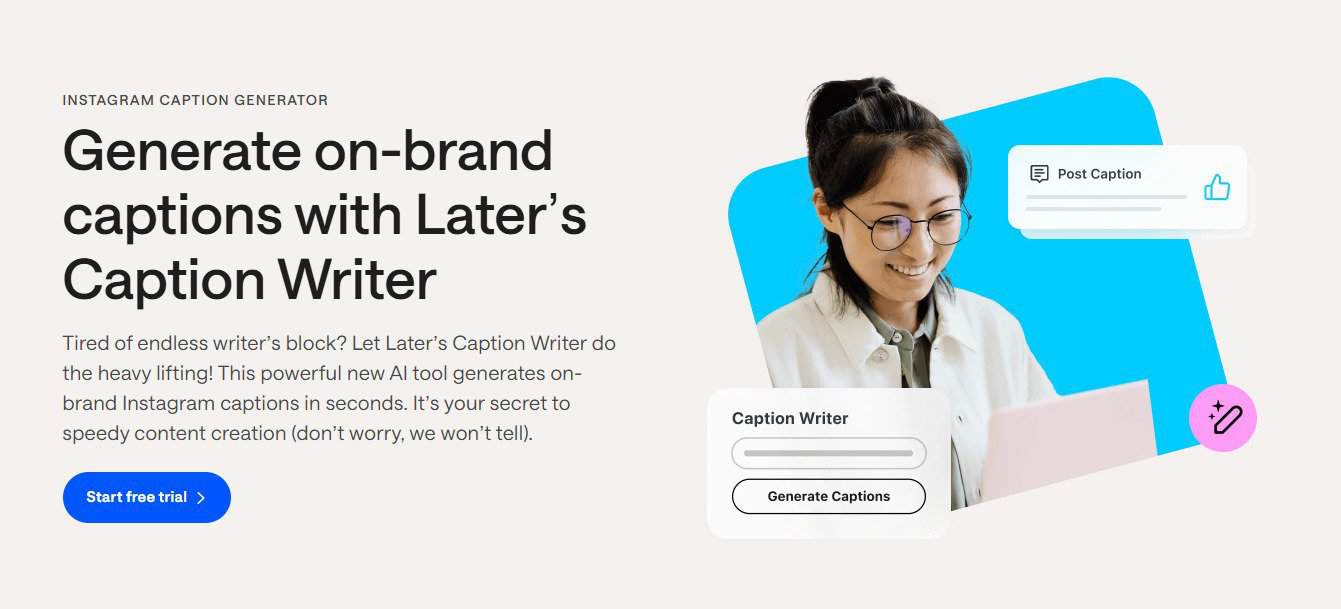
Later is both an influencer marketing platform and a social media post scheduling tool. When it comes to social media, it’s more focused on planning the visuals of the Instagram and TikTok grid.
This means that its visual editing tool is limited to basic cropping and filters, but it does allow exporting from Canva. Where it offers more creativity is its built-in AI features, which can create on-brand captions and generate content ideas.
It’s important to note, however, that it only comes with limited “AI credits” based on your plan, which means it does not give you unlimited use of its AI features.
Other nice features include basic social media analytics, integrated social inboxes (on select plans), and customizable link pages.
Pros:
- Strong visual planning for Instagram and TikTok grid aesthetic
- Planning, scheduling, caption generation, and posting all in one platform
- Has a database of influencers for collabs (on separate plans)
Cons:
- Limited monthly AI credits
- Not suited for long-form text content
Best for: Instagram-focused creators and visual-first brands
Picking the Right Tool for the Job
Social media post generators are no longer novelty tools; they are practical assistants for anyone who needs to create content regularly without burning out or wasting time.
Design.com stands out as one of the better alternatives for users who want both design and copy in a single workflow. It’s especially valuable for small businesses and creators who care about brand consistency and professional appearance.
Other tools shine in different ways: Canva is ideal for visual speed, Copy.ai is great for writing support, and tools like Hootsuite are great for scheduling.
The right tool is the one that fits your goals, your budget, and your daily routine. Start with one that feels easy to use, produces content you are proud to publish, and saves you real time. That’s the true measure of a good tool.