


Last Updated on May 22, 2026 by Ewen Finser
Many small business owners are moving away from traditional bookkeeping solutions like QuickBooks and toward AI-native accounting software platforms, which have become particularly appealing to SMBs due to their ability to streamline manual work, save time, and improve accuracy.
Several competitors have emerged to meet this demand, with a couple of the most prominent being Puzzle and Kick.
Here’s how the two compare.
At a Glance
Best For | Startups and SMBs looking for an AI-assisted approach | SMBs looking for fully autonomous accounting and bookkeeping |
Accounting Basis | Cash and accrual from Starter+ | Cash from Free+, accrual from Plus+ |
Tax Capabilities | Starter: $25/month (free up to $20K transactions), Core: $60/month, Boost: $100/month, Unlimited: $300/month | Live chat, Email, and AI support |
Integrations | 14 | 50+ |
Customer Support | Email, In-app messaging, Knowledge Center | Tax-ready documents at year-end, 1099 vendor spend tracking |
Onboarding | Self-serve; free onboarding calls available | Self-serve |
Plans and Pricing | Starter: $25/month (free up to $20K transactions), Core: $60/month, Boost: $100/month. Unlimited: $300/month | Free: $0/month, Basic: $40/month, Plus: $100/month, Advanced: Custom pricing |
Puzzle: AI-Assisted Accounting for Startups and SaaS Companies
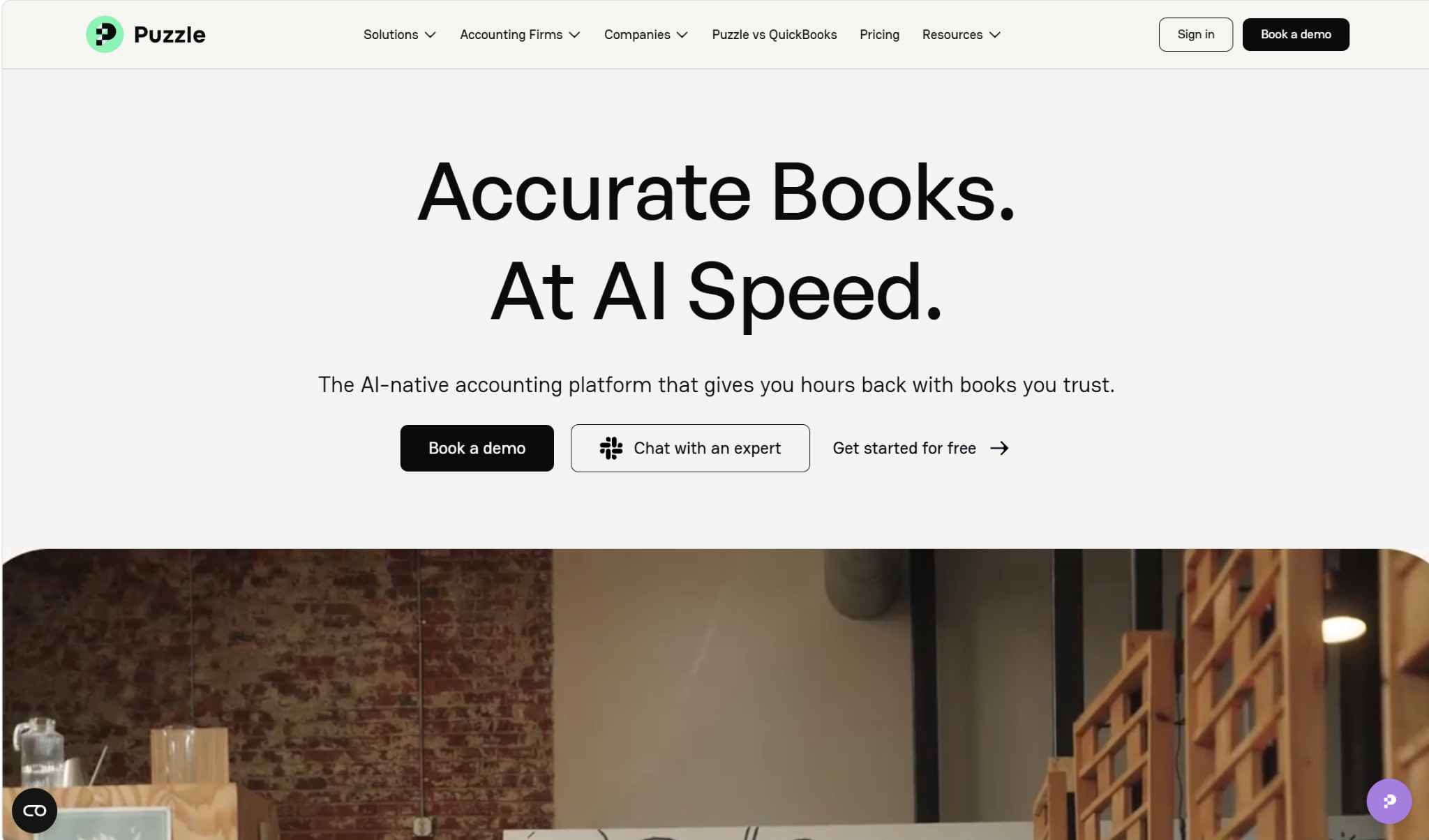
Puzzle is an AI-native accounting platform designed with startups and SaaS companies in mind, although businesses of all types, from solopreneurs to multi-entity enterprises, can use it effectively. It’s especially marketed toward QuickBooks users looking to make a switch.
Approach to AI
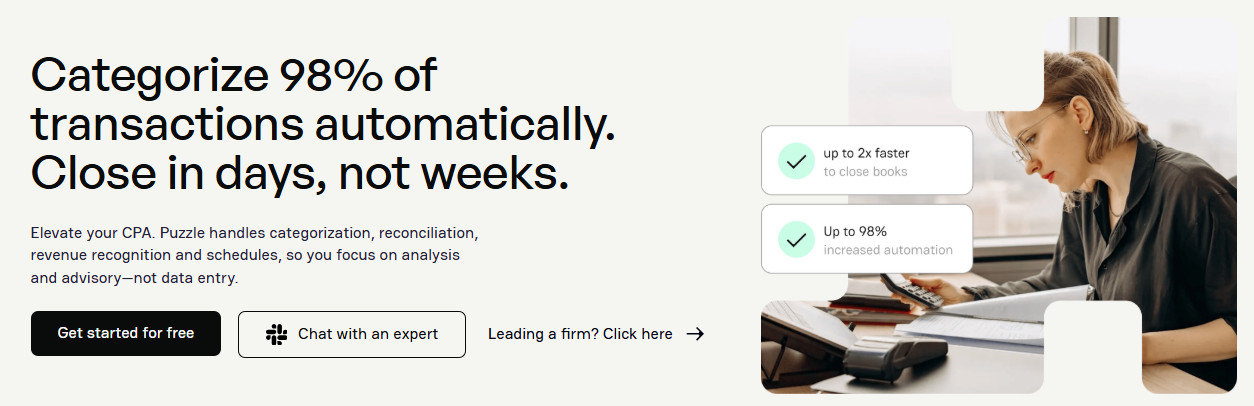
The main areas that Puzzle leverages AI in are revenue recognition and the month-end close. On the revenue side, you can sync data from your payments platform into Puzzle, and it will categorize transactions and generate journal entries for both the cash and accrual basis.
For the month-end close, Puzzle can perform tasks like bank reconciliations. They’re also rolling out AI Close, an AI agent that lets you describe your typical workflow, and it will convert it into clearly-defined steps (which you approve) and then execute the closing process.
In addition, the platform has real-time financial dashboards that continuously update cash, burn, runway, AR, AP, P&L, and trends. Depending on which plan you have, Puzzle can also automatically review your books for accuracy and bring any potential issues to your attention.
However, while the software automates many tedious daily accounting tasks, it still keeps humans in the mix and doesn’t have AI completely take over your books.
Tax Capabilities
While Puzzle isn’t a tax preparation software, it does include tools to keep you tax-ready. For example, you can download a Tax Package after you’ve closed your books for the current year, which contains all the tax documents you’ll need to file (balance sheet, general ledger, income statement, trial balance, etc.), allowing you to send them to your accountant as-is.
Puzzle also has features for tracking 1099 vendor spending. It’ll suggest 1099-eligible vendors, flagging those with total payments over $600 and in common categories like contractors, freelancers, and professional services. Then, you can export a vendor spending report.
Integrations
Puzzle integrates with many of the top finance tools that you’re probably using day-to-day across expense management, payroll, bill payment, and other categories. Among the 14 available currently are Rippling, Brex, Mercury, Stripe, Ramp, and BILL.
Customer Support
If you need to get in touch with someone at Puzzle, you can do so either through live chat or email. You can also use their AI support feature to get quick answers to questions you may have. The level of support you get differs by plan, however.
Onboarding
According to Puzzle, most firms can start using the platform within 15 minutes. Once you’ve signed up, you’ll first need to connect things like your bank accounts, credit cards, payroll provider, and payment processor.
After your financial data is imported into Puzzle, you’ll want to give it a quick once-over to ensure that the transactions are accurate and that there are no glaring omissions. Then, you can start categorizing transactions and accessing your financial statements. Also, at this point, you can begin adding co-founders and other team members to your account so they have access.
While the onboarding process is designed to be self-driven, Puzzle offers free onboarding calls if you run into any hiccups. However, users with the Scale plan can access even more extensive onboarding support.
Plans and Pricing
- Starter ($25/month; free for the first $20K in transactions):
- 1 user
- AI support
- Auto-categorization
- Auto-drafted financial statements
- Cash and accrual books
- Core ($60/month):
- 5 users
- Chat support
- Insights (cash, burn, runway, etc.)
- Spend and revenue tracking
- Variance analysis
- Multi-entity accounting
- Advanced reporting
- Custom chart of accounts
- Complete ($100/month):
- Unlimited users
- Priority chat support
- AI-powered accuracy review and reconciliations
- AI insights and analysis
- AI-enhanced categorization
- Revenue recognition
- Scale ($300/month):
- Subledgers
- Priority feature requests
- No transaction limits
- No integration limits
- Backup and restore
Kick: AI-Driven Accounting and Bookkeeping for SMBs
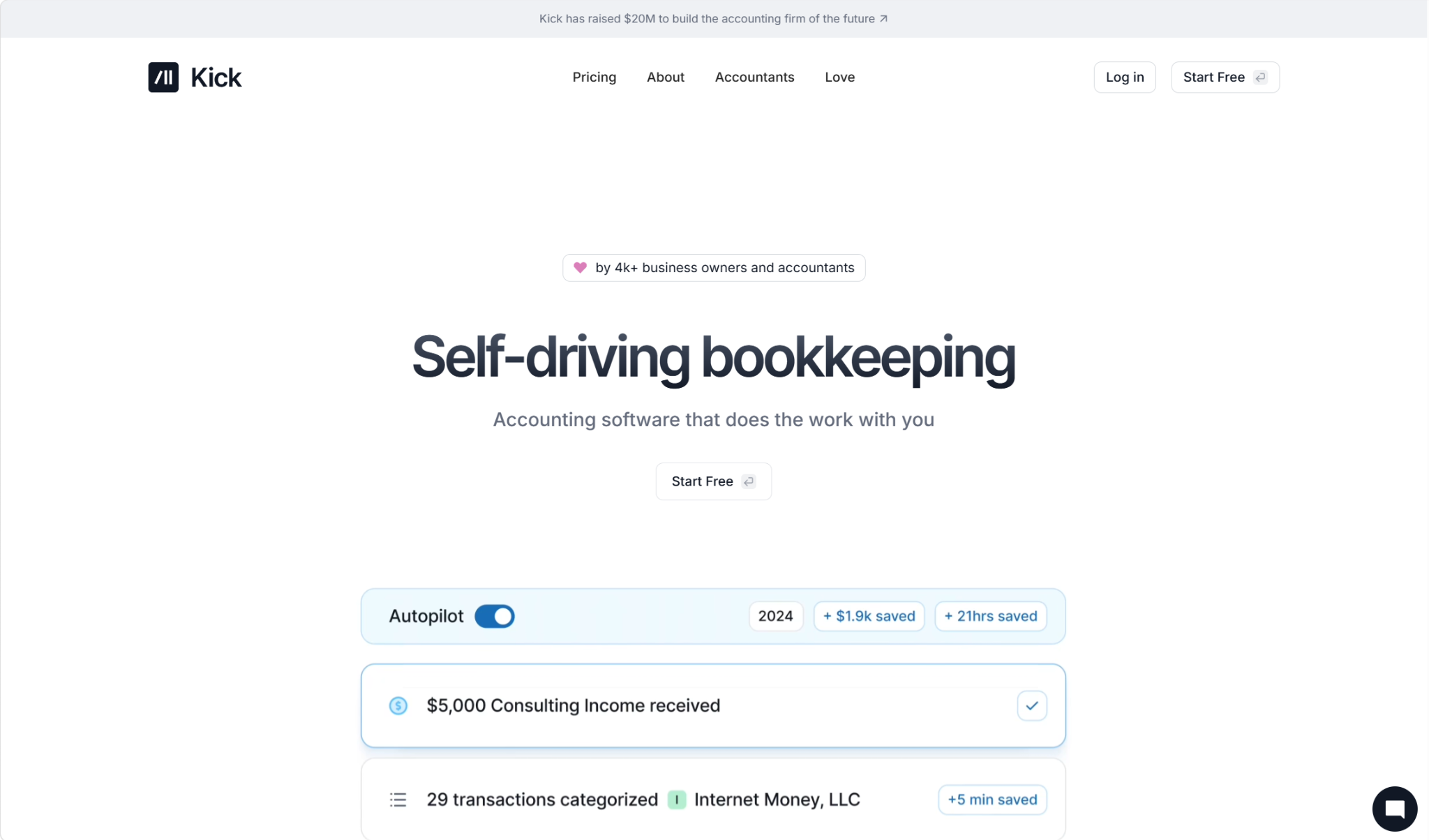
Kick is a slightly newer entrant into the AI accounting space. It’s backed by the OpenAI Startup Fund and has over 60 investors in total. It doesn’t target any particular customer niche, so it’s an industry-agnostic choice for businesses of varying sizes.
Notably, Kick has been actively recruiting ex-Bench customers (a popular bookkeeping platform for SMBs that unexpectedly shut down in late 2024), and it’s had over 1,000 make the switch so far.
Approach to AI
Kick covers a lot of the same bases as Puzzle. Its AI can perform simple bookkeeping tasks like transaction categorization, receipt matching, and document processing, as well as traditional accounting tasks including journal entries, bank reconciliations, and trial balances. Depending on which plan you have, you can use Kick for either cash or accrual accounting, and multi-entity support is available.
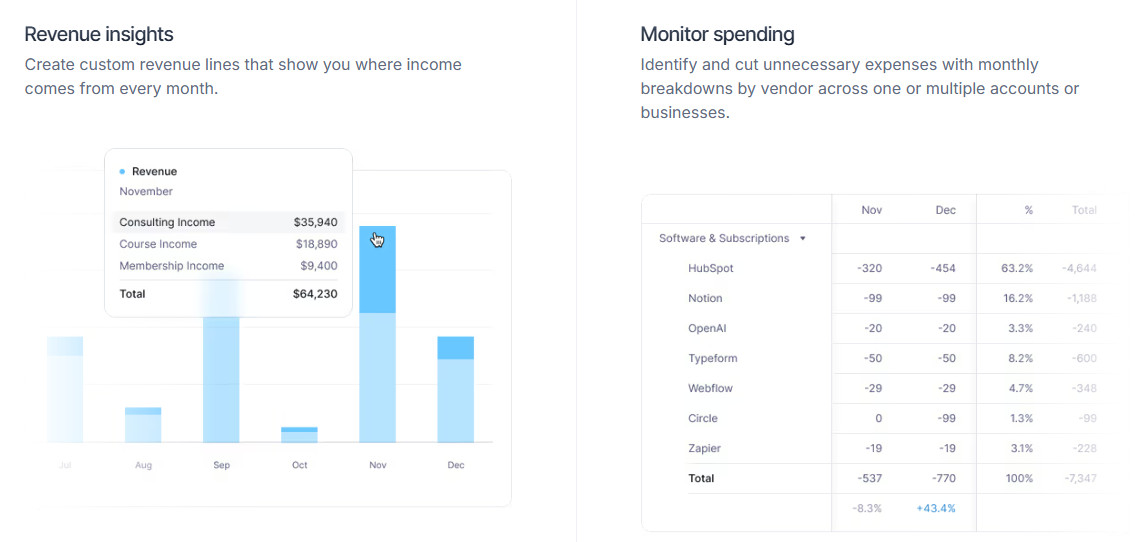
Financial reporting is also in Kick’s wheelhouse, generating financials like profit and loss statements and balance sheets. On the analytics side, there’s a Cash Insights feature that gives you a real-time look at cash inflows and outflows, helping you keep tabs on your business’s short-term liquidity.
While Puzzle keeps the human in the loop and is more AI-assisted than AI-driven, Kick promotes “self-driving bookkeeping,” claiming that the software will do most of the work for you. Of course, it’s still a good idea to monitor for accuracy, but Kick is a solid choice for those wanting to be as hands-off as possible when it comes to bookkeeping.
Tax Capabilities
Kick is primarily designed for day-to-day accounting and bookkeeping, not in-depth tax compliance. However, it does have some features that could help you prepare for tax season. One of the most notable is how it optimizes deductions: It flags certain deductible business expenses that are easily overlooked, such as those relating to your home office, your vehicle, and travel.
In addition, Kick creates an end-of-year tax package, which includes a profit and loss statement, balance sheet, and general ledger. These are tax-ready and can be sent to your accountant as-is.
Integrations
Kick integrates with over 50 payment processors, banks, and expense management tools, so you can easily sync transaction data across your accounting stack. The main ones include Plaid, Stripe, PayPal, Mercury, Gusto, and Ramp.
Customer Support
Like with Puzzle, the level of support you get with Kick depends on which plan you’re subscribed to. If you’re on either the Free or Basic plan, you have access to email support. However, you can always use the Knowledge Center.
With the Plus plan, you get priority support with faster response times, and you can contact Kick via in-app messaging. Support on the Advanced plan goes beyond this, as you get dedicated service.
Onboarding
Getting started with Kick is designed to be a self-serve process, although users on the Advanced plan can access CPA-led onboarding support.
Similar to Puzzle, the first step is to add all of your financial information and accounts. As an added benefit, Kick also lets you add your personal banking information, allowing you to quickly move expenses from personal to business — which can help come tax time. You’ll also add your payment processor and payroll software at this time.
Once you’ve registered for an account or begun a free trial, you can then begin personalizing your Kick experience. Here, you can manually change transaction categories, create rules, and add entities.
Plans and Pricing
- Free:
- Up to 250 transactions
- 1 entity
- Auto categorization
- Profit and loss
- Balance sheet
- Receipt matching
- Cash-basis ledger
- Basic ($40/month):
- Unlimited transactions
- Importer (imports transaction data)
- Reconciliation
- MCP (model context protocol) and CLI (command line interface)
- Statement sync
- Plus ($100/month):
- Unlimited entities (each is $50/month after 250 transactions)
- Classes
- Accrual ledger
- AR/AP automation
- Multi-entity accounting
- Advanced (custom pricing):
- Dedicated support
- Migration and training
- Consolidation
- Deduction optimization
Free is designed for new businesses and sole proprietors, Basic for full-time businesses, Plus for growing businesses using the accrual basis of accounting, and Custom for complex businesses.
So, Which AI Accounting Software Is Best: Puzzle or Kick?

Puzzle and Kick are two standout AI-native accounting software platforms. They both heavily incorporate AI and automation to streamline repetitive, manual bookkeeping tasks, saving you time and boosting accuracy. However, there are enough differences between them that might steer you towards one over the other.
One of the main differences is their overall approach to AI. If you want something that’s AI-assisted and is more reliant on your input, you’ll probably prefer Puzzle. If you’re looking for the highest level of automation, Kick will have the advantage here.
The entry-level price points are similar, with both Puzzle and Kick offering free plans for small businesses up to a certain transaction threshold. However, the plans don’t all contain the same features.
With Puzzle, you get both cash-basis and accrual-basis accounting right away; with Kick, your books will be cash-only until you hit the Plus plan, so Puzzle is cheaper for AI accrual accounting. At the same time, Kick has more integrations than Puzzle, which could be the deciding factor for you if Puzzle lacks support for a critical part of your stack.
In general, I’d recommend doing your own research before landing on Puzzle or Kick, as a lot of it comes down to personal preference and your business’s unique needs.