

Last Updated on June 16, 2026 by Ewen Finser
Writing and updating SOPs, training docs, and other how-to content can eat up a ton of time. I get it. I’ve spent the last ten years deep in operations and documentation, and I know how much harder this gets as a company grows. Teams change, processes shift, and things get way more complicated than you’d expect.
AI tools are showing up everywhere in business now, and they can really help with this stuff. I lean on the ones that actually make my job easier. But here’s the thing: a lot of tools look amazing in a demo and then fall apart once you start using them every day.
I’ve tested a ton of platforms to find the ones that actually hold up. At one point, I tried out a bunch of AI documentation tools and ended up comparing two of them closely: Guidde and Videate (plus a few others I won’t get into here).
I would argue that finding a tool that fits how your team actually works makes a huge difference, so let’s break down what sets these two apart.
TL;DR: Want a quick and easy way to make visual walkthroughs and auto-generate docs? Go with Guidde. Need to standardize documentation across your whole company or make bulk edits to a lot of text? Videate is probably your better bet.
Below, I’ll walk through the main features and benefits of each, where the trade-offs show up, and what to look for when picking between two tools that seem alike at first glance.
A Quick View: Guidde vs Videate
Ideal use case | Flexible and fast shareable, collaborative content. | Structured, process-first documentation |
Best Suited For | SMBs that value agility, speed, and collaboration | Structured businesses that need stricter consistency measures |
Content types | AI-Generated Video guides Documentation is available in multiple downloadable formats. Embeddable links and more Advanced narrated walkthroughs | Process-driven documentation Videos Shareable and embeddable links Limited narration |
Ease of use | Easy to use and low learning curve | A steeper learning curve requires more advanced technical skills |
Security & compliance features | SOC 2 Type 2, CCPA & GDPR ready, DPF | SOC-2 Compliant |
Pricing | Free trial available Free plan available with paid tiers ranging from $19-$39/month Custom pricing available for enterprise businesses | No free trial Not publicly available |
Editing features | AI voice-overs & multi-language capabilities, video editing, call-outs, and more | AI voice-overs & multi-language capabilities, video editing, bulk updates, and more |
Long-Term Maintainability | Better suited for content within a fast-paced and agile environment | Best for repeatable content, requiring standardized updates |
Core Content Approach | Communication-first and visually engaging | Documentation and process-driven |
Side By Side Quick View – Guidde and Videate
In my experience, most companies don’t struggle with content creation. It’s the long-term maintenance of the content that is the real factor for teams.
This is part of why choosing the right tool matters for ensuring you’re supporting the sustainability of internal procedures, documents, and other collateral. With this in mind, the way each tool approaches this task differently!
Let’s take a look at both Guidde and Videate to get a sense of their overall workflow.
Guidde
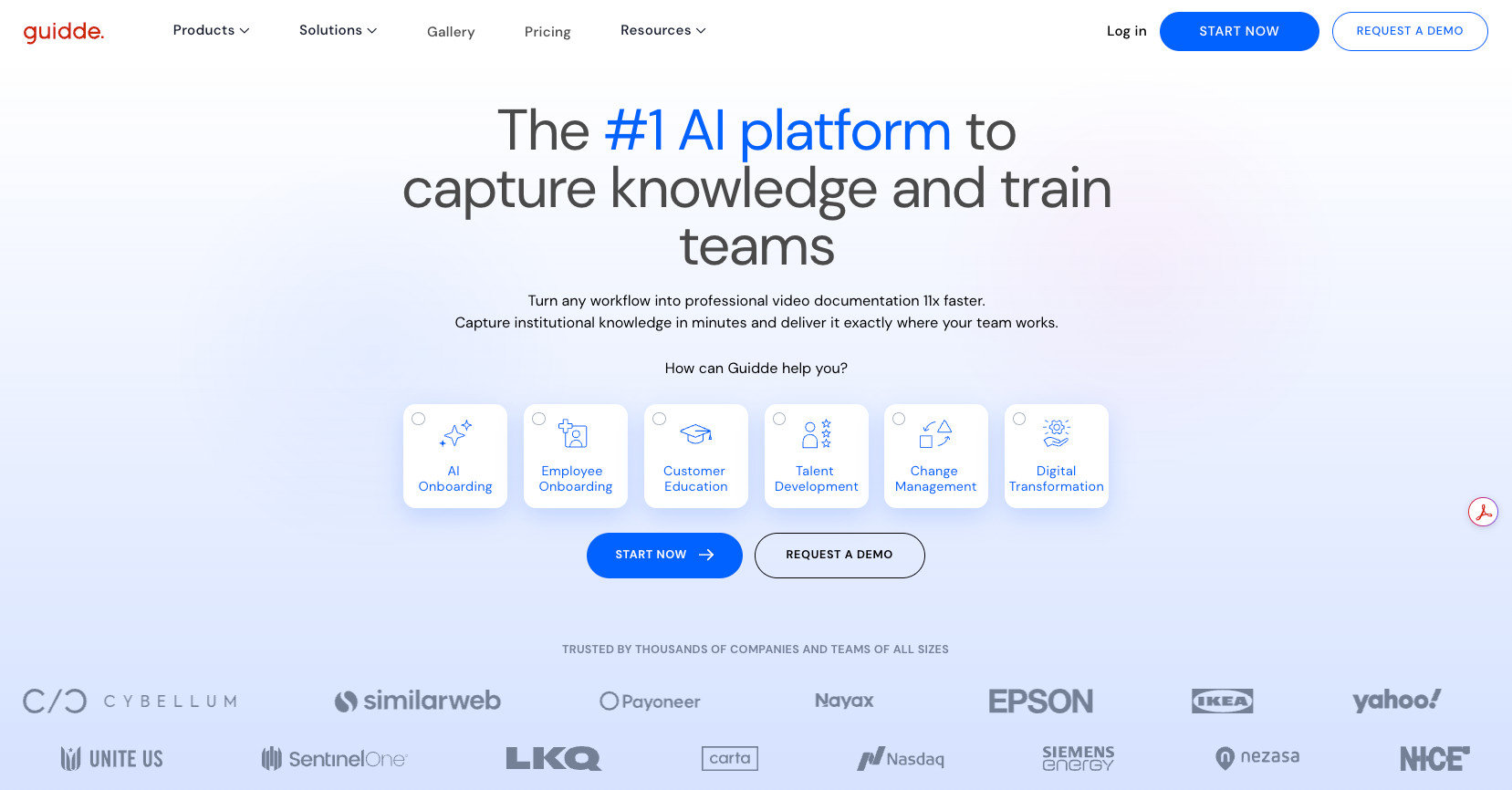
In my experience, I’ve found Guidde to be optimized for:
- Creating workflows quickly
- Turning processes into engaging visual videos and easy-to-follow guides
- Fast-moving SMBs and large organizations that need a flexible and easy-to-use tool
- Easy and quick sharing and content updates
Guidde is generally a great way to provide a low barrier to entry, so users can quickly create content and share updates without needing an over-engineered platform, which tends to work well for more flexible businesses.
Conversely, more compliance- and process-heavy organizations may need something that supports governance processes, but this often slows content creation.
Videate
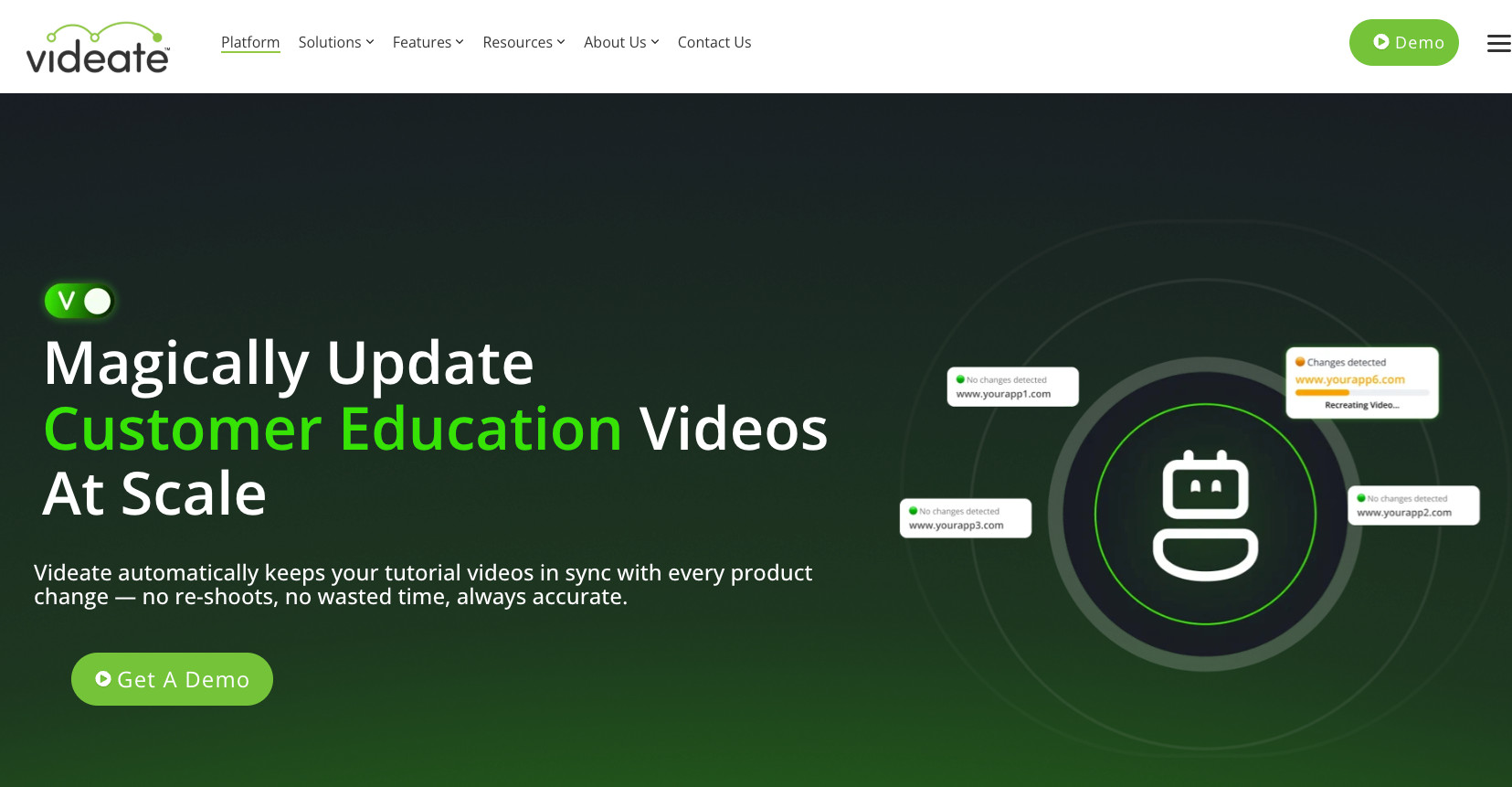
I’ve found Videate to be more focused on:
- Creating structural and operational content and material
- Maintaining organizational standardization
- More focused on structured operational documentation
- Best for repeatable processes that tend to stay relatively static over time
- Standardized processes and documents, and more rigid organizations
Workflow Differences Between Guidde and Videate
Typically, people look at feature lists and not workflows, and to me, this can be one of the most critical parts of assessing AI documentation software.
It’s easy to create documentation, but maintaining it and updating it can be a different challenge, and operationally, this is critical to consider.
Guidde’s Workflow
You install a browser extension, and that’s basically it. It’s a true one-click capture process, no complicated setup needed.
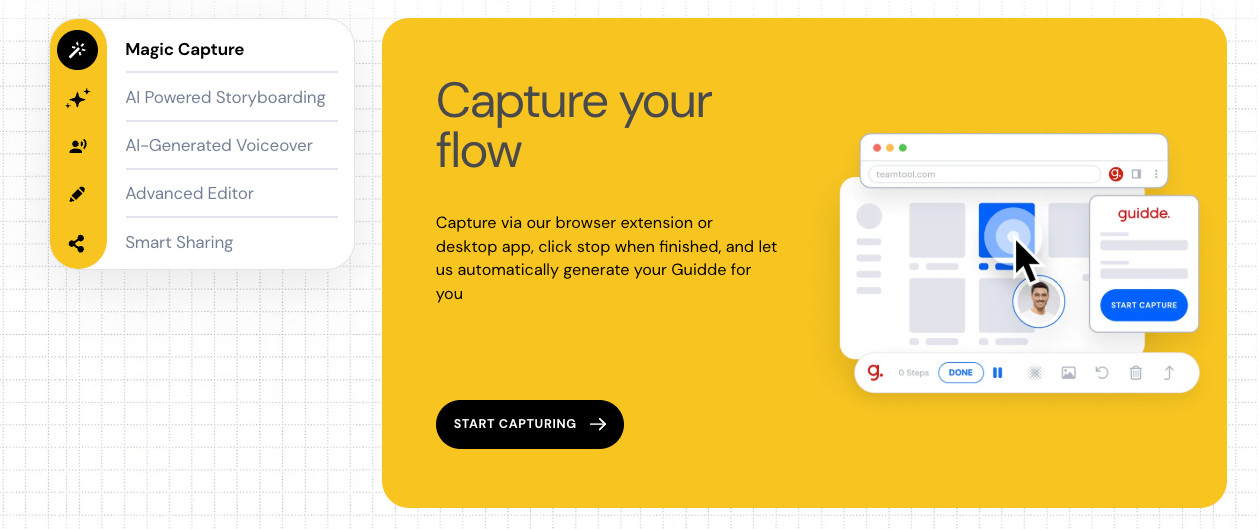
In my experience, ease of use matters more for adoption than a long list of advanced features. If people can just hit “record” and walk through a process from start to finish without learning a bunch of stuff first, that almost always beats a more complex tool.

Here’s what the Guidde workflow looks like:
- Install the browser extension
- Go to the process, system, or screen you want to capture
- Click record and add a prompt if you want one
- Click through each step, feature, or document you’re capturing
- Make edits if needed
- The video gets created automatically
- Publish or share it
- That’s it
Guidde takes care of the rest. It adds captions and writes out a description for each step automatically, so you don’t have to.
The big wins here are speed and a short learning curve. The downside? At scale, building out each process one by one, and updating them later, could start to take a while.
Videate’s Workflow
Unfortunately, Videate doesn’t offer a free trial, and I’ve researched this tool extensively to understand better how it works.
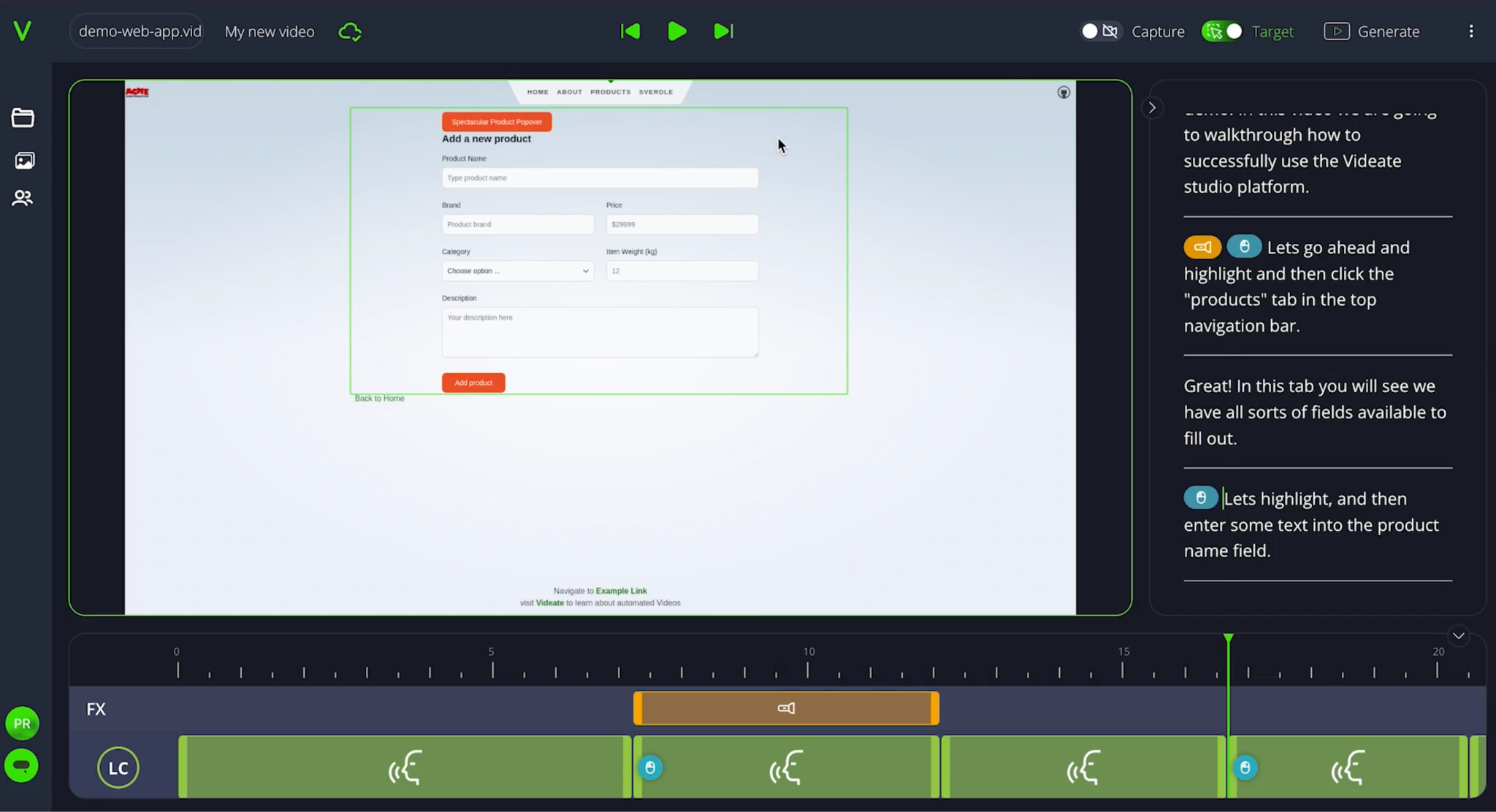
Videate’s overall workflow is quite different from Guidde and tends to be more operationally focused. You’ll definitely need to upskill before kicking off your recording, and ensure you have the right process in place and ready to go.
Now, in some organizations, a certain level of standardization and compliance is required, so this is not necessarily a bad thing, especially where you have repeatable processes.
I’ve had experience with creating extensive SOP libraries, internal documentation hierarchies, and other governance processes, and in these situations, a tool like Videate may be ideal.
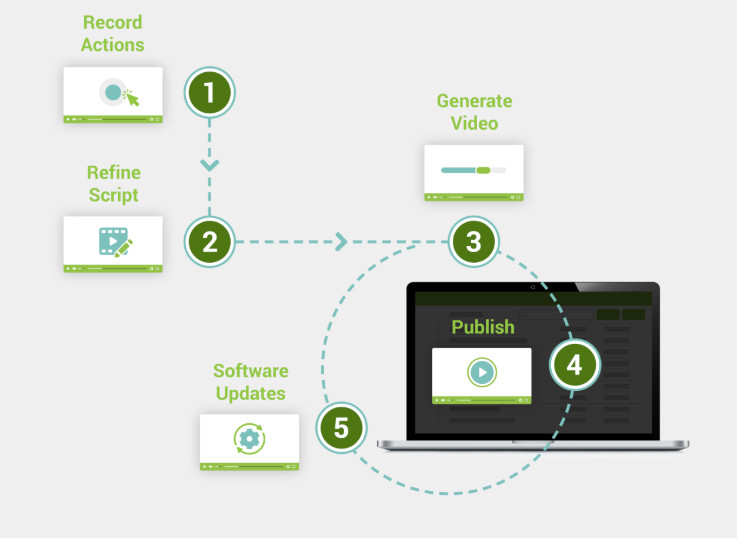
The Videate workflow looks more like:
- Install necessary software
- Upskill/train the relevant user
- Fully prepare your processes
- Record and edit, refine scripts
- Generate video and publish
- Save and organize into relevant libraries or folders
- Bulk update actions (if required)
It is less lightweight than Guidde but does offer some additional benefits like bulk updating when something changes internally, and I can see the appeal here from a time-saving perspective. If consistency across teams is important to you, this may be worth the effort.
Overall, Videate tends to be more structured, and Guidde is much faster and lighter. The ideal workflow will depend on the goal you’re aiming for, such as speed of creation vs. operational standardization.
Guidde vs Videate – Core Feature Differences
Let’s look at Guidde and Videate in the context of documentation-first workflows vs. AI-generated video output.
This is where the main functionality of each tool really shifts the view of when which is best and why these two vary for different use-cases.
I generally find that pitting two products against each other in a “which is best” framing typically serves no one, and I would rather compare seemingly similar tools from the perspective of “which is best for what I am trying to achieve?”
Sometimes you may have a tech stack with multiple software tools that can be combined in powerful ways to get the best out of a specific task.
Guidde’s Standout Features
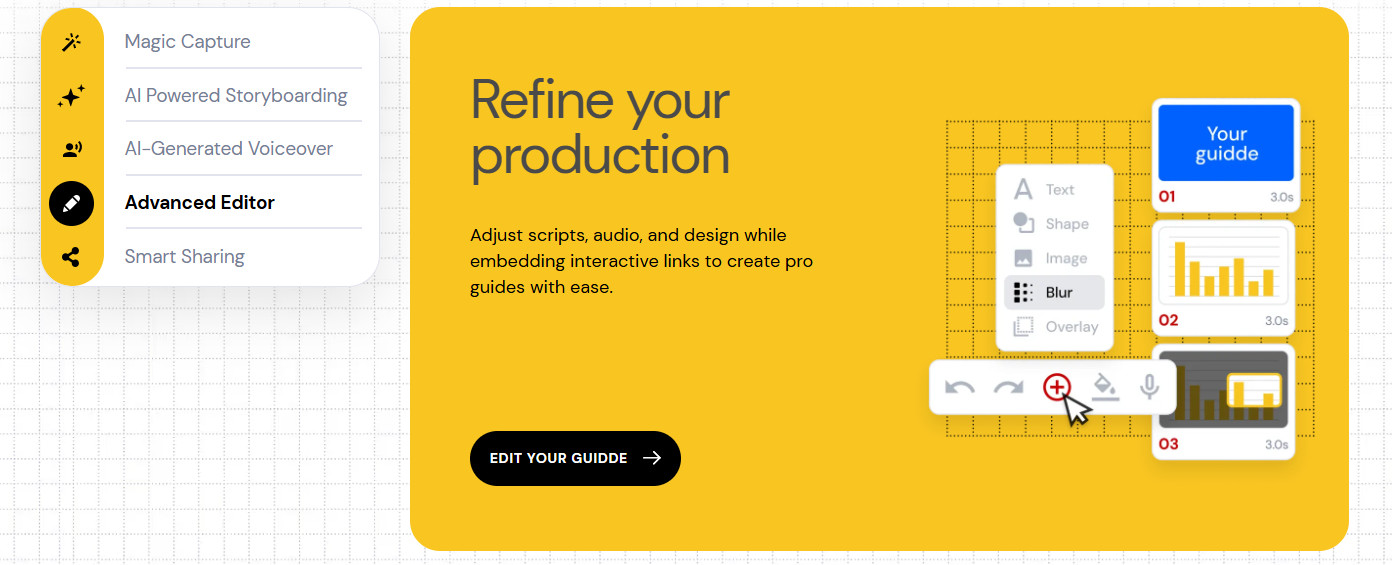
Guidde is really strong for:
- Generating content quickly
- Creating shareable content easily
- Teams with limited technical skills
- Governance and compliance
You can create a full SOP, onboarding, or training document, and turn it into a beautiful, polished video within minutes.
AI-Powered Editing Features:
- Video editing is easy and can be managed with a low skill level
- Automated narration and captions are synchronized with the video
- Scripts and guideline text are generated with AI and added to each workflow step without manual intervention
- AI-Generated voice-overs are available across
- Multi-language capabilities
- Customized brand kits available for a professional look and feel
Data security and governance factors:
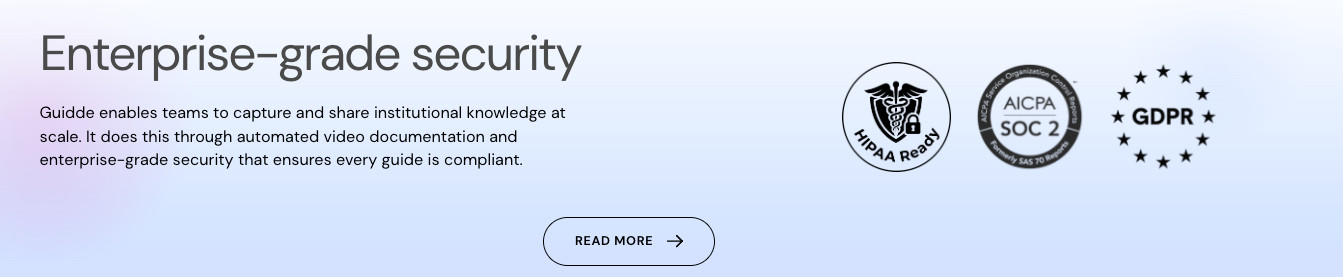
- With newer compliance features, it is a great option for organizations that are conscious of GDPR and SOC 2 Type 2 Compliance.
- You can also instantly and automatically blur sensitive information, enabling you to create resources for both internal and external consumption! This is one of the biggest benefits for someone who constantly needs to redact key information, which is typically a time-consuming task!
Ideal Guidde use cases:
- Training content
- SOP and process documentation creation
- Onboarding walkthroughs
- How-to guides
- LMS supplementary content
- Asynchronous team communication and knowledge sharing
- Product overviews and customer enablement
Guidde emphasizes speed and ease of use, making it easy to collaborate across teams.
Videate’s Standout Features
Videate is really strong for:
- Creating advanced process workflow videos
- Building structured processes and internal systems
- Creating standardized material
- Bulk updating content and videos
- Teams with more advanced technical skills
Videate is really focused on standardized, repeatable processes, which are ideal for organizations that need to build libraries of internal documentation.
Where Guidde harnesses speed and agility, Videate focuses more on creating sustainable documentation management for long-term use.
This makes sense for businesses that want to shift focus from “how can we create quick how-tos” to “how do we build out standardized internal knowledge for the long term”.
AI-Powered Editing Features:
- Video editing is advanced.
- Code-level software recording available
- AI-generated voice-overs and neutral Text-To-Speech customization
- Multi–language support in over 50 languages
- Custom macros and visual effects can be created to make large-scale branding and effects changes.
- AI batch updates are handled automatically.
Batch updating content:
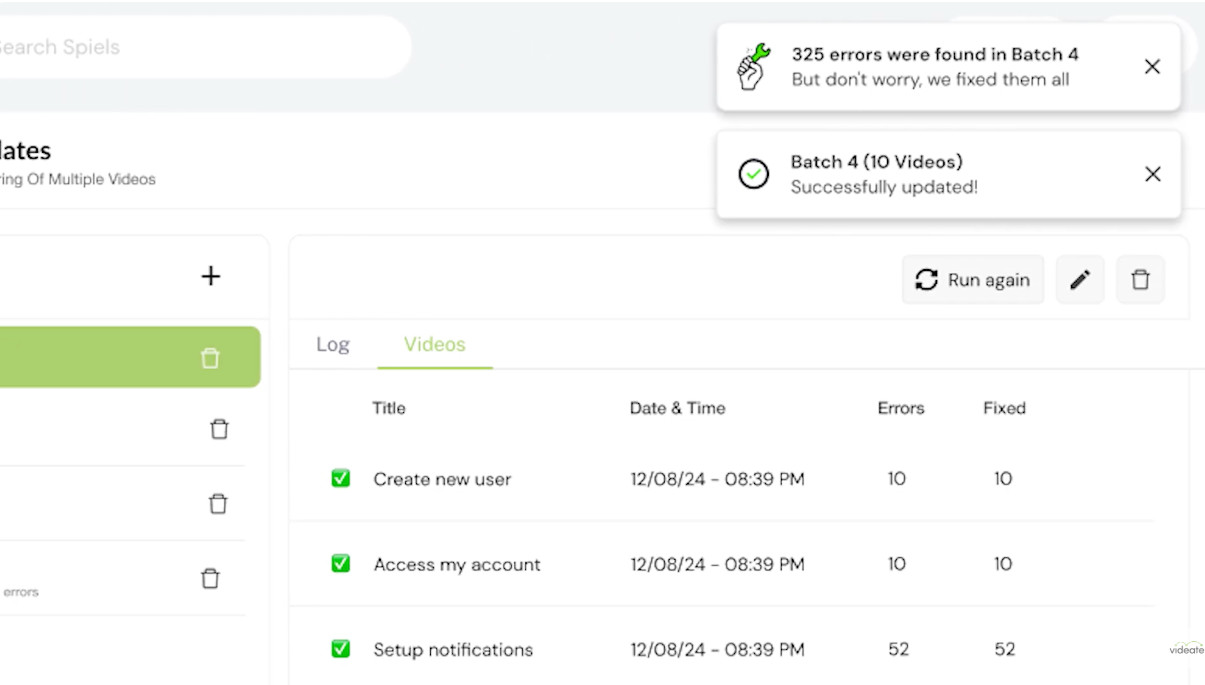
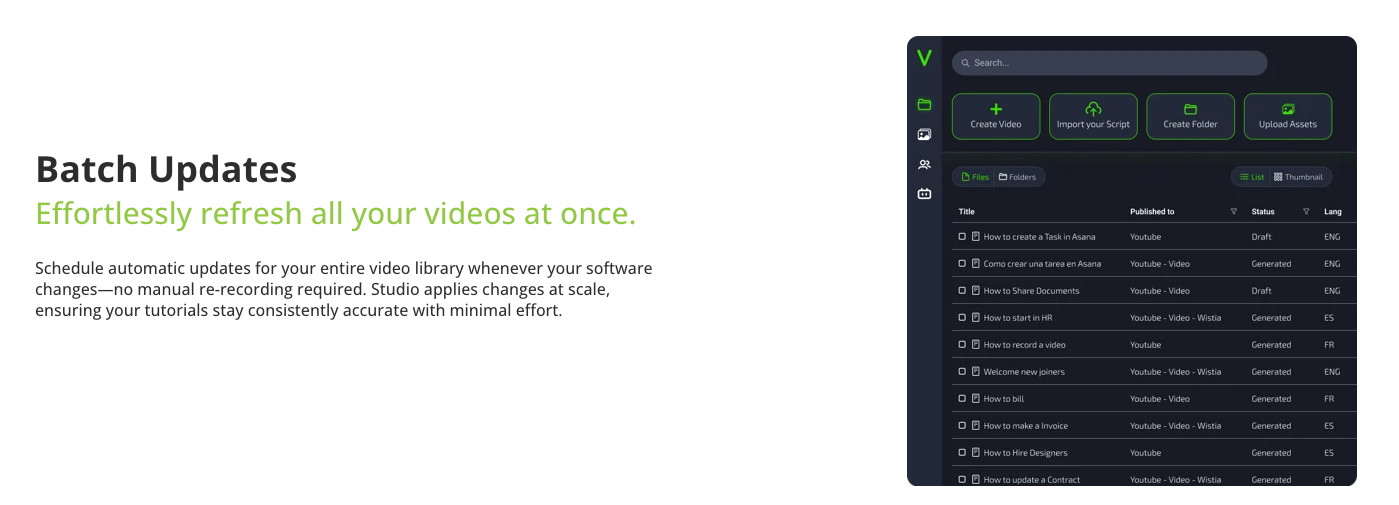
- Videate’s strongest selling point, according to my research, seems to be the ability to make bulk automated updates to content and your video library without having to record again – this is incredibly powerful for teams with large content databases.
- AI-powered updates are another impressive feature within Videate’s ecosystem. Videate has a feature called “Videate Studio” that automatically identifies and applies updates when something changes in your workflow or UI! This is a really great value-add, especially for SaaS-based organizations.
Ideal Videate use cases:
- Product updates and walkthroughs
- Software overviews and training
- Sales enablement and upskilling
- Customer success teams and customer enablement
- Product-focused activities like product training and product sales
- SOPs and repeatable processes
Videate places more emphasis on structure, process, and standardization for large teams.
AI Features – What is Important
As AI becomes more accessible to businesses via a wide range of tools, it’s important to factor in what’s actually important for you.
Raw AI-generated content and workflow captures using tools like this are becoming increasingly common, and businesses need to decide which are actually useful in the long term.
I always tell businesses and users to factor in:
- What is operationally important for them
- How users intend to use AI features
- How will current and future workflows be managed
- How easy AI makes it to update content
As we know, the content generation itself is seldom the stumbling block. It’s staying up to date with fast-changing environments or standardizing processes that often become the main challenge, and this is where having the right tools at your disposal moves the needle.
Before choosing – ask yourself (and your team ideally) – how will each tool perform under specific circumstances, specific to your organization?
Think about questions like:
- Does my team need something that makes it easy to update fast-changing processes?
Do users need an easy way to bulk update vast libraries of videos? - Are users tech-savvy and have a good understanding of editing features and AI functionalities?
It generally becomes clear which solution fits the brief when you stop focusing on “which tool is better” and start thinking about “which tool is going to be better sustainably for my team over the long term.”
My Final Take:

Both Guidde and Videate are standout tools with extensive AI capabilities. That said, the best fit will always come down to how your business operates when it comes to creating and maintaining useful documentation and internal knowledge.
Which system will your teams be able to successfully adopt and use over time as processes and systems change?
That will make the decision easier than deciding which AI features are more impressive.
From working across diverse industries and organizations, I’ve had to decide which tech stack and tools stay front of mind for different scenarios. If I had to group Guidde and Videate into categories and use cases for when I would use them again, I’d outline them as follows:
Guidde is ideal for fast-moving, medium- to large-scale organizations that value ease of use, agility, and strong visual outputs.
Videate is a better fit for SMBs and Enterprise organizations that are more structured and require a stronger focus on process-first documentation and standardization.
Sometimes, sophistication is less important than user adoption, and I’ve seen this theory proven right time and time again. Ultimately, the best tool here is one that your business and team are more likely to use sustainably.