


Last Updated on March 6, 2026 by Ewen Finser
If you use HubSpot for email marketing, it’s easy to feel like you have clear visibility into performance. The platform shows delivery rates, open rates, clicks, bounces, unsubscribes, and overall campaign metrics. For most teams, that seems like a complete picture.
But sometimes the numbers look healthy while the pipeline tells a different story. Campaigns report solid engagement, yet results feel inconsistent or harder to predict.
This is because HubSpot’s reporting focuses on activity metrics. It tells you what happens after an email is accepted by a mailbox provider. It doesn’t show you what happens earlier in the process (before a contact even has the chance to see the message). That missing layer is where deliverability issues hide and that is why an Email Deliverability Tracking for HubSpot might be necessary.
Let’s look at what HubSpot actually tracks, where its visibility stops, and how deliverability-focused tools fill the gap.
What HubSpot Actually Tracks
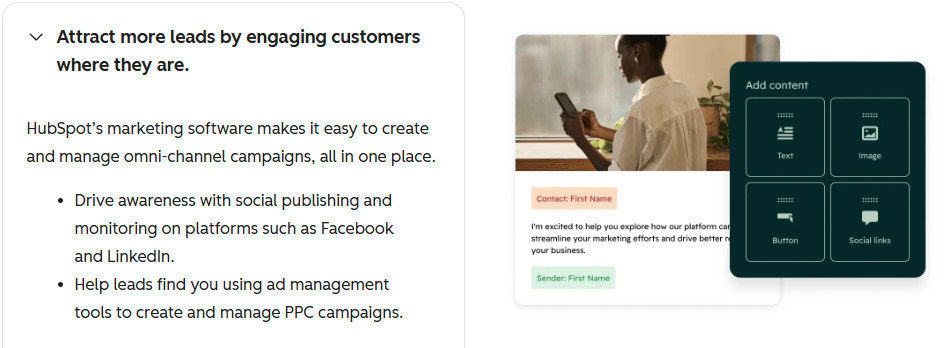
HubSpot’s native email analytics are strong for campaign performance. With them, you can track:
- Delivery rate
- Open rate
- Click rate
- Bounce rate
- Unsubscribes
- Engagement trends over time
Those metrics tell you how recipients interacted with your email after it was accepted by the receiving mail server. When HubSpot marks an email as “delivered,” it means the receiving server accepted it. It does not mean that the email has landed in the primary inbox.
Instead, it might be landing in spam, promotions, or filtered into a folder that never gets opened.
HubSpot measures what happens after delivery but it does not measure where the email was placed inside the mailbox. That can be why it feels like performance starts slipping and no one can explain why.
The Hidden Layer that HubSpot Doesn’t Catch

HubSpot does not provide full visibility into three key deliverability signals. Unfortunately, those signals are the ones that mailbox providers rely on the most when deciding where your emails end up.
1. Inbox Placement Rate
Inbox placement measures the percentage of emails that actually land in someone’s primary inbox (instead of spam folders or secondary tabs).
It’s possible to have a 98% delivery rate, healthy opens from engaged contacts, and solid click performance, yet still lose inbox placement with new prospects or colder segments. HubSpot doesn’t provide direct inbox placement reporting, which makes it hard to spot problems or changes before they start affecting performance.
By the time you notice a meaningful drop in opens, filtering into spam or secondary tabs has probably been happening for a while.
2. Domain Reputation Over Time
Those scores are influenced by long-term behavior and look at patterns such as:
- Consistent opens
- Replies
- Forwards
- Deletions without reading
- Spam complaints
- Engagement decay over time
HubSpot shows you campaign-level delivery and engagement results, but it doesn’t show how your domain’s trust with inbox providers is evolving behind the scenes. Domain reputation rarely collapses overnight because, in most cases, it weakens gradually.
As that happens, inbox providers will adjust where your emails land, and you don’t get a warning or see the change. Your messages just start appearing in spam or lower-priority inbox tabs instead.
3. Behavioral Engagement Signals
Modern spam filtering is about a contact’s behavior inside their inbox. Providers analyze micro-signals such as:
- Time spent reading
- Scroll behavior
- Reply depth
- Consistency of interaction across campaigns
HubSpot can show you clicks and opens, but it can’t simulate or strengthen those engagement patterns at scale. Which is why most teams are reacting to engagement after the fact, rather than actively reinforcing the signals that inbox providers use to evaluate trust.
Why This Gap Matters for HubSpot Users
HubSpot is a powerful platform. It brings CRM, automation, workflows, segmentation, and email sending into one system, which is why many B2B teams rely on it as the center of their outbound and lifecycle strategy. But if deliverability weakens, HubSpot alone cannot repair domain trust.
Sure, you can optimize subject lines, A/B test messaging, refine segmentation, and adjust send times. But while these changes can improve campaign performance, they don’t fix the underlying issue if inbox placement is already declining.
By the time your team notices a meaningful dip in open rates or demo bookings, your domain may already be underperforming. For SaaS companies, B2B service firms, and sales-driven teams, that delay can translate directly into lost pipeline.
Where Inbox Placement Tools Add Visibility
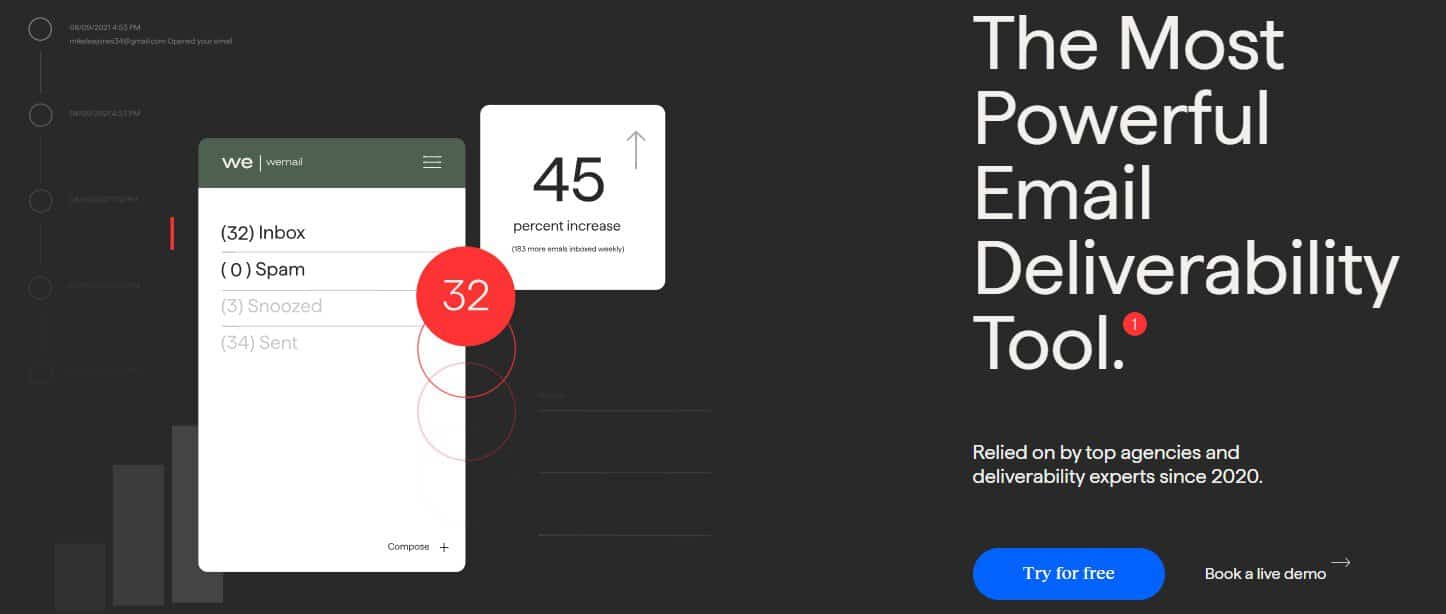
Deliverability-specific tools operate at a different layer than HubSpot.
The deliverability tool, InboxAlly, for example, works by reinforcing positive engagement patterns that inbox providers interpret as trust signals. Instead of just reporting on outcomes, they actively strengthen the behavioral signals providers look for when evaluating your domain.
That can include:
- Generating positive engagement patterns
- Simulating real inbox interactions
- Encouraging opens and scroll behavior
- Reinforcing reply signals
- Supporting consistent engagement over time
From the perspective of providers like Gmail or Microsoft, those patterns improve how your domain is perceived and how future messages are classified.
This doesn’t replace HubSpot. HubSpot remains your CRM and automation engine. Deliverability tools act as a reputation reinforcement layer that increases the likelihood your messages reach the inbox in the first place.
HubSpot Native Analytics vs Deliverability-Specific Tools
When you rely only on HubSpot analytics, you’re managing email performance with partial visibility. The platform can show declining opens or clicks, but it can’t tell you whether mailbox providers have started filtering your messages more aggressively due to reputation changes.
That limitation usually isn’t a problem when reputation is strong and engagement is stable. It becomes more important when teams start scaling outbound volume, expanding into colder audiences, increasing newsletter frequency, or entering new market segments.
When HubSpot Alone Is Enough

To be fair, not every team needs an additional deliverability layer.
HubSpot may be sufficient if:
- Your volume is relatively low
- You send primarily to highly engaged subscribers
- You are not aggressively expanding cold outreach
- Engagement is strong and stable
- You see no signs of filtering shifts
But as volume increases, the margin for error shrinks. Visibility into inbox placement and domain trust becomes far more important.
HubSpot and Deliverability Tools Can Work Together

Modern email performance is determined long before someone opens or clicks. Inbox providers are constantly evaluating sender trust, and those decisions happen at the filtering stage, before a message ever reaches the inbox.
If your revenue strategy depends on email, performance can’t be measured only by campaign metrics. It also depends on how consistently inbox providers classify your domain as a trusted sender.
For teams operating at scale, that means thinking about email in two layers: campaign optimization and reputation management. HubSpot excels at the first. Deliverability tools like InboxAlly support the second by reinforcing the engagement signals inbox providers use to evaluate trust.
When both layers are in place, teams gain a clearer picture of performance and far more control over where their messages ultimately land.