


- QuickBooks Online: The General Ledger That Runs the Show
- Dext: The Automation Layer on Top of QBO
- How the Dext–QBO Integration Works
- When to Add Dext to the QBO Stack
- Where Dext Falls Short
- Pricing and Value
- Practical Scenarios: When to Use QBO Alone, and When to Stack Dext
- Dext & QBO: The Bottom Line
Last Updated on January 14, 2026 by Ewen Finser
Comparing Dext and QBO is much like comparing a truck and a trailer.
QuickBooks Online is a ledger, while Dext is the attachment that turns it into a proper workhorse for documents, expenses, and data quality. As a CPA who lives in QBO every day, they’re more like a stack rather than substitutes for each other.
So today, I’m going to walk through where QuickBooks Online does the heavy lifting, where its built-in tools stall out, and how Dext fills those gaps for both business owners and firms, basically how Dext & QBO Work Together.
By the end, you’ll know three things:
- When QBO alone is fine
- When Dext on top of QBO is a clear upgrade
- When you’re wasting money buying one and expecting it to do the job of both
QuickBooks Online: The General Ledger That Runs the Show

QuickBooks Online is the general ledger that most small and mid-sized businesses use as their home base. It handles:
- Chart of accounts and double-entry
- Invoicing and AR
- Bills and AP
- Banking and card feeds
- Basic payroll (or integrations)
- Core reporting that includes P&L, balance sheet, and cash flow
On the expense side, QBO also has built-in tools that look good on paper:
- Receipt capture in the mobile app
- Email-in addresses for documents
- Attachments on bills, expenses, and vendors
- Basic expense tracking and categorization in the GL
You can snap photos of receipts from your phone, email PDFs into QBO, or upload them in-browser, at which point QBO will suggest a match or create a new transaction and attach the image so you have backup for tax and audit purposes.
This is huge for any business still living out of shoe boxes. But as file volume grows and you add more entities, cards, e-commerce feeds, and staff, QBO’s built-in tools start to feel like a blunt instrument. That is where Dext comes in.
Dext: The Automation Layer on Top of QBO
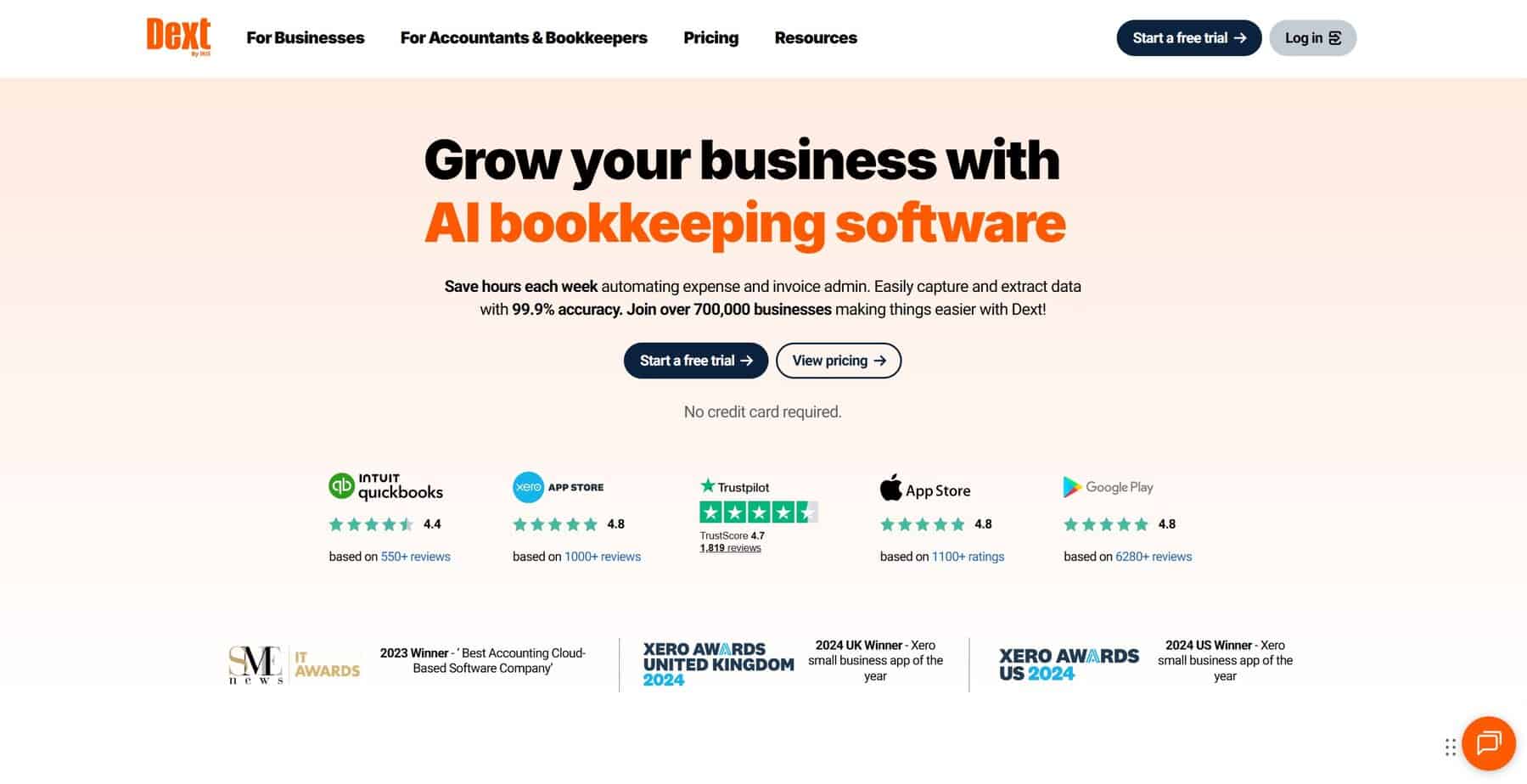
Dext is not a general ledger. It is a unified data automation platform that sits in front of QBO: capturing, cleaning, and pushing coded transactions and documents into your books.
Rather than acting as separate tools, Dext combines document capture, sales data normalization, and data quality checks into one workflow; acting as the intake engine while QBO stays the system of record.
Automated Data Extraction
This is the core function most people associate with Dext. It allows you to:
- Capture receipts, invoices, and statements via mobile app, email, web, or direct supplier connections.
- Use OCR and machine learning to read amounts, tax, supplier, date, and line items with high accuracy.
- Apply supplier rules and default coding so that recurring vendors flow into the right accounts.
- Batch review, approve, and publish transactions straight into QBO (with images attached).
Data Quality and Diagnostics
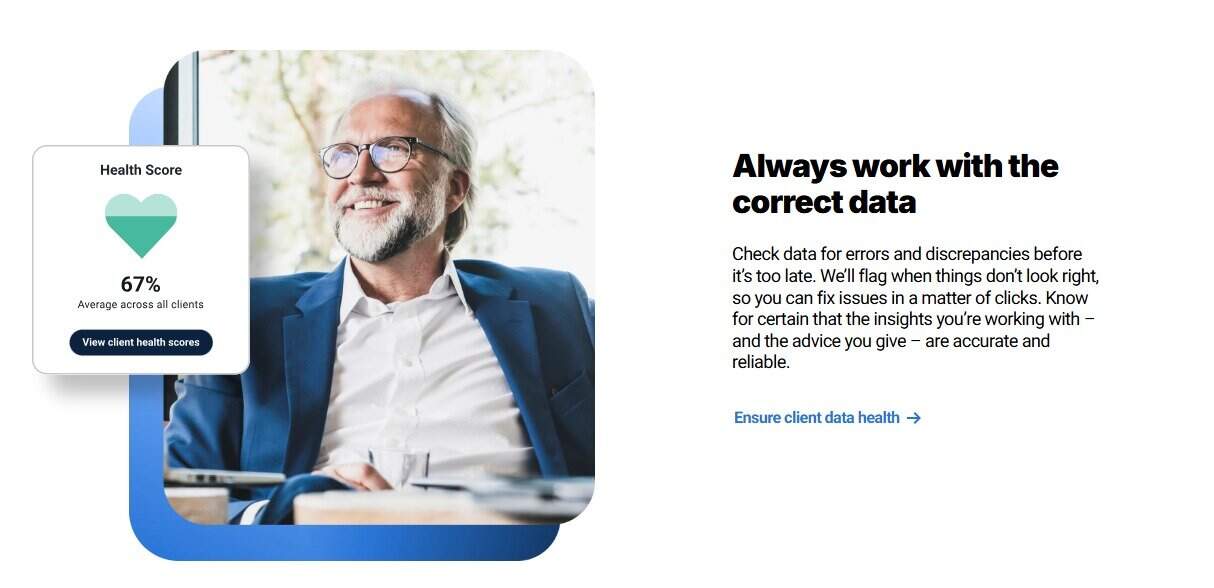
Dext also acts as a quality control layer that sits above your ledger. While QBO has strong reporting, Dext actively scans for issues by:
- Flagging anomalies: Identifies duplicate transactions, missing items, or strange balances.
- Checking consistency: Monitors tax coding and posting accuracy across the file.
- Automating review: Provides an automated list of data issues to fix, saving you from manually digging through the register.
How the Dext–QBO Integration Works

From a workflow point of view, the Dext–QBO stack looks like this:
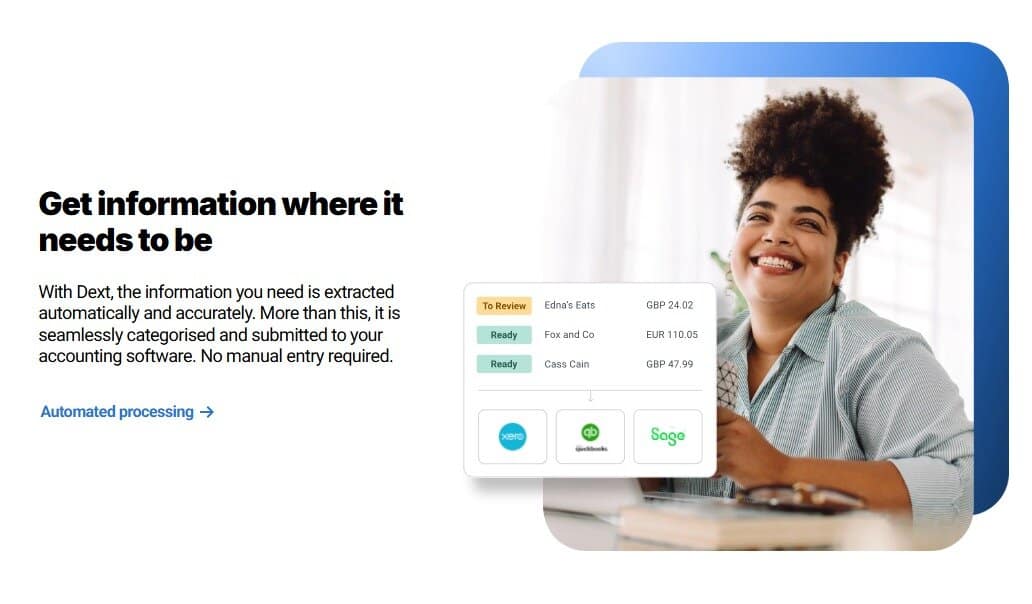
- Documents, e-commerce data, and receipts flow into Dext
- Dext extracts and standardizes the data, applies rules, and queues the oddball items for review.
- A human reviews and approves; Dext pushes this info to QBO with all relevant fields and attachments.
In plain language: Dext is where data comes in and gets cleaned. QBO is where it lives, closes, and reports.
When to Add Dext to the QBO Stack
QBO alone works fine when:
- You have one entity, one user, and low document volume
- Most spend runs through one or two cards
- Vendors are simple, and you don’t care much about line-item detail
- Your firm or accountant is happy to do the extra manual work at month-end
So for many micro-businesses and side hustles, QBO receipt capture + bank rules is enough.
Dext becomes worth it when:
- Volume and complexity rise, and you have multiple cards, departments, or entities, and hundreds to thousands of documents a month.
- You want rules and consistency for things like vendor rules, tax handling, tracking categories, and GL coding that need to be consistent across a team.
- You run a firm and you need a standardized way for clients to submit documents that does not involve giving them full access to QBO.
In my experience, QBO is fine if you’re a one-man band. But if you’ve got team members or hate wasting time at the end of the month, you’ll typically search for other solutions.
Filling QBO-Specific Gaps
It’s also important to consider certain areas where QuickBooks Online particularly struggles, and where Dext is a significant value add.
Document Management And Search

QBO will store attachments on transactions, which is better than a box of paper… but it’s not a full document management system.
Some common pain points here include:
- Attachments tied to individual transactions rather than a central document view
- Limited search based on document content
- Harder to manage large volumes of supplier invoices and supporting files
Dext gives you a document inbox and history that you can search, filter, and manage on its own terms (while still pushing the images down into QBO).
Expense Capture Rules
QBO has bank rules and some logic around recurring transactions. That is helpful but basic.
Dext lets you:
- Set vendor-specific rules for GL accounts, tax, tracking, and more
- Handle tax rules and multi-line invoices in a repeatable way
- Apply different workflows for different clients or entities
You can hack some of this into QBO with custom workflows and apps, but Dext gives you a purpose-built environment for it.
File Health and Data Quality
QBO reports will show you balances and transactions, but they don’t tell you if:
- The AR aging makes sense for the client’s industry
- There are obvious mis-codings in cost of goods
- Tax codes and rates are used consistently across the file
Dext will run active checks on data and surface issues like these. You still need an accountant to decide what to do about them, but the tool narrows the search.
Where Dext Falls Short
That being said, there are some things you should be aware of before going all-in on Dext and expecting more out of it than it’s truly meant to be.
For one, Dext is not a one-stop shop. You still need QBO (or another GL) to close each month, run reports, and lock the books. Dext doesn’t:
- Replace your general ledger
- Produce full financial statements
- Run AR, payroll, or sales tax filings
- Serve as the official book for lenders, investors, or the IRS
However, it’s worth noting that Dext is adding a payments feature that will shore up a few of its gaps, so keep an eye out for that.
Second, keep in mind that Dext is a separate subscription with its own contract terms and pricing quirks, and you can’t honestly bake it into your QuickBooks budget. You also have another login and security surface, another tool to train staff and clients on, and another integration to maintain.
Finally, remember that Dext will only ever be as good as your rules. If you never set up supplier rules, tracking categories, or workflows, Dext devolves into just a fancy inbox for PDFs. The value comes from thoughtful account mapping, consistent review processes, and clear client instructions.
Pricing and Value
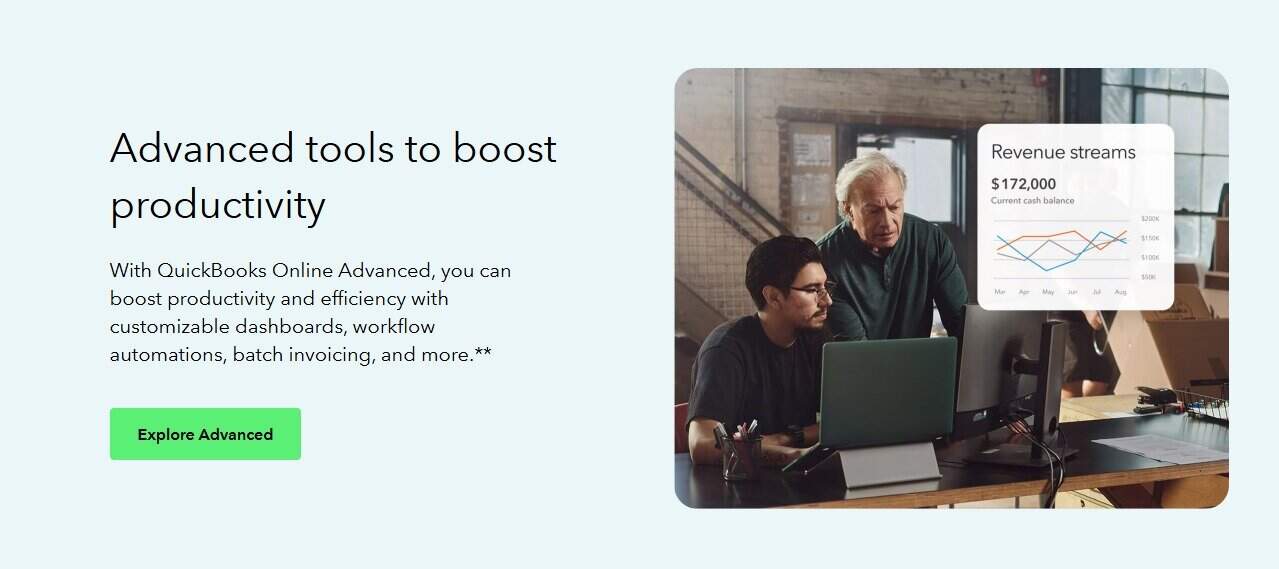
Pricing for SaaS platforms shifts over time, so check any platform’s page before you sign anything.
But at a high level:
- QuickBooks Online plans usually start in the mid-twenties per month and go up as you add users and features. It can get pricey quickly; I have some clients paying over $1,000 per month to run everything through QBO.
- Dext plans vary based on the features you need (such as practice management or advanced data insights) and the volume of clients or documents you process. On the low end, with just a few users, expect it to be around $25 a month; just know that it can scale quickly from there.
In practice, that means you’re often looking at one subscription to QBO per entity and one Dext subscription that covers a client or a pool of documents.
This means you’ll need to determine whether Dext is worth the extra spend:
- Does it cut staff time enough to pay for itself?
- Does it reduce errors and cleanup work?
- Does it give you better records for audits, funding, or sales?
For a busy firm or a growing business, the answer to these questions is often yes. For a simple Schedule C with a dozen receipts a month, maybe not.
Practical Scenarios: When to Use QBO Alone, and When to Stack Dext
Let’s ground this in some practical use cases.
Scenario 1: Solo Contractor With Simple Expenses
- One QBO file
- A single business debit card
- Fewer than fifty receipts a month
- No e-commerce, no multi-currency
Here, I would use QBO’s built-in receipt capture, a few clean bank rules, and call it a day. Dext is likely overkill as just one more platform to manage.
Scenario 2: Growing E-commerce Brand on Shopify and Amazon
- QBO for the ledger
- Shopify and Amazon as sales channels
- Stripe, PayPal, and a payout service in the mix
- Hundreds of orders and fees per month
Here, I want Dext giving QBO clean revenue, fee, and tax breakdowns. I would still use QBO for the GL, but I would not rely on raw bank feeds for revenue.
Scenario 3: Busy Construction or Trade Firm with Lots of Vendors
- QBO as the GL
- Many suppliers, subcontractors, and cards
- Heavy AP volume and job-costing needs
Dext shines here. Vendor rules, document intake, and batch approvals make it easier to keep AP under control, attach images to every bill, and maintain job-ready backup without drowning the office in paper.
QBO alone can do the job, but you pay more in staff hours, and you lean harder on manual checks.
Scenario 4: Accounting Firm with Dozens or Hundreds of QBO Clients
This is where the full stack really makes sense. Dext can standardize document intake across all clients, monitor file health, and identify cleanup work. The firm still closes the books in QBO, but Dext becomes the engine room for daily processing.
It’s also worth noting here that Dext is extremely functional for use with e-commerce or platform payouts.
Dext & QBO: The Bottom Line
In a nutshell, my answer here is:
- For general ledger, reporting, and running the financial backbone of a business, QuickBooks Online wins by design. Dext does not try to compete there.
- For high-volume document capture, AP workflows, and data quality on top of QBO, Dext is stronger than QBO’s native tools and is built to live in front of the ledger.
In other words, you don’t choose between them if your needs are more than basic. You decide whether QBO alone is enough for your stage and complexity. You decide whether QBO + Dext will save enough time, reduce enough errors, and improve enough audit readiness to justify the extra spend.
If you build this stack with intent, you get cleaner books, fewer late nights, and better files when the bank, the IRS, or a buyer starts asking questions.