


Last Updated on September 30, 2026 by Ewen Finser
Campfire has earned plenty of attention as an AI-native ERP for fast-scaling software companies, and for finance teams managing multiple entities and complex revenue contracts, it’s a contender. But its demo-led sales process, quote-only pricing, and annual contracts assume a level of complexity that many businesses shopping for new accounting software simply don’t have yet.
A seed-stage founder handling the books between investor calls, or a first finance hire at a 30-person startup, may be evaluating a platform built for problems they won’t face for another three years. This guide focuses on five alternatives worth comparing before you sign, from bundled AI-native ledgers built for early-stage teams to mid-market systems that compete with Campfire head-on.
The Bottom Line Up Front
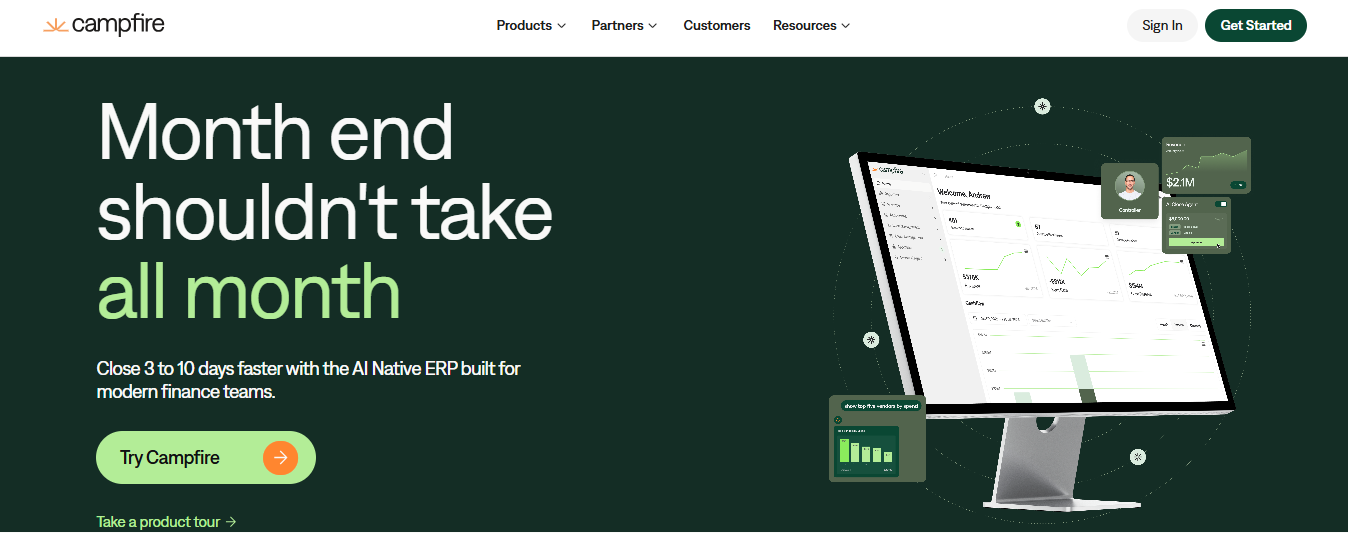
Campfire is a strong choice for venture-backed tech companies with multiple entities, ASC 606 revenue complexity, and a dedicated finance team. If that doesn’t describe you yet, or you want to compare it against similar platforms, here are the alternatives worth a look:
- Digits: A bundled AI-native ledger that covers the essentials for a few hundred dollars a month or less. Best for earlier-stage teams that don’t need Campfire’s depth.
- Sage Intacct: Mid-market depth without committing to Campfire specifically. A good fit for growing teams with more complex reporting needs.
- QuickBooks Online Advanced: The default for businesses that value the largest pool of accountants and app integrations.
- Rillet: The closest head-to-head competitor to Campfire. A strong pick for SaaS companies with complex subscription revenue that want an AI-native ERP.
- Sage Intacct: Mid-market depth without committing to Campfire specifically. A good fit for growing teams with more complex reporting needs.
Where Campfire Fits, and When to Look Elsewhere
Campfire combines core accounting with multi-entity consolidation, revenue automation, reporting, and close management, with an AI assistant called Ember layered across all of it. Pricing isn’t published, but it is expensive. Each quote is built around company size, entity structure, and the modules you turn on, and it’s sold on annual contracts after a demo, with no free trial. Reviewers generally place its sweet spot at venture-backed SaaS and AI companies (from Series B onward), and it has no inventory or manufacturing capability.
That model makes sense once you have multiple entities, formal ASC 606 revenue recognition, and an in-house accounting team. If you’re a single US entity with straightforward revenue and a founder or fractional CPA closing the books, you’re likely better served by a bundled AI-native ledger with published pricing and self-serve setup, or by an established platform with a large accountant ecosystem. The five options below cover both categories, including two quote-based systems for teams that do need mid-market depth.
The Five Campfire Alternatives Compared
1. Digits
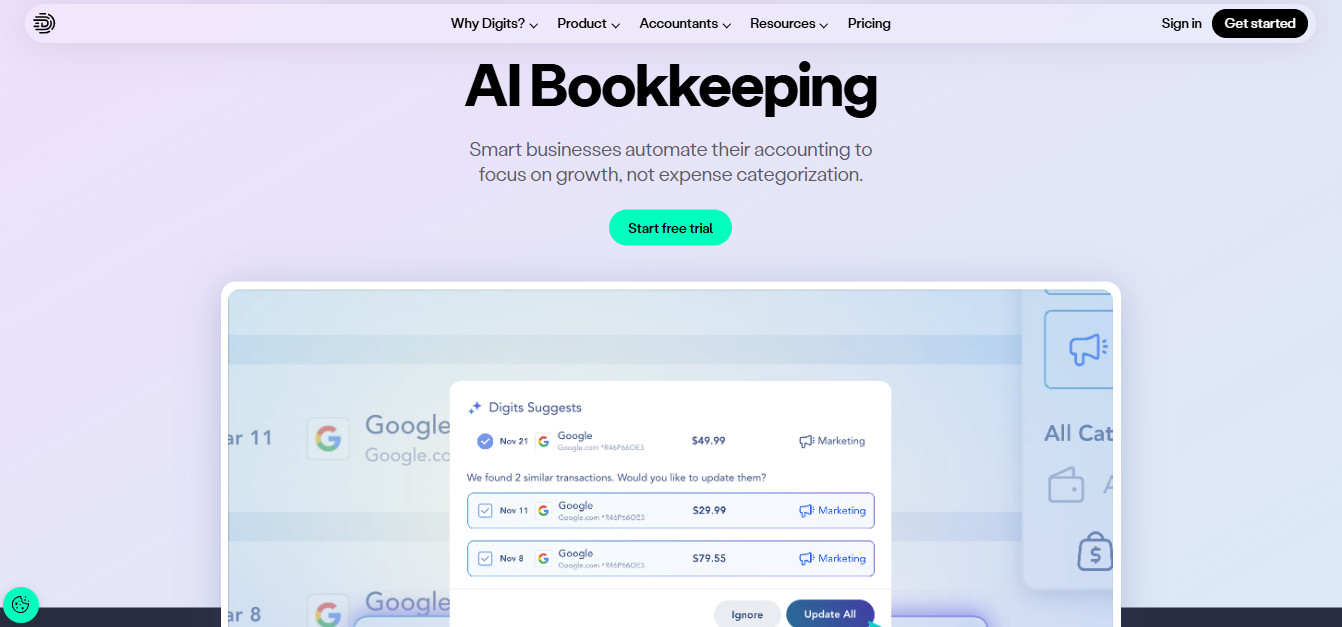
Best for: US-based startups and service businesses, generally up to about 250 employees, that want a bundled AI-native ledger with published pricing and no per-seat fees.
Pricing: Essentials is $65 per month and Core is $100 per month, with a $250-per-month Pro tier listed as coming soon. Every plan includes a 30-day free trial, and there are no setup fees. Accounting firms get partner-only plans with volume discounts.
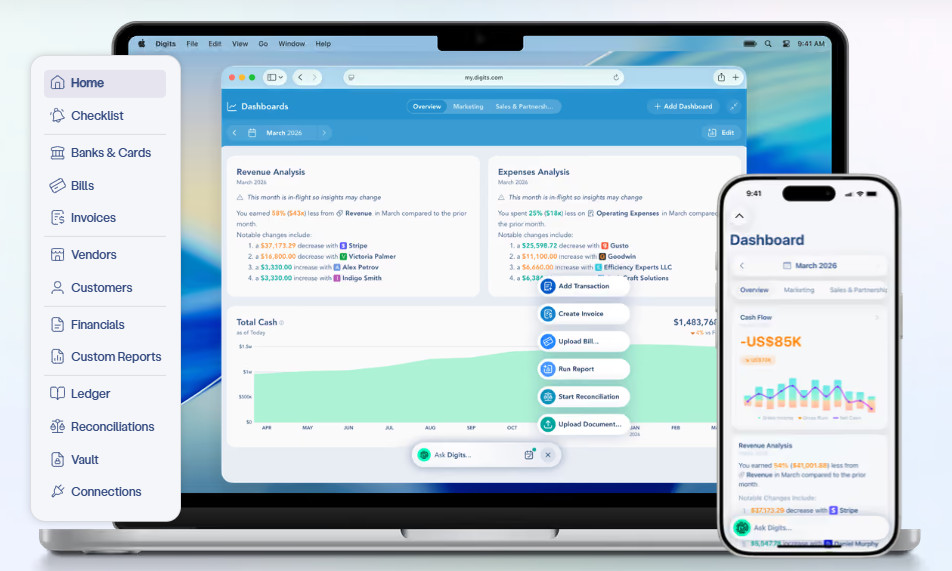
Standout features: Digits built its product around what it calls an Agentic General Ledger, which categorizes and reconciles transactions continuously across more than 12,000 connected banks, cards, and payroll providers. Every plan includes bill pay, invoicing, real-time financial statements, automated quality checks, the Ask Digits assistant, and an open API and MCP server. Core adds dimensional accounting by department and location, along with Automated Schedules.
That schedule feature matters most for teams moving from cash toward accrual reporting, where prepaids and amortization often live inside spreadsheets that break when someone leaves (honestly, I’m guilty as charged for something like this). Digits also leans on its partner network, so a business can run the software itself or connect with certified firms for review, tax, and CFO work.
Pros:
- Pricing is flat, with no per-user charges as the team grows.
- Accrual schedules live in the ledger, and nothing posts until an accountant approves it. I can’t overstate how important this is.
- Bill pay and invoicing are included on every plan.
- The AI handles the grunt work, and exceptions percolate to the surface for human review.
Cons:
- It’s available only to US entities.
- Each business or entity requires its own subscription, and there’s no native consolidation.
- Custom reports, dashboards, and budget-versus-actual reporting are reserved for the Pro tier or accounting-firm partners.
- It isn’t designed for inventory-heavy businesses.
2. QuickBooks Online Advanced
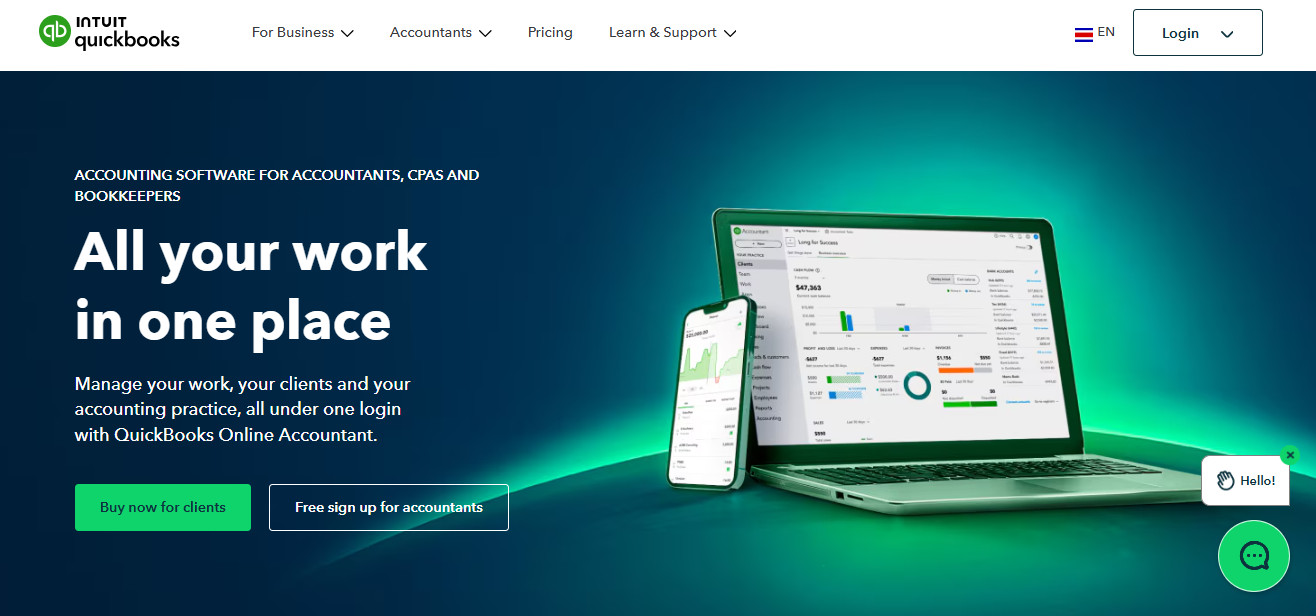
Best for: Established small and midsize businesses that want the widest ecosystem of accountants, apps, and industry tools, particularly those carrying inventory or tracking job costs.
Pricing: $340 per month at list price following Intuit’s August 1, 2026 increase, up from $275 for most subscribers. Intuit routinely discounts the first few months for new customers, so month three is the real number to budget around. Payroll is billed separately based on employee count, and is also expensive.
Standout features: Advanced supports up to 25 users with role-based permissions, unlimited classes and locations, custom reports and dashboards, and Spreadsheet Sync for pushing live data into Excel. The August 2026 update folded Bill Pay Elite and industry-specific tools for construction and professional services into the plan, alongside new AI features for continuously updated books and conversational reporting.
Where Advanced separates itself from the AI-native tools is breadth. It handles inventory, project profitability, and job costing, and nearly any bookkeeper, CPA, or payroll provider can step in without retraining. For a business that expects to rely on outside help, that familiarity is a real cost saver.
Pros:
- Nearly every accountant and bookkeeper already knows the platform, so outside help is easy to find.
- Its third-party app marketplace is enormous, covering almost any workflow a small business might need.
- Inventory, job costing, and project profitability are built in rather than bolted on.
- Permissions and the audit trail are mature and familiar to auditors.
Cons:
- The 2026 price increase makes it more expensive than several AI-native alternatives.
- There’s no native consolidation, so each entity needs its own subscription.
- Revenue recognition is basic compared with a dedicated revenue module.
- Its AI features were added to an established platform rather than built into the ledger from the start.
3. Kick
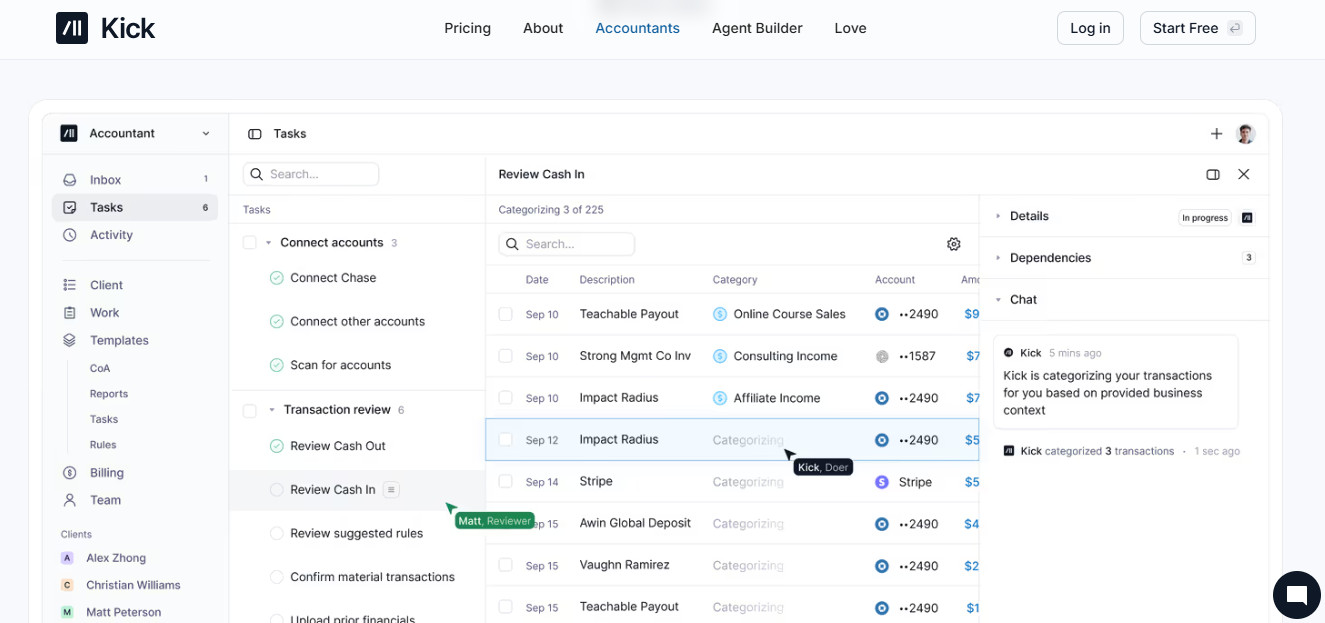
Best for: Sole proprietors and small businesses, including owners running several entities, who want automated bookkeeping at a low entry price.
Pricing: A Free plan covers one entity and up to 250 categorized transactions a year. Paid plans are Basic at $40 per month billed annually, Plus at $100 per month billed quarterly, and Advanced at $300 per month billed monthly. Basic and Plus include a 14-day free trial. Plus and Advanced support unlimited entities, with each new entity free for its first 250 transactions a year and $50 per month after that.
Standout features: Kick categorizes transactions in real time, identifies vendors and customers automatically, matches receipts and documents, and connects directly to Stripe, PayPal, Mercury, Ramp, BILL, and Gusto. Basic adds reconciliation, automatic statement sync, a universal importer for PDF and CSV statements, and MCP and command-line access. Plus adds an accrual ledger, AR and AP automation, and tracking by class, department, location, and project. Advanced adds consolidation, with revenue recognition and multi-book accounting in beta. As you can see, it really scales depending on what the business needs.
Kick’s real differentiator is how it handles owners with more than one business. Transfers between entities are detected and matched automatically, and the Advanced tier maps ownership relationships and produces consolidated financials with eliminations shown in a separate column, capabilities usually reserved for far more expensive systems. This makes it the only platform on the list fit for founders juggling a holding company, real estate entities, or several small operating businesses.
Pros:
- The genuinely free starting tier lets very small businesses get started at no cost.
- Every plan includes unlimited team members and accountant access.
- Multi-entity support is affordable, and the Advanced plan adds native consolidation.
- Higher tiers include CPA-led onboarding and training.
Cons:
- Revenue recognition and multi-book accounting are still in beta.
- There’s no monthly billing option below the Advanced tier.
- The Free plan’s 250-transaction annual cap is quickly outgrown.
- Kick doesn’t offer tax services, so you’ll still need an outside accountant.
4. Rillet

Best for: Mid-market SaaS and subscription companies that need an AI-native ERP and are comparing it directly against Campfire.
Pricing: Quote-based. Rillet prices on features and complexity, including entity count, integration depth, and transaction volume, rather than seats or revenue. Vendr’s mid-2026 buyer data shows a median contract around $28,500 per year, with most deals between roughly $17,000 and $35,000, and third-party estimates put year-one cost between $35,000 and $60,000 once implementation is included. Basically, just be prepared to pay to play.
Standout features: Rillet automates journal entries, bank reconciliation, and revenue recognition with the goal of a continuous close. It handles usage-based billing, multi-element arrangements, and deferred revenue natively, supports multi-entity and multi-currency operations, and connects directly to Salesforce, Stripe, Ramp, Brex, and Rippling.
For a SaaS company running billing in one tool and revenue schedules in spreadsheets, Rillet can pull both into the ledger, and help spearhead the path into GAAP compliant financials. Implementation is delivered by Rillet’s in-house CPAs and covers historical migration, integration setup, and revenue recognition configuration.
Pros:
- Native revenue recognition is strong enough to handle complex subscription models.
- Because it isn’t priced per seat, adding reviewers doesn’t raise the bill.
- Implementation is handled by Rillet’s in-house CPA, which is always a plus.
- The company is well-funded, including a $70 million Series B led by Andreessen Horowitz and ICONIQ. It’s new, but doesn’t appear to be going anyway.
Cons:
- Rillet publishes no pricing and offers no free trial.
- As a young vendor, it warrants confirming data export and exit terms before you sign.
- It has no inventory or manufacturing functionality.
- There have been instances where newer features ship before they’re fully polished.
5. Sage Intacct
Best for: Multi-entity mid-market companies and nonprofits that want a mature cloud financial system with a large implementation partner network.
Pricing: Quote-only through Sage or a partner. Entry subscriptions start around $12,000 per year for core financials, most customers spend $25,000 to $35,000 annually, and add-on modules typically run $3,000 to $10,000 each. Additional entities cost extra, and implementation usually runs $1.00 to $1.50 for every $1.00 of annual subscription.
Standout features: Sage Intacct offers deep multi-entity consolidation, dimensional reporting across departments, locations, and projects, and optional modules for revenue recognition, project accounting, lease accounting, and spend management. Basically, this is your one stop shop if you’ve outgrown QBO, but aren’t ready for NetSuite.
One of Intacct’s advantages is maturity. It has a long track record and an established partner channel, which makes it a common landing spot for companies leaving QuickBooks that want auditor-friendly controls. The trade-off is cost and time, with most partner-led implementations taking 60 to 90 days.
Pros:
- It’s a proven platform with a long track record.
- Consolidation and dimensional reporting are some of the best in class.
- It fits a broad range of industries, including nonprofits and construction.
- Flexible user types help keep license costs down.
Cons:
- It’s among the most expensive options once implementation is included.
- Renewal increases have historically run 3 to 5 percent, with some recent jumps higher.
- Report building can feel clunky.
- AI is less central to the product than on the AI-native platforms.
So Many Alternatives, How to Choose?
First, start with your stage, not the feature list. A single US entity with a founder or fractional accountant reviewing the books will get more from fair pricing and fast setup than from advanced consolidation. If that’s you:
- Kick is the stronger fit if you want a free starting point or run several small entities.
- Digits works well if you prefer flat pricing and accrual schedules managed inside the ledger.
- QuickBooks Online Advanced makes sense if you carry inventory, track job costs, or want the broadest pool of outside accountants.
Once you’re running multiple entities and complex revenue contracts with an in-house team, request quotes side by side from:
- Rillet
- Sage Intacct
- Campfire
Ask each about data export terms, implementation timelines, and renewal increases before you sign.
Conclusion
Campfire is a serious platform, but it isn’t the only path to faster, cleaner books, and for many companies it’s way more system than they need today. The alternatives above cover every stage, from a first ledger to a full mid-market ERP. Pick the one that fits the business you run now, and favor a platform whose migration path won’t punish you when you outgrow it.