


Last Updated on January 21, 2026 by Ewen Finser
Fincent has made a name for itself by blending human bookkeepers with a sleek software layer, and for many founders, that sounds like the perfect middle ground. You get a dashboard, but you also have a human to message when things look wonky.
However, the industry is shifting. In 2026, we’re seeing a massive divide between companies that use humans to mask “dumb” software and companies that build “smart” software to empower humans. So if you’re finding that your monthly close with Fincent is still taking longer than you’d like, or if you’re tired of the black box that is your general ledger, it might be time to look at other options.
So today, I’m looking at the best alternatives to Fincent, evaluating them through specific lenses: ledger integrity, real-time visibility, and the ability to scale without your accounting fees scaling faster than your revenue.
At a Glance
Platform | Best For | Primary Advantage | Starting Price |
Digits | Tech-forward SMBs & Startups | Real-time AI-native GL with deep drill-downs. | $100/month |
Puzzle | Web3 & SAAS Startups | Extremely fast accrual-basis close. | $50/month |
Pilot | VC-backed Startups | High-touch service with specialized CFO options. | $99/month |
Bench | Micro-businesses | Cash-basis simplicity with dedicated bookkeepers. | $189/month |
QuickBooks Online | General SMBs | The industry standard with the largest ecosystem. | $30/month |
Digits: The AI-Native Powerhouse
If Fincent is a traditional bookkeeping service with a software wrapper, Digits is the exact opposite. It’s a software-first platform that uses a proprietary autonomous general ledger (AGL) to handle the heavy lifting.
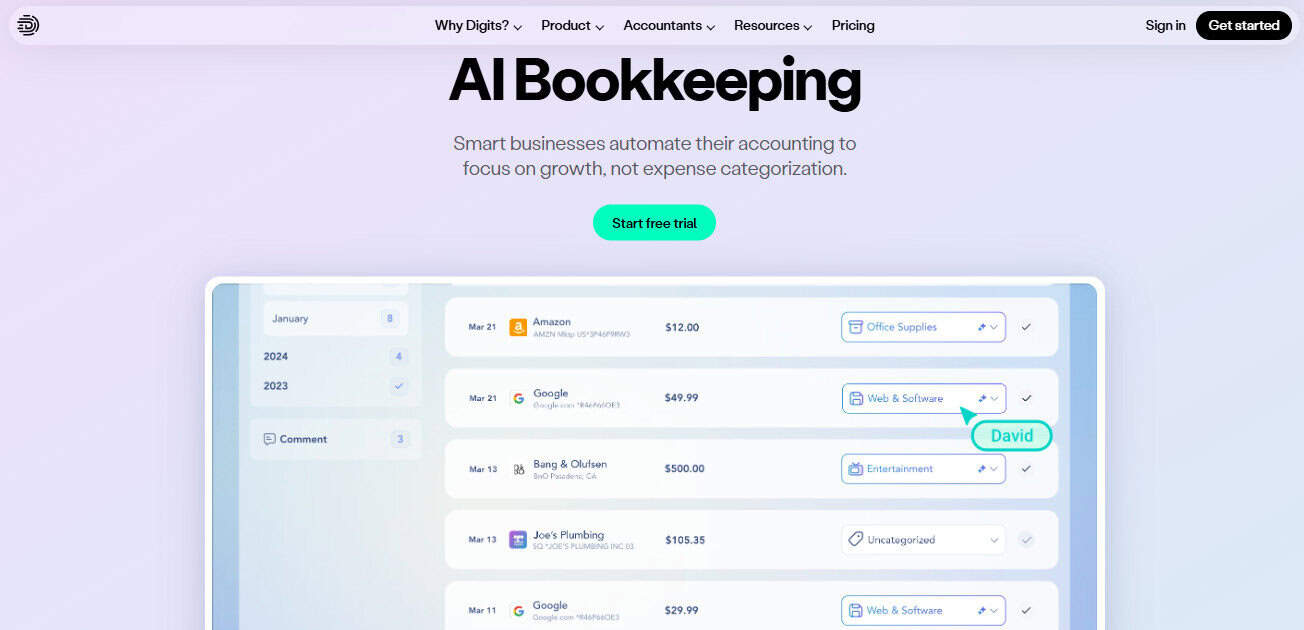
Most bookkeeping services and platforms just give you a static report at the end of the month. Digits, on the other hand, gives you a live look to let you see what’s going on under the hood with your financials. You can click on any number in your P&L and drill down to the specific transaction, the vendor, and even the memo.
Digits’ price starts at $100/month for their Core plan, with a more inexpensive plan coming soon that starts at $35 a month. Custom solutions are available for additional costs.
The Pros
- Real-time insights: No waiting for a month-end close to see your numbers. The ledger updates as transactions hit.
- Deep drill-downs: Every number on your financial statements is clickable and traceable directly to the source document.
- Automated Bill Pay: Integrated seamlessly into the accounting workflow, reducing the need for third-party tools like Bill.com.
- Intuitive Search: You can search your financials like you search Google — finding “that one SaaS sub” takes seconds.
The Cons
- Up-and-Comer: Digit’s is relatively new and doesn’t have all the plug-and-play connections that a platform like QBO would have. This also means there are fewer public resources and fewer people on the street who can readily pick it up and start working without training.
- Tech focus: While powerful, Digits is primarily optimized for companies with digital-first workflows and clean bank feeds.
CPA’s Takeaway: Digits is what happens when you stop trying to fix the old way of doing books and start over with AI at the core. For my clients who use it, its exceptions-based workflow is a game changer; instead of me asking them what 50 transactions were, the system flags the 2 it’s unsure about, and we’re done.
Puzzle: The Speed King
Puzzle has carved out a niche for itself by focusing on one thing: speed. They aim for a real-time accrual close, which means if you’re a startup founder who needs to show your board accurate GAAP-compliant financials without the 20-day lag, Puzzle is a strong contender.
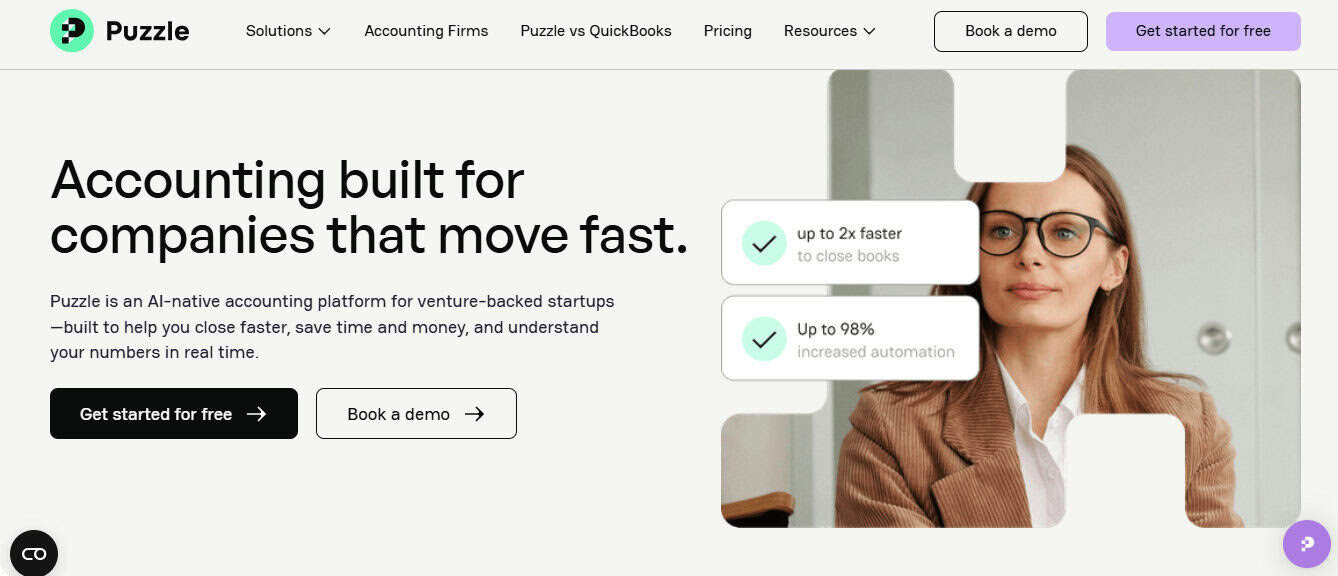
Puzzle’s starts at the low, low cost of free — which I think is pretty great for giving it a test drive. After that, they have different levels of service at $50 and $100 per month, with custom solutions and pricing available if you need even more support.
The Pros
- Instant Accrual: Strong focus on GAAP compliance from day one, which is vital for fundraising.
- User Interface: Very modern, clean, and designed for founders rather than just accountants.
- Founders First: Built specifically for the needs of venture-backed startups, with specific modules for burn rate and runway.
The Cons
- Learning Curve: The sheer depth of data available can be overwhelming for very small mom-and-pop shops that just want a basic P&L. Professionals, however, will likely find it rather intuitive.
- Price Scaling: Costs can climb quickly as your transaction volume or complexity grows, and custom solutions come with custom pricing.
CPA’s Takeaway: Puzzle is fantastic for founders who are ledger-curious but don’t want to learn the difference between debit and credit. It’s also an opinionated software that wants you to do things the “right” way (the accrual way), which saves CPAs like me a ton of time down the road.
Pilot: The High-Touch Service
Pilot is the heavyweight in the outsourced bookkeeping space. Unlike Fincent, which tries to be a bit of everything for everyone, Pilot leans heavily into the venture-backed startup world. They provide a dedicated account manager and offer “select” levels of service that include fractional CFO work.

Pilot starts around $399/month for a Core plan that’s ideal for those who want to be hands-off. Costs for custom work scale from there.
The Pros
- Specialized Expertise: They understand startup-specific issues like R&D tax credits and complex equity structures.
- CFO Services: It’s a one-stop shop for bookkeeping, tax preparation, and high-level financial strategy.
- High Accuracy: They have very high standards for month-end reporting and reconciliation.
The Cons
- Expensive: Their starting price is significantly higher than Fincent and others on this list, making them a premium play.
- Rigid Workflows: They generally require you to be on QuickBooks Online, which limits some of the innovative automation you find in newer platforms.
CPA’s Takeaway: You go to Pilot when you have a $5M seed round in the bank, and you want to set it and forget it. You’re paying for the peace of mind that a human is looking at every single line item. However, you lose some of that real-time agility you get with an AI-native platform like Digits or Puzzle.
Bench: The Cash-Basis Classic
Bench is the oldest player in the bookkeeping-as-a-service niche. They’re also incredibly good at what they do: taking a messy pile of bank statements and turning them into a clean P&L for a sole proprietor or a small service business.
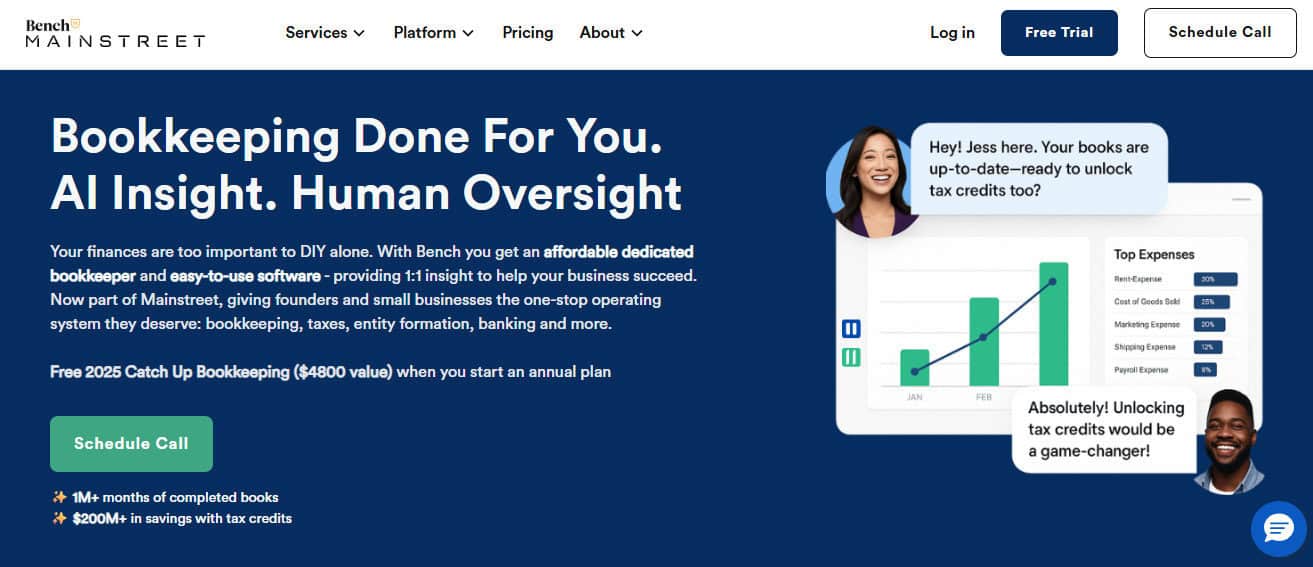
The price for Bench can be as low as $199/month, but it scales quickly from there. Most businesses will end up at the $399/month plan, while others pay $699/month for premium features.
The Pros
- User Experience: Their proprietary platform is incredibly easy to use and visually pleasing.
- Catch-Up Bookkeeping: In my opinion, they’re the best in the business at fixing years of back taxes or messy historical data. However, be prepared to pay for your mistakes.
- Fixed Pricing: Transparent, predictable monthly costs that don’t surprise you at the end of the month.
The Cons
- Cash Basis Only: Their standard plans don’t support accrual accounting, and without accrual accounting, you’re only painting a portion of the picture.
- Data Portability: If you decide to leave Bench, moving your historical data to QBO or Xero is difficult.
CPA’s Takeaway: For folks who don’t have heavy accrual needs (like consultants, small agencies, and micro-shops), Bench can work since financials won’t be materially misstated. But once you start needing to track inventory, accounts payable, or complex revenue recognition, you will outgrow them instantly.
QuickBooks Online (QBO): The Safe Bet
We can’t talk about accounting without mentioning the ubiquitous one. QBO is the default for a reason: Every CPA knows it, every app integrates with it, and it can handle almost any level of complexity.
QBO is relatively cheap ($30–$200/month), but you still have to pay a bookkeeper separately, which can add a material labor expense to your bottom line.
The Pros
- Massive Ecosystem: Thousands of integrations for payroll, inventory, CRM, and specialized industry tools.
- Accountant Access: QBO is the universal language of the accounting world; you will never struggle to find a pro who knows it.
- Unlimited Scalability: You won’t outgrow it until you’re ready for mid-market ERPs like NetSuite.
The Cons
- Software Bloat: Over the years, QBO has become slower and somewhat click-heavy and cluttered with ads for other Intuit products.
- Customer Support: Getting a human at Intuit to help you with a technical glitch is a Herculean task.
CPA’s Takeaway: QBO is the “nobody ever got fired for buying IBM” of accounting. It’s reliable, but it feels dated compared to modern, AI-native platforms. If you use QBO, you’ll likely still need a third-party tool (like Dext for expense tracking or Melio for bill pay) to make the experience seamless and get the insights you actually need.
Key Differences: How to Choose
If someone were to come to me and tell me they’re thinking about moving off Fincent, I’d ask three questions:
1. How much do you care about “real-time”?
Fincent and Pilot operate on a monthly cycle, and you get your books 10–15 days after the month ends. If you’re managing tight cash flow, that blind spot is dangerous.
Digits wins here because the ledger is live. You see the impact of a marketing spend or a new hire immediately, not three weeks later.
2. Do you want software-first or human-first?
Services like Bench and Fincent rely on humans to categorize transactions. Humans make mistakes, they get tired, and they go on vacation.
Puzzle and Digits use AI to categorize the 95% of transactions that are obvious (like rent and your Slack subscription), leaving the humans to focus on the complex 5%.
3. Are you operating on an accrual or cash basis?
If you’re just starting out, cash basis (tracking money as it hits the bank) is fine, and Bench is great for this. But if you have investors or if you’re scaling, you need to be operating off an accrual basis (matching revenue to when it was earned).
QBO, Pilot, Puzzle, and Digits can handle this without an issue, so consider what other items you’ll need when choosing your stack.
How to Pick the Best Fincent Alternative: Final Thoughts from the CPA Desk
If you’re currently with Fincent and feeling like your financial data is locked behind a monthly email, it’s time to move.
So, how do you pick? It depends on who you are:
- The “I want to see everything” Founder: Go with Digits. The transparency and the “hover-to-discover” features mean you never have to ask your accountant, “What is this $4,000 charge?”
- The “I just want my taxes done” Freelancer: Bench is your best friend. They’ll keep you compliant and give you a nice PDF at the end of the year.
- The “Series A and Scaling” CEO: Pilot or Puzzle are strong contenders. You need a system that can handle departmental tracking and sophisticated reporting.
- The “I have a complex inventory” E-commerce Brand: Stick with QuickBooks Online. You need those deep inventory integrations that smaller AI players haven’t perfected yet.
When I look at the landscape, Digits stands out because it doesn’t just do the books… it makes the books useful for the person actually running the business. It bridges the gap between the rigid, slow world of traditional accounting and the fast-paced reality of running a SaaS or digital merchant business.
Don’t settle for black-box bookkeeping. Your ledger is the heartbeat of your company, so make sure you have a clear view of it.