


- Open rates are lying to you (a little)
- First, compare opens to clicks
- Cause 1: Opens are being counted differently
- Cause 2: The email went to a different group
- Cause 3: The email landed in spam or Promotions
- Cause 4: People didn't want to open it
- If you're on Mailchimp or Klaviyo
- Don't fix five things at once
- A quick checklist for next time
Last Updated on November 9, 2026 by The Digital Merchant Team
There’s a special kind of dread that comes with opening a campaign report and seeing an open rate that’s half of last week’s.
My first instinct is always to blame the subject line. Was it too long? Too boring? Should it have had an emoji? (I don’t use emojis in subject lines. Maybe that’s the problem).
Not really. A sudden drop means something changed between two sends, and people’s taste in subject lines doesn’t change that fast. Usually, something much more unexpected changes, like how opens get counted, who got the email, or where it ended up.
To be clear, this isn’t another “15 subject line tips” post. I find most of those unhelpful when the problem is a cliff and not a slope. What I’ll be talking about here is the order you check things in, because each cause has a completely different fix, and guessing wrong could cost you another bad send.
Open rates are lying to you (a little)

Most people read an open rate as “how many people read my email,” but it’s been years since it lost that meaning.
Since iOS 15 in 2021, Apple Mail can download remote content in the background, including the tiny tracking pixel your ESP uses to count opens, whether the person reads the email or not. Some corporate security filters open emails to scan the links inside. Gmail cuts off long emails before the pixel at the bottom gets a chance to load. So what you ultimately see is part people, part robots and part speculation.
I still somewhat rely on it, of course. I just treat it like a smoke alarm. It’s great at telling me something changed and terrible at telling me what.
That’s also why a sudden drop is a different beast from a more gradual one. A slow decline over months more often than not points to a problem with the list itself, since people lose interest, change jobs and abandon old addresses. A sudden drop means something specific changed between two sends, so there’s something specific to find.
Just do one quick sanity check before you go looking and compare the campaign with the average of your last five or six sends, not with your best email of the year. Almost anything looks bad next to that one.
First, compare opens to clicks
Before anything else, put your open rate next to your click rate. Clicks aren’t perfect (security filters click links too), but someone usually has to read an email to click on it, so they’re a lot harder to inflate by accident.
Open rate | Click rate | What it suggests |
Down | Mostly the same | Something changed in how opens are counted |
Down | Down at one provider | The email likely went to spam or Promotions |
Down | Down everywhere | A different audience, or an unwanted email |
Each row in this table points to a different cause, and the rest of this post goes through them in the order I’d check them.
Cause 1: Opens are being counted differently
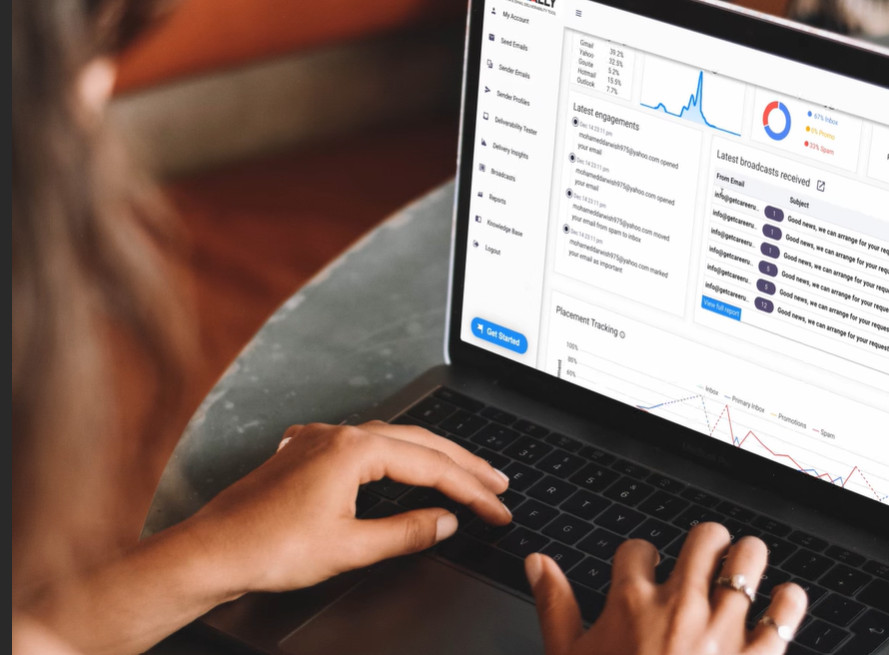
This one is my favorite, mostly because nobody did anything wrong.
Apple privacy opens. Apple’s background downloads inflate open rates, and some ESPs now let you remove them. Mailchimp, for example, lets you exclude Apple privacy opens from reports for emails sent on or after June 22, 2024. If someone at your company decided honest metrics are better (they’re right) and switched that on between two campaigns, your open rate fell off a cliff while your list stayed the same.
Gmail clipping. Gmail clips messages larger than about 102KB on desktop, and the limit is lower on mobile. According to Klaviyo’s help docs, if your tracking pixel ends up in the clipped part, opens may not be recorded. I find this one pretty sneaky, because the email looks perfectly fine in your test send. A longer campaign with an extra section or a longer template can lose opens without anyone noticing why.
Security scanners. On B2B lists, those link-scanning filters inflate opens. If they change how they work, or if your ESP starts filtering out bot activity, your open rate moves while your audience stays the same.
Plain old tracking problems. A new custom tracking domain or an edit to the template code can stop the pixel from loading. A missing pixel looks exactly like people ignoring your email.
If your click rate remained mostly the same and one of these lines up with the timing of the drop, you can probably stop here. Your email is fine.
Cause 2: The email went to a different group
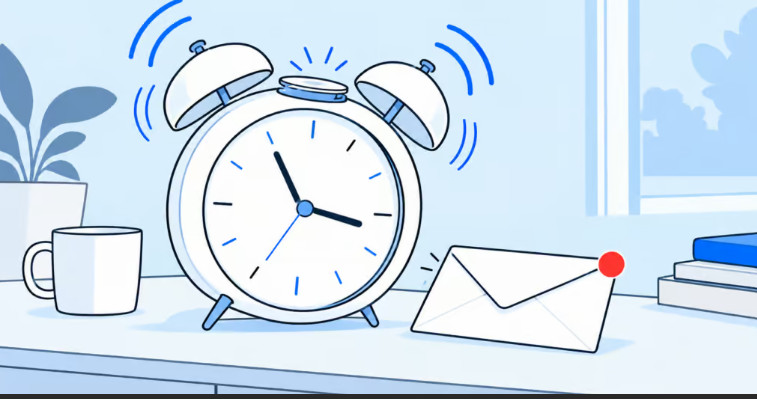
An open rate is a fraction, and it’s easy to forget about the bottom half.
Did this campaign go to a bigger segment than usual? A fresh import? An old list you haven’t emailed in a year, full of people who barely remember signing up? A re-engagement campaign, which by design goes to the people least likely to open? Any of those will water down the percentage without anyone losing interest.
There’s a sneakier version of this, and it involves Apple, too. If your “engaged” segment is built on recent opens, it’s full of people whose Apple Mail loaded the pixel automatically. Change how those opens are counted and the segment shrinks or grows on its own. The next campaign then goes to a different group of people, even though nobody edited the segment.
So compare the recipient counts of the two sends, and look at the number of opens as well as the rate. If the number of opens barely changed, congratulations. Your email is fine, and your segment isn’t.
Cause 3: The email landed in spam or Promotions
This is the one I’d worry about most, because it’s the only one of the four that gets worse if you don’t do anything about it. Mailbox providers decide where your email goes based largely on how recipients have treated your mail over time, so when your emails start landing in spam, the next send usually follows unless something changes.
The best clue is the provider split. If the open rate went down at Gmail and not on Outlook and Yahoo, that points to a placement problem at Gmail. If it went down by about the same amount everywhere, check the audience before placement.
Most ESPs show some version of this split (more on that below). If yours doesn’t, export the recipient activity and sort it by email domain. It’s tedious, but it’s your best guess that your own data can give you.
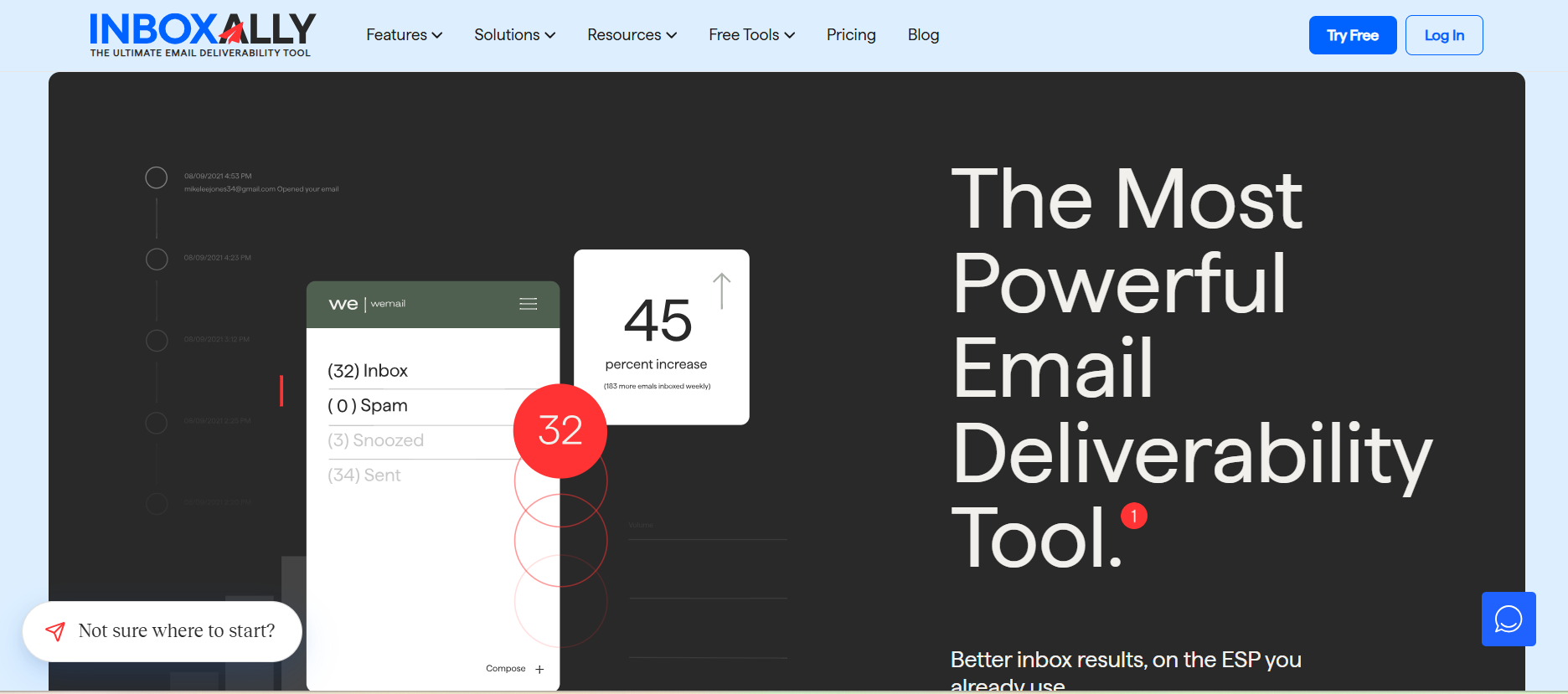
But guessing is still guessing, right? To know where the email went, you need to see it land. Google Postmaster Tools shows the spam rate Gmail users report for your domain (as long as you send enough mail to Gmail to get data), and Google asks bulk senders to keep it below 0.3%. Microsoft has its own version called SNDS, but it only shows data for sending IPs you control, so most people on a shared ESP can’t use it. A placement test goes a step further, since it sends your campaign to a set of test inboxes at Gmail, Outlook and Yahoo and shows whether each copy ended up in the inbox or in spam. InboxAlly has a free placement tester, if you want to check without having to sign up.
If you changed anything technical recently, like moving to a new ESP, adding a sending domain, or editing DNS records, check authentication first. Since 2024, Google and Yahoo have required bulk senders to authenticate their mail with SPF, DKIM and DMARC, and a setup mistake there affects every email you send at once. That’s exactly what a sudden drop looks like.
The Promotions tab is the milder version of all this. It isn’t spam, but emails there are easier to miss, and a template change, more images, or a few extra links can be enough for Gmail to file a campaign differently.
And if it turns out your email is going to spam, put the subject line ideas on hold. The best subject line in the world won’t help an email nobody sees.
So what does help? Mostly giving mailbox providers a reason to trust your mail again. That means sending to people who open and click for a while, holding back on volume if you recently sent much more than usual, and fixing any authentication errors first. InboxAlly can help with the trust, too. Its seed addresses open, read and reply to your emails and move them out of spam, so Gmail, Outlook and Yahoo see the kind of engagement that wanted mail gets.
Cause 4: People didn’t want to open it

This is where everyone starts, and it’s where I’d finish. By now you’ve ruled out the counting, the audience and the inbox, so whatever’s left is about the email.
Judging subject lines yourself doesn’t tell you much, since you wrote all of them, so I prefer a slightly sillier test. Show five subject lines (with their preview texts) to a few friends and ask which one they like most. Then ignore their answers completely, and the next day, ask which one they remember. People pick the line that sounds nice, but they remember the one that grabbed their attention, and that’s the one you want in a crowded inbox.
Sometimes the topic is the answer. A list that signed up for product news won’t open a company update with the same enthusiasm, and no subject line will fix that.
This is also the only one of the four causes where an A/B test helps. If your ESP supports it, test the old subject line style and the new one on part of your list before the next full send, and let the clicks decide.
If you’re on Mailchimp or Klaviyo
Both make parts of this easier, though neither puts it all on one screen.
In Mailchimp, you can use the Apple privacy setting from earlier. It only applies to emails sent on or after June 22, 2024, so once it’s switched on, comparing new campaigns with older ones won’t make sense. Mailchimp’s own help docs also say click data is more reliable than opens for working out which email client someone uses. When an ESP says that about its own open data, I’d take the hint.
In Klaviyo, each campaign has a deliverability tab, and it’s the most useful single screen for this problem. The “Performance by inbox provider” chart compares open and click rates by provider, so a Gmail-only drop shows up right away. The same tab shows your spam complaint rate, and Klaviyo treats 0.01% or lower as low and anything above 0.05% as needing attention. There’s a chart by email client as well, but Klaviyo warns that Apple’s privacy feature hides the client, so that one tends to skew toward desktop.
Don’t fix five things at once
I get the urge. A poor open rate is uncomfortable, and rewriting the subject line, moving the send time and redesigning the template all in one go feels productive. But it doesn’t help you learn anything. If the number recovers you won’t know which change did it, and if it doesn’t, you won’t know which one to undo.
A couple of other panic moves don’t help either. Sending an extra campaign to “make up” for the drop puts more mail in front of people who are already ignoring you, which can bring more complaints and make a placement problem harder to recover from. And deleting a big chunk of your list feels decisive, but if the cause was measurement, you just removed subscribers who were reading your emails all along.
A quick checklist for next time

Next time an open rate drops overnight:
- Compare it with your average, not your best send.
- Put your open rate next to your click rate and find your row in the table.
- Check your reporting settings, email size and tracking pixel for anything that changed how opens are counted.
- Compare recipient counts and segments between the two sends.
- Split your open rate by provider, and run a placement test to see where the email lands.
- Only then change the email, one thing at a time.
And if it does turn out to be the subject line, go ahead and try the emoji. I won’t tell anyone.