


Last Updated on October 27, 2026 by The Digital Merchant Team
Subscription revenue is supposed to be predictable. Customers sign up once, the card gets charged every month, and the money shows up whether you had a good week or not. But if you don’t pay attention to the contract and then don’t review the merchant fees line on your P&L, you may not realize that the processor that made signing up your first hundred customers effortless is quietly taking more than four percent of every renewal from your next ten thousand.
Whether you sell software or ship a box every month, recurring billing raises the same question: what does it actually cost to collect each renewal, and how reliably will that money reach your account? The answer depends on your platform, your average ticket, and how you bill.
So let’s walk through what a subscription business should require from a processor, the extra problems that come with shipping physical products, and how the top platforms compare on current fees and fit. I’ll also show the per-renewal math that tells you when flat-rate pricing doesn’t make sense anymore.
The Bottom Line Up Front
Flat-rate processors are the right place to start a subscription business, but they’re the wrong place to stay once you’re at scale.
For SaaS, Stripe is the default because Stripe Billing is excellent, but its billing fee stacks on top of card fees, and that stack gets expensive as you grow. Braintree is a solid alternative with negotiable pricing for established businesses. Subscription box and ecommerce sellers on Shopify should start with Shopify Payments and a subscription app, then check which gateways that app supports before planning a move. Helcim offers transparent interchange-plus pricing with built-in recurring billing for lower-risk merchants. Once volume is real, Luqra’s uncapped merchant accounts running recurring billing through NMI or Authorize.net are worth a quote, particularly for sellers who’ve been through a payout hold.
What Subscription-Based Businesses Need in a Payment Processor
Typically, you’ll want to look for the following features in a payment processor, as these are practically non-negotiables:
- Card storage you can take with you: Your subscribers’ cards live in your processor’s vault as tokens. If you switch processors, you need those tokens migrated securely, or every subscriber has to re-enter a card. Ask any processor how they handle a token export before you sign.
- Account updater: Cards expire and get reissued constantly. Account updater services pull new card details from the networks automatically, so renewals don’t fail for no reason. Some processors include it, while others charge per update.
- Retry logic and dunning: A meaningful share of subscription churn is involuntary. Maybe the customer never meant to cancel, but their card declined and the subscription lapsed. Good processors retry failed charges at times they’re more likely to go through and email the customer to update their card, which wins back revenue you’d otherwise lose.
- Dispute exposure: Subscription chargebacks often come from customers who forgot they signed up. A recognizable billing descriptor, reminder emails before renewals, and an easy cancellation path cut disputes more than any fraud tool. The card networks have also tightened their rules around free trials and renewal disclosures, so follow your processor’s guidance there.
The goalposts move even further if your subscriptions are physical, which comes with three problems that SaaS simply doesn’t have.
The first is batch billing. Many box businesses charge every subscriber on the same day so orders can ship together. To an aggregator’s risk system, a store that does $8,000 on a normal day and $180,000 on the 1st of the month can look like a pattern break, and pattern breaks are what trigger reviews and payout holds. Spread renewal dates if you can, and tell your processor about the billing pattern upfront.
The second is delivery disputes. “Item not received” claims are part of life when you ship monthly. Keep tracking data organized and easy to pull, because that’s your evidence when you respond to the dispute.
The third is platform constraints. On Shopify, subscription apps can only use the payment gateways Shopify allows for subscriptions. Recharge, one of the most popular apps, lists Shopify Payments, Stripe (with limits), PayPal Express, Authorize.net, and Adyen. NMI isn’t on that list. If you sell on Shopify, check your subscription app’s supported gateways before you choose a processor, because a processor your app can’t use isn’t really an option.
With that in mind, let’s get into the options.
The Best Payment Processor for Subscriptions: At a Glance
Online card fees | Recurring billing costs | Pricing model | Works with Shopify subscription apps | Best fit | |
Stripe | 2.9% + 30¢ | +0.7% of billing volume (Stripe Billing) | Flat rate, aggregated | Limited | Early-stage SaaS and digital subscriptions |
Luqra | From 2.3% + 20¢, meet-or-beat guarantee | Via NMI or Authorize.net; gateway fees vary; Account Updater is 25¢ per update on Authorize.net | Dedicated, uncapped merchant account | Yes, through Authorize.net (Shopify third-party fee applies) | Higher-volume sellers, batch billers, and anyone hit by a payout hold |
Braintree | 2.89% + 29¢ | Included | Flat rate; custom or interchange-plus for established businesses | No (PayPal runs through PayPal Express) | Non-Shopify businesses that want PayPal and Venmo |
Shopify Payments | 2.25%–2.9% + 30¢, by Shopify plan | Subscription app fees (e.g., Recharge Standard: $99/mo + 1.49% + 19¢) | Flat rate, aggregated | Yes, natively | Early and mid-stage Shopify box and replenishment brands |
Helcim | Interchange + 0.50% + 25¢ (under $50K/mo), dropping with volume | +0.4% per recurring transaction | Interchange-plus, dedicated merchant account | No | Lower-risk direct billers doing roughly $10K+/mo |
Stripe
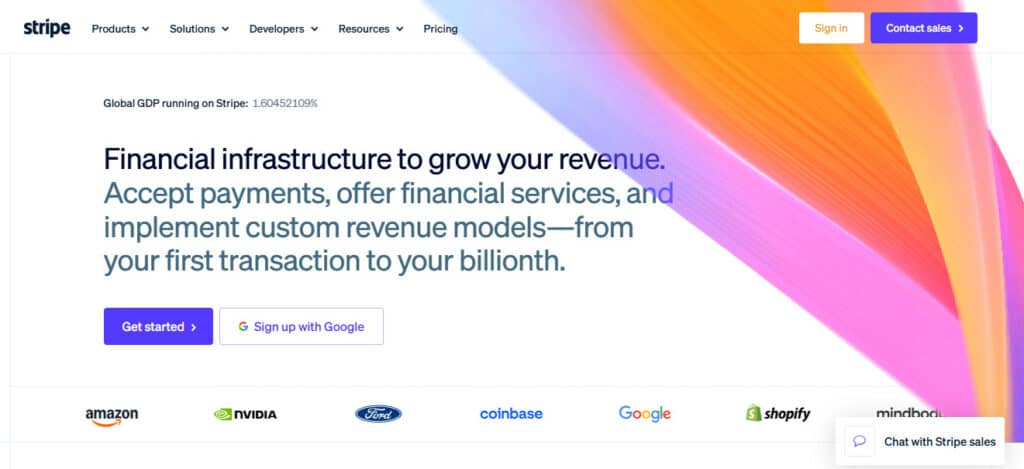
How recurring billing works: Stripe Billing handles plans, trials, proration, invoicing, smart retries, automatic card updates, and a customer self-service portal, all on top of Stripe’s payment processing.
Fees: 2.9% + 30¢ for domestic online cards, plus 0.7% of billing volume for Stripe Billing on pay-as-you-go. ACH Direct Debit is 0.8% capped at $5, which helps on higher-priced annual plans. Disputes cost $15.
SaaS vs. subscription boxes: The default for SaaS and the strongest developer tooling on this list. It works well on WooCommerce and BigCommerce for physical subscriptions, but it’s limited on Shopify since its merchants generally process through Shopify Payments instead.
Pros
- Billing features are deep, flexible, and well documented, so complex pricing models are easy to build.
- Recovery tools like smart retries and automatic card updates are built in.
Cons
- The billing fee stacks on top of card fees, which adds up at scale.
- As an aggregator, Stripe can pause payouts during a risk review, and batch billing spikes can trigger one.
Best fit: SaaS and digital subscription businesses that want the best tooling and are early enough that flat-rate pricing is acceptable.
Luqra
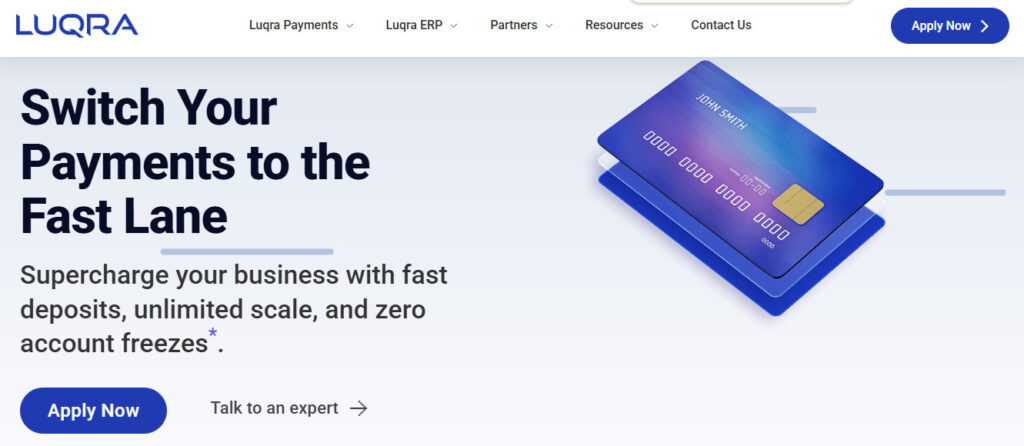
How recurring billing works: Luqra provides uncapped merchant accounts underwritten before you go live, with recurring billing handled through NMI or Authorize.net. Authorize.net’s recurring billing carries no setup or monthly fee, and its Account Updater costs 25¢ per update.
Fees: Published online and keyed rates start as low as 2.3% + 20¢, with a meet-or-beat guarantee against your current provider and no annual or batch fees. Gateway fees depend on the gateway, so confirm what’s bundled in your quote.
SaaS vs. subscription boxes: For SaaS or custom-built subscription businesses, NMI or Authorize.net provide the recurring engine. Shopify box sellers should use the Authorize.net route, since Recharge supports Authorize.net on Shopify, and factor in Shopify’s third-party transaction fee before switching.
Pros
- Upfront underwriting and uncapped processing reduce the hold risk that batch billing creates on aggregators.
- Chargeback management and fraud tools are included, which matters for delivery-dispute-heavy box businesses.
Cons
- Onboarding takes longer than an instant-signup processor.
- Luqra’s terms still allow reserves or limits based on a merchant’s compliance, so stability depends on keeping disputes in check.
Best fit: Subscription businesses that have outgrown flat-rate pricing or been hit by an aggregator hold, including higher-volume box and replenishment sellers.
Braintree
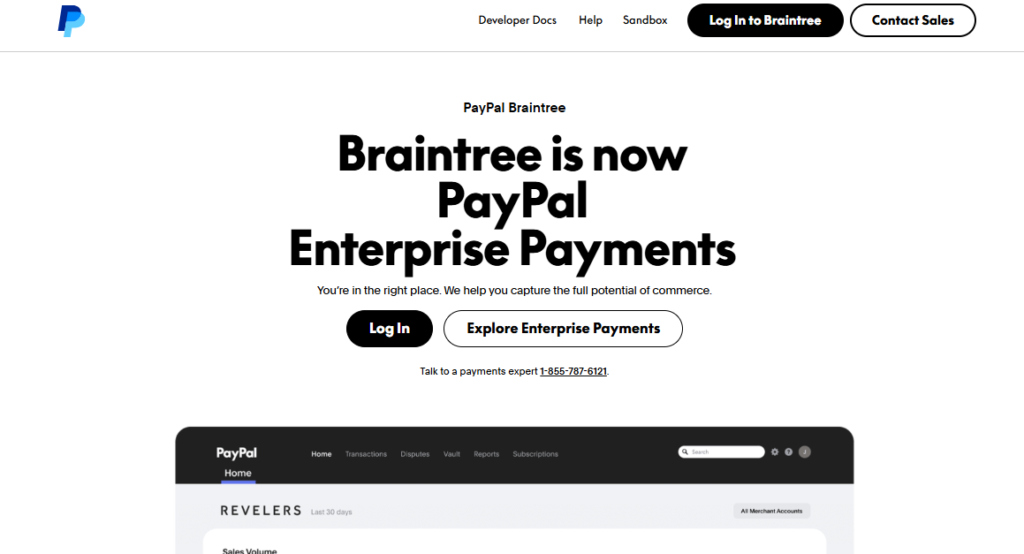
How recurring billing works: Braintree, owned by PayPal, includes a card vault and recurring billing with plans and subscriptions, and it accepts cards, PayPal, and Venmo through one integration.
Fees: 2.89% + 29¢ for cards and digital wallets on the standard schedule, with custom flat rates and interchange-plus available for established businesses. International cards and non-USD currency each add 1%. ACH is 0.75% capped at $5, and chargebacks are $15.
SaaS vs. subscription boxes: A good fit for SaaS and digital subscriptions that want PayPal as a payment option. Recharge supports Braintree on BigCommerce, but on Shopify, PayPal subscriptions run through PayPal Express instead.
Pros
- Lets subscribers pay with PayPal or Venmo, which some audiences strongly prefer.
- Negotiable pricing for established businesses, including interchange-plus.
Cons
- Less flexible billing logic than Stripe Billing for complex SaaS pricing.
- Limited support among Shopify subscription apps.
Best fit: Subscription businesses on non-Shopify platforms that want PayPal built into recurring checkout and have the volume to negotiate.
Shopify Payments
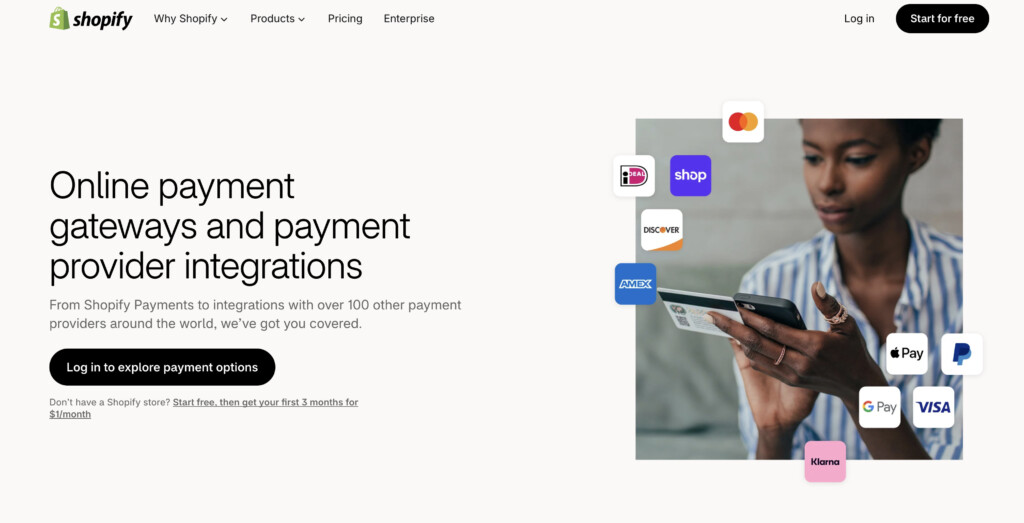
How recurring billing works: Shopify Payments processes the charges, while a subscription app such as Shopify’s own Subscriptions app or Recharge manages plans, skips, swaps, and pauses.
Fees: Online card rates are 2.9%, 2.7%, 2.5%, or 2.25% + 30¢ depending on your Shopify plan. Subscription apps add their own fees. Recharge’s Standard plan, for example, runs $99/month plus 1.49% + 19¢ per transaction.
SaaS vs. subscription boxes: Not relevant for SaaS, since it only works on Shopify stores. For Shopify subscription box and replenishment sellers, it’s the native home, and every major Shopify subscription app supports it out of the box.
Pros
- The simplest, most tightly integrated option for Shopify subscription apps.
- No Shopify third-party transaction fee.
Cons
- App fees stack on processing fees, so the all-in rate can surpass Stripe’s.
- Aggregated model, so batch billing days still carry hold risk.
Best fit: Shopify subscription box and replenishment brands in their early and middle stages.
Helcim
How recurring billing works: Helcim includes recurring payments and subscription plans inside its merchant platform, with a customer vault for stored cards.
Fees: Interchange-plus, starting at interchange + 0.50% + 25¢ for online transactions under $50,000/month and stepping down automatically with volume. Recurring payments add 0.4% per transaction. ACH is 0.5% + 25¢, capped at $6. No monthly fees, and lost chargebacks cost $15.
SaaS vs. subscription boxes: Works well for SaaS and service subscriptions billed directly. Helcim isn’t among the gateways supported by Shopify subscription apps, so Shopify box sellers would need a different setup.
Pros
- Transparent, published interchange-plus pricing with automatic volume discounts.
- A dedicated merchant account rather than an aggregated one.
Cons
- The 0.4% recurring fee narrows its cost advantage on low-ticket subscriptions.
- A long list of excluded industries, so higher-risk subscription models are often declined.
Best fit: Lower-risk subscription businesses billing directly, roughly $10,000 or more/month, that want cost transparency.
A Note on Flat-Rate Pricing
Flat-rate pricing is simple, and simple has a cost. Take a $40 monthly subscription on Stripe with Stripe Billing. The card fee is 2.9% + 30¢, or $1.46. Stripe Billing’s pay-as-you-go fee adds 0.7% of billing volume, another 28¢. That’s $1.74 per renewal, about 4.35% of revenue, before disputes or international cards.
Now drop the price to a $10 subscription, common for apps and small replenishment products. The 30¢ fixed fee does the damage: 29¢ + 30¢ + 7¢ comes to 66¢, or 6.6% of every charge. Low-ticket subscriptions are where flat-rate pricing hurts the most, and it’s the part of the math I see folks skip most often.
On interchange-plus pricing, you pay the card networks’ actual wholesale cost plus a disclosed markup, and only the markup is negotiable. At a meaningful volume, the difference between a flat rate and interchange-plus can add up to real money every month.
How to Choose the Best Payment Processor for Subscriptions
Start with your platform and your subscription app. If you’re on Shopify, the app’s supported gateway list narrows the field before price even comes up.
Then, calculate your true cost per renewal, including billing or app fees, not just the card rate. Do it at your actual average ticket, because the fixed per-transaction fee hits small subscriptions much harder.
Finally, weigh stability. If you bill most of your subscribers on the same day, or a one-month payout hold would break your inventory planning, a dedicated merchant account is worth more than a slightly lower rate.
In short, Stripe and Braintree lead for SaaS and digital subscriptions, Shopify Payments is the natural starting point for Shopify box brands, Helcim suits lower-risk businesses that want transparent pricing, and Luqra makes sense once volume, batch billing, or a past hold make stability as important as rate.