


Last Updated on October 27, 2026 by The Digital Merchant Team
Have you ever run the same email through three different testers in one afternoon, only to end up even more confused? Mail-Tester gives it a 10/10, a placement test puts it in Gmail’s inbox, Outlook’s spam folder, and another one can’t find it at Yahoo at all.
Same email, same domain, same hour. So which test is lying?
None of them, in fact, since each addresses a different question. Mail-Tester tells you whether a message breaks spam rules, a placement test tells you where the message ended up, and a header report tells you what the receiving server saw when it got there. You need different tools for each of those.
This article covers the Mail-Tester alternatives I use daily (or have used), what each one adds on top of Mail-Tester, and what you might be missing if you switch over.
What Mail-Tester covers (and what it can’t)
Mail-Tester runs your message through SpamAssassin, checks SPF and DKIM, looks up your sending IP on major blacklists, tests your links, and identifies layouts that rely too heavily on images. All of that rolls up into one score out of 10.
You get three free tests in a rolling 24-hour window, with no account, and results stay up for seven days. Paid packs start at $5 for 10 tests, and the monthly plans add test history and an API.
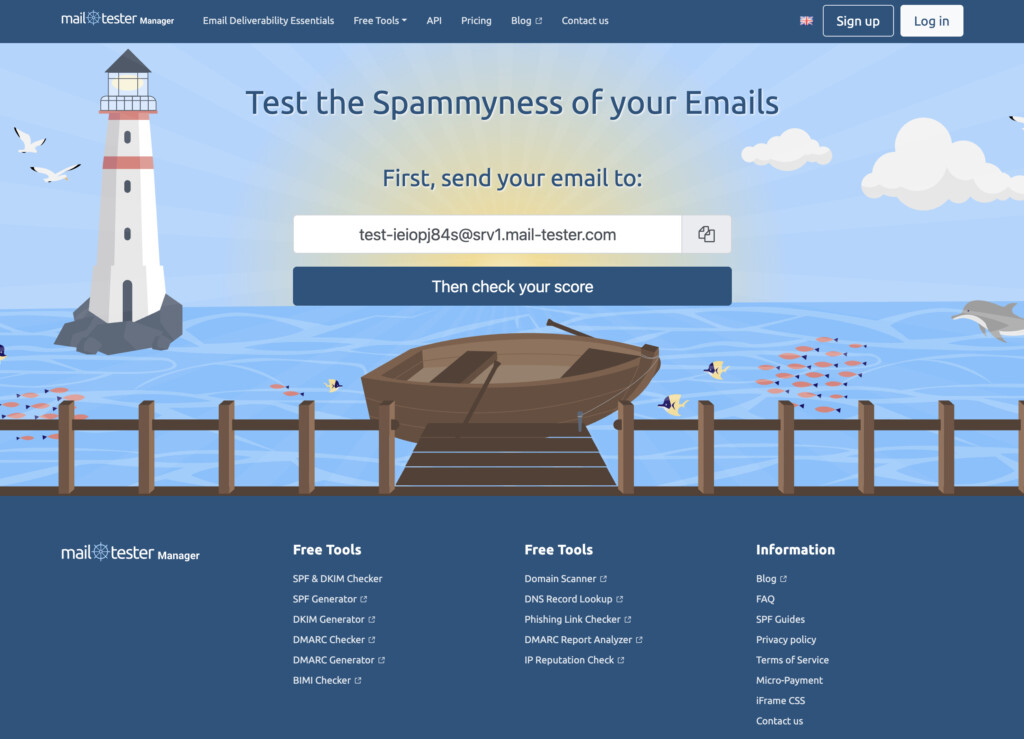
It’s still the first thing I open after setting up a new domain or rewriting a template, mostly because nothing else gets me a usable answer that quickly.
Unfortunately, Mail-Tester can’t see your reputation. Gmail and Outlook decide where your email goes based largely on how people treat your mail, and that includes whether they open it, reply, delete it unread or mark it as spam. Google’s rules for bulk senders ask you to keep your spam complaint rate under 0.3%, and no test message can tell you where you stand on that. A sender with a tired, unengaged list can get 10/10 on every test and still land in spam, because the content was never the issue.
The Best Mail-Tester Alternatives
Tool | What it adds over Mail-Tester | Free option | Best for |
InboxAlly | Email Spam Checker gives a score with fix notes; Email Placement Tester shows inbox, spam or missing at Gmail, Outlook and Yahoo | Spam Checker is free; Placement Tester gives 1 free test a day | Senders who score well but still land in spam |
GlockApps | Placement across major providers plus Barracuda and Proofpoint filter checks | 2 spam test credits | B2B senders worried about corporate filters |
MailReach | Placement split by personal and professional mailboxes | Up to 3 tests a day with a free account | Cold email teams |
Mailtrap | Sandbox testing with no real sends | Up to 50 emails a month | Developers testing transactional emails in staging |
MXToolbox | Full header and authentication report | Free | Troubleshooting SPF and DKIM failures |
GMass | Shows Primary, Promotions or Spam in Gmail | Free | Newsletters and sales emails sent to Gmail users |
1. InboxAlly
InboxAlly has two free testing tools, one for each half of the problem.
The Email Spam Checker is the closest thing to Mail-Tester on this list. After you’ve sent an email you’d use in a campaign to its unique address, you get a score from 0 to 100. Anything from 75 up counts as ready to send, 50 to 74 needs work, and below that is critical. It checks SPF, DKIM, headers, domain reputation, HTML, links, and template quality, and every failed check comes with a short note on how to fix it. No signup, and most reports come back in under a minute.
Those fix notes are the main difference for me. Mail-Tester lists SpamAssassin rules by name, and unless you already know what HTML_IMAGE_RATIO_02 means off the top of your head, you end up searching for it.
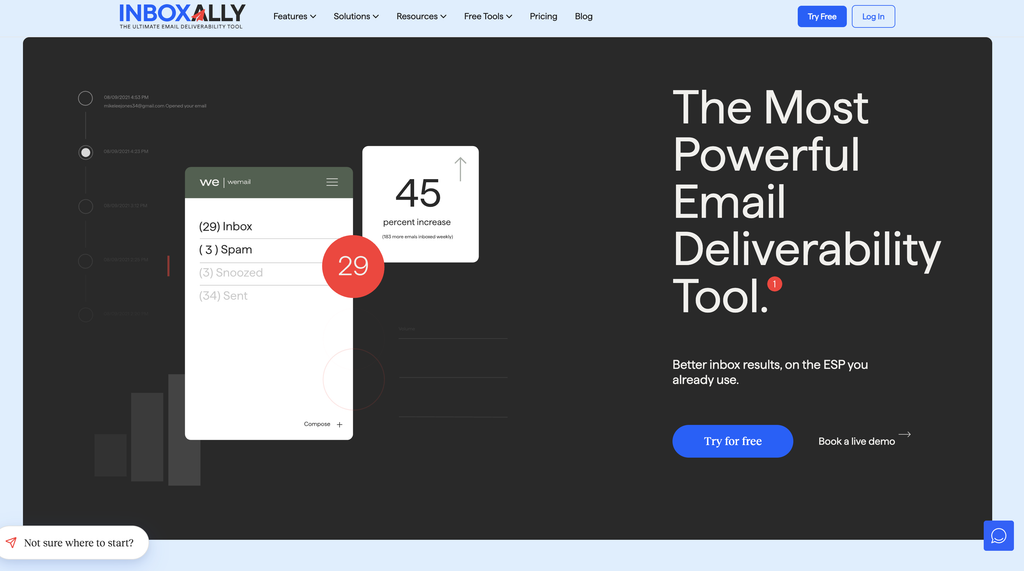
The Email Placement Tester handles the other half. Here, you get 16 tester addresses split between Gmail, Outlook and Yahoo, add them to a campaign in your normal sending tool, and send it. Results come in live by provider, in three buckets: inbox, spam and missing. “Missing” means the message never arrived, usually because it was blocked before it could be filed anywhere. A spam score has no way of showing you that.
You can also send a second email to the same list during a run and compare the two, something I find pretty useful when I’ve changed one thing and want to see if it helped.
There are a couple of limits, though:
- One free placement test per day
- Only three providers, with no AOL and no corporate filters like Barracuda or Proofpoint
- 16 seed addresses (about half of what MailReach uses)
Blocklist lookups and spam word checks are separate free tools on the same site, so you’ll be opening a few tabs. Paid plans remove the daily cap on placement tests.
2. GlockApps
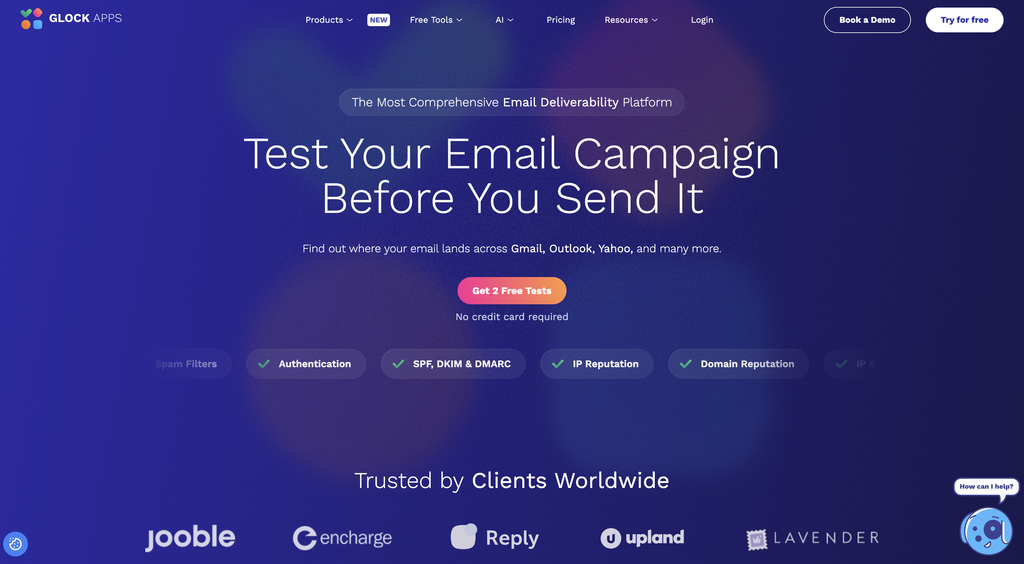
GlockApps’ placement tests cover Gmail, Outlook, Yahoo, AOL, and other providers, and they tell you whether each copy landed in the inbox, spam, or a tab like Promotions. On top of that, GlockApps runs your message through several spam filters: SpamAssassin, Google, Barracuda, Microsoft’s Exchange Online Protection, and Proofpoint.
Those last few are especially important. Barracuda and Proofpoint protect a big share of company inboxes, so if you sell to businesses, a test that only checks Gmail can look perfectly good while your emails get stopped at the corporate side.
GlockApps also offers a DMARC analyzer, blacklist and uptime monitoring with alerts by email, Slack or Telegram, and content checks on HTML, images, links and message size.
The free plan comes with 2 spam test credits. I’d spend them on the campaign that matters most and decide from there. If you send emails every day, you’ll probably get your money’s worth.
3. MailReach
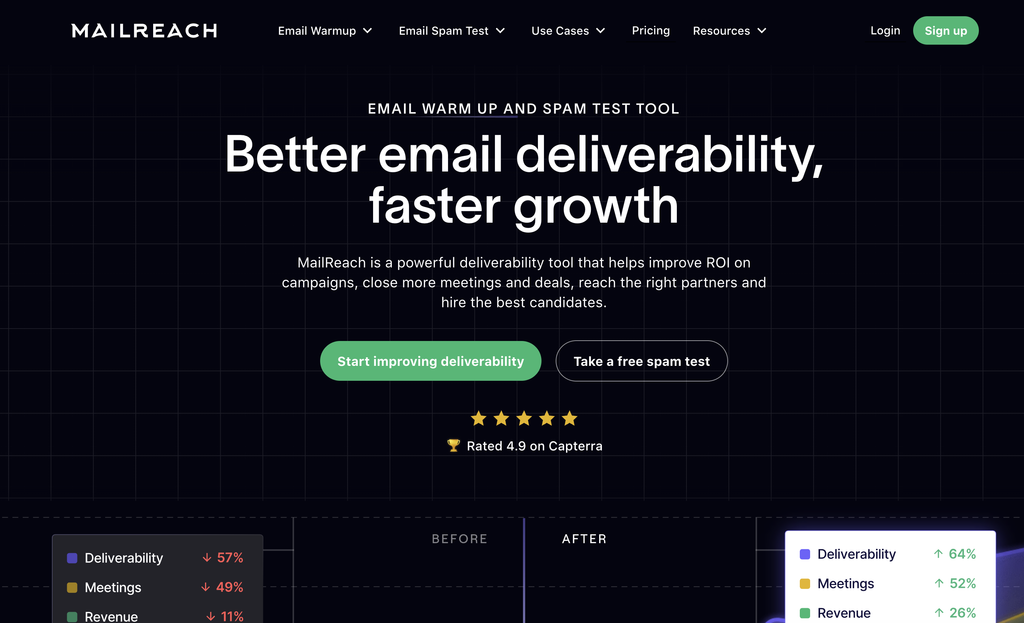
MailReach is clearly built with cold email in mind. You paste a short code snippet into your email and send it yourself to 30+ Google, Microsoft, and Yahoo mailboxes. MailReach finds the message in each one and, similarly to mail-tester, gives you a placement report with an overall score out of 10.
Probably the best part is that you can choose which kind of mailboxes to test: personal ones (Gmail.com, Outlook.com), professional ones (Google Workspace, Office 365), or both. MailReach notes that a domain can land in the inbox on Workspace and Office 365 and still go to spam on the personal side. Most testers mix the two together, which can make B2B results look worse than they are, or consumer results look better. If your list consists mostly of people at companies, I’d weigh the professional results much more heavily than the personal ones.
The report also covers blacklists, SPF, DKIM, DMARC, MX records, reverse DNS, broken links, domain age, and content signals like spam words, HTML complexity, image-to-text ratio, attachments, and tracking pixels.
You get up to three tests every 24 hours on a free account. From what MailReach’s page shows, you’ll likely need that account first, so it’s not quite as instant as Mail-Tester.
4. Mailtrap
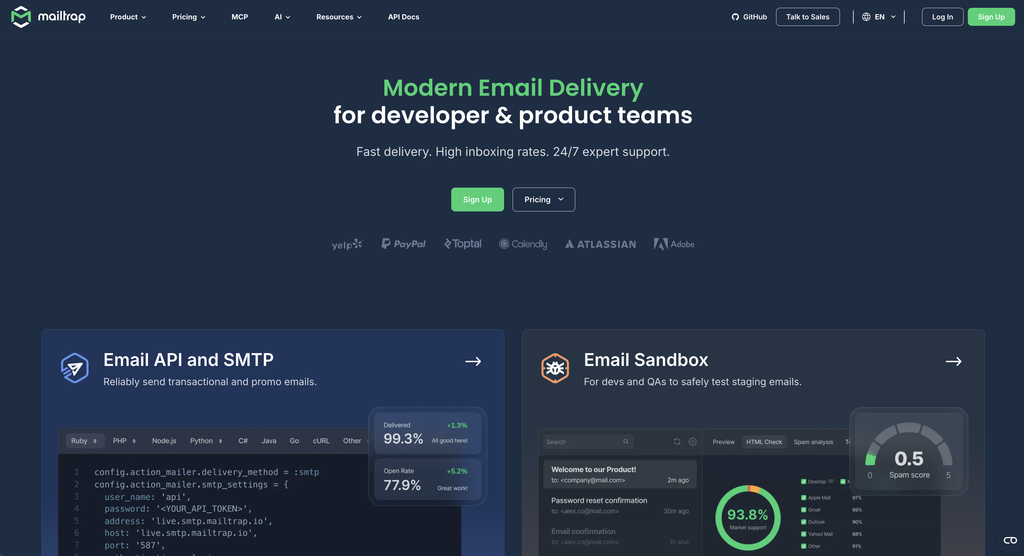
Contrary to how other tools work, Mailtrap never sends your email to anyone. Its Email Sandbox catches messages on a fake SMTP server and lets you test half-finished templates and broken merge tags without a single real person seeing them, and without any risk to your domain.
The sandbox gives you three reports:
- SpamAssassin score, broken down rule by rule. Mailtrap treats anything under 5 as good and anything above it as likely to get flagged.
- Blacklist report for your IP and domain, with links to each list’s delisting page.
- HTML check, showing which web, mobile and desktop clients support the code in your template.
The free tier covers up to 50 emails a month.
I’d recommend Mailtrap more to developers and QA teams than marketers. If you’re building password resets, receipts, or onboarding emails in staging, you catch problems while they’re still easy to fix. It also helps when several people edit the same templates, because a bad change shows up in the sandbox before it shows up in a customer’s inbox. Placement is outside what it can test, since nothing leaves the sandbox.
5. MXToolbox
MXToolbox has a deliverability test that’s easy to miss on a site packed with lookup tools. You send an email to [email protected] from the domain you’re checking, and it replies with a report on what the receiving server saw.
That report breaks down delivery and relay information, SPF and DKIM results, and the full headers, including the Received chain. It doesn’t score content or test placement, so it won’t replace Mail-Tester by itself.
I mostly use it as a second opinion when authentication fails and Mail-Tester’s summary doesn’t explain why. The raw headers usually do. Blacklists and DMARC are separate lookups on the same site.
6. GMass Inbox, Spam, or Promotions test
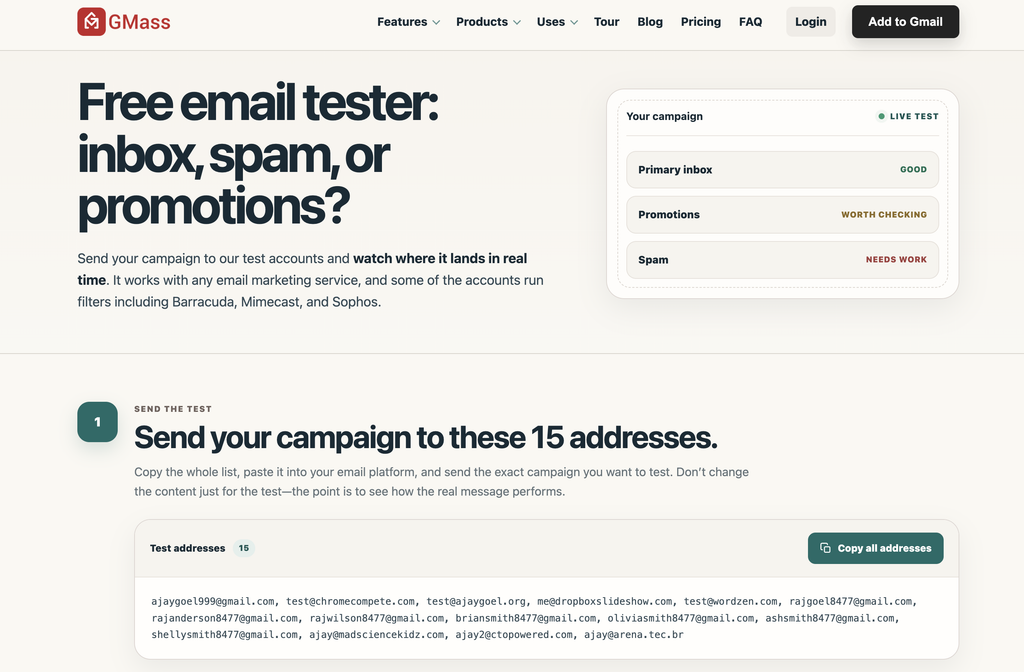
GMass is a cold email tool for Gmail, but its placement tester is free and works with any sending platform. You copy a list of 15 seed addresses, paste them into your email tool, and send the exact campaign you plan to use. Results show up live as each copy arrives.
The seed list is all Google:
- 8 regular Gmail accounts, including one that’s 10 years old
- 7 Google Workspace accounts on custom domains, some of them behind corporate filters like Barracuda
Each copy is sorted into Primary, Promotions or Spam. Mail-Tester can’t tell you whether Gmail filed your email under Promotions, and for a newsletter or a sales email, landing there can matter almost as much as landing in spam.
The Workspace seeds are useful for B2B senders too. A lot of business mail goes to companies that use Google Workspace, and the filtered accounts give you a rough idea of how a corporate filter treats your message.
The obvious limit is that it only tests Google. There are no Outlook or Yahoo addresses, so you’ll still need another tester if a big part of your list is on Microsoft. It also doesn’t show headers or authentication results. GMass has a separate Email Analyzer for checking SPF and DKIM.
One free extra: Google Postmaster Tools
Postmaster Tools covers the one thing none of the testers above can: how Gmail rates you based on the behaviour of real recipients. Once you verify your domain, it shows your spam complaint rate and whether your SPF, DKIM, and DMARC checks pass.
Keep in mind that Gmail only shows data once you send enough mail to Gmail users each day, so charts might not populate for a while for smaller senders. But when sending at scale, it’s as close as you’ll get to hearing it straight from the horse’s mouth.
How to run a placement test you can trust
A bad placement test does more damage than no test, because you’ll make decisions based on it. Here are some rules to follow:
- Send from your real setup. Same platform, same domain, same IP. Testing from a different account only tells you about that account.
- Use every seed address. Leaving some out tilts the results toward whichever providers you kept.
- Send the actual email. Links, images, and tracking included. A plain-text test version strips out the things filters react to most.
- Change one thing at a time. Fix DKIM and rewrite the subject line in the same round, and you won’t know which one made the difference.
- Write your results down. A simple sheet with the date, what you changed and the inbox rate per provider is enough. After a month, you’ll see patterns a single test can’t show you.
- Test more than once. Reputation fluctuates over time. Good results on launch day say little about any later send.
Final thoughts
Mail-Tester isn’t going anywhere, and it shouldn’t. It’s still the quickest way to check whether an email follows the rules. But following the rules doesn’t decide whether an email gets read. Gmail, Outlook and Yahoo each make their own call, and a perfect score has no say in it.
That’s why InboxAlly comes out on top for me. Its Spam Checker covers the same ground as Mail-Tester and adds the fixes, and its Placement Tester shows what the inbox providers actually did with the email.
Once you’ve seen a 10/10 email land in spam, it’s hard to trust a score on its own again.