


- The Bottom Line Up Front
- What Happens When Your Books Update in Real Time?
- Where Automation Removes the Spreadsheet Work
- What to Look for Beyond a Dashboard
- The Best Real-Time Financial Reporting Software
- Digits
- QuickBooks Online
- Xero
- Oracle NetSuite
- Sage Intacct
- How Do You Pick the Right Real-Time Accounting Software?
Last Updated on September 30, 2026 by Ewen Finser
Most founders know the feeling. It’s the 18th of the month, you’re about to walk into a lender call, and the most recent financials you have are for a period that ended weeks ago. You know what happened last month because you were there and responsible for it. The reports just haven’t caught up.
That lag isn’t usually anyone’s fault. It’s how traditional accounting was built: transactions pile up, the books get closed at month-end, someone exports everything into spreadsheets, and a reporting package comes out the other side. Real-time financial reporting software is meant to shorten that loop, but the category is crowded, and “real-time” means very different things depending on who’s selling it.
The Bottom Line Up Front

Real-time reporting only works if the ledger underneath stays current and trustworthy. A live dashboard on top of stale books is still stale. Look for things like continuous categorization and reconciliation, the ability to drill-down to the source transaction, and a clean audit trail. QuickBooks Online and Xero suit most small businesses, NetSuite and Sage Intacct suit complex or multi-entity operations, and newer AI-native platforms like Digits are built to keep books current by default instead of at month-end.
What Happens When Your Books Update in Real Time?
The obvious change is timing. Instead of waiting for a close, you can see revenue, cash, burn, and margin as of this week. The less obvious change is how decisions get made.
When reports arrive weeks late, all they can do is explain the past. When they’re current, they start shaping choices while there’s still time to act. A founder can see that a customer’s payment is slipping before it becomes a collections problem. A finance lead can notice that software spend jumped mid-month and ask about it while the invoice is still fresh in everyone’s mind. Hiring decisions can be made against actual cash runway, not last quarter’s estimate.
There’s also a quieter shift in the month-end close. When categorization and reconciliation happen continuously, the close stops being a two-week scramble and becomes more of a review. The work doesn’t disappear, but it gets spread out, and the surprises get smaller.

Where Automation Removes the Spreadsheet Work
In my experience as a CPA, much of the delay in traditional reporting comes from manual handoffs, not accounting judgment. Someone downloads a trial balance, pastes it into a template, fixes the formulas, adds department splits by hand, and formats the output for the audience. Then it happens again next month.
Good reporting software attacks that work at several points. Bank and card feeds bring transactions in automatically. Rules or machine learning handle categorization, so the ledger doesn’t sit waiting for a bookkeeper. Integrations with payroll, billing, and spend management tools push detail directly into the books instead of through CSV uploads. Report builders pull straight from the general ledger, so there’s no export step to go wrong.
The more advanced platforms also bring in work that has traditionally lived inside spreadsheets, like prepaid amortization, depreciation, and deferred revenue schedules. When the system handles those schedules, the related journal entries post on time and the reports reflect them without anyone remembering to roll a workbook forward.
What to Look for Beyond a Dashboard
Almost every vendor can show you an attractive dashboard. The questions that separate useful tools from pretty ones sit underneath it. Here are the things you should be looking for in an accounting tool:
Drill-down to the transaction level
If a number on a report looks wrong, you should be able to click into it and see the underlying entries, the vendor, the date, and the supporting document. A report you can’t trace is a report you can’t defend.
Audit trails
Every change should be logged with who made it, when, and what it was before. This matters for your CPA, your auditors, and any lender reviewing your statements. It also matters when AI is doing categorization, since you’ll want to see what the system decided and what a person overrode.
Dimensional reporting
Classes, departments, locations, and projects let you slice results the way you run the business. Without them, you’re back to spreadsheets.
Accrual support
Cash-basis dashboards are easy to build. Accrual-basis reporting that holds up to review is harder, and it’s what investors and lenders expect.
Integration depth
A “sync” that pulls summary totals once a day isn’t the same as a native integration that brings in line-level detail.
The Best Real-Time Financial Reporting Software
The five platforms below cover most of the market for small and midsize companies. Each is evaluated on the same criteria.
Digits
Best for: U.S. startups and service businesses running a modern fintech stack that want books kept current continuously.
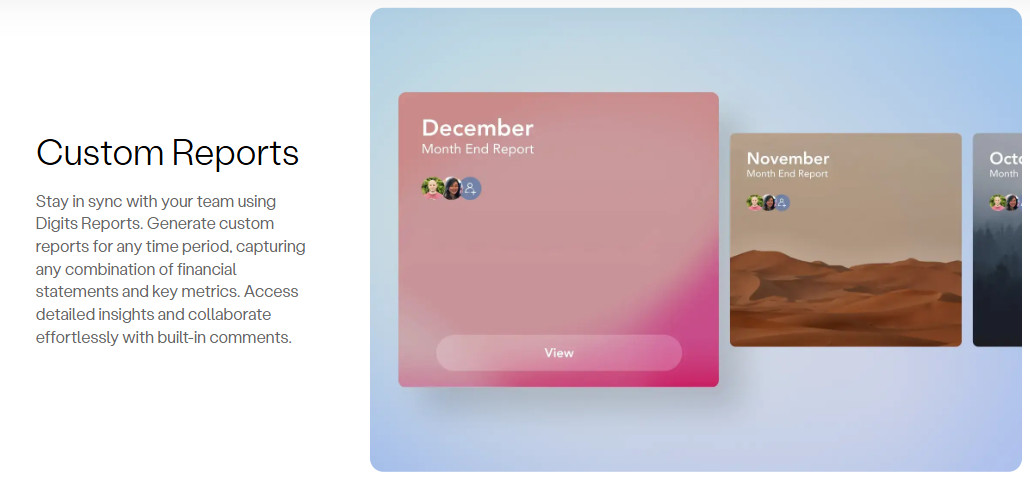
How it handles real-time reporting: Digits builds automation into the general ledger itself. It uses AI agents to auto-categorize transactions, run reconciliations, and draft financials with limited manual input, using custom-trained models rather than general-purpose LLMs. The intent is that work traditionally concentrated at month-end is handled continuously, shifting accounting from a periodic close toward an always-on process. Earlier in 2026, the company added schedules that detect transactions needing accrual treatment and draft proposed schedules, which accountants can confirm, modify, or dismiss before anything hits the books.
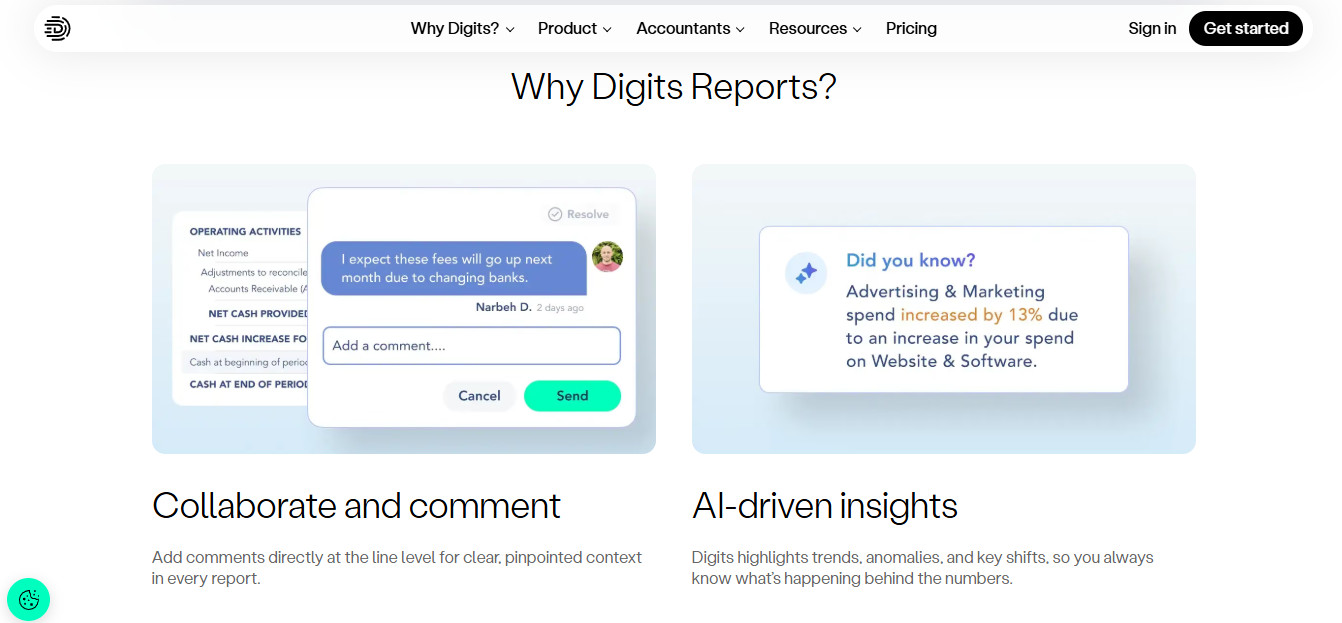
Pros:
- Live dashboards and financials without a separate reporting tool
- Native integrations with Ramp, Gusto, BILL, and Stripe
- Dimensional accounting by department, location, and project on its Core plan
- Accountant review is built into automated workflows
Cons:
- Not a fit for inventory-heavy businesses like manufacturers, distributors, and large eCommerce sellers
- Aimed at U.S. companies with roughly 250 employees or fewer
- Smaller accountant community than QuickBooks or Xero, so fewer outside advisors will know it. However, in my experience, it’s pretty easy to pick up and learn.
Pricing:
- Essentials ($65/mo), Core ($100/mo), or Pro ($250/mo). No per-seat fees. Core adds dimensional accounting and automated schedules. Pro is listed as coming soon, and there’s a 30-day free trial.
QuickBooks Online
Best for: Small businesses that want a widely supported, familiar system.
How it handles real-time reporting: QuickBooks Online reports pull directly from the ledger, so they’re as current as your bookkeeping. Bank feeds and rules help keep transactions flowing in, and the higher tiers add custom report building and more automation. Real-time accuracy still depends heavily on someone reviewing and categorizing regularly.
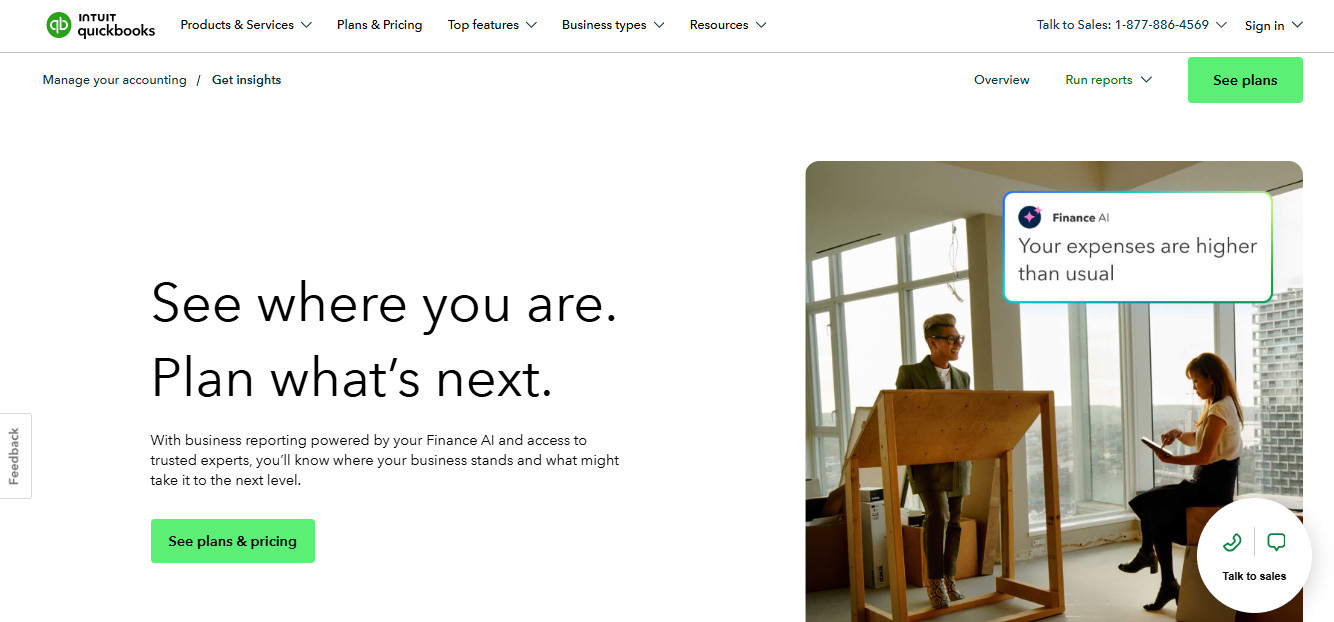
Pros:
- Nearly every accountant and bookkeeper knows it
- Large app ecosystem for payroll, billing, and spend tools
- Solid standard reports with drill-down to transactions
- Audit log available on all plans
Cons:
- Class and location tracking is limited compared to mid-market tools
- Reporting customization can feel rigid for board-level packages
- Tends to be outgrown by multi-entity or fast-scaling companies
Pricing:
- Simple Start starts at $38 per month for 1 user. Essentials is $85, Plus is $140, and Advanced is $340.
Xero
Best for: Small businesses and firms that value clean bank reconciliation and a strong app marketplace.
How it handles real-time reporting: Xero’s reconciliation workflow is one of its strengths, which helps keep the ledger current day to day. Its reporting has improved over the years, with customizable layouts and tracking categories. Like QuickBooks, it reports what’s been reconciled, so the discipline of the team still drives how “live” the numbers are.
Pros:
- It offers fast, intuitive bank reconciliations
- You can have unlimited users on its plans
- There is a broad integration marketplace
- And most importantly to an accountant, there is clear audit history on transactions
Cons:
- Only two tracking categories, which limits dimensional reporting
- Advanced reporting often requires add-on tools
- Less common among U.S. accountants than QuickBooks
Pricing:
- Early is $27 per month, Growing is $59, and Established is $97. All plans include unlimited users at no extra cost.
Oracle NetSuite
Best for: Growing and mid-market companies with multiple entities, complex revenue, or inventory.
How it handles real-time reporting: NetSuite is a full ERP, so accounting, billing, inventory, and purchasing share one database. Saved searches and dashboards update as transactions post, and multi-subsidiary consolidation is built in. The trade-off is that getting it configured well takes intense effort.
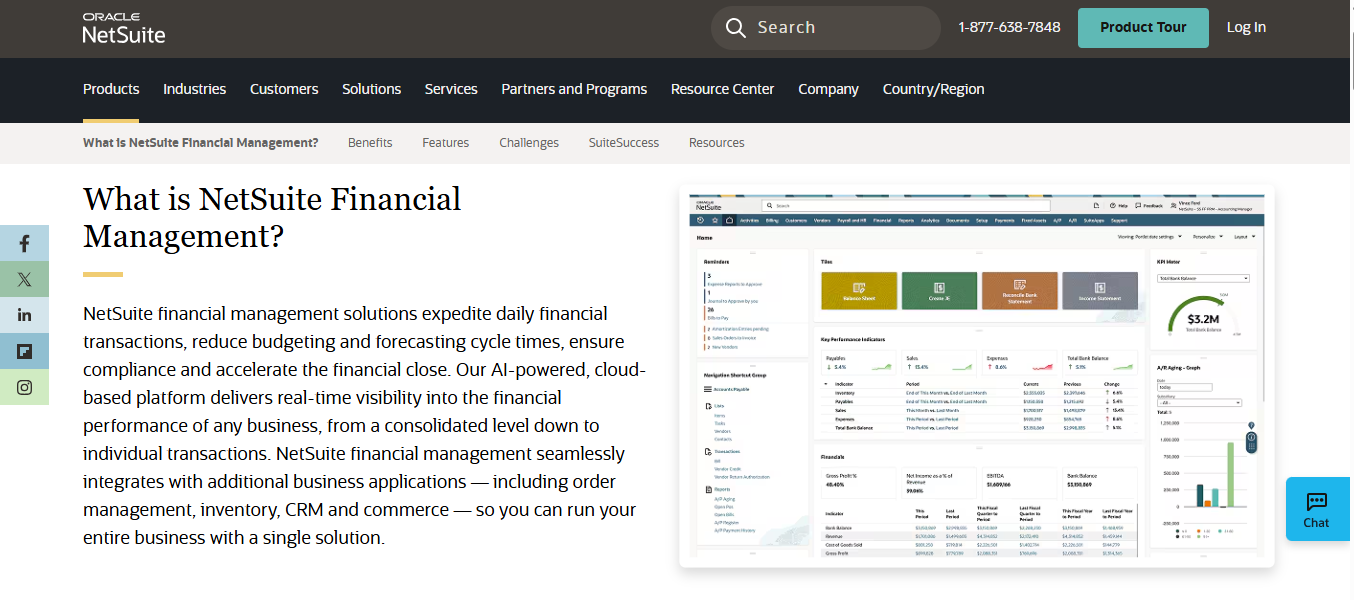
Pros:
- Strong multi-entity and consolidation capabilities
- Highly customizable saved searches and dashboards
- Full audit trail and role-based permissions
- Scales well into larger organizations
Cons:
- Implementation is expensive and time-consuming
- Reporting power depends on how well the system is set up
- Pricing is quote-based and generally well above small business tools
Pricing:
- Oracle NetSuite doesn’t publish a price list. Partner guides put it at $999/mo base + $129-199/user/mo.
Sage Intacct
Best for: Mid-market companies, nonprofits, and multi-entity organizations that need deep dimensional reporting.
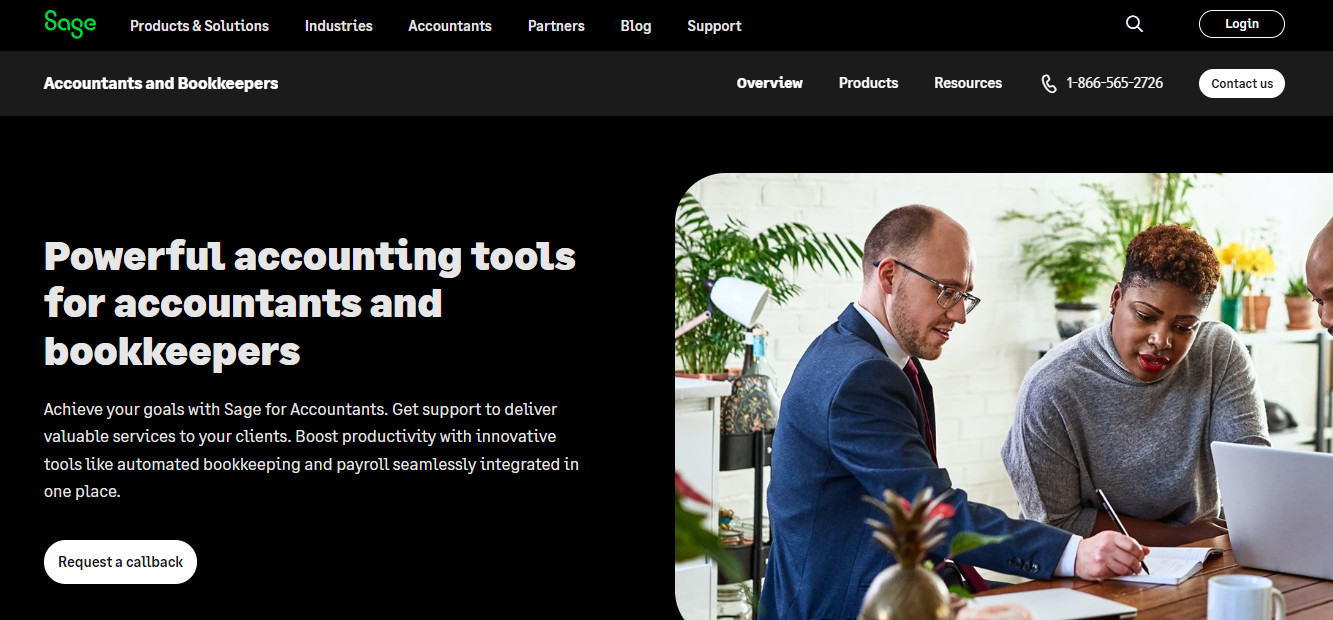
How it handles real-time reporting: Sage Intacct’s dimensions let you tag transactions across departments, locations, projects, and more, and reports can be built around any combination. Consolidations and dashboards update as the ledger changes. It’s a finance-first system rather than a full ERP, but it can do an immense amount of work and is a good sweet spot between Net Suite and QBO.
Pros:
- Among the most flexible dimensional reporting in its class
- Strong consolidation and intercompany features
- Detailed audit trails and approval workflows
- Well regarded by CPA firms serving mid-market clients
Cons:
- It has a much steeper learning curve than small business tools
- Implementation usually requires a partner
- Quote-based pricing that can climb as modules are added
Pricing:
- Quote-based. The annual subscription starts at around $12,000 for one business user and core financials
How Do You Pick the Right Real-Time Accounting Software?
The right choice depends less on the dashboard demo and more on the shape of your business.
A small team with simple revenue and a trusted bookkeeper can get close to real-time reporting in QuickBooks Online or Xero with good habits.
A company with multiple entities, inventory, or complex revenue recognition will likely need the depth of NetSuite or Sage Intacct and should budget for implementation.
For startups and service businesses that live in modern tools like Stripe, Ramp, and Gusto, platforms built around continuous bookkeeping, like Digits, are worth a look, especially if the goal is to shrink the close rather than just visualize last month faster.
Whatever you choose, test it against your own data before you commit. Ask to see drill-down on a real report, look at the audit log, and find out what happens when a transaction is recategorized after a period is closed. Those answers will help lead you to a decision well past any glamorous marketing pitch.